Mac Compatible Mice
Explore this selection of Mac compatible mouse options designed to enhance your computing experience with precision and ease. Whether you're navigating complex projects or simply browsing the web, these mice offer seamless integration with your Mac devices, ensuring smooth performance and reliable connectivity. With a variety of styles and ergonomic designs available, you can find the perfect fit for your workspace needs. Elevate your productivity and enjoy a comfortable, responsive user experience with a Mac compatible mouse from Best Buy.
Sort
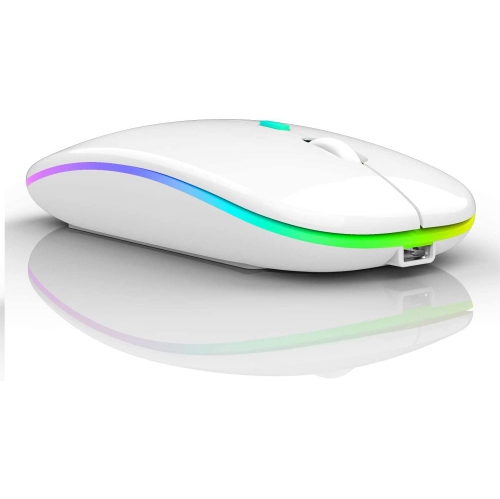
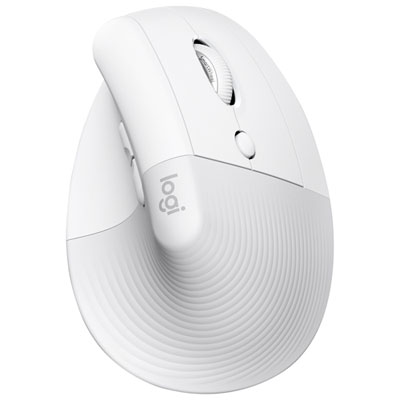
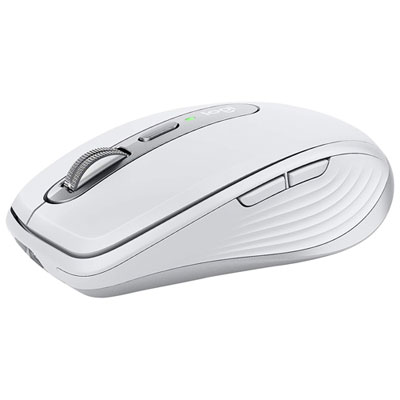
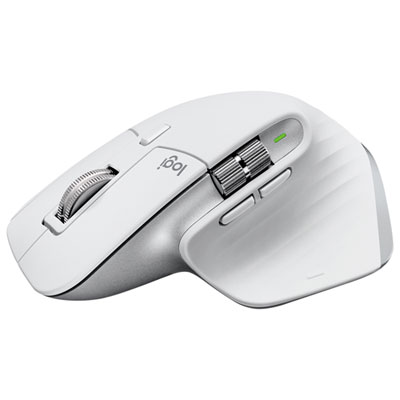
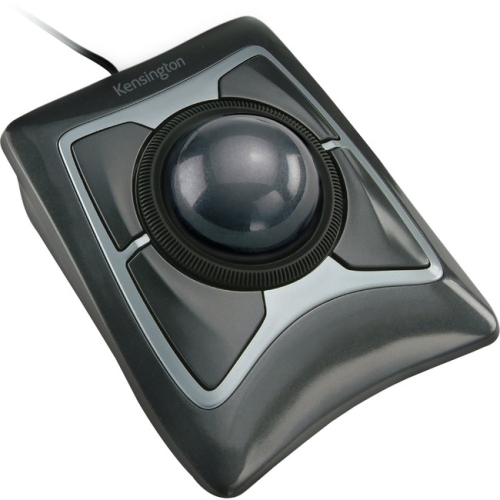
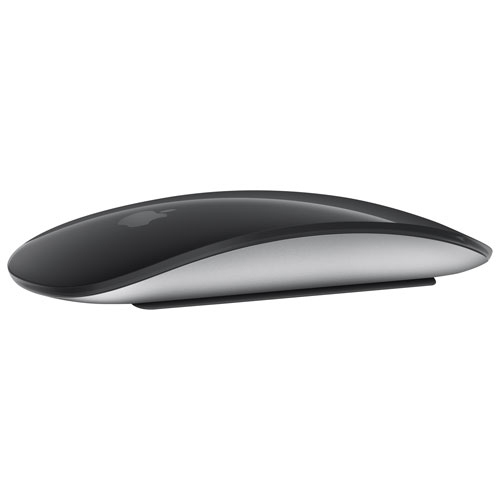
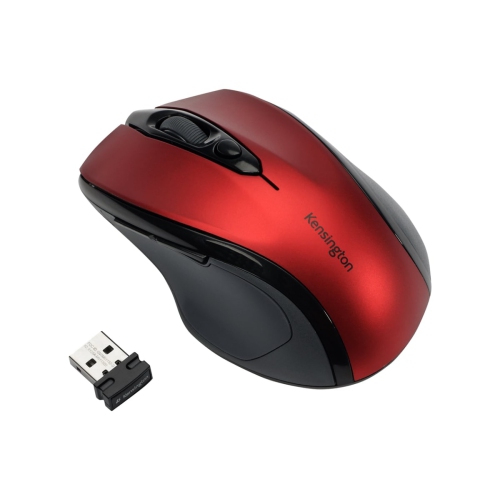
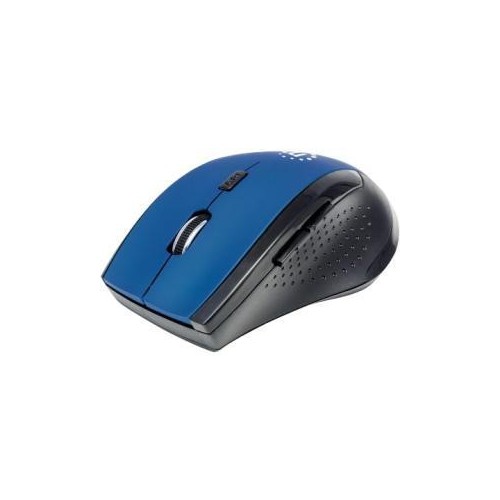
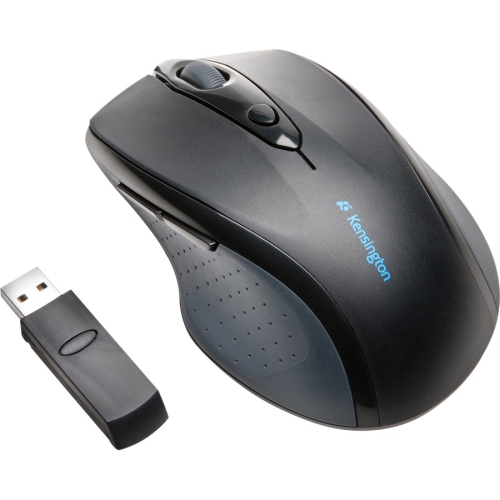
Comfort, control, and connectivity for every Mac setup
Mac compatible mice are designed to make everyday Mac use feel more comfortable, precise, and personal, whether you are working at a desk, studying at home, creating content, browsing the web, or moving between rooms with a laptop. While a Mac trackpad is excellent for swiping, tapping, and navigating gestures, a mouse can offer a steadier grip, more deliberate pointer control, and a familiar way to select, drag, and scroll through long documents. Compatibility typically depends on how the mouse connects and which features it supports in macOS. Bluetooth models pair directly with many Mac computers without occupying a USB port, which is especially useful on compact laptops with limited connectivity. Other mice use a small USB receiver, so you may need a compatible adapter or hub if your Mac has USB-C ports only. Some models offer both connection methods, giving you flexibility at home, in a classroom, or at a shared workstation. It is also worth checking the version of macOS supported by the mouse’s companion software, particularly if you plan to customize buttons, adjust pointer sensitivity, create application-specific shortcuts, or manage connections to more than one computer. Basic functions such as clicking, right-clicking, scrolling, and pointer movement should work with most compatible options, while more advanced controls can vary by model. A mouse with quiet clicks can suit a library, office, or late-night study session, whereas responsive buttons and a smooth scroll wheel may be valuable for spreadsheets, design work, coding, and browsing pages with lots of content. For users who prefer touch-based navigation, a touch surface may support swiping and scrolling in a way that feels closer to the built-in trackpad. Those who favour physical controls may appreciate a tactile wheel, distinct left and right buttons, and additional side controls that can be reached without moving the hand.
Comfort is one of the most important considerations when choosing a Mac compatible mouse, especially if it will be used throughout a full workday. Shape, height, width, weight, and button placement all affect how naturally your hand rests on the mouse. A low-profile design can slide easily into a laptop sleeve and may feel familiar to people who use a compact setup, but some users may prefer a taller shape that supports the palm during long periods of clicking and scrolling. Larger hands often benefit from a roomier body, while a smaller or medium-sized mouse may be easier to control for children, teens, or adults who prefer a lighter grip. An ergonomic contour can help keep the wrist and fingers in a relaxed position, although comfort is personal and depends on how you hold a mouse. Some people guide the mouse with their fingertips, while others rest most of the palm on the body. A model that feels comfortable for a few minutes in a shop may feel different after several hours, so consider the tasks you perform most often and the amount of movement involved. Tracking performance matters as well. A dependable optical sensor can help the pointer move smoothly across a desk, mouse pad, or other suitable surface, while adjustable sensitivity allows you to balance speed with precision. Creators working with detailed images, students highlighting passages, and office users selecting small spreadsheet cells may prefer finer control. Gamers and users with wide monitors may appreciate a faster setting that reduces the amount of physical movement needed. Scroll behaviour is another practical detail: a standard wheel provides familiar notched movement, while a faster or free-spinning mode can make it easier to move through lengthy webpages, documents, timelines, and project folders. Rechargeable models reduce the need to keep replacement batteries nearby, while battery-powered options may be convenient for someone who wants quick, uninterrupted use. Look for an easy-to-read battery indicator and consider whether the charging cable can be used while the mouse is in operation, as charging designs differ.
Mac compatible mice can suit a wide range of users and can make a thoughtful gift for someone setting up a new home office, heading back to school, building a creative workstation, or replacing an uncomfortable older mouse. A portable option can be useful for a student who carries a MacBook between lectures, the library, and home, or for a professional who works from cafés, meeting rooms, and occasional travel locations. Compact shapes take up less room in a bag, and a protective case or dedicated compartment can help prevent the mouse from being pressed against other accessories. For a permanent desk setup, a larger ergonomic design may provide more support during long stretches of email, research, bookkeeping, video editing, or programming. Multi-device connectivity can simplify a work area shared by a Mac desktop, laptop, tablet, or another compatible computer, allowing one mouse to move between devices with a button press or software control. Customizable buttons may be used for copy and paste, back and forward navigation, opening frequently used applications, switching between windows, or controlling media, helping reduce repetitive hand movements. When choosing a mouse as a gift, think about the recipient’s workspace and habits: a frequent traveller may value a slim, lightweight model, while someone who spends hours at a desk may prefer palm support and a larger body. A quiet design can be considerate in an open office or shared home, and a neutral finish can blend easily with an existing desk. During the warmer months and into the cooler months, flexible accessories can support work and study wherever the day takes you, from a bright kitchen table to a focused desk near a window. For shoppers prioritizing a compact setup and easy portability, explore Mac Compatible Mice For Travel. Before choosing, confirm the Mac model’s available ports, the preferred connection type, hand size, expected battery life, and the features that matter most for daily use. A well-matched mouse should feel natural from the first click and continue to make navigation more comfortable across work, study, creative projects, and everyday browsing.
Comfort is one of the most important considerations when choosing a Mac compatible mouse, especially if it will be used throughout a full workday. Shape, height, width, weight, and button placement all affect how naturally your hand rests on the mouse. A low-profile design can slide easily into a laptop sleeve and may feel familiar to people who use a compact setup, but some users may prefer a taller shape that supports the palm during long periods of clicking and scrolling. Larger hands often benefit from a roomier body, while a smaller or medium-sized mouse may be easier to control for children, teens, or adults who prefer a lighter grip. An ergonomic contour can help keep the wrist and fingers in a relaxed position, although comfort is personal and depends on how you hold a mouse. Some people guide the mouse with their fingertips, while others rest most of the palm on the body. A model that feels comfortable for a few minutes in a shop may feel different after several hours, so consider the tasks you perform most often and the amount of movement involved. Tracking performance matters as well. A dependable optical sensor can help the pointer move smoothly across a desk, mouse pad, or other suitable surface, while adjustable sensitivity allows you to balance speed with precision. Creators working with detailed images, students highlighting passages, and office users selecting small spreadsheet cells may prefer finer control. Gamers and users with wide monitors may appreciate a faster setting that reduces the amount of physical movement needed. Scroll behaviour is another practical detail: a standard wheel provides familiar notched movement, while a faster or free-spinning mode can make it easier to move through lengthy webpages, documents, timelines, and project folders. Rechargeable models reduce the need to keep replacement batteries nearby, while battery-powered options may be convenient for someone who wants quick, uninterrupted use. Look for an easy-to-read battery indicator and consider whether the charging cable can be used while the mouse is in operation, as charging designs differ.
Mac compatible mice can suit a wide range of users and can make a thoughtful gift for someone setting up a new home office, heading back to school, building a creative workstation, or replacing an uncomfortable older mouse. A portable option can be useful for a student who carries a MacBook between lectures, the library, and home, or for a professional who works from cafés, meeting rooms, and occasional travel locations. Compact shapes take up less room in a bag, and a protective case or dedicated compartment can help prevent the mouse from being pressed against other accessories. For a permanent desk setup, a larger ergonomic design may provide more support during long stretches of email, research, bookkeeping, video editing, or programming. Multi-device connectivity can simplify a work area shared by a Mac desktop, laptop, tablet, or another compatible computer, allowing one mouse to move between devices with a button press or software control. Customizable buttons may be used for copy and paste, back and forward navigation, opening frequently used applications, switching between windows, or controlling media, helping reduce repetitive hand movements. When choosing a mouse as a gift, think about the recipient’s workspace and habits: a frequent traveller may value a slim, lightweight model, while someone who spends hours at a desk may prefer palm support and a larger body. A quiet design can be considerate in an open office or shared home, and a neutral finish can blend easily with an existing desk. During the warmer months and into the cooler months, flexible accessories can support work and study wherever the day takes you, from a bright kitchen table to a focused desk near a window. For shoppers prioritizing a compact setup and easy portability, explore Mac Compatible Mice For Travel. Before choosing, confirm the Mac model’s available ports, the preferred connection type, hand size, expected battery life, and the features that matter most for daily use. A well-matched mouse should feel natural from the first click and continue to make navigation more comfortable across work, study, creative projects, and everyday browsing.
Top selling and popular products
-
 Your price for this item is $29.99
 -
 Your price for this item is $50.44
 -
 Your price for this item is $39.99
 -
 Your price for this item is $49.99
 -
 Your price for this item is $159.95
 -
 Your price for this item is $54.68
 -
 Your price for this item is $54.68
 -
 Your price for this item is $31
Discover more categories related to Mac Compatible Mice
Top Collections:
Pokemon Centers, Kindle Devices, Best Budget Office Chairs, Apple iPhones 16, Canon G7X Cameras, iPhone 15 Apple, Alarm Clock, Refurbished Apple Laptops, Flip Phones, Best Laptops for Writers
Some products may be subject to Environmental Handling Fees
(EHF) depending on your province.
Learn more about EHFs.