Nintendo Switch Controllers for Multiplayer
Level up your gaming sessions with nintendo switch controllers for multiplayer and bring everyone into the action. Whether you’re hosting a game night or challenging friends to a tournament, having the right controllers makes all the difference. Discover a wide variety of options designed to enhance your multiplayer experience and keep every player in the game. Find the perfect nintendo switch controllers for multiplayer and get ready to enjoy hours of fun and friendly competition.
Sort
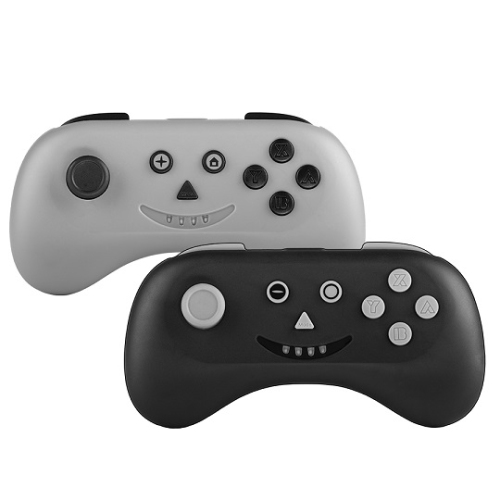
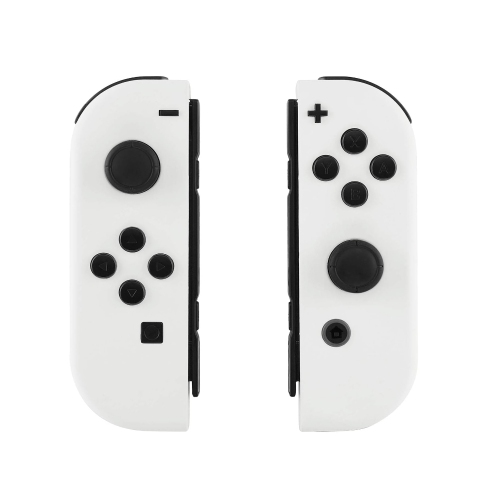
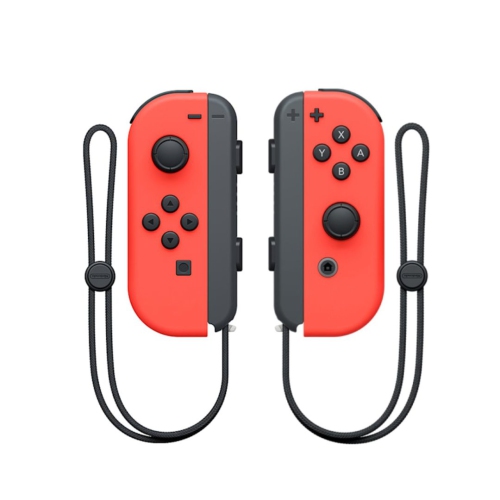
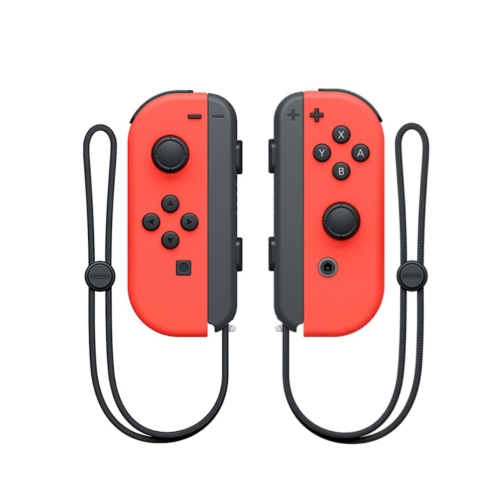
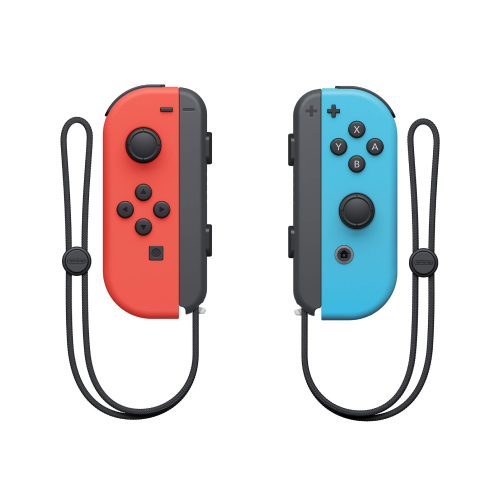
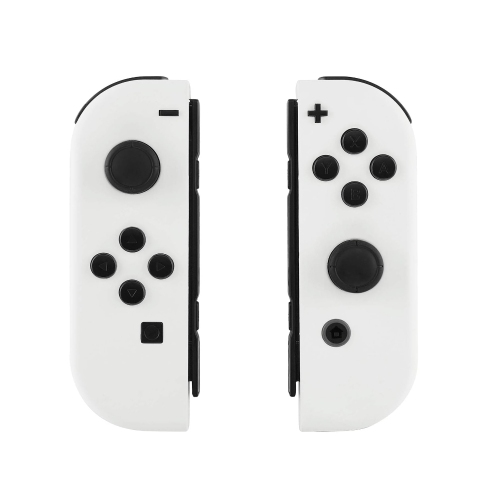
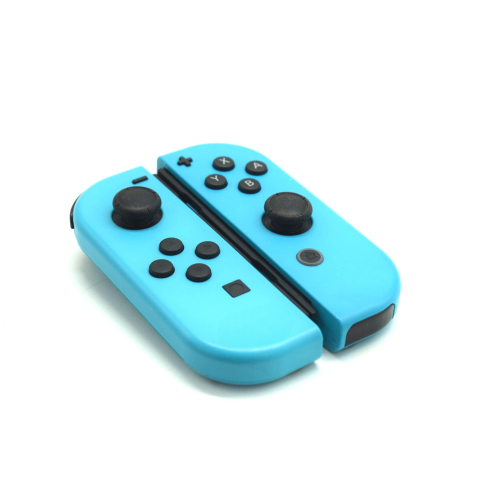
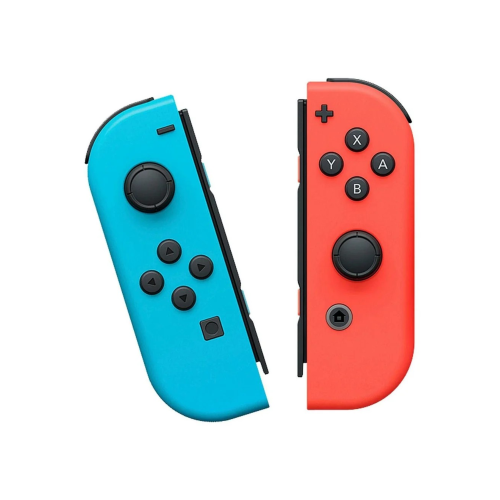
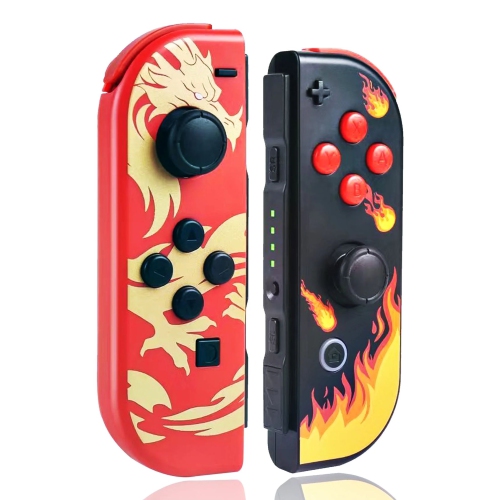
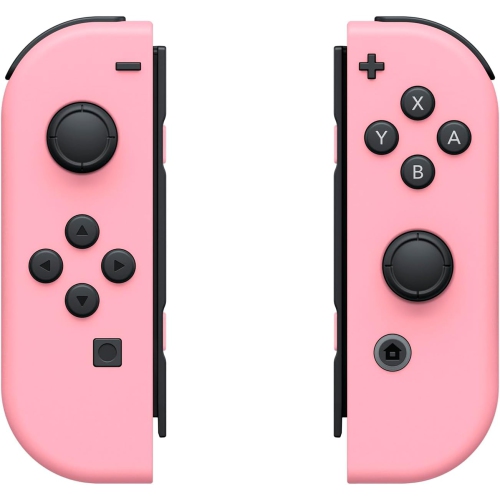
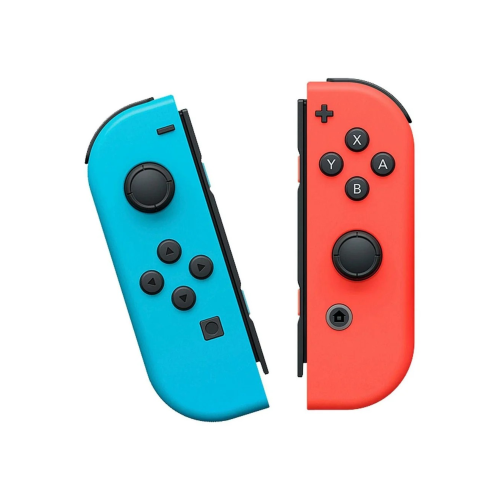
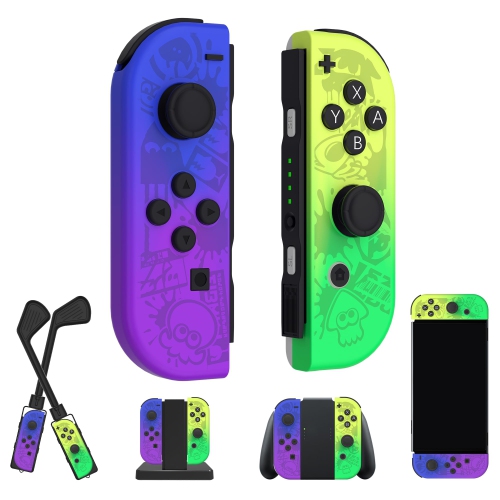
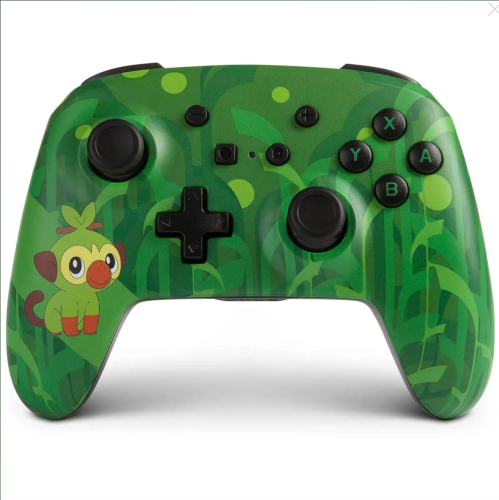
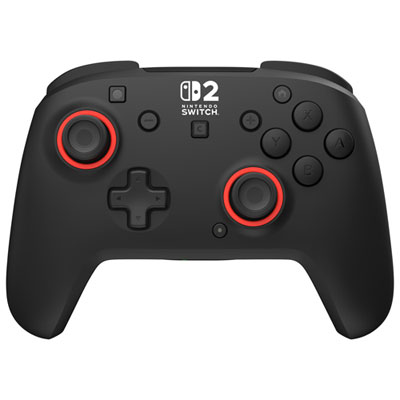
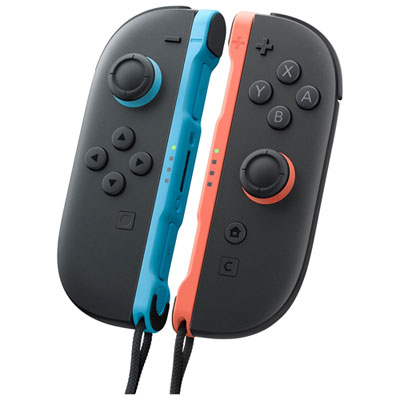
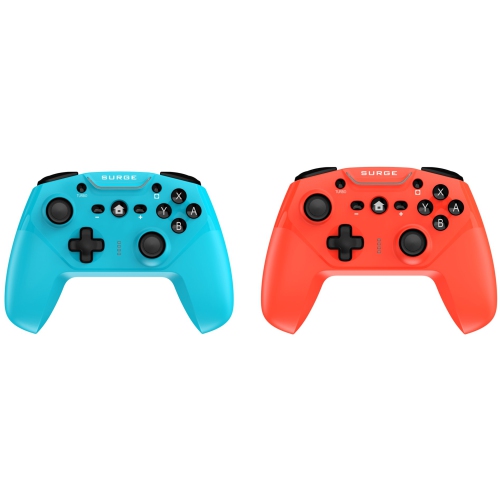
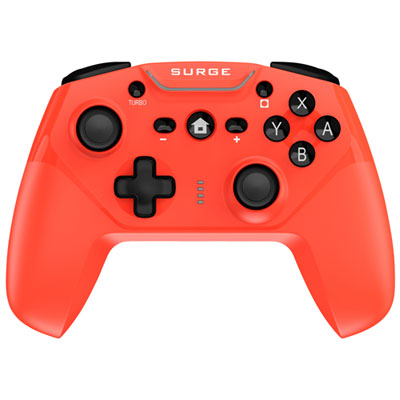

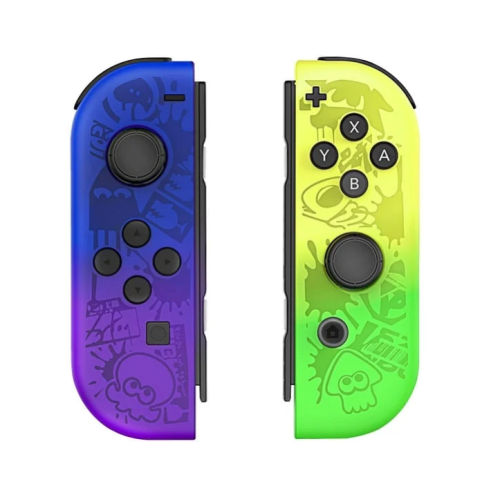
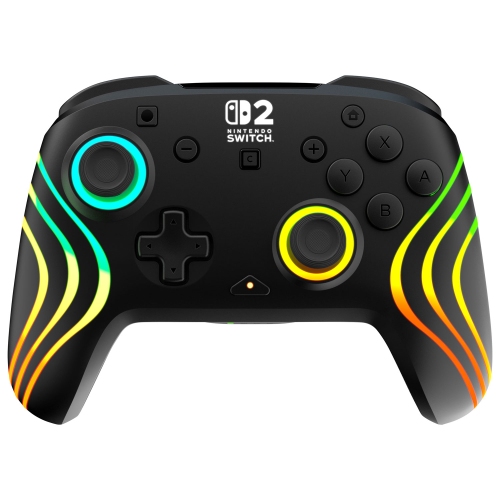
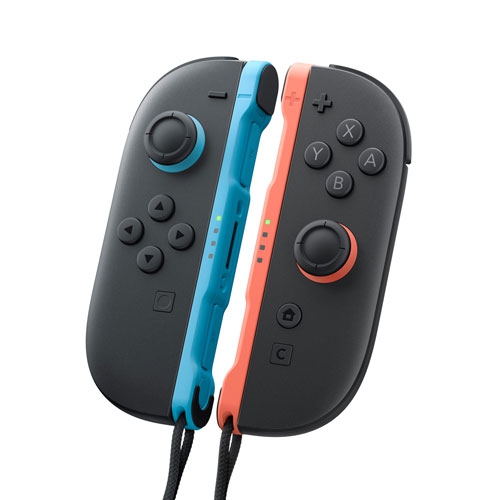
Comfortable local multiplayer for shared game nights
Nintendo Switch controllers for multiplayer make it easier to turn a solo gaming setup into a shared activity for family, friends, roommates, and guests. A compatible controller can give each player a more comfortable grip, clearer access to buttons, and enough freedom to settle into a favourite seat on the sofa instead of crowding around the console. They are useful for quick rounds of racing, cooperative adventures, party games, sports titles, fighting games, and other local multiplayer experiences where everyone plays on the same screen. A single pair of detachable controllers can often be separated and used as two individual controllers, which is convenient when two people want to play without adding another set. For a larger group, extra controllers can help create a four-player arrangement or support games that allow more local participants. Before choosing a setup, check the player limit for the games you enjoy and confirm which controller layouts they support. Some games work well with one compact controller held sideways, while others feel better with a full-size grip and two-handed controls. Think about the way your household actually plays: a pair of friends may prefer lightweight controllers for short sessions, while a family that hosts game nights may appreciate several matching controllers that are easy to identify and pass around.
Setting up local multiplayer is generally straightforward. From the Nintendo Switch home screen, open the Controllers menu and select “Change Grip/Order.” If you are using detachable controllers, separate the left and right units from the console, then press the SL and SR buttons along the inside edge of each individual controller so the system recognizes each one separately. When the player indicators appear, press the L and R buttons or the A button as directed on the screen to confirm the order and return to the game. For two players using individual controllers, one person typically uses the left unit and the other uses the right unit, with each controller held sideways. For four players, a common arrangement is two pairs of individual controllers, giving each player one compact controller, provided the game supports that configuration. Other games may require a complete controller per player, particularly when they use two analogue sticks, a larger button layout, motion controls, or more complex combinations. The console can pair multiple compatible wireless controllers, with local multiplayer support reaching up to eight controllers in supported situations, although the practical number depends on the game, the controller type, and the way each player is assigned. If a controller is not responding, return to the pairing screen, reconnect it, check that it has sufficient charge, and confirm that it is assigned to the correct player position. Wired models can be helpful for a stationary play area, while wireless options keep the room tidy and let players move comfortably. Features such as a textured grip, responsive analogue sticks, motion sensing, vibration feedback, a built-in rechargeable battery, or a convenient charging solution may make a noticeable difference during longer sessions.
When comparing Nintendo Switch controllers for multiplayer, start with compatibility and player capacity, then consider comfort, control style, and storage. A smaller controller can be ideal for children or quick party rounds, while adults may prefer a broader shape that supports the palms during an evening of play. Look for an arrangement that gives each player reliable access to the buttons without accidental presses, especially when the game becomes fast and competitive. Families may want controllers in different colours or designs so each person can quickly find their own, while hosts may value a simple set that is easy to pair, charge, and keep together between gatherings. Battery life is another practical detail: wireless controllers should last through a typical session, and a charging cable or dock can help keep them ready for the next round. It is also worth considering whether the controller includes features your preferred games use, such as motion input, vibration, or motion aiming. For players moving to a newer console generation, browse Nintendo Switch 2 Controllers for options designed around that platform. These controllers can make a thoughtful gift for a child who enjoys playing with siblings, a student furnishing a shared space, or a host who wants a dependable multiplayer setup for visits during the cooler months. The best choice is the one that matches the number of players, the games on your shelf, and the way your group naturally gathers: two people sharing a quick match at the kitchen table, a family passing controllers around after dinner, or several friends settling in for a lively tournament on the living-room screen.
Setting up local multiplayer is generally straightforward. From the Nintendo Switch home screen, open the Controllers menu and select “Change Grip/Order.” If you are using detachable controllers, separate the left and right units from the console, then press the SL and SR buttons along the inside edge of each individual controller so the system recognizes each one separately. When the player indicators appear, press the L and R buttons or the A button as directed on the screen to confirm the order and return to the game. For two players using individual controllers, one person typically uses the left unit and the other uses the right unit, with each controller held sideways. For four players, a common arrangement is two pairs of individual controllers, giving each player one compact controller, provided the game supports that configuration. Other games may require a complete controller per player, particularly when they use two analogue sticks, a larger button layout, motion controls, or more complex combinations. The console can pair multiple compatible wireless controllers, with local multiplayer support reaching up to eight controllers in supported situations, although the practical number depends on the game, the controller type, and the way each player is assigned. If a controller is not responding, return to the pairing screen, reconnect it, check that it has sufficient charge, and confirm that it is assigned to the correct player position. Wired models can be helpful for a stationary play area, while wireless options keep the room tidy and let players move comfortably. Features such as a textured grip, responsive analogue sticks, motion sensing, vibration feedback, a built-in rechargeable battery, or a convenient charging solution may make a noticeable difference during longer sessions.
When comparing Nintendo Switch controllers for multiplayer, start with compatibility and player capacity, then consider comfort, control style, and storage. A smaller controller can be ideal for children or quick party rounds, while adults may prefer a broader shape that supports the palms during an evening of play. Look for an arrangement that gives each player reliable access to the buttons without accidental presses, especially when the game becomes fast and competitive. Families may want controllers in different colours or designs so each person can quickly find their own, while hosts may value a simple set that is easy to pair, charge, and keep together between gatherings. Battery life is another practical detail: wireless controllers should last through a typical session, and a charging cable or dock can help keep them ready for the next round. It is also worth considering whether the controller includes features your preferred games use, such as motion input, vibration, or motion aiming. For players moving to a newer console generation, browse Nintendo Switch 2 Controllers for options designed around that platform. These controllers can make a thoughtful gift for a child who enjoys playing with siblings, a student furnishing a shared space, or a host who wants a dependable multiplayer setup for visits during the cooler months. The best choice is the one that matches the number of players, the games on your shelf, and the way your group naturally gathers: two people sharing a quick match at the kitchen table, a family passing controllers around after dinner, or several friends settling in for a lively tournament on the living-room screen.
Top selling and popular products
-
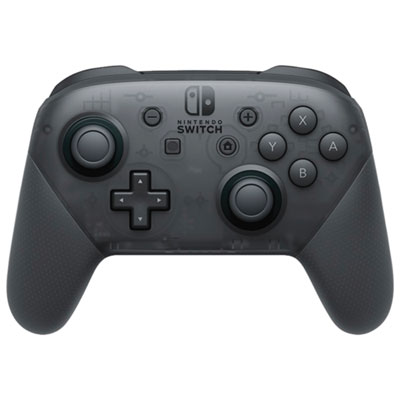 Your price for this item is $99.99
 -
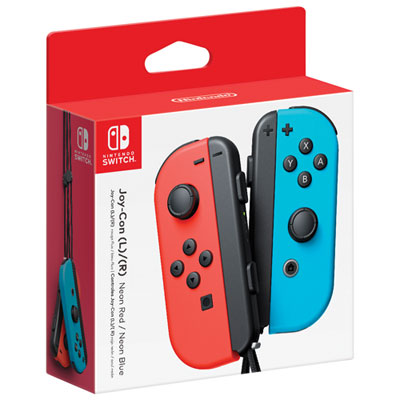 Your price for this item is $109.99
 -
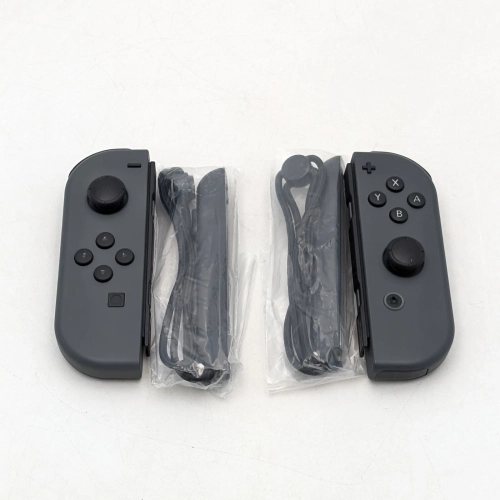 Your price for this item is $79.99
 -
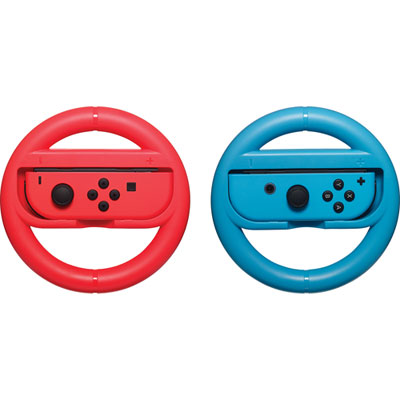 Your price for this item is $16.99
 -
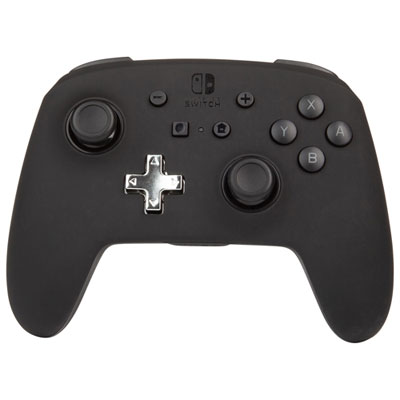 Your price for this item is $79.99
 -
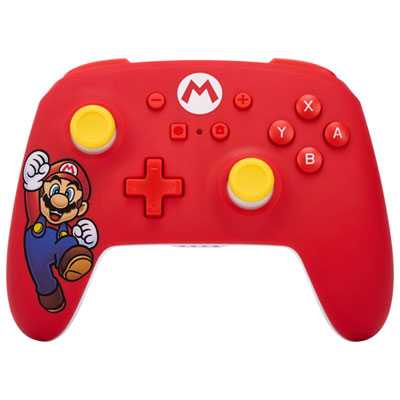 Your price for this item is $58.97
 -
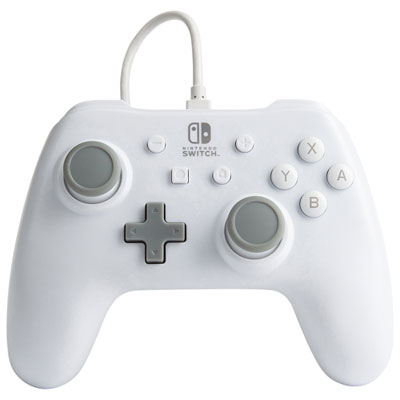 Your price for this item is $26.98
 -
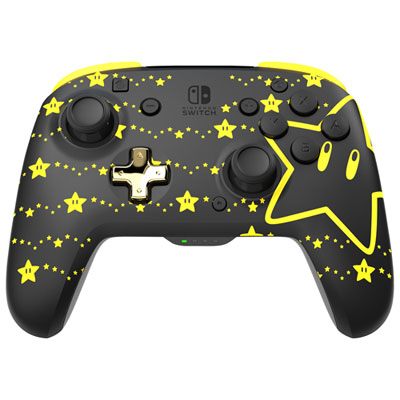 Your price for this item is $64.99
Discover more categories related to Nintendo Switch Controllers for Multiplayer
Top Collections:
Pokemon Centers, Best Cameras for Sports Photography, Kindle Devices, Samsung Galaxy Phones, Canon G7X Cameras, Pokémon 30th Celebration Cards, Refurbished Apple Laptops, iPhone 15 Apple, Laptops for Students, Budget Smartphones
Some products may be subject to Environmental Handling Fees
(EHF) depending on your province.
Learn more about EHFs.