Pc Flight Simulators
Immerse yourself in the world of aviation with our selection of PC flight simulators. Whether you're a seasoned pilot looking to sharpen your skills or a beginner eager to take to the virtual skies, these simulation programs offer a realistic and thrilling flying experience right from the comfort of your own home. From intricate cockpit controls to breathtakingly detailed landscapes, explore a variety of flight simulators that cater to all levels of expertise and provide endless hours of entertainment for aviation enthusiasts.
Sort


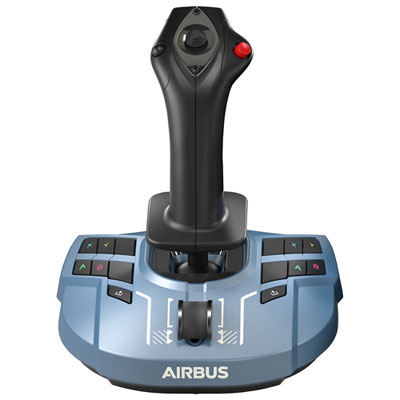
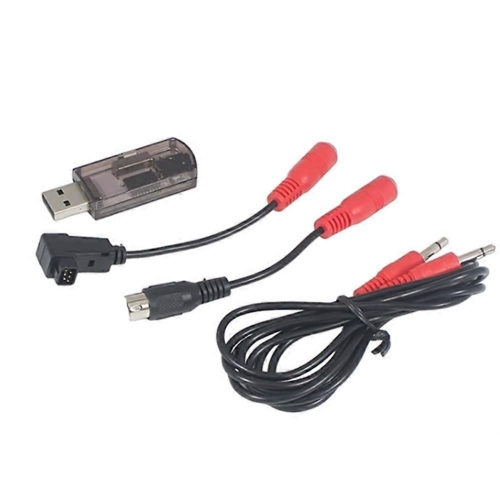

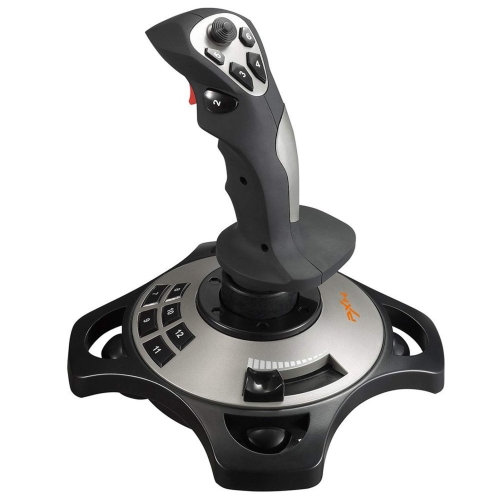
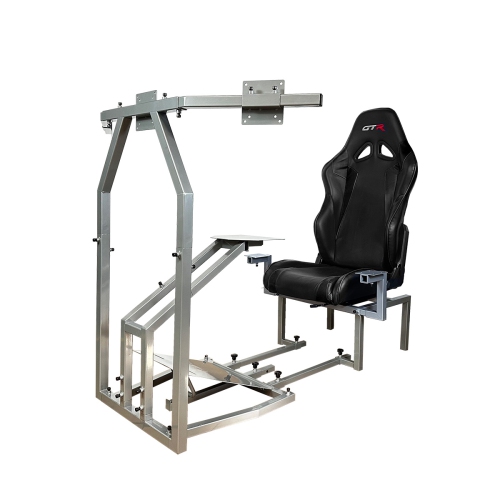

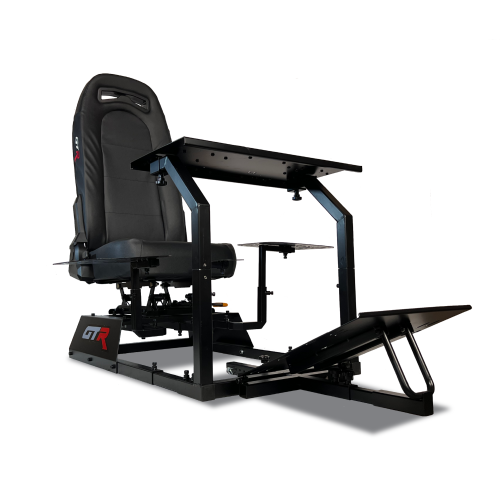


Realistic cockpits, scenic routes, and aviation skills await
PC flight simulators bring the experience of flying into a highly detailed digital cockpit, letting players explore the world, practise procedures, learn aircraft systems, or simply enjoy the calm rhythm of a long flight from a home computer. Depending on the software, the experience may focus on civilian aviation, airliners, bush flying, aerobatics, military aircraft, or a broad mixture of aircraft and locations. Some simulators emphasize photorealistic scenery, real-world airports, live weather, day-and-night cycles, and large-scale exploration, while others place greater attention on aerodynamic behaviour, instrument procedures, cockpit switches, and the precise demands of aircraft handling. A PC flight simulator can be enjoyed casually with a keyboard and mouse, but a compatible gamepad, joystick, throttle, yoke, rudder pedals, or head-tracking device can make the experience feel much more natural. A basic control setup is often a sensible starting point: a joystick with a built-in throttle can provide enough control for takeoffs, turns, landings, and sightseeing without requiring a full cockpit arrangement. More dedicated players may gradually add separate controls, mounting equipment, a wider display, multiple monitors, or a virtual reality headset as their interest develops. These products can be a thoughtful gift for aviation enthusiasts, budding pilots, gamers who enjoy realistic simulations, or anyone who likes exploring distant places from the comfort of home. They also suit families who want an activity that can be shared, with one person handling the controls while another helps with navigation, weather planning, or choosing the next destination. During the cooler months, a flight simulator can create a rewarding indoor hobby, whether the goal is a quick circuit around a familiar airport or an hours-long journey across mountains, coastlines, and city skylines.
Before choosing a PC flight simulator, check the computer’s processor, graphics card, memory, storage, operating system, and available connection ports against the software requirements. Realistic scenery, detailed aircraft, high-resolution displays, live weather, and busy airports can place considerable demands on a computer, especially when several features are used together. A system that meets the minimum requirements may run the simulator, but a computer with stronger components can provide smoother frame rates, faster loading, and more room to increase visual detail. Storage is also worth considering because large simulator installations, scenery packages, aircraft add-ons, and updates can occupy substantial space. An internet connection may be needed for downloading the software, receiving updates, accessing online scenery or weather, and using shared-world features, although the exact requirements vary by title. Screen size and resolution also affect the experience. A single monitor keeps the setup simple, while an ultrawide display or multiple screens can expand the view around the aircraft and make runway alignment easier. Virtual reality can offer an especially immersive perspective, allowing players to look around a cockpit naturally, but it requires a compatible headset, adequate computer performance, and enough clear space for comfortable use. Controls should match the intended style of flying. A yoke is well suited to many larger civilian aircraft, while a joystick is versatile for smaller planes, helicopters, and military-style aircraft. Rudder pedals add finer control during taxiing, crosswind landings, and coordinated turns. When evaluating PC flight simulators, consider the aircraft selection, scenery coverage, flight model, cockpit interaction, training lessons, career or challenge modes, multiplayer options, accessibility settings, controller support, and availability of community-created content. Some players want a realistic learning environment with checklists, navigation instruments, and procedural guidance; others prefer open-ended exploration, relaxed sightseeing, or dramatic weather conditions. Selecting software that matches the desired style of play is just as important as matching the computer hardware.
PC flight simulators can support several different kinds of play, which makes them appealing beyond traditional gaming. A newcomer may begin with assisted takeoff and landing, follow guided lessons, and learn the purpose of basic instruments at a comfortable pace. As confidence grows, assistance can be reduced, navigation can be planned using charts and radio aids, and flights can be completed under changing wind, visibility, or weather conditions. Experienced players may recreate real-world routes, practise approaches, manage fuel, handle system failures, or compare how different aircraft respond to the same runway and conditions. Others use these programs as a digital travel experience, departing from a local airport and following a river, mountain range, or coastline while listening to the engine and watching the landscape change below. A quiet evening flight can be relaxing, while a short approach into a busy airport can provide a focused challenge that fits into a limited amount of free time. When giving a simulator as a gift, it helps to consider whether the recipient already has a capable gaming PC and which control method feels most appealing. Someone new to the category may appreciate software with tutorials, adjustable difficulty, and a wide range of accessible aircraft, while a dedicated enthusiast may value realistic systems, detailed environments, advanced weather, or support for additional controls. Players who enjoy a wider selection of computer entertainment can also browse New Pc Games for other genres and experiences. With the right combination of software, hardware, and controls, a PC flight simulator can become a flexible hobby that grows over time, offering everything from a gentle scenic flight to a demanding, highly detailed aviation session.
Before choosing a PC flight simulator, check the computer’s processor, graphics card, memory, storage, operating system, and available connection ports against the software requirements. Realistic scenery, detailed aircraft, high-resolution displays, live weather, and busy airports can place considerable demands on a computer, especially when several features are used together. A system that meets the minimum requirements may run the simulator, but a computer with stronger components can provide smoother frame rates, faster loading, and more room to increase visual detail. Storage is also worth considering because large simulator installations, scenery packages, aircraft add-ons, and updates can occupy substantial space. An internet connection may be needed for downloading the software, receiving updates, accessing online scenery or weather, and using shared-world features, although the exact requirements vary by title. Screen size and resolution also affect the experience. A single monitor keeps the setup simple, while an ultrawide display or multiple screens can expand the view around the aircraft and make runway alignment easier. Virtual reality can offer an especially immersive perspective, allowing players to look around a cockpit naturally, but it requires a compatible headset, adequate computer performance, and enough clear space for comfortable use. Controls should match the intended style of flying. A yoke is well suited to many larger civilian aircraft, while a joystick is versatile for smaller planes, helicopters, and military-style aircraft. Rudder pedals add finer control during taxiing, crosswind landings, and coordinated turns. When evaluating PC flight simulators, consider the aircraft selection, scenery coverage, flight model, cockpit interaction, training lessons, career or challenge modes, multiplayer options, accessibility settings, controller support, and availability of community-created content. Some players want a realistic learning environment with checklists, navigation instruments, and procedural guidance; others prefer open-ended exploration, relaxed sightseeing, or dramatic weather conditions. Selecting software that matches the desired style of play is just as important as matching the computer hardware.
PC flight simulators can support several different kinds of play, which makes them appealing beyond traditional gaming. A newcomer may begin with assisted takeoff and landing, follow guided lessons, and learn the purpose of basic instruments at a comfortable pace. As confidence grows, assistance can be reduced, navigation can be planned using charts and radio aids, and flights can be completed under changing wind, visibility, or weather conditions. Experienced players may recreate real-world routes, practise approaches, manage fuel, handle system failures, or compare how different aircraft respond to the same runway and conditions. Others use these programs as a digital travel experience, departing from a local airport and following a river, mountain range, or coastline while listening to the engine and watching the landscape change below. A quiet evening flight can be relaxing, while a short approach into a busy airport can provide a focused challenge that fits into a limited amount of free time. When giving a simulator as a gift, it helps to consider whether the recipient already has a capable gaming PC and which control method feels most appealing. Someone new to the category may appreciate software with tutorials, adjustable difficulty, and a wide range of accessible aircraft, while a dedicated enthusiast may value realistic systems, detailed environments, advanced weather, or support for additional controls. Players who enjoy a wider selection of computer entertainment can also browse New Pc Games for other genres and experiences. With the right combination of software, hardware, and controls, a PC flight simulator can become a flexible hobby that grows over time, offering everything from a gentle scenic flight to a demanding, highly detailed aviation session.
Top selling and popular products
-
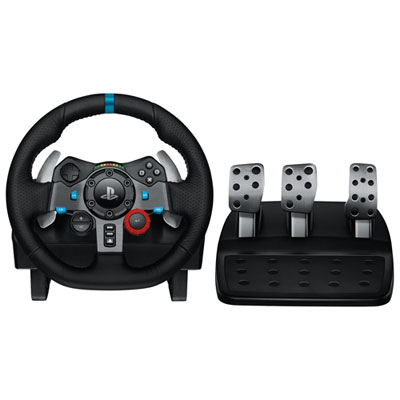 Your price for this item is $329.99
-
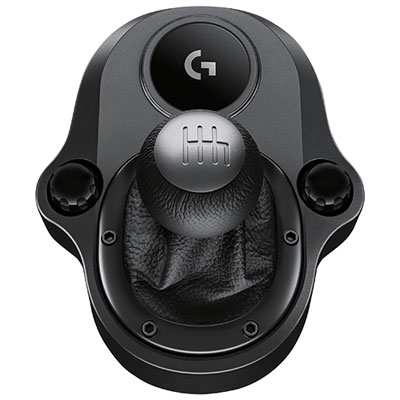 Your price for this item is $79.99
-
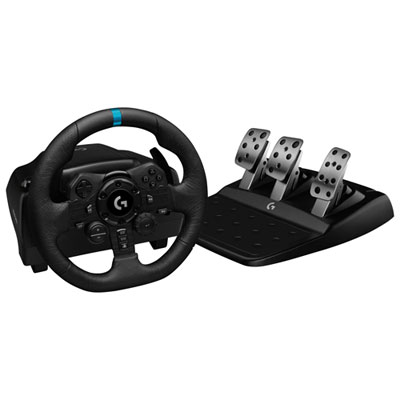 Your price for this item is $479.99
-
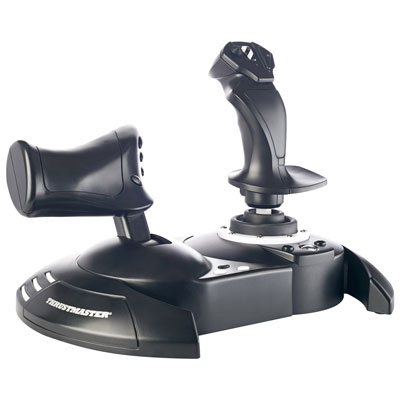 Your price for this item is $129.99
-
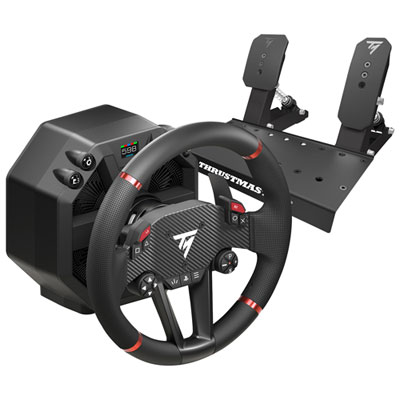 Your price for this item is $699.99
-
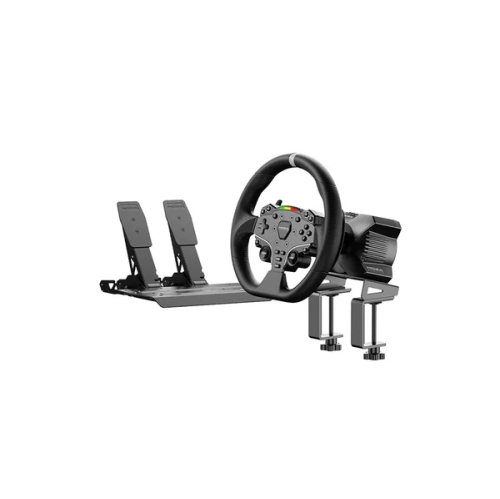 Your price for this item is $348.37
-
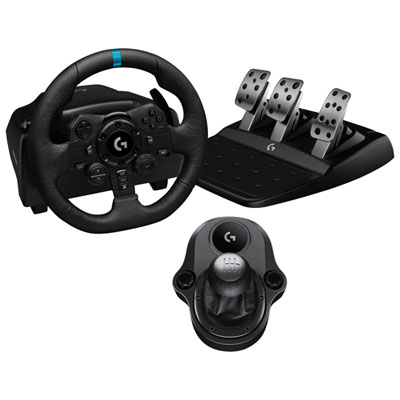 Your price for this item is $479.99
-
 Your price for this item is $479.99
Discover more categories related to Pc Flight Simulators


Top Collections:
Pokemon Centers, Pokémon 30th Celebration Cards, Best Budget Office Chairs, Kindle Devices, Best Cameras for Sports Photography, Canon G7X Cameras, Best Black Friday Deals On Electronics, Best Laptops for Writers, iPhone 15 Apple, Jackery Power Stations
Some products may be subject to Environmental Handling Fees
(EHF) depending on your province.
Learn more about EHFs.