PC Gaming Joysticks
Elevate your gaming experience with PC gaming joysticks designed to bring precision and control to every session. Whether you’re piloting a virtual aircraft, exploring new worlds, or engaging in fast-paced action, the right joystick can make all the difference. Discover a wide selection of options tailored for both beginners and seasoned gamers, and find the perfect fit to enhance your setup. Take your gameplay to the next level with PC gaming joysticks that put you in command.
Sort
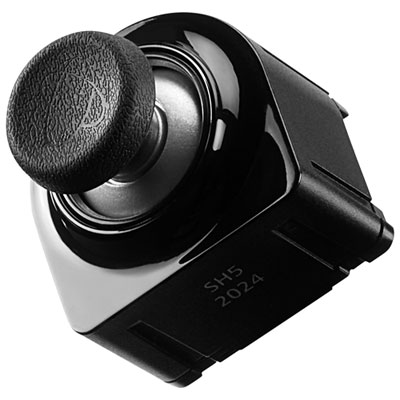
How analogue control brings precision to virtual flight
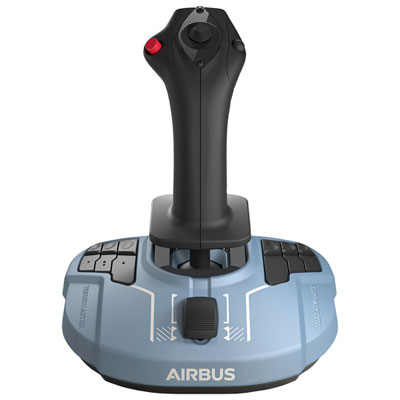
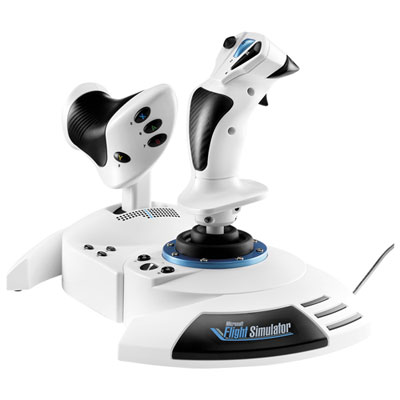
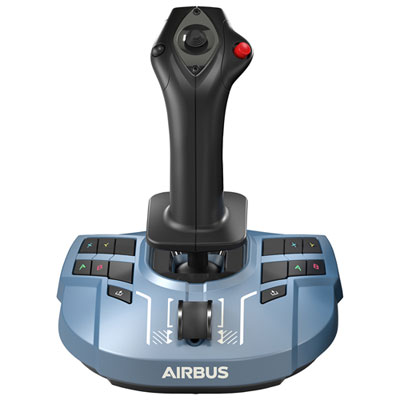
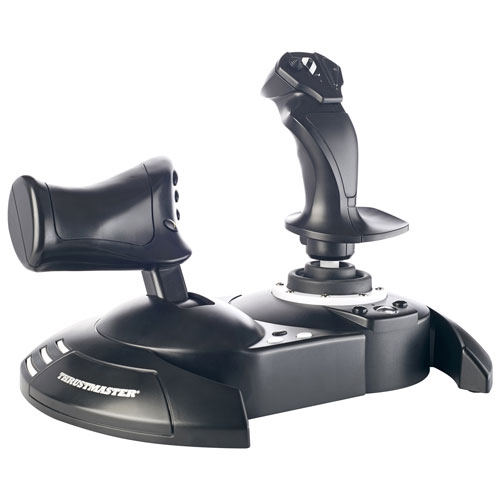
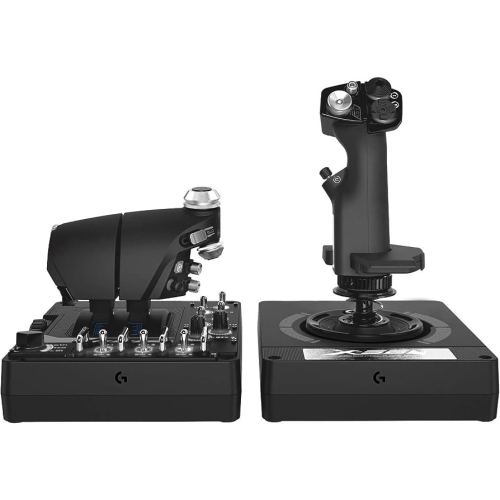
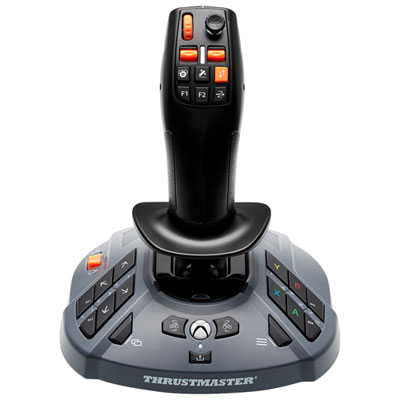
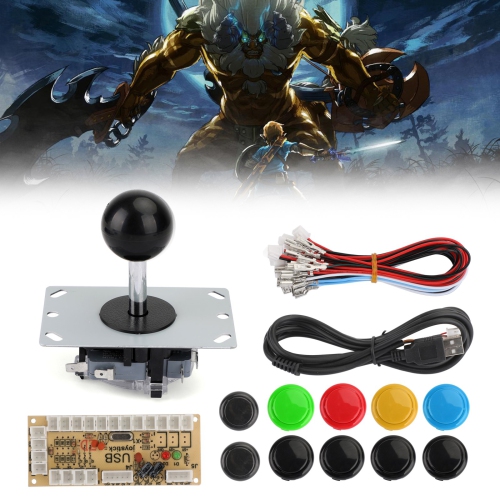
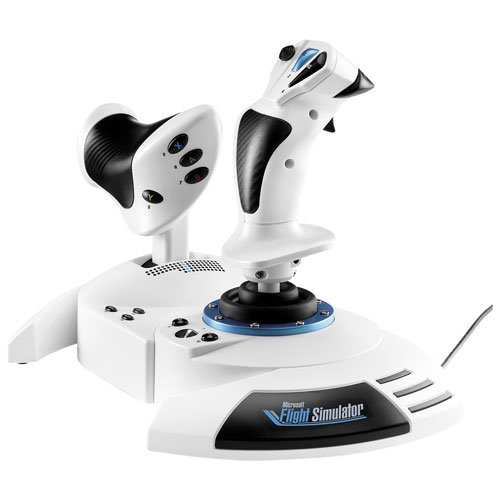
PC gaming joysticks bring hands-on control to games built around flying, piloting, and precise movement. Unlike a mouse or keyboard, a joystick lets you vary an input through the distance and direction you move the stick: a small tilt can ease an aircraft into a shallow bank, while a larger movement calls for a sharper turn. That analogue response is particularly useful in flight simulators, space exploration games, and aerial combat games that support joystick input. The main choices include standalone flight sticks, sticks with a built-in throttle slider, and stick-and-throttle arrangements often called HOTAS, short for “hands on throttle and stick.” A standalone joystick keeps the setup compact and can suit someone trying flight games for the first time, while a separate throttle adds a dedicated control for engine power and more room for buttons and switches. Players interested primarily in aviation can explore Flight Sim Joysticks for controls suited to supported cockpit-based games. For space games, some players prefer two joysticks, using one for rotation and the other for directional thrust, provided the game allows those inputs to be assigned. The right arrangement depends less on having the most controls and more on matching them to the movements you use. A leisurely approach to a runway calls for smooth, predictable adjustments; a busy dogfight puts frequently used commands within easy reach at a premium. PC gaming joysticks are therefore most useful when chosen for a particular style of play rather than as a universal replacement for a gamepad. Many players still keep a keyboard and mouse nearby for menus, map navigation, or activities outside the cockpit. During the cooler months, when an evening indoors leaves time for a longer virtual flight, a well-matched joystick can make the routine of taxiing, climbing, and landing feel more deliberate and engaging.
The feel of a PC joystick matters as much as its button count. Look at the available axes, which describe the independent movements a device can register. A typical flight stick handles pitch and roll through forward, backward, and sideways movement; some also offer a twisting grip that can be assigned to yaw. A built-in throttle adds another input for power, while separate rudder pedals can take over yaw control on compatible setups. A twist-lock feature can be useful if you plan to add pedals later and want to avoid unintended input from the grip. Around the stick’s centre, smooth movement and predictable resistance help with the tiny corrections needed to hold a heading or line up with a runway. Adjustable tension, where offered, lets you tailor that resistance, although a heavier spring is not automatically more accurate or comfortable. Sensor design is another purchase consideration. Contactless magnetic sensors, including Hall effect designs, measure position without the same rubbing contact used by potentiometers, which can reduce one source of wear. They do not make the entire joystick immune to mechanical wear, calibration issues, or unwanted inputs. Software settings also influence the experience: a dead zone ignores a small amount of movement near centre, while a response curve changes how physical movement translates into an in-game command. These settings can help balance steadiness with responsiveness when the game or device software supports them. For buttons, consider reach and separation rather than quantity alone. A hat switch can provide convenient view control, a trigger can handle a frequently used action, and distinct button shapes can be easier to identify by touch. Grip size, palm support, and handedness deserve equal attention. A sculpted right-handed grip may feel natural to one player but awkward to another, especially in a left-handed or dual-stick setup. Comfort becomes particularly noticeable when a short test flight turns into an extended session.
Compatibility and placement are worth checking before bringing a joystick home. Confirm that it supports your computer’s operating system and the games you intend to play; a USB connection alone does not guarantee that every title will recognise every axis or button automatically. Some games include ready-made control profiles, while others require manual assignments, calibration, or additional software. If you want to use a throttle, pedals, or other accessories together, check whether each connects directly to the PC or requires a compatible connection through another device. Components from different control systems are not necessarily interchangeable. Many PC flight sticks use wired USB connections, so cable reach and available ports are practical considerations, especially when the computer sits beneath a desk. Base size and stability matter, too. A joystick that shifts across the tabletop during a firm turn can interrupt play, while a broad base, suitable grip pads, or supported mounting hardware can help keep it in place. A desk mount may position the controls more comfortably, but it needs to fit the desk’s thickness and leave clearance for drawers, chair arms, and your legs. For a shared workspace, a compact stick that can be unplugged and put away may be more convenient than a permanently mounted arrangement. Think about where your forearm rests and whether you can reach the throttle without lifting your shoulder; those small details can shape how comfortable longer flights feel. As a gift, a PC gaming joystick can be a thoughtful choice for an aviation enthusiast, a space-game fan, or someone building a home simulation setup. It helps to know which games they play, which hand they favour, and whether they already own compatible controls. Beginners may appreciate straightforward setup and clearly placed buttons, while experienced players may value extra axes, programmable inputs, or mounting options. Comparing those everyday needs alongside build quality and included accessories makes it easier to choose controls that fit both the player’s space and the way they enjoy flying.
The feel of a PC joystick matters as much as its button count. Look at the available axes, which describe the independent movements a device can register. A typical flight stick handles pitch and roll through forward, backward, and sideways movement; some also offer a twisting grip that can be assigned to yaw. A built-in throttle adds another input for power, while separate rudder pedals can take over yaw control on compatible setups. A twist-lock feature can be useful if you plan to add pedals later and want to avoid unintended input from the grip. Around the stick’s centre, smooth movement and predictable resistance help with the tiny corrections needed to hold a heading or line up with a runway. Adjustable tension, where offered, lets you tailor that resistance, although a heavier spring is not automatically more accurate or comfortable. Sensor design is another purchase consideration. Contactless magnetic sensors, including Hall effect designs, measure position without the same rubbing contact used by potentiometers, which can reduce one source of wear. They do not make the entire joystick immune to mechanical wear, calibration issues, or unwanted inputs. Software settings also influence the experience: a dead zone ignores a small amount of movement near centre, while a response curve changes how physical movement translates into an in-game command. These settings can help balance steadiness with responsiveness when the game or device software supports them. For buttons, consider reach and separation rather than quantity alone. A hat switch can provide convenient view control, a trigger can handle a frequently used action, and distinct button shapes can be easier to identify by touch. Grip size, palm support, and handedness deserve equal attention. A sculpted right-handed grip may feel natural to one player but awkward to another, especially in a left-handed or dual-stick setup. Comfort becomes particularly noticeable when a short test flight turns into an extended session.
Compatibility and placement are worth checking before bringing a joystick home. Confirm that it supports your computer’s operating system and the games you intend to play; a USB connection alone does not guarantee that every title will recognise every axis or button automatically. Some games include ready-made control profiles, while others require manual assignments, calibration, or additional software. If you want to use a throttle, pedals, or other accessories together, check whether each connects directly to the PC or requires a compatible connection through another device. Components from different control systems are not necessarily interchangeable. Many PC flight sticks use wired USB connections, so cable reach and available ports are practical considerations, especially when the computer sits beneath a desk. Base size and stability matter, too. A joystick that shifts across the tabletop during a firm turn can interrupt play, while a broad base, suitable grip pads, or supported mounting hardware can help keep it in place. A desk mount may position the controls more comfortably, but it needs to fit the desk’s thickness and leave clearance for drawers, chair arms, and your legs. For a shared workspace, a compact stick that can be unplugged and put away may be more convenient than a permanently mounted arrangement. Think about where your forearm rests and whether you can reach the throttle without lifting your shoulder; those small details can shape how comfortable longer flights feel. As a gift, a PC gaming joystick can be a thoughtful choice for an aviation enthusiast, a space-game fan, or someone building a home simulation setup. It helps to know which games they play, which hand they favour, and whether they already own compatible controls. Beginners may appreciate straightforward setup and clearly placed buttons, while experienced players may value extra axes, programmable inputs, or mounting options. Comparing those everyday needs alongside build quality and included accessories makes it easier to choose controls that fit both the player’s space and the way they enjoy flying.
Top selling and popular products
-
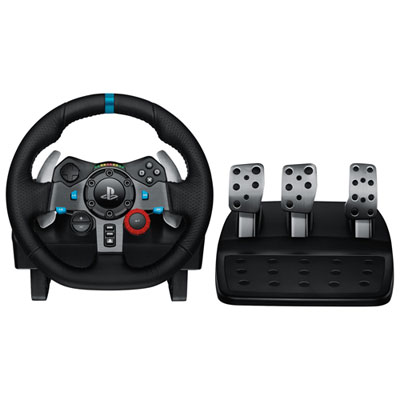 Your price for this item is $399.99
 -
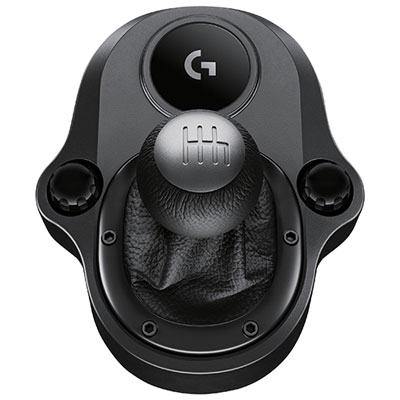 Your price for this item is $89.99
 -
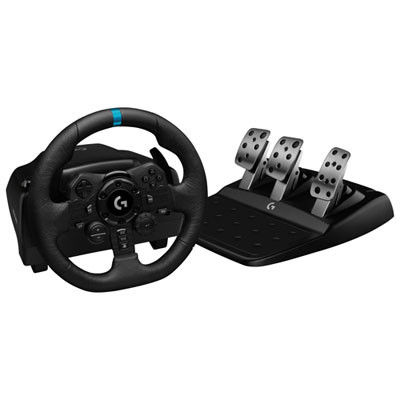 Your price for this item is $479.99
 -
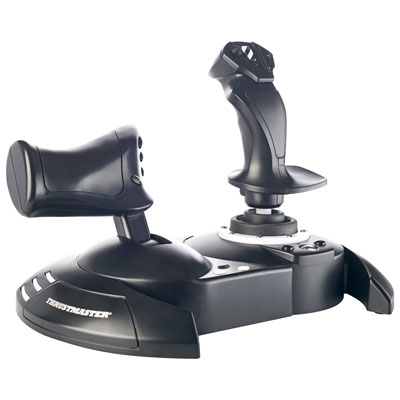 Your price for this item is $129.99
 -
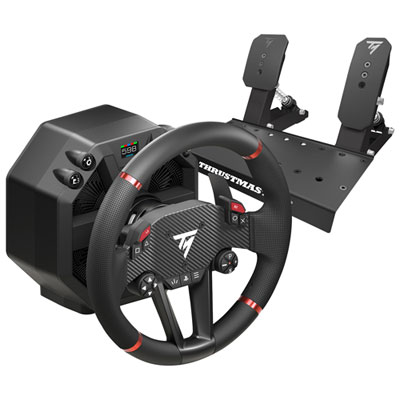 Your price for this item is $699.99
 -
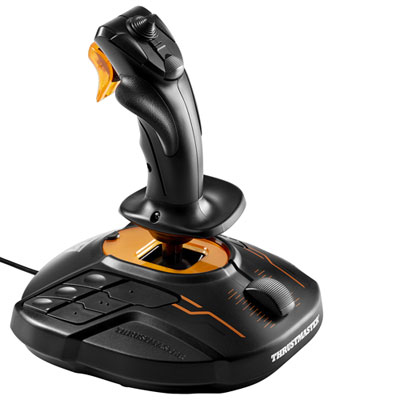 Your price for this item is $109.99
 -
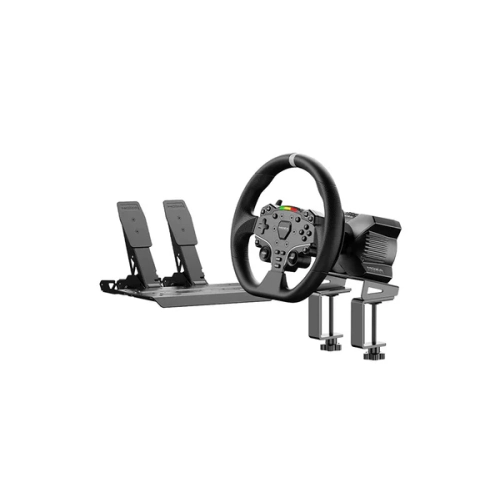 Your price for this item is $367.69
 -
 Your price for this item is $479.99
Discover more categories related to PC Gaming Joysticks
Top Collections:
Pokemon Centers, Kindle Devices, Best Budget Office Chairs, Apple iPhones 16, Best Laptops for Writers, iPhone 15 Apple, Canon G7X Cameras, Refurbished Apple Laptops, Alarm Clock, Motorola Razr Phones
Some products may be subject to Environmental Handling Fees
(EHF) depending on your province.
Learn more about EHFs.