Turbo Controllers
Turbo controllers are a game-changer for avid gamers looking to enhance their gaming experience with precision and speed. Designed to give you an edge in fast-paced games, these controllers offer customizable features that cater to both casual players and competitive enthusiasts. Whether you're diving into action-packed adventures or tackling challenging levels, turbo controllers provide the flexibility and responsiveness needed to elevate your gameplay. Explore Best Buy Canada's selection of turbo controllers to find the perfect match for your gaming setup and take your performance to new heights.
Sort
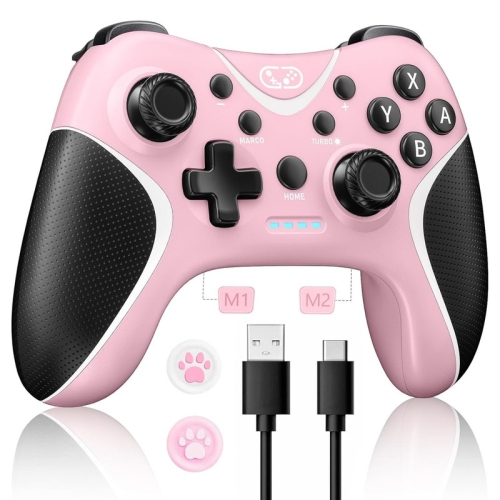
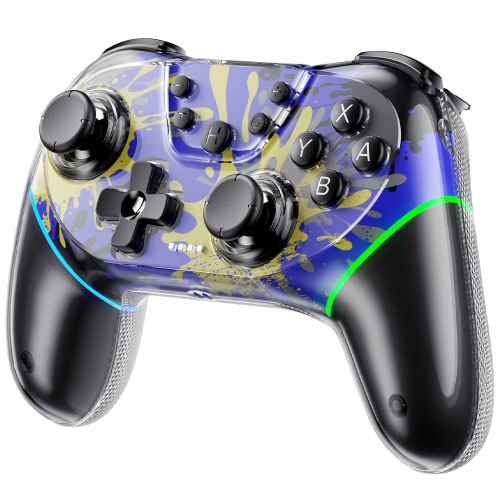
How one press can replace repeated button taps
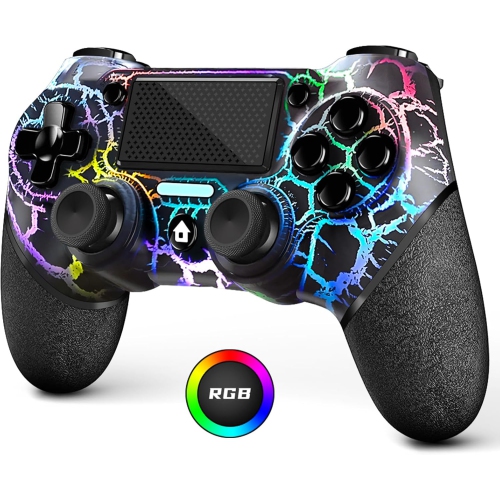
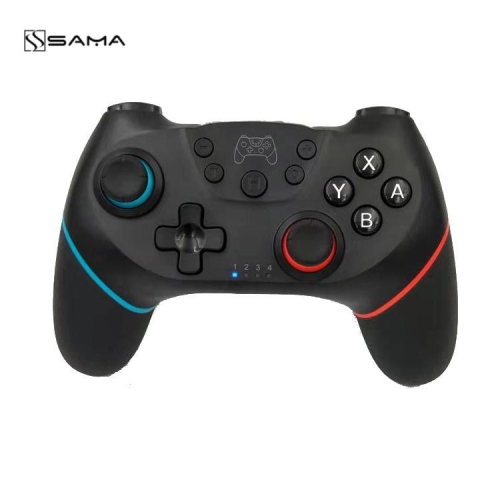
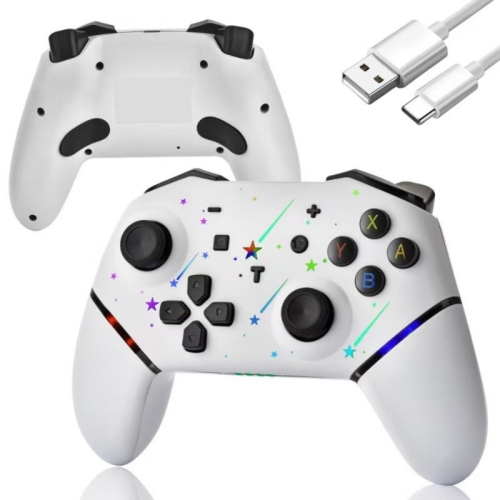
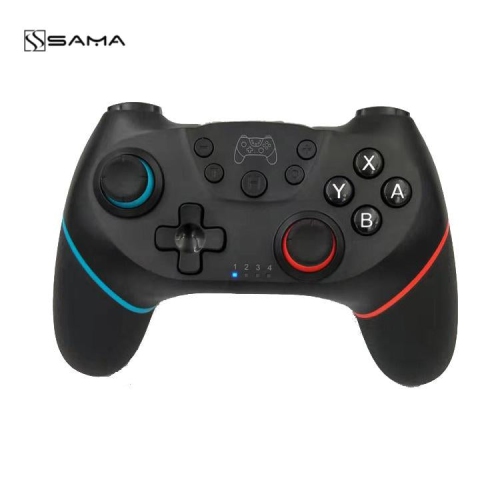
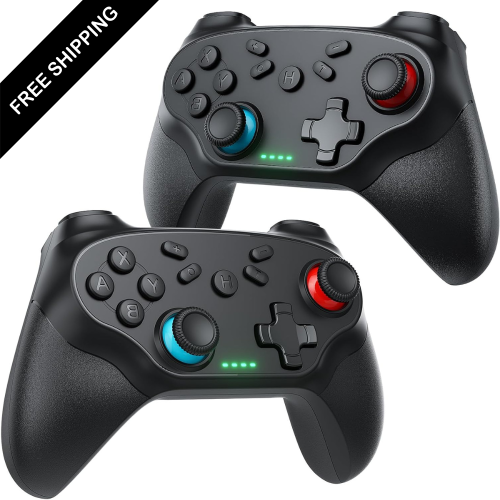
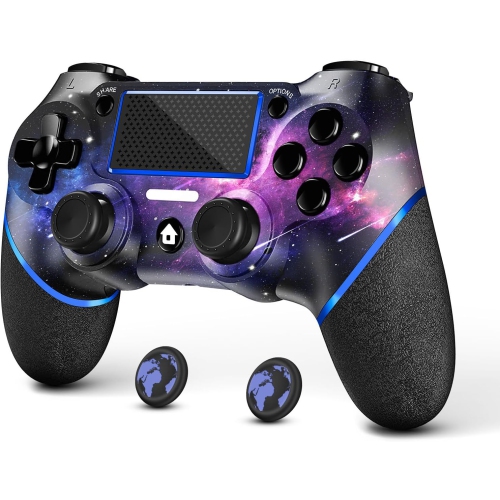
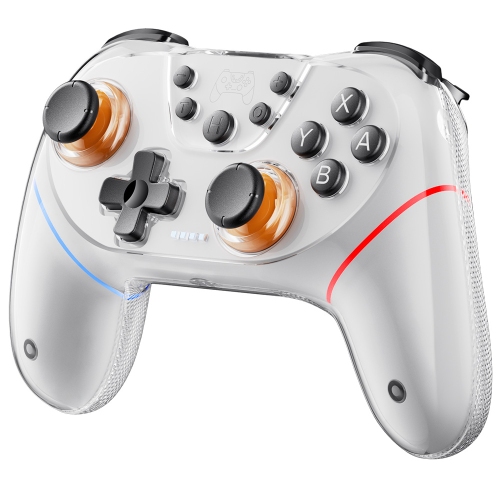
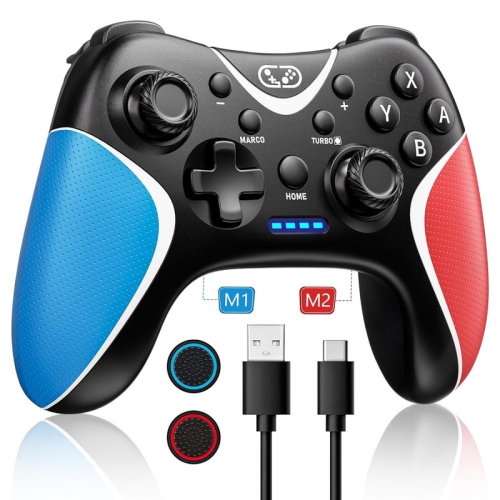
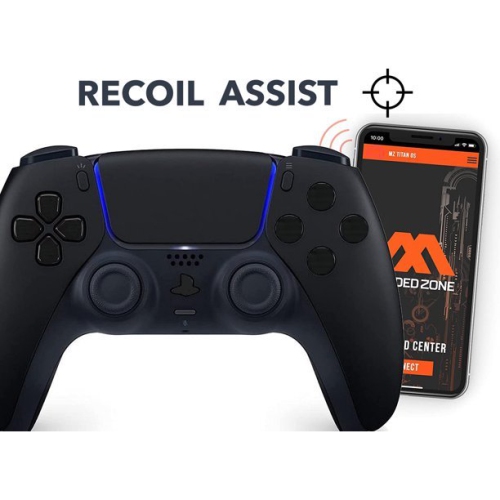
Turbo controllers are gaming controllers with a function that repeats an assigned button input, replacing a series of manual taps with a sustained press. Standard turbo usually repeats the action only while the assigned button is held down. Auto-turbo, when supported, can continue repeating the input after the button is released, until the function is switched off or cancelled according to the controller’s instructions. That distinction matters during play: holding a button to maintain a stream of shots feels different from turning on an action that continues without contact. These functions can suit arcade shooters, certain action games, and other titles built around frequent, repeated button presses. They do not make every in-game action faster, since games may limit firing speed, apply cooldowns, or interpret held and repeated inputs differently. A turbo controller generates repeated commands; the game still determines what those commands do. Adjustable repetition rates, where included, let players change the interval between inputs to better match a particular game. Some controllers allow turbo on several face buttons, while others restrict it to certain controls, so button support is as important as the presence of a turbo setting itself. Clear indicator lights and an easy way to cancel the function help prevent accidental inputs when moving from gameplay to a menu. For a player who finds repeated tapping tiring or difficult, turbo can reduce the number of presses needed for a supported action, although comfort and accessibility depend on the person, controller, and game. It is not the same as a programmable macro, which may carry out a sequence of different commands. Turbo generally repeats an individual assigned input. Game rules also matter: multiplayer services, competitive modes, and tournaments may restrict automated or repeated inputs, even when the function is built into the controller. For permitted solo or casual play, the appeal is straightforward—a familiar gamepad layout with an additional way to handle repetitive actions without tapping the same button over and over.
Compatibility is the starting point when comparing turbo controllers, because a controller’s shape or connector does not establish which systems it supports. The supported platform, operating system, connection mode, and game requirements all need to match the intended setup. A controller that works with a computer may not work with a console, and a multi-platform model may require a different mode for each device. Button prompts can also vary between systems, which is worth considering for someone who regularly switches between a desk and a living-room screen. Wired turbo controllers offer a direct connection and avoid the need to charge a controller battery during play, though cable length and port placement affect where the player can sit. Wireless designs provide more freedom of movement, but may use Bluetooth or a dedicated receiver, and those connection methods are not automatically interchangeable. Battery life, charging connections, and support for play while charging vary by model. A detachable cable can make storage and transport easier, provided the correct replacement type is used. Beyond the connection, the physical fit should suit both the player’s hands and the games they enjoy. Rounded grips, a balanced weight, and comfortably spaced buttons can make a gamepad easier to hold without squeezing. Smaller hands may find a compact body more manageable, while larger hands may benefit from fuller grips and more room around the triggers. Rigid plastic shells are common, with textured surfaces or rubberized sections on some designs to improve grip. The feel of the directional pad matters for precise menu navigation and directional commands, while thumbstick resistance and trigger travel influence how movement and pressure-sensitive actions feel. A distinct turbo button that is easy to reach but difficult to press accidentally can be useful during an involved game. Extra rear buttons, vibration, motion controls, audio connections, and adjustable settings are separate features rather than standard parts of turbo functionality. Their usefulness depends on the games being played and whether the connected system supports them.
Durability comes from more than a sturdy-looking shell. Buttons should return consistently after each press, sticks should move smoothly, and cable connections should sit securely without needing to be held at an angle. Some turbo controllers use magnetic thumbstick sensing, which avoids the contact-based position sensing used in traditional potentiometer designs. That can address one source of wear, but it does not make the entire controller immune to damage, calibration issues, or mechanical faults. Everyday handling still makes a difference. Leaving enough slack in a wired connection reduces strain on the plug, while storing a controller where its sticks and triggers are not pressed down helps protect moving parts. A fitted case can be useful for a gamepad carried between homes or tucked into a bag alongside other accessories. For routine care, disconnect the controller or turn it off before cleaning, and follow its care instructions. A soft, dry cloth is a sensible starting point for the shell; liquid should not be sprayed into buttons, stick openings, or charging ports. Rubberized surfaces may need different care from hard plastic, so harsh cleaners are best avoided unless the manufacturer specifically permits them. Shared controllers benefit from regular attention to grips and button edges, where residue can build up. Intended use helps narrow the choice as much as any technical feature. A player returning to arcade-style games may value a responsive directional pad and simple turbo adjustment, while someone using a computer at a desk may prioritize a comfortable wired layout and settings that are easy to check. A household sharing one controller may appreciate straightforward mode changes and a clear way to return to normal inputs. As a gift, a turbo controller is most useful when the recipient’s system, preferred connection, and usual games are known in advance. Familiar button placement and a comfortable fit often matter more than a long list of extras. The strongest match brings together dependable everyday controls, suitable turbo behaviour, and a design that feels natural in the player’s hands. For a separate household category, explore Turbo Shields in the appliances section.
Compatibility is the starting point when comparing turbo controllers, because a controller’s shape or connector does not establish which systems it supports. The supported platform, operating system, connection mode, and game requirements all need to match the intended setup. A controller that works with a computer may not work with a console, and a multi-platform model may require a different mode for each device. Button prompts can also vary between systems, which is worth considering for someone who regularly switches between a desk and a living-room screen. Wired turbo controllers offer a direct connection and avoid the need to charge a controller battery during play, though cable length and port placement affect where the player can sit. Wireless designs provide more freedom of movement, but may use Bluetooth or a dedicated receiver, and those connection methods are not automatically interchangeable. Battery life, charging connections, and support for play while charging vary by model. A detachable cable can make storage and transport easier, provided the correct replacement type is used. Beyond the connection, the physical fit should suit both the player’s hands and the games they enjoy. Rounded grips, a balanced weight, and comfortably spaced buttons can make a gamepad easier to hold without squeezing. Smaller hands may find a compact body more manageable, while larger hands may benefit from fuller grips and more room around the triggers. Rigid plastic shells are common, with textured surfaces or rubberized sections on some designs to improve grip. The feel of the directional pad matters for precise menu navigation and directional commands, while thumbstick resistance and trigger travel influence how movement and pressure-sensitive actions feel. A distinct turbo button that is easy to reach but difficult to press accidentally can be useful during an involved game. Extra rear buttons, vibration, motion controls, audio connections, and adjustable settings are separate features rather than standard parts of turbo functionality. Their usefulness depends on the games being played and whether the connected system supports them.
Durability comes from more than a sturdy-looking shell. Buttons should return consistently after each press, sticks should move smoothly, and cable connections should sit securely without needing to be held at an angle. Some turbo controllers use magnetic thumbstick sensing, which avoids the contact-based position sensing used in traditional potentiometer designs. That can address one source of wear, but it does not make the entire controller immune to damage, calibration issues, or mechanical faults. Everyday handling still makes a difference. Leaving enough slack in a wired connection reduces strain on the plug, while storing a controller where its sticks and triggers are not pressed down helps protect moving parts. A fitted case can be useful for a gamepad carried between homes or tucked into a bag alongside other accessories. For routine care, disconnect the controller or turn it off before cleaning, and follow its care instructions. A soft, dry cloth is a sensible starting point for the shell; liquid should not be sprayed into buttons, stick openings, or charging ports. Rubberized surfaces may need different care from hard plastic, so harsh cleaners are best avoided unless the manufacturer specifically permits them. Shared controllers benefit from regular attention to grips and button edges, where residue can build up. Intended use helps narrow the choice as much as any technical feature. A player returning to arcade-style games may value a responsive directional pad and simple turbo adjustment, while someone using a computer at a desk may prioritize a comfortable wired layout and settings that are easy to check. A household sharing one controller may appreciate straightforward mode changes and a clear way to return to normal inputs. As a gift, a turbo controller is most useful when the recipient’s system, preferred connection, and usual games are known in advance. Familiar button placement and a comfortable fit often matter more than a long list of extras. The strongest match brings together dependable everyday controls, suitable turbo behaviour, and a design that feels natural in the player’s hands. For a separate household category, explore Turbo Shields in the appliances section.
Top selling and popular products
-
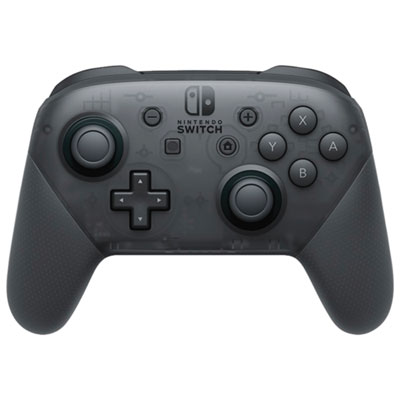 Your price for this item is $99.99
 -
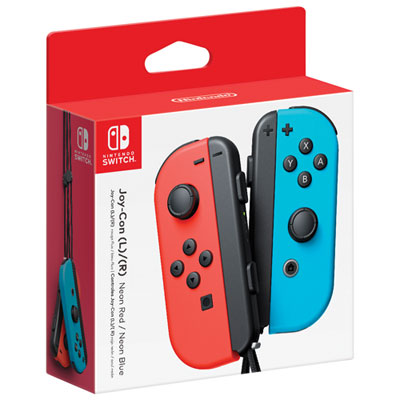 Your price for this item is $109.99
 -
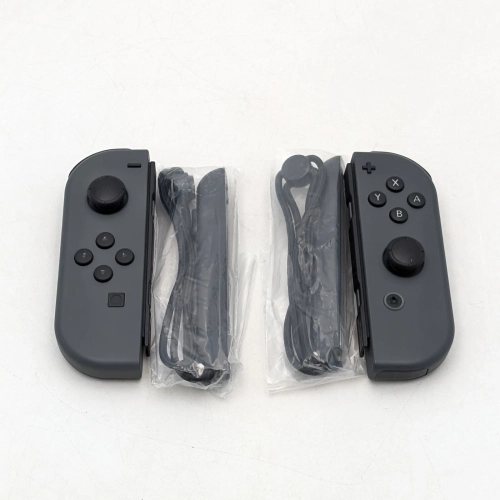 Your price for this item is $79.99
 -
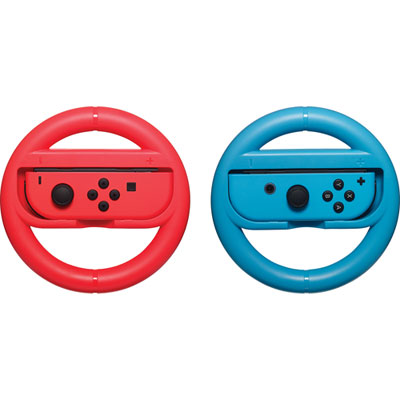 Your price for this item is $16.99
 -
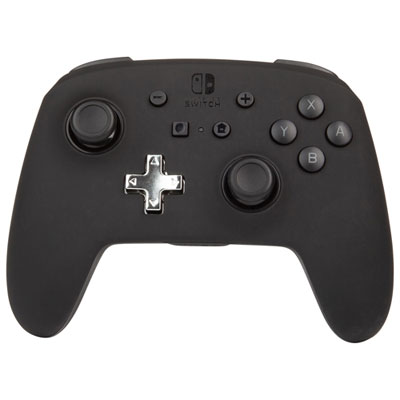 Your price for this item is $79.99
 -
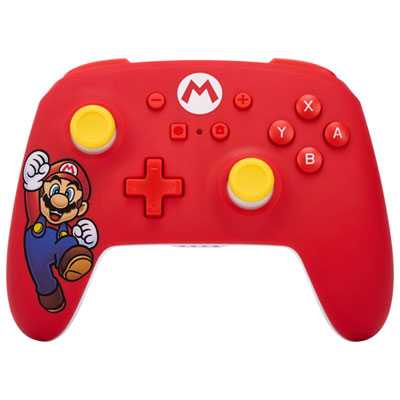 Your price for this item is $58.97
 -
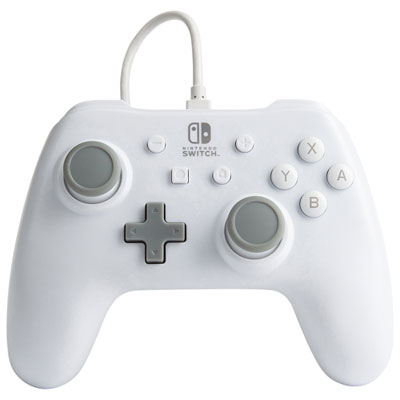 Your price for this item is $26.98
 -
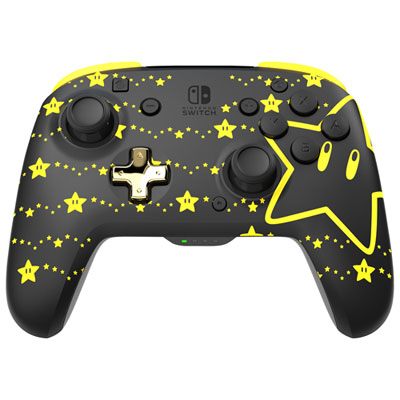 Your price for this item is $64.99
Discover more categories related to Turbo Controllers

Top Collections:
Pokemon Centers, Best Cameras for Sports Photography, Kindle Devices, Samsung Galaxy Phones, Canon G7X Cameras, Pokémon 30th Celebration Cards, Refurbished Apple Laptops, iPhone 15 Apple, Laptops for Students, Budget Smartphones
Some products may be subject to Environmental Handling Fees
(EHF) depending on your province.
Learn more about EHFs.