Garmin GPS With Bluetooth
Garmin GPS With Bluetooth devices offer a seamless way to stay connected and navigate with confidence on the road. These advanced navigation systems are designed to enhance your driving experience by combining reliable GPS technology with convenient Bluetooth connectivity. Whether you're planning a road trip or managing daily commutes, Garmin GPS With Bluetooth provides an efficient solution for clear directions and hands-free communication. Explore a variety of models to find the perfect fit for your vehicle and travel needs.
Sort


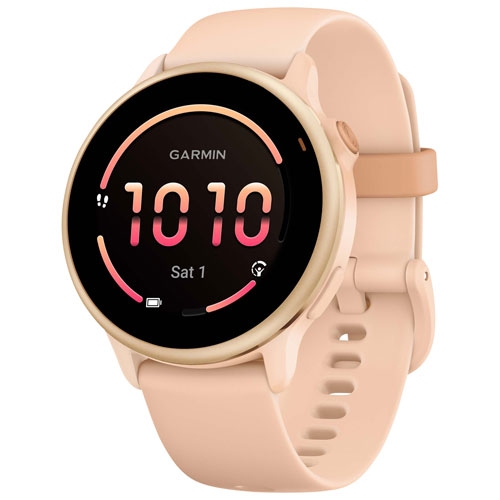
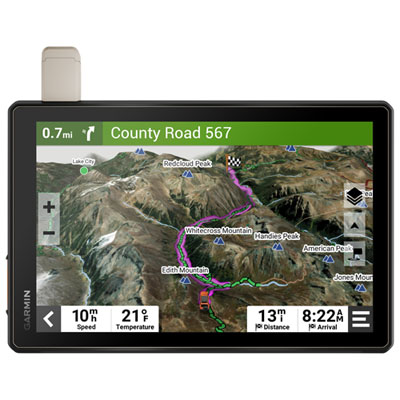
Why Bluetooth serves different roles in GPS devices
GPS devices with Bluetooth combine satellite-based positioning with a short-range wireless connection, but Bluetooth serves different purposes depending on the type of device. An external Bluetooth GPS receiver supplies location data to a compatible tablet, phone or computer; it generally relies on that connected device and suitable software to display maps or navigation information. A dedicated car navigator has its own screen and navigation software, with Bluetooth potentially supporting functions such as hands-free calling or a connection to a compatible phone app. A handheld GPS unit is designed for portable navigation, and its Bluetooth features may support syncing routes, sharing activity data or receiving notifications through a paired phone. These differences matter when the goal is to add positioning to a tablet rather than replace a dashboard navigator. A receiver without a screen can suit someone who already has a preferred mapping app and wants to keep using its familiar layout. It can also provide satellite positioning for certain compatible tablets that lack a built-in satellite receiver, though the tablet, operating system and app must all support the connection. Bluetooth capability on its own does not establish that compatibility, and a car navigator with Bluetooth should not be assumed to function as an external receiver for another screen. Satellite positioning itself does not require a cellular connection, but map downloads, searches, traffic information and other connected features may need internet access. Downloaded maps can support use away from a mobile network when the software permits it. For someone comparing these different formats, Bluetooth Gps Devices provides a related category to explore. The practical distinction remains the same: an external receiver supplies position information, while a standalone navigator combines positioning with its own navigation interface. Understanding that distinction helps match the equipment to the screen, software and type of travel already part of a daily routine.
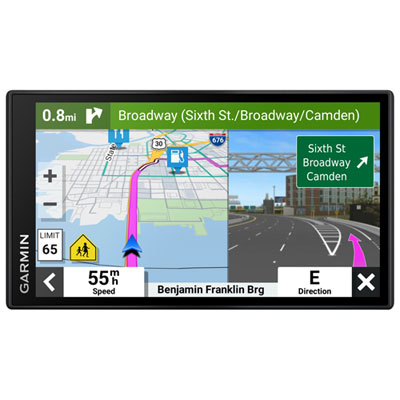
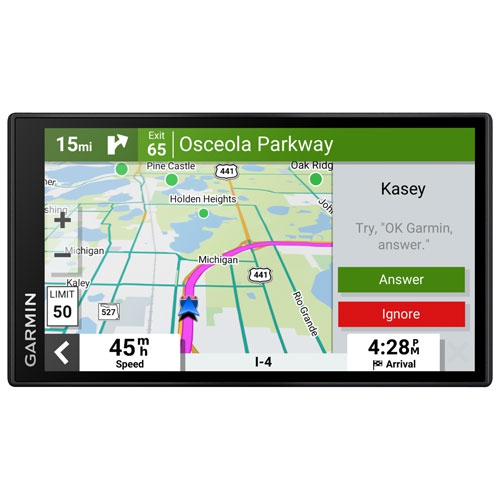
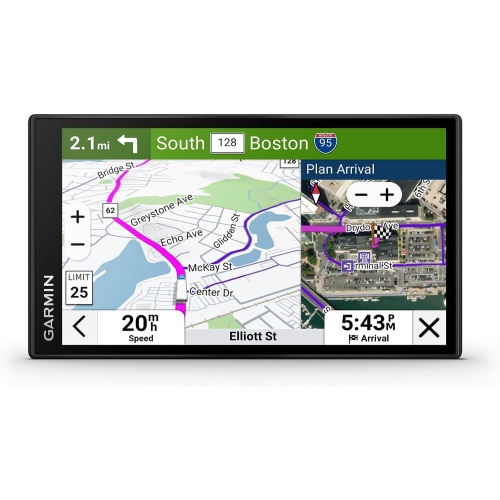
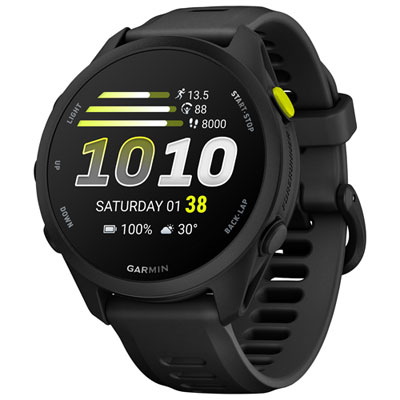
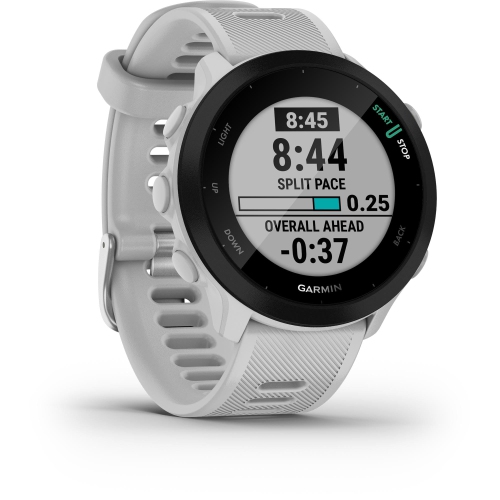
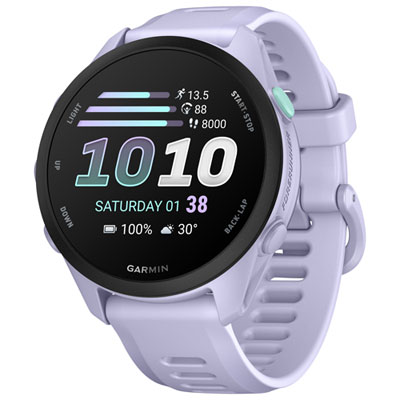
For driving, a dedicated GPS navigator can keep directions on a separate display while a phone handles other tasks. Screen size, readable text and clear spoken instructions all affect how easily directions can be understood during an unfamiliar journey. A larger display may make an upcoming interchange easier to interpret, but its housing and mount also need to fit the vehicle without obstructing the driver’s view, controls or airbags. Mounting options deserve particular attention in vehicles with deeply recessed dashboards, limited flat surfaces or a windscreen positioned far from the driver. A secure cradle helps hold the screen steady, while an accessible power connection keeps a charging cable from stretching across frequently used controls. Map coverage is another practical consideration: Canadian coverage, cross-border travel and the way map updates are delivered vary by device and software. Features such as lane guidance, spoken street names and live traffic can be useful, but each depends on the navigator’s capabilities and, in some cases, a compatible phone connection. Bluetooth calling does not necessarily provide traffic data, and pairing a phone does not mean every phone function appears on the navigator. For walking trails, recording routes or marking locations to revisit, a handheld format serves a different purpose. Physical buttons can make common functions easier to reach without relying entirely on a touchscreen, and a compact housing can fit into a pack pocket or attach to a suitable carrying accessory. Topographic mapping, saved waypoints and track recording are useful distinctions from road-focused navigation. Bluetooth can simplify transferring information to a compatible app, but it should not be confused with cellular service or satellite messaging. A paired GPS device does not automatically provide emergency communication. Whether the destination is a client’s unfamiliar address, a campsite access road or a previously marked trail junction, the strongest fit comes from navigation functions that match the journey rather than from Bluetooth alone.
Everyday ownership also depends on the less visible details: battery endurance, charging connections, housing construction and how comfortably the equipment fits into an existing setup. A small external receiver may be easy to carry alongside a tablet, but the receiver and tablet each need their own power plan. Published battery estimates depend on operating conditions and settings, while screen brightness, wireless connections and other active functions can affect runtime. For longer outings, support for charging during use can be valuable where the device permits it. Receiver placement matters as well. Satellite reception benefits from a clear view of the sky, whereas Bluetooth only carries information between nearby paired devices. Moving a receiver closer to a tablet does not necessarily improve satellite reception, and placing it deep inside a bag or beneath a metal surface can interfere with its intended use. Housing materials, protective edges, port covers and attachment points influence how a device handles repeated packing, mounting and removal. A water-resistance rating describes a tested level of protection rather than permission for every kind of exposure; charging ports and covers still require care according to the manufacturer’s directions. A soft cloth and approved cleaning methods help protect screens and housings, while a fitted case can reduce contact with keys, tools and other objects in a travel bag. For a gift recipient, compatibility is often more important than adding another feature. A frequent driver may appreciate a separate navigation display, while someone who plans routes on a tablet may have more use for an external receiver that works with their existing software. A person who records walking routes may prefer a handheld unit with accessible controls and useful mapping. Matching those habits, along with the charging equipment and mounting space already in use, gives Bluetooth connectivity a clear purpose and makes the device easier to incorporate into regular travel.
Top selling and popular products
-
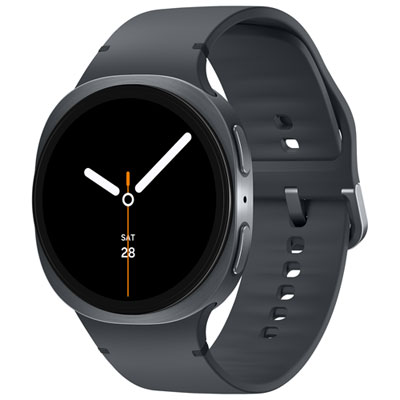 Your price for this item is $489.99
-
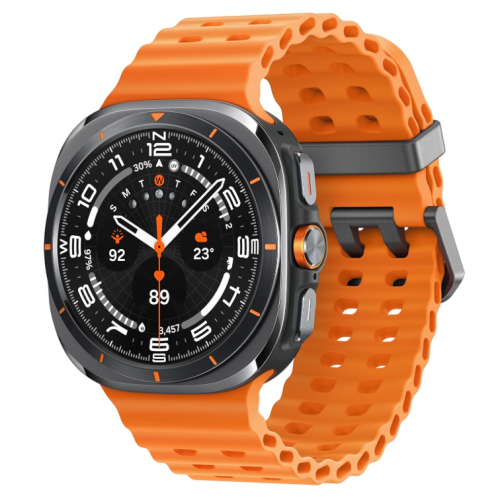 Your price for this item is $579.99
-
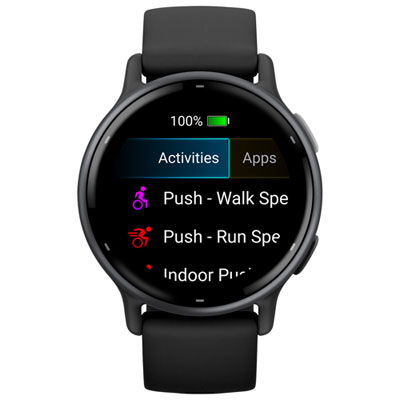 Your price for this item is $239.99
-
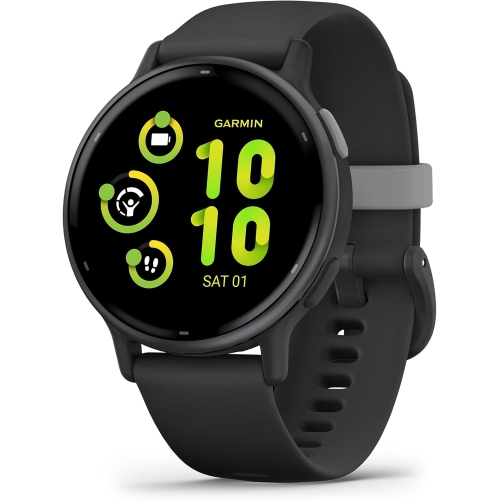 Your price for this item is $234.99
-
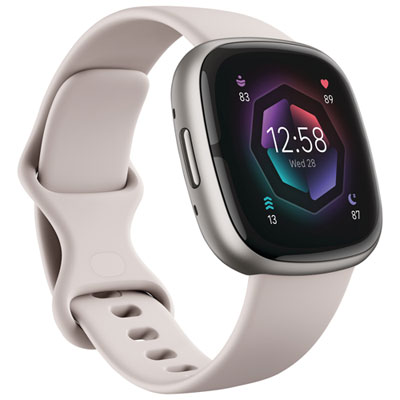 Your price for this item is $329.99
-
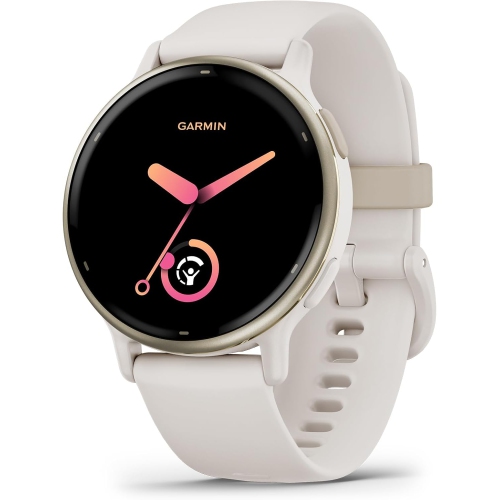 Your price for this item is $279.99
-
 Your price for this item is $399.99
-
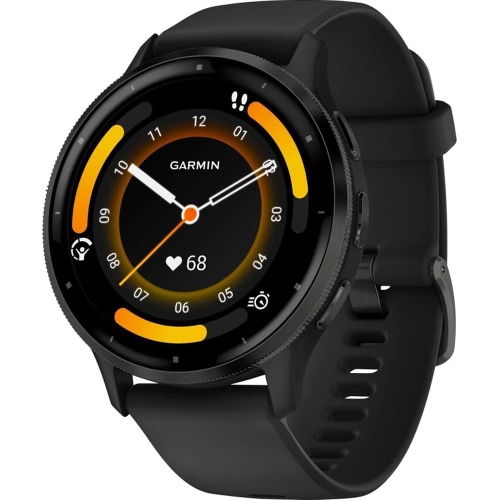 Your price for this item is $419.99
Discover more categories related to Garmin GPS With Bluetooth

Top Collections:
Best Black Friday Deals This Year, Best Black Friday Deals On Electronics, Kindle Devices, Pokemon Centers, Best Black Friday Deals On Apple Products, Best Cameras for Sports Photography, Dyson Airwrap, Pokémon 30th Celebration Cards, Apple iPhone 17 Pro, Canon G7X Cameras
Some products may be subject to Environmental Handling Fees
(EHF) depending on your province.
Learn more about EHFs.