Wi-Fi Extenders For Multi Device Households
Wi-Fi Extenders For Multi Device Households are designed to help you enjoy strong and consistent internet coverage in every corner of your home. Whether you’re streaming movies, joining video calls, gaming online, or working from home, these devices can support the demands of multiple users and connected gadgets. Find solutions that make it easy to stay connected on all your devices, from smartphones and tablets to smart TVs and laptops. Explore options that fit your space and keep everyone online with reliable performance throughout your household.
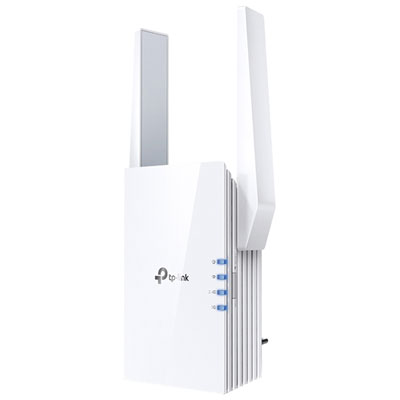
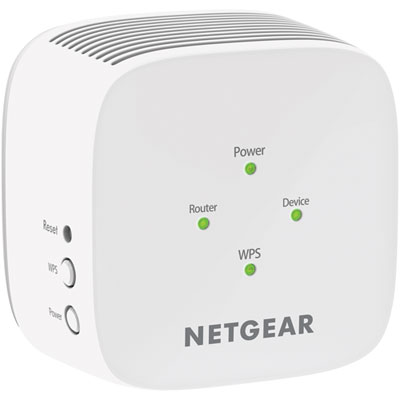
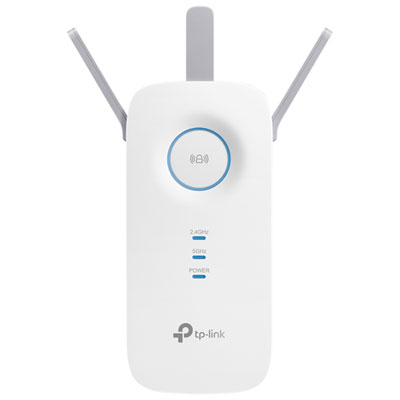
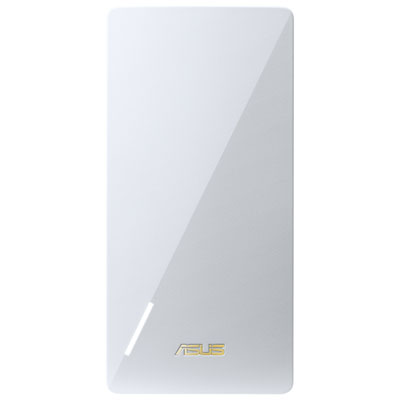
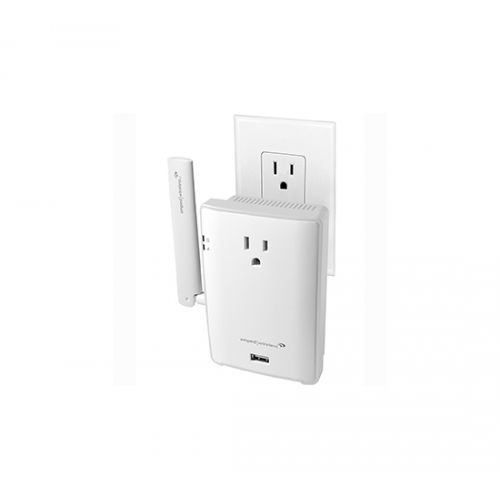
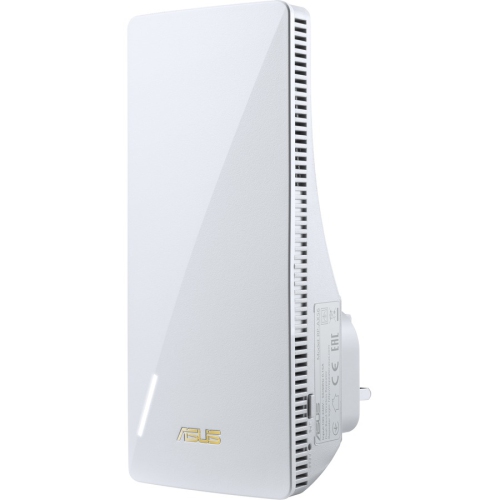
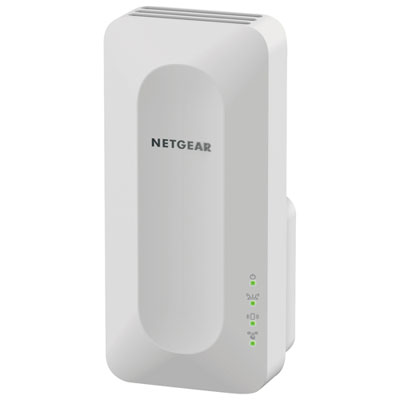
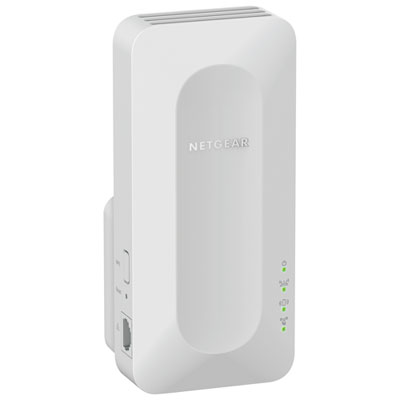
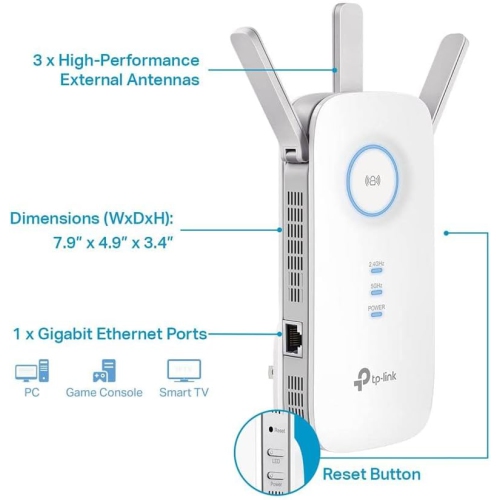
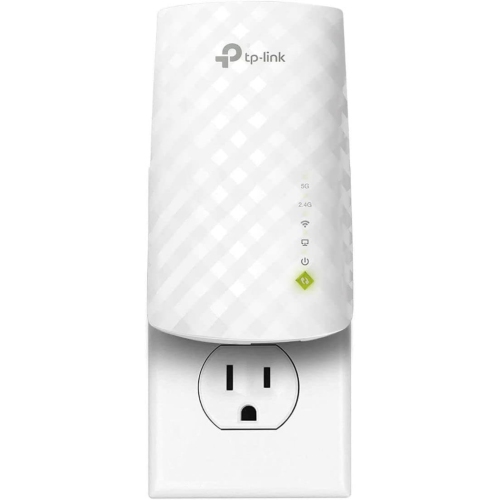
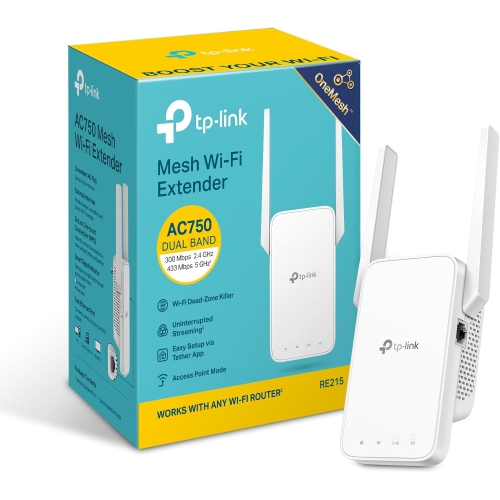
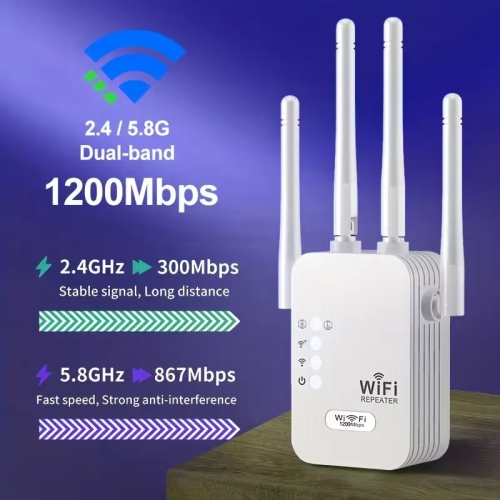
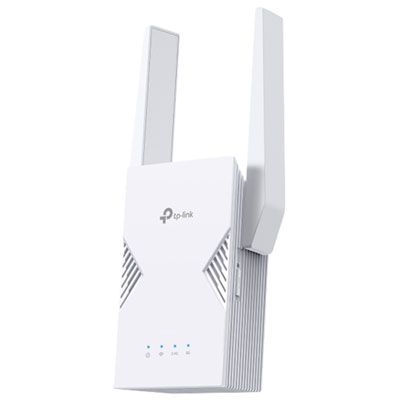
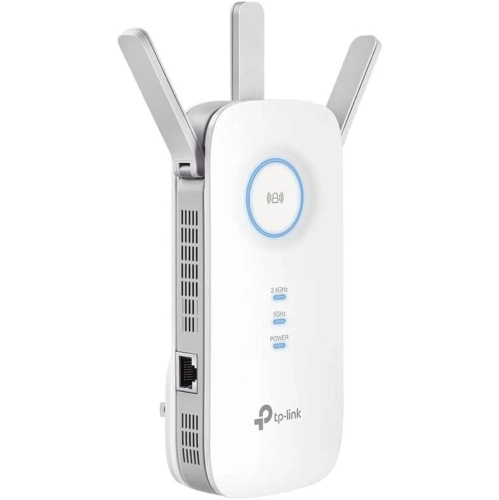
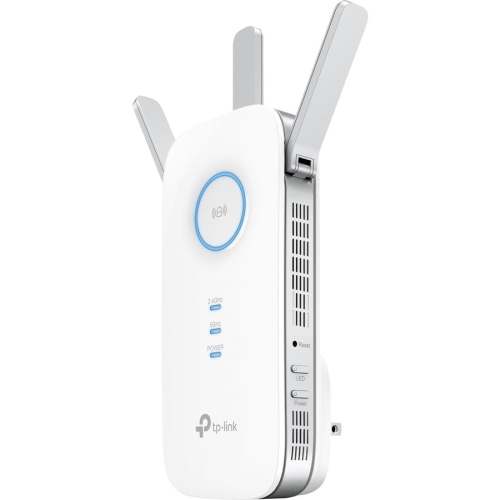
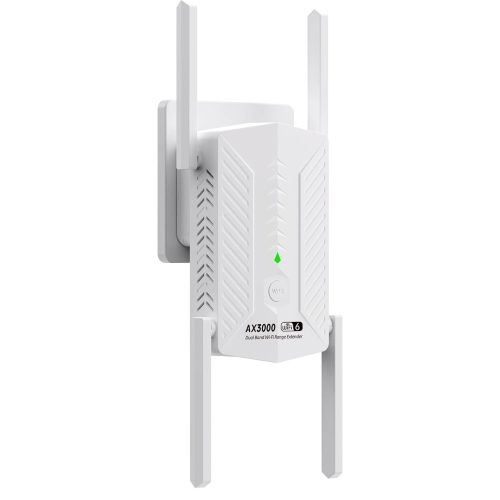
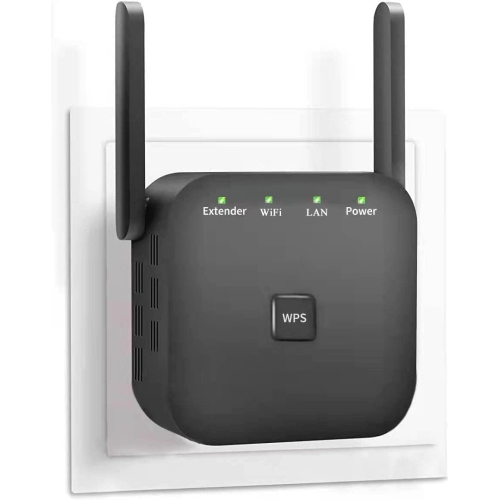
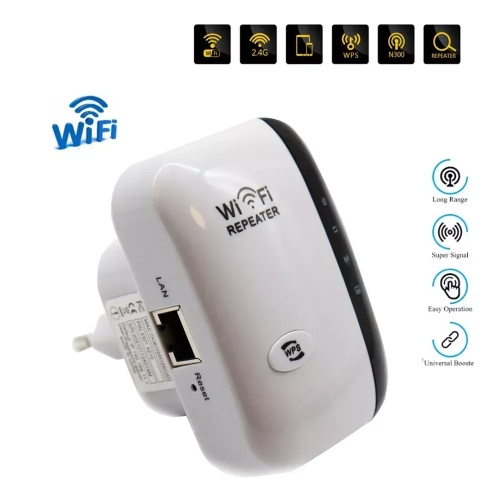
Stronger whole-home coverage for busy connected households
When considering a Wi-Fi extender for a multi device household, it’s important to think about the specific needs of your family or household members. Households with avid gamers, remote workers, or students may require extenders that can handle high data throughput and minimize latency, while larger families or shared living spaces benefit from extenders that support simultaneous connections without sacrificing speed. Features such as dual-band or tri-band support, compatibility with the latest Wi-Fi standards, and easy setup options can be especially valuable for those looking to future-proof their network as the number of connected devices continues to grow. These devices also make thoughtful gifts for new homeowners, university students moving into shared accommodations, or anyone looking to upgrade their home network for better performance during the busy summer and early fall months when houseguests and family gatherings are more frequent. For those managing smart home devices, security systems, or simply wanting to stream music in the garden during a barbecue, the right Wi-Fi extender ensures seamless connectivity for every device and user.
Choosing the best Wi-Fi extender involves considering the size and layout of your home, the number of devices you need to connect, and the types of online activities your household enjoys. Placement is key—extenders work best when positioned halfway between your router and the areas where coverage is weakest, and many models offer mobile apps or indicator lights to help you find the optimal spot. If you’re looking for options specifically designed to support larger families or households with particularly high device counts, you can explore more specialized solutions on our Multi Device Capacity WiFi Extenders for Large Families page. With the right extender, you can create a home environment where everyone—from the streaming enthusiast to the work-from-home professional—can stay connected, productive, and entertained all season long.
FAQ
What features should I look for in a Wi-Fi extender for a multi-device household?
When choosing a Wi-Fi extender for a multi-device household, look for features such as dual-band or tri-band support, MU-MIMO technology, high data transfer speeds, and compatibility with your existing router. These features help ensure stable connections and efficient bandwidth distribution among multiple devices.
How does a Wi-Fi extender help improve connectivity in homes with many devices?
A Wi-Fi extender boosts the signal from your main router, helping to eliminate dead zones and provide stronger coverage throughout your home. This is especially beneficial in multi-device households where several users are streaming, gaming, or working online simultaneously.
Can Wi-Fi extenders handle smart home devices along with computers and phones?
Yes, most modern Wi-Fi extenders are designed to support a wide range of devices, including smart TVs, security cameras, smart speakers, computers, tablets, and smartphones. Look for extenders that can manage multiple connections efficiently to keep all your devices running smoothly.
Do I need a specific type of Wi-Fi extender for gaming or video streaming on multiple devices?
For activities like gaming or HD video streaming on several devices at once, consider a Wi-Fi extender with high-speed capabilities and technologies like beamforming or Quality of Service (QoS). These features help prioritize traffic and reduce lag or buffering.
How do I set up a Wi-Fi extender in a home with many connected devices?
Setting up a Wi-Fi extender typically involves plugging it into an outlet between your router and the area needing better coverage. Use the manufacturer's app or web interface to connect it to your existing network. For optimal performance in multi-device households, place the extender where it receives a strong signal from your router and avoid physical obstructions.
Top selling and popular products
-
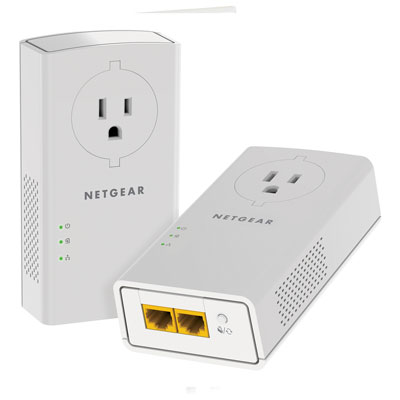 Your price for this item is $139.99
-
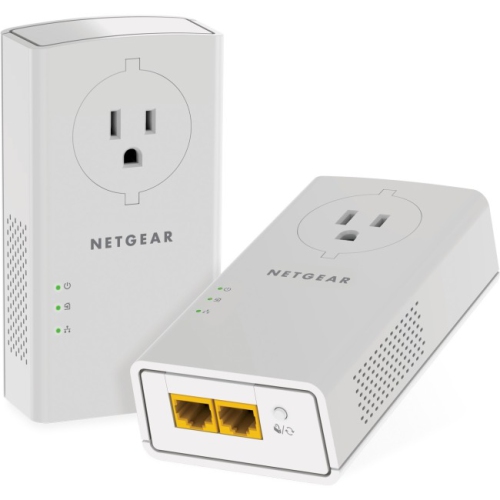 Your price for this item is $182.68
-
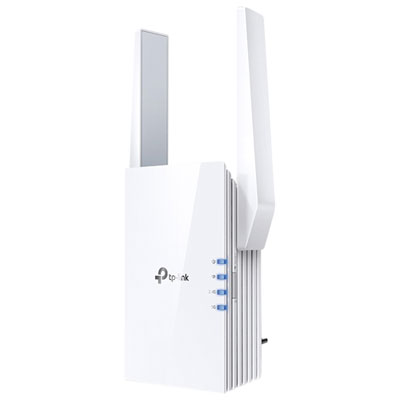 Your price for this item is $69.99
-
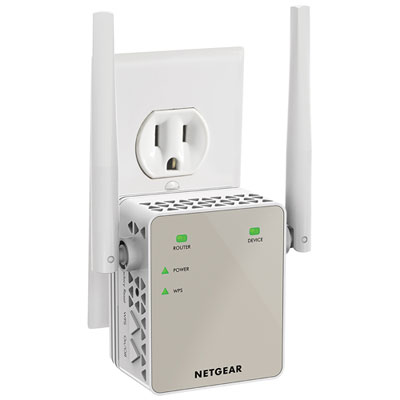 Your price for this item is $79.99
-
 Your price for this item is $45.78
-
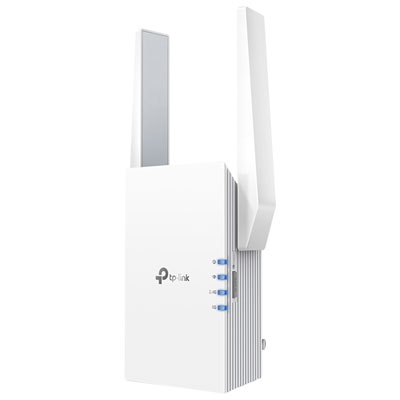 Your price for this item is $109.99
-
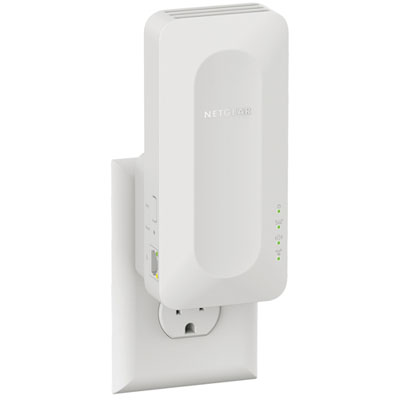 Your price for this item is $79.99
-
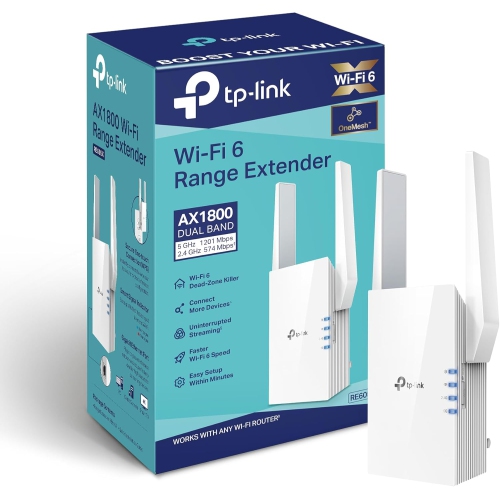 Your price for this item is $147.29