Windows License
Unlock the full potential of your PC with a Windows License, providing access to a seamless and reliable operating system experience for both work and play. Whether you’re setting up a new device or upgrading your current computer, choosing the right Windows License ensures compatibility and smooth performance. Find options tailored to suit a variety of needs, making it easy to get started with everything from essential productivity tasks to entertainment and beyond. Explore the selection and discover how a Windows License can help you make the most of your technology investment.
Sort
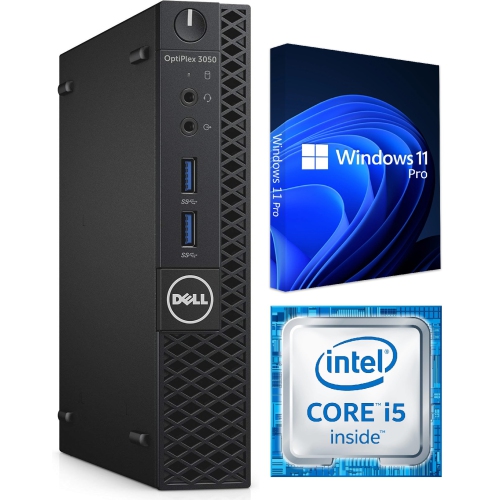
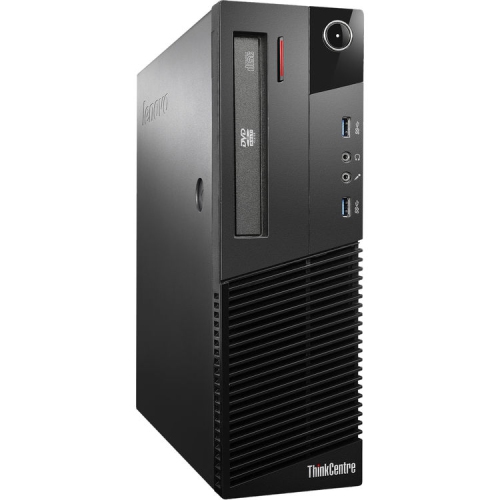
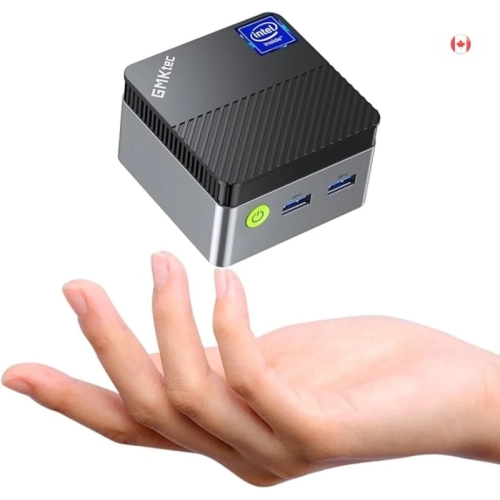
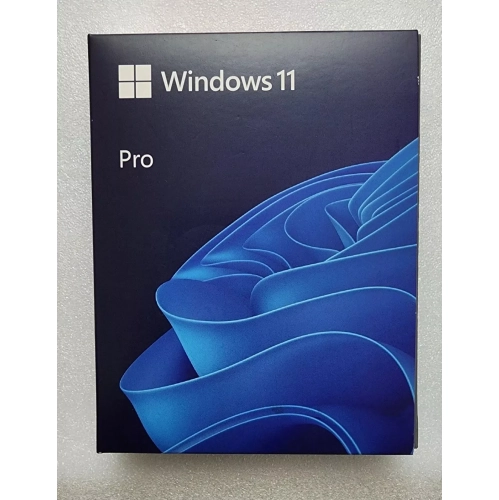
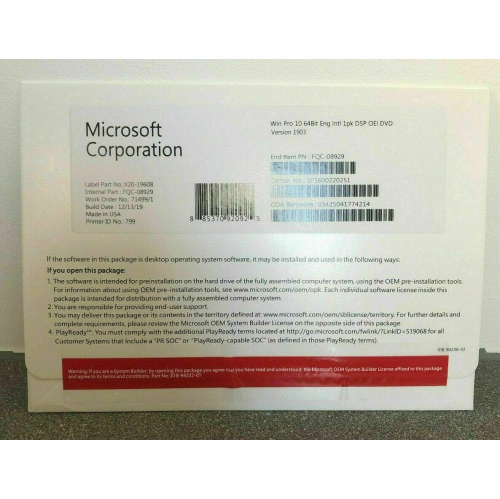
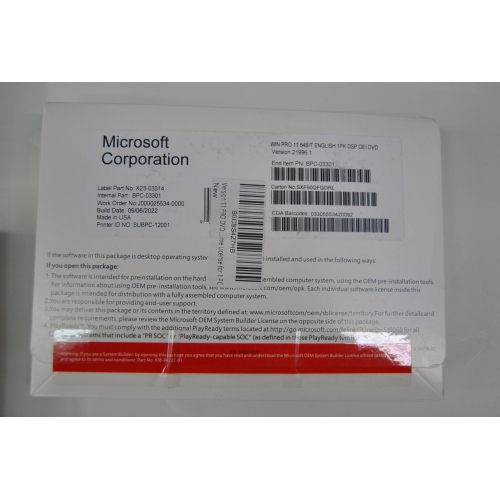

Activate key Windows features and security updates
A Windows license is an essential purchase for anyone looking to unlock the full capabilities of their computer, whether it’s for home, school, or business use. As spring arrives and many people start fresh with new devices or upgrade their home office setups, it’s a great time to consider the benefits of having a genuine Windows license. This digital key gives you access to the latest features, security updates, and customization options, ensuring your PC runs smoothly and efficiently. From students working on assignments to professionals managing projects and families staying connected, a Windows license supports a wide range of users and needs. It’s also a thoughtful gift for someone setting up a new computer, heading off to university, or launching a small business. The flexibility of retail licenses, which can be transferred between devices, makes them especially valuable for those who frequently upgrade their hardware or need a reliable solution for multiple computers. OEM licenses, on the other hand, are a practical choice for those who want a cost-effective way to activate a new device, as they are permanently tied to the original machine.
When you buy Windows, it’s important to consider which type of license best fits your situation. Retail licenses offer the advantage of portability, allowing you to move the license to a new computer if you decide to upgrade. OEM licenses, often included with new devices, are more budget-friendly but remain locked to the first computer they’re activated on. Volume licenses are ideal for larger organizations that need to activate multiple machines under one agreement, streamlining IT management. Digital licenses, linked to your account and hardware, provide a seamless activation experience without the need for a physical product key. No matter which option you choose, activating your Windows license unlocks key features like personalization settings, advanced security tools, and access to the Microsoft Store. It’s also the best way to ensure you receive critical updates that keep your device secure and performing at its best. If you’re setting up a complete workstation this season, don’t forget to explore compatible accessories, such as Windows Monitors, to enhance your computing experience and make the most of your new license.
A genuine Windows license is more than just a code—it’s your ticket to a reliable, secure, and customizable computing environment. Whether you’re a gamer looking to optimize performance, a creative professional working with demanding software, or a parent managing a household’s digital needs, a licensed copy of Windows ensures you have the support and features required for everyday tasks and special projects alike. Activation is straightforward, whether you’re entering a product key or signing in with your Microsoft account, and the peace of mind that comes from using authorized software is invaluable. As you refresh your tech setup this March, investing in a legitimate Windows license is a smart move that pays off in productivity, security, and ease of use—making it a foundational element for any PC user.
When you buy Windows, it’s important to consider which type of license best fits your situation. Retail licenses offer the advantage of portability, allowing you to move the license to a new computer if you decide to upgrade. OEM licenses, often included with new devices, are more budget-friendly but remain locked to the first computer they’re activated on. Volume licenses are ideal for larger organizations that need to activate multiple machines under one agreement, streamlining IT management. Digital licenses, linked to your account and hardware, provide a seamless activation experience without the need for a physical product key. No matter which option you choose, activating your Windows license unlocks key features like personalization settings, advanced security tools, and access to the Microsoft Store. It’s also the best way to ensure you receive critical updates that keep your device secure and performing at its best. If you’re setting up a complete workstation this season, don’t forget to explore compatible accessories, such as Windows Monitors, to enhance your computing experience and make the most of your new license.
A genuine Windows license is more than just a code—it’s your ticket to a reliable, secure, and customizable computing environment. Whether you’re a gamer looking to optimize performance, a creative professional working with demanding software, or a parent managing a household’s digital needs, a licensed copy of Windows ensures you have the support and features required for everyday tasks and special projects alike. Activation is straightforward, whether you’re entering a product key or signing in with your Microsoft account, and the peace of mind that comes from using authorized software is invaluable. As you refresh your tech setup this March, investing in a legitimate Windows license is a smart move that pays off in productivity, security, and ease of use—making it a foundational element for any PC user.
Top selling and popular products
-
 Your price for this item is $179.98
 -
 Your price for this item is $89.95
 -
 Your price for this item is $90.23
 -
 Your price for this item is $90.23
 -
 Your price for this item is $90.23
 -
 Your price for this item is $79.99
 -
 Your price for this item is $90.23
 -
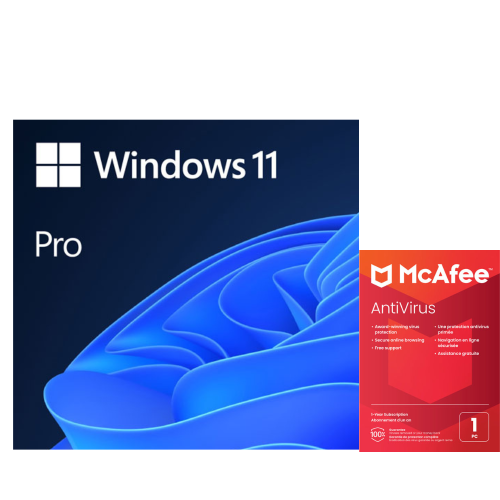 Your price for this item is $249
Discover more categories related to Windows License
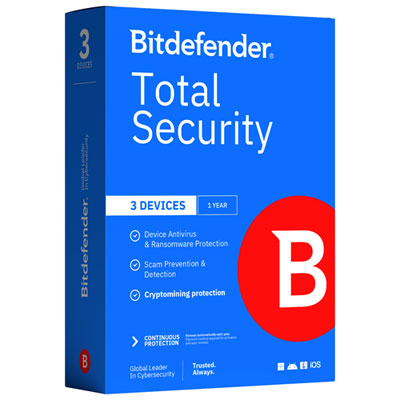
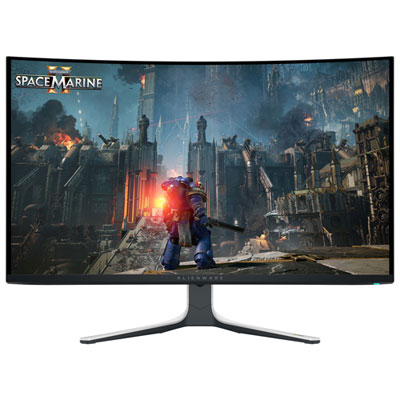
Top Collections:
Pokemon Centers, Kindle Devices, Best Budget Office Chairs, Apple iPhones 16, Best Laptops for Writers, iPhone 15 Apple, Canon G7X Cameras, Refurbished Apple Laptops, Alarm Clock, Motorola Razr Phones
Some products may be subject to Environmental Handling Fees
(EHF) depending on your province.
Learn more about EHFs.