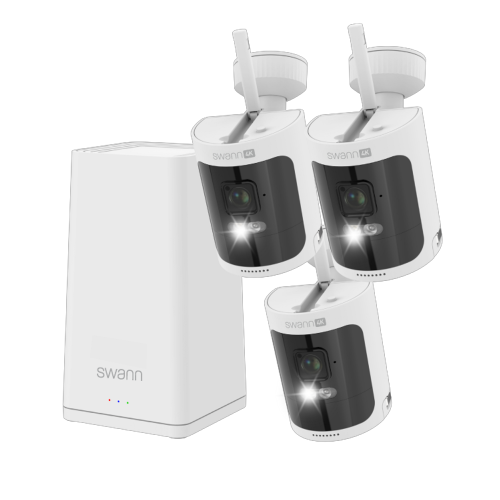
Wired Security Camera Systems with Remote Viewing

Wired security camera systems with remote viewing let you check camera feeds while you’re away from your property. Compare systems by camera count, coverage, and recording and storage options to find a setup that suits your space. Check compatibility with your phone or computer, along with cabling and internet requirements, before choosing.
Read More

Sort

On-site recording you can check from elsewhere

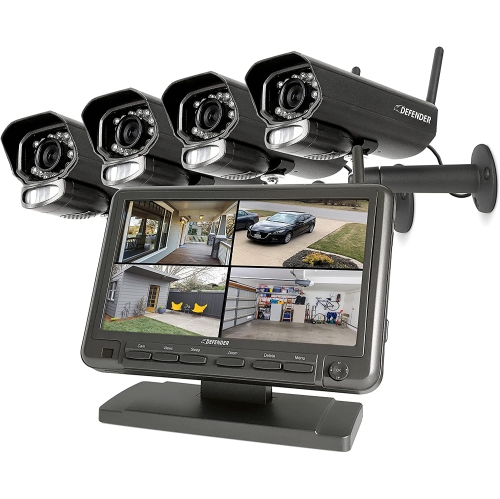
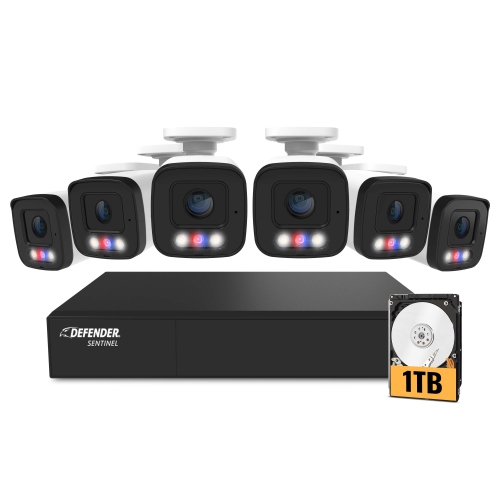
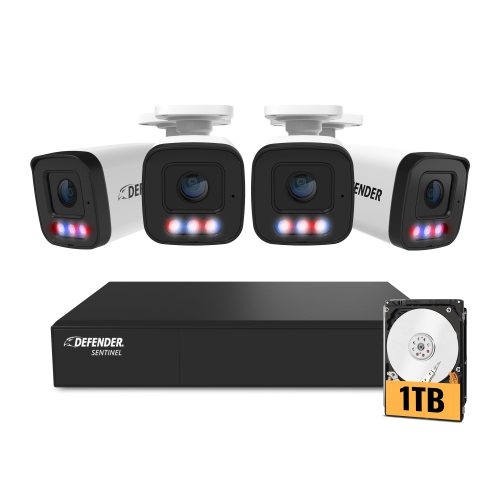
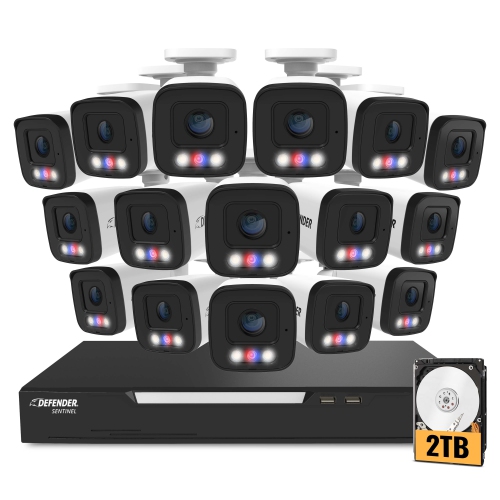
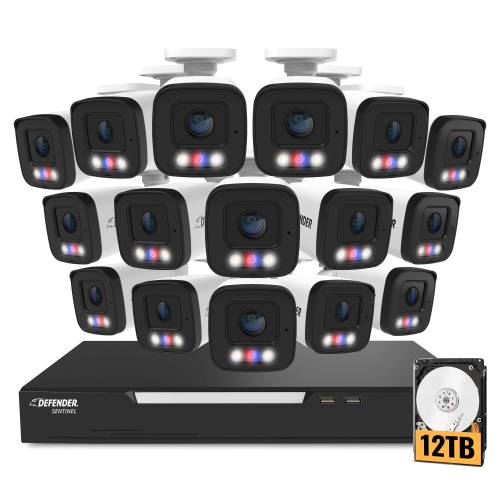
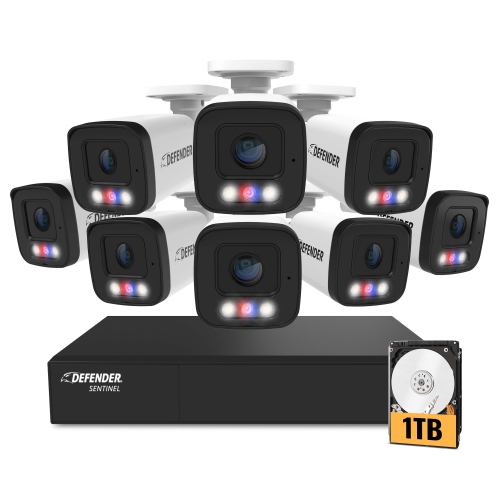
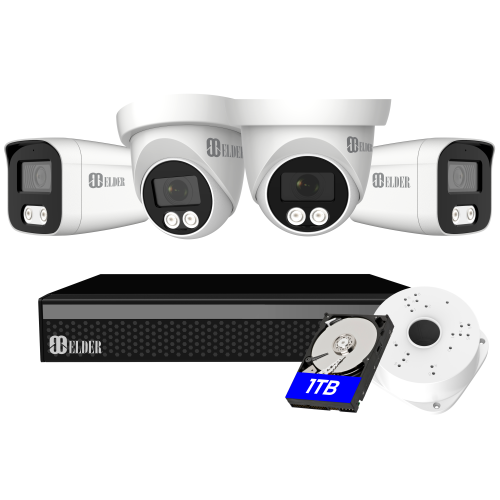
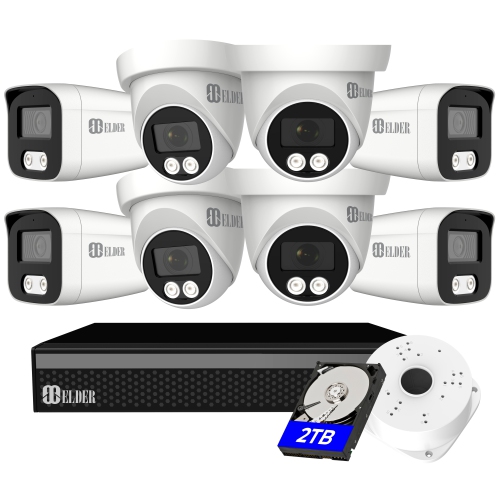
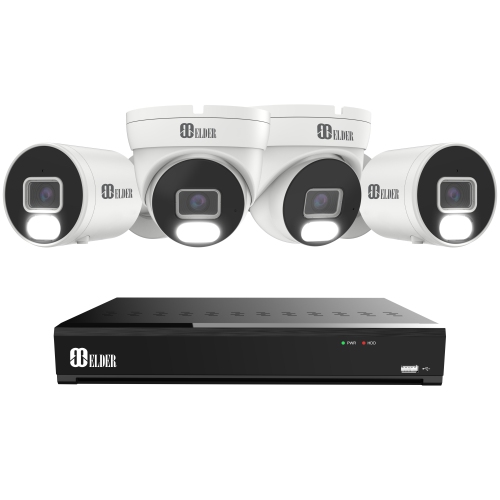
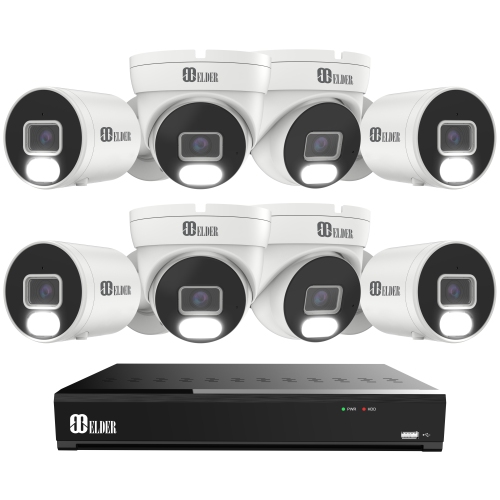
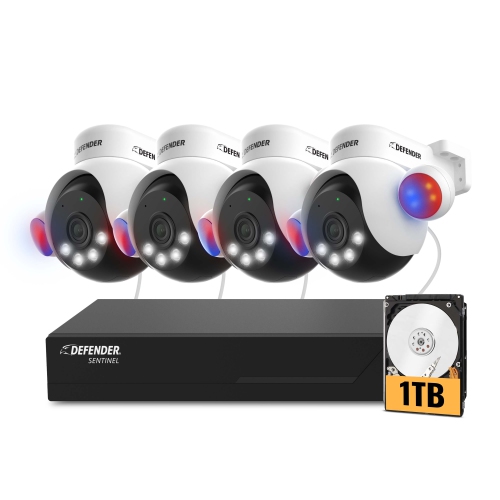
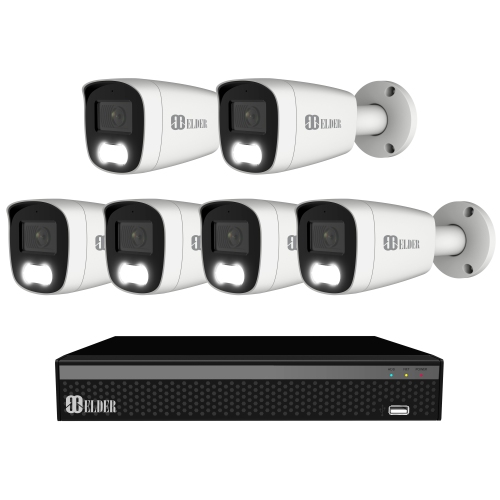
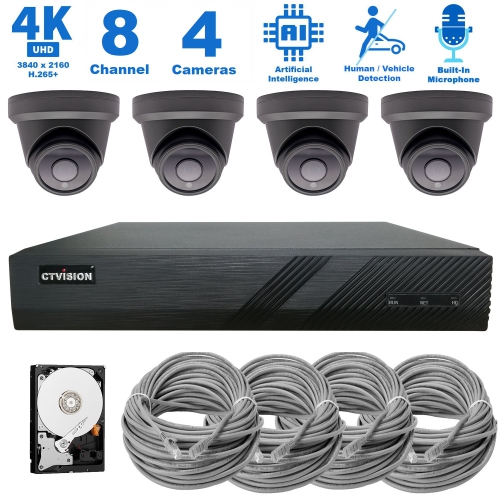
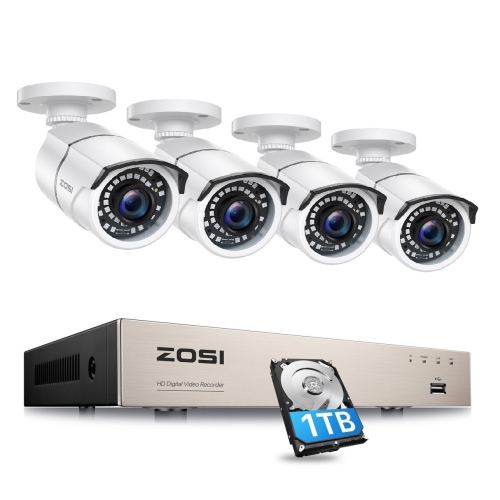
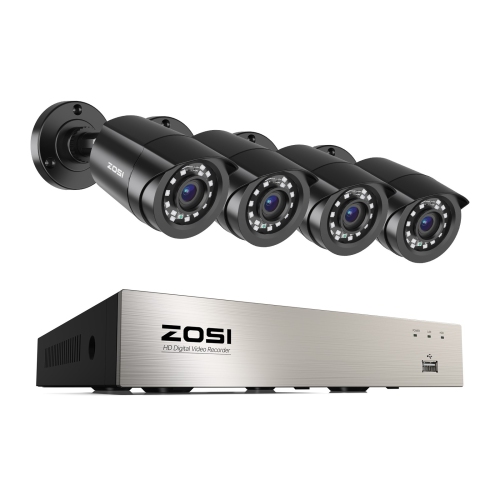
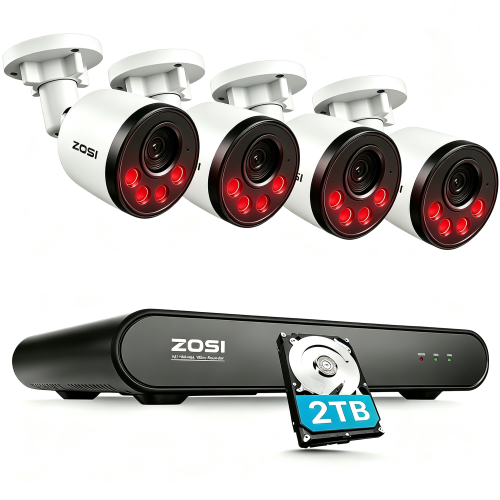
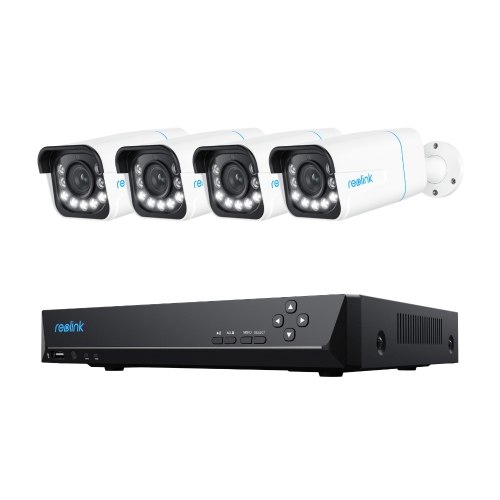
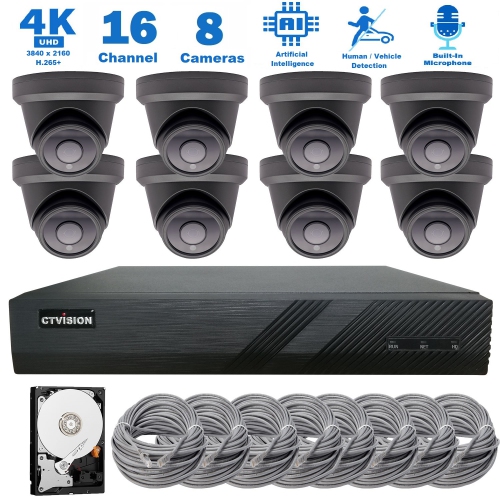
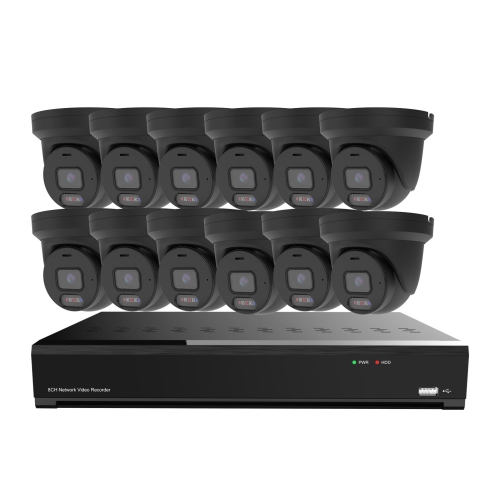
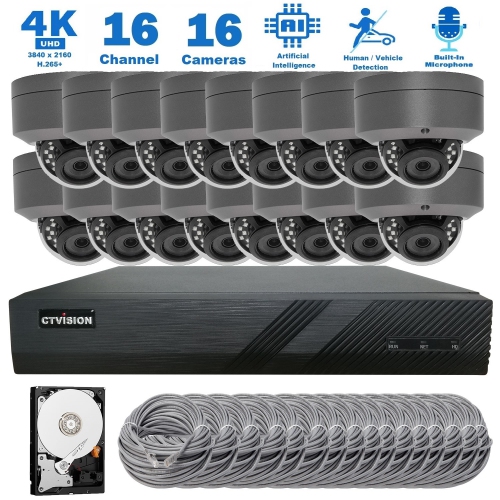
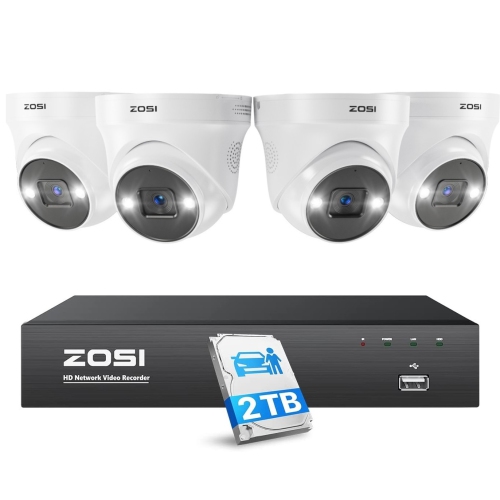
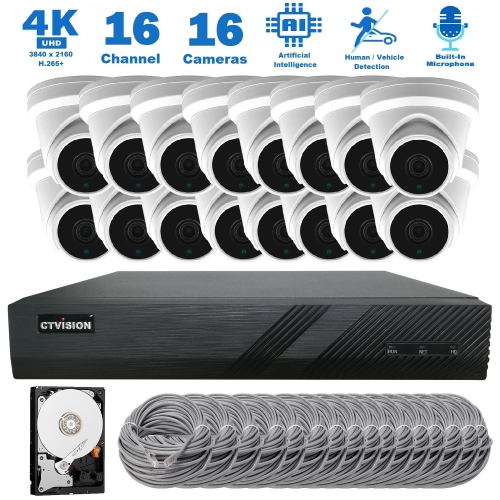
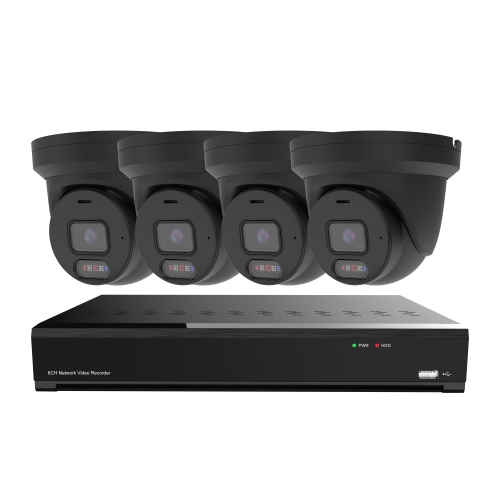
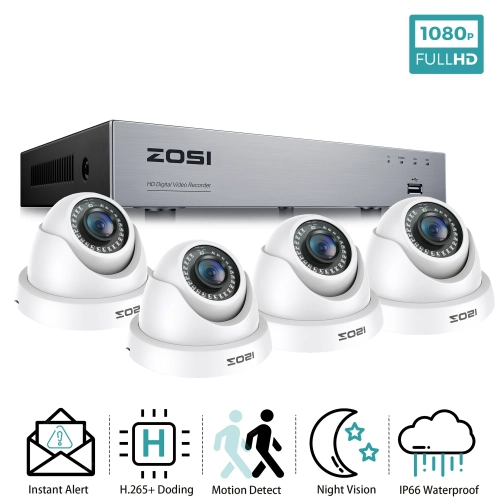
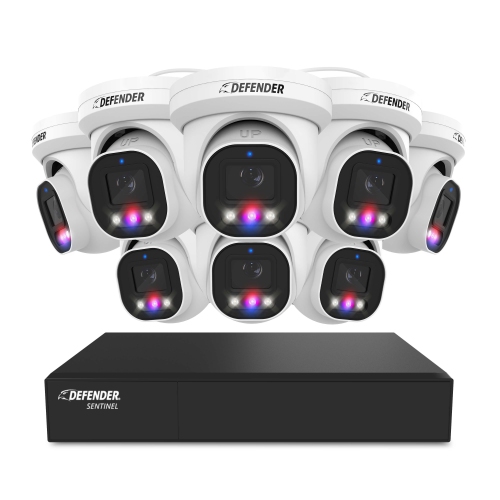
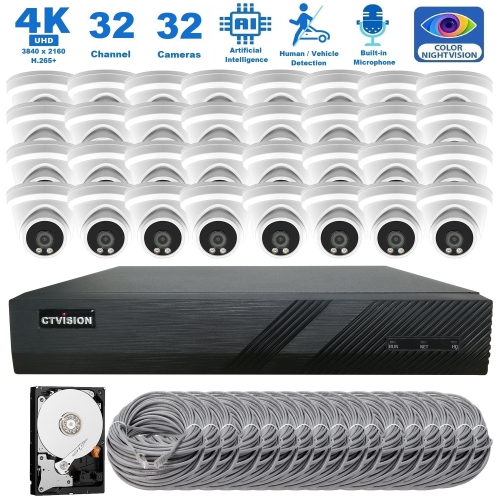
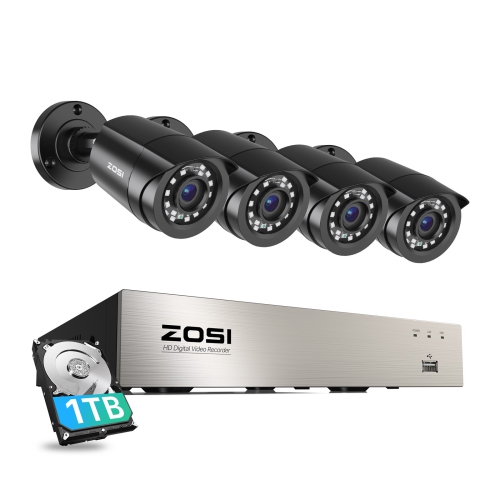
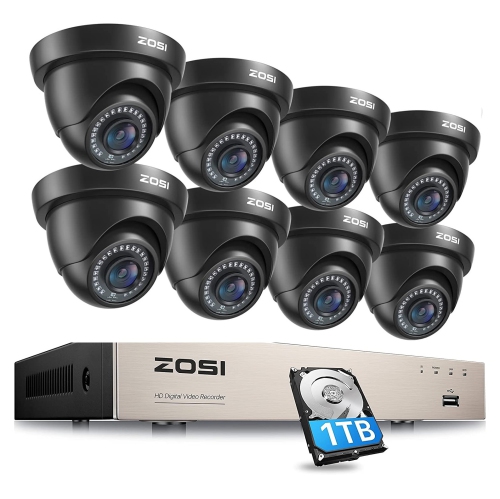
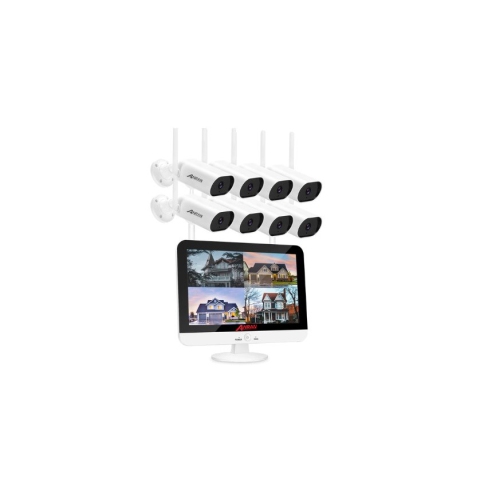
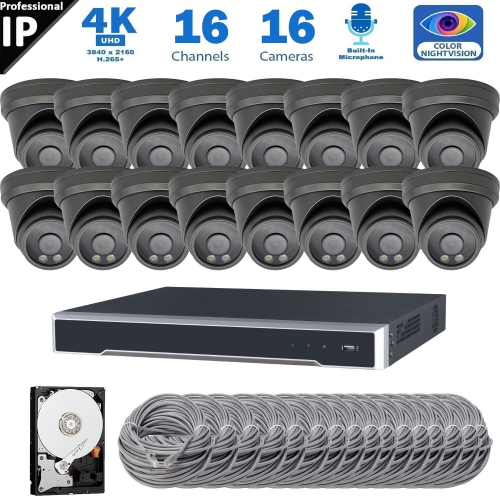
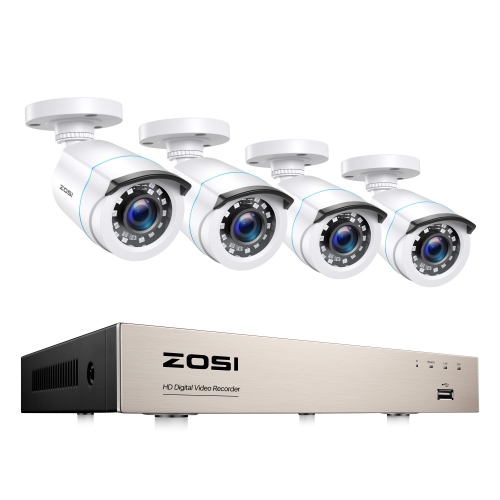
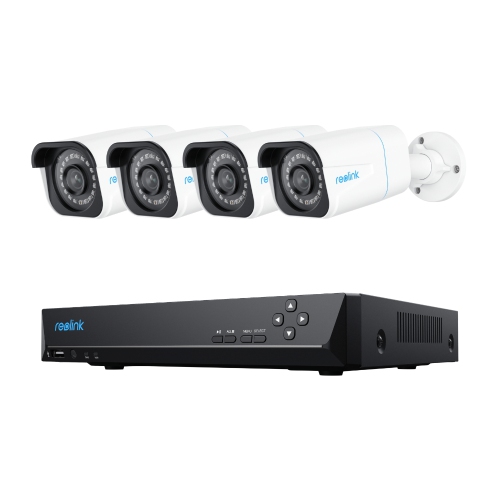
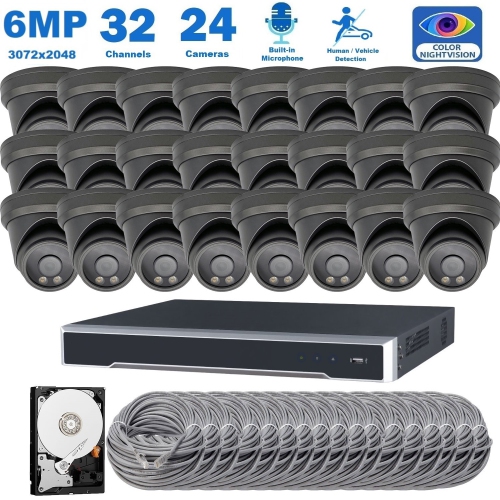
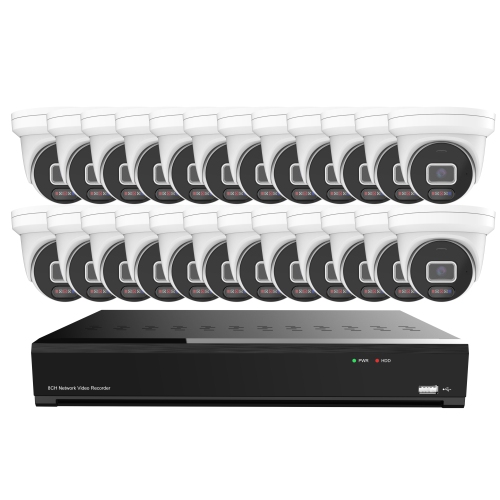
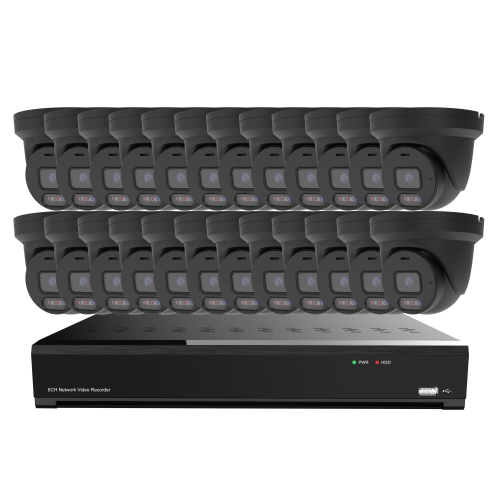
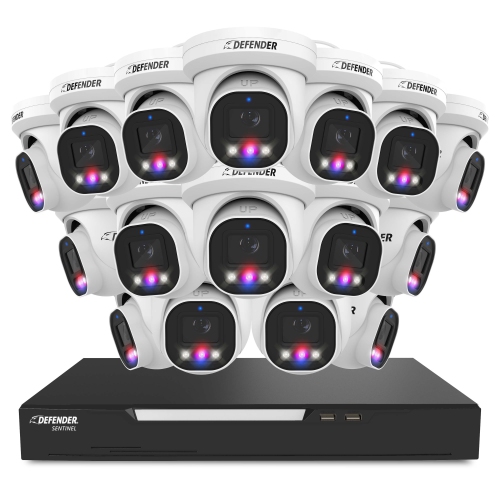
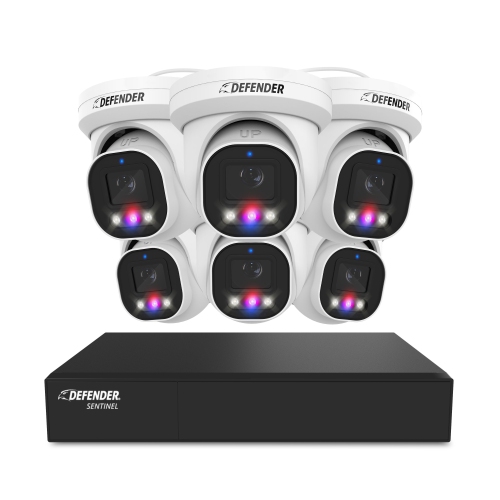
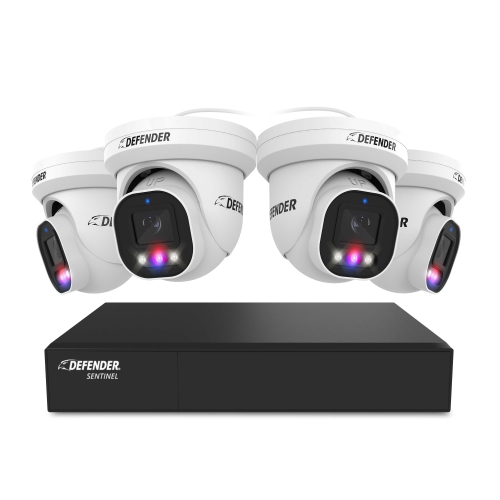
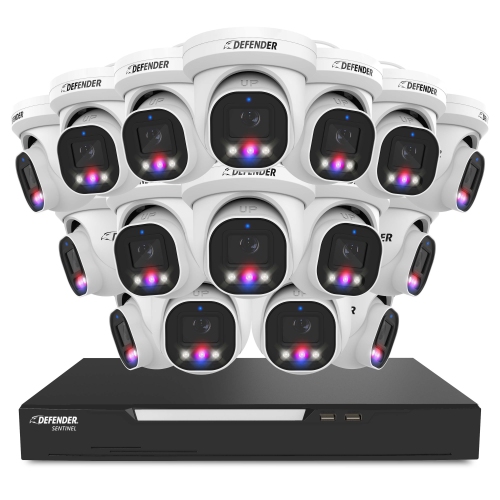
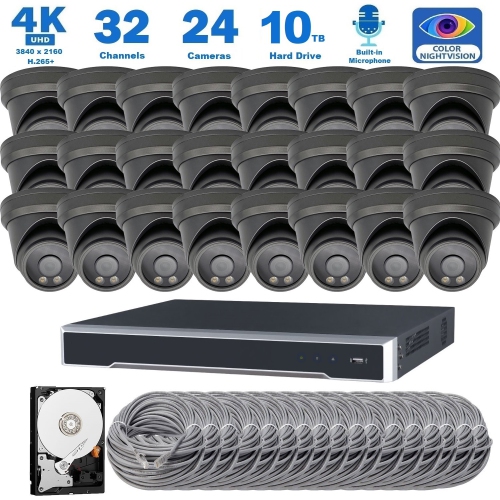
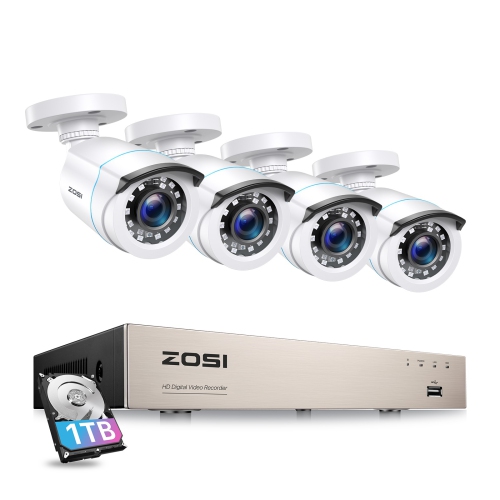
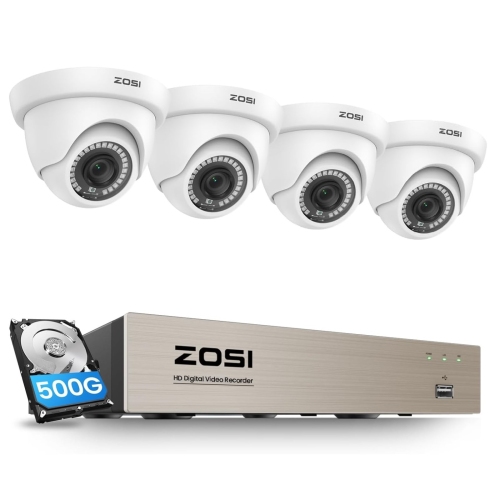
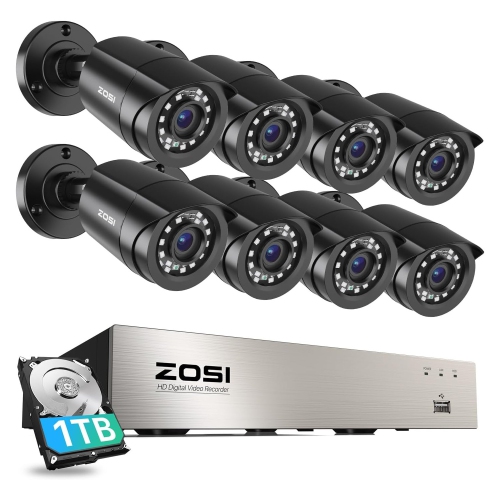
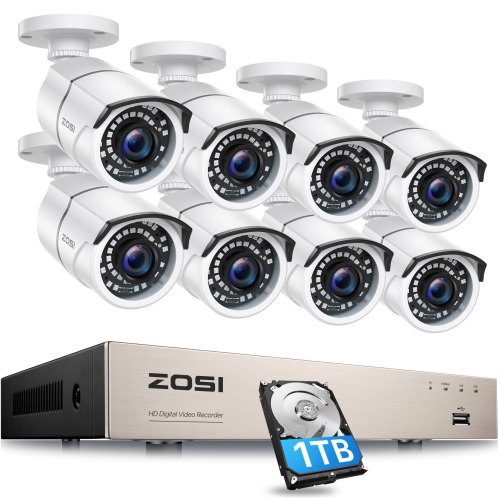
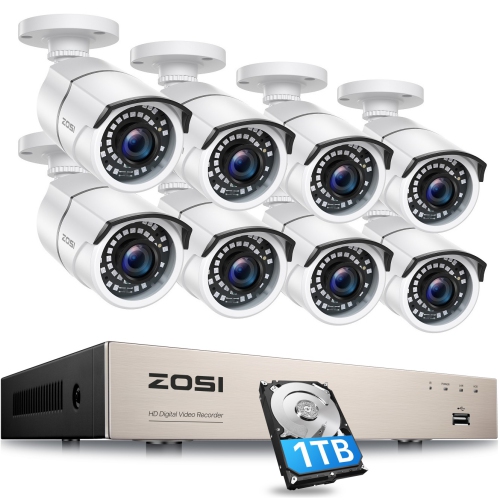
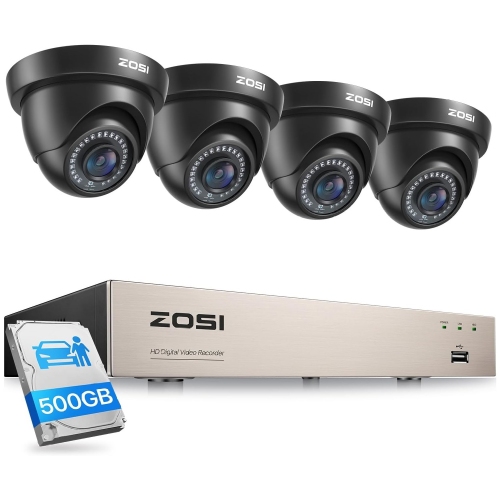
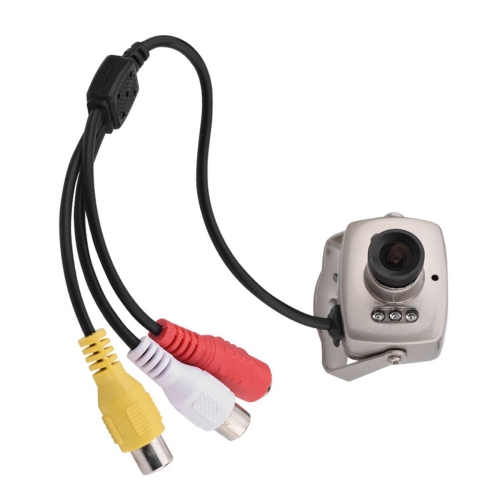
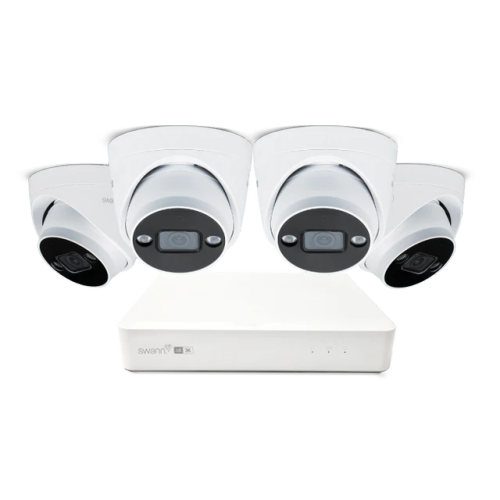
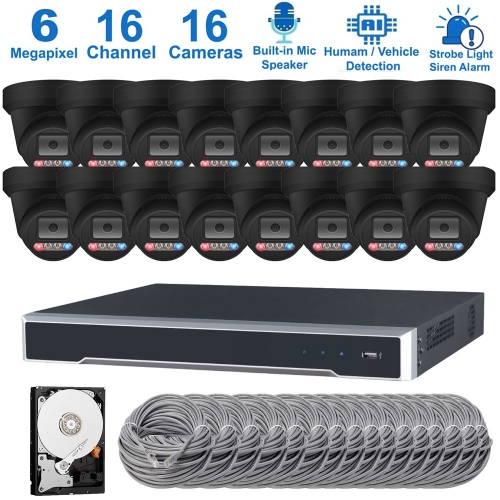
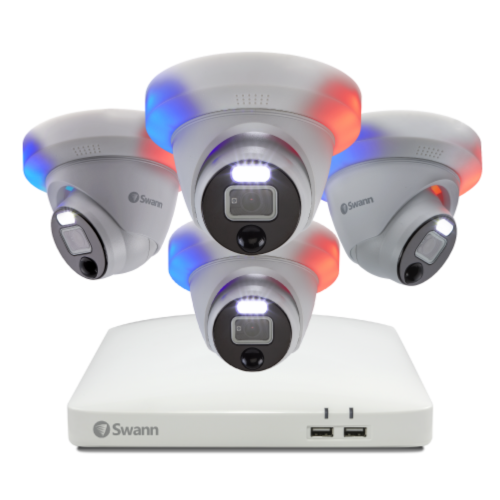
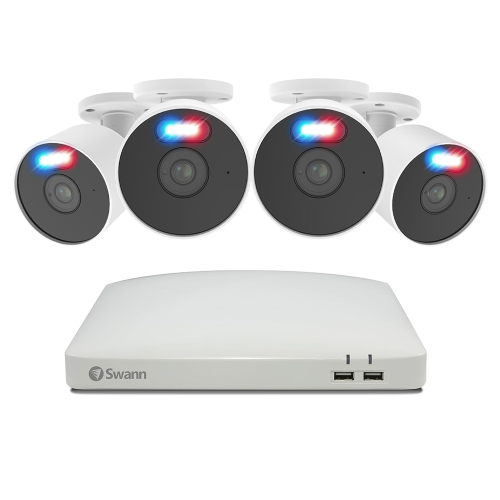
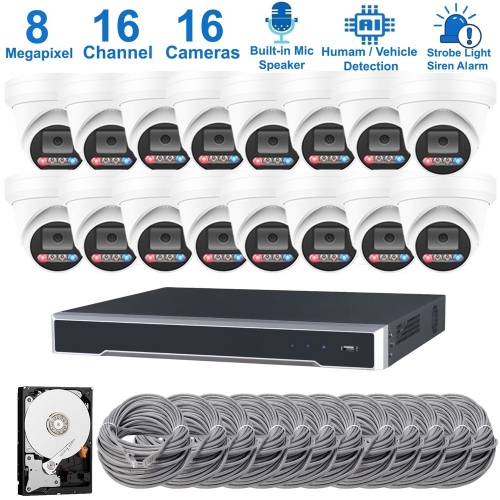
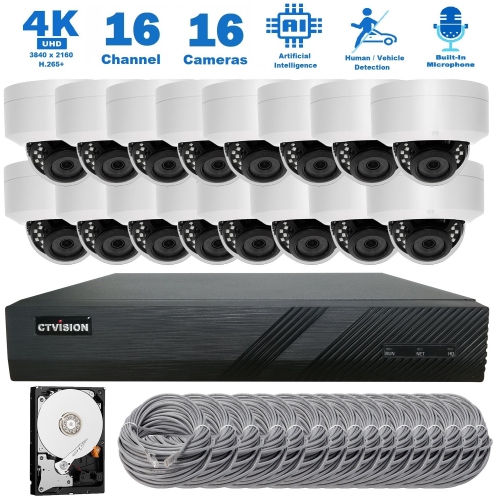
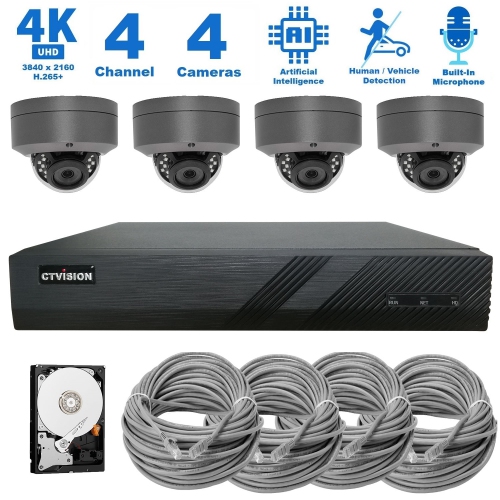
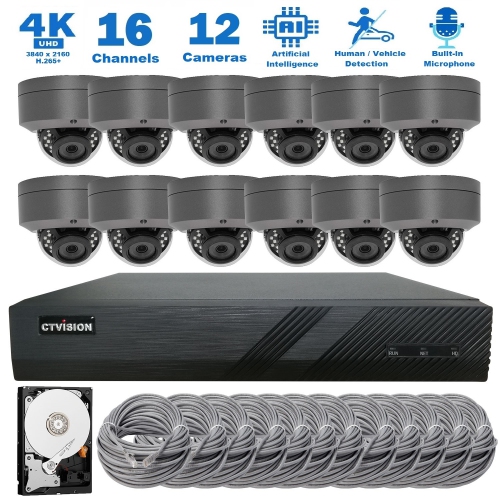
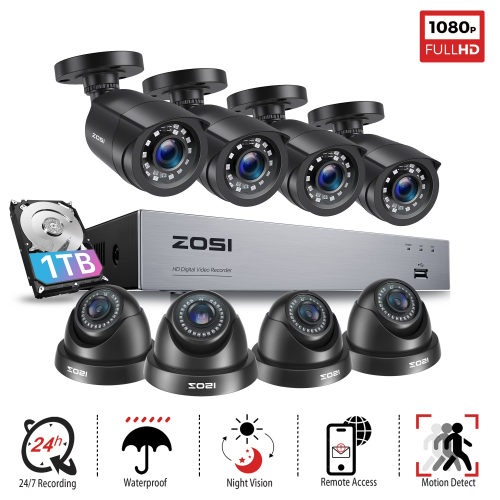
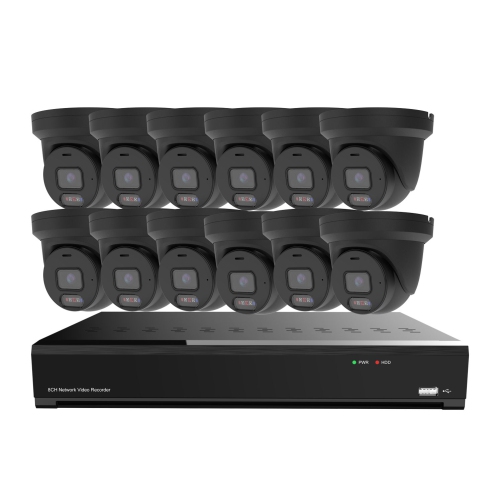
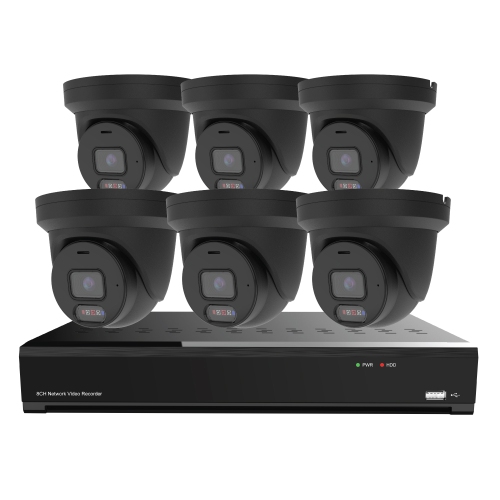
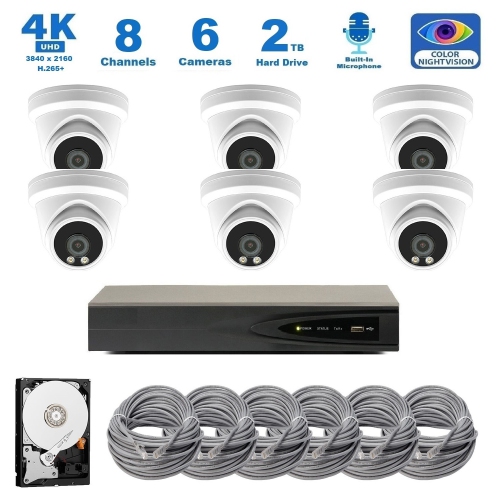
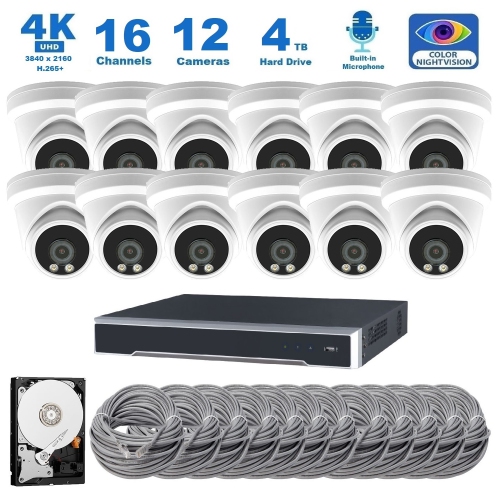
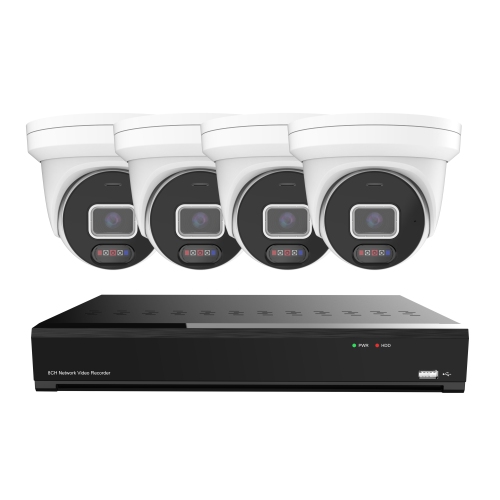
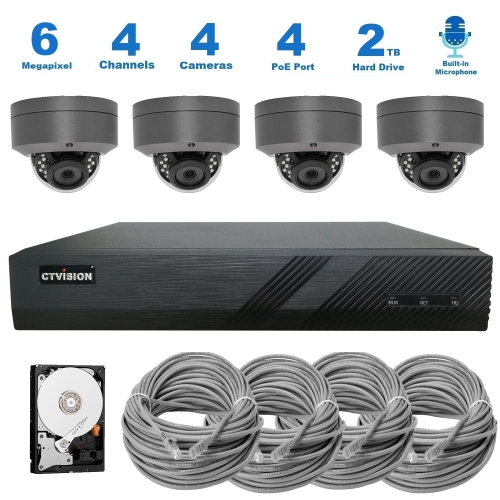
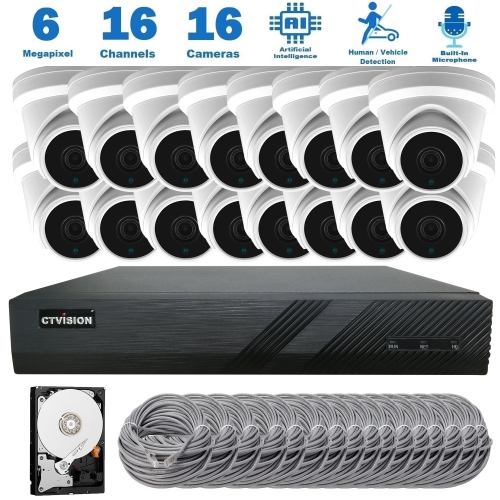
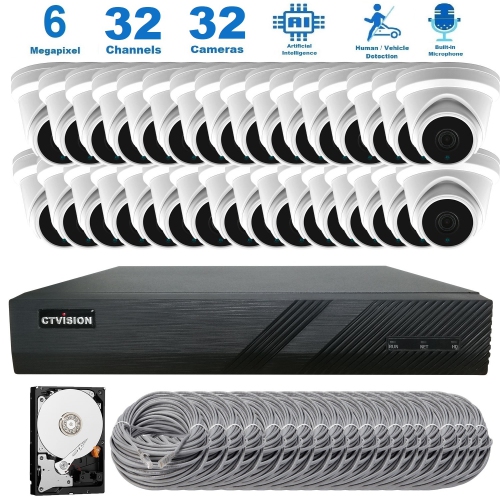
Wired security camera systems with remote viewing combine fixed camera connections with access to live video and recorded footage through a compatible smartphone app, tablet, or computer. Many support continuous 24/7 recording to a local recorder, making them useful for checking a front entrance, following activity along a side passage, or reviewing what happened near a business entrance after closing. Basic local recording can operate without a monthly subscription, although optional cloud storage and certain connected features may carry separate fees. Remote viewing requires an internet connection at the property, a compatible viewing device, and the appropriate account or software. On systems designed for standalone operation, local recording can continue if the internet connection drops, provided the cameras and recorder still have power. This distinction matters for anyone who wants both an on-site video record and the convenience of checking in from elsewhere. A homeowner might look for a delivery at the front door, while a small-business owner might review an alert from a service entrance without travelling to the premises. The wired connection carries video back to the recording equipment rather than relying on a wireless camera connection. Depending on the system, cameras may connect through coaxial cable to a digital video recorder, or through Ethernet cable to a network video recorder. Power over Ethernet, often called PoE, can carry power and data through one cable when the cameras and recording equipment support it. Other configurations require separate power connections. Remote access does not mean the phone also needs a wired connection: a compatible mobile app can typically work over Wi-Fi or cellular data. Performance away from the property depends partly on the property's upload speed and the viewing device's connection, especially when several high-resolution camera feeds are open together. For households, home offices, workshops, and smaller commercial spaces, the appeal is a consistent recording setup with footage that can be checked without standing beside the recorder.
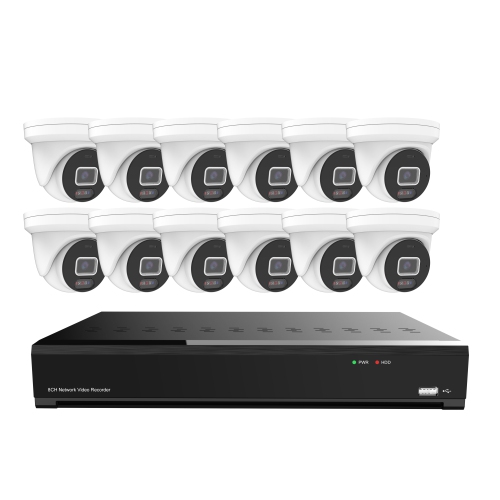
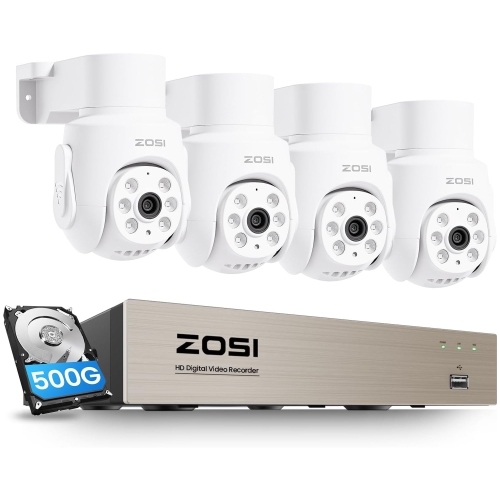
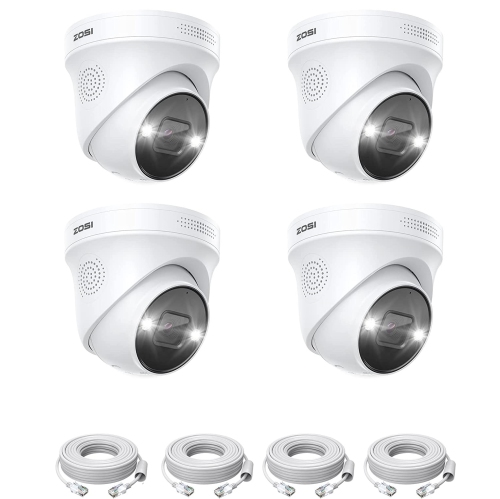
Camera placement and image detail shape how useful that footage will be. A wide-angle camera can show much of a garage or reception area, while a narrower view may capture more useful detail around a gate or doorway. Higher resolution can help reveal smaller details, but the lens, distance, lighting, and camera position all affect whether a face or vehicle is recognizable. A camera looking across a large driveway has a different job from one mounted close to a pedestrian entrance, and neither resolution nor digital zoom alone guarantees readable licence plates. Infrared night vision generally produces black-and-white footage in darkness; colour night viewing depends on the camera's capabilities and the available light, sometimes including built-in illumination. Reflections from nearby walls or glass can obscure a view, so mounting flexibility matters as much as the headline image specification. Adjustable brackets make it easier to frame an entryway without including unnecessary areas, while securely mounted cameras are less likely to shift out of position. For indoor spaces, compact housings can fit discreetly above a hallway or beside a reception desk. Outdoor-rated cameras need housings and connections suited to their installed location, with relevant ingress-protection ratings providing information about resistance to dust and water. Metal and durable plastic housings offer different balances of weight, finish, and impact resistance; the mounting surface and bracket design also influence how firmly a camera sits. Cable length, connector type, and the route back to the recorder affect the fit of the overall system. Neat, protected cable runs can reduce accidental damage and keep entrances and work areas clear. In rented premises or shared buildings, permanent mounting and cable routing may require permission. Ongoing care is usually straightforward: clear lenses, unobstructed views, secure fittings, and cable connections in good condition help preserve image quality. Manufacturer-approved cleaning methods are important because abrasive materials and harsh cleaners can damage lens covers or protective finishes.

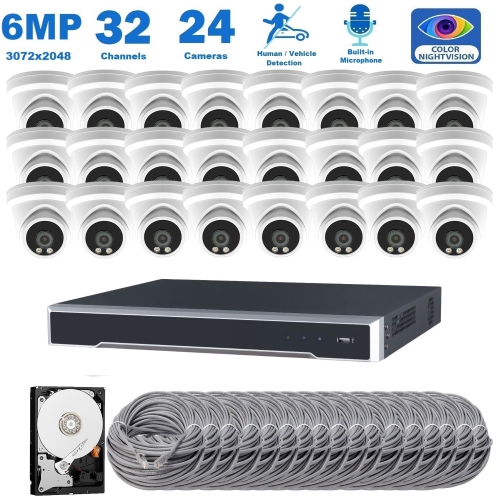
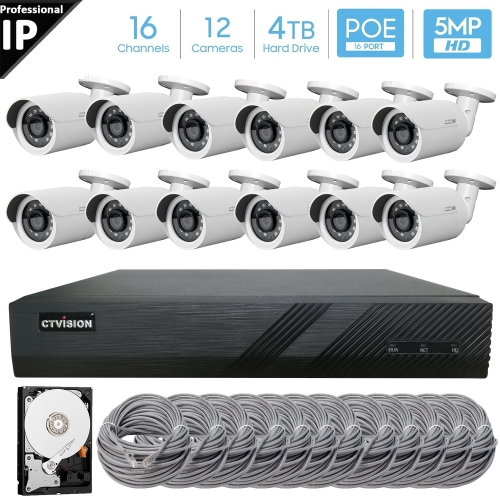
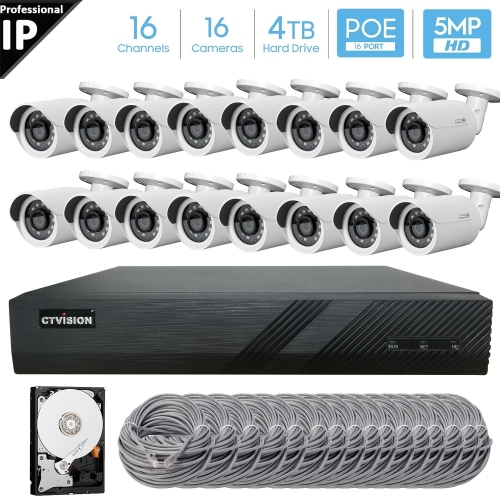
Recording capacity and everyday controls determine how comfortably a system fits into a routine. The recorder's channel count sets the number of cameras it can accommodate, while its supported camera formats and resolution limits affect compatibility. Extra channels can leave room for another view later, but connections, power capacity, and recorder support all need to match. Storage capacity influences how much footage remains accessible before older recordings are overwritten. Retention also depends on the number of cameras, recording resolution, frame rate, compression settings, and whether recording runs continuously or only after detected activity. Continuous recording preserves the full sequence around an event, while motion-triggered recording can reduce storage use and make busy timelines easier to review. Detection features vary: some systems identify general movement, while others can distinguish people or vehicles and allow alerts within selected parts of the image. That can make the difference between a useful notification from a doorway and repeated alerts from movement elsewhere in the frame. App features such as multi-camera viewing, timeline search, clip export, and separate user permissions can be just as valuable as camera specifications. Two-way audio is available on some configurations, but it depends on compatible camera hardware and software rather than being a standard feature of every wired system. Account protection also deserves attention, including strong passwords, supported security updates, and two-factor authentication where offered. Camera views and audio settings should respect neighbouring properties, shared spaces, and applicable privacy requirements. For a household with several people checking the property, individual access permissions can be more practical than sharing one login. For a business, straightforward playback and export can make it easier to locate a relevant incident without reviewing hours of unrelated video. Where permanent cable routing is impractical, Wireless Video Monitoring Systems with Remote Viewing offer a related approach, although wireless video connections do not necessarily eliminate power cables. The right fit brings together suitable coverage, dependable recording, manageable storage, and remote controls that are easy to use day after day.
Read More

FAQ

Some products may be subject to Environmental Handling Fees (EHF) depending on your province. Learn more about EHFs.