Wireless Security Camera Systems with Remote Viewing And Recording
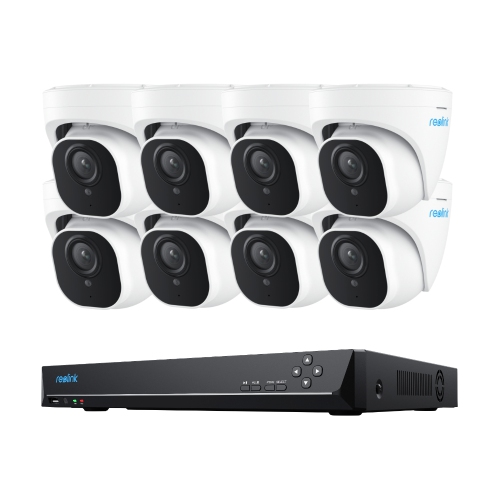
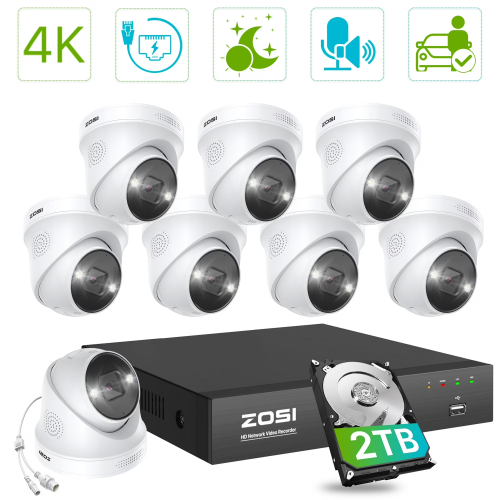
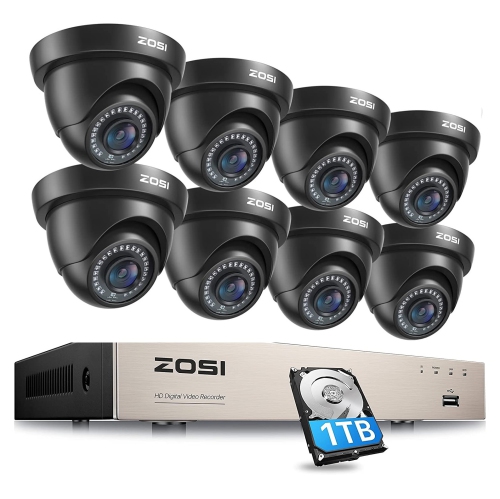
Wireless security camera systems with remote viewing and recording let you check in on your property and review saved footage. Compare camera coverage, video storage options, and remote access features to find a setup that suits your space and monitoring needs.

































FAQ
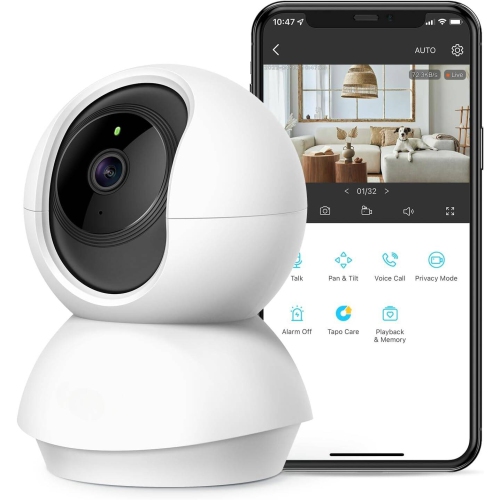
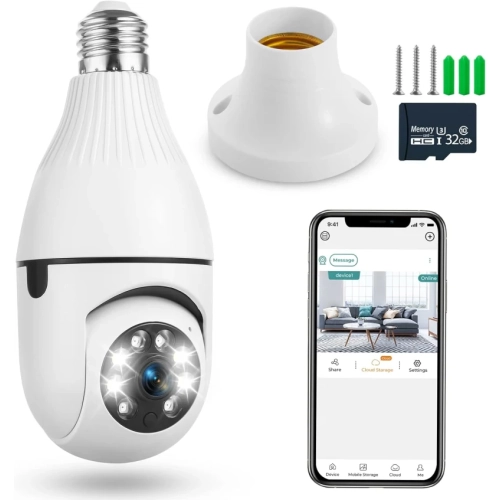
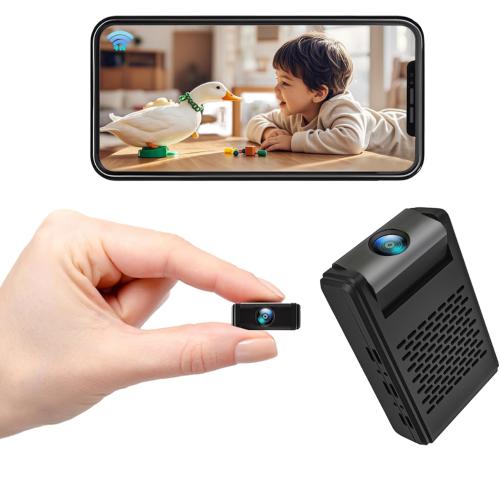
Remote viewing typically uses a compatible mobile app or web portal to access live camera feeds and saved recordings. After connecting the system to your home network and setting up an account, you can view supported features from a compatible phone, tablet, or computer with internet access.
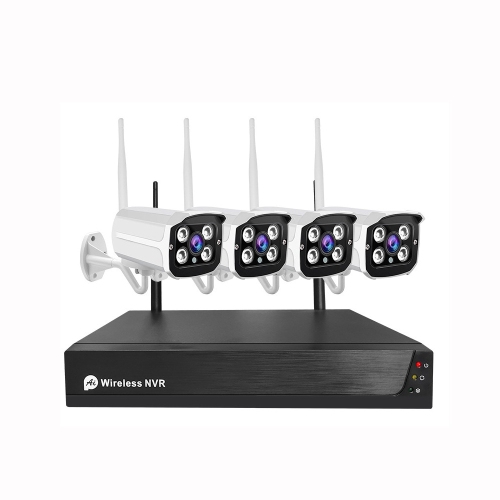
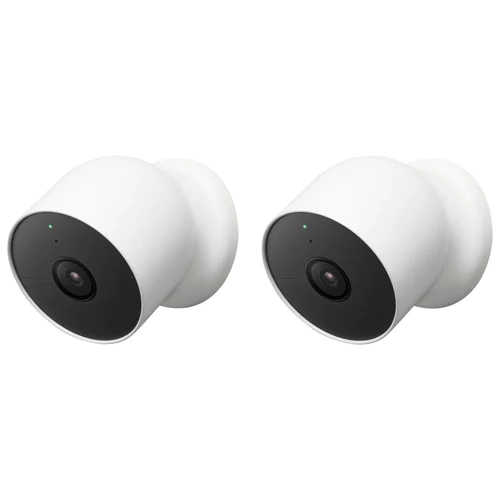
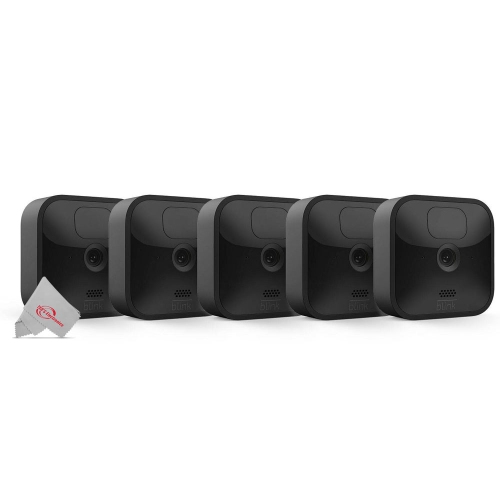
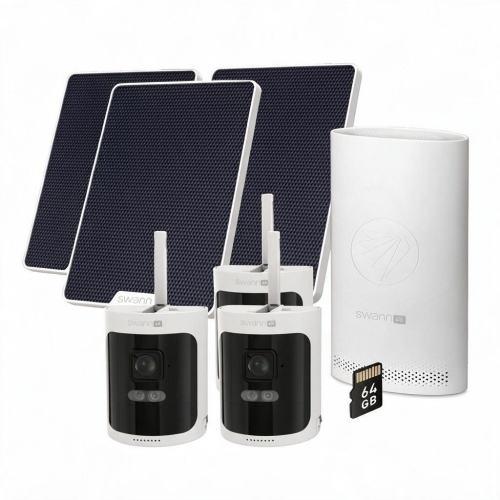
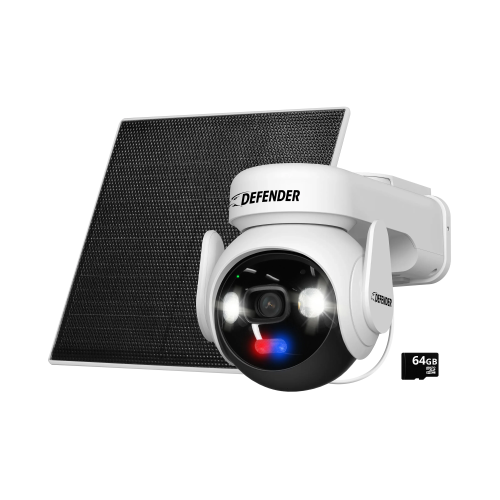
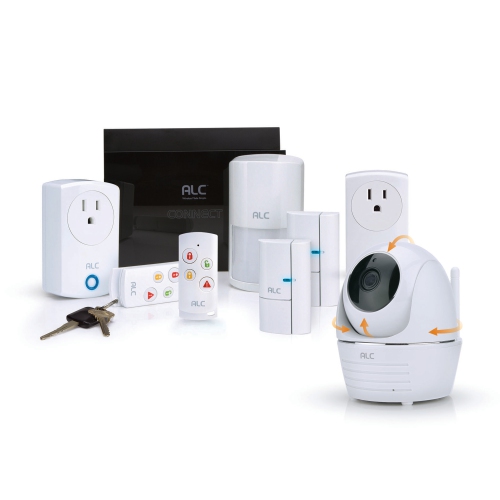
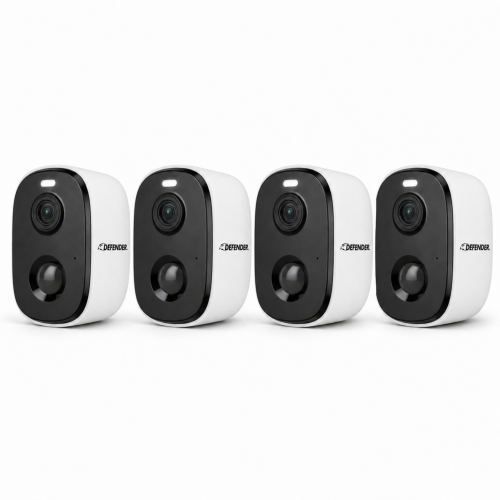
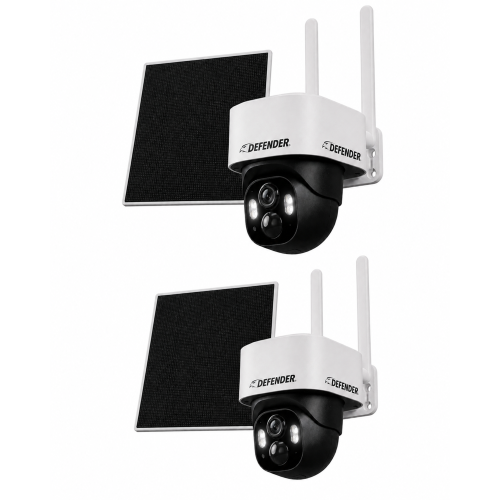
Wireless cameras transmit video over Wi-Fi or another wireless connection, but they may still need a power cable. Wire-free cameras use batteries, so they do not require a permanent power cable. Depending on the system, cameras may connect through a hub or directly to your router.
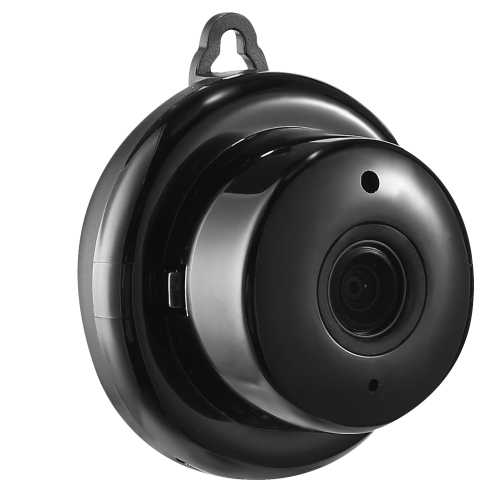
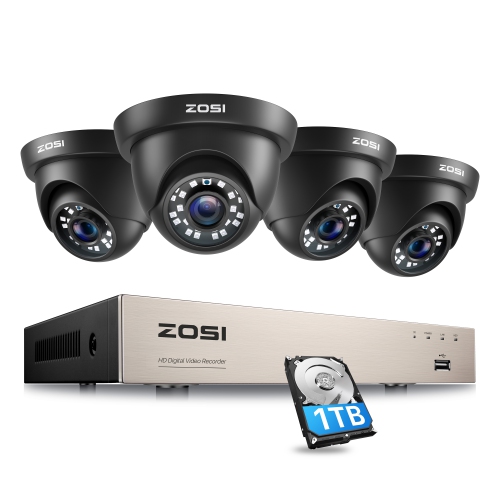
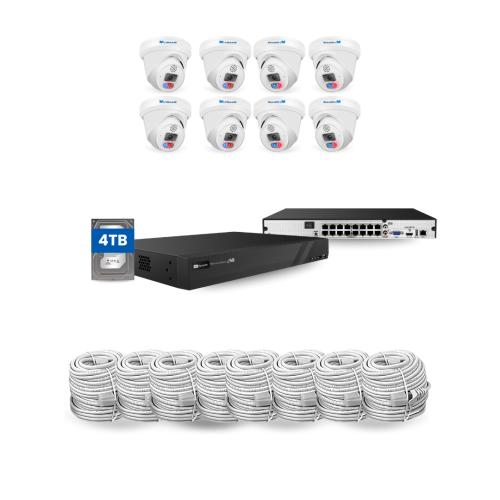
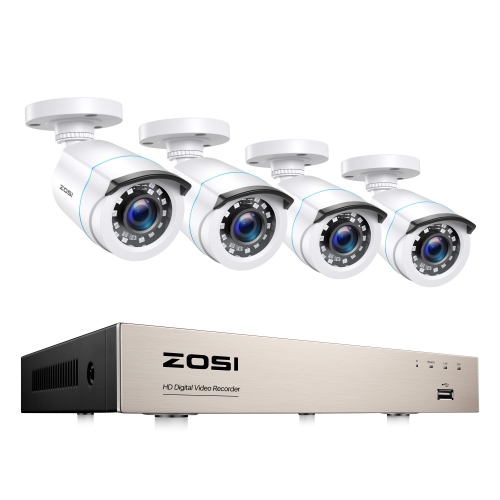
Storage options vary by system and may include a microSD card, a compatible recorder, a hub, or cloud storage. Local storage keeps footage on a device at your property, while cloud storage saves it online. Recording history, playback options, and subscription requirements depend on the system and storage method.
Viewing cameras from outside your home network generally requires an internet connection at the camera location and on your viewing device. Cloud recording also requires internet access. Some systems can continue recording to compatible local storage during an internet outage, provided the cameras, recorder, and required local network remain powered and connected.
Continuous recording captures footage throughout the day, while scheduled recording runs during selected times. Event-based recording saves clips when a supported trigger, such as motion, is detected. Available modes depend on the system’s power source, storage setup, and recording features.
Top selling and popular products
Discover more categories related to Wireless Security Camera Systems with Remote Viewing And Recording

Some products may be subject to Environmental Handling Fees (EHF) depending on your province. Learn more about EHFs.