Wireless Video Monitoring Systems with Remote Viewing
Wireless video monitoring systems with remote viewing help you check camera feeds while you’re away from home or work. Compare options by camera coverage, video quality and compatibility with your phone or computer, and check connection, power and recording requirements to find a setup that suits your space.

























































FAQ
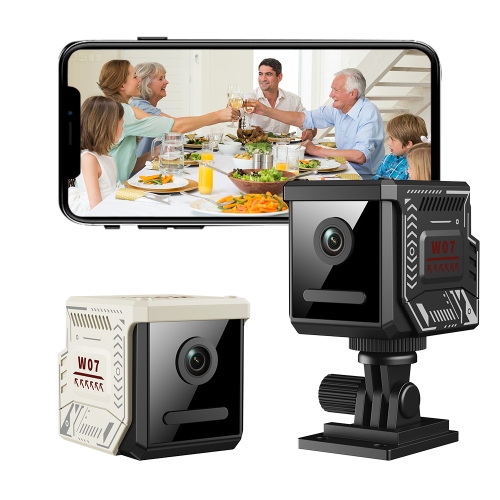
Remote viewing lets you access camera feeds through a compatible app or web browser while away from home. The system connects to the internet through your home network, and your phone, tablet, or computer also needs an internet connection.
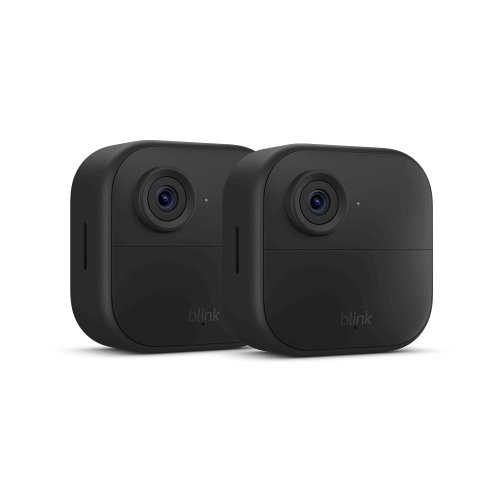
Wireless usually refers to how cameras transmit video, so they may still need power cables. Wire-free cameras use batteries and transmit video wirelessly, although they may connect through a compatible hub rather than directly to Wi-Fi.
Many systems let you switch between cameras within one app, and some offer a multi-camera view. Access from multiple phones, tablets, or computers depends on the system’s supported devices, account-sharing options, and simultaneous viewing limits.
Depending on the system, recordings may be saved to a memory card, a compatible recorder, cloud storage, or a combination of these options. Remote playback and recording features vary, and some cloud features require a subscription.
Wi-Fi compatibility varies by system. Some cameras support only the 2.4 GHz band, while others also support 5 GHz; systems with a hub may use a separate wireless connection between the cameras and hub. Check the supported network bands and any hub or Ethernet requirements before choosing a system.
Top selling and popular products
Discover more categories related to Wireless Video Monitoring Systems with Remote Viewing
Some products may be subject to Environmental Handling Fees (EHF) depending on your province. Learn more about EHFs.