1440p 240Hz Gaming Monitors
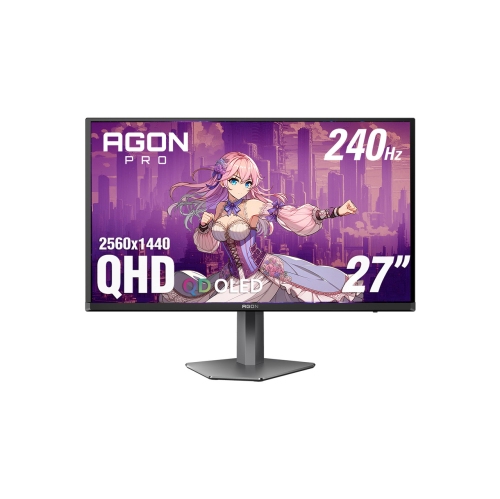
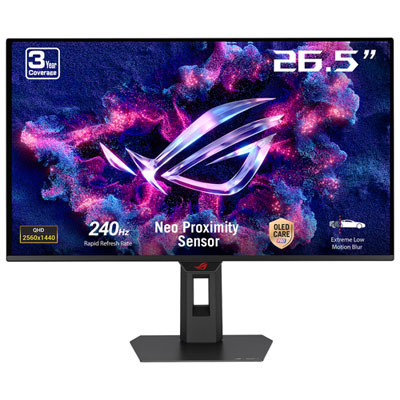
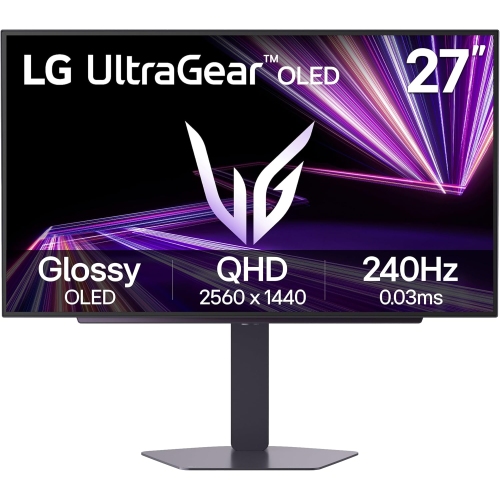
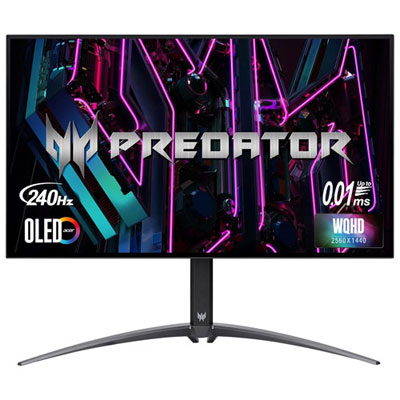
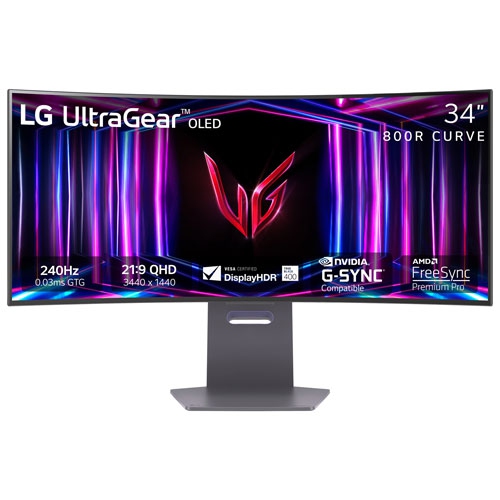
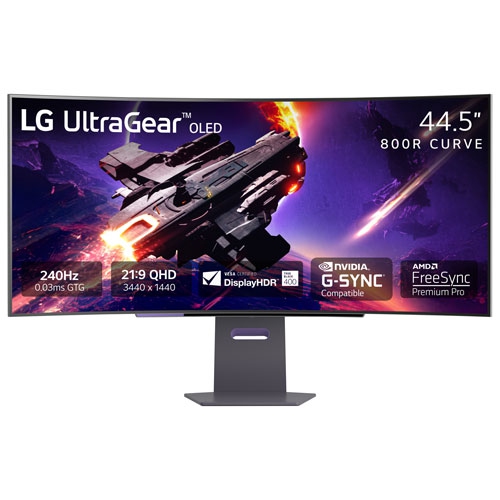
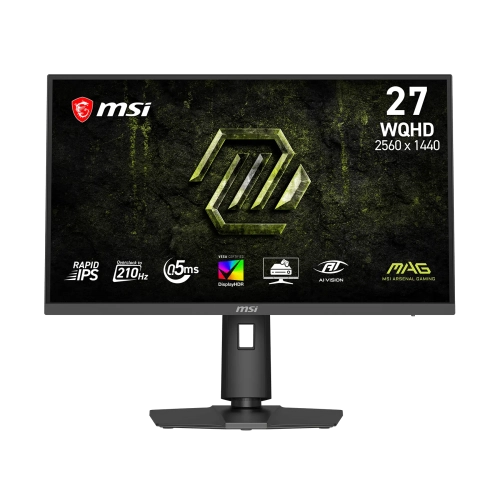
1440p 240Hz gaming monitors combine sharp QHD resolution with a fast refresh rate for detailed, fluid gameplay. Compare screen size, panel type and connectivity to find a display that fits your setup, and check that your PC’s performance, ports and cables can support your target resolution and refresh rate.







FAQ
1440p usually refers to a resolution of 2560 × 1440 pixels, also called QHD. A 240Hz refresh rate means the display can refresh up to 240 times per second. Refresh rate is separate from frame rate, which is the number of frames your system generates per second.
DisplayPort and HDMI can support 1440p at 240Hz, but compatibility depends on the port versions, monitor, graphics card and cable. Some configurations also require Display Stream Compression (DSC). Check the supported resolution and refresh-rate combinations for each port rather than relying on the connector type alone.
Adaptive sync allows a compatible monitor to vary its refresh rate in step with frames delivered by the graphics card. Related specifications may include AMD FreeSync, NVIDIA G-SYNC compatibility or HDMI variable refresh rate (VRR). Supported refresh-rate ranges and connection requirements vary by model.
Yes, provided the monitor has a compatible input. The resolution and refresh rate available depend on the console, game and monitor’s HDMI capabilities. A monitor’s 240Hz rating does not mean the console will output at 240Hz. Confirm support for the specific console features you want to use, such as 1440p output, 120Hz or VRR.
Connect the monitor using a supported port and cable, then select 2560 × 1440 resolution and 240Hz in your computer’s display settings. You may also need to adjust the monitor’s on-screen settings or graphics card settings. If 240Hz is not listed, check the connection specifications and graphics driver.
Top selling and popular products
Discover more categories related to 1440p 240Hz Gaming Monitors
Some products may be subject to Environmental Handling Fees (EHF) depending on your province. Learn more about EHFs.