Best 240 Hz Monitors
Enjoy smoother gameplay and sharper motion with the best 240 Hz monitors, ranked by user review ratings. A 240 Hz refresh rate helps fast-paced action look fluid, making these monitors a strong choice for competitive gaming. Explore top-rated options and compare screen sizes, resolutions, and panel types to find the right fit for your setup.
What to look for in 240 Hz monitors
1. Refresh Rate and Gaming Performance
2. Resolution and Screen Size
3. Panel Type and Motion Clarity
4. Connectivity and Adaptive Sync
-
1
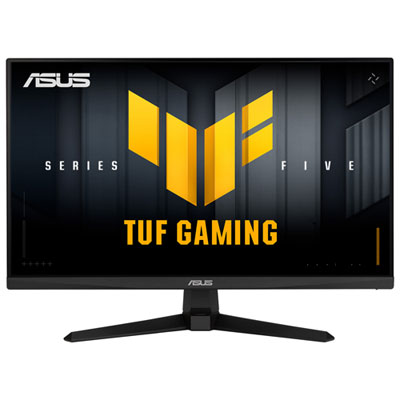
ASUS TUF 27" 1080p HD IPS LED Gaming Monitor (VG279QM5A) - G-Sync/FreeSync Premium - 0.3ms GTG - 240Hz
About this product
A high-speed 27" FHD gaming monitor with 240Hz refresh rate, 0.3ms response time, and adaptive sync.
(16)$279.99 Your price for this item is $279.99 -
2
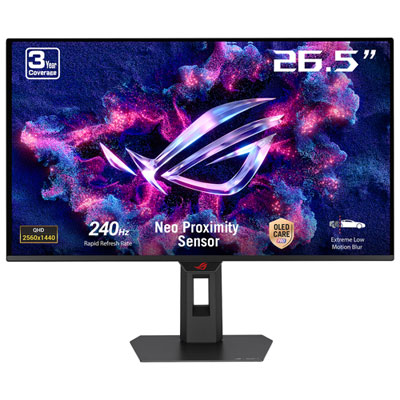
ASUS ROG Strix 27" 1440p QHD OLED Gaming Monitor (XG27AQDMES) - G-Sync/FreeSync - 0.03ms GTG - 240Hz
About this product
A QHD gaming monitor with a 240Hz refresh rate, 0.03ms response time, and vibrant QD-OLED display.
(17)$549.99Your price for this item is $549.99SAVE $250 -
3
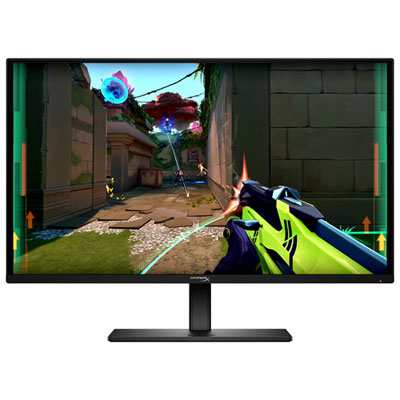
HyperX Omen 27" 1440p QHD OLED Gaming Monitor (27q) - G-Sync/FreeSync Premium - 0.03ms GTG - 240Hz - HDR10 - Exclusive Retail Partner
About this product
A black OLED gaming monitor with 240Hz refresh rate, 0.03ms response, and G-Sync/FreeSync support.
What customers like
(265)$449.99Your price for this item is $449.99SAVE $150 -
4
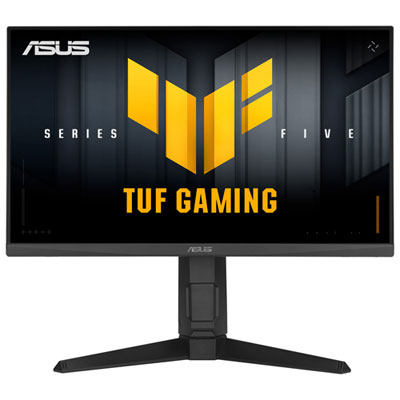
ASUS TUF Gaming 24" 1080p HD IPS LCD Gaming Monitor (VG249QML5A) - G-Sync Compatible/FreeSync Premium - 0.3ms GTG - 240Hz
About this product
A high-speed 240Hz gaming monitor with 0.3ms response time, 1080p HD resolution, and adaptive sync support.
(15)$229.99 Your price for this item is $229.99 -
5
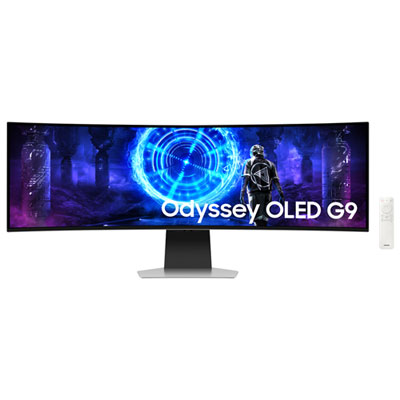
Samsung Odyssey G9 49" Ultrawide Curved UWQHD OLED Gaming Monitor (LS49DG954SNXGO) - G-Sync/FreeSync - 0.03ms GTG - 240Hz - Silver
About this product
An immersive silver curved OLED gaming monitor with 240Hz refresh rate, 0.03ms response, and adaptive sync support.
(8)$1,499.99Your price for this item is $1499.99SAVE $800 -
6

MSI Mag 27" Curved 1080P HD Rapid Va Led Gaming Monitor (Mag 275Cf X24) - Freesync Premium - 0.5Ms Gtg - 240Hz
About this product
A curved FHD gaming monitor with 240Hz refresh rate, 0.5ms response time, and HDR Ready display.
(3)$235.99Your price for this item is $235.99SAVE $84 -
7
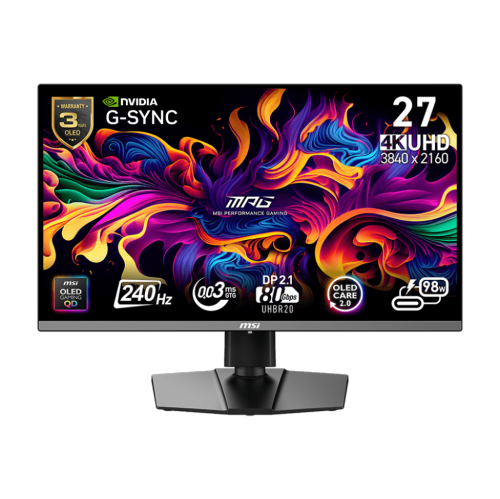
MSI Mpg 27" 4K Uhd Qd-Oled Gaming Monitor (Mpg 272Urx) - Gsync/freesync Premium Pro - 0.03Ms Gtg - 240Hz
About this product
A UHD QD-OLED gaming monitor with 240Hz refresh rate, 0.03ms response, and fully adjustable stand.
(6)$1,299.99 Your price for this item is $1299.99 -
8
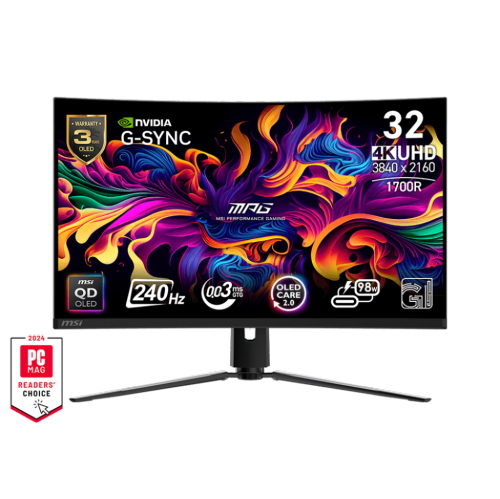
MSI Mpg 32" Curved 4K Uhd Qd-Oled Gaming Monitor (Mpg 321Curx) - G-Sync Compatible/freesync Premium Pro - 0.03Ms Gtg - 240Hz
About this product
A curved QD-OLED gaming monitor with UHD resolution, 240Hz refresh rate, and fully adjustable stand.
What customers like
(46)$1,299.99 Your price for this item is $1299.99 -
9
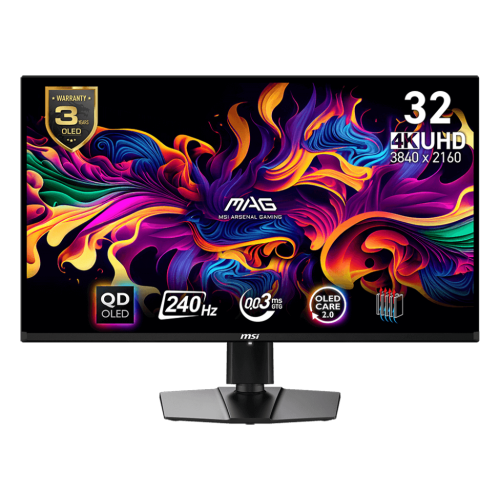
MSI Mag 32" 4K Uhd Qd-Oled Gaming Monitor (Mag 321Upx Qd-Oled) - G-Sync Compatible - 0.03Ms Gtg - 240Hz
About this product
A 4K UHD gaming monitor featuring a 240Hz refresh rate, 0.03ms response time, and QD-OLED display.
What customers like
(49)$999.97Your price for this item is $999.97SAVE $160 -
10
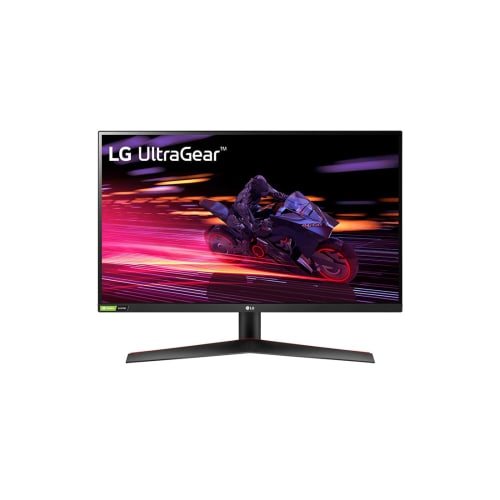
LG Ultragear 27" 1080P HD Ips Lcd Gaming Monitor (27Gp700-B) - Freesync Premium/gsync Compatible - 240Hz - HDr10
About this product
A high-speed IPS gaming monitor with 240Hz refresh rate, 1ms response, and FreeSync/G-Sync compatibility.
What customers like
(171)$449.99Your price for this item is $449.99SAVE $45
FAQ
A 240 Hz monitor can refresh its display 240 times per second. Refresh rate is measured in hertz (Hz) and is separate from resolution, which describes the number of pixels on the screen.
Refresh rate describes how often the monitor updates its display, while frame rate, measured in frames per second (fps), describes how many frames your computer or console generates. A 240 Hz monitor does not automatically make games run at 240 fps.
DisplayPort and HDMI can support 240 Hz, but compatibility depends on the monitor’s resolution, port specifications, cable and source device. Some configurations also require Display Stream Compression (DSC). Check the monitor’s documentation for supported resolutions and refresh rates on each input.
240 Hz monitors are available with IPS, VA, TN and OLED panels. IPS, VA and TN are LCD technologies that use a backlight, while OLED panels use pixels that emit their own light. Panel type is separate from refresh rate, so displays with different panel technologies can all support 240 Hz.
In Windows 11, open Settings, select System, then Display, and choose Advanced display. Select your monitor and choose 240 Hz from the refresh rate menu. If it is not listed, check that your selected resolution, graphics output, monitor input and cable support 240 Hz. Some monitors also require a setting change in their on-screen menu.
Top selling and popular products
Discover more categories related to Best 240 Hz Monitors
Some products may be subject to Environmental Handling Fees (EHF) depending on your province. Learn more about EHFs.