1TB SDXC Memory Cards
Find 1TB SDXC memory cards for high-capacity storage of photos, videos, and other files on compatible devices. Compare card formats, speed ratings, and device requirements to choose a suitable option for your camera, camcorder, or other supported device, especially if you plan to capture 4K video or shoot bursts of photos.
FAQ
Check your device’s manual or manufacturer specifications for SDXC support and any card requirements. An SD card slot alone does not confirm compatibility: devices that support only SD or SDHC may not recognize SDXC cards. Your card reader must also support SDXC.
SDXC memory cards normally use exFAT. When preparing a card for a camera or another device, follow the manufacturer’s formatting instructions and use the device’s built-in formatting option when recommended. Formatting erases existing files, so copy anything you want to keep beforehand.
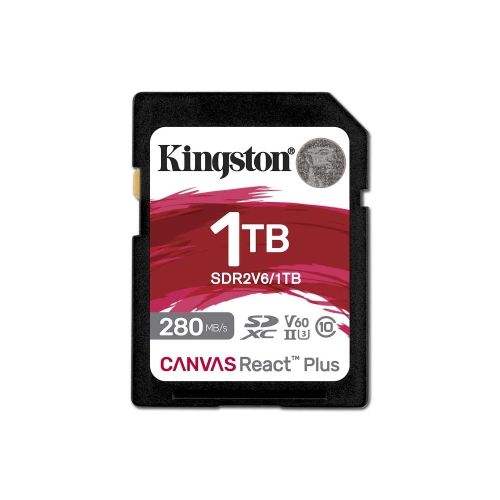
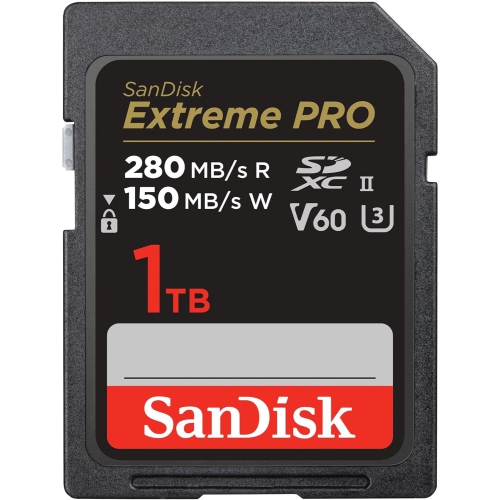
UHS-I and UHS-II refer to different card bus interfaces. UHS-II cards have an additional row of contacts for use with compatible devices and readers. A UHS-II card can generally operate in a UHS-I device that supports SDXC, but it uses the UHS-I interface in that setup.
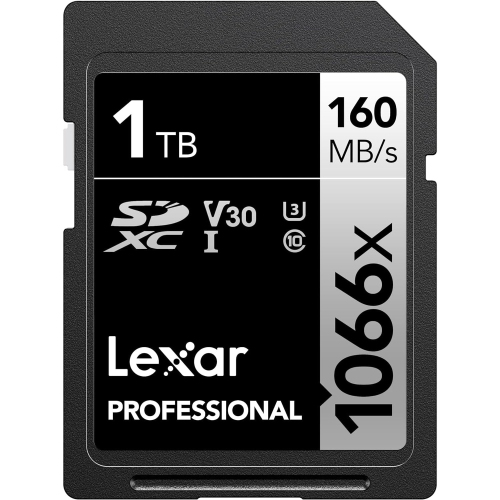
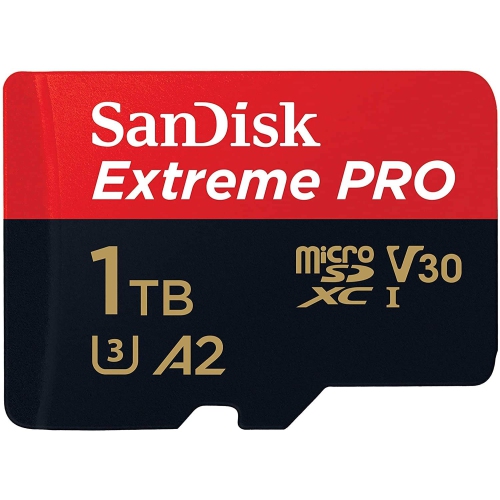
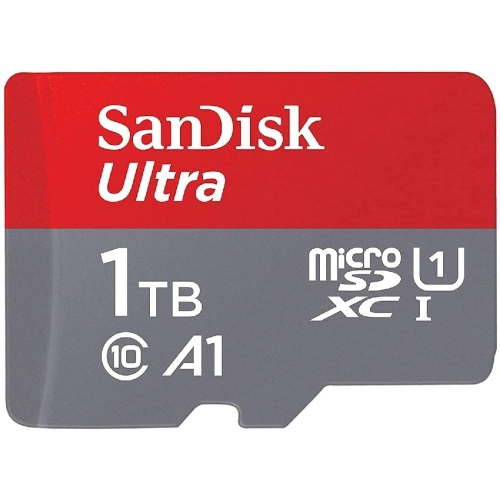
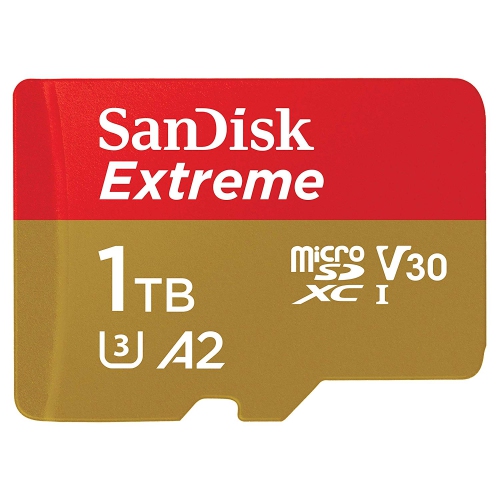
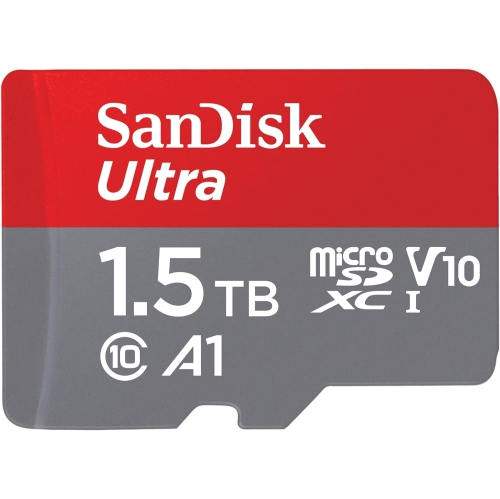
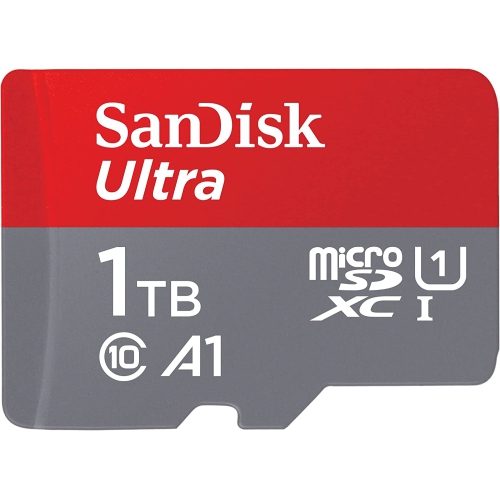
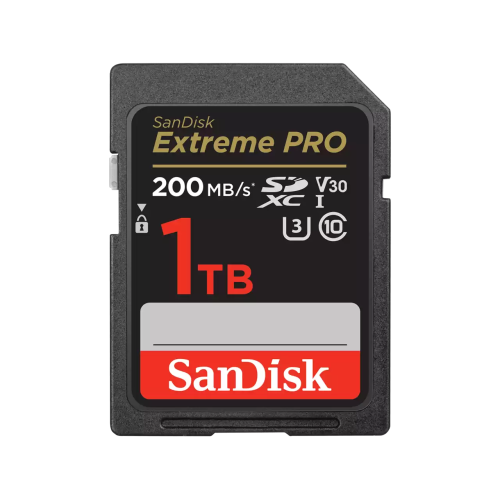
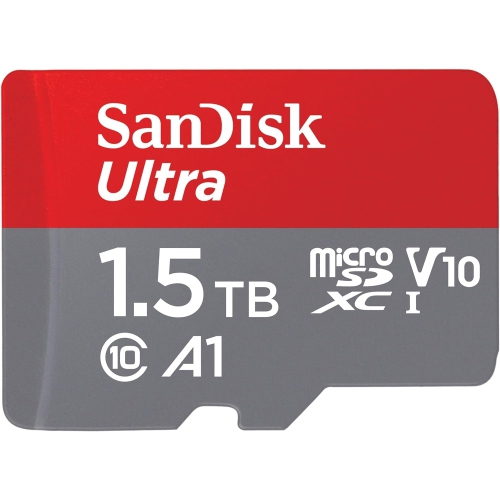
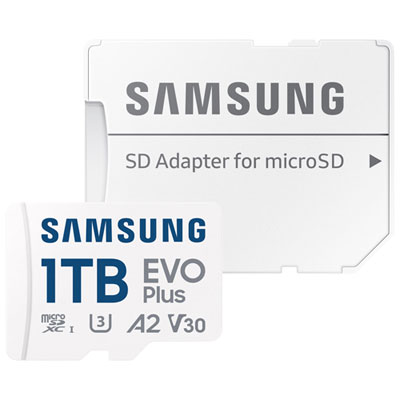
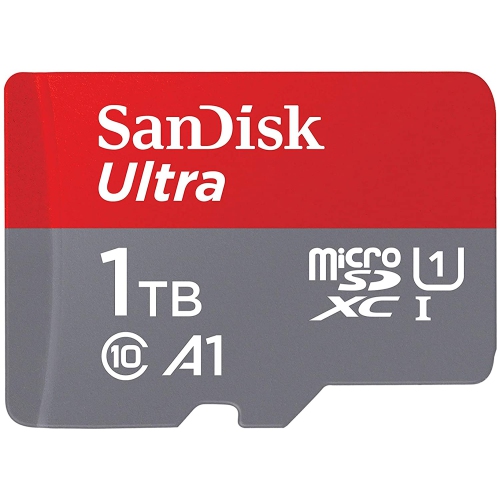
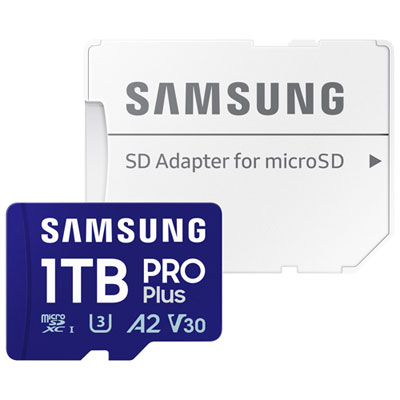
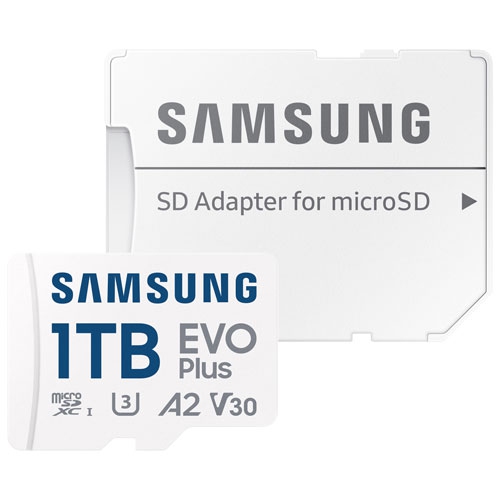
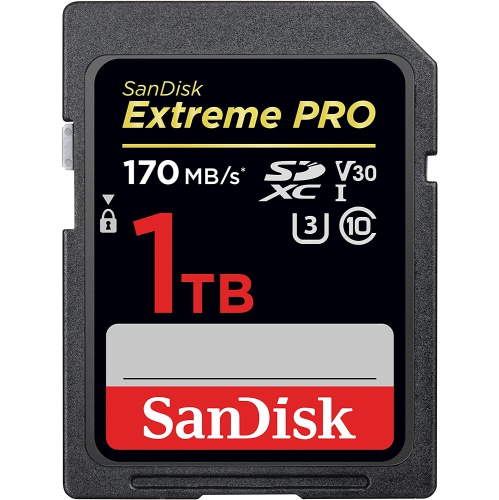
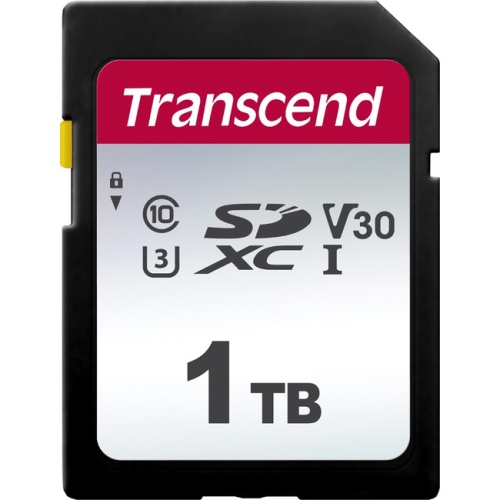
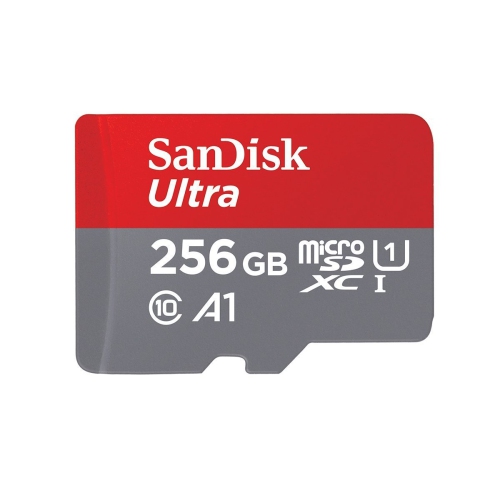
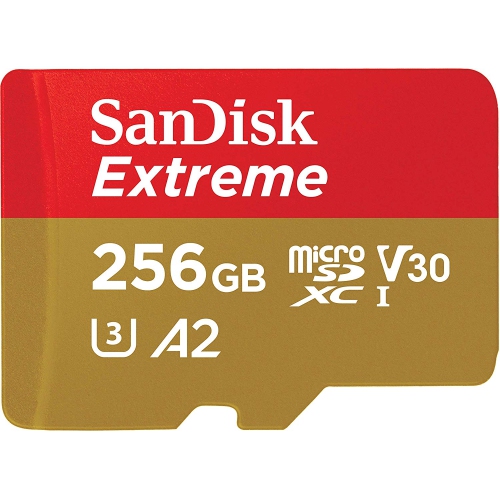
These symbols identify speed-class standards for minimum sustained write speeds. C denotes Speed Class, U denotes UHS Speed Class, and V denotes Video Speed Class. For example, C10 and U1 each indicate 10 MB/s, while U3 and V30 each indicate 30 MB/s. Match the required class symbol and rating listed in your device’s manual.
Insert the card into an SDXC-compatible computer slot or an external card reader. Open the card in your computer’s file manager, then copy the files to your chosen folder. Once the transfer is complete, eject the card through the operating system before removing it.
Top selling and popular products
Discover more categories related to 1TB SDXC Memory Cards
Some products may be subject to Environmental Handling Fees (EHF) depending on your province. Learn more about EHFs.