Acer Batteries
Power up your devices with our selection of Acer batteries, designed to keep your gadgets running smoothly and efficiently. Whether you're at home, in the office, or on the go, having a reliable battery is essential for maintaining productivity and staying connected. Explore our range of options to find the perfect match for your Acer device, ensuring you never miss a beat. Embrace uninterrupted performance and extend the life of your electronics with these dependable power solutions.
Sort


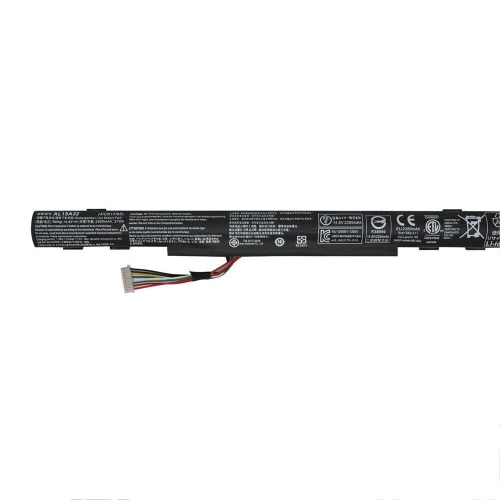
![DR. BATTERY - Replacement Laptop Battery for Acer Travelmate 8571 Timeline 8571G 8331 8371 Bt.00604.039 Bt.00604.043 Bt.00605.038 [11.1V / 49Wh]](https://multimedia.bbycastatic.ca/multimedia/products/500x500/157/15777/15777955.jpeg)

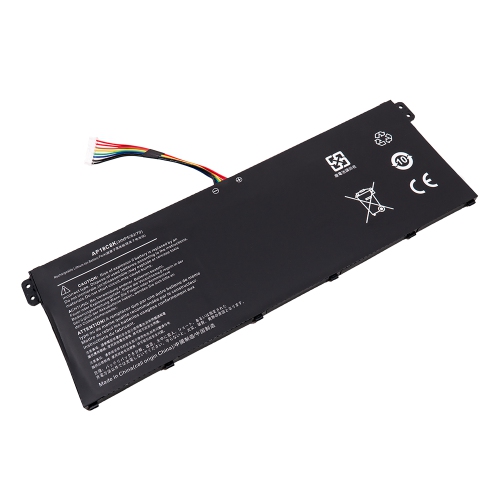
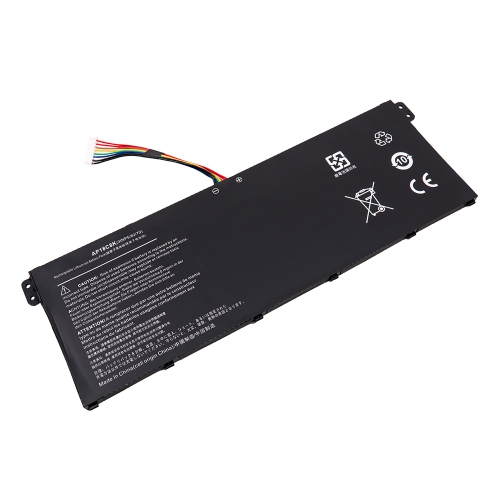
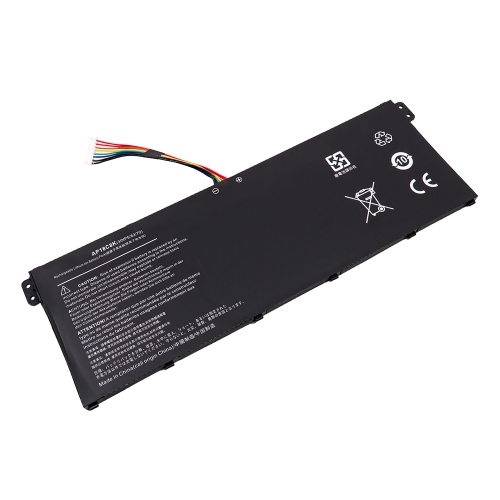
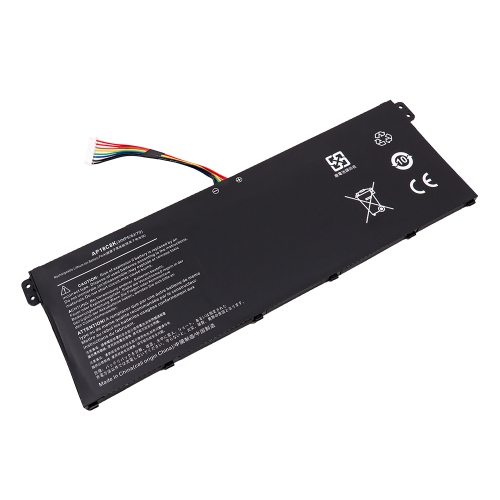
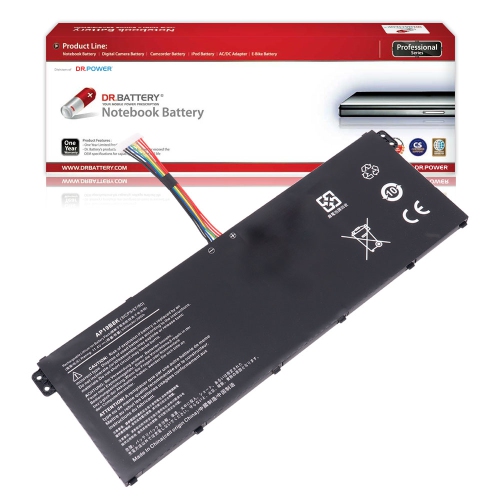
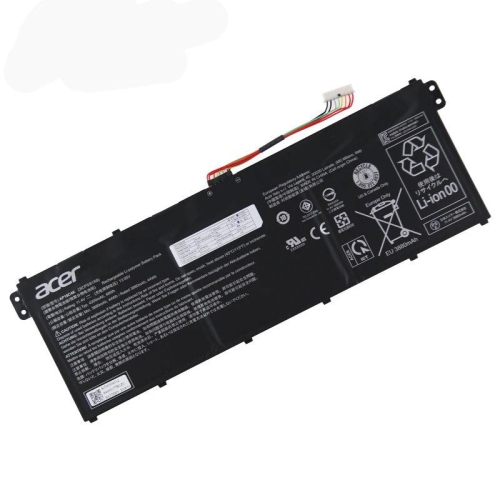
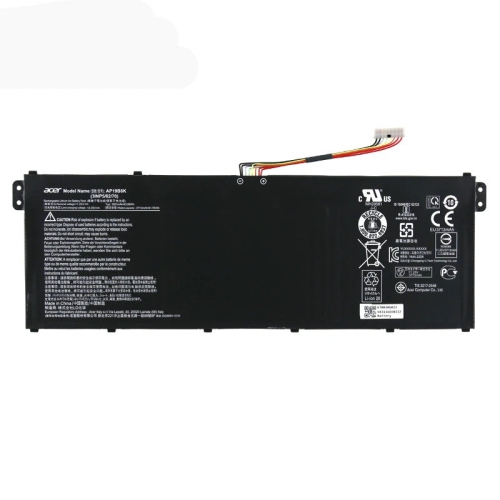
![DR. BATTERY Ap18C8K Ap18C4K 3Inp5/82/70 Laptop Battery Compatible With Acer Chromebook 15 Chromebook 314 Chromebook 514 [11.55V 50Wh]](https://multimedia.bbycastatic.ca/multimedia/products/500x500/171/17165/17165229.jpeg)
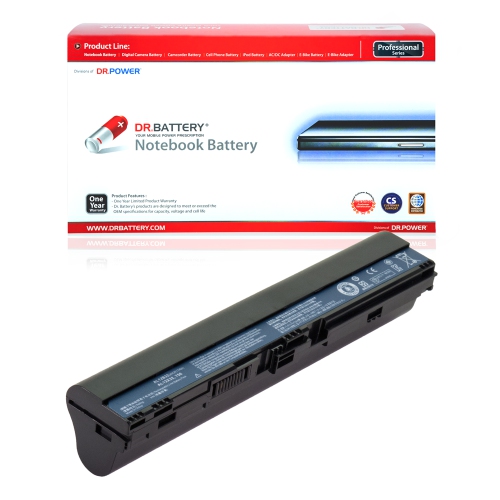
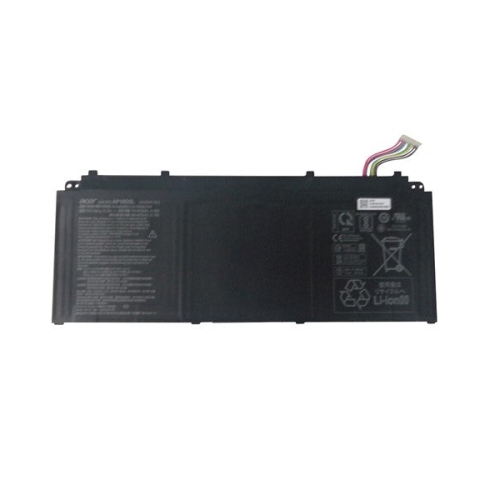
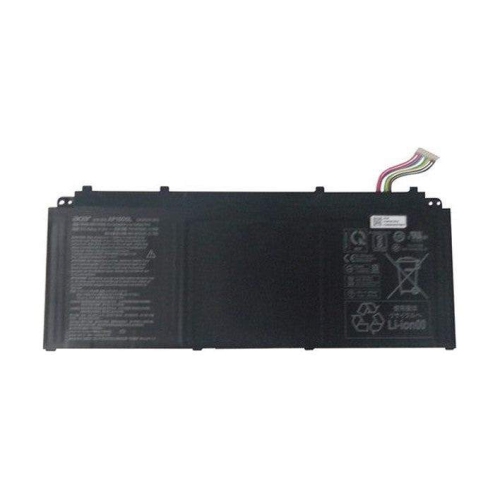
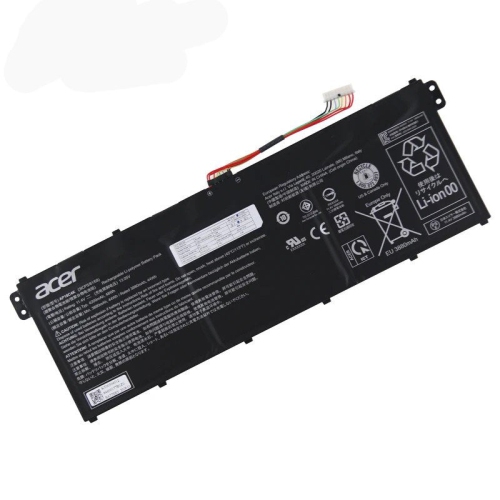
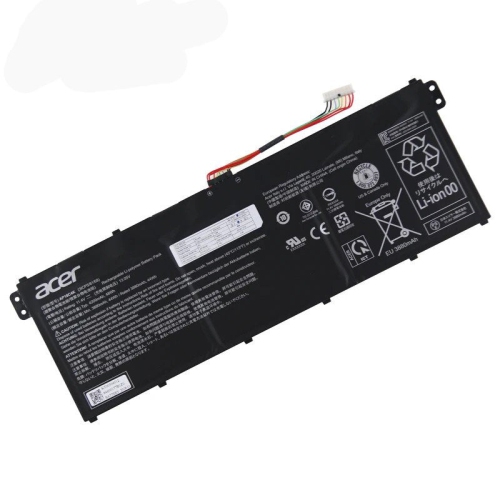
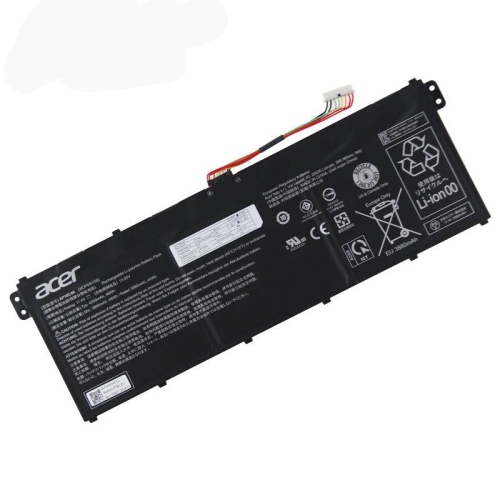
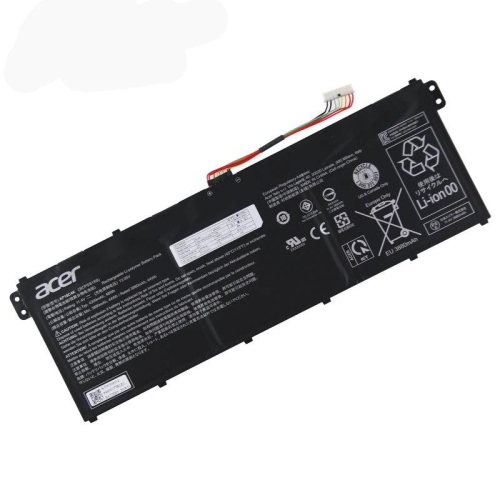
![DR. BATTERY Ap18C8K Ap18C4K 3Inp5/82/70 Laptop Battery Compatible With Acer Travelmate B1 Travelmate P2 Travelmate Spin B3 [11.55V 50Wh]](https://multimedia.bbycastatic.ca/multimedia/products/500x500/171/17165/17165230.jpeg)

Acer Batteries
When it comes to keeping your laptop running smoothly, few things are as essential as a reliable battery. Whether you’re a student powering through assignments at the library, a professional working remotely from a cozy café, or someone who enjoys streaming movies on the go, a dependable laptop battery is a must-have. Acer batteries are specifically designed to meet the power needs of various Acer laptop series, including popular lines like Aspire, Swift, Chromebook, and TravelMate. Each laptop model often requires a unique battery identified by a specific code, so it’s important to match your replacement battery to your exact device. This ensures optimal performance and compatibility, helping you avoid unnecessary downtime and frustration. If you use your laptop for extended hours at work or during long winter evenings at home, having a fresh battery can make a world of difference, letting you focus on your tasks without constantly hunting for a power outlet.
Selecting the right Acer battery involves a few key considerations. Voltage and capacity are two critical factors—these specifications, often listed in volts (V) and milliamp hours (mAh) or watt hours (Wh), should match the requirements of your device for safe and efficient operation. Some users prefer original equipment manufacturer (OEM) batteries for peace of mind, while others opt for reputable third-party options that offer impressive performance at a competitive price. The replacement process itself is straightforward for most models: it usually involves unscrewing the bottom panel, disconnecting the old battery, and carefully installing the new one. For those who may not have replaced a laptop battery before, it’s helpful to know that some Acer models include a small pinhole reset feature on the bottom case—a useful trick for resolving charging issues after installation. As a practical tip, calibrating your new battery by fully charging it, then letting it drain and recharging again, can help maximize its lifespan and reliability.
Acer batteries also make thoughtful gifts, especially for students heading back to school, loved ones with aging laptops, or anyone who relies on their device for daily productivity. With the start of the new year and the chilly January weather, many people find themselves spending more time indoors, relying on their laptops for everything from virtual meetings to online learning and entertainment. A new battery can breathe life into an older device, extending its usability and saving the cost of a brand-new laptop. If you’re looking to explore more options or need guidance on choosing the right battery for your needs, you can find additional information and a wide selection at our Battery Systems page. Taking the time to select the right power source ensures your laptop is ready for whatever the season brings, whether you’re tackling winter projects or unwinding with your favourite shows.
Selecting the right Acer battery involves a few key considerations. Voltage and capacity are two critical factors—these specifications, often listed in volts (V) and milliamp hours (mAh) or watt hours (Wh), should match the requirements of your device for safe and efficient operation. Some users prefer original equipment manufacturer (OEM) batteries for peace of mind, while others opt for reputable third-party options that offer impressive performance at a competitive price. The replacement process itself is straightforward for most models: it usually involves unscrewing the bottom panel, disconnecting the old battery, and carefully installing the new one. For those who may not have replaced a laptop battery before, it’s helpful to know that some Acer models include a small pinhole reset feature on the bottom case—a useful trick for resolving charging issues after installation. As a practical tip, calibrating your new battery by fully charging it, then letting it drain and recharging again, can help maximize its lifespan and reliability.
Acer batteries also make thoughtful gifts, especially for students heading back to school, loved ones with aging laptops, or anyone who relies on their device for daily productivity. With the start of the new year and the chilly January weather, many people find themselves spending more time indoors, relying on their laptops for everything from virtual meetings to online learning and entertainment. A new battery can breathe life into an older device, extending its usability and saving the cost of a brand-new laptop. If you’re looking to explore more options or need guidance on choosing the right battery for your needs, you can find additional information and a wide selection at our Battery Systems page. Taking the time to select the right power source ensures your laptop is ready for whatever the season brings, whether you’re tackling winter projects or unwinding with your favourite shows.
Top selling and popular products
-
 Your price for this item is $89
 -
 Your price for this item is $732.55
 -
 Your price for this item is $1164.43
 -
![DR. BATTERY Replacement for HP Probook 430 G6-5Pq40Ea G6-5Pq62Ea G6-5Pq75Ea L32407-541 L32407-Ac1 L32656-002 [11.55V / 40Wh]](https://multimedia.bbycastatic.ca/multimedia/products/500x500/154/15458/15458885.jpeg) Your price for this item is $69.99
Your price for this item is $69.99 -
 Your price for this item is $100
 -
 Your price for this item is $39.77
 -
 Your price for this item is $129
 -
 Your price for this item is $99.98
Discover more categories related to Acer Batteries

Top Collections:
RAM Upgrades for PC, Best Laptops for Home Use, Best Cell Phones Under $500, Kindle Devices, Best Quality Dishwashers, Best Type C Hub, Best Wi-Fi Routers, Best External Hard Drives, Apple iPhones 16, Best Noise Cancelling Headphones
Some products may be subject to Environmental Handling Fees
(EHF) depending on your province.
Learn more about EHFs.