GoPro 360 Camera
FAQ
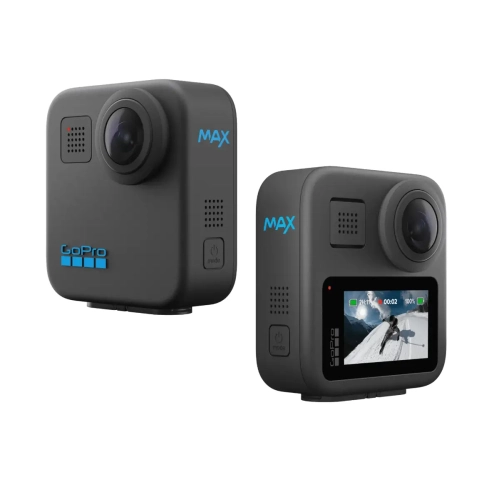
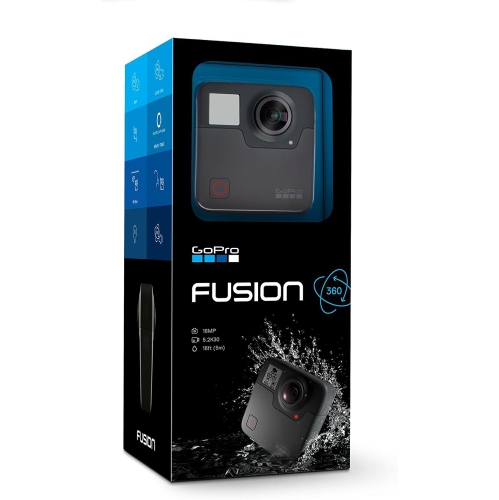
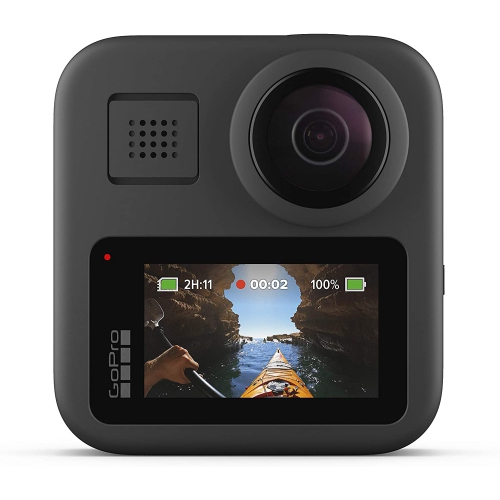
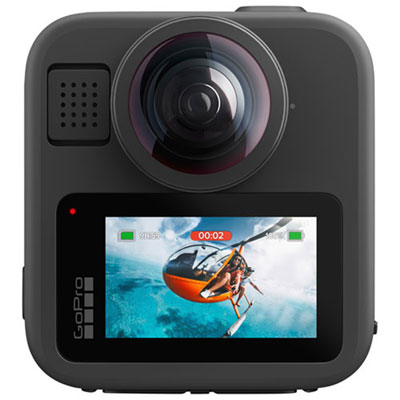
A GoPro 360 camera uses multiple lenses to capture a full spherical view around the camera. You can choose the angle later when editing or share the footage as a 360 video.
Use the GoPro Quik app or compatible 360 video editing software to reframe footage, select viewing angles, create keyframes, trim clips, and export traditional videos for social media or other platforms.
Many GoPro 360 cameras offer single-lens or traditional video modes in addition to 360 capture. Available modes vary by model.
Depending on the model, compatible accessories may include mounts, tripods, selfie sticks, protective covers, spare batteries, and memory cards. Check the camera’s compatibility requirements before choosing accessories.
You can typically transfer footage through the GoPro Quik app, a USB connection, or a compatible memory card reader. The available transfer options depend on the camera model and device.
Top selling and popular products
Discover more categories related to GoPro 360 Cameras
Some products may be subject to Environmental Handling Fees(EHF) depending on your province. Learn more about EHFs.