Apple iMac Mice

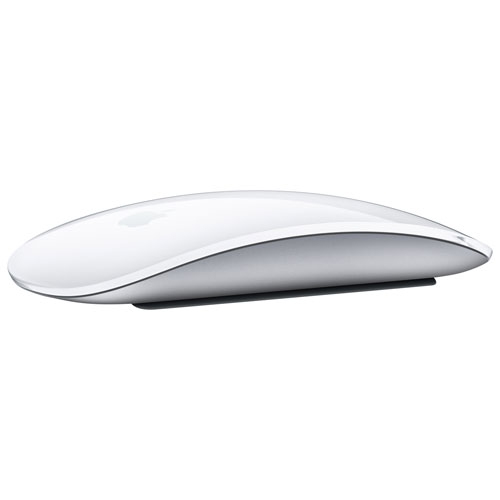
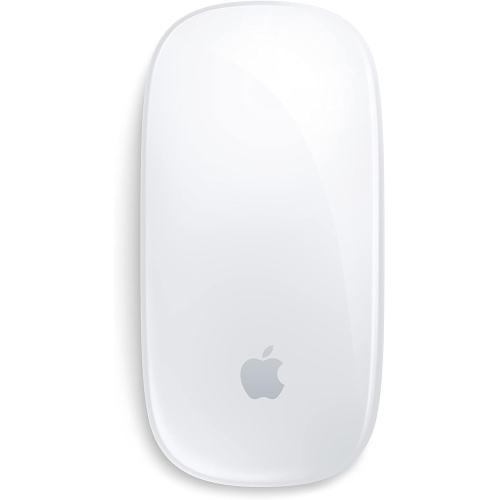
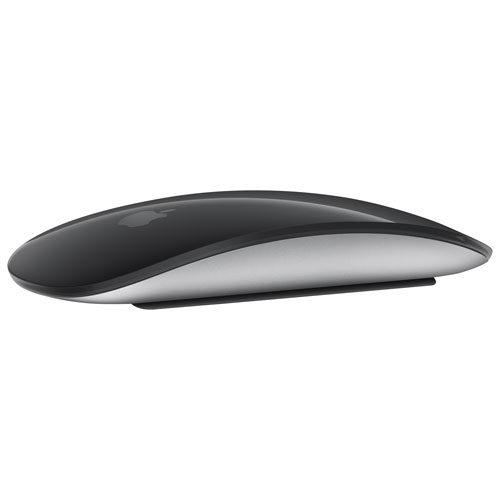
Shop mice for your Apple iMac and compare options by macOS compatibility, connection type, and design. Check each mouse’s system requirements against your iMac model and macOS version, and consider shape and button layout to find a comfortable fit for everyday use.
Sort

How mouse fit and compatibility shape everyday use

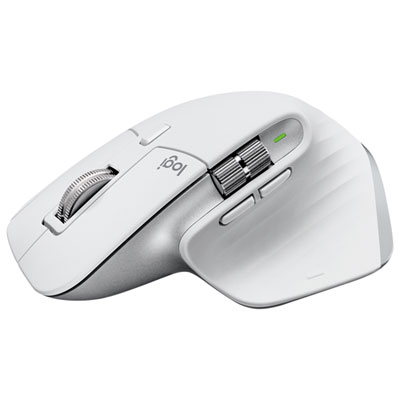
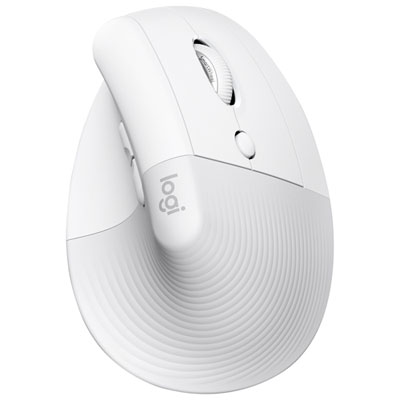
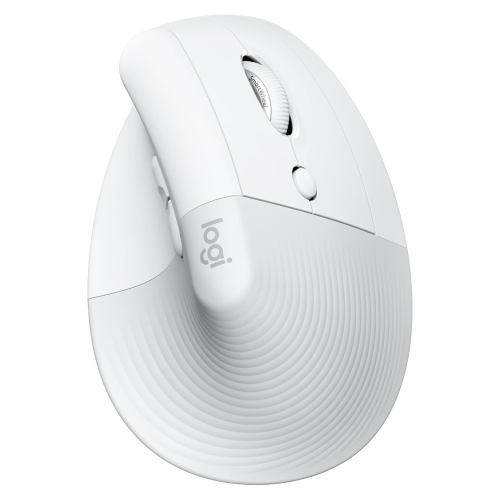
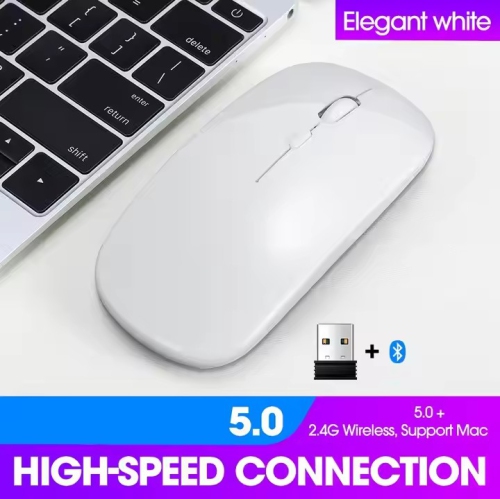
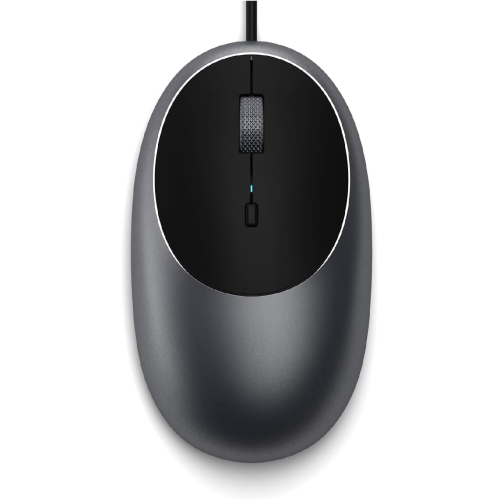
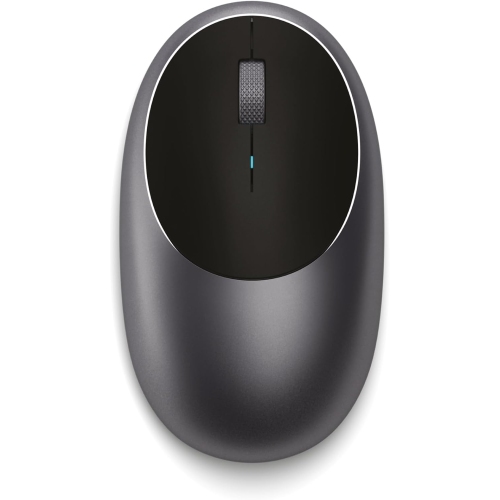
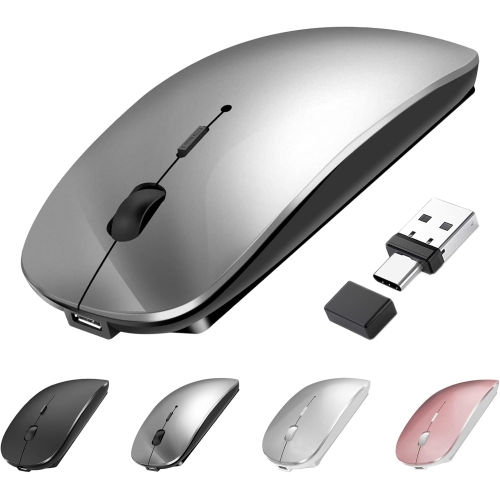
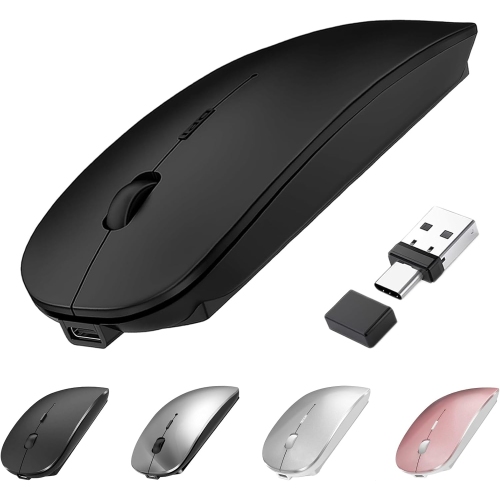
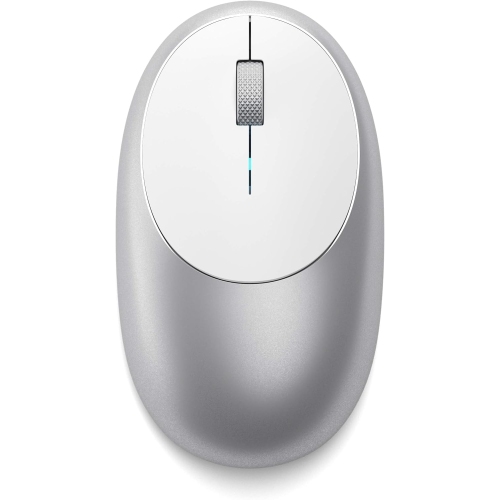
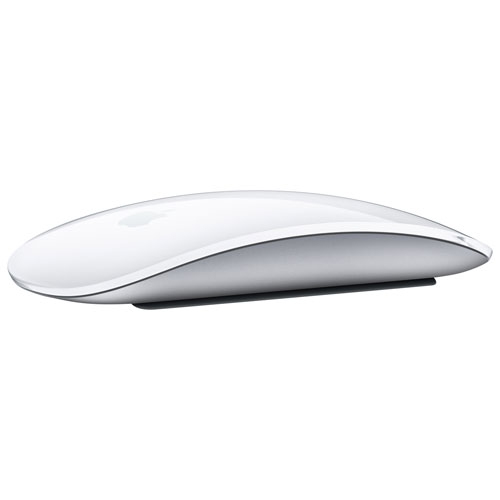
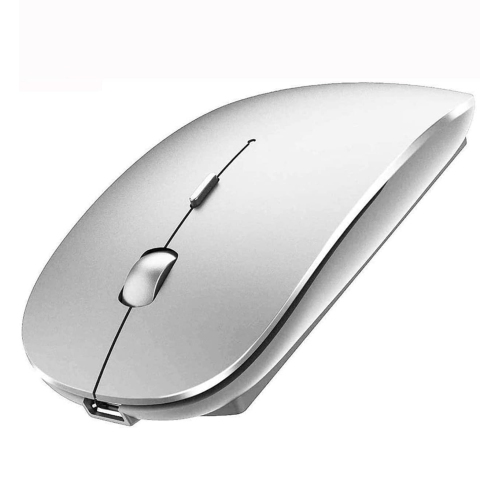
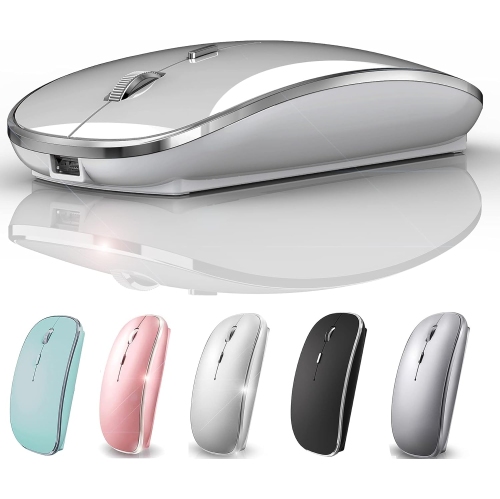
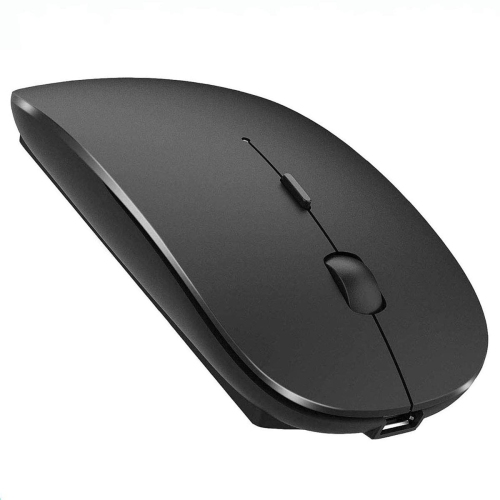
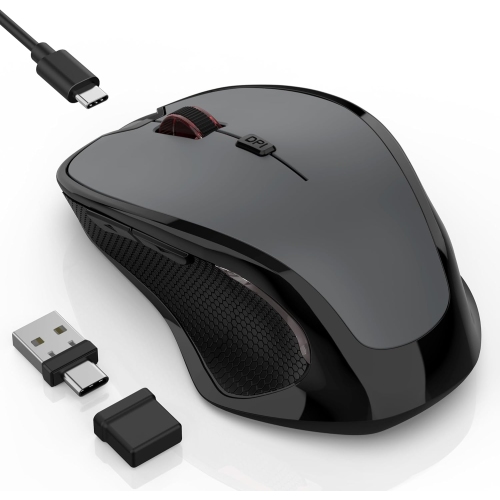
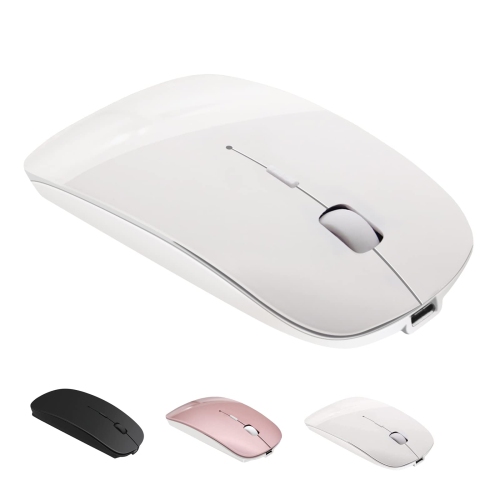
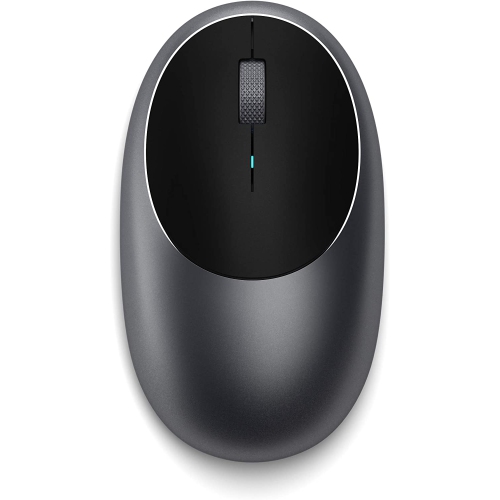
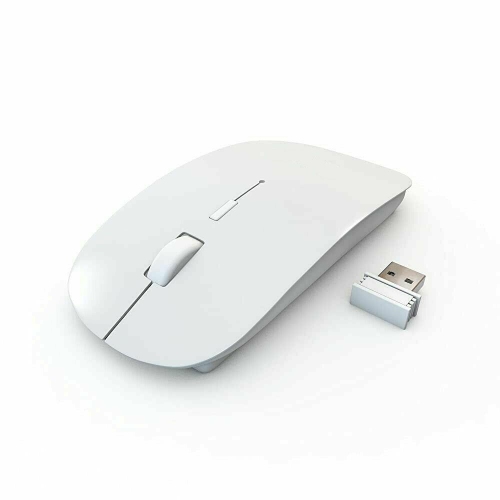
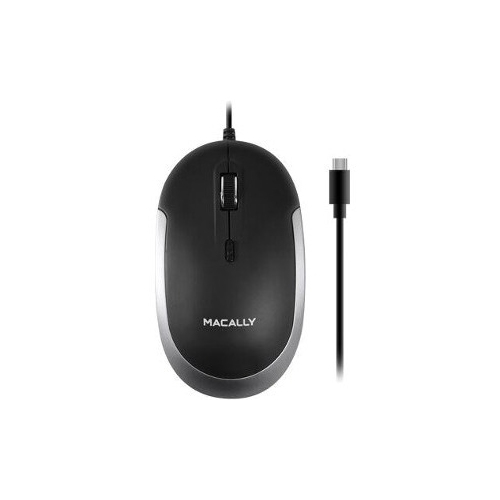
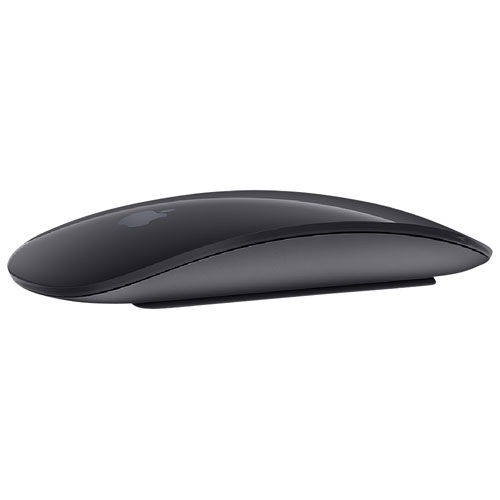
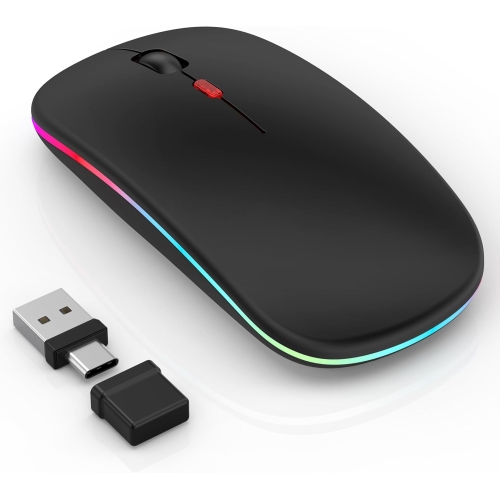
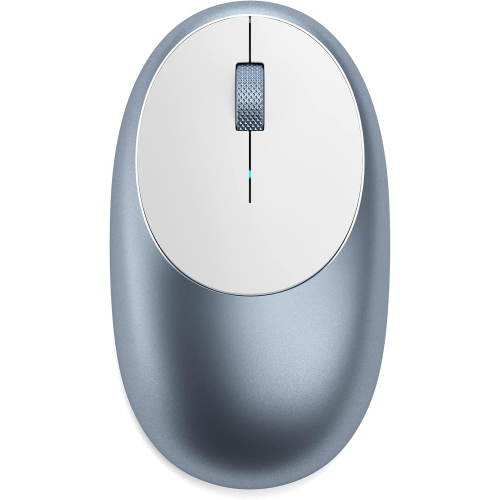
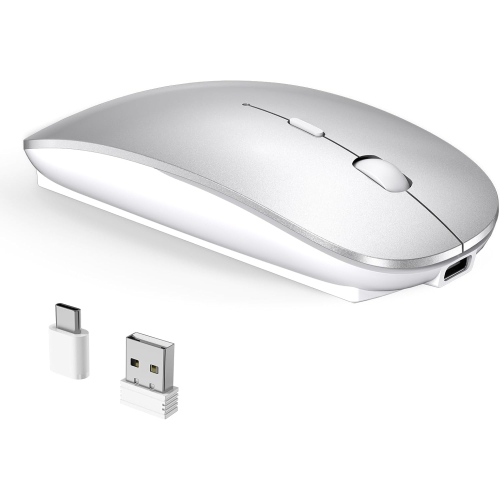
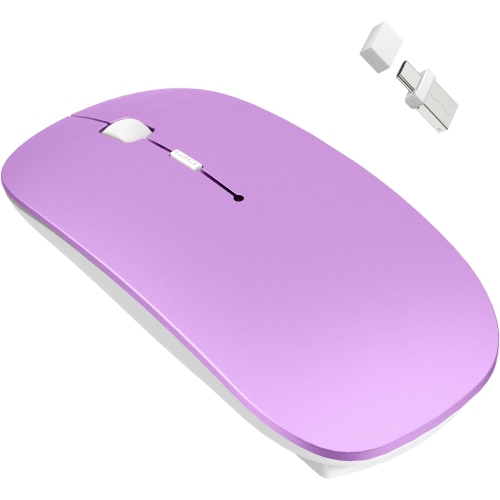
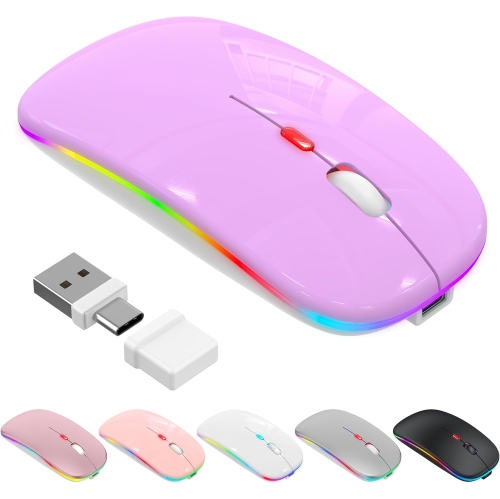
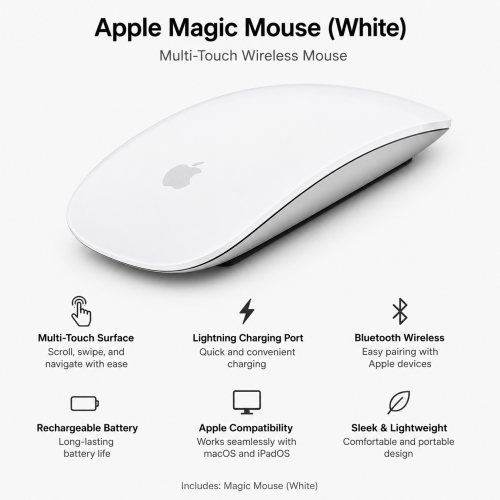
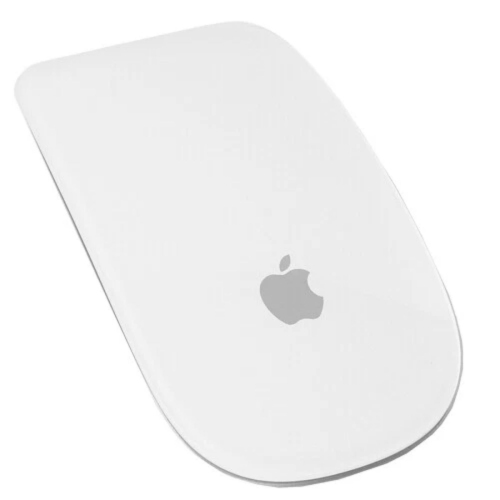
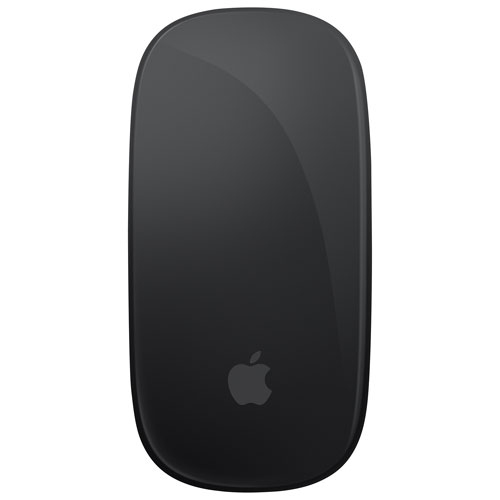
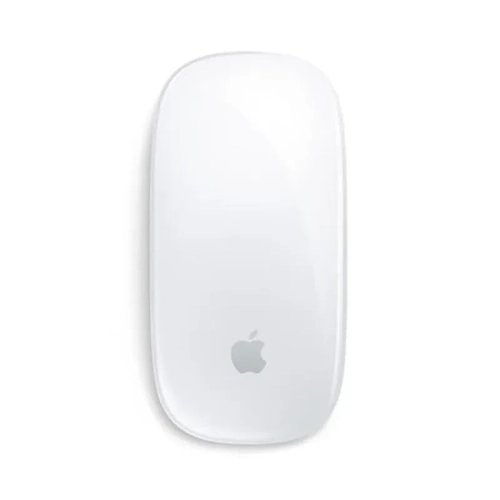
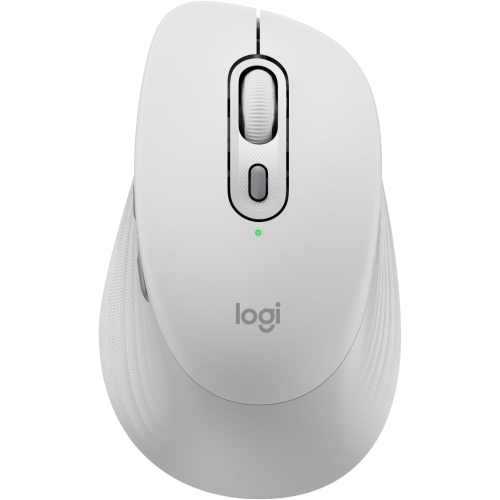
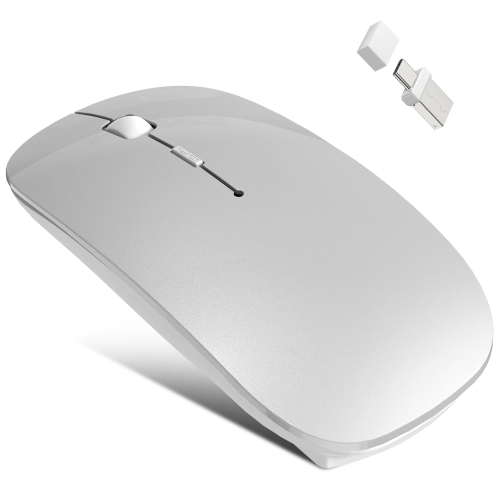
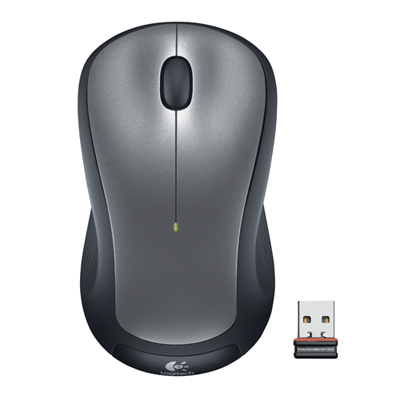
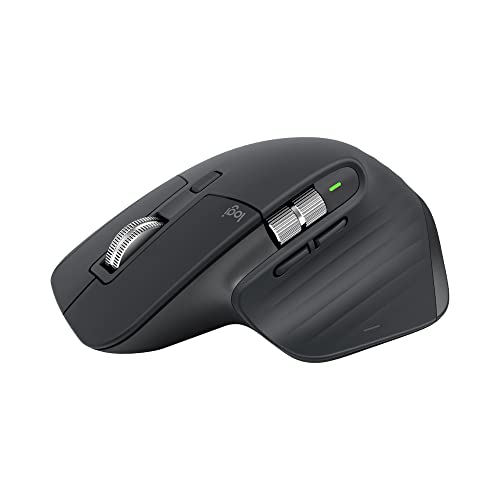
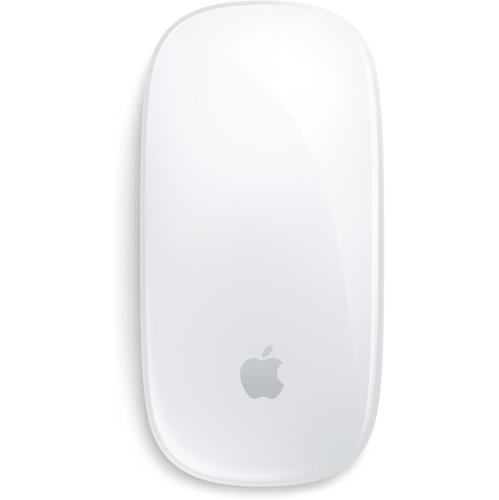
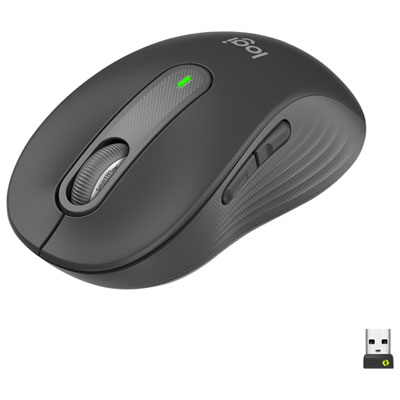
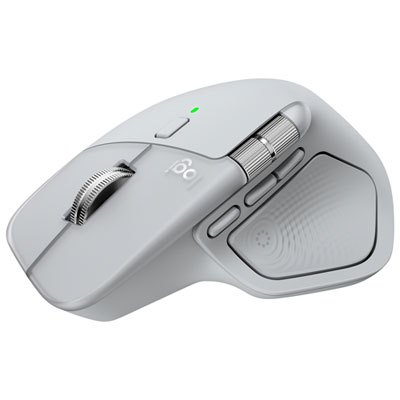
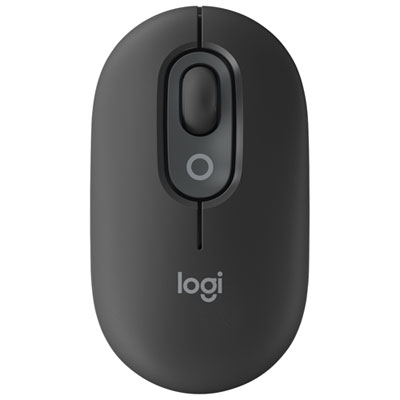
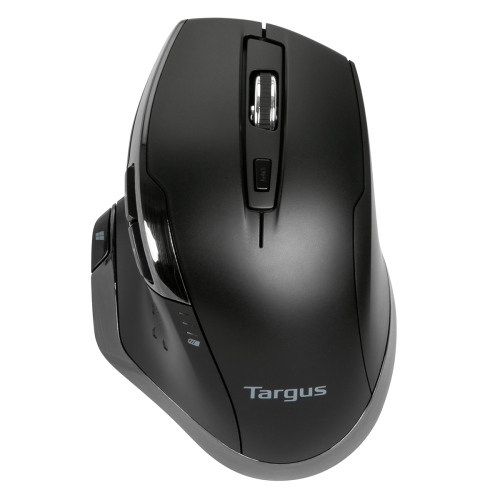
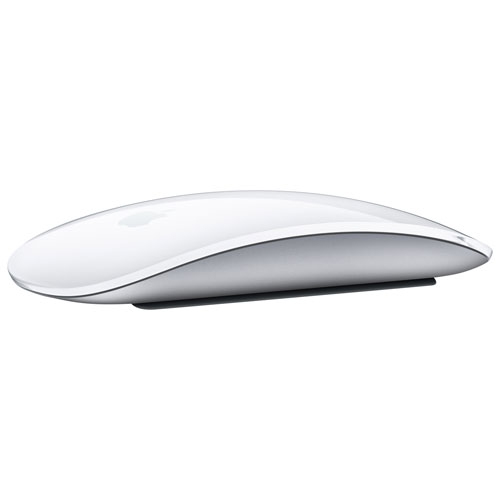
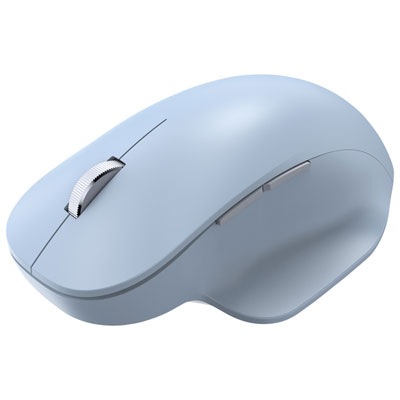
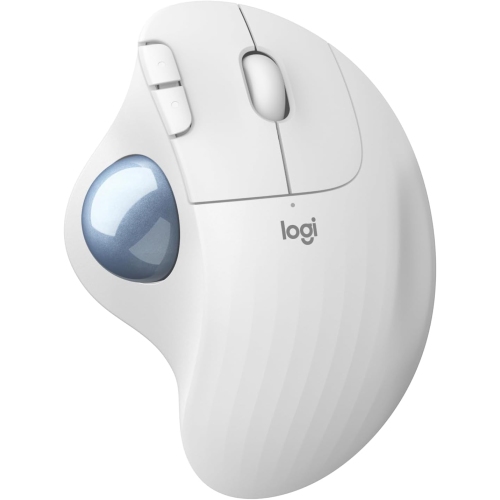
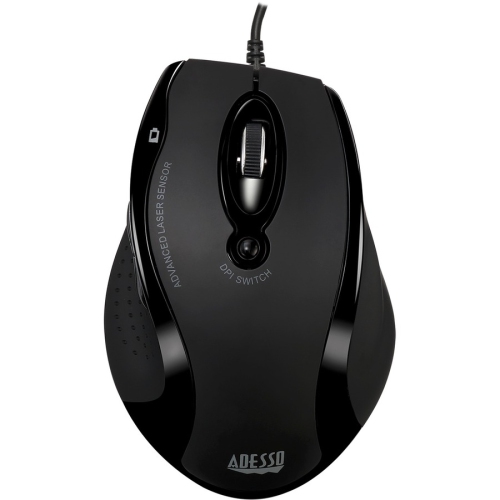
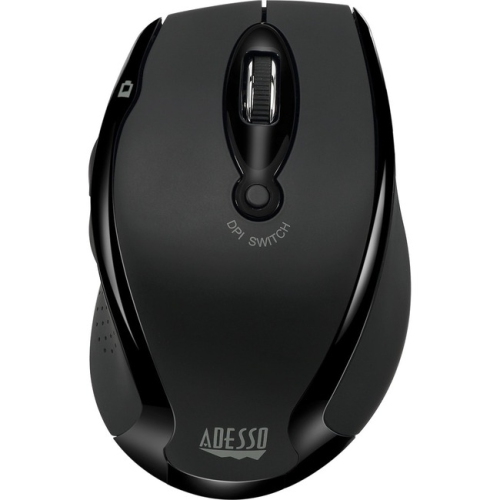
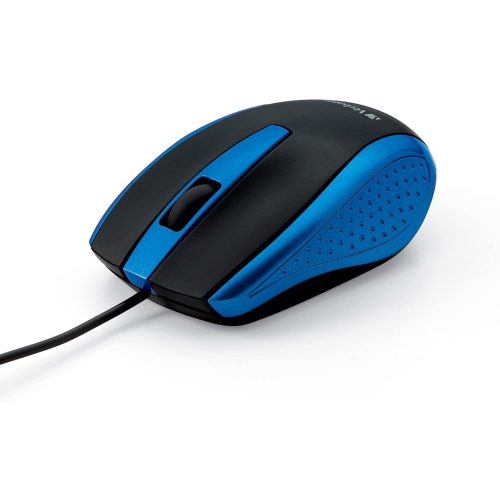
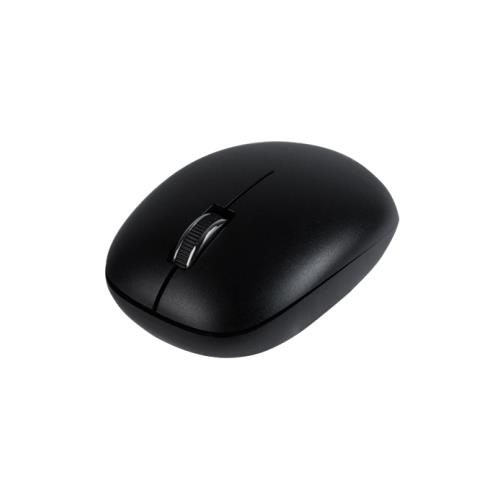
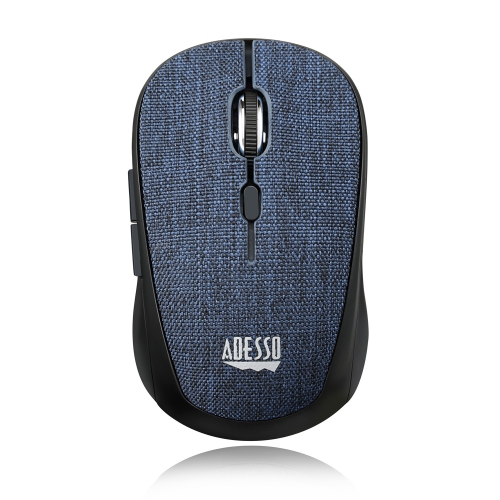
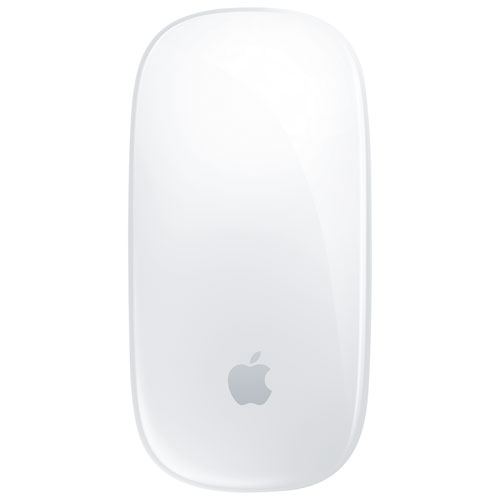
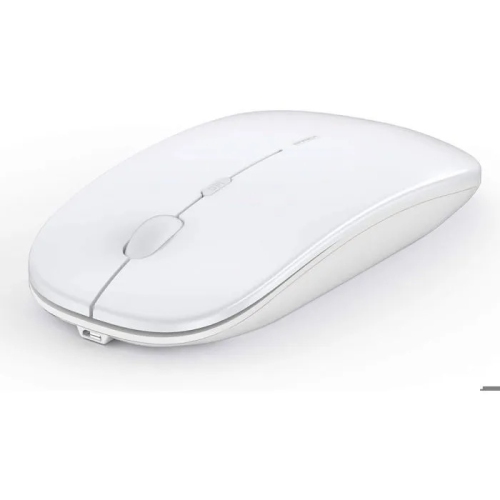
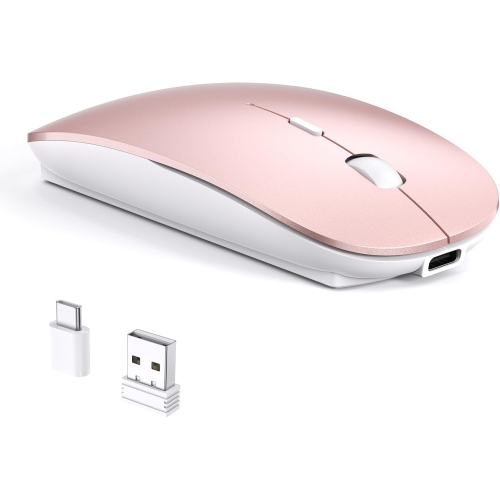
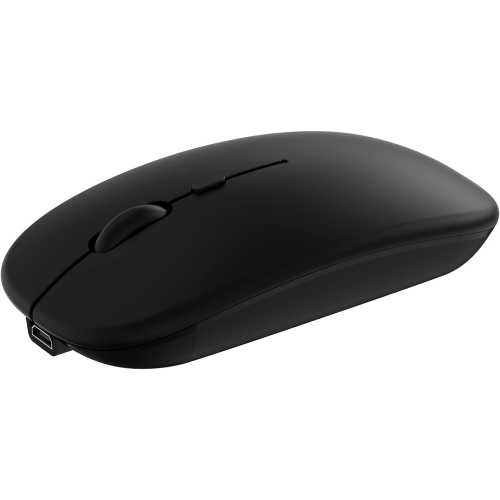
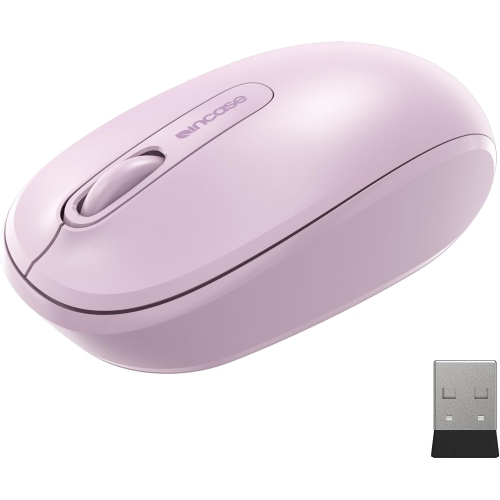
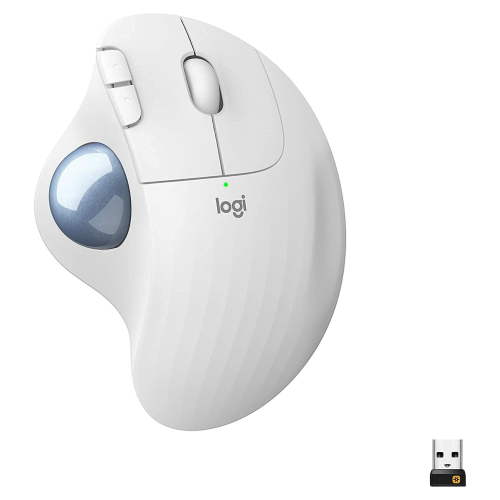
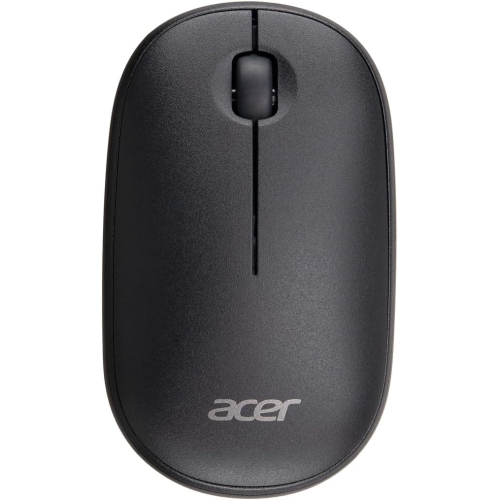
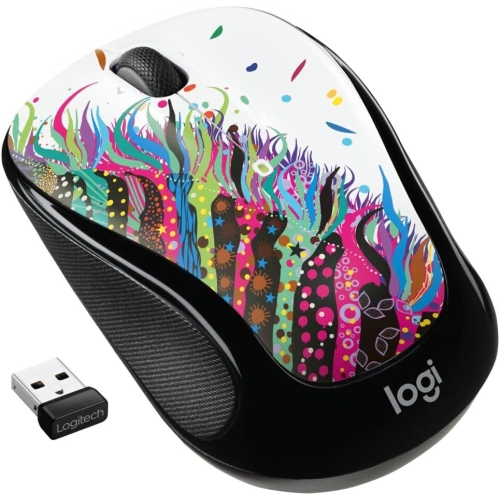
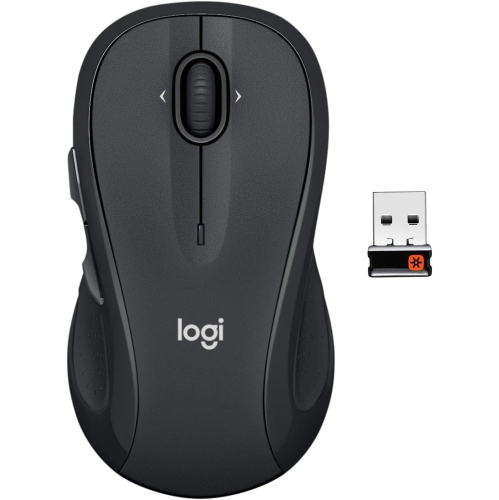
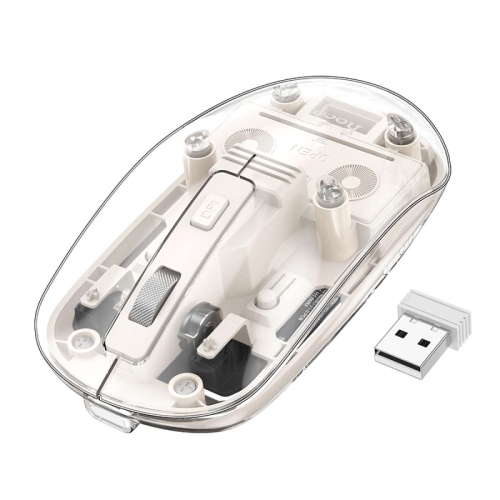
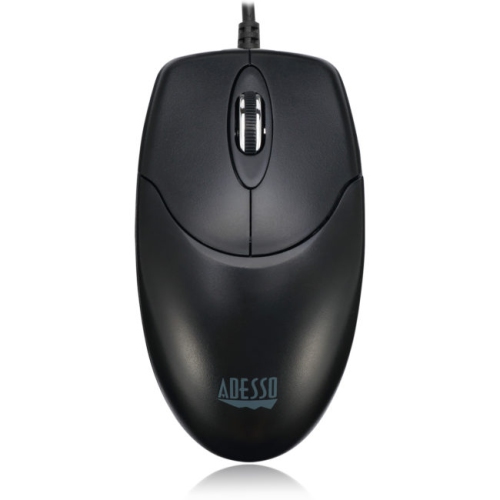
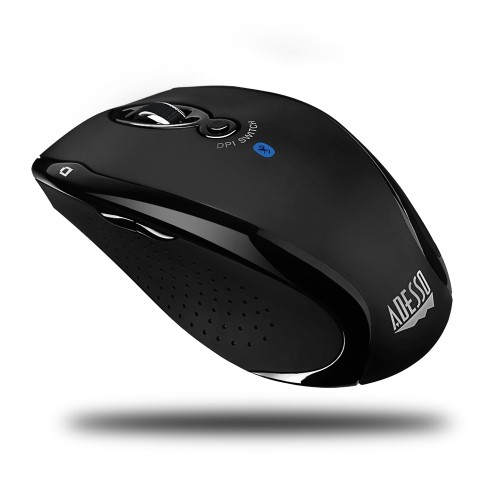
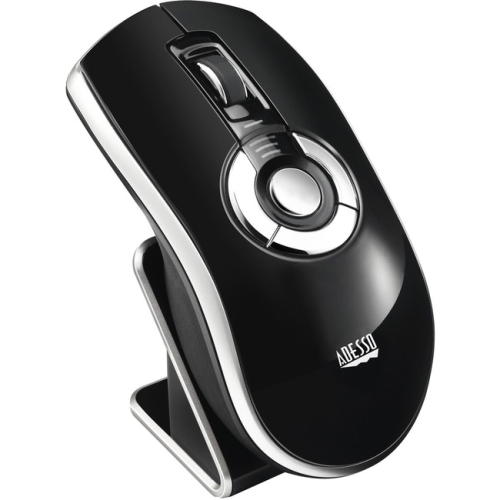
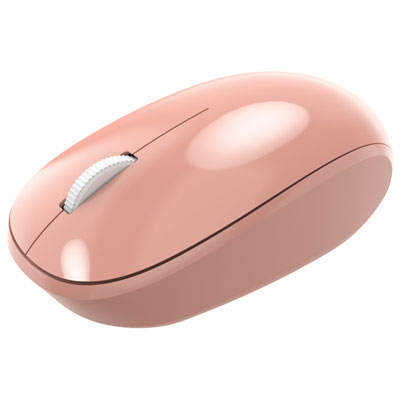
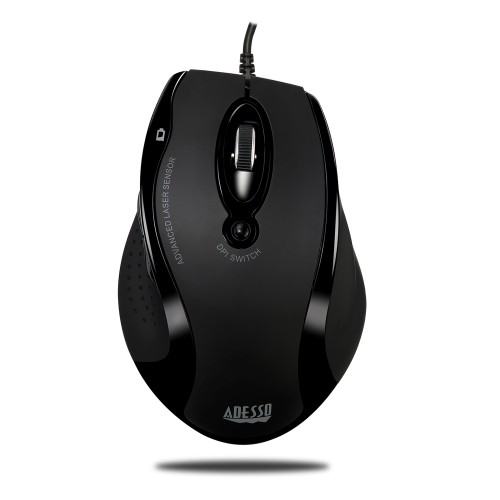
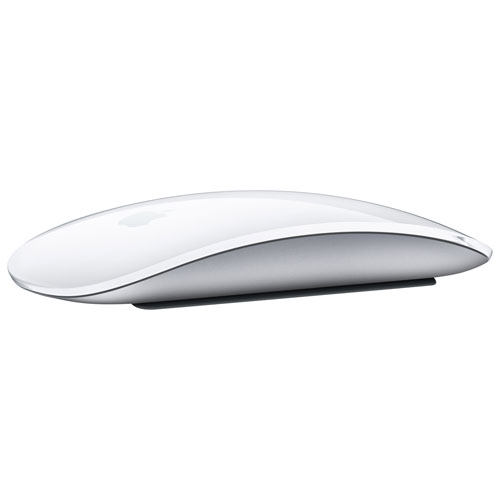
A mouse for an all-in-one desktop makes everyday tasks feel more direct, whether that means selecting a line of text, moving between open windows, or placing a cursor precisely in a photo. Compatible desktop mice come in several forms, including low-profile designs with touch-sensitive surfaces, contoured models with a familiar scroll wheel, and upright shapes that change the angle of the hand. The main differences are how they connect, how they fit the user’s grip, and which controls work with the computer’s operating system. Wireless mice may connect through Bluetooth or a dedicated USB receiver, depending on the design. Bluetooth leaves a USB port free, while a receiver-based connection requires a suitable port or compatible adapter. Wired mice offer another approach, providing a direct connection without a separate battery to charge or replace. On a desk with a keyboard, external storage, and other accessories, those connection details can make a practical difference to cable placement and port use. For a cable-free setup, Mac Compatible Wireless Mice span different shapes and control layouts suited to everyday desktop use. Compatibility extends beyond basic pointer movement: scrolling, touch gestures, button assignments, and configuration software can have separate operating-system requirements. A touch-sensitive surface may support actions such as scrolling through a document or moving between pages, while a wheel provides a more defined physical control. Extra buttons can place frequently used commands close to the thumb, where supported, but their usefulness depends on the applications involved. Someone working through lengthy spreadsheets may appreciate horizontal scrolling, while a person editing photographs may value predictable tracking and an easily adjustable pointer speed. For shared computers, straightforward controls can be more useful than a large number of shortcuts. The most suitable design is one whose connection and supported features match the computer as well as the work happening on screen.
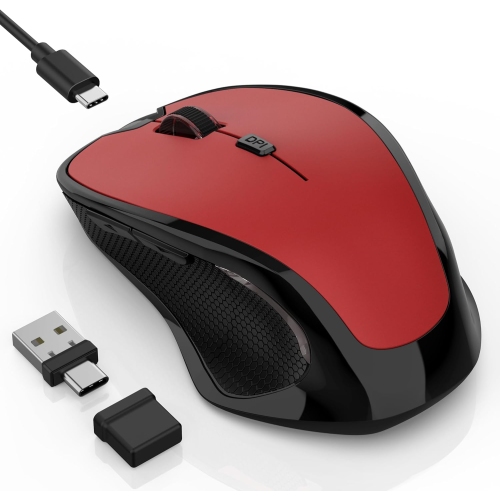
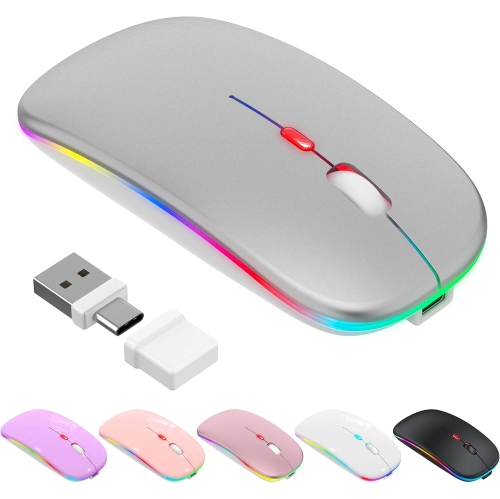
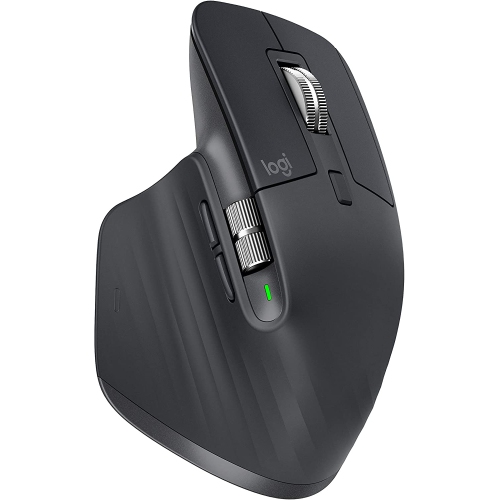
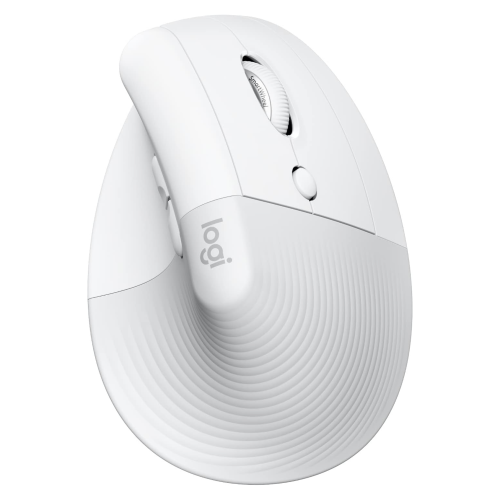
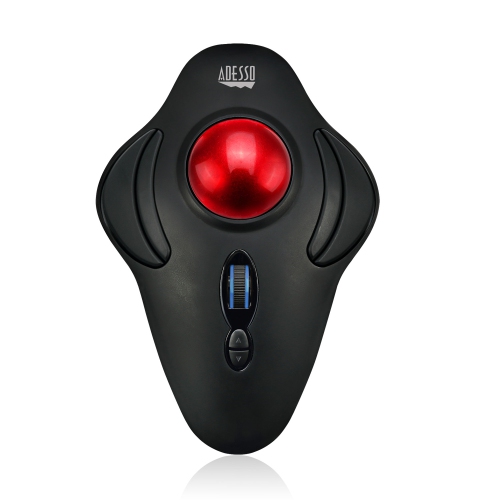
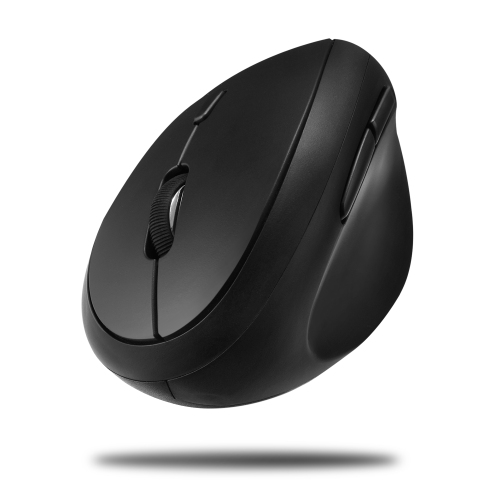
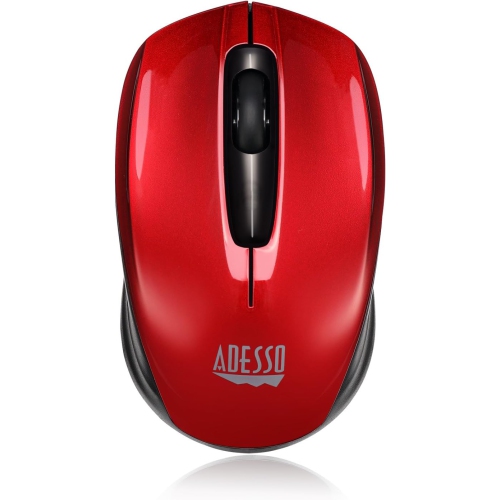
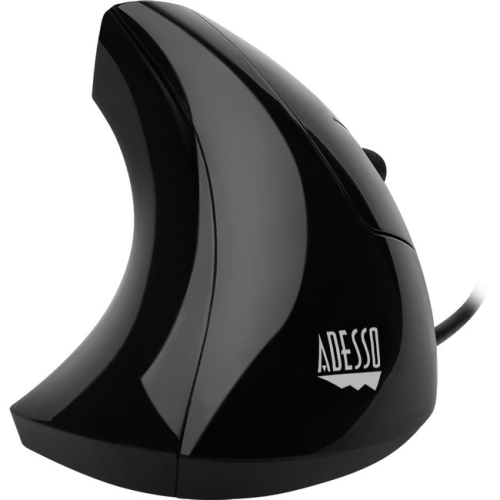
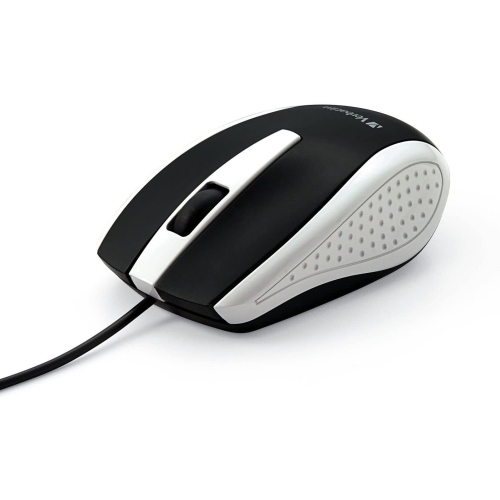
Shape and fit become especially noticeable during longer sessions at a desk. A slim mouse occupies little space and can be easy to slip into a bag, while a taller body offers more contact beneath the palm. Neither shape suits every hand. Hand size, finger length, grip style, and the position of the keyboard all influence how comfortable a mouse feels. Some people rest most of the hand on the shell; others guide the mouse mainly with their fingertips. A deeply contoured body may feel secure in one hand but unsuitable in the other, so left- or right-handed orientation matters, particularly when thumb rests and side buttons are involved. Symmetrical mice can suit different users, although a symmetrical outline does not necessarily mean that every button is equally accessible from both sides. Upright designs position the hand differently from conventional flat mice, and their unfamiliar shape may take time to adjust to. Materials add another layer to the feel. Smooth plastic is easy to wipe down, textured side panels can provide grip, and soft-touch finishes offer a different sensation beneath the fingers. Lighter-coloured surfaces may show marks more readily, while glossy finishes can make fingerprints more visible. Across these designs, the underside feet help the mouse glide, and the sensor works best on a surface suited to its capabilities. A consistent mouse pad can provide a dependable tracking area on a desk where glass, polished finishes, or uneven wood grain might otherwise affect movement. Size also matters in a small workspace: a compact mouse leaves more room beside a full-size keyboard, while a larger model needs enough space for comfortable movement. Quiet-click designs can be welcome beside a shared study area or during video calls, although the sound of the wheel and other buttons may differ from the main clicks. These details shape the daily experience as much as appearance does, particularly when the same mouse serves both focused work and casual browsing.
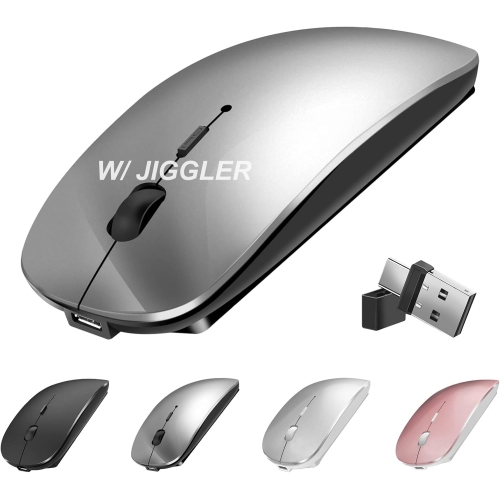
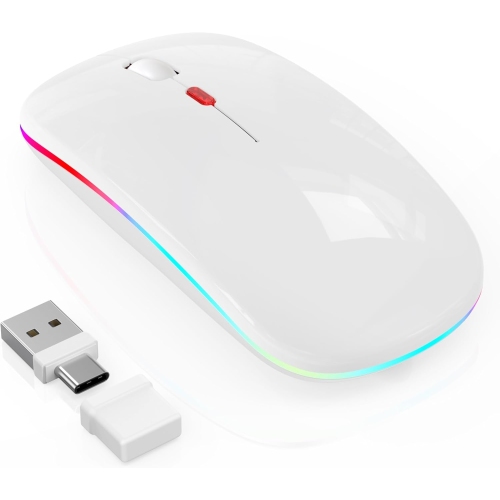
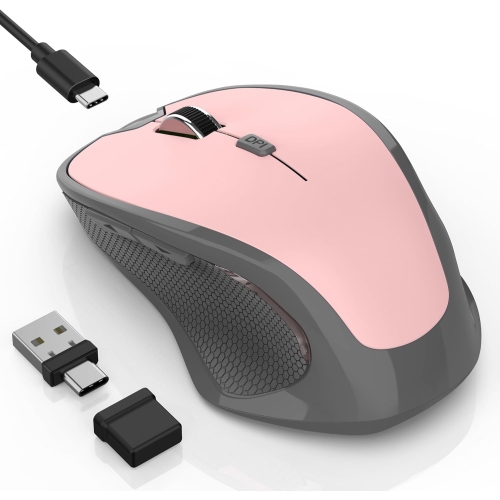
Battery design, construction, and routine care help determine how a desktop mouse fits into everyday use over time. Rechargeable models reduce the need to keep replacement batteries nearby, while replaceable-battery designs allow a fresh battery to be fitted when needed. Battery life varies with the model, connection, settings, and amount of use, so a stated runtime is best understood alongside the conditions used to measure it. Charging-port placement also affects whether a rechargeable mouse can remain in use while connected to power. For someone who spends the day moving between documents and meetings, an accessible charging cable and a visible battery indicator can be useful conveniences. A mouse that supports more than one paired device may also suit a workspace shared between a desktop and a portable computer, provided each device and connection method is supported. Durability is reflected in the feel of the buttons, the stability of the scroll wheel, the condition of the glide feet, and, on wired designs, the flexibility and strain relief of the cable. Dust around the sensor or debris on the underside can interrupt otherwise smooth movement. A soft cloth and cleaning methods appropriate to the manufacturer’s directions help keep the shell and contact surfaces tidy, without soaking openings or exposing finishes to unsuitable cleaners. For travel between a home desk and another workspace, a protective pouch can prevent loose objects from rubbing against the mouse, while a storage slot for a small receiver helps keep the connection accessory with it. Desktop mice can also make practical gifts for students, home-office users, and people setting up a shared family computer. A gift is more likely to be useful when its hand orientation, connection type, and supported controls match the recipient’s existing setup. From simple pointing and scrolling to more involved creative tasks, a well-matched mouse gives familiar desktop activities a comfortable, consistent feel without adding unnecessary complexity.
FAQ

Some products may be subject to Environmental Handling Fees (EHF) depending on your province. Learn more about EHFs.