Mac Compatible Wireless Mice
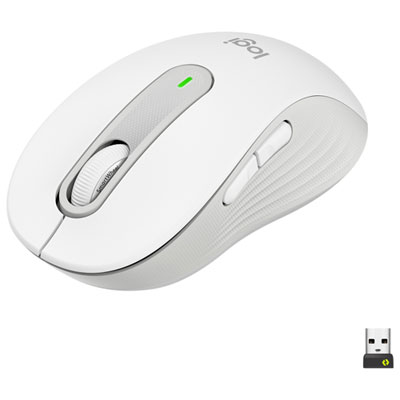
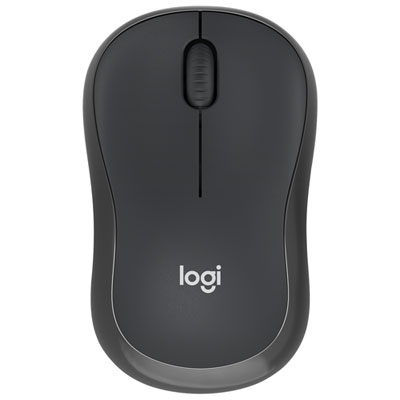
Wireless mice are more convenient for moving around the desk and for using while your computer is on the floor. With a wireless mouse, you don’t need to worry about cords getting tangled or having to move the desk around to get the cord to reach it. If you are looking for a Mac-compatible wireless mouse, there are several models available to choose from.
Sort




Why mouse compatibility goes beyond a wireless connection
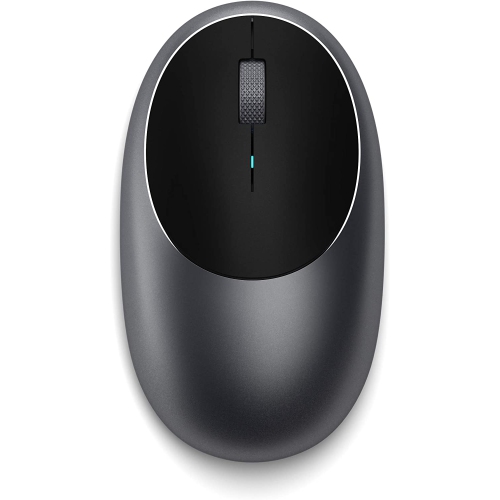
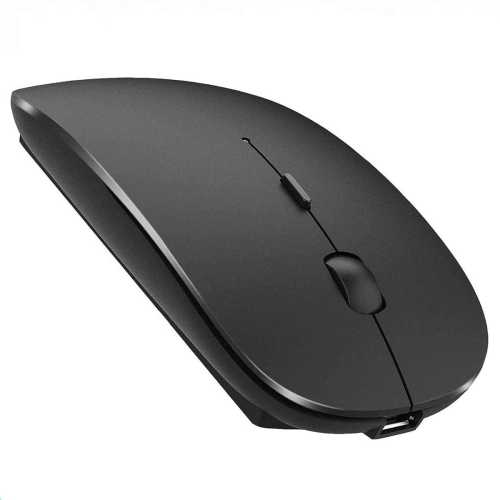
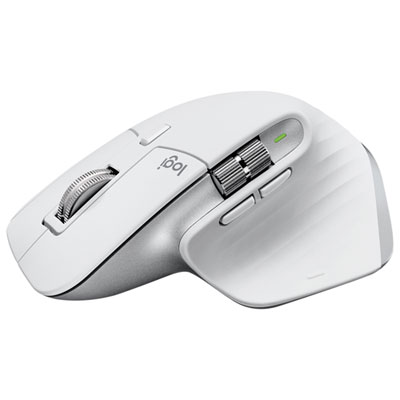
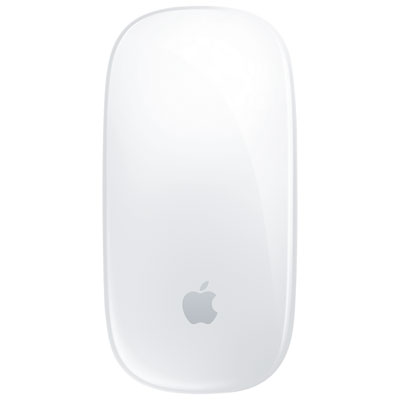
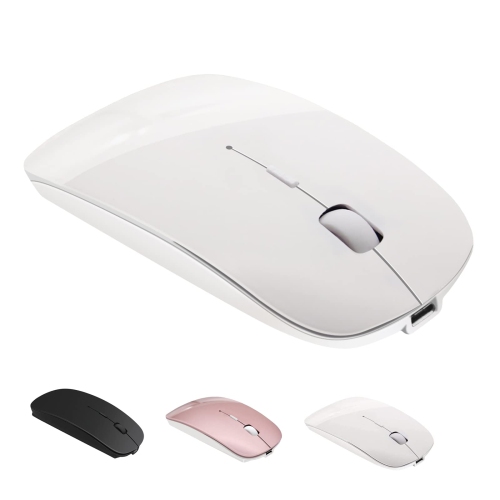
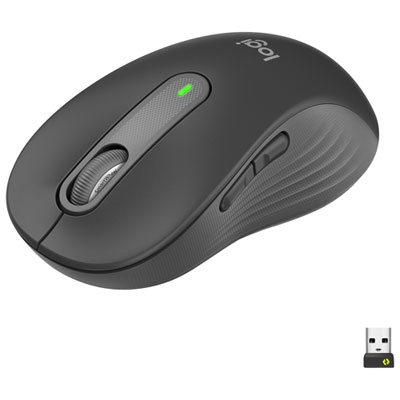
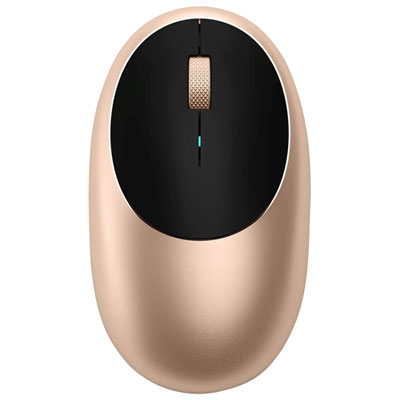
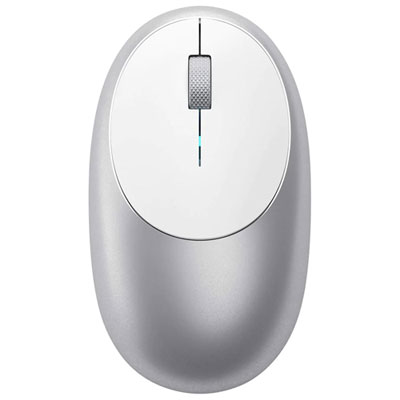
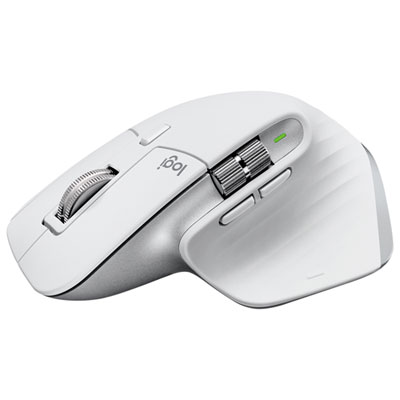
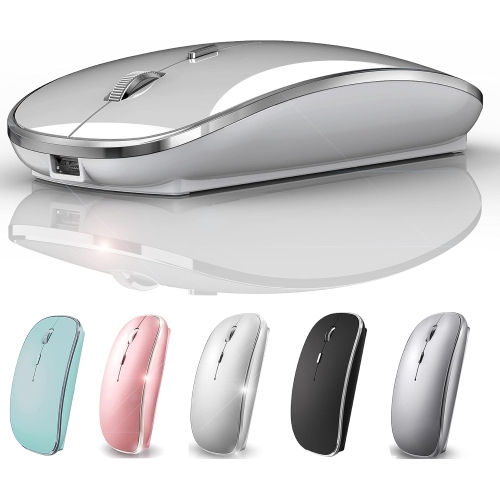
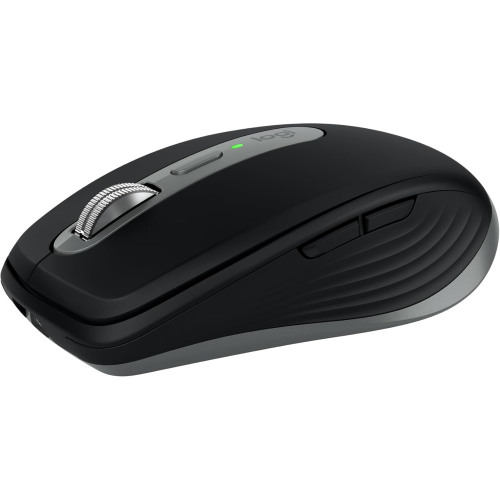
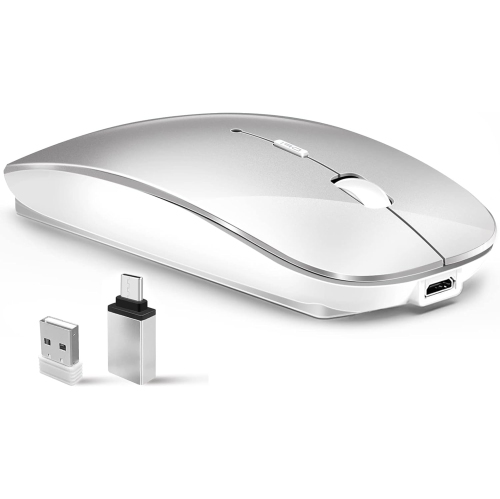
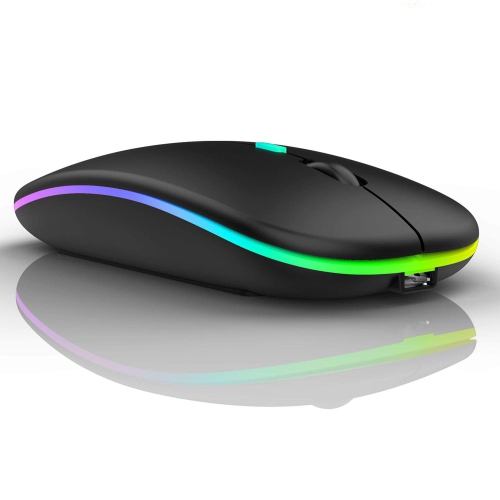
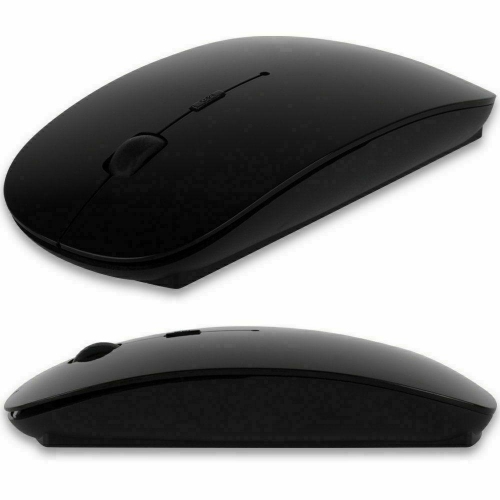
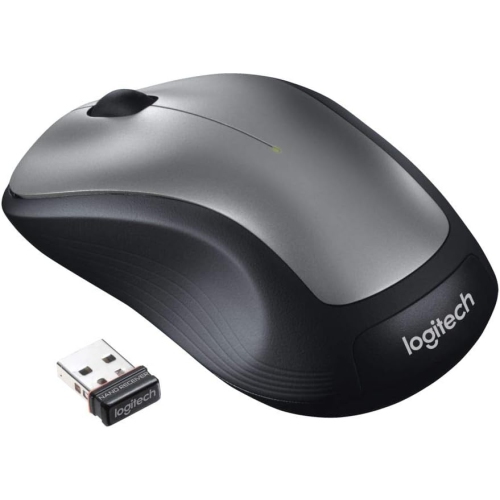
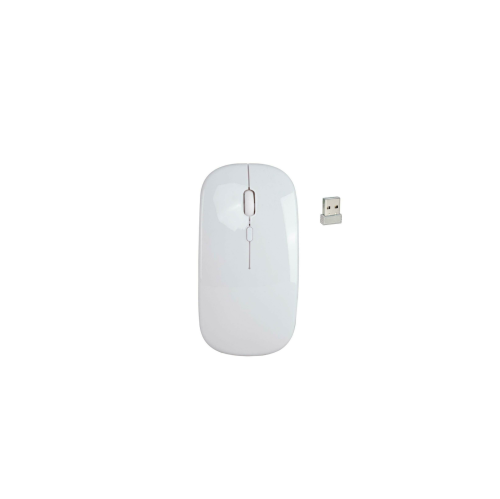
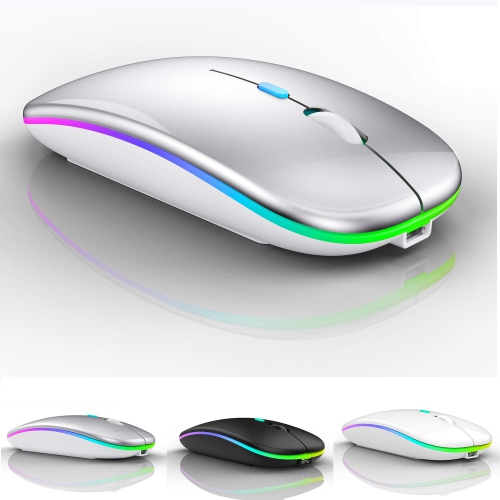
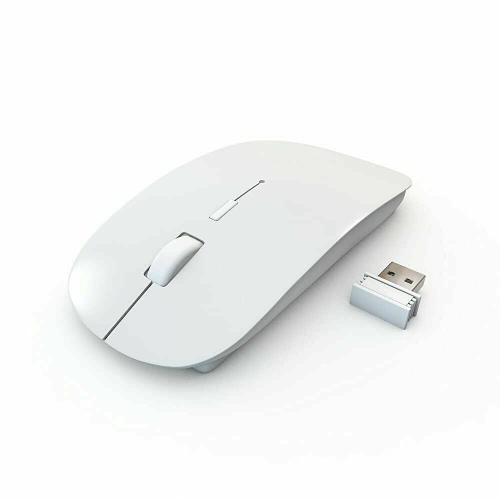
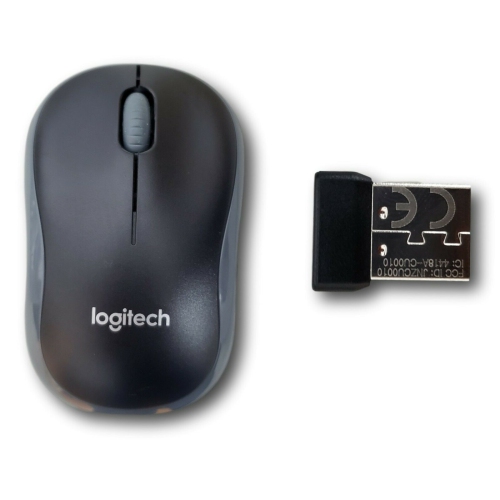
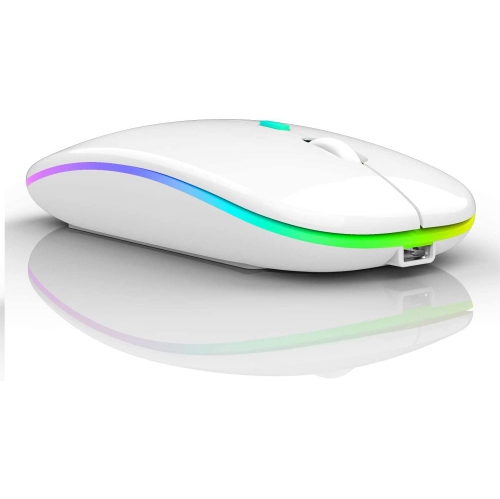
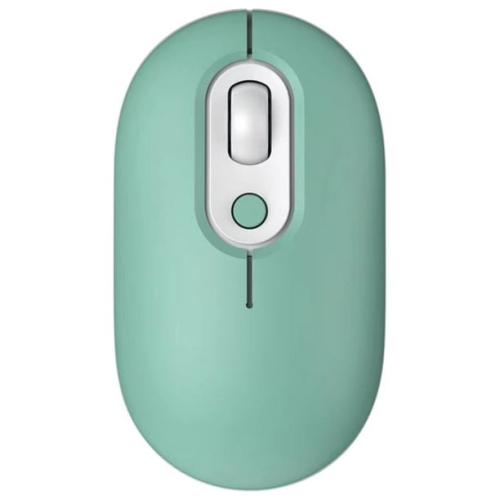
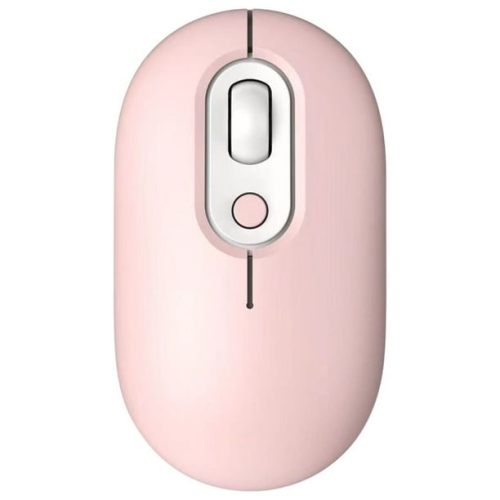
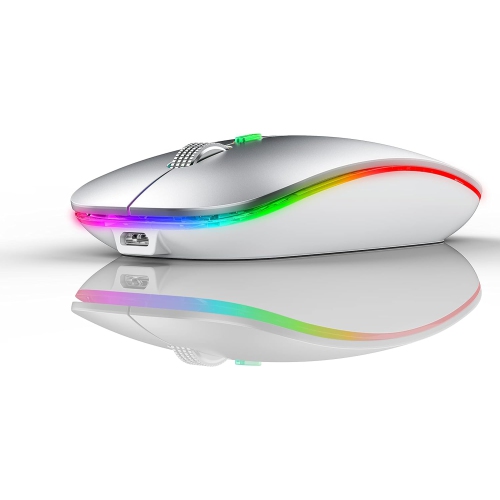
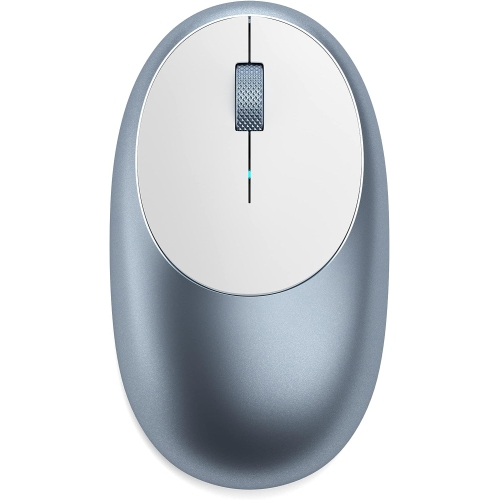
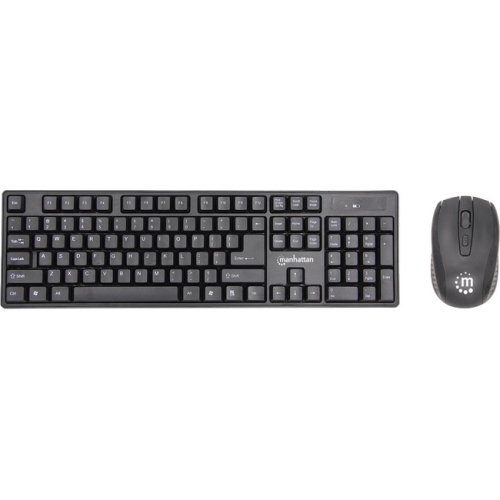
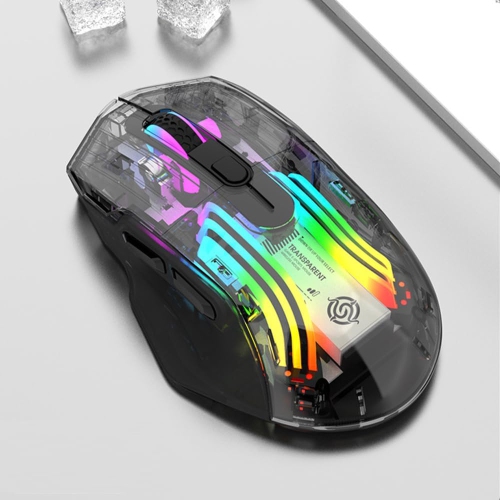
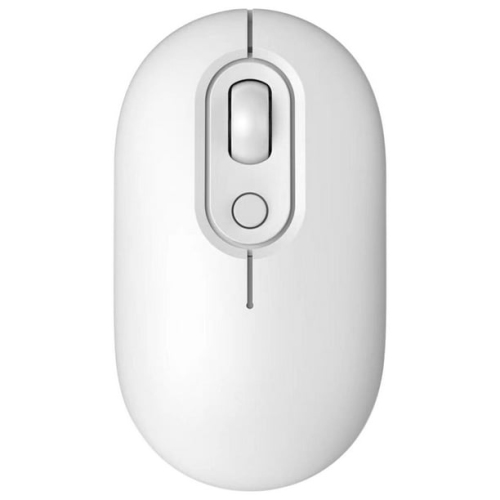
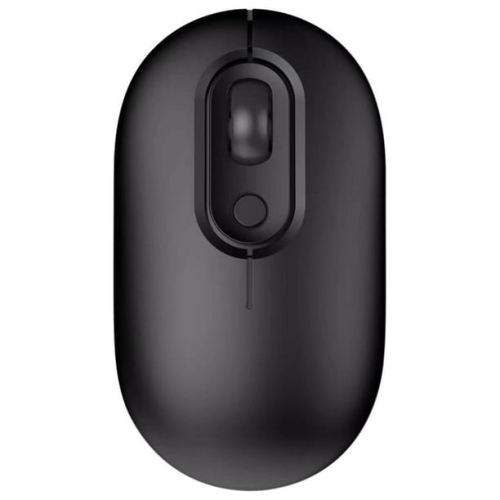
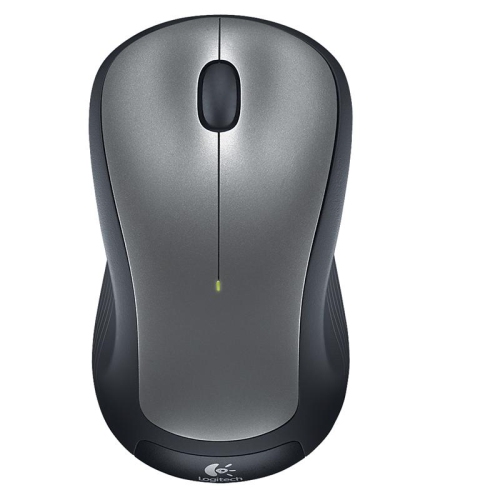
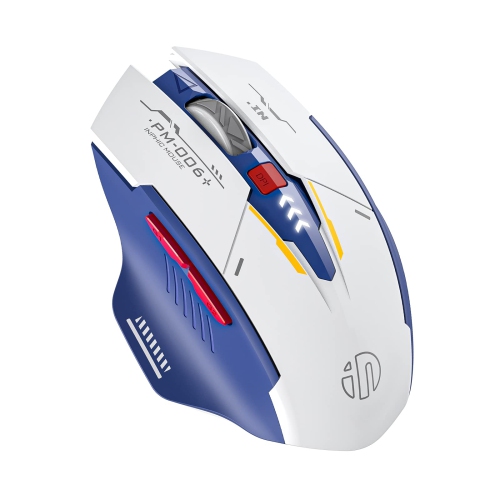
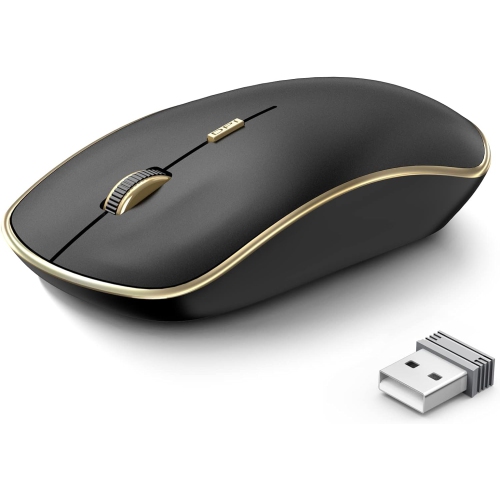
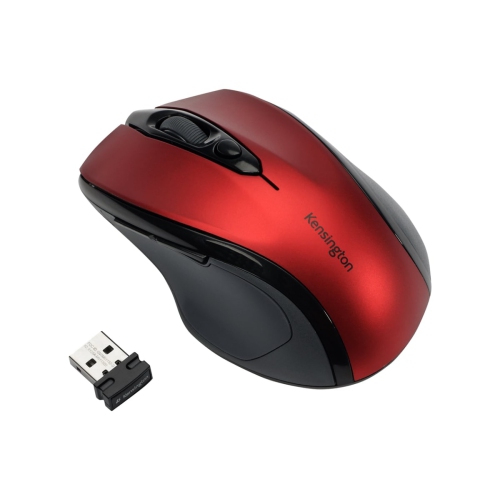
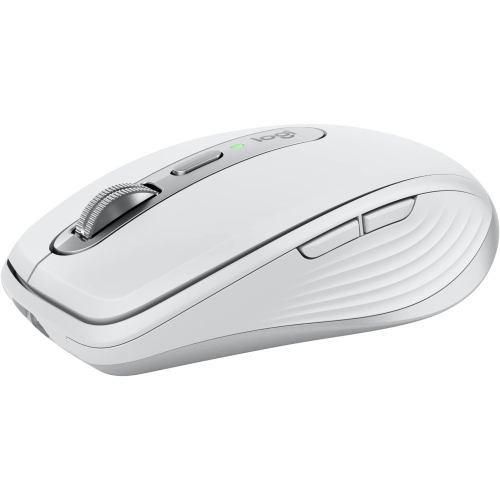
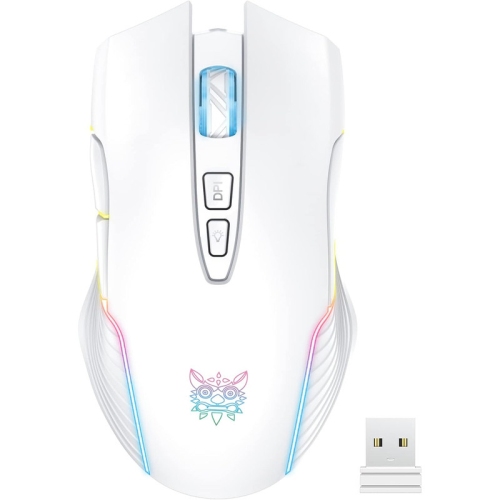
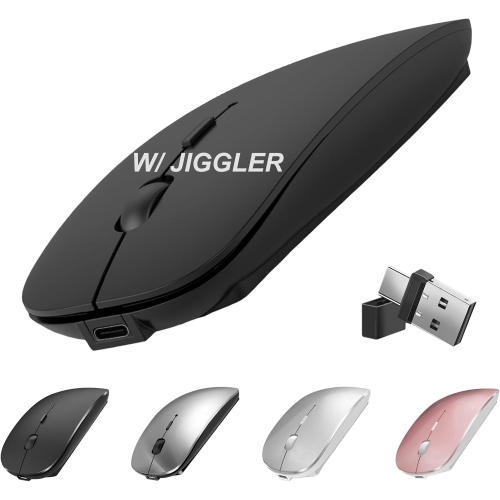
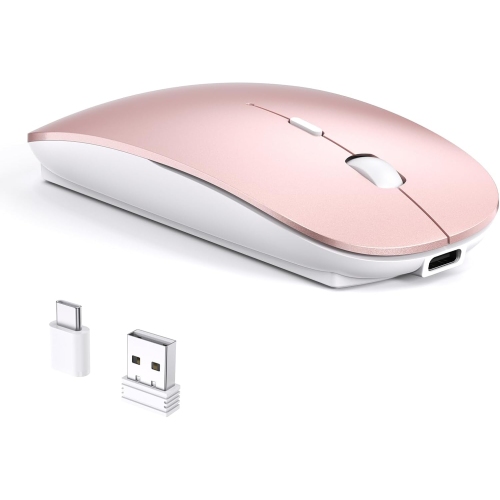
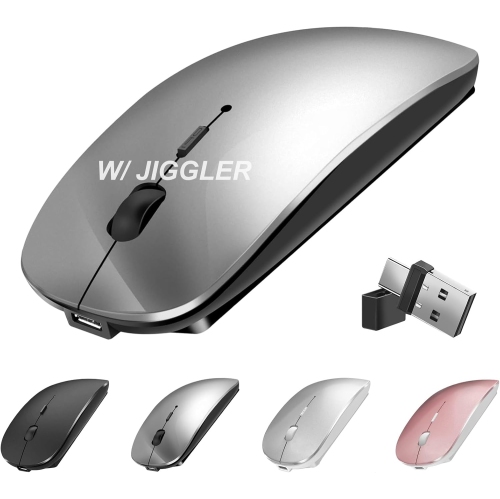
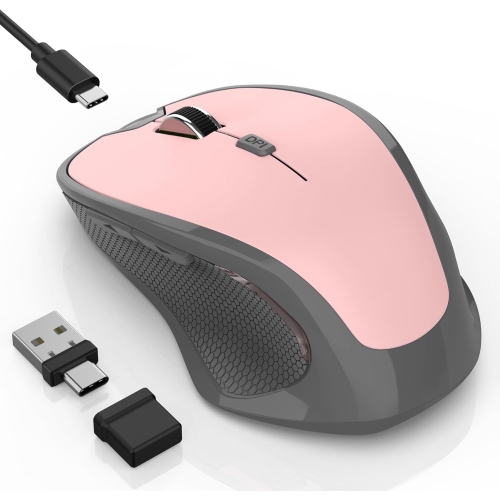
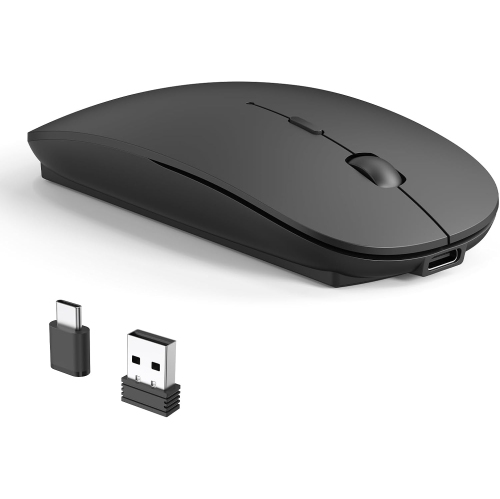
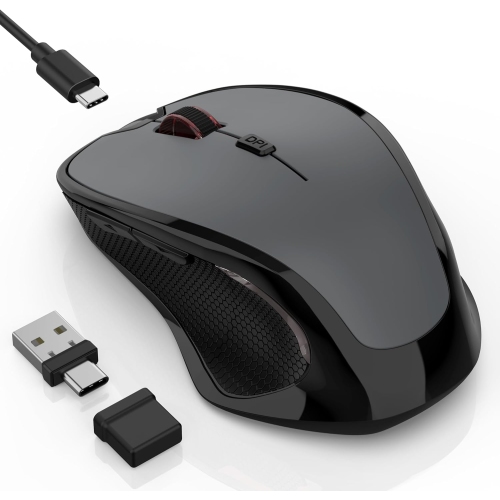
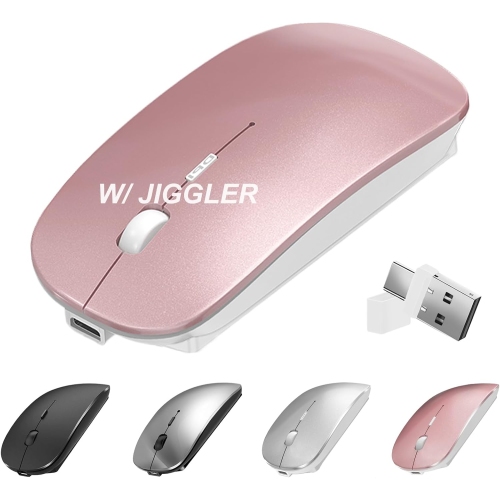
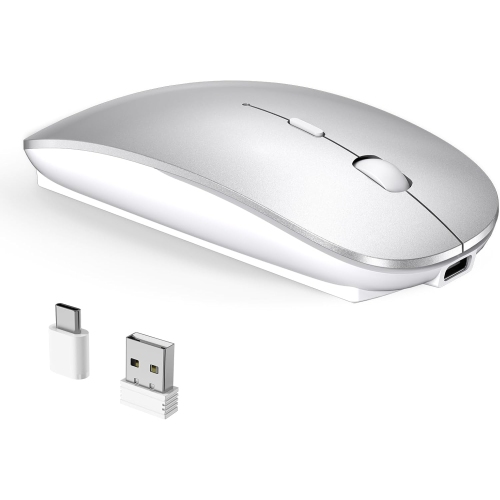
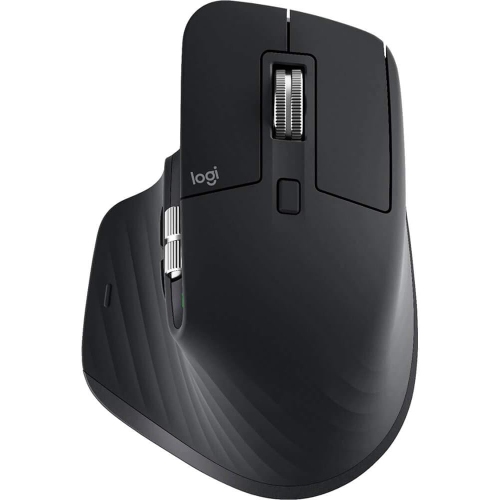
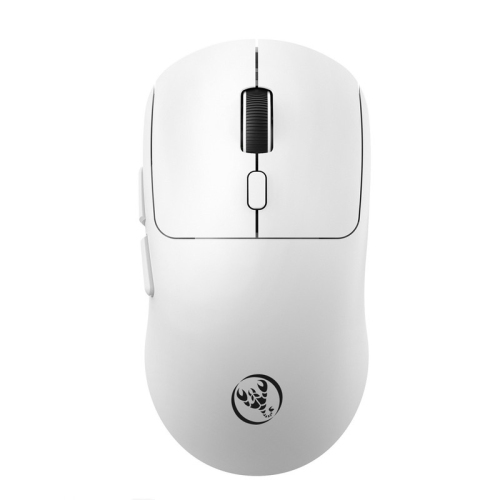
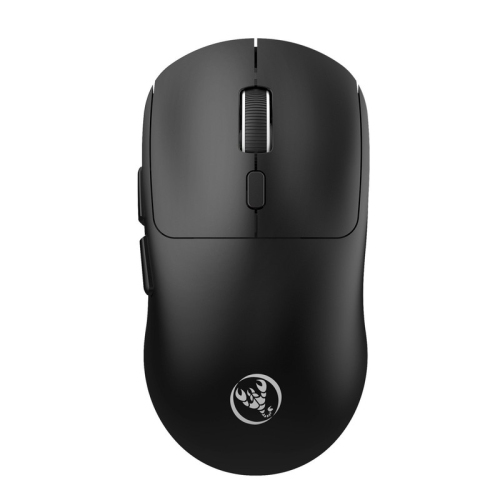
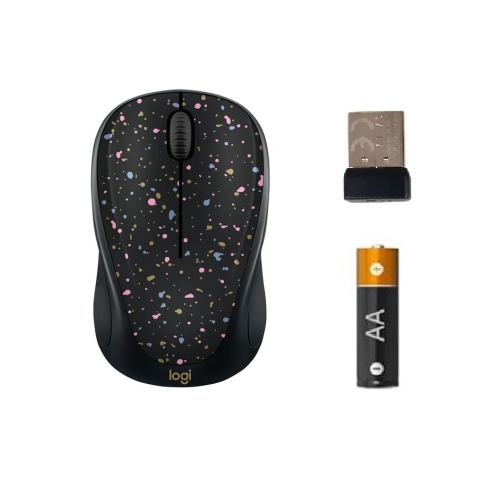
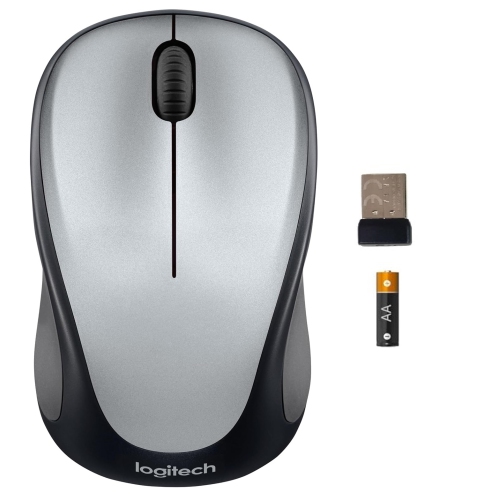
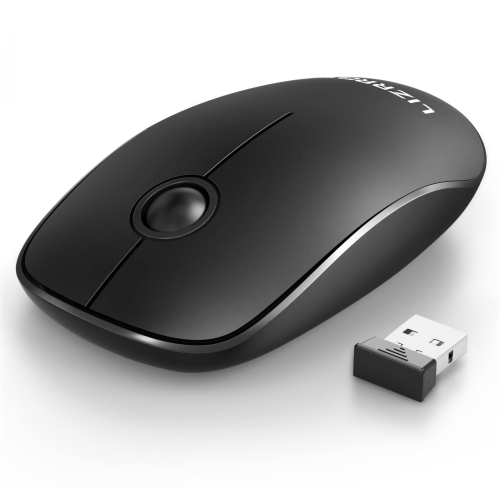
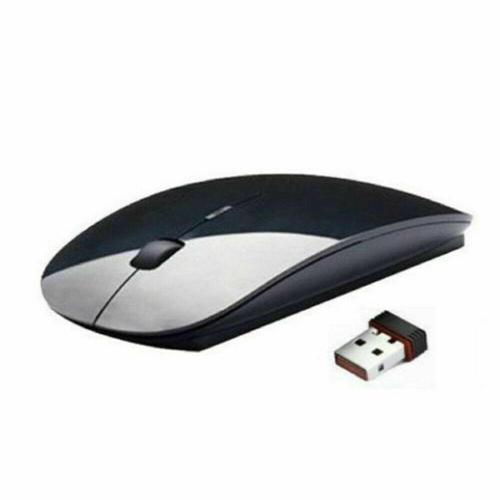
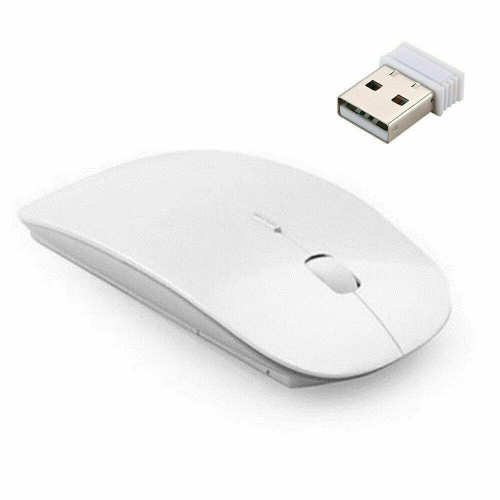
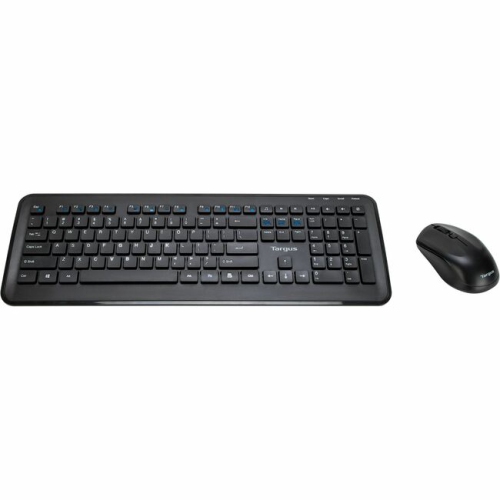
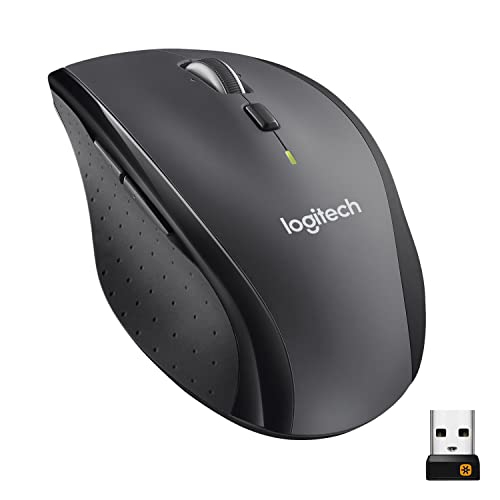
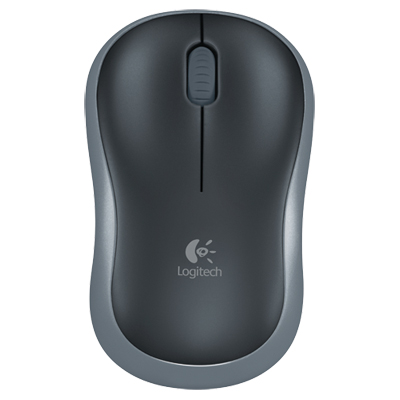
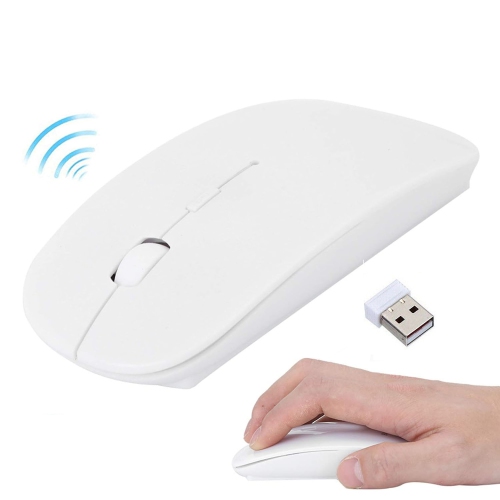
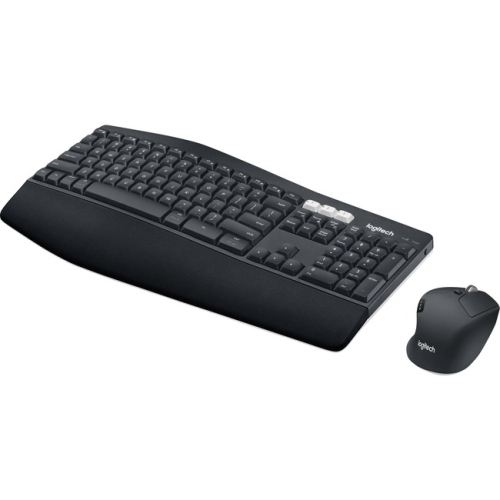
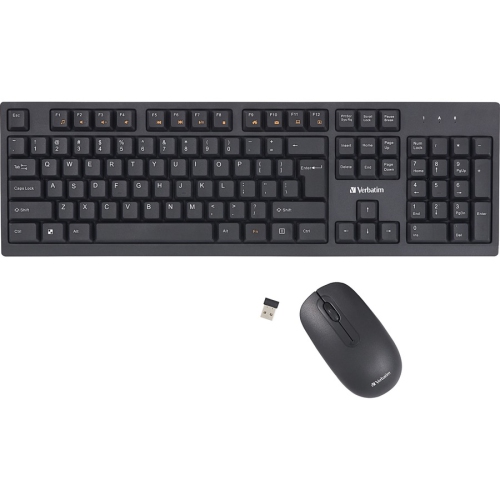
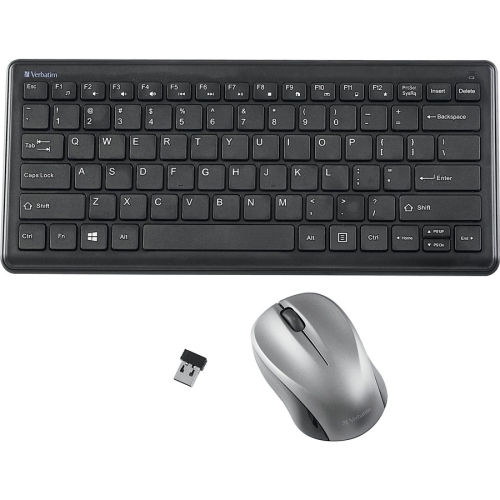
Mac compatible wireless mice bring familiar pointing, clicking, and scrolling controls to a desk without a cable running between the mouse and computer. They suit everything from writing assignments and managing spreadsheets to editing photos, arranging presentation slides, and browsing from a laptop connected to a larger display. Compatibility involves more than making a wireless connection: basic cursor movement may work immediately, while programmable buttons, gesture shortcuts, battery indicators, and advanced scrolling can depend on the mouse’s software and the version of macOS installed. Bluetooth models pair directly with a compatible computer and leave USB ports free for storage, displays, or other accessories. Mice that connect through a dedicated wireless receiver need a matching USB port, whether that is USB-A or USB-C; an adapter or hub may be necessary when the connector does not match. Some designs support both connection methods, giving flexibility between a permanent desk setup and a laptop carried between locations. Multi-device pairing is another useful distinction for anyone working across two computers, although the number of saved connections and the way switching works vary by model. A dedicated switching button can make moving between a personal laptop and a work computer straightforward, but pairing with multiple devices does not automatically enable file transfers or shared clipboard functions. Those capabilities, where supported, have separate software requirements. For everyday office work, a stable connection, comfortable shape, and predictable scrolling often matter more than a long list of controls. More specialized tasks can benefit from additional features, such as horizontal scrolling for wide worksheets or adjustable pointer sensitivity for moving across a large monitor. Quiet-click designs can make repeated clicking less distracting in a shared office or study space, though quieter buttons do not necessarily mean a silent scroll wheel. The most useful features are the ones that match the computer, applications, and tasks the mouse will actually be used with.
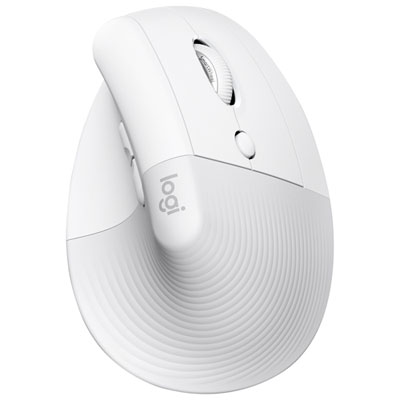
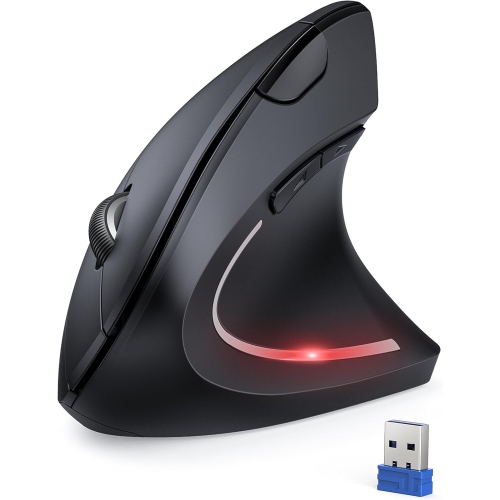
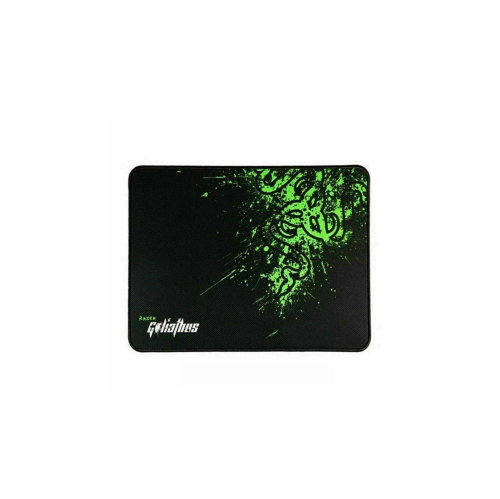
Shape and fit have a noticeable effect on how a wireless mouse feels throughout the day. A low-profile body slips easily into a laptop sleeve or accessory pouch, while a fuller shape gives the palm more support during longer desk sessions. Neither is automatically more comfortable for every hand. Hand size, finger reach, grip style, and whether the mouse is used with the left or right hand all influence the fit. A contoured thumb rest may feel natural for one user but place the side buttons awkwardly for another. Symmetrical designs can accommodate different grips, although side-button placement may still favour right-handed use. Vertical mice position the hand at an angle closer to a handshake, offering an alternative to the flatter posture of a conventional mouse; they can take some adjustment and are not a guaranteed solution for discomfort. Keeping the mouse within easy reach, with space to move the forearm, matters alongside the shape itself. Weight also changes the experience. A lighter body takes less effort to reposition, while a heavier one may feel steadier to someone who prefers deliberate movements. Common materials include rigid plastic shells, textured side panels, and rubberized grip areas, with smooth feet underneath to help the mouse glide. Matte finishes can feel less slippery, while softer coatings may show wear differently from uncoated surfaces. Colour and finish can complement a keyboard or desk, but a comfortable grip and accessible controls remain important practical details. For photo work or detailed layouts, predictable sensor tracking helps with small adjustments; for broad movements between several windows, adjustable sensitivity offers flexibility. A higher DPI setting moves the pointer farther for the same physical movement, but a higher maximum DPI does not by itself make a mouse more accurate or better suited to everyday work. Likewise, tracking on glass is a specific capability, not a standard feature of all wireless mice. A clean mouse pad provides a consistent surface and can help protect both the desk and the mouse’s glide feet.
Battery design, charging access, and everyday care round out the experience of owning a Mac compatible wireless mouse. Rechargeable designs avoid the routine of swapping batteries, while models with replaceable batteries allow a fresh set to be fitted when needed. Stated battery life depends on usage, connection settings, lighting where fitted, and other features, so it is best understood as an estimate rather than a fixed interval between charges. A battery indicator makes it easier to plan charging before a long work session. Charging-port location also matters: some mice can remain in use while connected to a cable, while others cannot, and a charging cable does not necessarily provide a wired data connection. For a mouse that travels regularly, an accessible power switch, secure battery cover, and built-in receiver storage can be helpful details where included. A protective pouch keeps the sensor opening and buttons away from loose objects in a bag and helps prevent the finish from rubbing against chargers or keys. At a desk, crumbs and dust can collect around the wheel, button seams, and underside. Routine care generally involves switching the mouse off and wiping it with a soft, lint-free cloth, following the manufacturer’s cleaning instructions and keeping moisture out of openings. Harsh cleaners and abrasive pads can damage coatings or markings. Over time, button feel, wheel operation, and the condition of the glide feet all contribute to durability; replaceable feet or manufacturer-supported replacement parts may extend useful service where offered. Students, remote workers, designers, and people setting up a dedicated home workspace can each value a different combination of portability, precision, and comfort. As a gift, a wireless mouse is most practical when the recipient’s preferred hand, computer connections, and working habits are known. Someone who already relies on trackpad gestures may appreciate supported touch controls, while a frequent spreadsheet user may get more use from a well-placed thumb wheel. The broader Mac Compatible Mice category also provides context for comparing connection styles. Within wireless options, the combination of verified macOS support, a suitable fit, and manageable battery care makes the difference in daily use.
Shape and fit have a noticeable effect on how a wireless mouse feels throughout the day. A low-profile body slips easily into a laptop sleeve or accessory pouch, while a fuller shape gives the palm more support during longer desk sessions. Neither is automatically more comfortable for every hand. Hand size, finger reach, grip style, and whether the mouse is used with the left or right hand all influence the fit. A contoured thumb rest may feel natural for one user but place the side buttons awkwardly for another. Symmetrical designs can accommodate different grips, although side-button placement may still favour right-handed use. Vertical mice position the hand at an angle closer to a handshake, offering an alternative to the flatter posture of a conventional mouse; they can take some adjustment and are not a guaranteed solution for discomfort. Keeping the mouse within easy reach, with space to move the forearm, matters alongside the shape itself. Weight also changes the experience. A lighter body takes less effort to reposition, while a heavier one may feel steadier to someone who prefers deliberate movements. Common materials include rigid plastic shells, textured side panels, and rubberized grip areas, with smooth feet underneath to help the mouse glide. Matte finishes can feel less slippery, while softer coatings may show wear differently from uncoated surfaces. Colour and finish can complement a keyboard or desk, but a comfortable grip and accessible controls remain important practical details. For photo work or detailed layouts, predictable sensor tracking helps with small adjustments; for broad movements between several windows, adjustable sensitivity offers flexibility. A higher DPI setting moves the pointer farther for the same physical movement, but a higher maximum DPI does not by itself make a mouse more accurate or better suited to everyday work. Likewise, tracking on glass is a specific capability, not a standard feature of all wireless mice. A clean mouse pad provides a consistent surface and can help protect both the desk and the mouse’s glide feet.
Battery design, charging access, and everyday care round out the experience of owning a Mac compatible wireless mouse. Rechargeable designs avoid the routine of swapping batteries, while models with replaceable batteries allow a fresh set to be fitted when needed. Stated battery life depends on usage, connection settings, lighting where fitted, and other features, so it is best understood as an estimate rather than a fixed interval between charges. A battery indicator makes it easier to plan charging before a long work session. Charging-port location also matters: some mice can remain in use while connected to a cable, while others cannot, and a charging cable does not necessarily provide a wired data connection. For a mouse that travels regularly, an accessible power switch, secure battery cover, and built-in receiver storage can be helpful details where included. A protective pouch keeps the sensor opening and buttons away from loose objects in a bag and helps prevent the finish from rubbing against chargers or keys. At a desk, crumbs and dust can collect around the wheel, button seams, and underside. Routine care generally involves switching the mouse off and wiping it with a soft, lint-free cloth, following the manufacturer’s cleaning instructions and keeping moisture out of openings. Harsh cleaners and abrasive pads can damage coatings or markings. Over time, button feel, wheel operation, and the condition of the glide feet all contribute to durability; replaceable feet or manufacturer-supported replacement parts may extend useful service where offered. Students, remote workers, designers, and people setting up a dedicated home workspace can each value a different combination of portability, precision, and comfort. As a gift, a wireless mouse is most practical when the recipient’s preferred hand, computer connections, and working habits are known. Someone who already relies on trackpad gestures may appreciate supported touch controls, while a frequent spreadsheet user may get more use from a well-placed thumb wheel. The broader Mac Compatible Mice category also provides context for comparing connection styles. Within wireless options, the combination of verified macOS support, a suitable fit, and manageable battery care makes the difference in daily use.
Top selling and popular products
-
 Your price for this item is $29.99
 -
 Your price for this item is $50.44
 -
 Your price for this item is $39.99
 -
 Your price for this item is $49.99
 -
 Your price for this item is $159.95
 -
 Your price for this item is $44.68
 -
 Your price for this item is $44.68
 -
 Your price for this item is $31
Discover more categories related to Mac Compatible Wireless Mice
Top Collections:
Pokemon Centers, Kindle Devices, Best Budget Office Chairs, Apple iPhones 16, Best Laptops for Writers, iPhone 15 Apple, Canon G7X Cameras, Refurbished Apple Laptops, Alarm Clock, Motorola Razr Phones
Some products may be subject to Environmental Handling Fees
(EHF) depending on your province.
Learn more about EHFs.