Oscillating Fans With Remote Control
If you're looking for a good fan to keep you cool while you sleep, look no further than an oscillating fan. These fans are designed to move air around the room. They also have a number of features that can make your sleep more comfortable, including remote controls and timers.
Sort
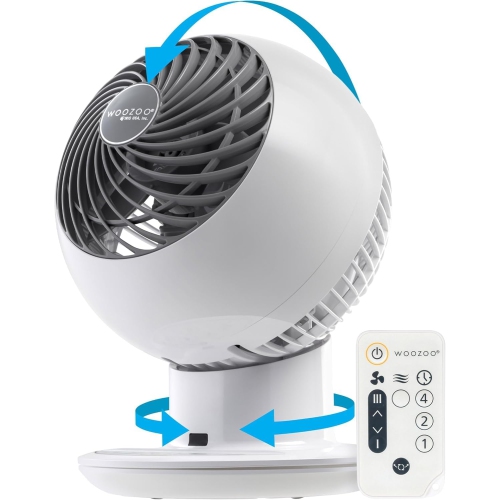
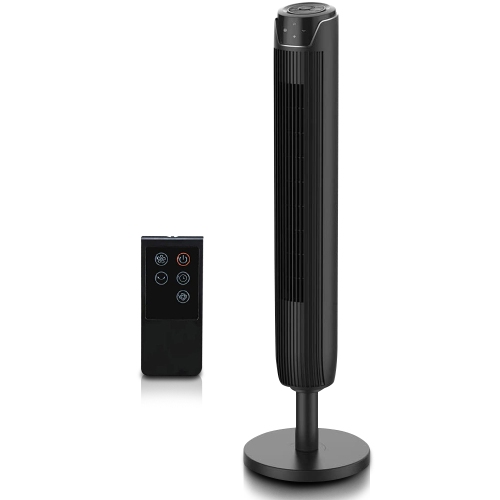
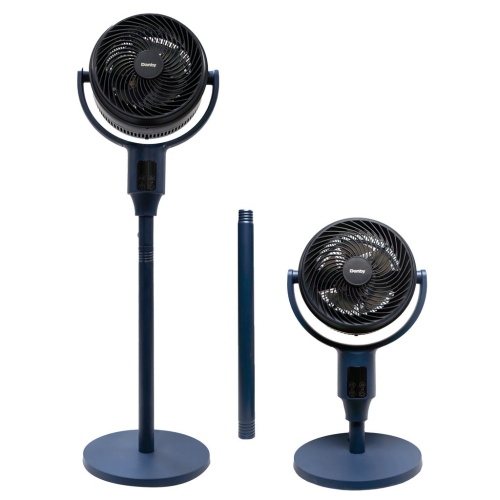
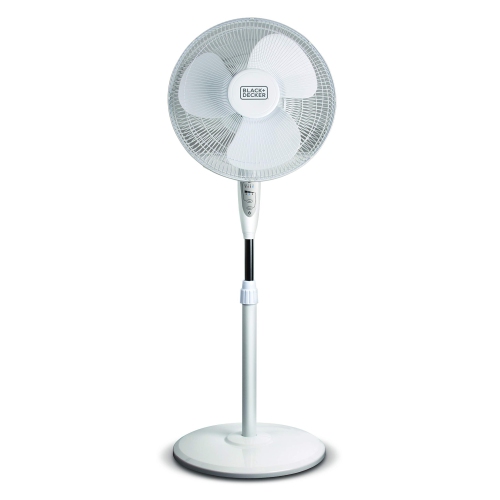
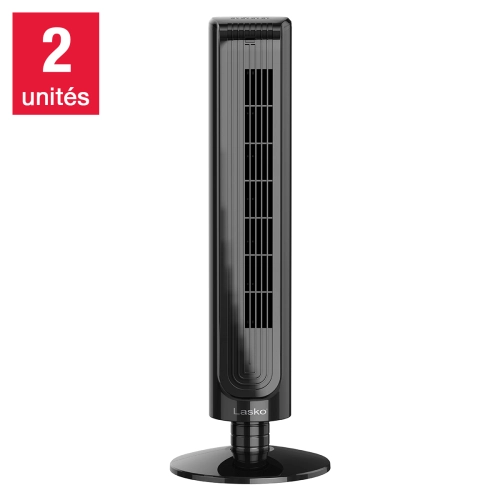
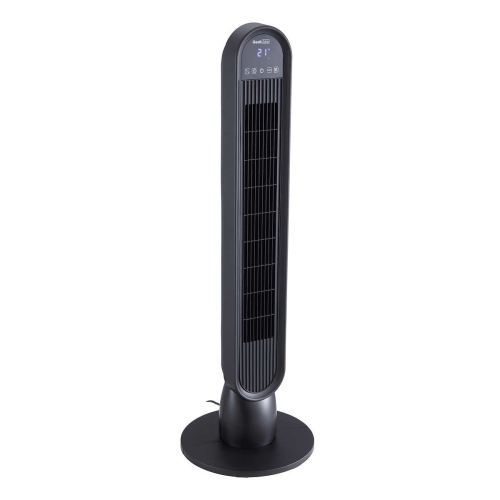
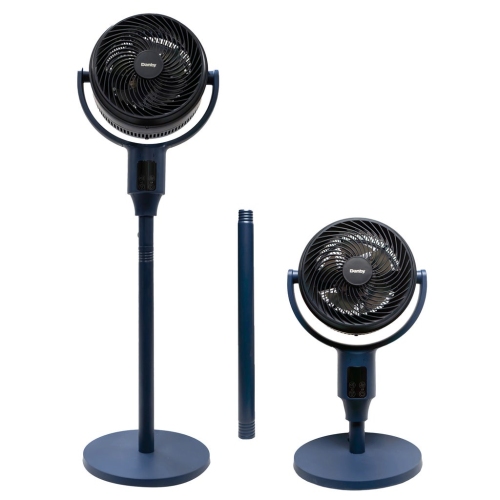
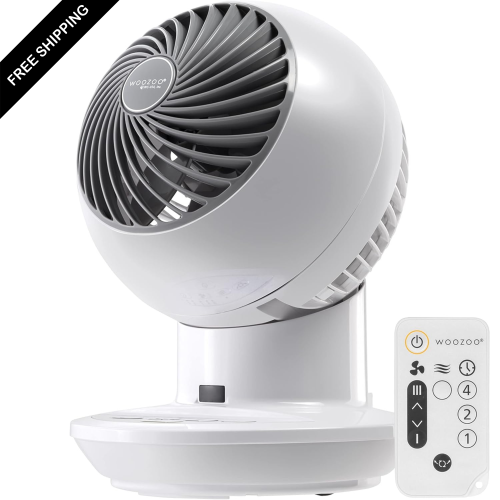
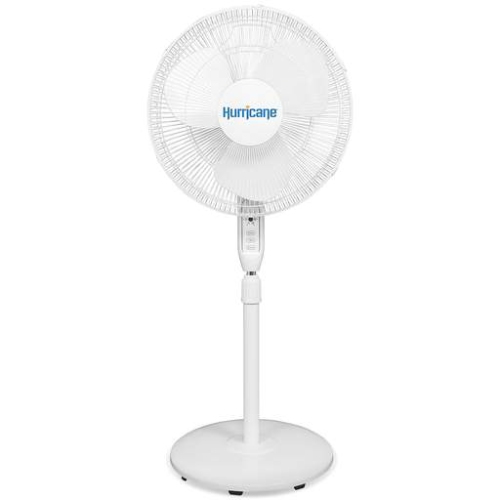
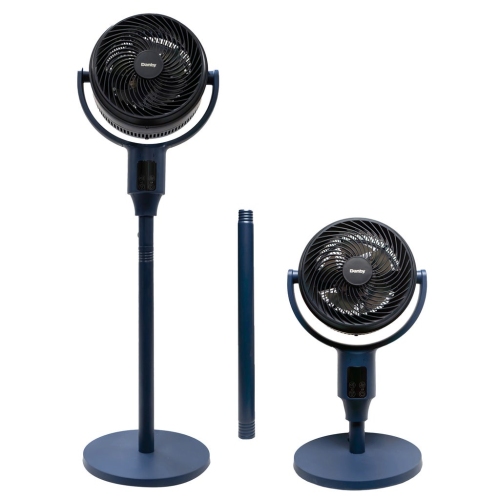
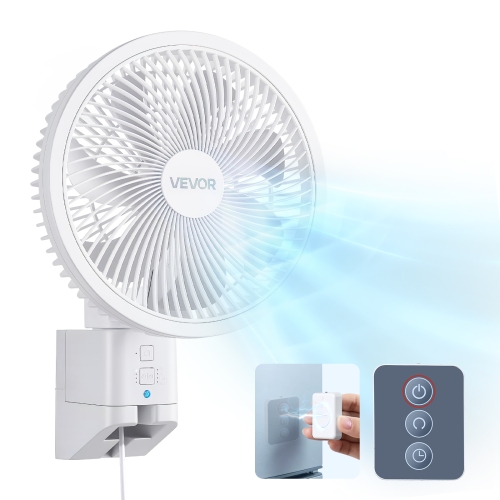
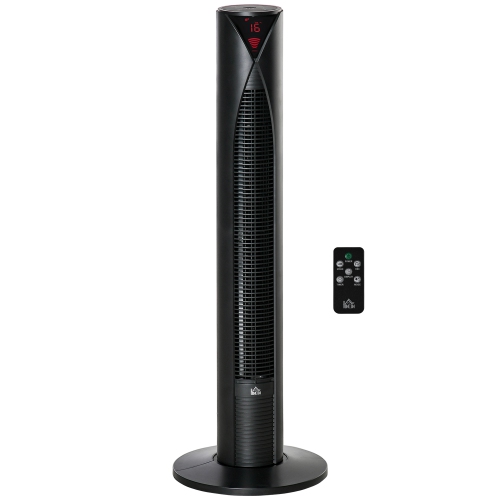
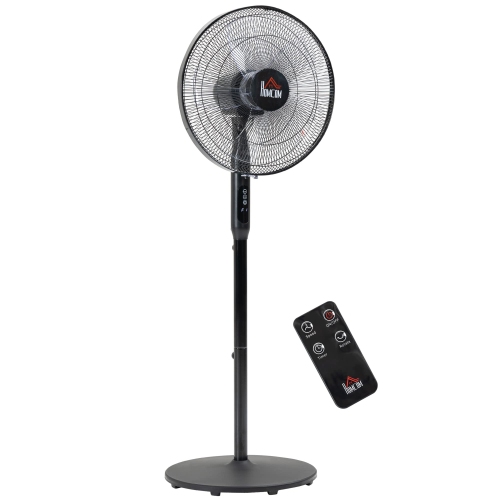
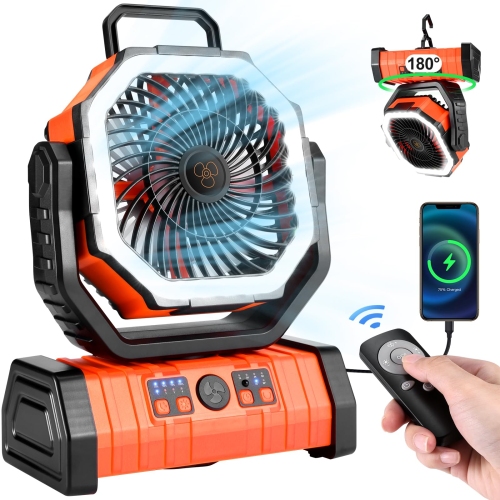
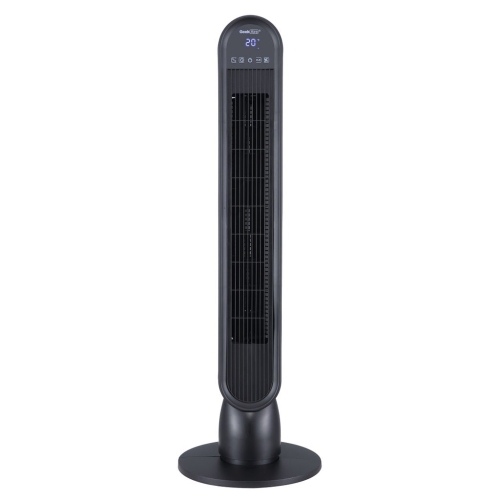
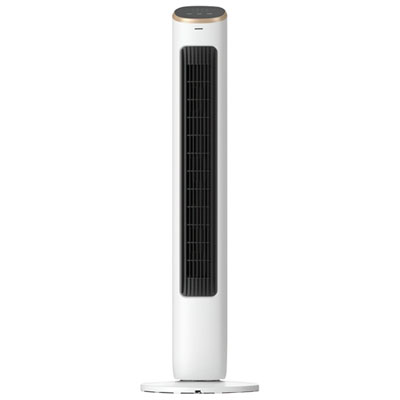
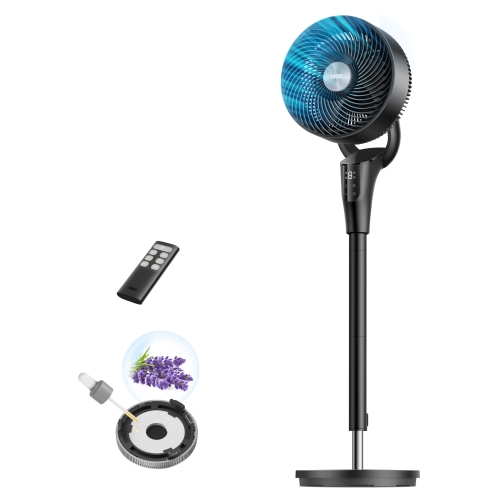
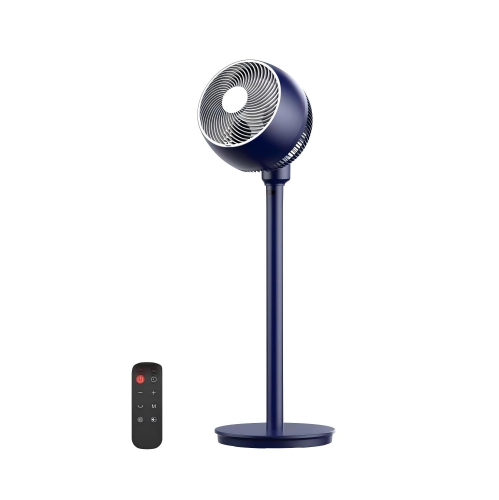
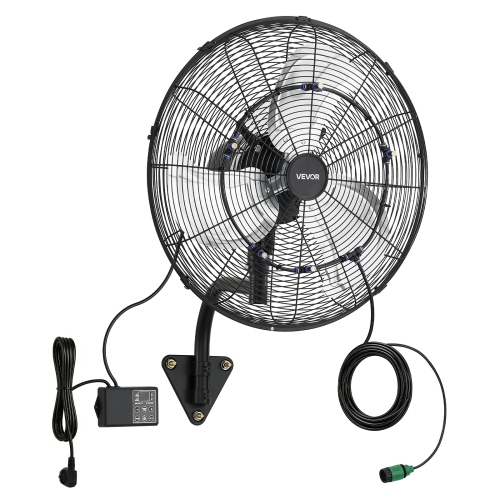
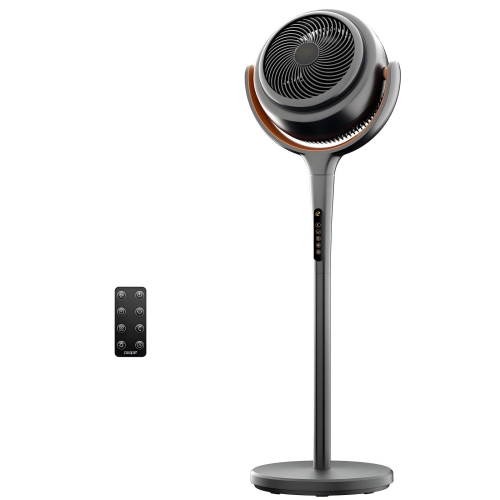
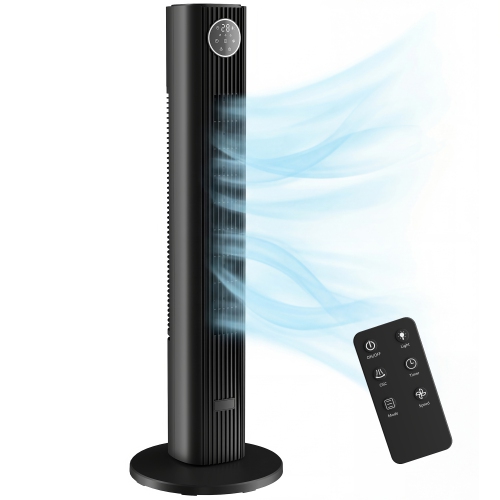
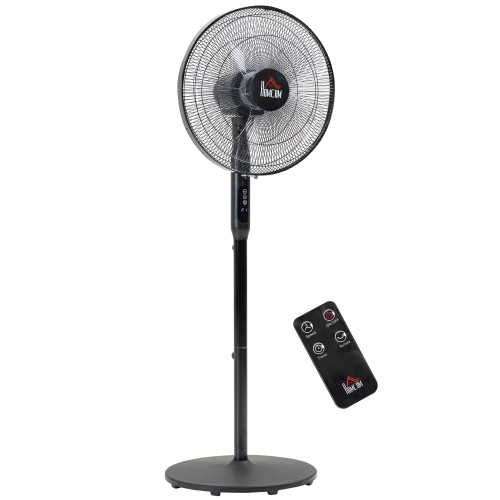
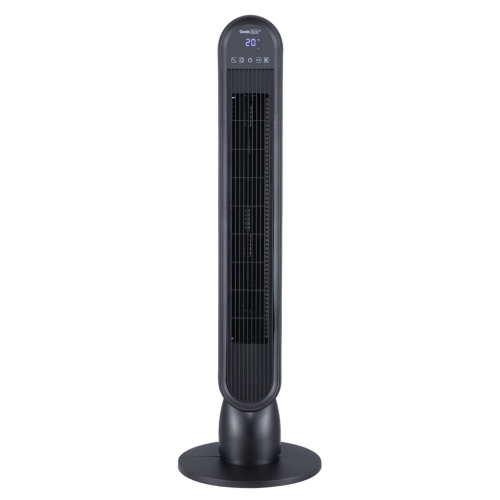
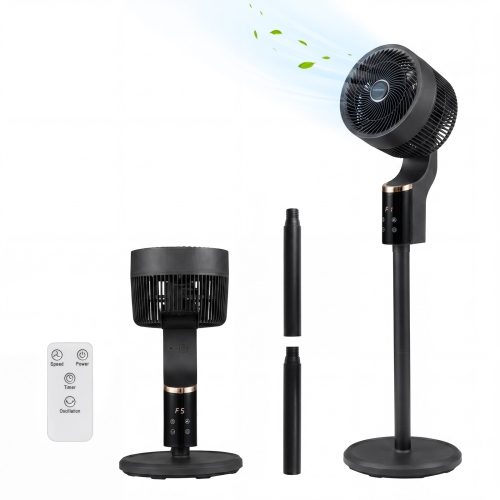
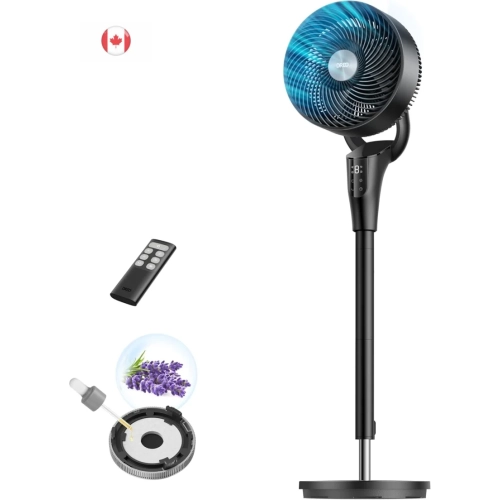
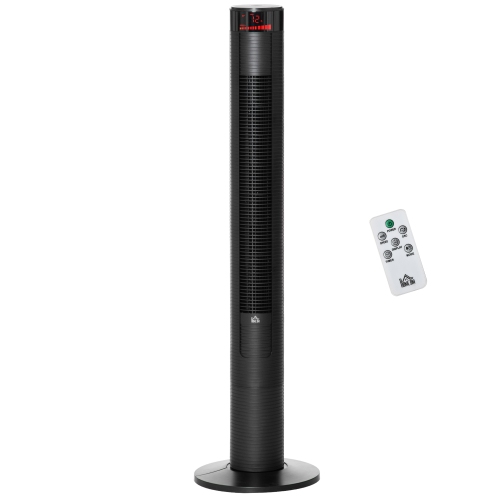
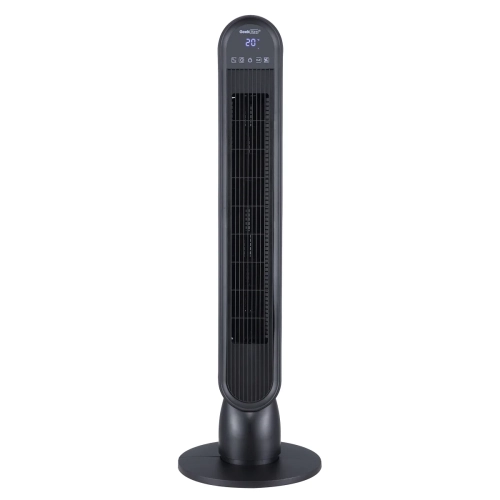
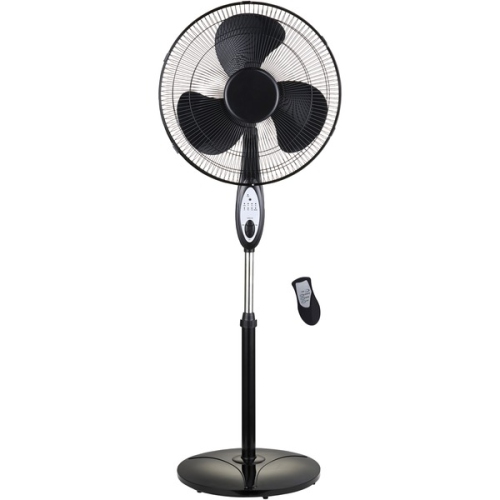
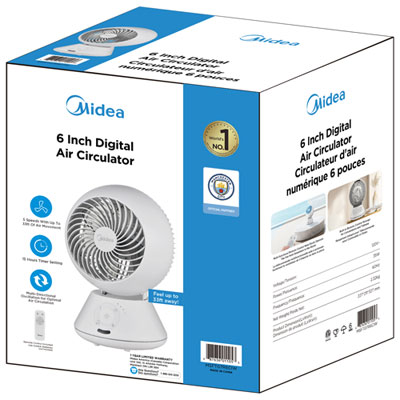
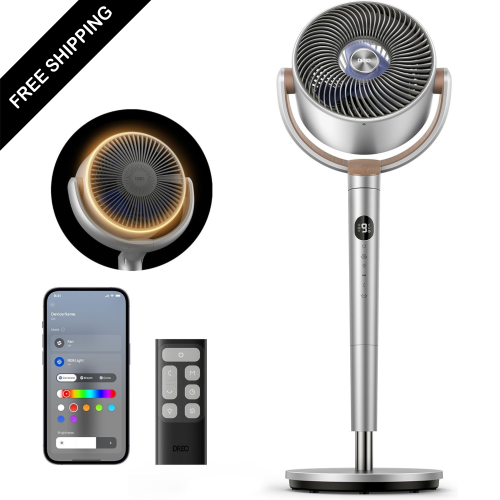
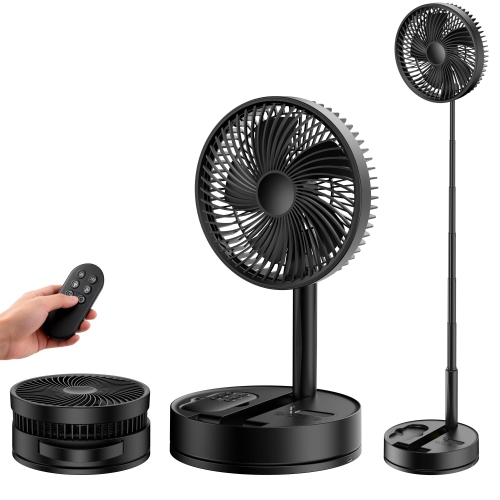
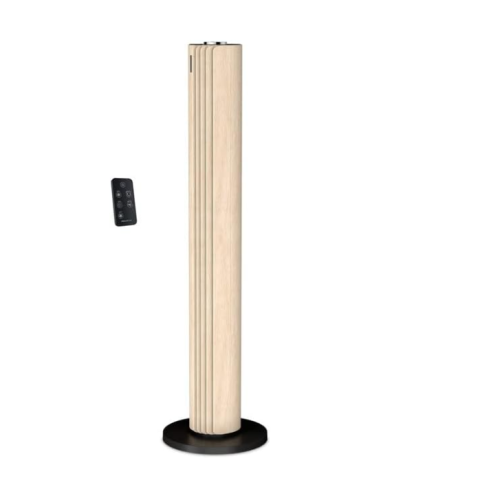
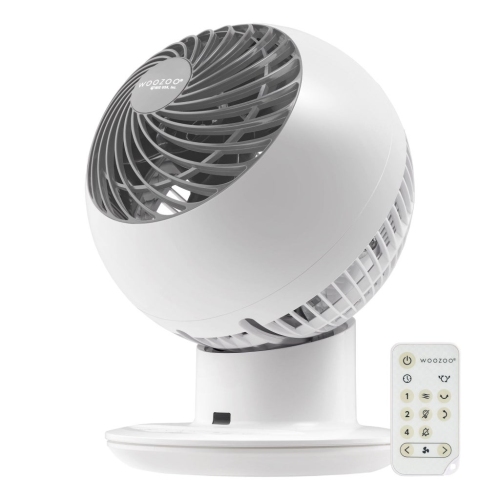
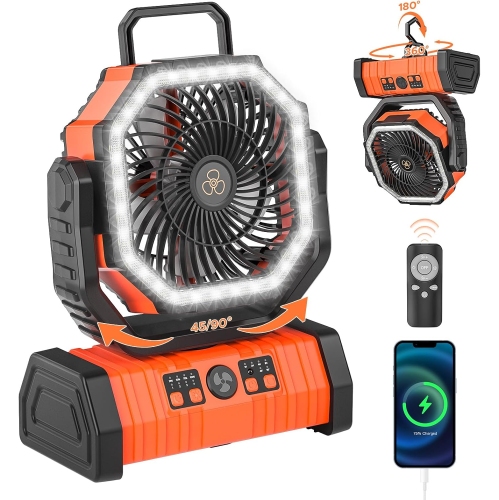
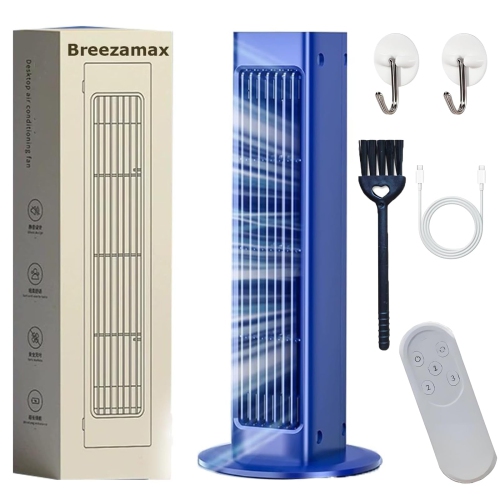
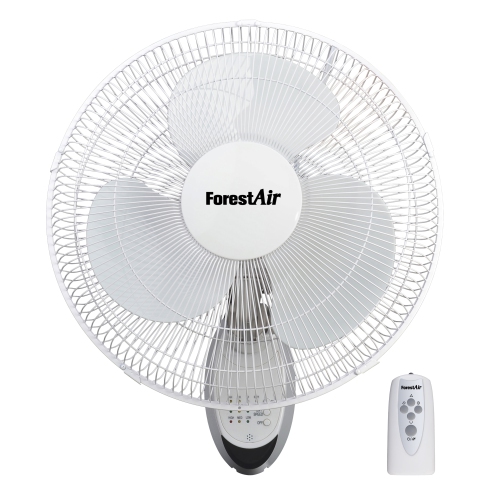
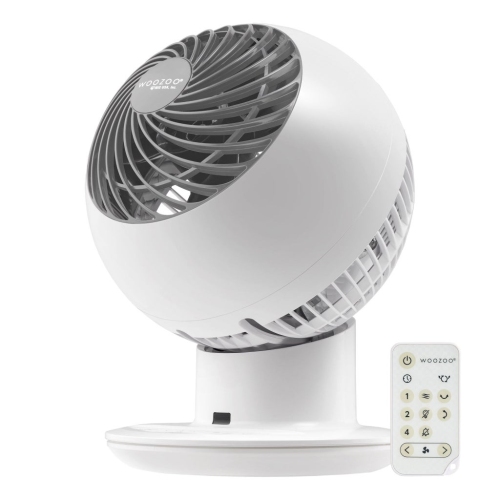
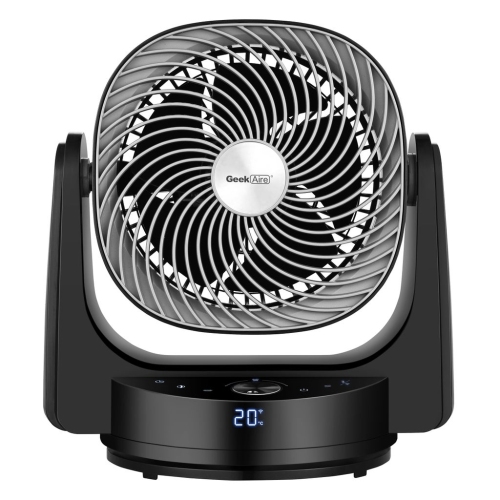
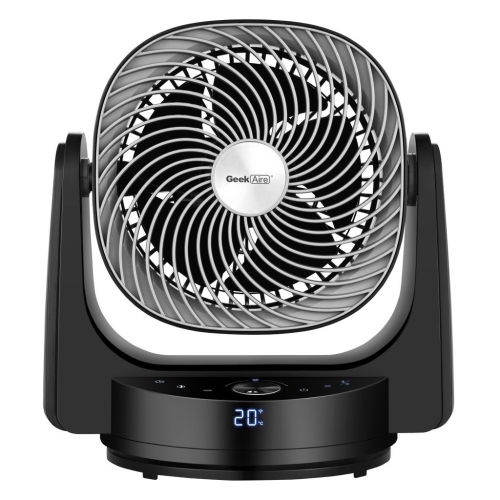
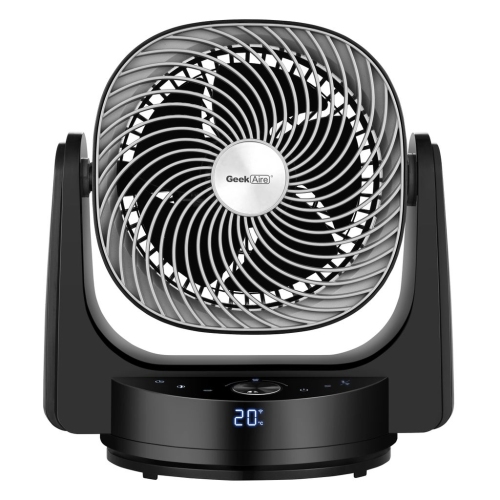
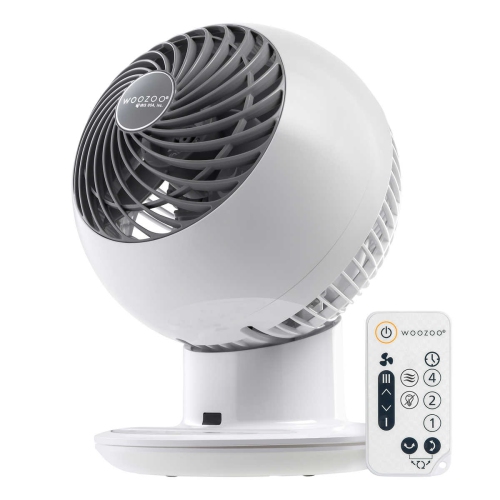
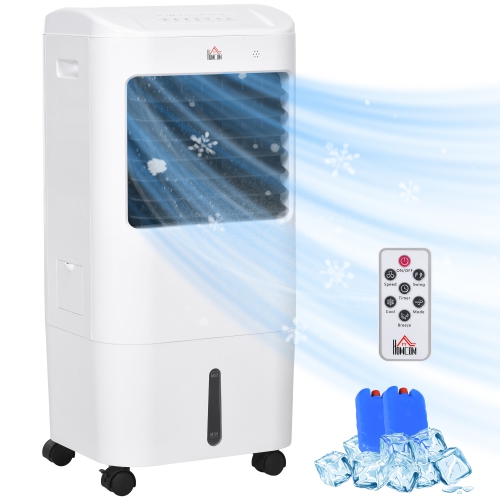
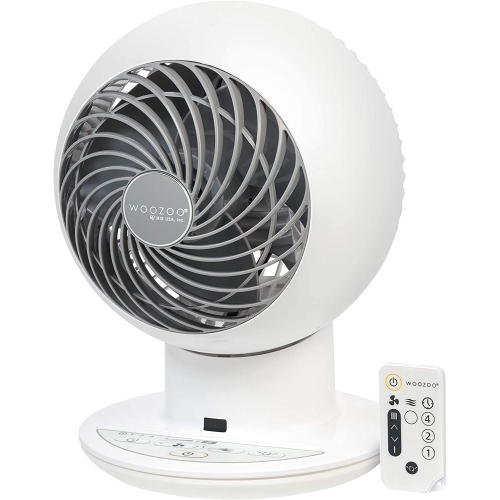
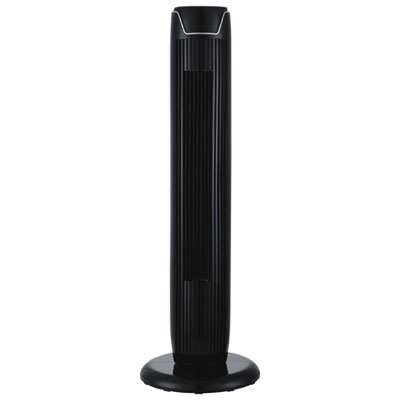
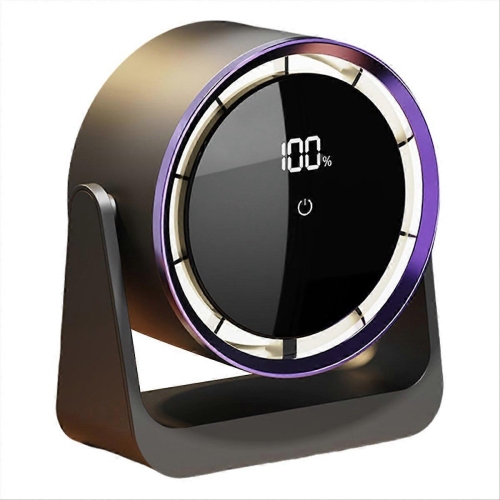
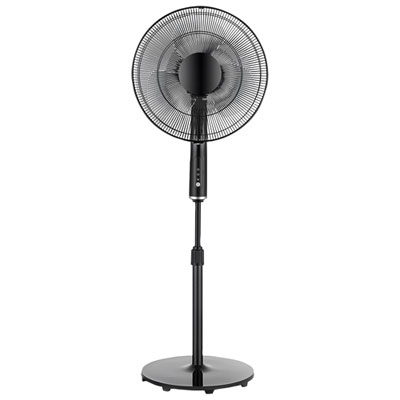
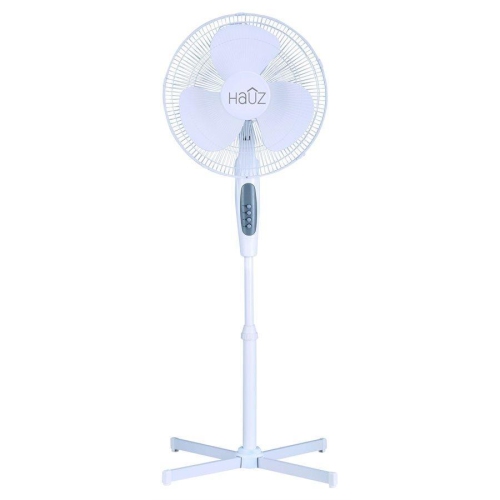
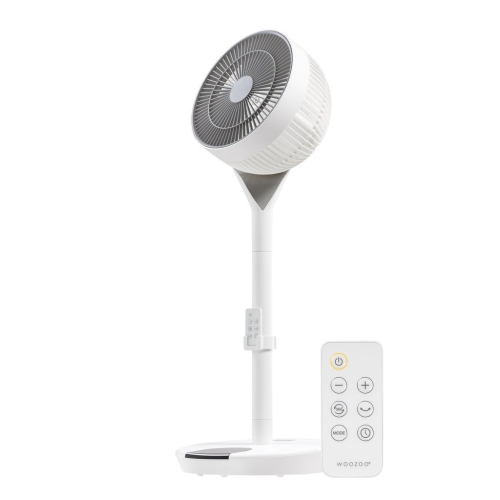
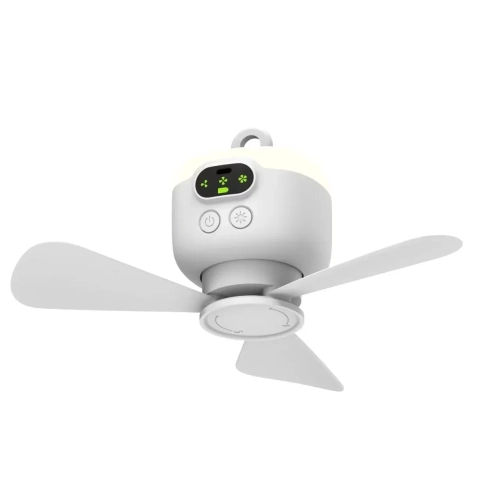
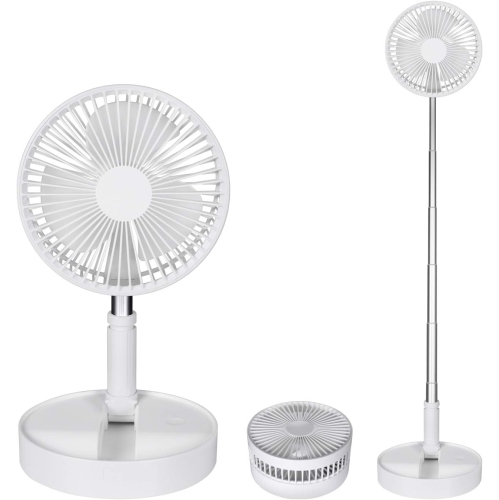
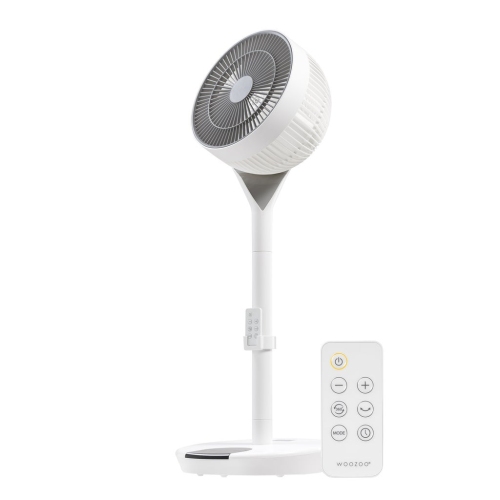
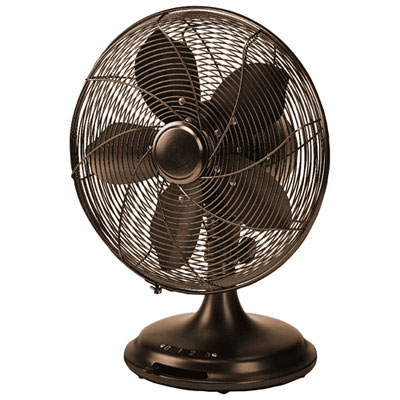
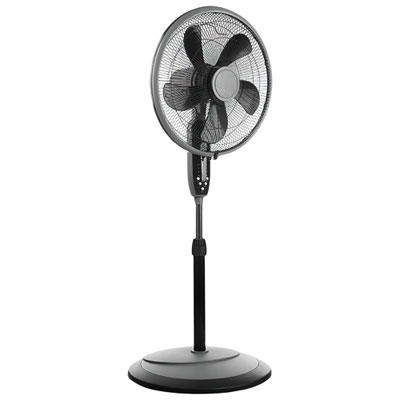
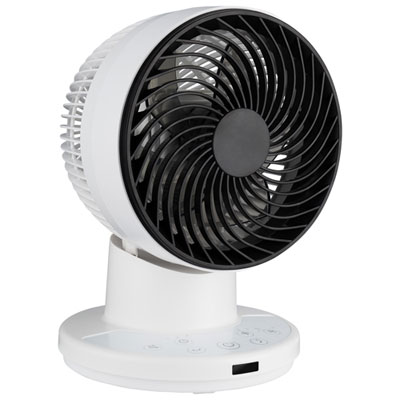
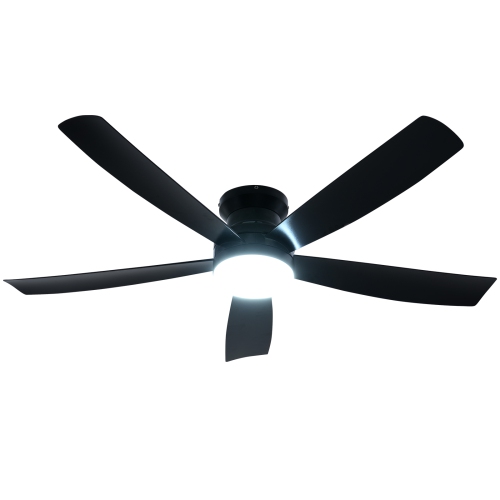


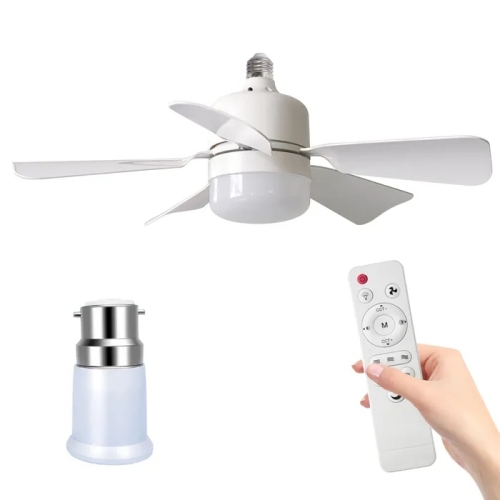
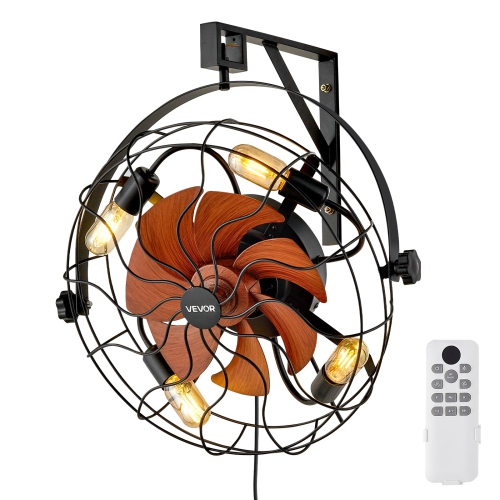
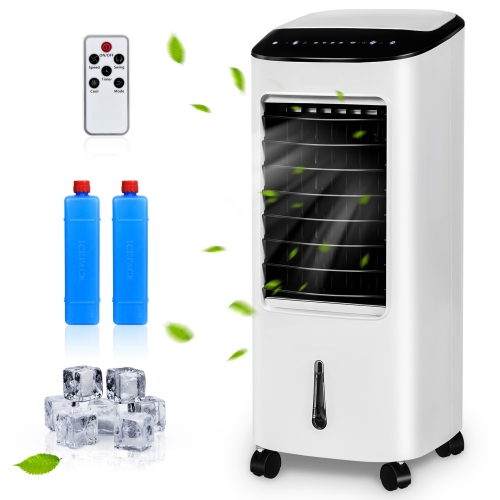
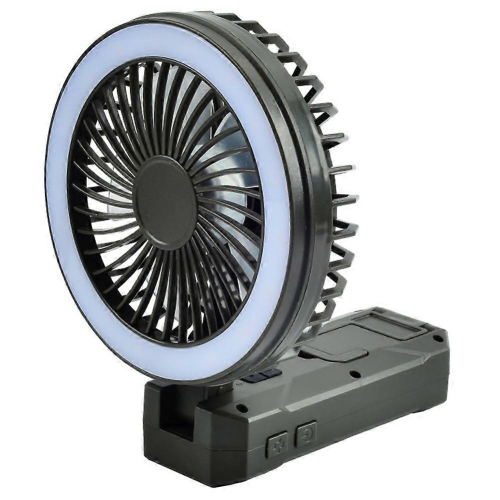
Comfortable airflow with control from across the room
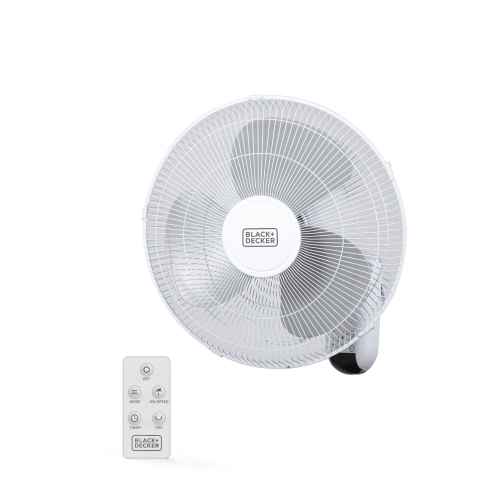
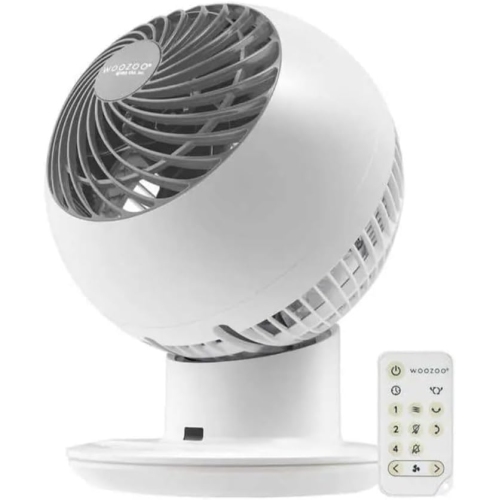
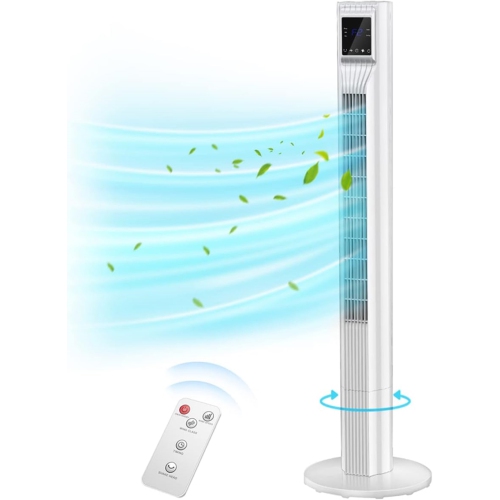
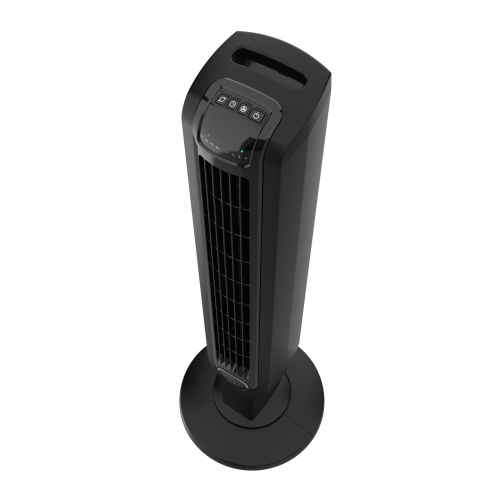
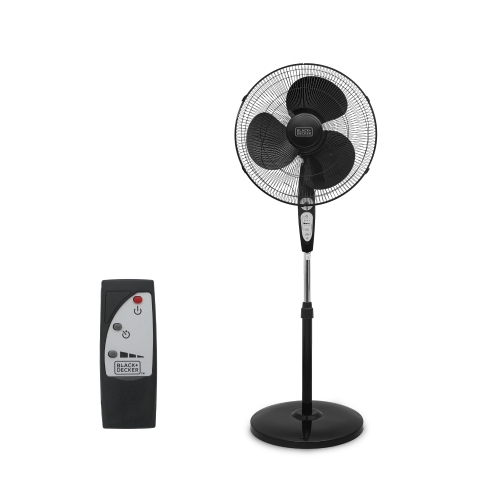
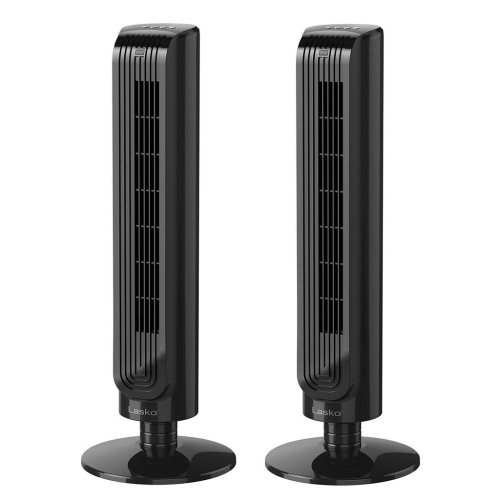
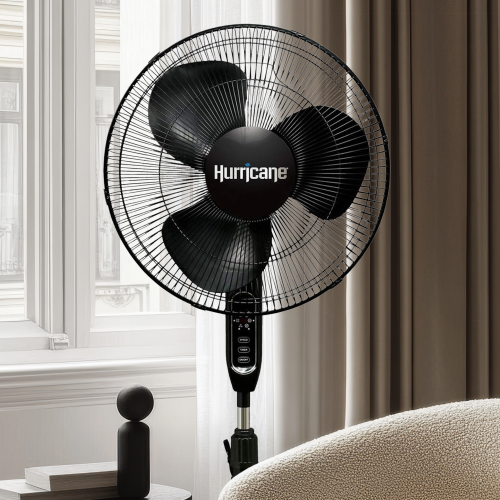
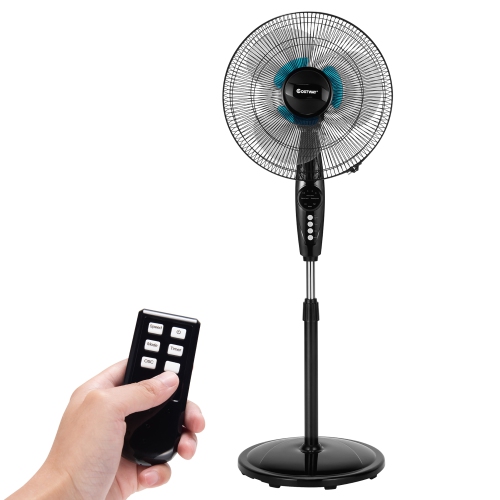
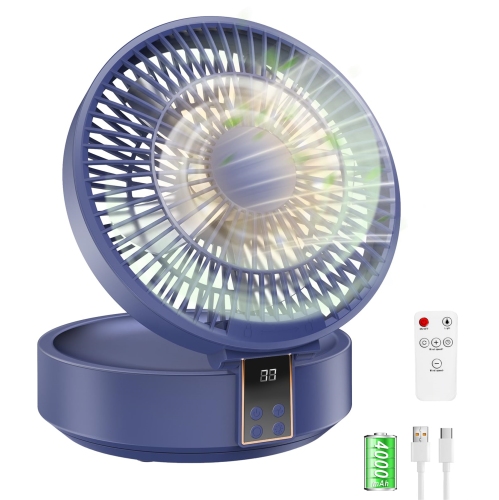
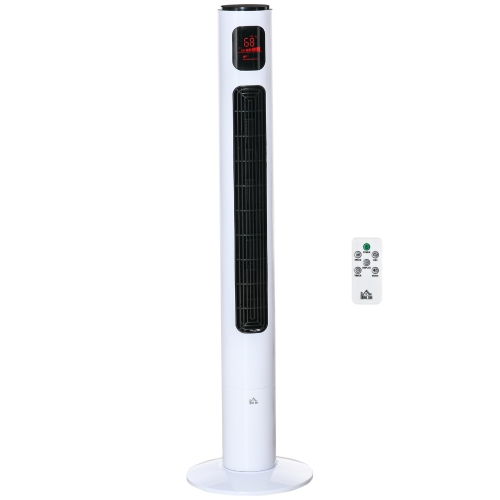
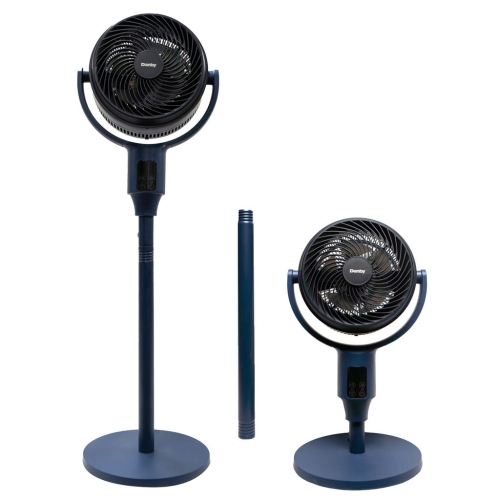
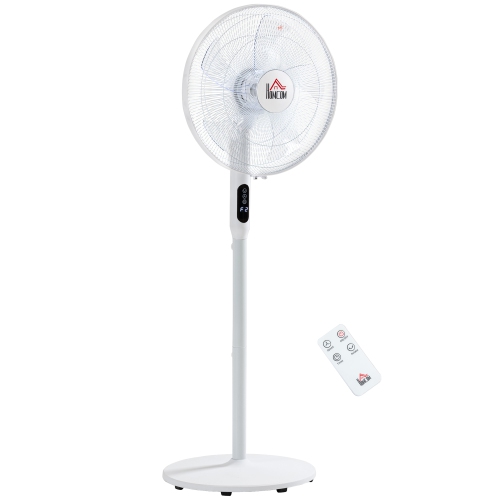
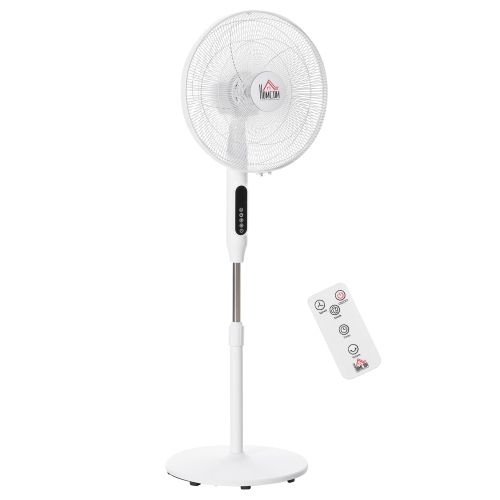
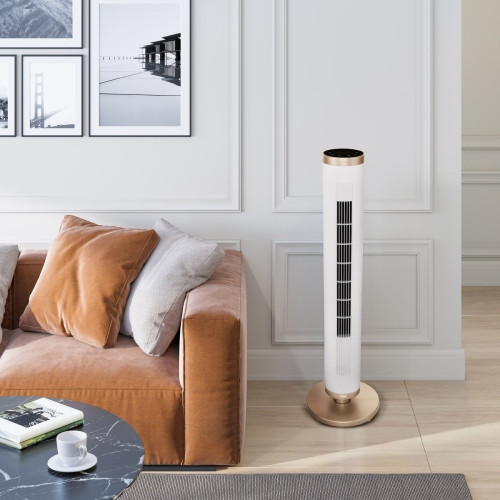
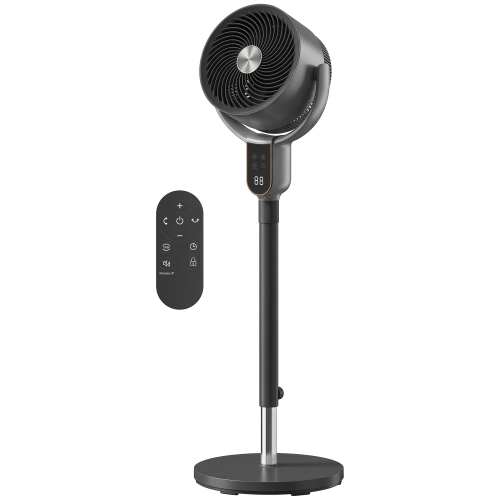
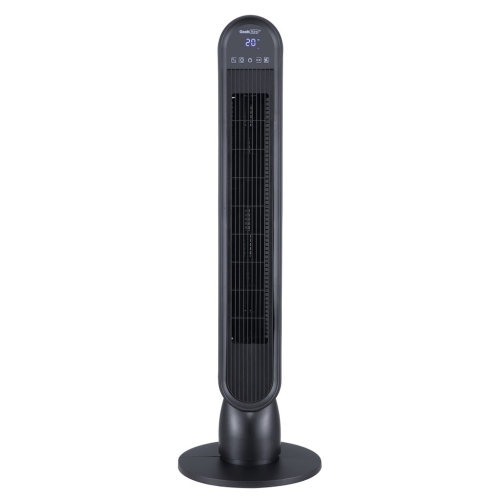
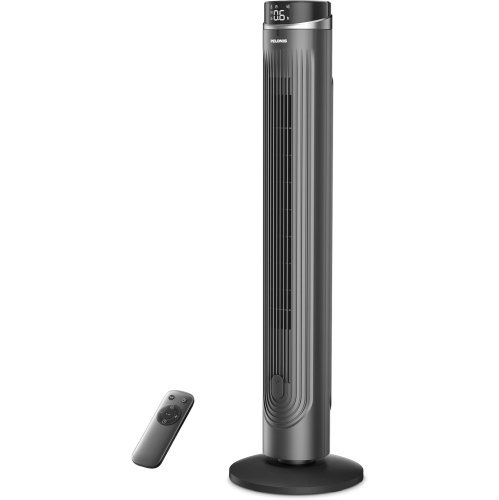
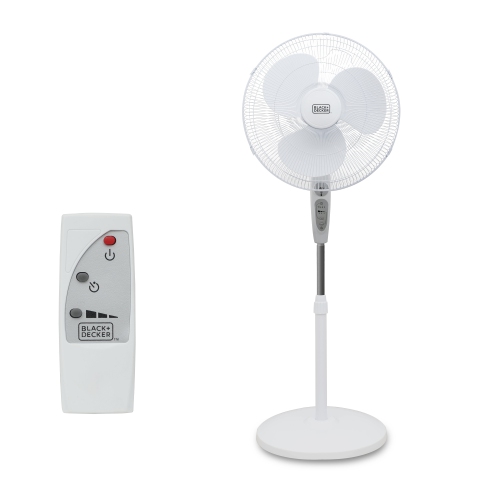
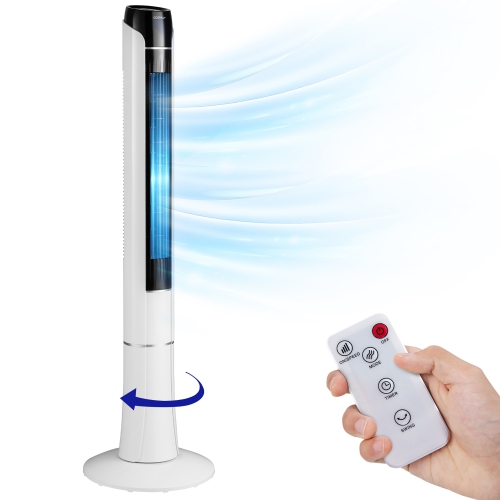
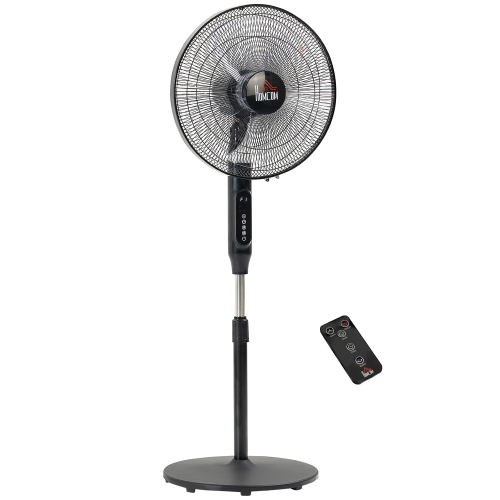
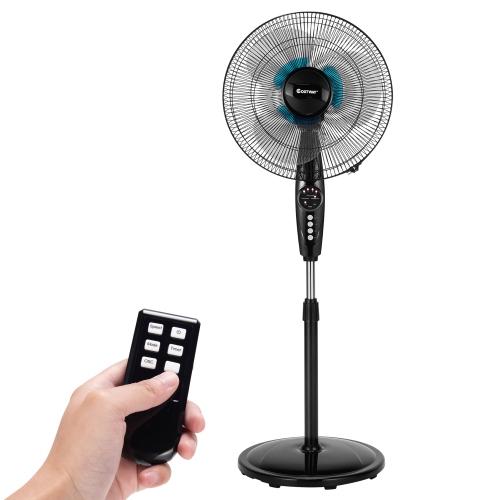
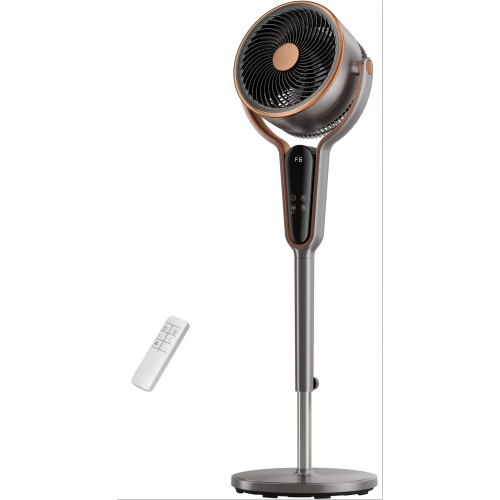
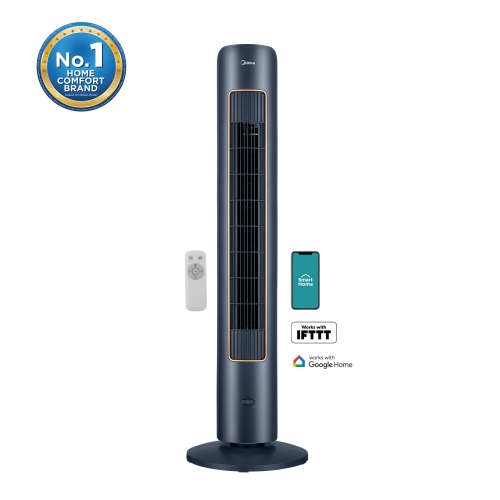
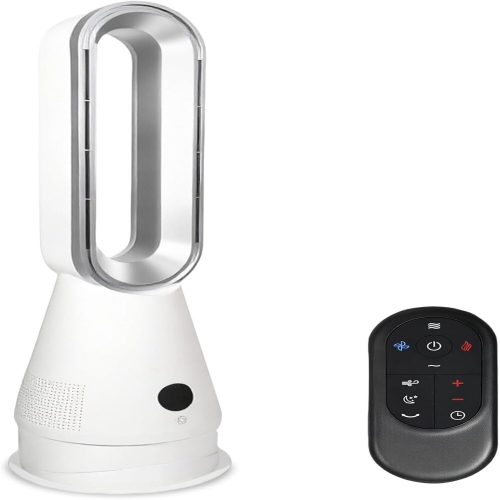
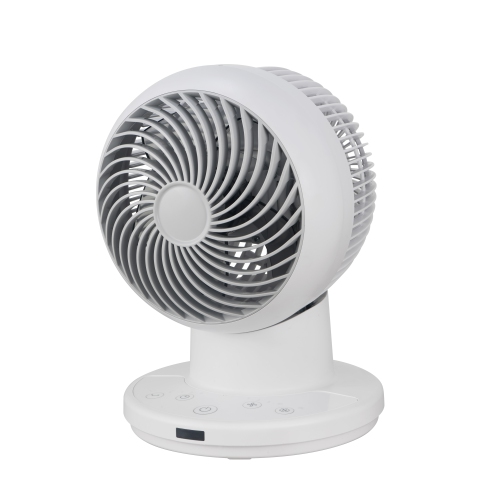
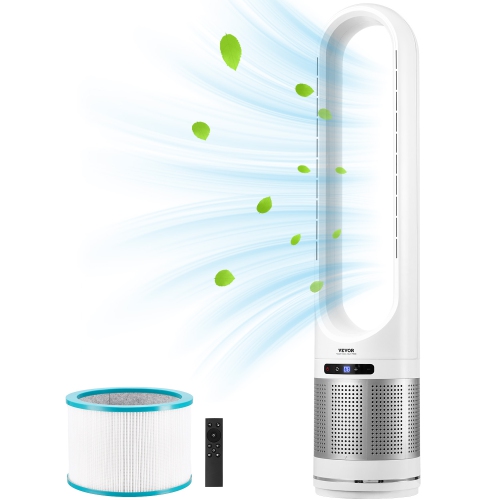
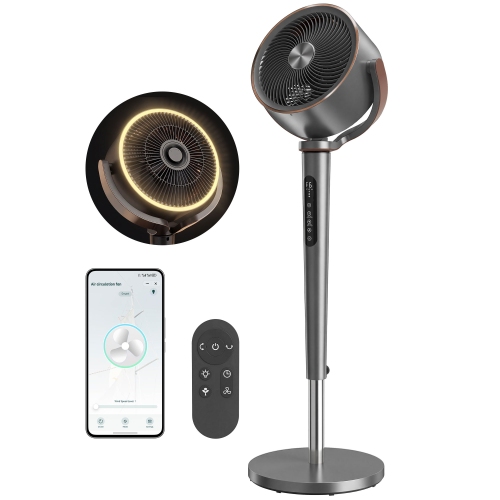
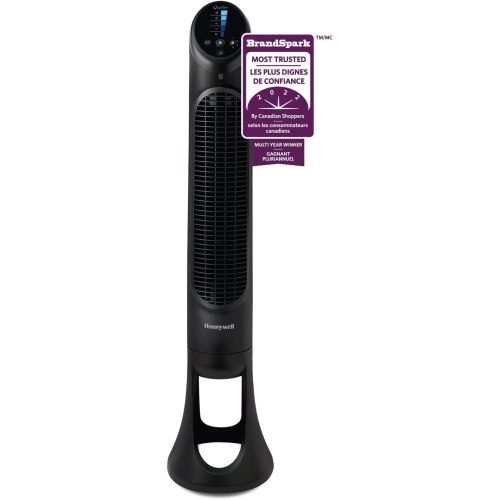
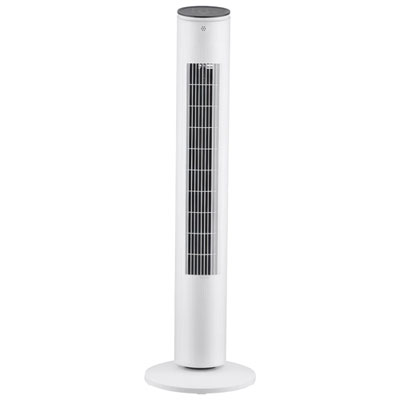
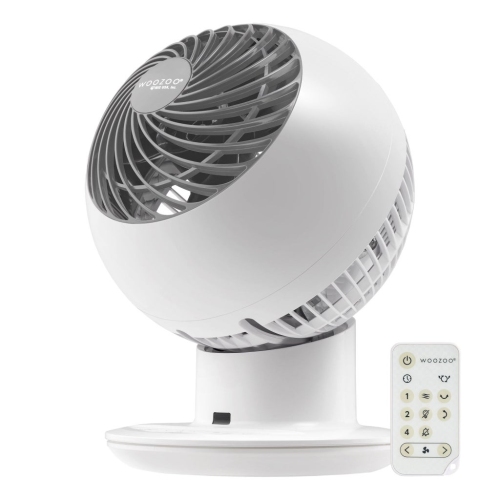
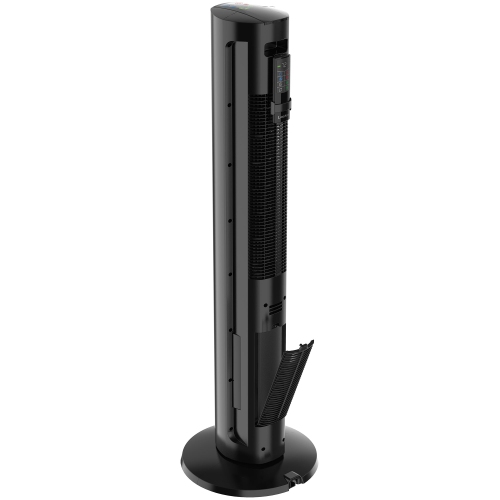
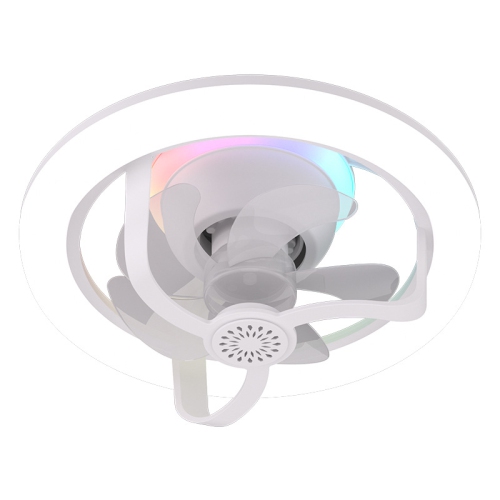
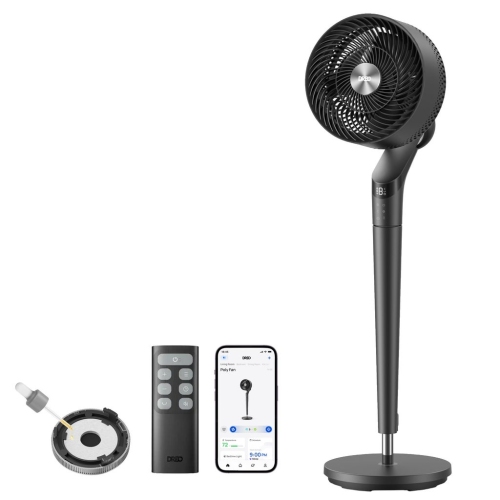
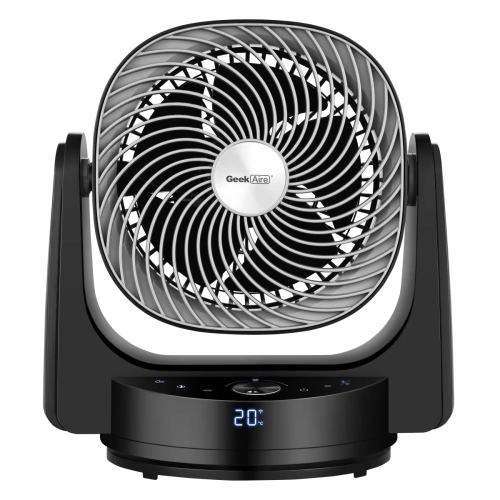
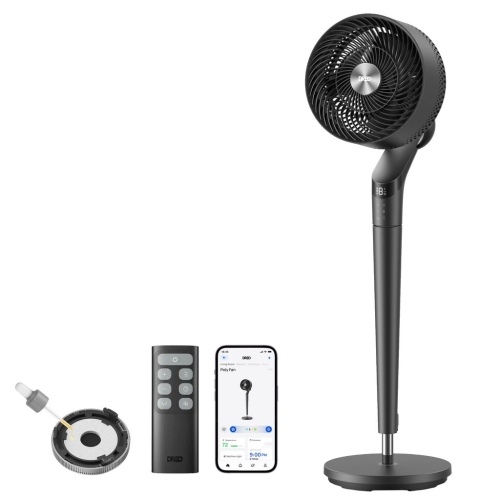
Oscillating fans with remote control make it easier to manage airflow without leaving your seat, bedside, desk, or workstation. Instead of sending air in one fixed direction, an oscillating fan moves from side to side to distribute a cooling breeze across a wider area. This can be especially helpful in shared spaces where several people have different comfort preferences, or in a bedroom where you want air circulation without having a strong stream aimed directly at you all night. A remote control adds another layer of convenience, allowing you to adjust the fan speed, change the operating mode, set a timer, or turn the fan off from across the room. Many models offer multiple speed settings, while others include sleep, natural breeze, or quiet modes that vary the airflow for a gentler feel. Programmable timers can be useful when you want cooling as you settle down, but prefer the fan to switch off later, with common timer ranges extending several hours. As the weather warms, a fan can help make a living room, home office, bedroom, nursery, or exercise space feel more comfortable. During the cooler months, the oscillation feature can still help circulate stagnant air and reduce stuffiness when windows remain closed. For rooms where floor space is limited, a slim tower fan can fit neatly beside a sofa, dresser, or cabinet. Its vertical design is often well suited to apartments, bedrooms, hallways, and compact offices, while a pedestal or stand fan may be a better match for larger rooms that benefit from stronger, more direct airflow.
When comparing oscillating fans with remote control, start with the size and layout of the room rather than choosing by appearance alone. A compact fan may be convenient for a small bedroom or personal workspace, but a larger living area may benefit from a model with a broader oscillation range and stronger airflow. Look for details such as the oscillation angle, fan height, tilt adjustment, and the number of speed settings. A wide side-to-side sweep can help cover more of a room, while an adjustable head or height makes it easier to direct air over furniture or toward a particular seating area. Tower fans generally have a small footprint and a streamlined profile, making them easy to position in narrow spaces. Traditional pedestal fans often provide a more adjustable setup, with a tilting head and height range that can be useful beside a bed, behind a desk, or near a workout area. Wall-mounted options can be practical in garages, studios, workshops, and home gyms where floor space is already occupied. Noise level is another important consideration, particularly for light sleepers, young children, or anyone working from home. Quiet and sleep settings may reduce the sound and soften the airflow, while a higher speed can provide more noticeable circulation when you are relaxing after activity or trying to cool a larger room. Remote controls vary as well, so check whether the handset operates the essential functions from a comfortable distance and whether it includes dedicated buttons for speed, oscillation, mode, timer, and power. Some fans also offer digital displays, memory settings, or app-based control, which may appeal to people who enjoy managing household devices from a phone. Keep the fan on a stable, level surface, leave space around the air intake and outlet, and place the remote somewhere easy to find, such as a bedside table or coffee table.
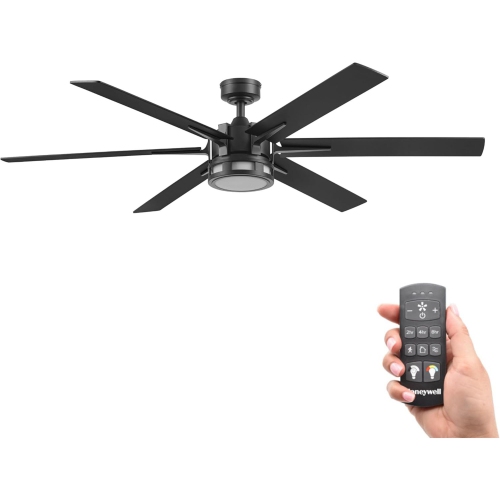
An oscillating fan with remote control can be a thoughtful choice for someone moving into a new home, setting up a first apartment, furnishing a dorm room, or creating a more comfortable home office. It can also suit households with different routines: one person can adjust the airflow from bed without disturbing the room, while another can use a lower setting during reading, television, or video calls. Families may appreciate the convenience of changing settings without reaching over furniture, and older adults may find a remote easier to use than repeatedly walking across the room. For bedrooms, consider quiet operation, a sleep mode, timer options, and a display that can be dimmed or turned off if bright lights are distracting. For a living room or open-concept area, look for broad oscillation and enough airflow to reach beyond one seating position. For a home gym, workshop, or garage, a stand or wall-mounted design may provide better coverage while staying clear of equipment and walkways. Fans can also help circulate air around a room when paired with an air conditioner, although they move air rather than lowering the room’s actual temperature, so placement matters. Set the fan where it can move air freely, avoid blocking doors or paths, and keep cords away from areas where they could be pulled or tripped over. If you prefer overhead airflow and want to keep the floor clear, explore Ceiling Fans With Remote Control for another way to adjust circulation from across the room. Whether you favour a slim tower, adjustable pedestal, or wall-mounted design, the right oscillating fan should match the room, the noise level you find comfortable, and the controls you are most likely to use.
When comparing oscillating fans with remote control, start with the size and layout of the room rather than choosing by appearance alone. A compact fan may be convenient for a small bedroom or personal workspace, but a larger living area may benefit from a model with a broader oscillation range and stronger airflow. Look for details such as the oscillation angle, fan height, tilt adjustment, and the number of speed settings. A wide side-to-side sweep can help cover more of a room, while an adjustable head or height makes it easier to direct air over furniture or toward a particular seating area. Tower fans generally have a small footprint and a streamlined profile, making them easy to position in narrow spaces. Traditional pedestal fans often provide a more adjustable setup, with a tilting head and height range that can be useful beside a bed, behind a desk, or near a workout area. Wall-mounted options can be practical in garages, studios, workshops, and home gyms where floor space is already occupied. Noise level is another important consideration, particularly for light sleepers, young children, or anyone working from home. Quiet and sleep settings may reduce the sound and soften the airflow, while a higher speed can provide more noticeable circulation when you are relaxing after activity or trying to cool a larger room. Remote controls vary as well, so check whether the handset operates the essential functions from a comfortable distance and whether it includes dedicated buttons for speed, oscillation, mode, timer, and power. Some fans also offer digital displays, memory settings, or app-based control, which may appeal to people who enjoy managing household devices from a phone. Keep the fan on a stable, level surface, leave space around the air intake and outlet, and place the remote somewhere easy to find, such as a bedside table or coffee table.
An oscillating fan with remote control can be a thoughtful choice for someone moving into a new home, setting up a first apartment, furnishing a dorm room, or creating a more comfortable home office. It can also suit households with different routines: one person can adjust the airflow from bed without disturbing the room, while another can use a lower setting during reading, television, or video calls. Families may appreciate the convenience of changing settings without reaching over furniture, and older adults may find a remote easier to use than repeatedly walking across the room. For bedrooms, consider quiet operation, a sleep mode, timer options, and a display that can be dimmed or turned off if bright lights are distracting. For a living room or open-concept area, look for broad oscillation and enough airflow to reach beyond one seating position. For a home gym, workshop, or garage, a stand or wall-mounted design may provide better coverage while staying clear of equipment and walkways. Fans can also help circulate air around a room when paired with an air conditioner, although they move air rather than lowering the room’s actual temperature, so placement matters. Set the fan where it can move air freely, avoid blocking doors or paths, and keep cords away from areas where they could be pulled or tripped over. If you prefer overhead airflow and want to keep the floor clear, explore Ceiling Fans With Remote Control for another way to adjust circulation from across the room. Whether you favour a slim tower, adjustable pedestal, or wall-mounted design, the right oscillating fan should match the room, the noise level you find comfortable, and the controls you are most likely to use.
Top selling and popular products
-
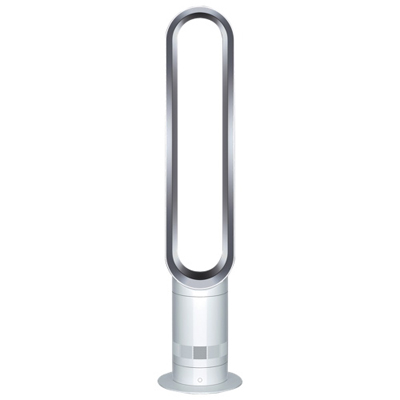 Your price for this item is $499.99
 -
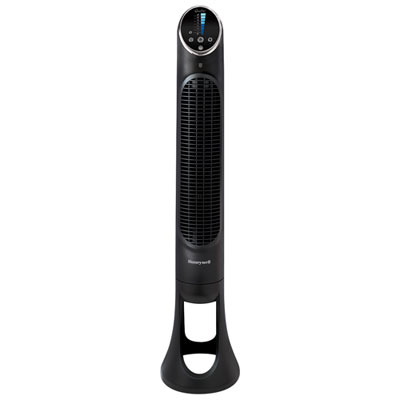 Your price for this item is $109.98
 -
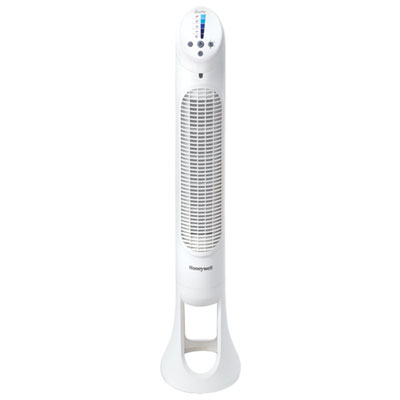 Your price for this item is $99.99
 -
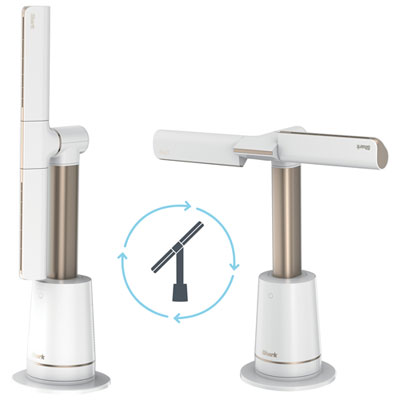 Your price for this item is $349.99
 -
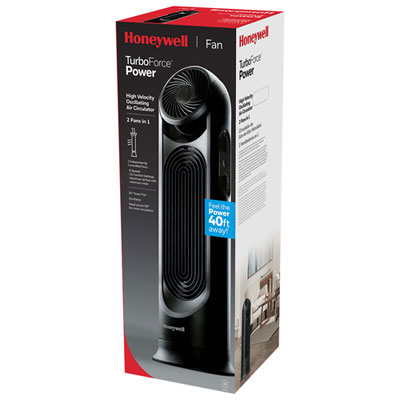 Your price for this item is $149.99
 -
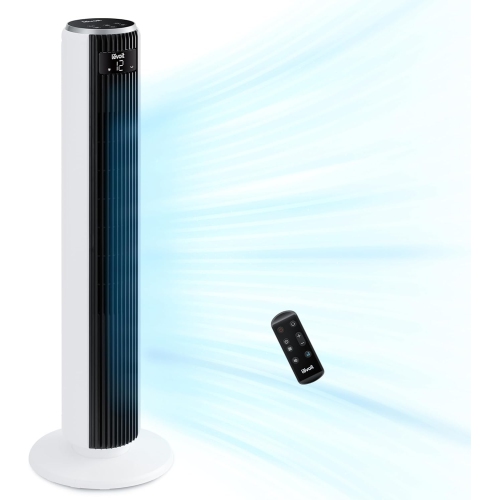 Your price for this item is $154.26
 -
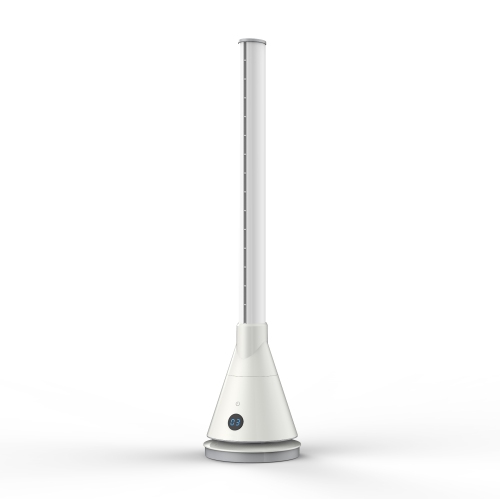 Your price for this item is $289.99
 -
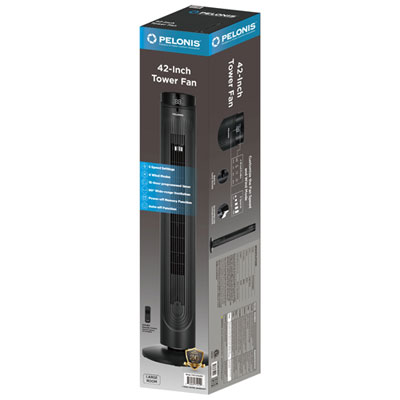 Your price for this item is $119.99
Discover more categories related to Oscillating Fans With Remote Control
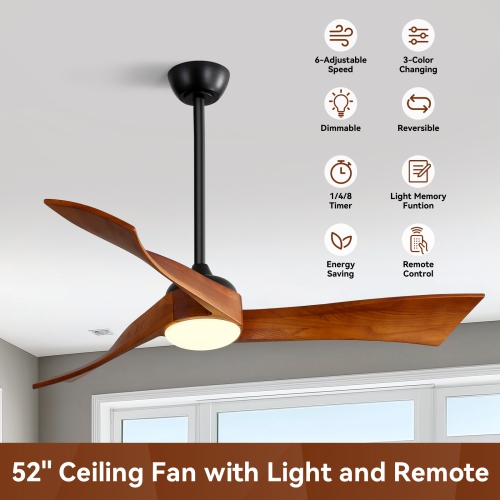
Top Collections:
Pokemon Centers, Kindle Devices, Best Cameras for Sports Photography, Pokémon 30th Celebration Cards, Apple iPhones 16, Canon G7X Cameras, iPhone 15 Apple, Flip Phones, Samsung Galaxy Phones, Alarm Clock
Some products may be subject to Environmental Handling Fees
(EHF) depending on your province.
Learn more about EHFs.