ASUS ROG Gaming PCs

Browse ASUS ROG gaming PCs to find a system that fits your favourite games and budget. Compare processor, graphics card, memory, and storage specifications against the requirements of the games you play, and check each model’s ports for compatibility with your monitor and accessories.
Sort

There’s more to gaming performance than tower size

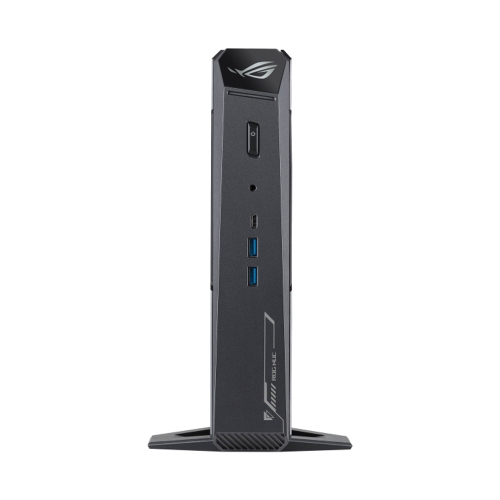
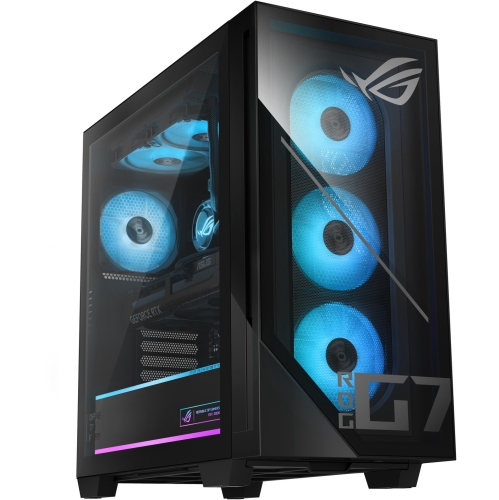
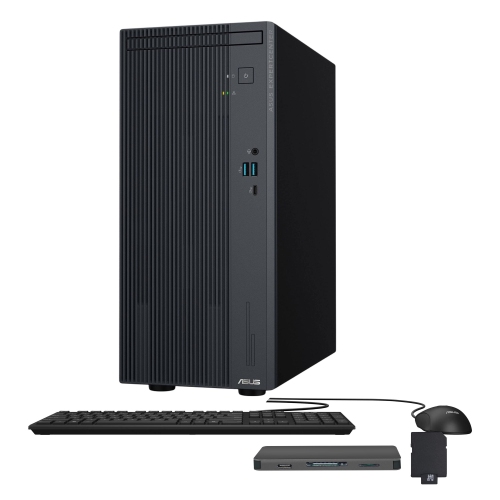
Prebuilt gaming PCs bring the processor, graphics hardware, memory, storage, and cooling together in a desktop designed to handle demanding games and everyday computing. They suit players who want a complete system without selecting and assembling every internal component themselves, while still having a dedicated space for a monitor, keyboard, mouse, and headset. Gaming desktops range from compact designs that fit neatly beside a display to larger towers with more room for cooling hardware and potential expansion. Size alone does not determine performance: the combination of components, their power requirements, and the cooling design matters more than an imposing case. A dedicated graphics card does much of the work involved in rendering detailed scenery, lighting, and visual effects, while the processor helps manage game logic, physics, background applications, and other tasks. Fast-paced competitive games place different demands on a computer than richly detailed adventures played at higher resolutions. A system used for 1080p gaming may not need the same graphics capability as one intended for 4K play, and higher display refresh rates require enough performance to deliver the extra frames. Actual results vary by game, resolution, and settings, so a powerful component name alone does not tell the whole story. Memory capacity becomes particularly relevant when a game shares the desktop with voice chat, a browser, or streaming software. Solid-state storage helps games launch and levels load promptly, but capacity deserves equal attention when several large installations, saved recordings, and creative projects share the same drive. For someone moving from an older computer, the most noticeable improvement may be the combination of quicker loading, more responsive multitasking, and smoother gameplay rather than a single headline specification. A well-matched gaming desktop balances those benefits around the screen being used, the games being played, and the tasks that continue after a match ends.

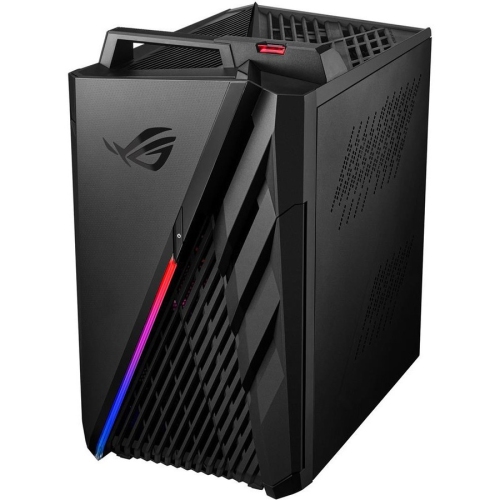
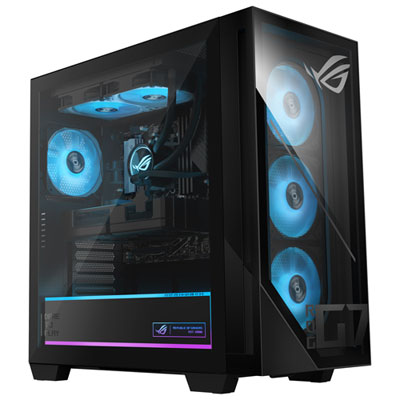
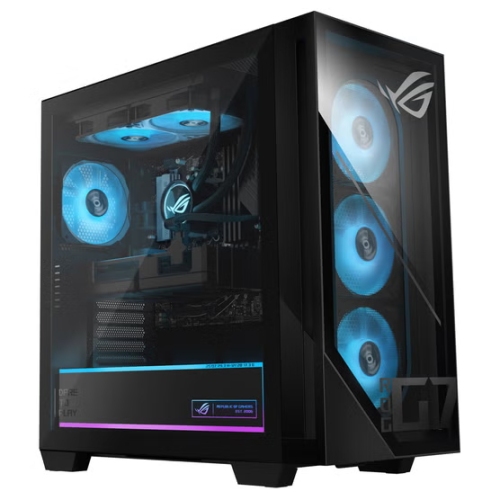
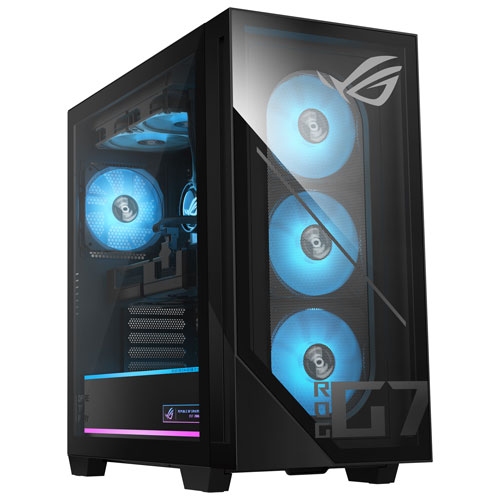
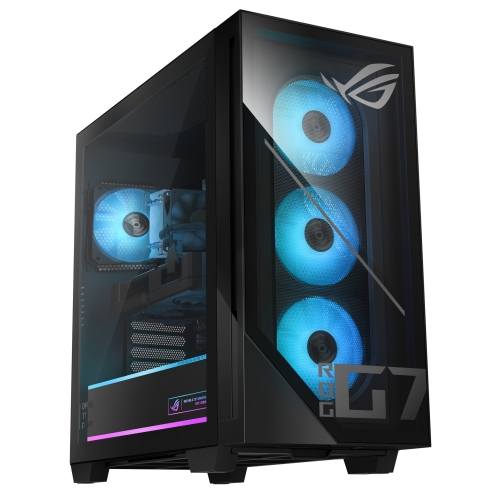
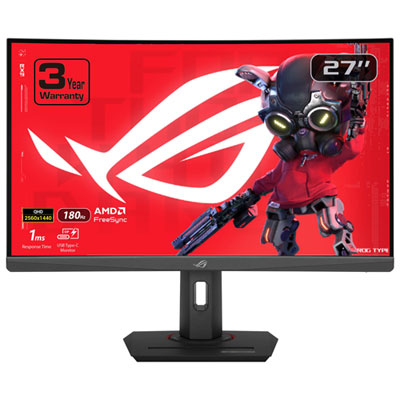
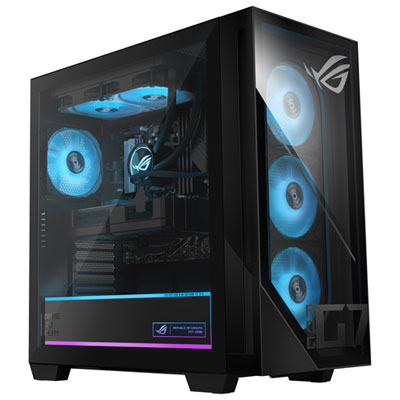
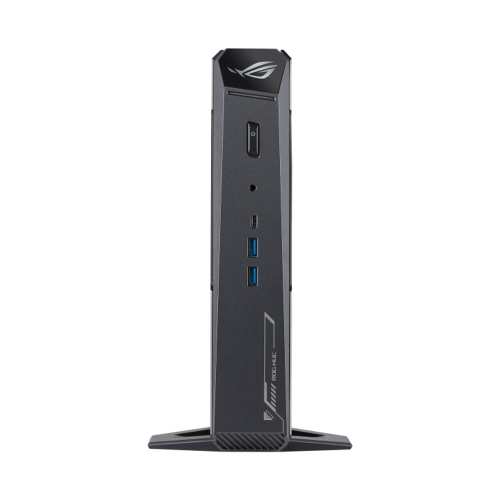
The physical design of a gaming PC affects how comfortably it fits into a room and how straightforward it is to live with over time. Many tower cases combine a metal chassis with plastic trim, mesh ventilation, or a glass side panel, although construction varies by model. Metal framing supports internal components, mesh openings provide paths for airflow, and transparent panels put lighting and hardware on display. These materials also have different care needs: glass shows fingerprints readily, while mesh and intake filters can collect dust. A desktop placed beneath a desk needs clearance around its vents and enough room behind it for cables without sharply bending connectors. Keeping the case on a stable surface rather than deep carpet can help prevent blocked lower intakes where those are fitted. Cooling may use fans, liquid-cooling hardware, or a combination of both; the layout and fan control affect sound as well as heat management. A computer that stays unobtrusive during homework may become more audible during a demanding game, which matters in a shared bedroom, home office, or recording space. Routine care generally involves shutting down and unplugging the system before cleaning accessible filters or exterior vents according to the manufacturer's directions. Opening the case or replacing parts calls for attention to the documentation, service terms, and appropriate handling precautions. Upgrade potential is worth understanding rather than assuming. Graphics-card clearance, power-supply capacity, motherboard connections, memory slots, and drive mounts all influence what can be changed later, and some prebuilt systems use components or layouts with additional restrictions. Connections are another practical detail. Front-facing USB ports make a controller or headset easier to plug in, while rear connections help keep permanent accessories organized. Monitor connections need to match both the display and the intended resolution and refresh rate. On desktops with a dedicated graphics card, the monitor generally connects to that card rather than the motherboard's display outputs.

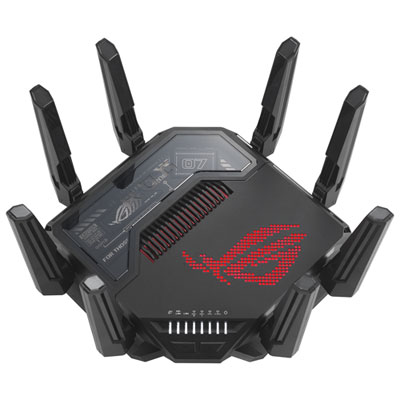
Gaming desktops also serve people whose computer time moves between entertainment, school, work, and creative projects. A student might finish an assignment, join friends in a multiplayer session, and edit a short video on the same machine. Someone who streams may need the game, capture software, chat, and audio tools running together, while a hobbyist could use graphics performance for supported video-editing or 3D applications. These activities do not all stress a computer in the same way, so gaming capability does not automatically guarantee an ideal fit for every professional workload. Software requirements and compatibility remain important, particularly for specialized applications and accessories. For a shared household computer, separate user accounts and thoughtfully organized storage help keep personal files, school documents, and game libraries distinct. A desktop can also make a memorable gift for an experienced player or someone establishing a first dedicated gaming space, provided the recipient's preferred games, available desk space, and existing accessories are understood. The tower is only part of that space: a suitable monitor, comfortable seating position, clear audio, and accessible controls shape the experience just as directly. Bundled accessories and operating-system details differ between configurations, making the full setup relevant rather than just the case on the desk. Network connectivity matters for multiplayer sessions, voice chat, and large downloads. Ethernet offers a direct wired connection where cabling is practical, while built-in Wi-Fi, when included, provides more flexibility in placing the computer. Network hardware such as ASUS Gaming Routers forms another part of the setup, especially when several people share a connection for gaming, streaming, and other activities. Wireless performance depends on distance, walls, interference, and compatible equipment; a router cannot eliminate delays originating with an internet connection or a game server. Alongside reliable networking, regular software updates, sensible file backups, and clear ventilation help keep a gaming desktop ready for both demanding play and ordinary daily tasks.

FAQ

Some products may be subject to Environmental Handling Fees (EHF) depending on your province. Learn more about EHFs.