Asus ROG Gaming
Elevate your gaming experience with the Asus ROG Gaming collection, designed for players who demand peak performance and style. Explore a wide variety of cutting-edge gear crafted to deliver immersive gameplay and reliable power for every session. Whether you're setting up a new battle station or upgrading your current setup, you'll find everything you need to stay ahead in the game with Asus ROG Gaming.
Sort
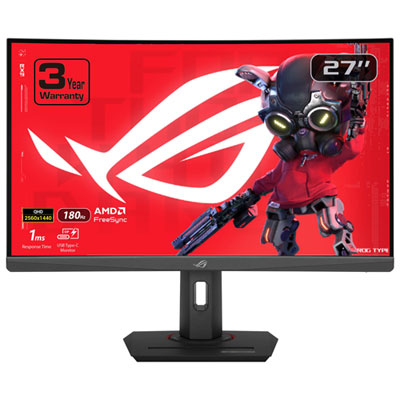
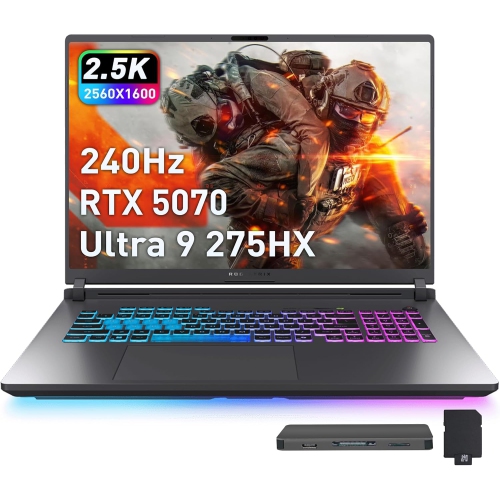
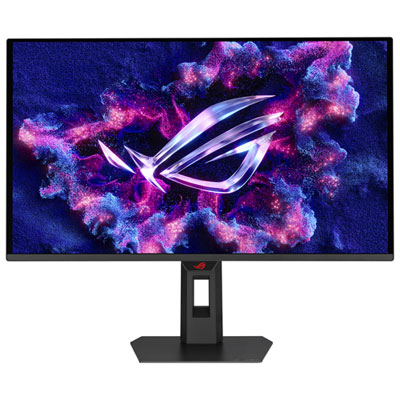
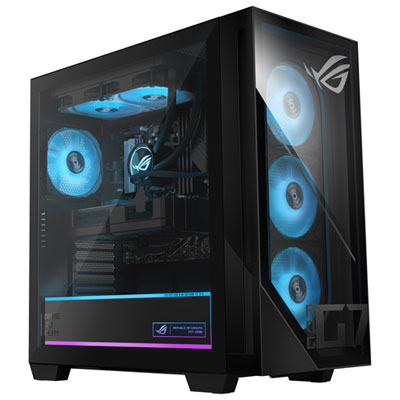
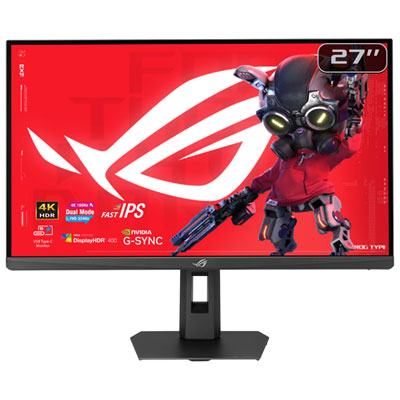
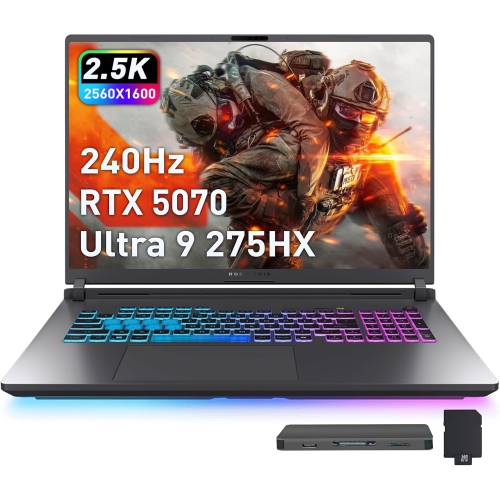
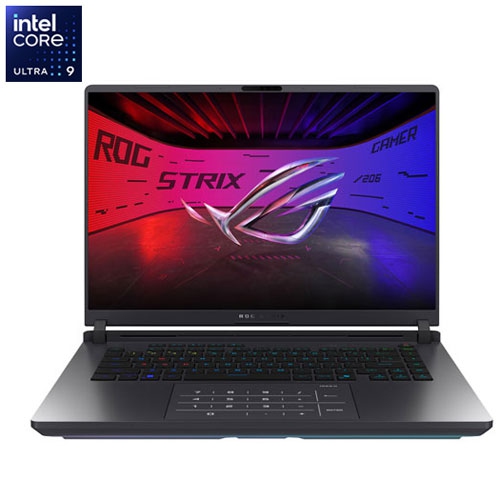
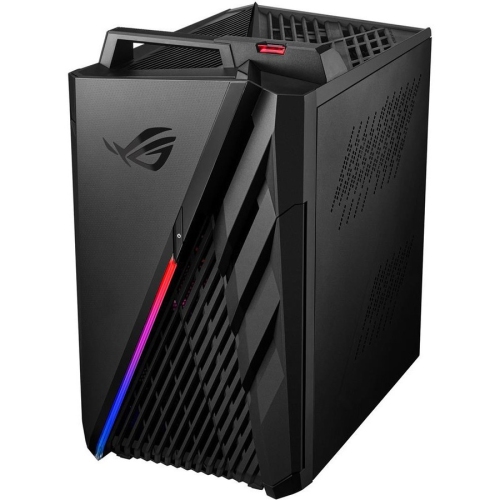
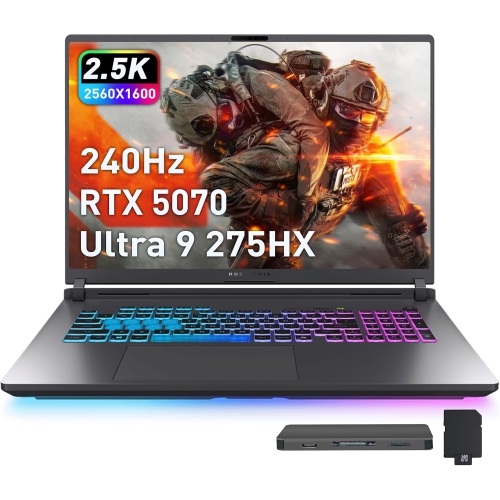
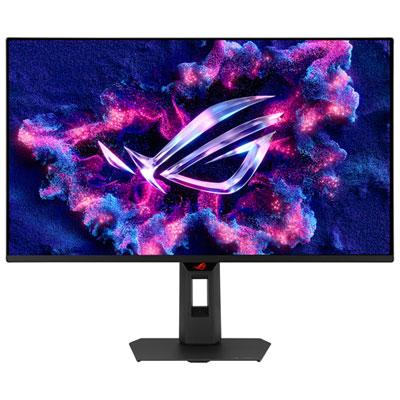
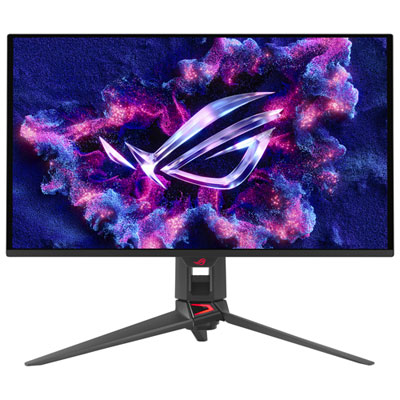
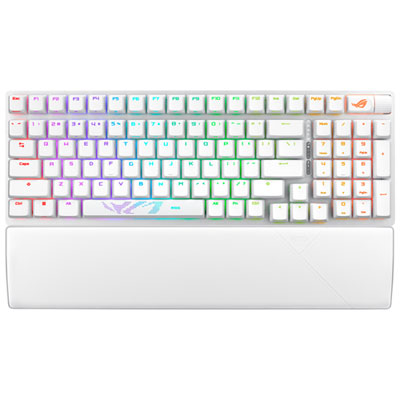
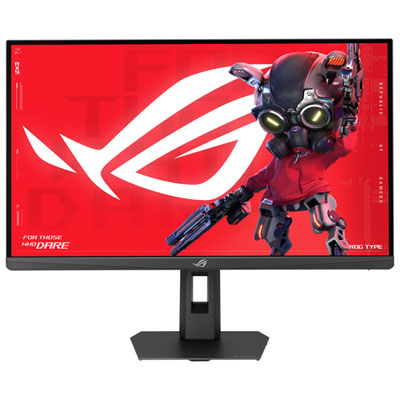

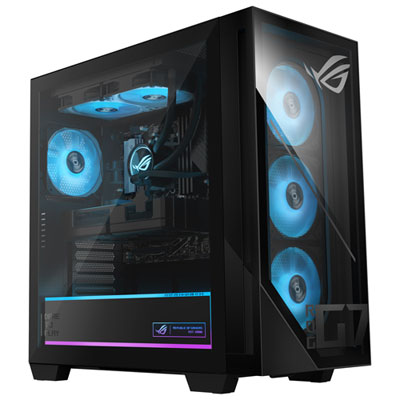
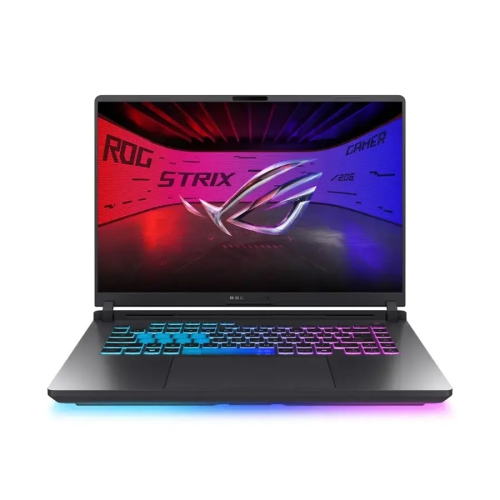
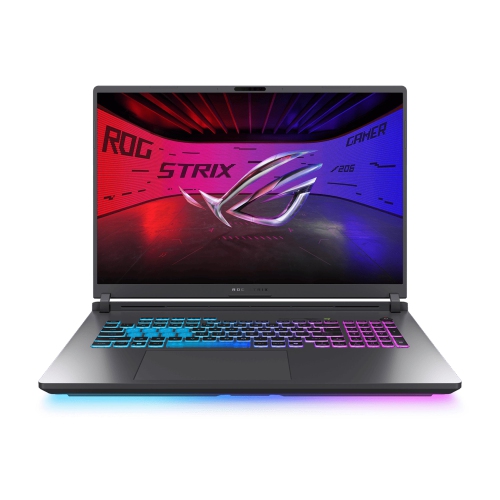
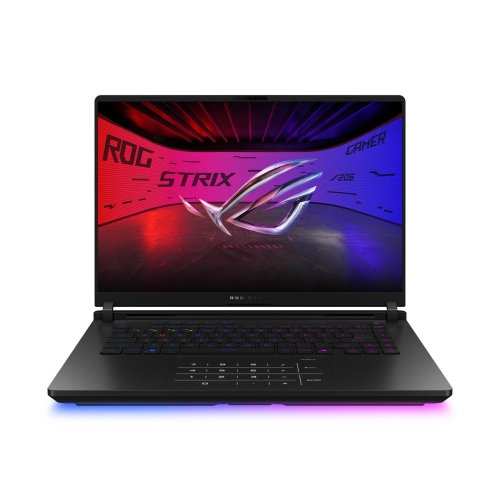
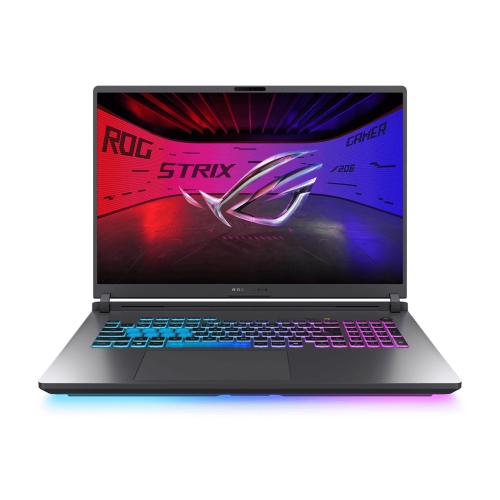
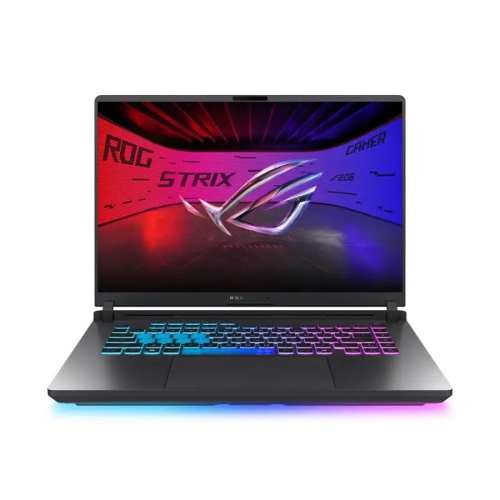
Gaming performance depends on more than your graphics card
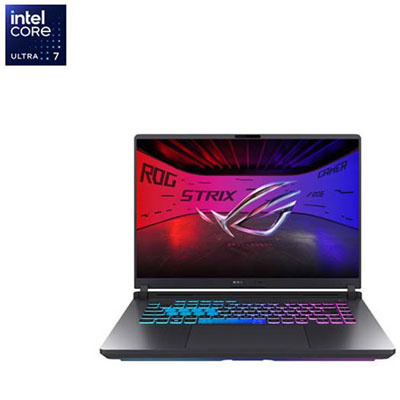
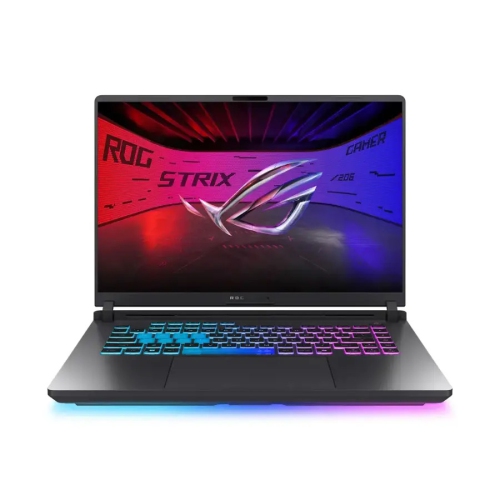
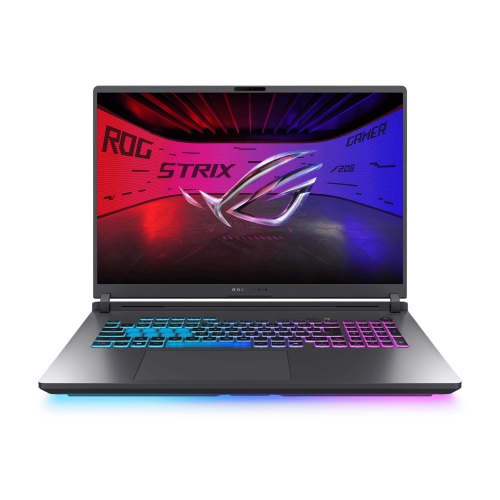
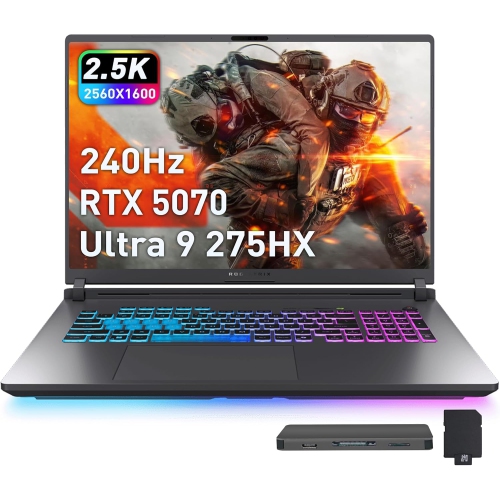
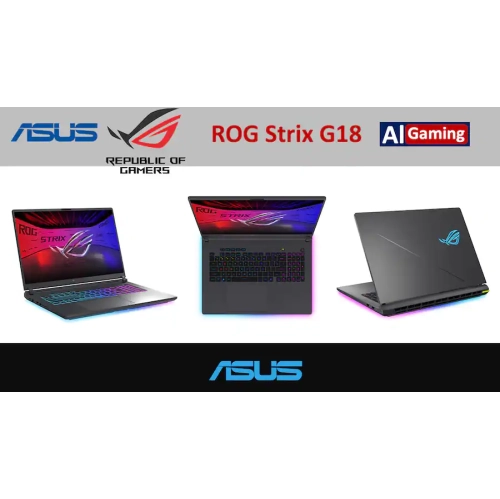
Gaming laptops, desktop PCs, monitors, and accessories work together to shape how a game looks, feels, and responds. A performance-focused gaming setup can support quick competitive matches, sprawling role-playing adventures, racing simulations, and demanding creative work between play sessions. The right balance depends on what runs on the screen and how the computer will be used. Fast-paced games benefit from responsive graphics and consistently high frame rates, while detailed open-world games place greater demands on graphics memory, processing power, and storage. A capable processor also helps when a game runs alongside voice chat, streaming software, or several browser tabs. Graphics performance is especially important at higher display resolutions, where the computer must render more pixels in every frame. Desktop and laptop graphics processors with similar names do not necessarily perform identically, since power limits and cooling capacity affect sustained performance. Memory gives active applications room to work, while a solid-state drive helps games launch and levels load quickly; storage capacity matters when several large installations need to stay ready to play. Laptops bring the display, keyboard, and computer into one portable package, making them useful for students, shared households, and players who move between rooms or locations. A larger-screen laptop such as the Asus ROG Strix 18 can give maps, inventory panels, and editing timelines more room, although overall dimensions and carrying weight still matter when fitting a computer into a backpack or onto a compact desk. Desktop towers suit a more permanent gaming space and may offer greater flexibility for component changes, depending on the case and internal layout. Cooling design matters in either format: clear airflow paths help manage heat during extended sessions, and fan noise can be noticeable when demanding games push the hardware. Battery life also varies with workload, and gaming laptops generally deliver their strongest performance when connected to an appropriate power adapter rather than running on battery alone.
The display is where much of that processing power becomes visible, so screen characteristics deserve as much attention as the computer behind them. Resolution affects image detail, refresh rate describes how frequently the display can update, and pixel response influences how clearly moving objects appear. A high refresh rate is most useful when the computer can supply enough frames to take advantage of it. Adaptive sync can help reduce visible tearing when frame rates fluctuate, provided the display and graphics hardware support a compatible connection. Screen size, viewing distance, and desk depth also work together: a broad display can make a racing cockpit feel more immersive, but a shallow desk may leave too little space to view it comfortably. Panel technology affects contrast, viewing angles, and motion clarity, with different strengths for dark scenes, bright interfaces, and mixed gaming and productivity use. An adjustable stand makes it easier to place the screen at a comfortable height, while a compatible monitor arm can free up desk space when the mounting pattern and weight limit match. Keyboards, mice, controllers, and headsets add another layer of personal fit. Keyboard layout and key feel influence comfort during both play and everyday typing, and a mouse should suit the player’s hand size and grip rather than simply offer the highest sensitivity setting. A lighter mouse can feel easier to reposition during fast movements, while accessible side buttons can keep frequently used actions close at hand. Headset comfort depends on earcup shape, padding, clamping pressure, and how the headband distributes weight. Clear microphone pickup is valuable for team chat, particularly in a shared room. Wired connections avoid battery charging, while wireless accessories offer more freedom of movement but require compatible receivers or supported wireless connections. Wi-Fi capability, Ethernet access, display outputs, and USB connections all influence how easily the setup comes together. A connector’s shape alone does not confirm its capabilities; display resolution, refresh rate, charging, and data transfer depend on the specifications of the port, cable, and connected device.
Build quality and everyday care help gaming equipment remain comfortable and dependable beyond its first few sessions. Laptop chassis may combine metal and reinforced plastic, with differences in weight, surface feel, and rigidity that become noticeable during daily carrying. Hinges, lid support, keyboard construction, and the area around connection ports are worth considering alongside processor and graphics specifications. A padded sleeve or properly fitted backpack compartment helps protect a laptop from knocks, while a separate pocket for its adapter keeps hard accessories from pressing against the screen. At a desk, a stable surface, sufficient ventilation clearance, and sensible cable routing reduce strain on ports and make the space easier to use. Soft bedding and cushions can obstruct a laptop’s intake vents, so a firm surface is better suited to extended play. Dust can collect around vents, filters, keyboard gaps, and mouse sensors; cleaning should follow the manufacturer’s directions, with equipment powered down and liquids kept away from openings. Screens need gentle treatment with an appropriate cloth and an approved cleaning method, rather than pressure or abrasive household cleaners. For desktop owners, future upgrades depend on more than spare space inside the case. Motherboard compatibility, power supply capacity, physical clearances, and supported memory or storage connections determine which changes are practical. Laptop upgrade options are often more limited and vary by design, so accessible memory or storage should never be assumed. These details matter for households sharing a computer, students balancing coursework with gaming, and players who also edit video, create digital artwork, or broadcast gameplay. Gaming accessories can also make thoughtful gifts when the recipient’s existing setup is understood. A headset needs to work with the intended computer or console, a keyboard needs to fit the available desk space, and a carrying case needs to match the laptop’s actual dimensions. Familiarity with the recipient’s preferred games, connection requirements, and comfort preferences makes a gift more personal and useful. Across the setup, balanced specifications, practical fit, and straightforward maintenance contribute more to everyday enjoyment than any single headline feature.
Top selling and popular products
-
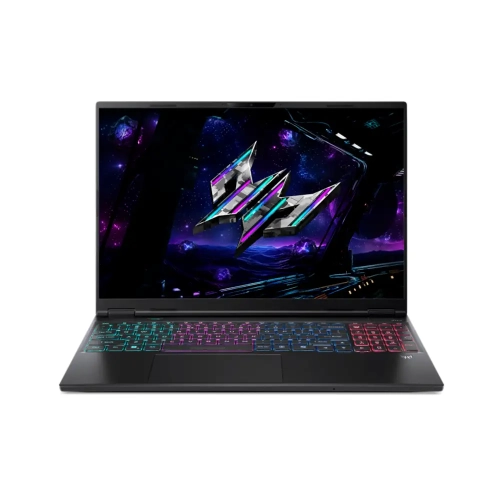 Your price for this item is $3699
-
 Your price for this item is $2899
-
 Your price for this item is $1499.99
-
 Your price for this item is $3449
-
 Your price for this item is $2999
-
 Your price for this item is $3649
-
 Your price for this item is $999.99
-
 Your price for this item is $2699.99
Discover more categories related to Asus ROG Gaming

Top Collections:
Best Black Friday Deals This Year, Best Black Friday Deals On Electronics, Kindle Devices, Best Black Friday Deals On Apple Products, Best Budget Office Chairs, Best Cameras for Sports Photography, Dyson Airwrap, Canon G7X Cameras, Best Laptops for Writers, Samsung Galaxy Phones
Some products may be subject to Environmental Handling Fees
(EHF) depending on your province.
Learn more about EHFs.