Asus Computers
Discover the latest in innovation and performance with Asus Computers at Best Buy. Whether you're upgrading your home office, setting up a gaming station, or searching for a reliable device for everyday tasks, you'll find a wide selection designed to meet your needs. Explore versatile options that combine style and functionality, making it easy to find the perfect fit for work, play, or school. Shop Asus Computers today and experience technology that keeps up with your lifestyle.
Sort
How your workload shapes the computer you need
Computers support everything from writing assignments and managing household paperwork to editing video, building presentations, and playing games. Laptops bring the screen, keyboard, pointing device, and battery together in a portable design, while desktop computers suit a dedicated workspace with a separate display and peripherals. The most useful configuration depends on the work happening on screen. Web browsing, email, streaming, and word processing generally place lighter demands on a computer than large spreadsheets, video editing, or three-dimensional design. A student moving between research tabs, lecture recordings, and a draft essay benefits from a system that stays responsive with several applications open. Someone working from home may place greater importance on reliable video calls, comfortable typing, and support for an additional monitor. The processor handles instructions and calculations, memory holds the information applications are actively using, and storage keeps documents, software, photos, and other files. More memory can make it easier to move between demanding applications without repeatedly closing programs, while solid-state storage helps with starting the computer, opening applications, and accessing saved work. Storage capacity matters separately from speed: a collection of high-resolution photos or recorded gameplay can take up considerably more room than text documents. Cloud services can complement local storage, although access to online files depends on a suitable internet connection and the service being used. Software compatibility is another practical consideration, particularly for coursework, specialized workplace applications, and creative tools. A computer that handles everyday browsing comfortably may not meet the requirements of a particular engineering application or editing workflow. Built-in cameras, microphones, and speakers also influence the experience of remote meetings and online learning. Clear speech and a camera positioned near eye level can make a routine call feel more natural, while a suitable connection for a headset is useful in a shared room. For households sharing one computer, separate user accounts help keep schoolwork, personal files, and individual preferences organized.
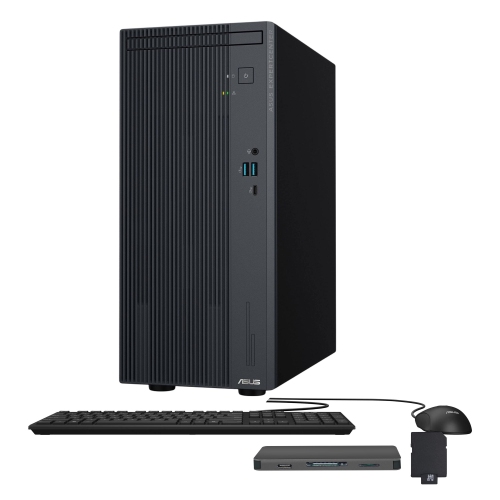
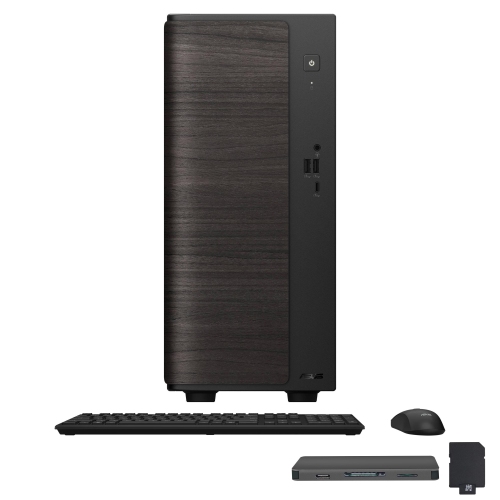
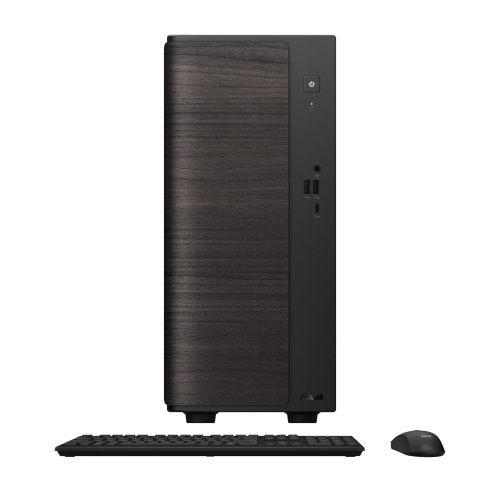
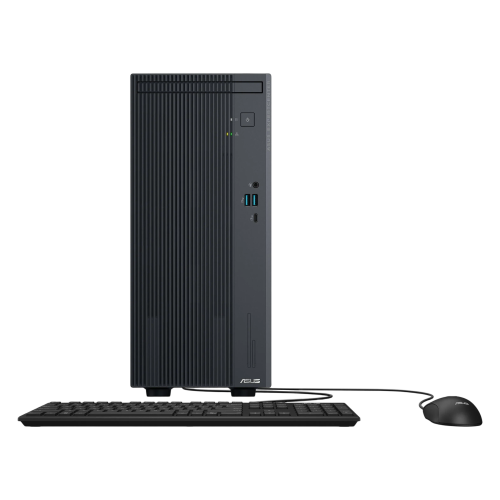
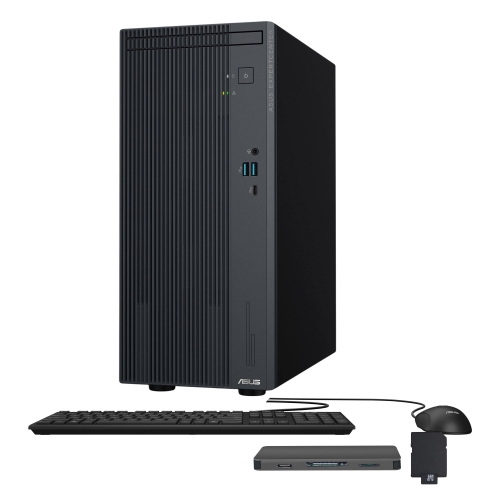
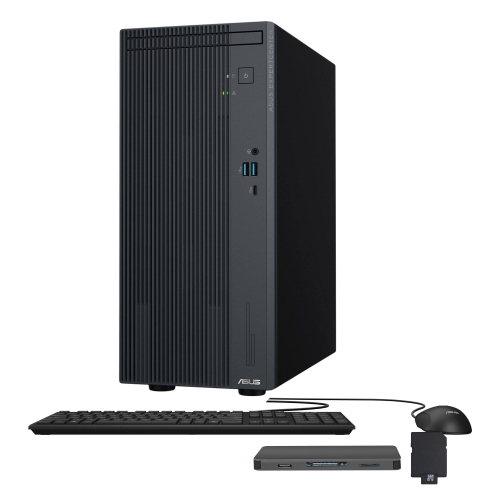
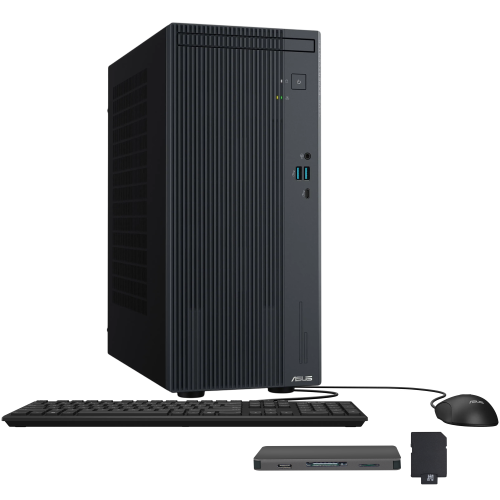
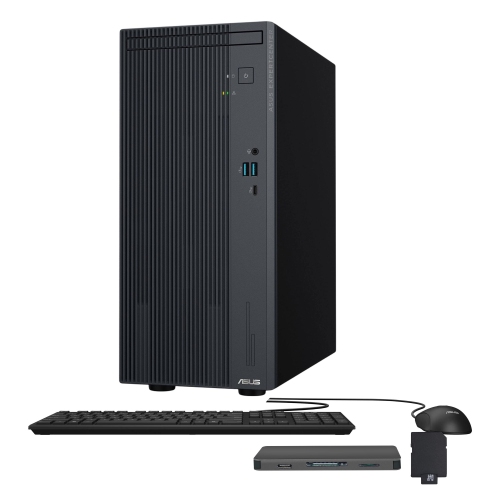
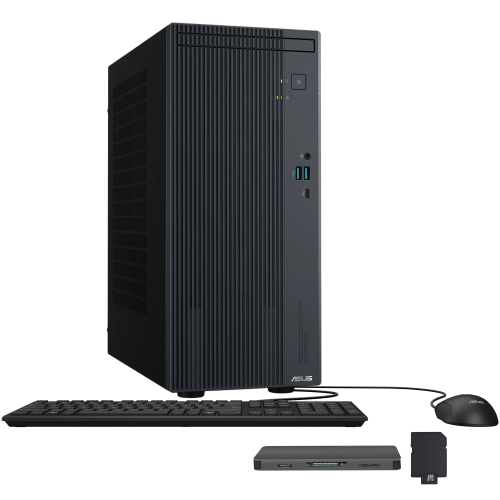
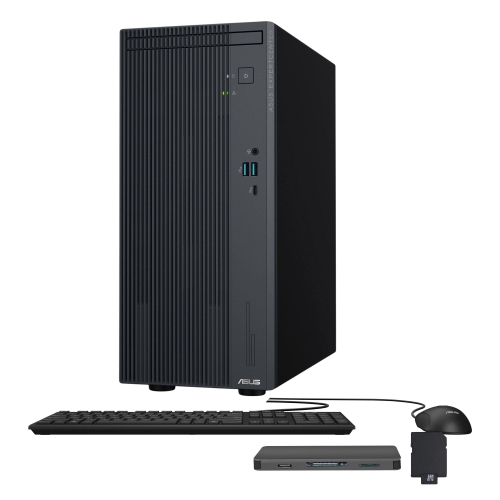
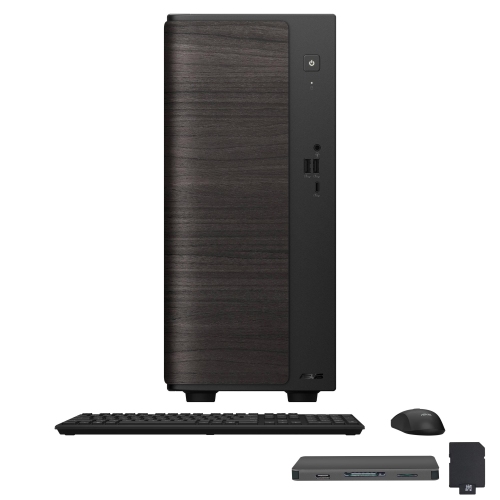
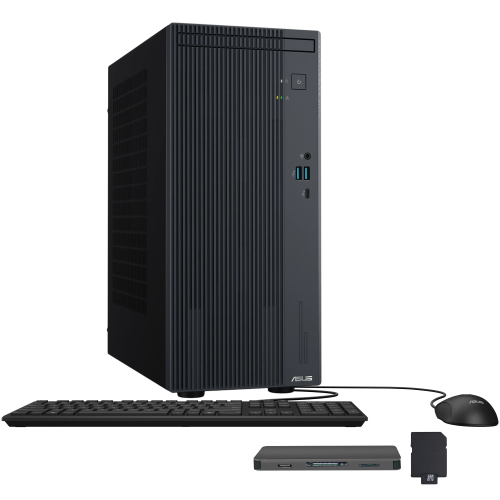
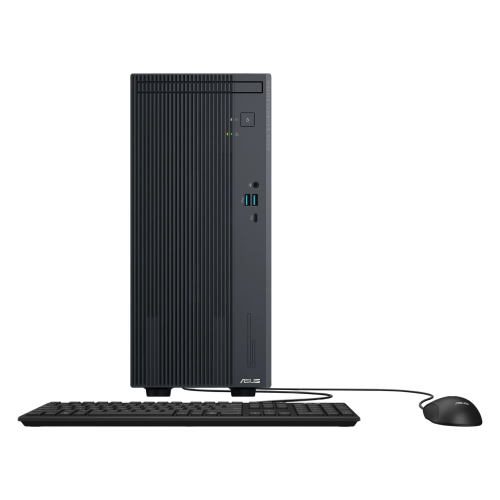
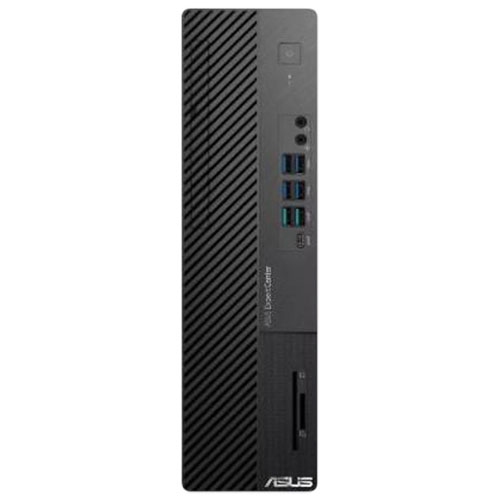
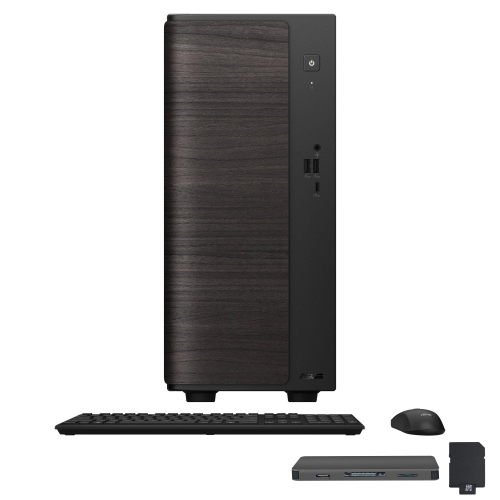
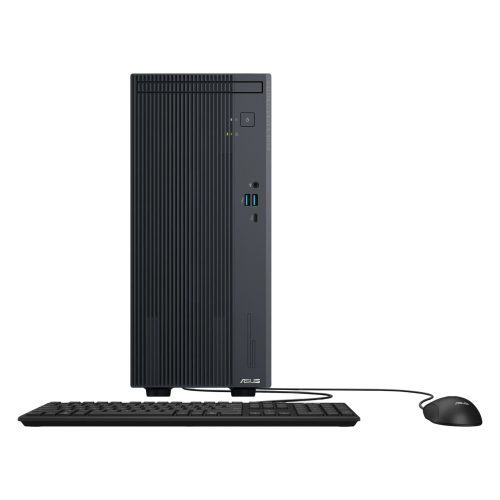
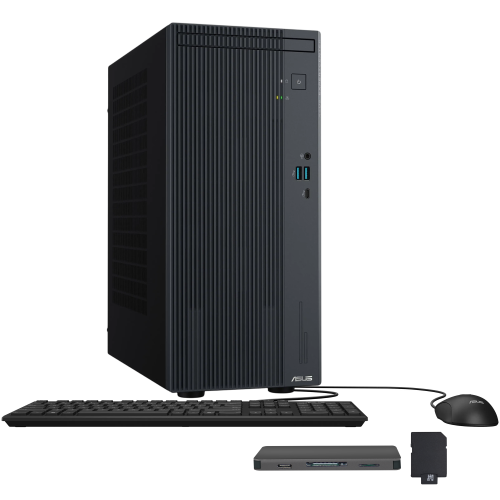
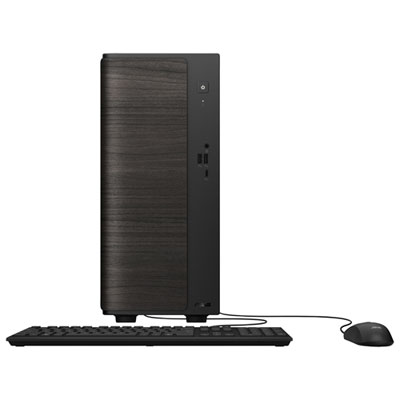
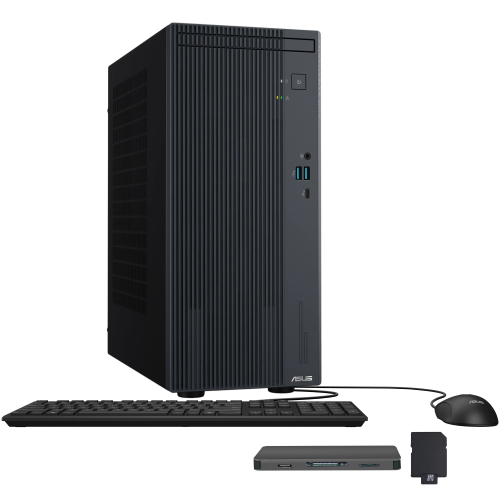
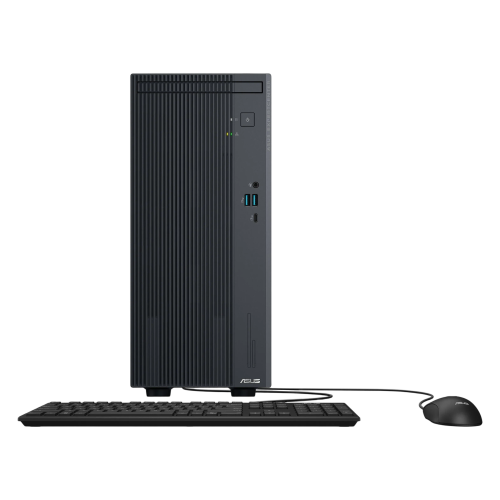
The physical design of a computer affects how comfortably it fits into daily life. A laptop carried between classrooms or shared workspaces needs a practical balance of screen size, weight, and battery life. A larger display provides more space for side-by-side documents, while a smaller chassis can be easier to carry in a backpack with notebooks and a charger. Battery endurance varies with screen brightness, wireless activity, software, and the intensity of the task, so a light writing session and a graphics-heavy project can produce very different results. Screen resolution, brightness, and surface finish also shape readability. Reflections may be more noticeable on a glossy panel positioned opposite a window, while a display with good viewing angles makes it easier to share a presentation across a table. Keyboard spacing, touchpad size, and palm-rest layout matter during long stretches of typing, as does the position of the screen relative to the chair and desk. Desktop towers need enough room for cables and unobstructed airflow; compact systems can suit smaller desks, though their expansion options vary. An all-in-one design combines the computer and display, reducing the number of separate components on a work surface. Port selection deserves attention wherever the computer will be used. USB connections, display outputs, audio connections, Wi-Fi, and wired networking support different combinations of peripherals and network access, and capabilities vary by configuration. Chassis materials such as metal and plastic influence weight, finish, and feel, but material alone does not establish durability. Hinges, ventilation, and careful handling also contribute to long-term usability. A padded sleeve helps protect a laptop from scratches in transit, while keeping liquids away from the keyboard reduces an avoidable source of damage. Routine care includes shutting down before appropriate cleaning, using a soft cloth, and following the manufacturer’s directions for screens and exterior surfaces. Clear vents and a firm, flat surface help cooling systems work as intended.
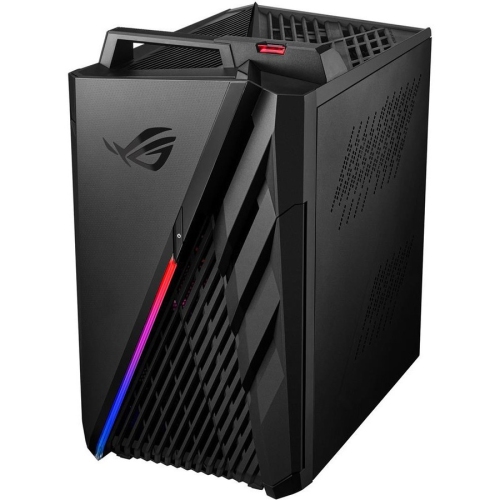
Gaming and creative work introduce requirements that go beyond basic productivity. Gaming-focused systems, including ASUS ROG Gaming PCs, put greater emphasis on the combination of graphics performance, processing power, and cooling needed for demanding games. The graphics processor helps render detailed scenes, lighting, and motion, while the main processor handles tasks such as game logic and background applications. Performance depends on the game, resolution, visual settings, and the system as a whole rather than any single specification. A higher-refresh-rate display can show more frequent updates when the computer produces enough frames, which can make fast movement look smoother. Cooling design matters during extended sessions because sustained workloads generate heat, and fan noise can become noticeable in a quiet room. Similar considerations apply to creative projects. Editing layered images, working with detailed models, and exporting video can place substantial demands on processing, memory, graphics, and storage. Colour accuracy is particularly relevant when editing photographs or preparing visual work, while enough screen space helps keep tool panels from crowding the project itself. Desktop systems may offer more room for future component changes, but upgrade options depend on the case, motherboard, power supply, and other compatibility factors. Laptop components are often less accessible, making the original configuration especially important for longer-term use. For a gift recipient, the best fit is closely tied to established habits: a student may value portability and dependable access to course software, a home user may appreciate straightforward everyday operation, and an enthusiastic player may care most about performance in favourite games. Existing accessories and familiar software can also influence how easily a new computer becomes part of a routine. Regular software updates, sensible account security, and a separate backup of important files help protect the work stored on it. With suitable performance, a comfortable design, and connections that match everyday equipment, a computer can serve as a practical centre for learning, work, communication, and entertainment.
Top selling and popular products
-
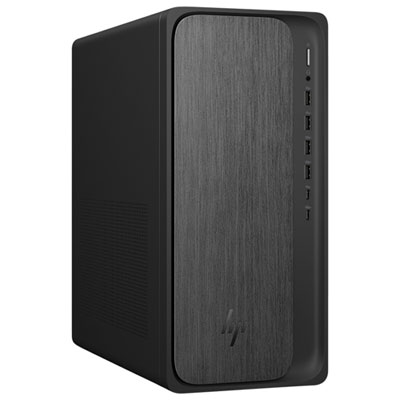 Your price for this item is $1299.99
-
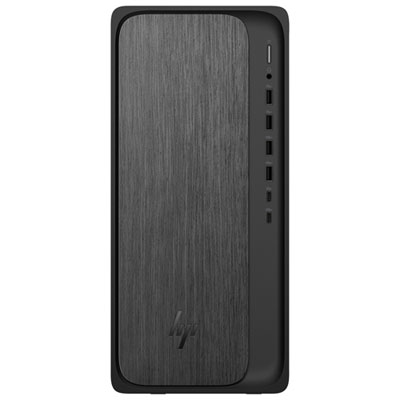 Your price for this item is $1199.99
-
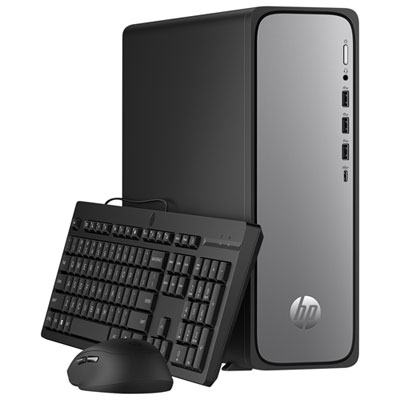 Your price for this item is $649.99
-
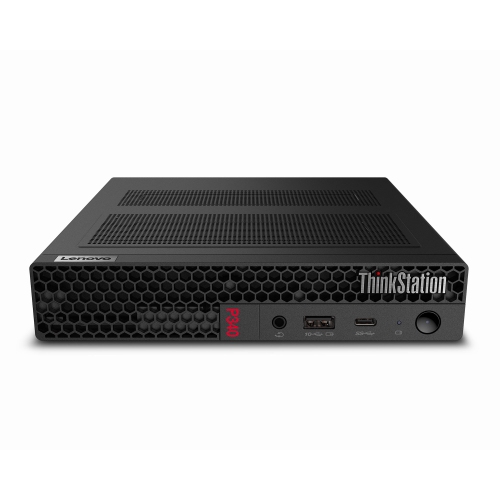 Your price for this item is $699.79
-
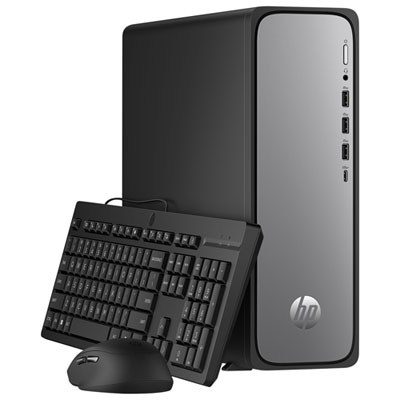 Your price for this item is $899.99
-
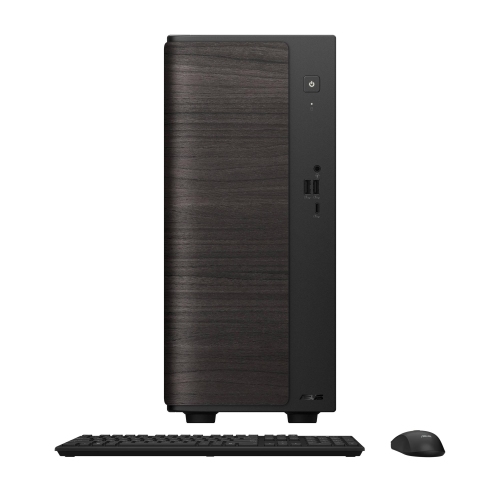 Your price for this item is $3149
-
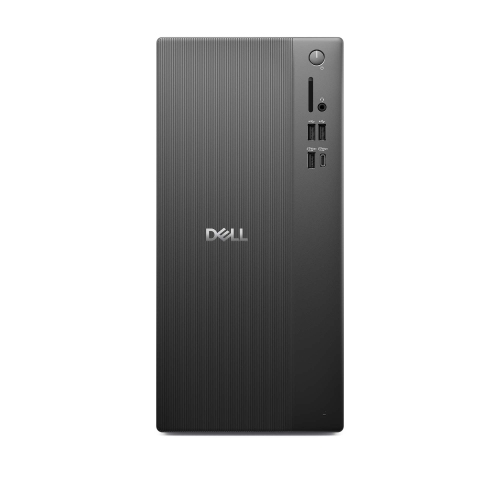 Your price for this item is $2628.79
-
 Your price for this item is $2398
Discover more categories related to Asus Computers

Top Collections:
Best Black Friday Deals This Year, Best Black Friday Deals On Electronics, Kindle Devices, Best Black Friday Deals On Apple Products, Best Budget Office Chairs, Best Cameras for Sports Photography, Dyson Airwrap, Canon G7X Cameras, Best Laptops for Writers, Samsung Galaxy Phones
Some products may be subject to Environmental Handling Fees
(EHF) depending on your province.
Learn more about EHFs.