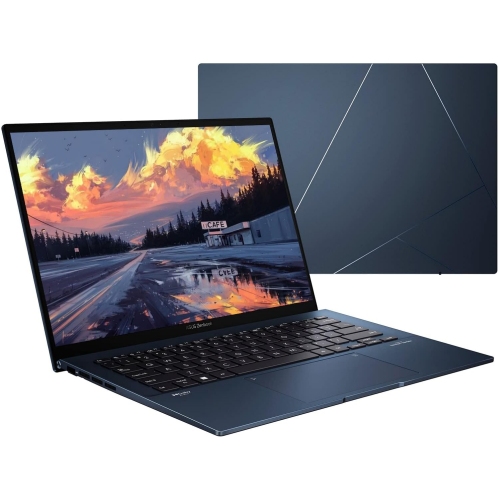
ASUS Travel Laptops

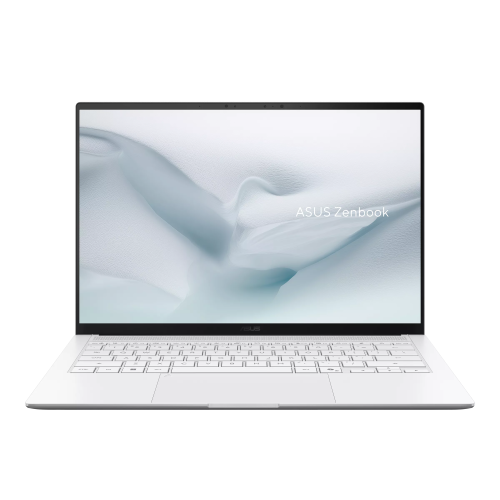
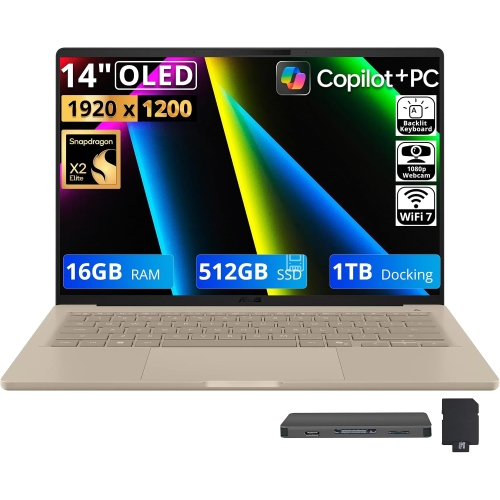
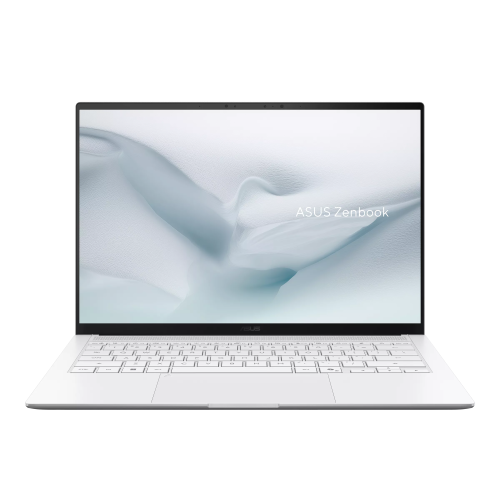
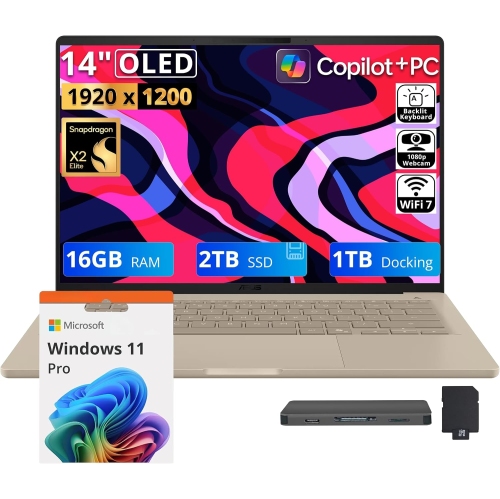
Find ASUS travel laptops for work and everyday tasks on the go. Compare screen size, weight, battery life, and connectivity to choose a laptop that fits comfortably in your bag and supports the apps and accessories you use while travelling.
Sort

Portable computing is about more than a lighter bag

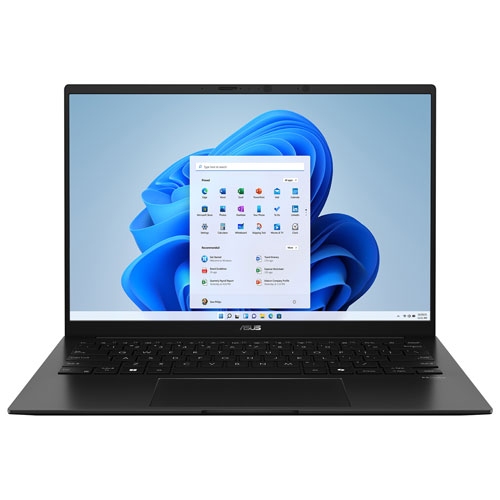
Travel laptops bring everyday computing into spaces that rarely resemble a permanent desk: a fold-down train table, a shared office, a hotel room, or a quiet corner between meetings. Their appeal is not simply a smaller footprint, but the ability to keep documents, conversations, entertainment, and familiar software close at hand without making a bag cumbersome. A compact chassis can leave more room for a notebook and other essentials, while a larger display gives spreadsheets, presentations, and side-by-side windows more breathing room. Screen size and overall dimensions are separate considerations, since narrow bezels can help a computer fit a larger viewing area into a relatively compact body. Weight includes more than the laptop itself; the power adapter, protective sleeve, and any adapters also become part of the daily load. For someone walking between transit connections or moving across a campus, that complete carrying setup matters as much as a slim profile. Construction also shapes how a laptop feels in use. Aluminium housings can provide a firm, refined feel, while plastic designs vary in weight, texture, and rigidity. Neither material alone establishes durability, which also depends on the hinges, chassis construction, and how the computer is carried. A keyboard that feels comfortable during a short message may feel quite different after an hour of writing, so key spacing, palm-rest space, and a responsive touchpad are meaningful details. Backlighting can make keys easier to identify when room lighting is limited. Display finish is another practical distinction: a matte surface can reduce reflections, while glossy screens may show surrounding light more readily. Resolution, brightness, and colour performance matter differently to a student reading course materials, a consultant reviewing charts, and a photographer assessing images. The most comfortable combination is one that matches the work being done and the space available to do it.

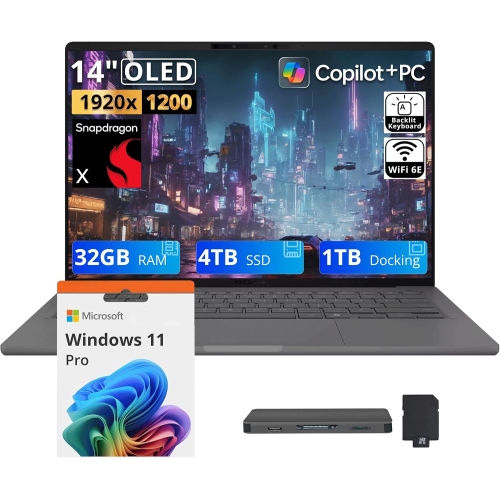
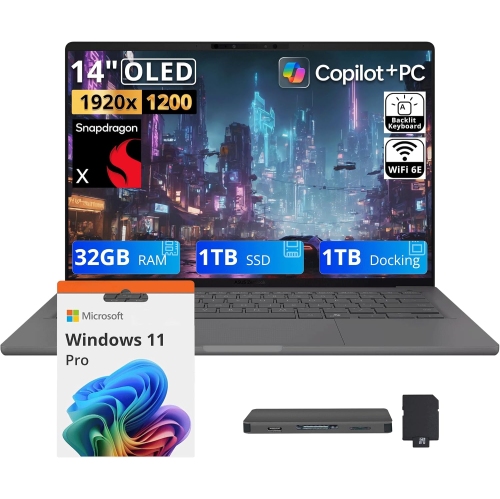
Inside a travel laptop, the right balance of processing power, memory, and storage depends on what needs to happen away from a main workspace. Email, video calls, online research, and document editing generally place different demands on a system than video production, large photo libraries, or complex design files. Enough memory helps when a browser, presentation, messaging app, and spreadsheet need to remain open together. Solid-state storage supports responsive file access, while capacity determines how much can be kept locally rather than downloaded along the way. Local copies of important documents can be particularly useful when a connection is unreliable or unavailable. Some thin designs have limited upgrade options, making the original memory and storage configuration a meaningful part of long-term usability. Battery life is equally tied to real use: display brightness, video calls, connected accessories, and demanding software can all affect how long a charge lasts. Published estimates are useful reference points rather than guarantees for every workday. Charging compatibility deserves the same attention as battery capacity. A laptop with USB-C charging may simplify a travel setup, but the charger must provide compatible power, and not every USB-C port accepts charging. Port selection affects what can be connected without extra accessories. A built-in HDMI connection may be useful for a presentation, a USB-A port can accommodate some existing peripherals, and a memory card reader can make photo transfers more convenient. Wireless connectivity also has a practical role, with Wi-Fi supporting online tasks and Bluetooth linking compatible accessories without another cable. Public Wi-Fi still calls for sensible security habits, including trusted connections, updated software, and care with sensitive information. A webcam, microphone, and speakers influence how easily a portable computer handles remote appointments and meetings. Features such as a physical camera shutter or biometric sign-in, where included, can add convenience and help control access. These details are especially relevant when the same computer moves between personal tasks, work accounts, and shared spaces.
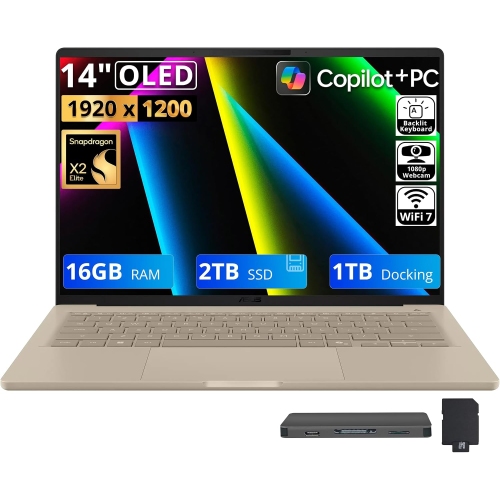
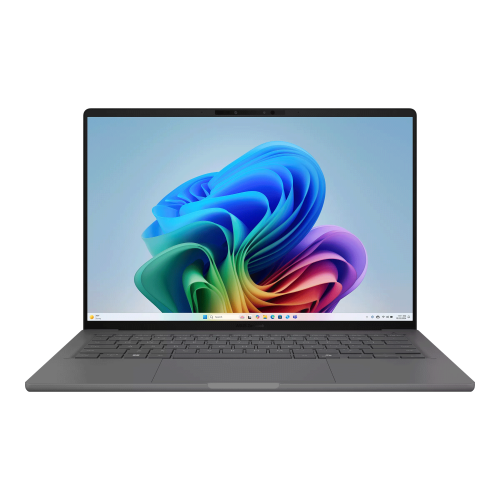
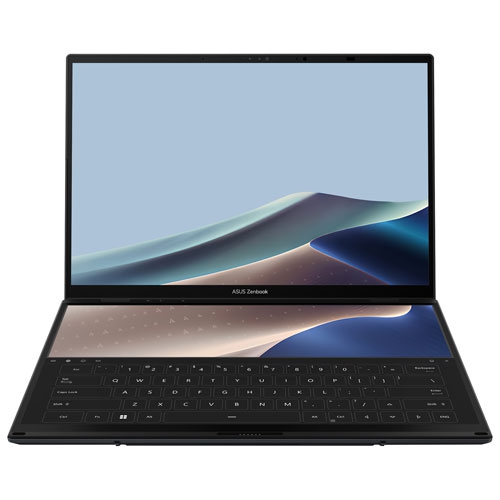
Different travel routines put those features to work in different ways. A student may need a computer that slips into a backpack between lectures and leaves enough desk space for handwritten notes. A frequent business traveller may value a comfortable keyboard, quick access to files, and straightforward connections for meeting-room displays. For someone who divides time between home and another workplace, a laptop that connects easily to a desk setup can keep the transition simple without requiring a second computer. Personal travel brings its own uses, from managing bookings and keeping in touch to sorting photos or watching downloaded entertainment. Touch input and a folding hinge, where offered, can provide additional ways to read, present, or take notes, although these features also affect how a device feels to carry and hold. A travel-focused laptop can make a thoughtful gift for a graduate or someone starting a role with regular trips, provided its software compatibility and everyday usability suit the recipient. Related collections such as Lenovo Travel Laptops offer another point of comparison for portable designs and useful features. Protecting the computer during those trips starts with a sleeve or bag compartment sized to its actual dimensions, not just its advertised screen measurement. A snug, padded fit helps keep the laptop from shifting, while separate pockets keep plugs and other hard objects from rubbing against its surface. Drinks belong away from open computers, and bags should offer enough space that the lid is not pressed against bulky contents. During use, a hard, stable surface helps keep ventilation openings clear; soft bedding or tightly packed bags can obstruct airflow. For cleaning, manufacturer-approved methods and a soft cloth help preserve the finish and display, with liquid kept away from ports and openings. Regular software updates and a dependable backup routine help protect the work stored inside. Together, suitable specifications, comfortable handling, and everyday care help a travel laptop remain a practical companion through repeated journeys.

FAQ

Some products may be subject to Environmental Handling Fees (EHF) depending on your province. Learn more about EHFs.