Bluetooth Headphones for Home Office
Bluetooth headphones for home office make it easy to stay connected and productive throughout your workday. Whether you're taking calls, joining virtual meetings, or listening to music while you focus, these headphones offer the flexibility and convenience needed in a modern workspace. Explore a wide selection designed to help you enjoy clear audio and wireless freedom right at your desk. Find the perfect pair of bluetooth headphones for home office use and enhance your daily routine with comfort and style.
Sort
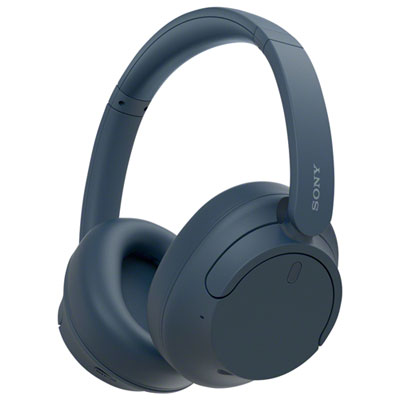


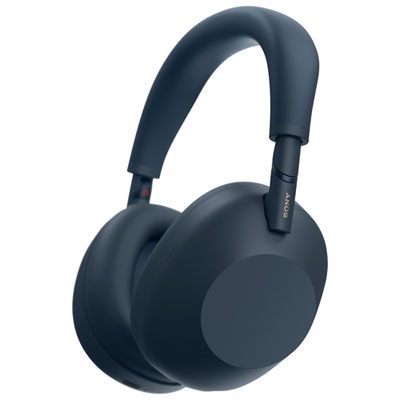
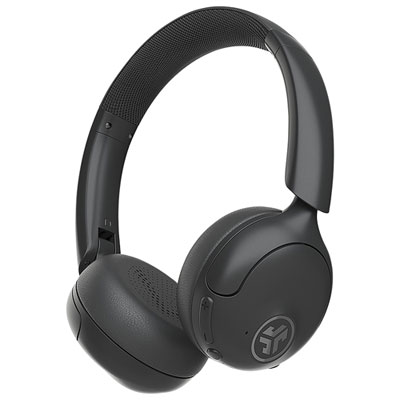
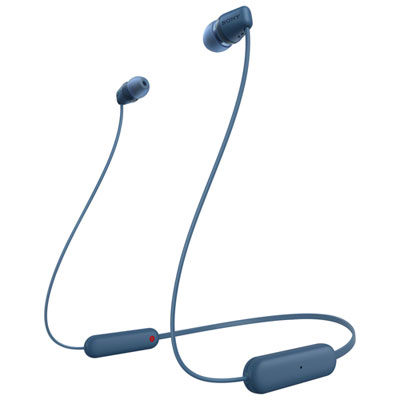
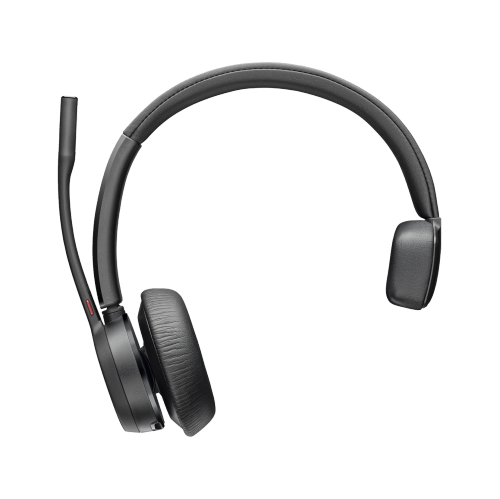
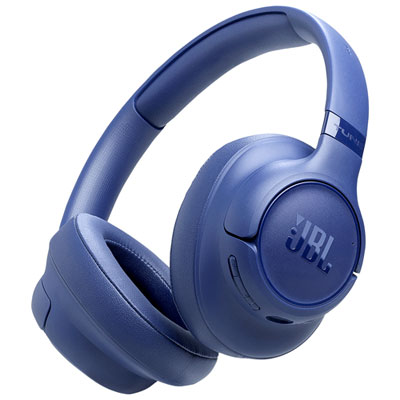
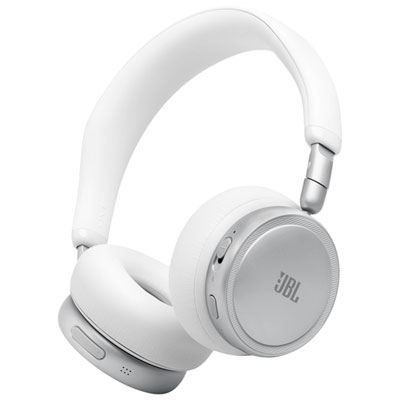
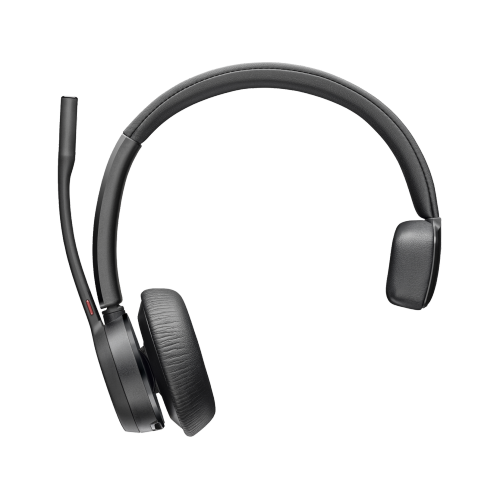
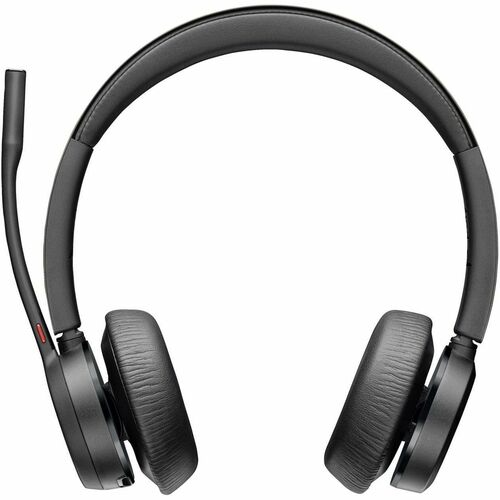
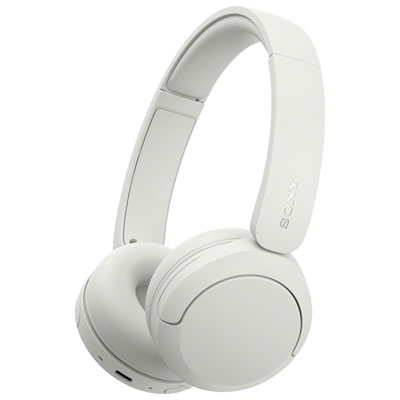

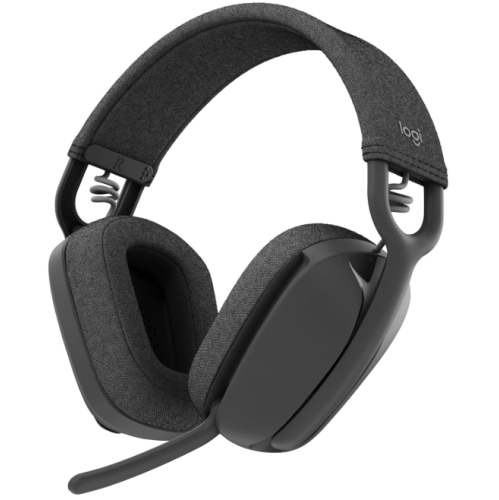
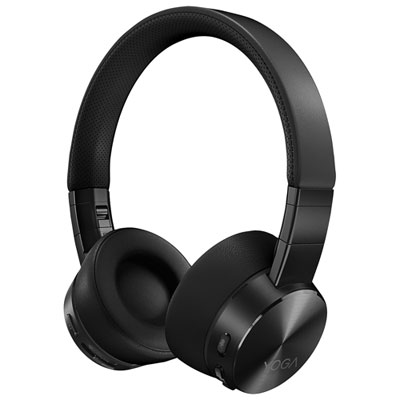
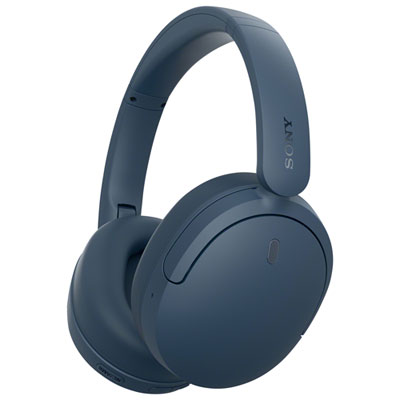
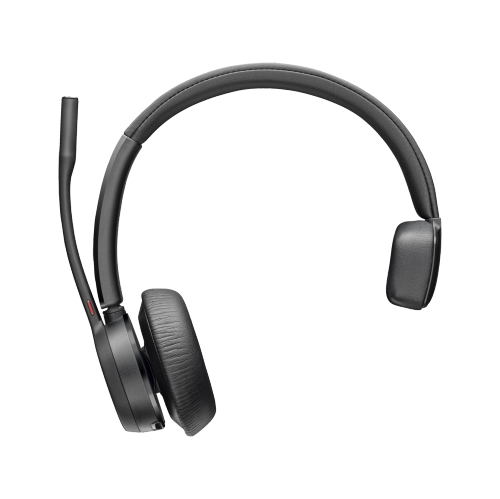
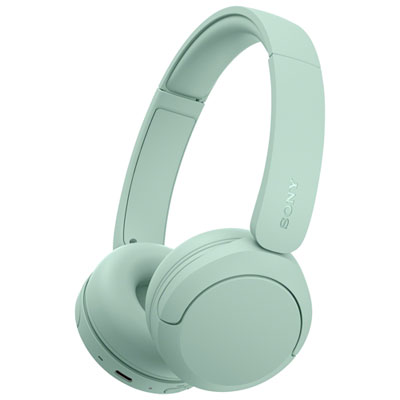
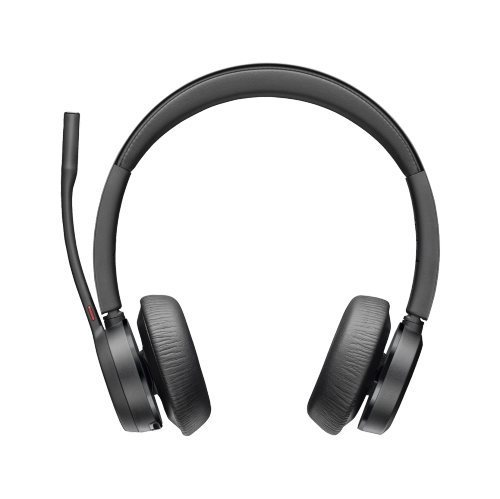
Why clearer calls need more than noise cancellation
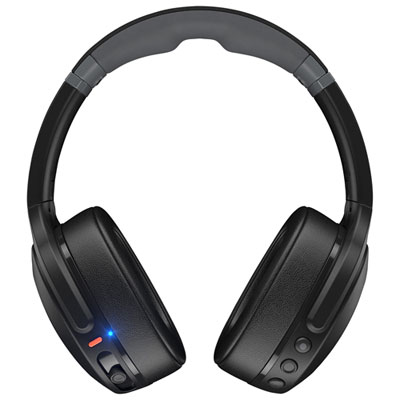
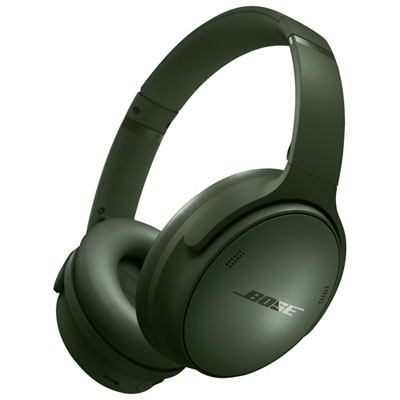
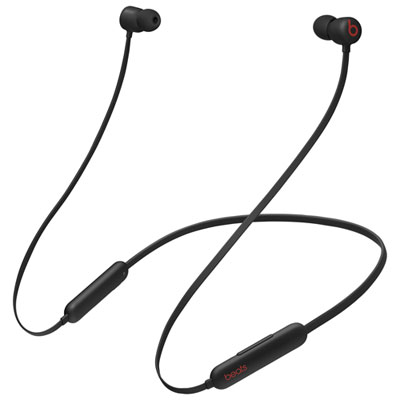
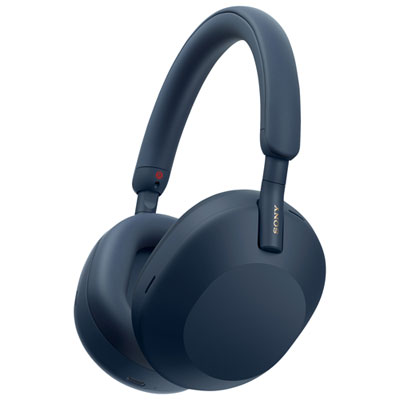
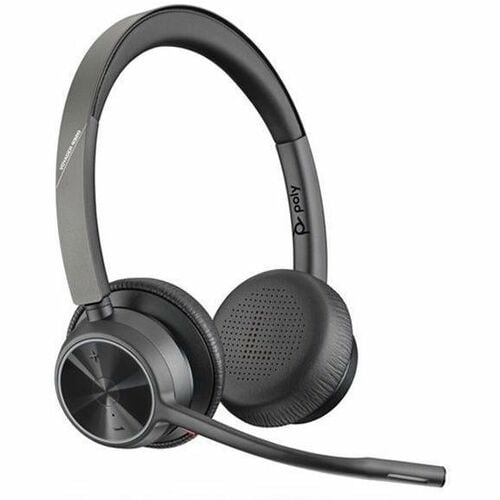
Bluetooth headphones for a home office combine wireless listening with hands-free communication, helping keep a desk clear while supporting video meetings, phone calls, and focused work. The most useful features depend on how the working day unfolds: frequent callers may value a dedicated boom microphone and easy-to-reach mute control, while someone who spends longer stretches writing or reviewing documents may prioritize comfortable ear cushions and active noise cancellation. Over-ear headphones surround the ears and can provide a cushioned fit for extended listening, although their size and weight vary. On-ear designs rest against the ears and are often more compact, but pressure can become noticeable during back-to-back meetings. In-ear options leave less resting on the head and work well for people moving between a desk and other workspaces, provided the ear tips fit securely. For calls, microphone performance deserves as much attention as speaker sound. A boom microphone positions the pickup closer to the mouth, while built-in microphones offer a less prominent design. Noise reduction for the microphone helps limit the background sound transmitted to other people; active noise cancellation reduces some of the sound heard by the wearer. These are separate functions, and headphones that make a room feel quieter do not necessarily deliver clearer speech to colleagues. A steady fan or ventilation hum is generally easier for active noise cancellation to address than unpredictable voices nearby. In a shared home, that distinction matters when a meeting overlaps with a conversation in the next room. A transparency or ambient listening mode can help make nearby sounds more noticeable without removing the headphones. Sidetone, sometimes called microphone monitoring, feeds a little of the wearer’s voice back into the headphones, which can make speaking feel more natural. For anyone regularly presenting, taking customer calls, or contributing to group discussions, these communication features can be more useful than sound settings designed mainly for music.
Connection options are another important consideration, especially when the same headphones need to handle a work computer and a personal phone. Bluetooth compatibility should be checked against the devices and calling applications involved, rather than assumed from the presence of a wireless connection alone. Multipoint Bluetooth can maintain connections to more than one device, allowing supported headphones to move between sources without repeated pairing. However, the way incoming calls interrupt computer audio, or how quickly a headset changes sources, depends on the headphones and connected devices. A compatible USB Bluetooth adapter can provide a practical connection for some computers, particularly when a headset is designed to work with its supplied receiver. Not every adapter offers the same calling controls or software integration, so compatibility matters for answering, ending, and muting calls from the headphones. On managed work computers, installation permissions or employer requirements may also affect which connection methods are suitable. A charging cable does not automatically provide wired audio: some headphones support audio over USB, some have a separate audio input, and others operate wirelessly only. That distinction becomes important when the battery runs low before an afternoon meeting. Battery specifications also need a little context. Talk time and music playback time are different measurements, and microphone use, volume, active noise cancellation, and other settings can affect how long a charge lasts. Quick charging can be useful between appointments, while a battery indicator helps avoid surprises during a long call. Wireless range varies with walls, nearby electronics, and the position of the connected device; a connection that works beside a laptop may become less reliable farther down a hallway. For speech-heavy work, a stable link and intelligible microphone audio usually matter more than elaborate music settings. Some Bluetooth connections also change playback quality when the microphone is active, so meeting audio may sound different from music played between calls. Accessible volume buttons, a clearly identifiable mute control, and an audible or visible mute indication can make everyday use simpler, particularly when attention needs to stay on a shared document rather than a settings window.
Comfort is often decided by small details that become obvious only after sustained wear. Headband adjustment, cushion depth, overall weight, and clamping pressure all affect how headphones feel through a morning of concentrated work. Glasses can change the seal around over-ear cushions and create pressure at the temples, while earrings may catch against shallow ear cups. A padded headband that distributes weight evenly can help, but generous cushioning alone does not guarantee a good fit. Foam cushions, fabric coverings, and leather-like finishes each have a different feel against the skin; smooth surfaces may be easier to wipe, while fabric can feel softer to some wearers. Replaceable ear cushions are worth considering for headphones intended for regular use, since pads can compress or wear before the electronics need replacing. Hinges, adjustment sliders, and charging ports also benefit from careful handling. Lift headphones by the headband rather than pulling one ear cup away sharply, keep cables from tugging at their connectors, and store the headphones where they will not be crushed under paperwork or a laptop. Cleaning should follow the manufacturer’s directions, using suitable methods for the cushion material and keeping moisture away from openings and charging contacts. For in-ear designs, removable tips need regular attention, and every part should be dry before charging or storage. A case or dedicated stand can help protect headphones when a home workspace doubles as a dining area or family room. These practical details also matter when choosing a gift for a remote worker, a student attending online sessions, or someone setting up a first home office. Their preferred fit, computer connections, and balance of meetings and quiet work are better starting points than appearance alone. For dedicated desks and flexible workspaces alike, Bluetooth Headphones for Work From Home bring together the same everyday priorities: clear conversations, dependable connections, and a fit suited to the way the wearer works.
Top selling and popular products
-
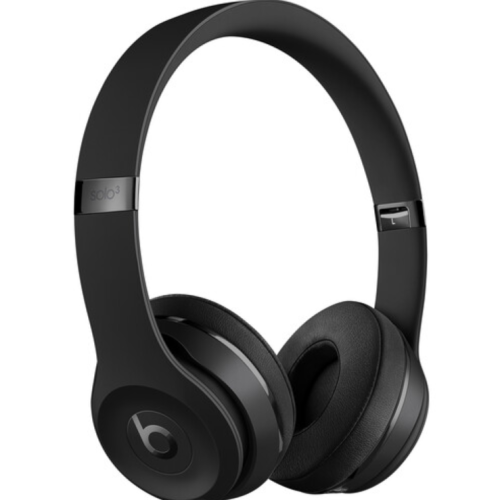 Your price for this item is $183
-
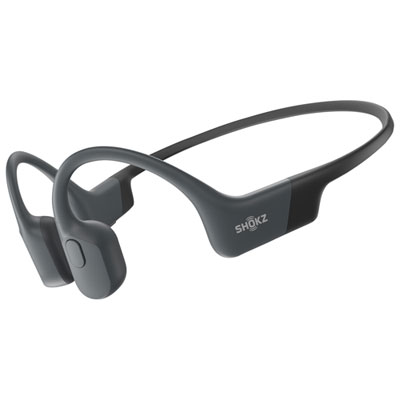 Your price for this item is $169.99
-
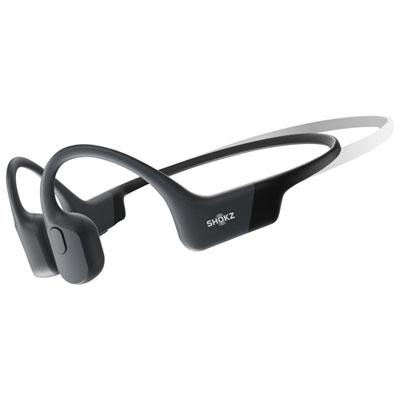 Your price for this item is $169.99
-
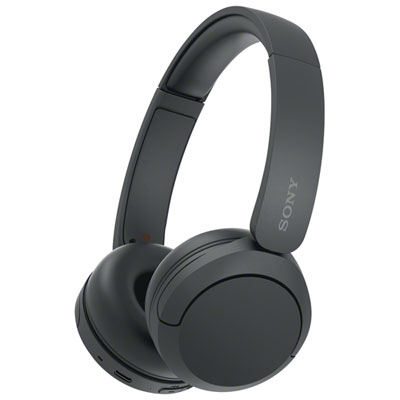 Your price for this item is $99.99
-
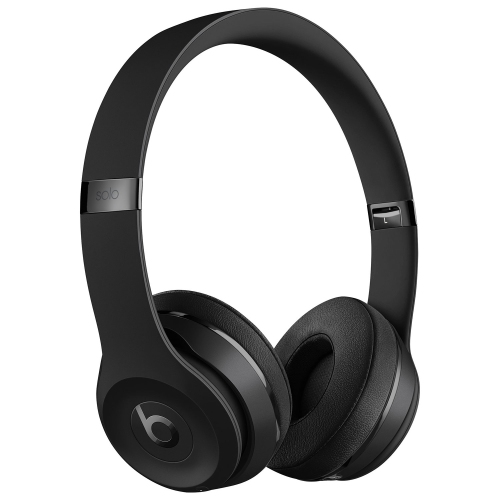 Your price for this item is $89.98
-
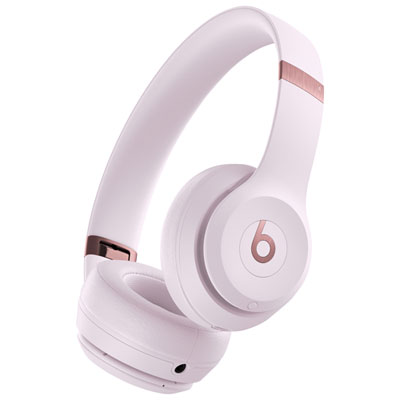 Your price for this item is $279.99
-
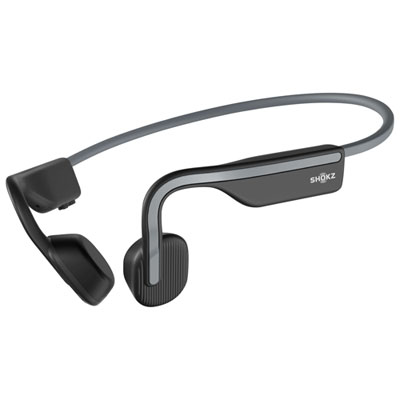 Your price for this item is $69.99
-
 Your price for this item is $249.99
Discover more categories related to Bluetooth Headphones for Home Office

Top Collections:
Best Black Friday Deals This Year, Best Black Friday Deals On Electronics, Kindle Devices, Pokemon Centers, Best Black Friday Deals On Apple Products, Best Cameras for Sports Photography, Dyson Airwrap, Pokémon 30th Celebration Cards, Apple iPhone 17 Pro, Canon G7X Cameras
Some products may be subject to Environmental Handling Fees
(EHF) depending on your province.
Learn more about EHFs.