Bluetooth Headphones for Work From Home
Upgrade your work-from-home setup with the convenience and versatility of Bluetooth headphones. Whether you're attending virtual meetings, tuning into webinars, or simply looking to enjoy your favorite music while you work, these wireless headphones offer the freedom to move around without being tethered to your device. With their seamless connectivity and crystal-clear audio quality, Bluetooth headphones are the perfect accessory to enhance productivity and immerse yourself in a distraction-free environment.
Sort
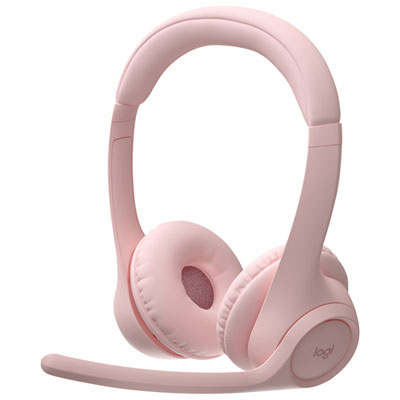
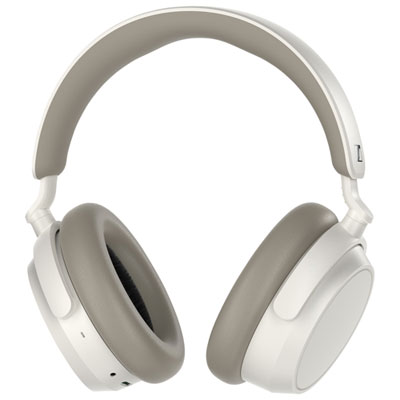
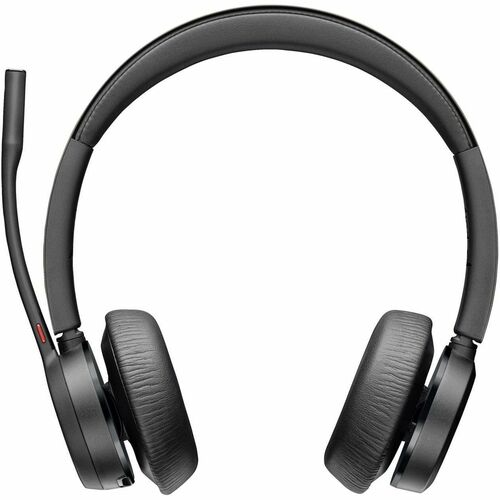
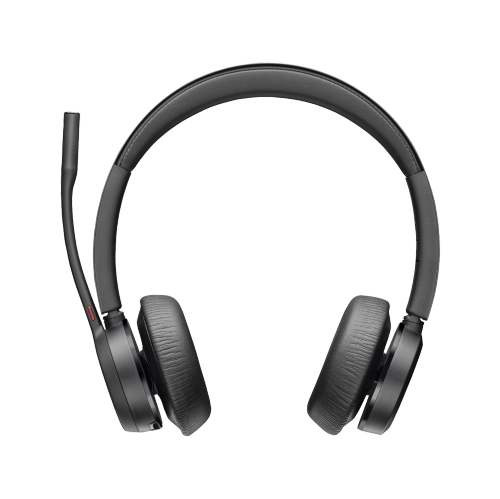
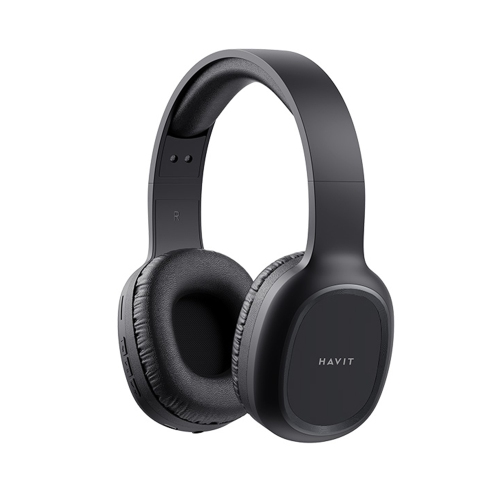
![HLD Wireless Bluetooth Headphones Over-Ear, [40H Playtime, Bluetooth 5.0] Foldable Stereo Wireless/wired Headphone Over Ear w Mic Deep Bass Headset](https://multimedia.bbycastatic.ca/multimedia/products/500x500/154/15462/15462444.jpeg)
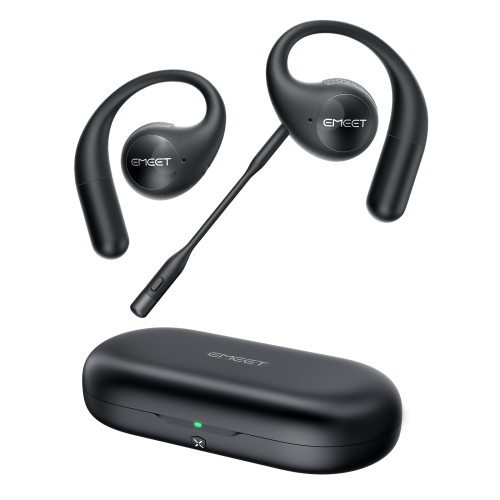
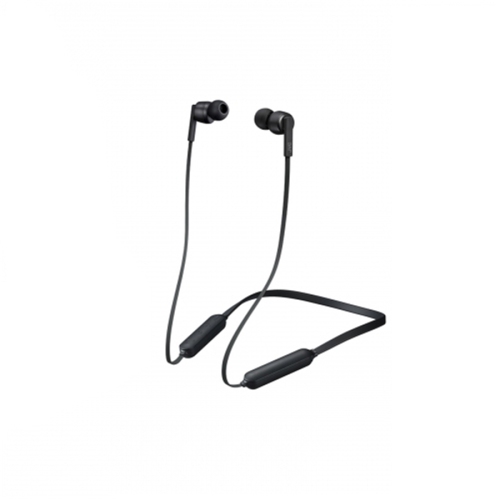
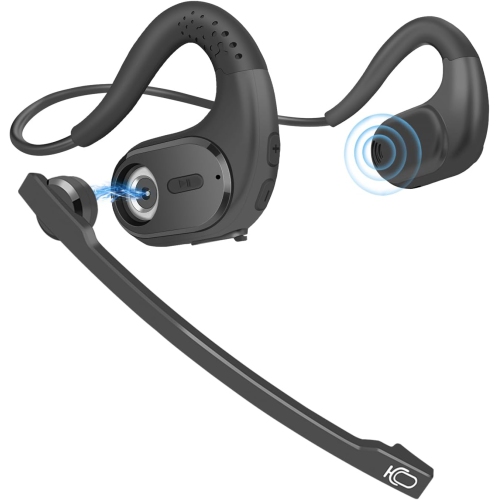
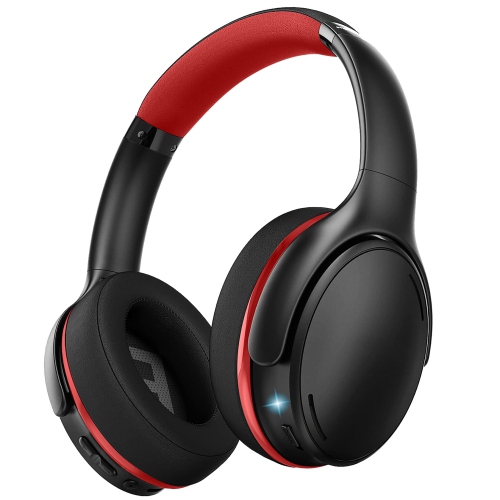
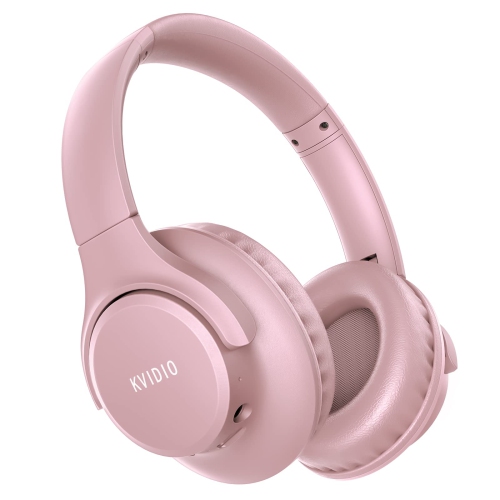
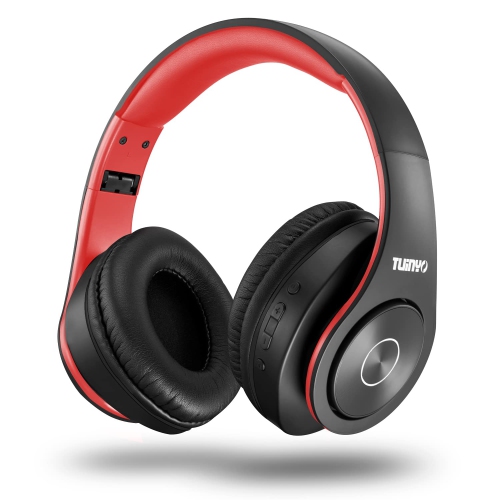
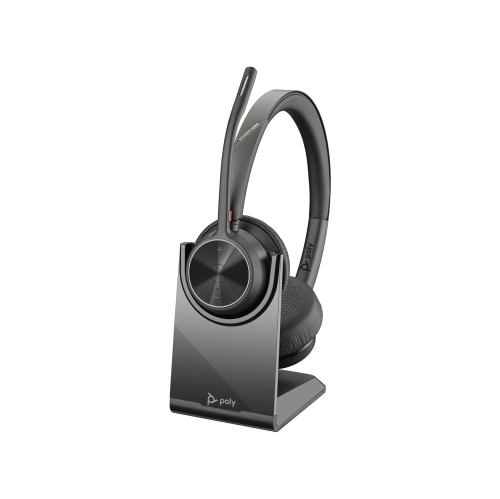
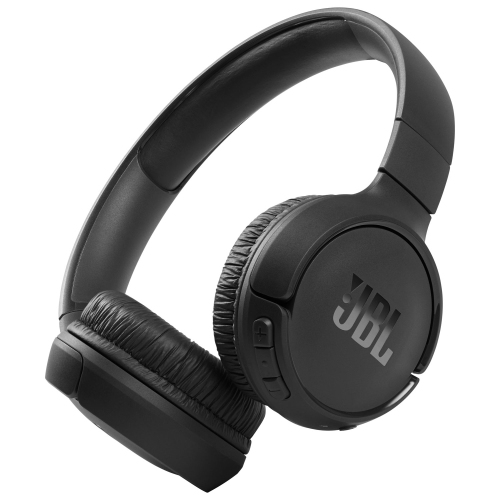
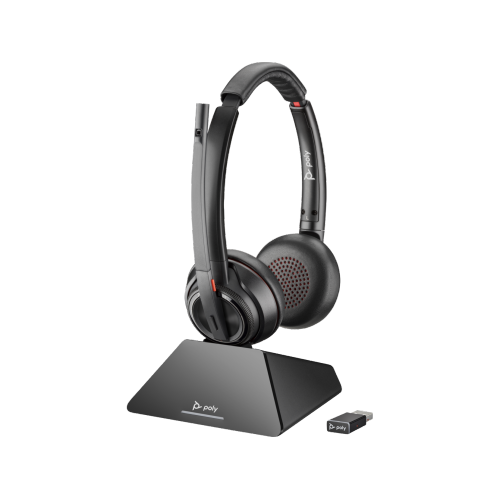
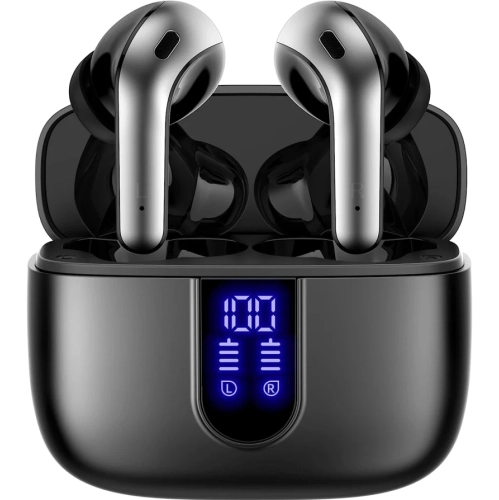
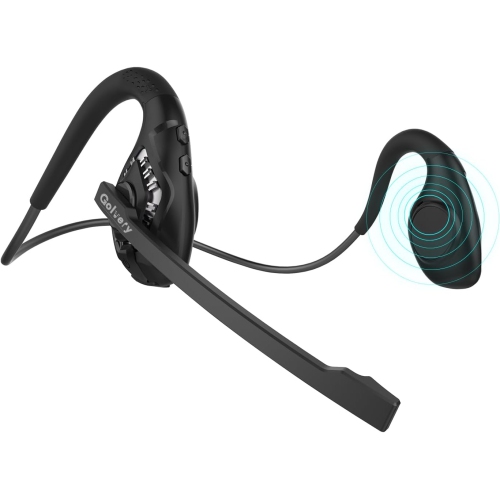
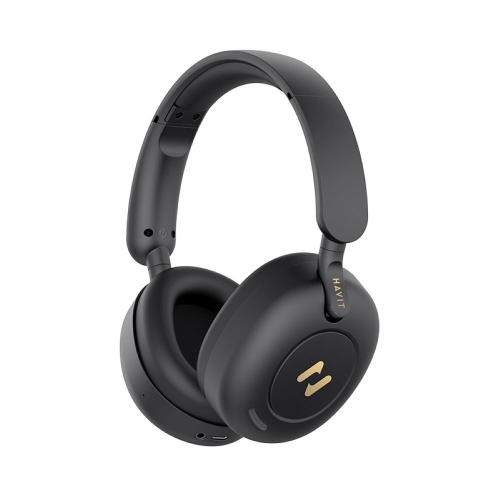
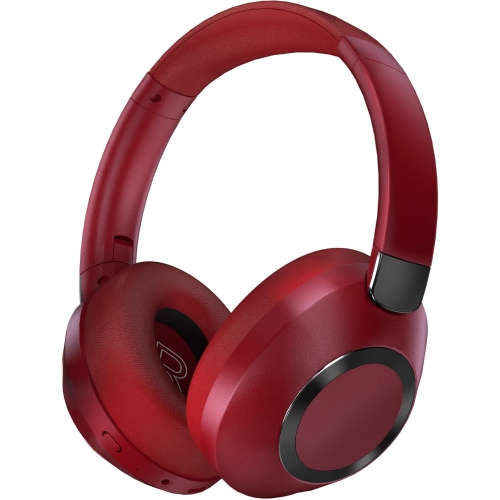
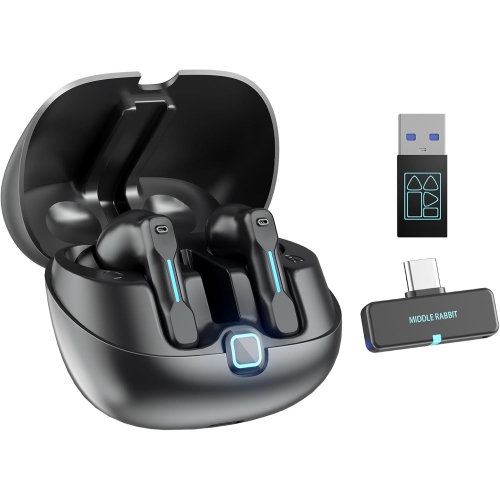
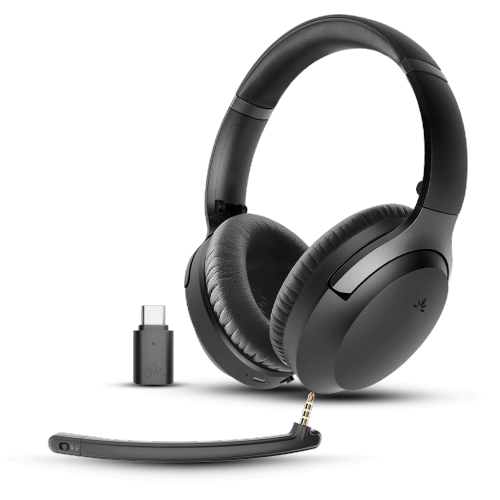
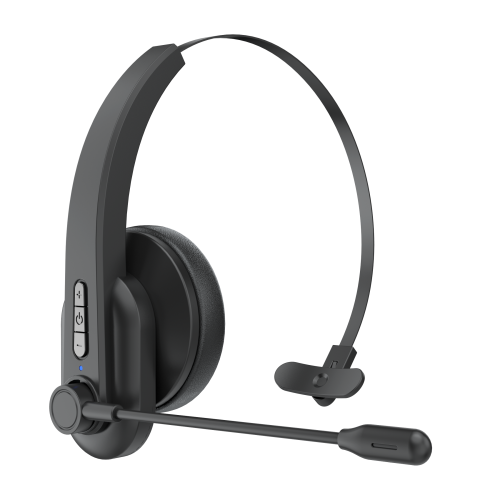

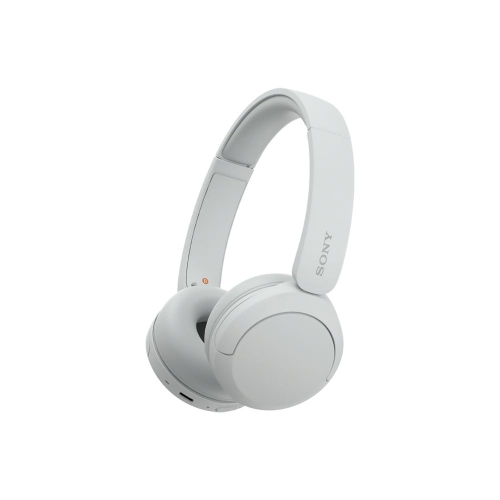
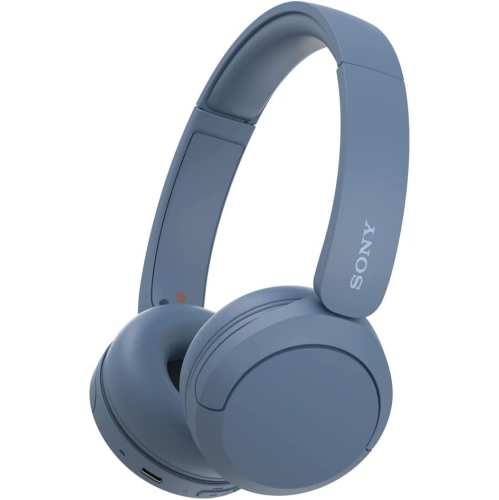
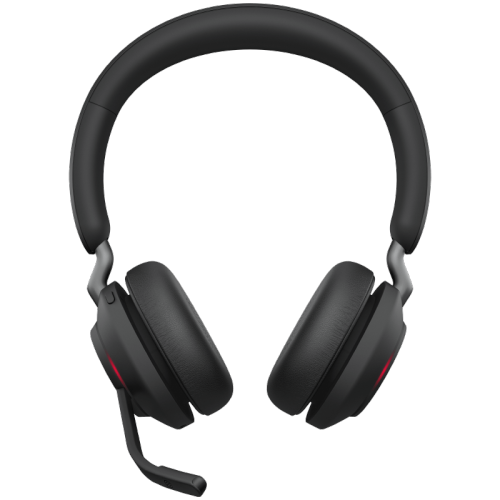
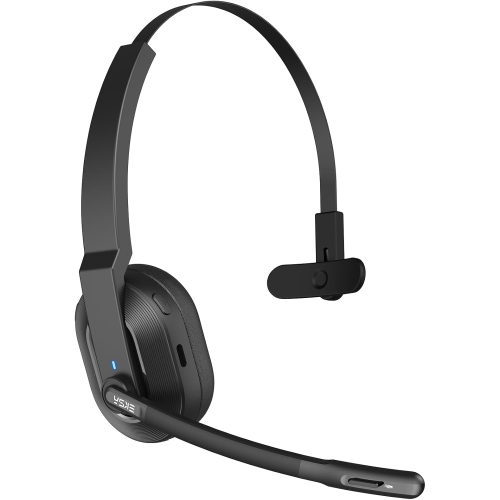
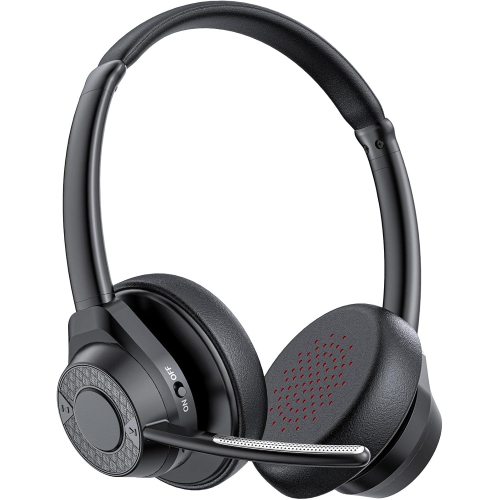
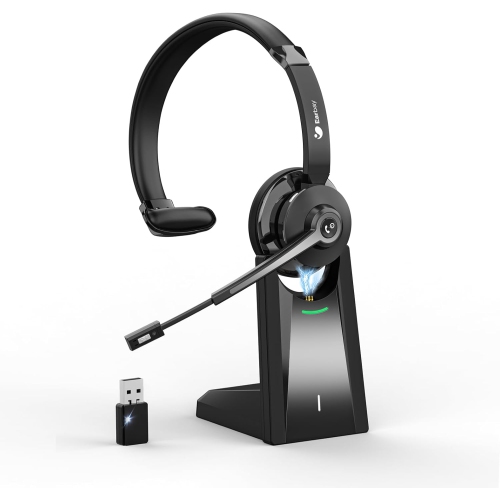
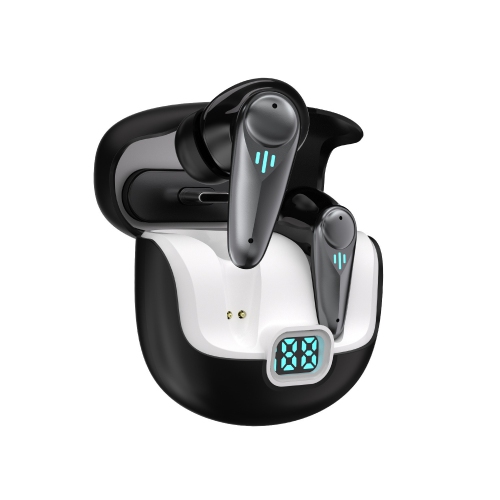
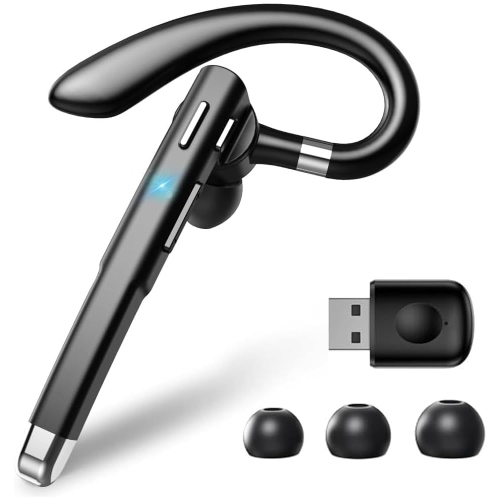
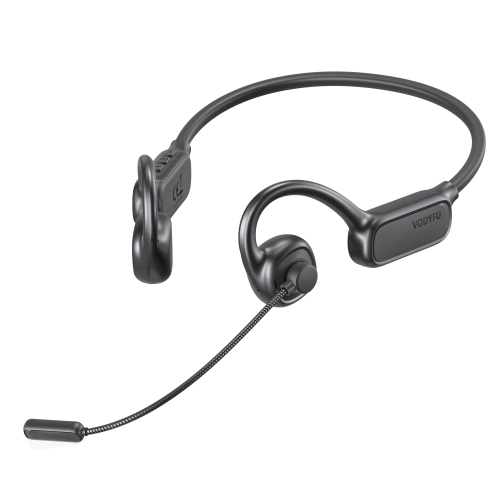
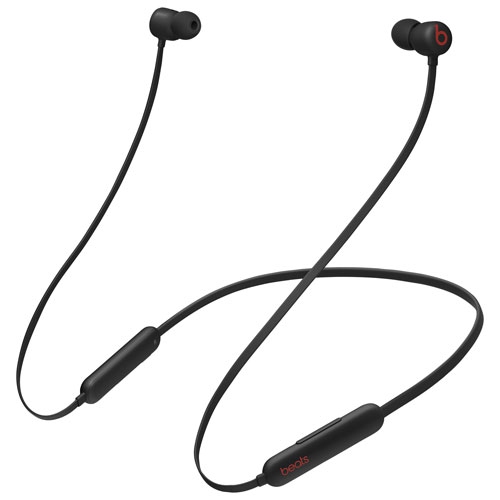
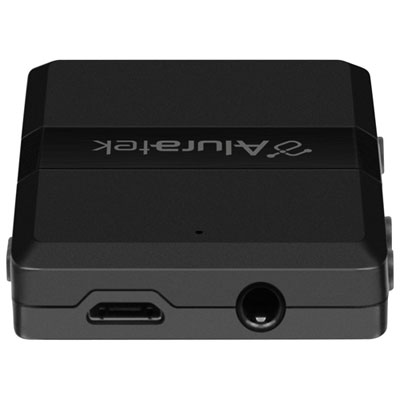
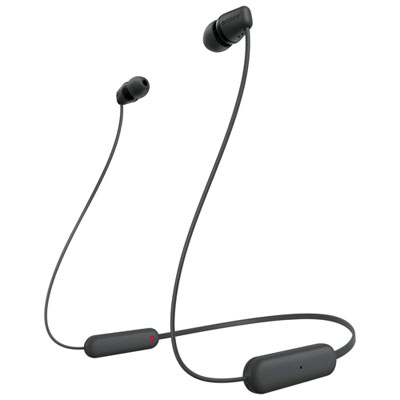
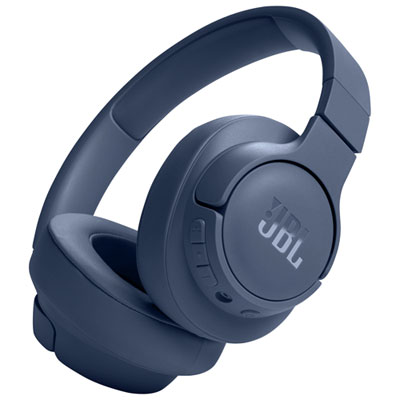
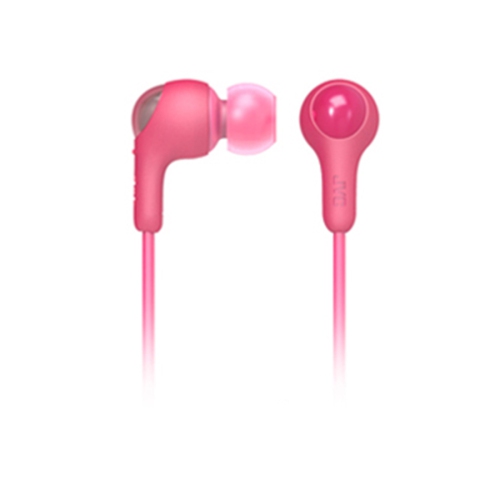
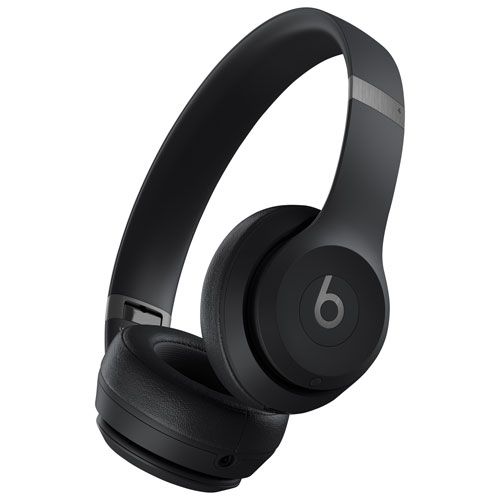
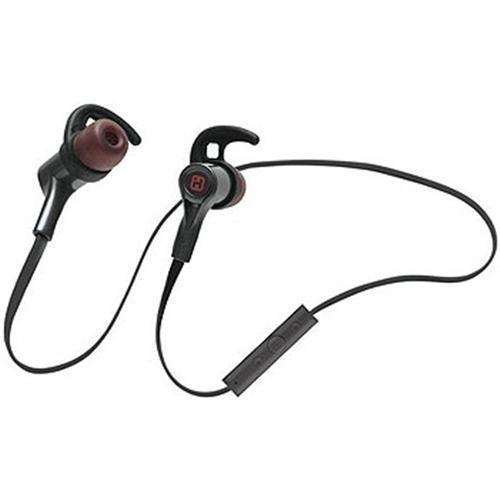
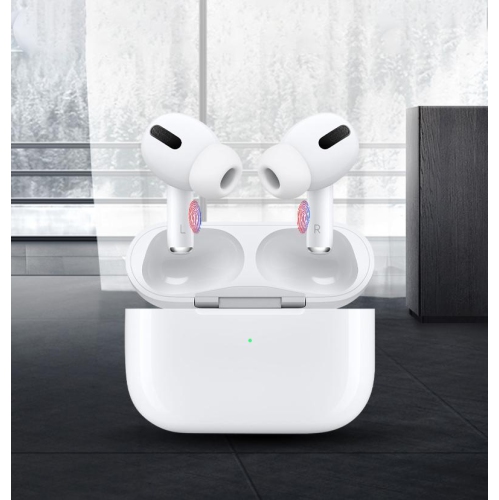
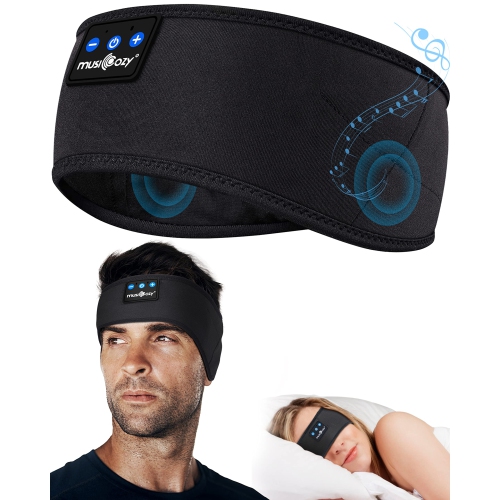
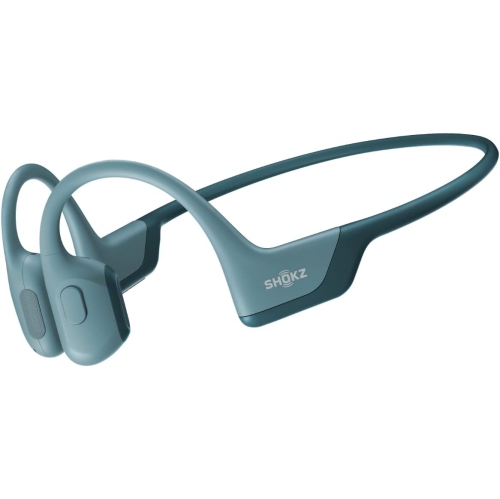
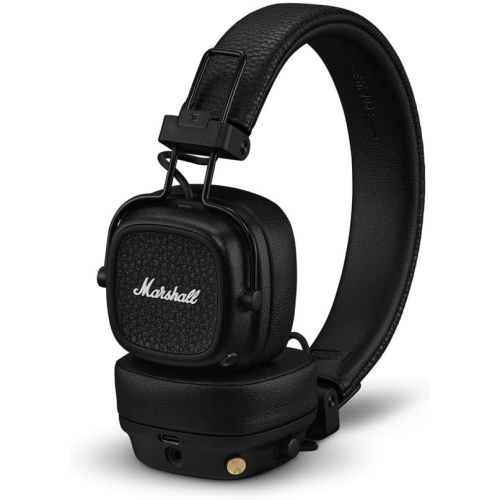
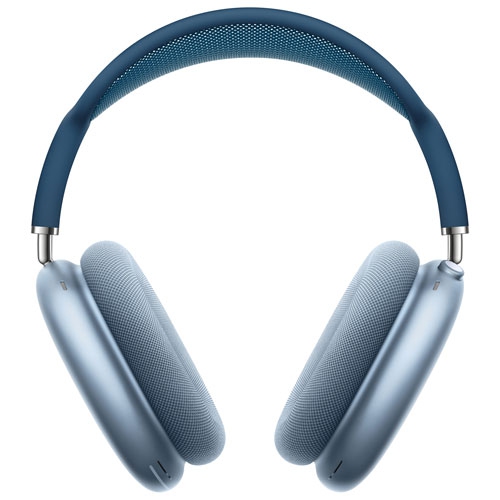
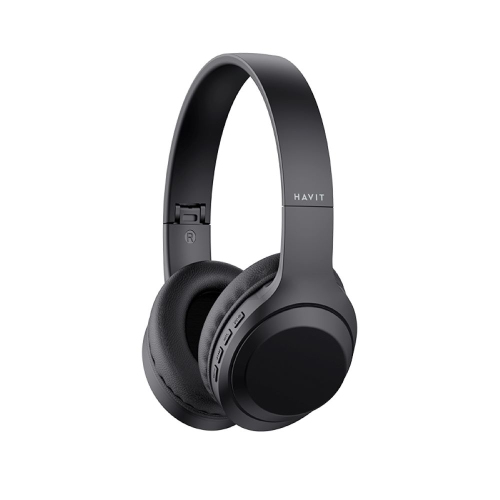
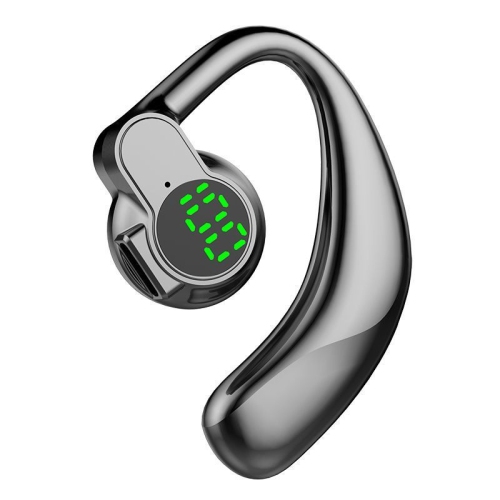

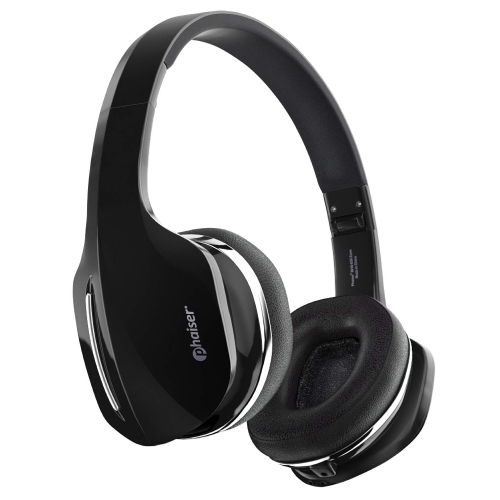

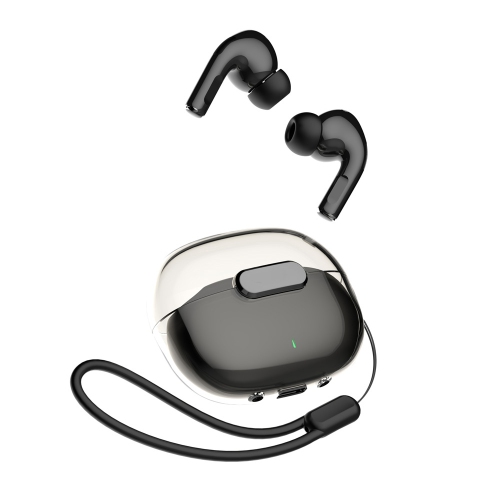
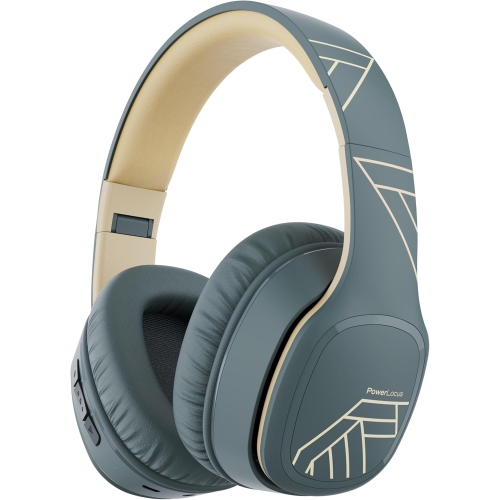
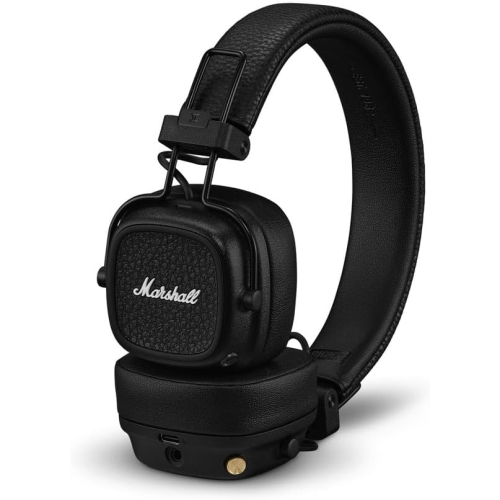
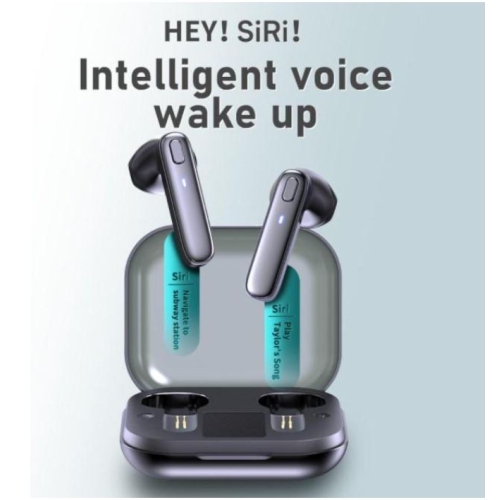
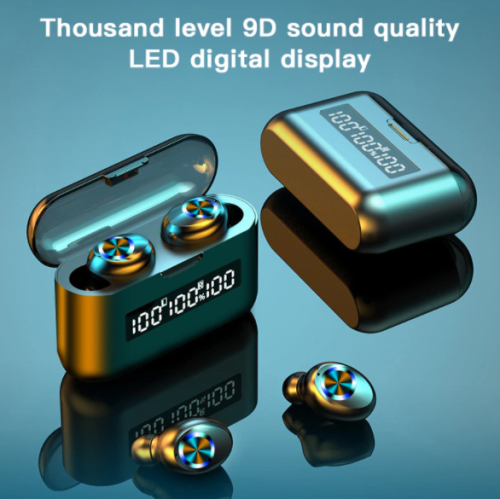
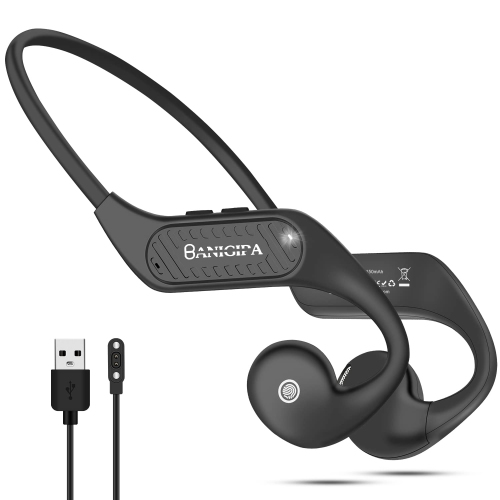
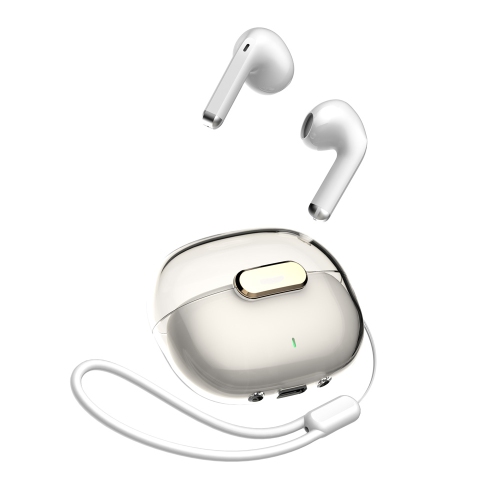
Clearer calls and lasting comfort start with the details
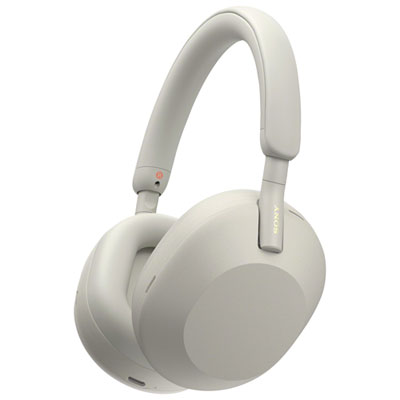
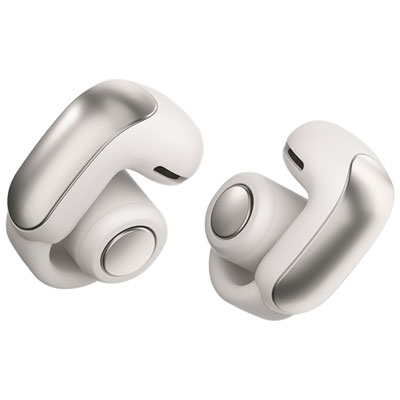
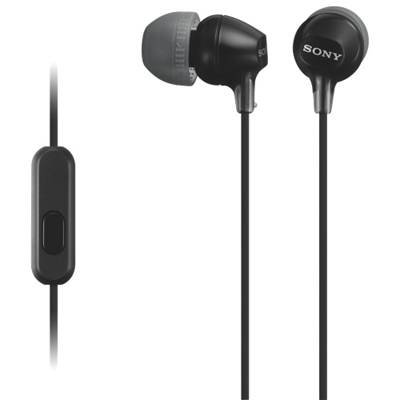
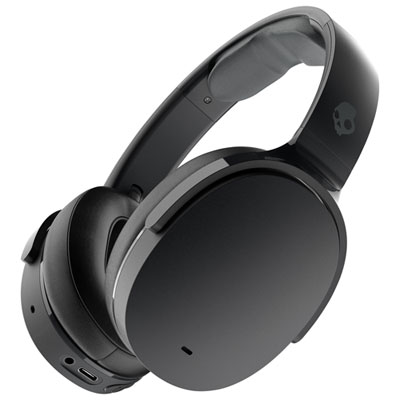
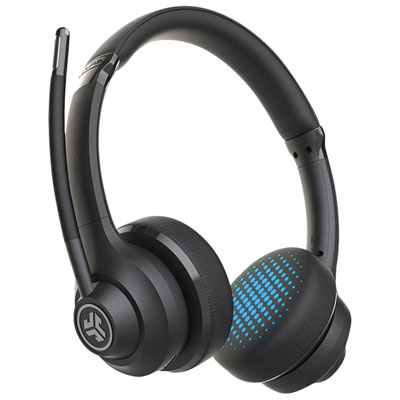
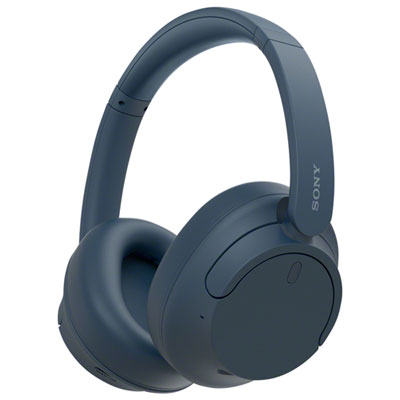
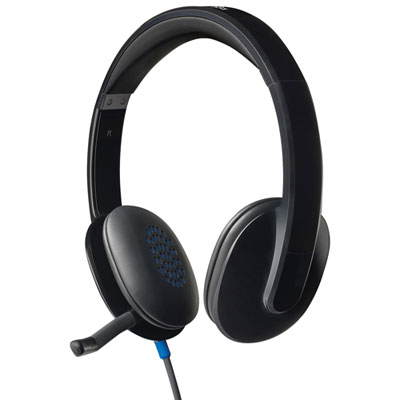
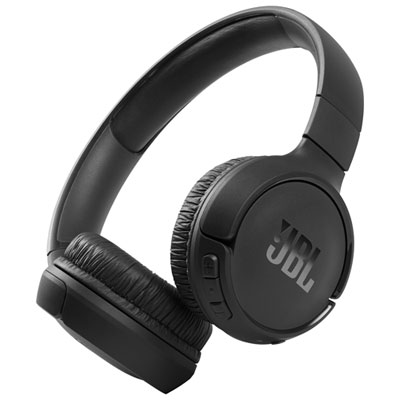
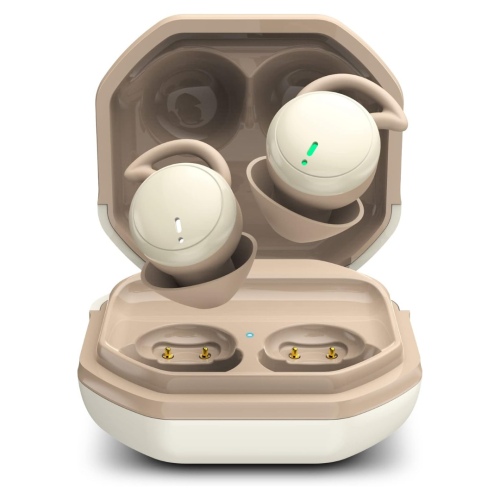
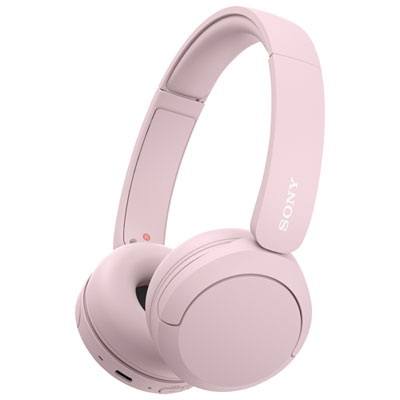
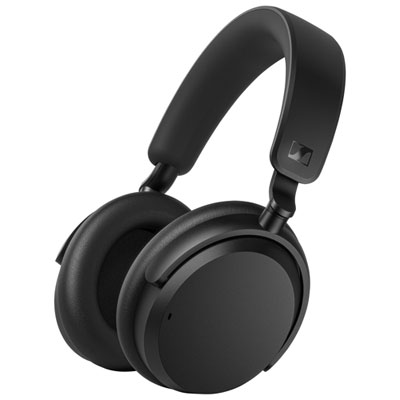
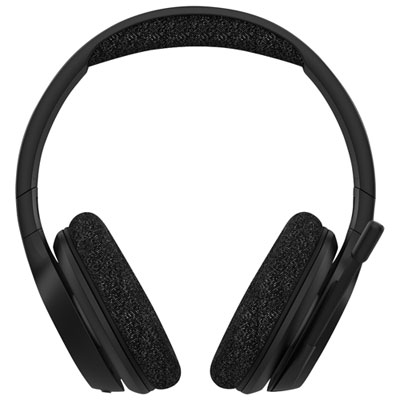
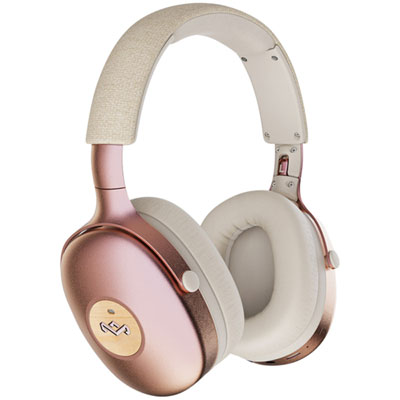
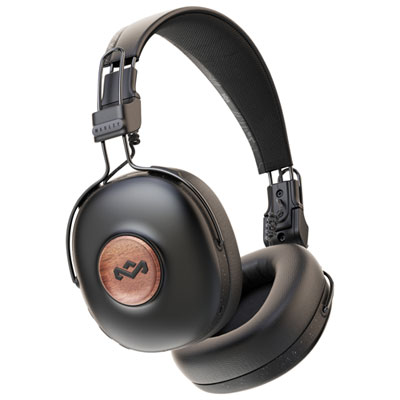
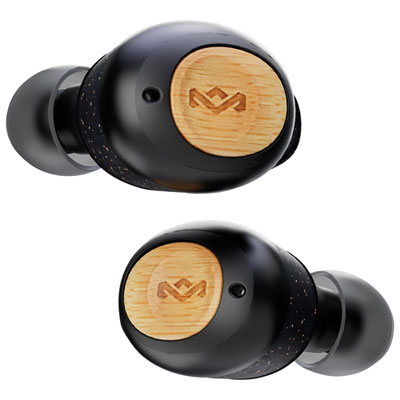
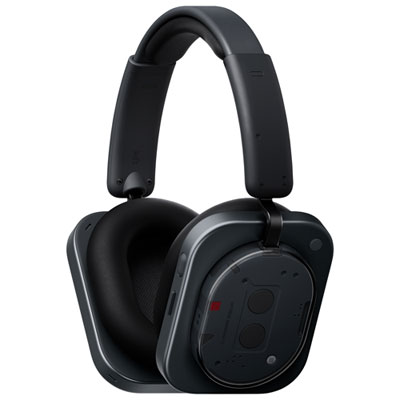
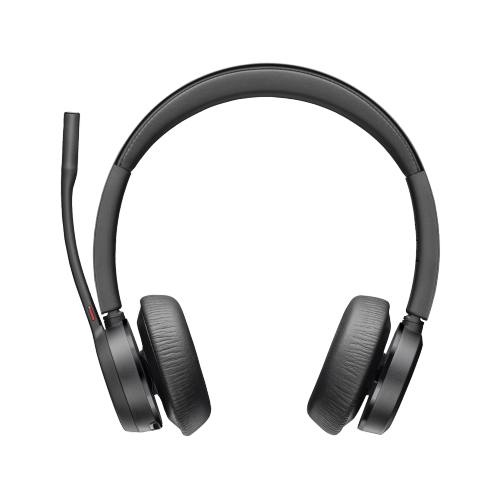
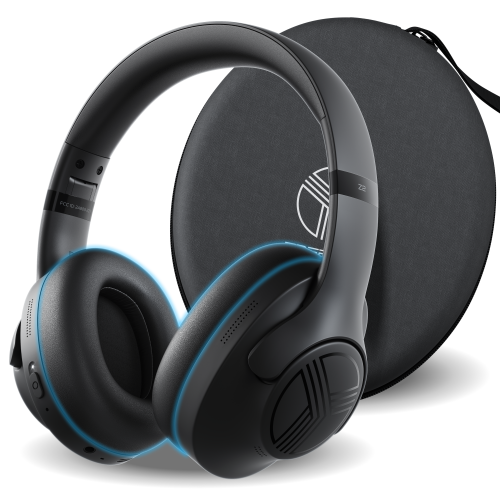
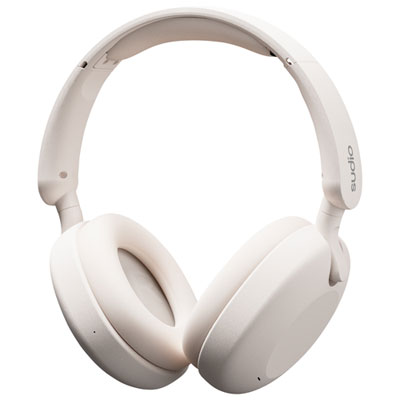
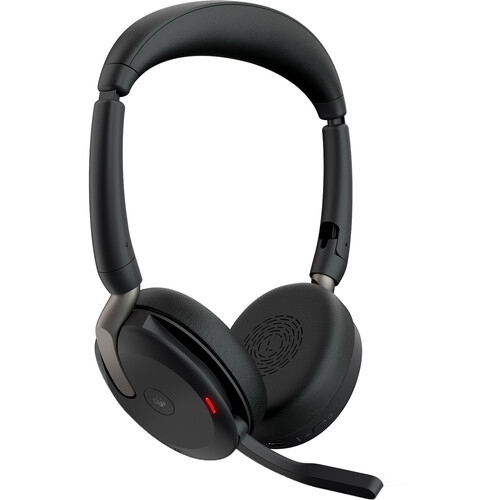
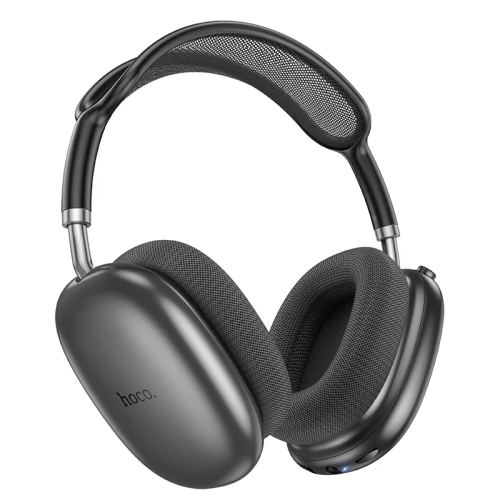
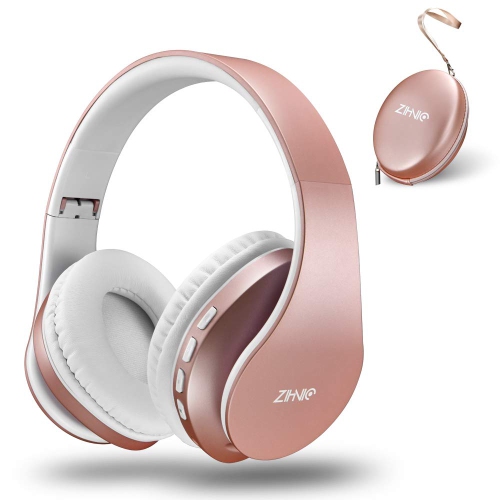
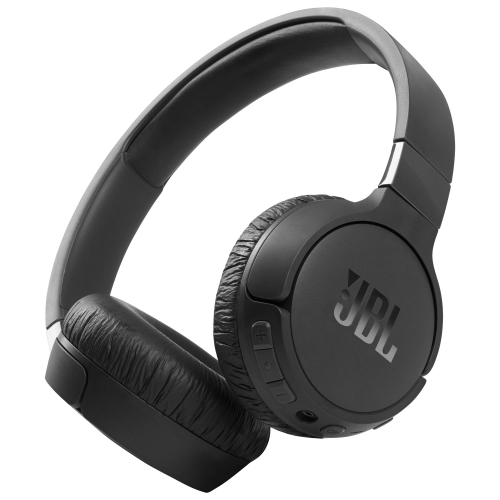
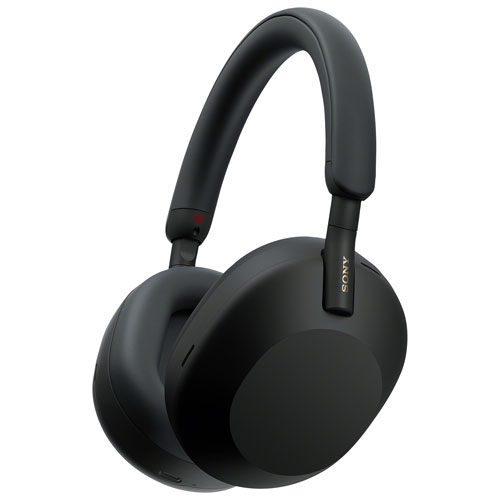
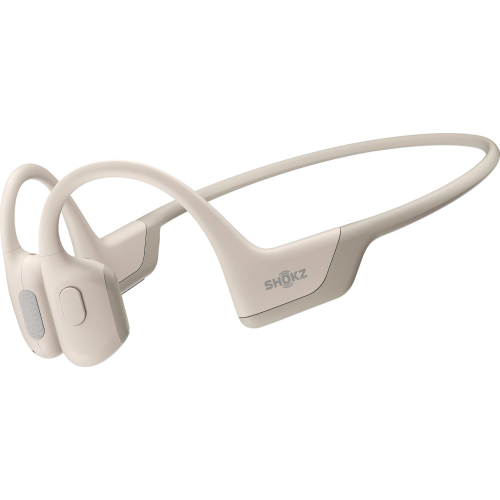
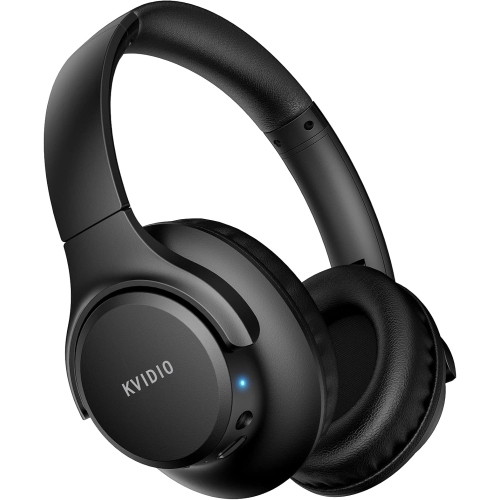
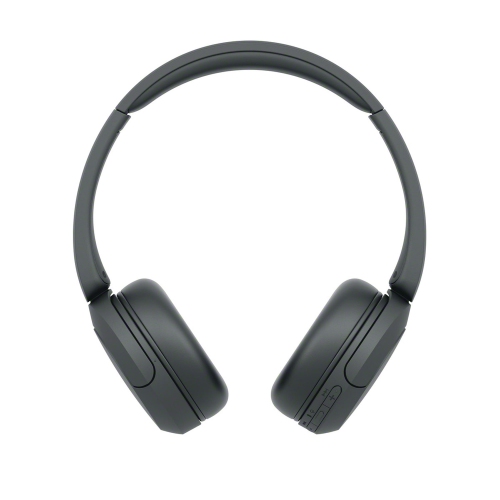
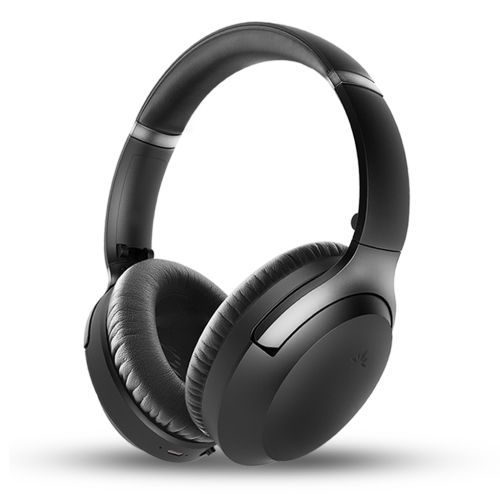
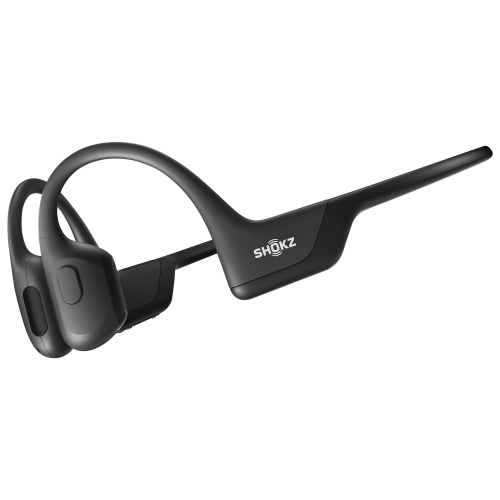
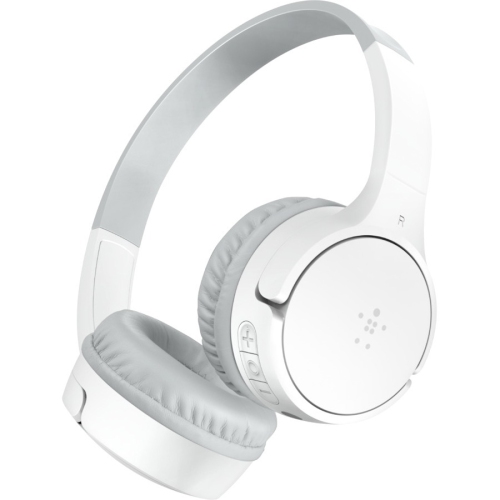
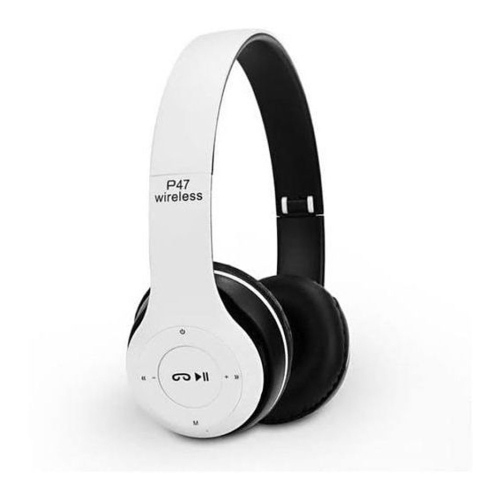
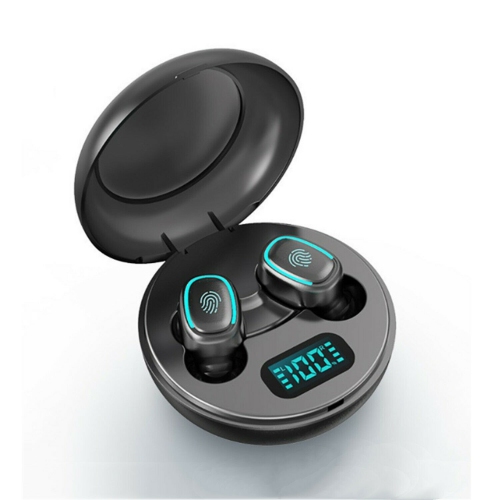
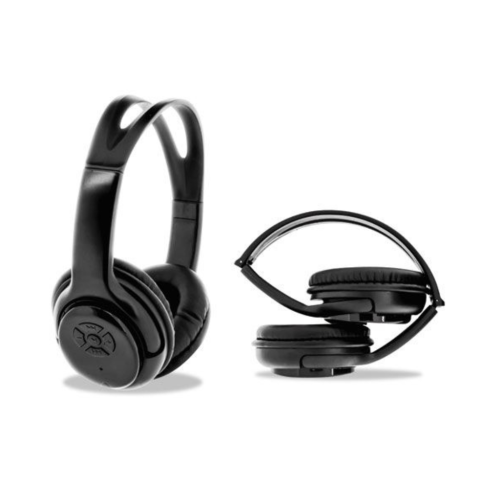
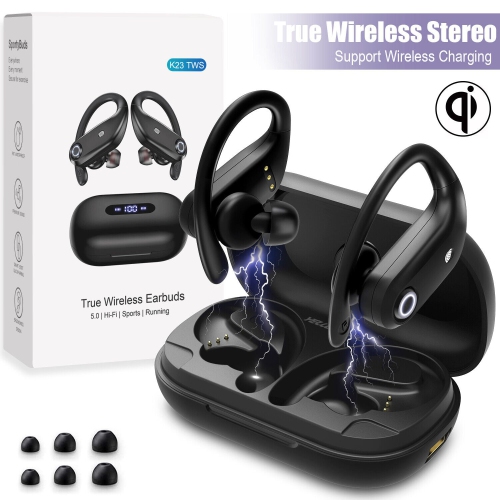
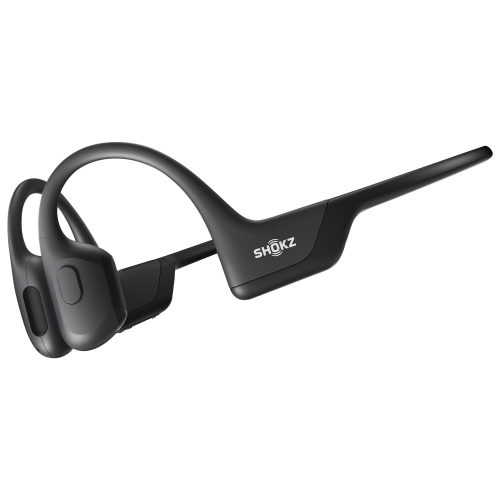
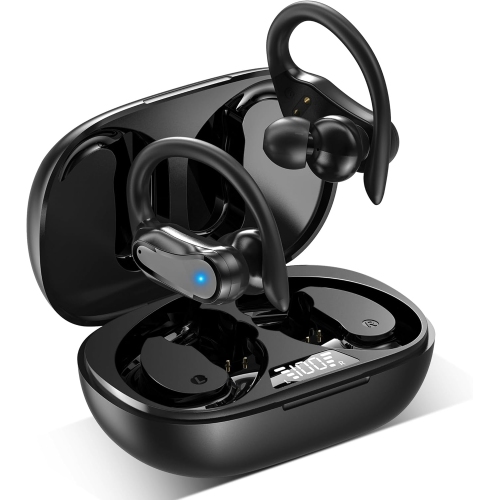
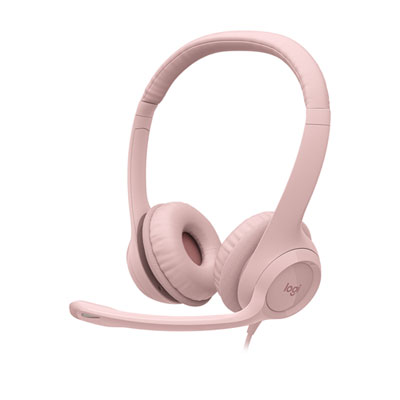
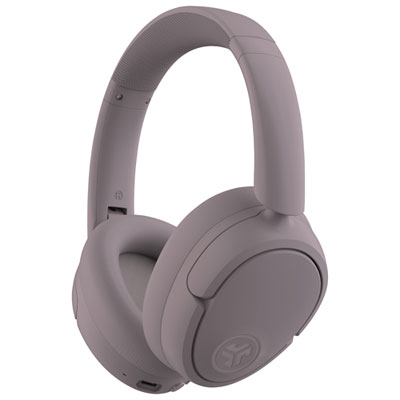
Bluetooth headphones for working from home bring call audio, online meetings, and music into one wireless setup, with microphone clarity, comfortable fit, and dependable battery life among the most useful features for everyday work. For someone moving between video calls and focused writing, a pair that keeps speech intelligible without feeling heavy can matter more than an extensive list of audio settings. Over-ear headphones surround the ears with cushioned cups and can provide a sense of separation from household activity, while on-ear styles rest against the ears and often have a smaller profile. Neither shape guarantees comfort: headband adjustment, cushion depth, overall weight, and clamping pressure all affect how headphones feel through a lengthy meeting. People who wear glasses may notice pressure where the cushions meet the arms of their frames, making soft padding and a flexible fit particularly relevant. Memory foam cushions conform to the head, while fabric and leatherette coverings have different textures and cleaning needs. Fabric can feel breathable against the skin; leatherette generally wipes clean more easily but may retain more warmth during extended wear. Ear cups that swivel can help distribute pressure, and a padded headband reduces direct contact between the frame and the top of the head. A secure fit should stay in place when reaching for a notebook or standing at a desk without requiring constant readjustment. For those who prefer an in-ear fit with no headband, Earbuds for Work From Home offer a compact alternative, although comfort still depends on the shape and fit of the earpieces. Across these styles, intended use helps define the most relevant features. A remote customer service role places a strong emphasis on consistent voice pickup, whereas someone who spends much of the day reviewing documents may place greater value on cushioning and noise control. Headphones that balance those needs can support both concentrated desk work and the conversations that punctuate it.
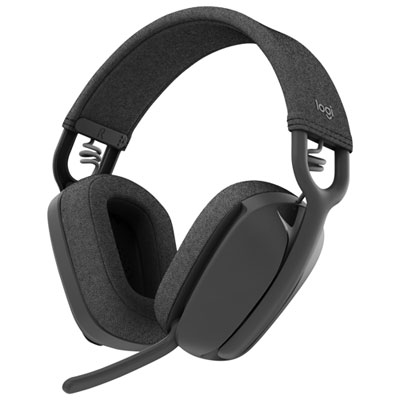
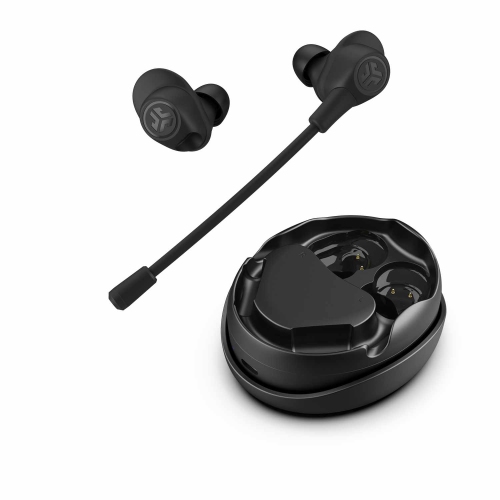
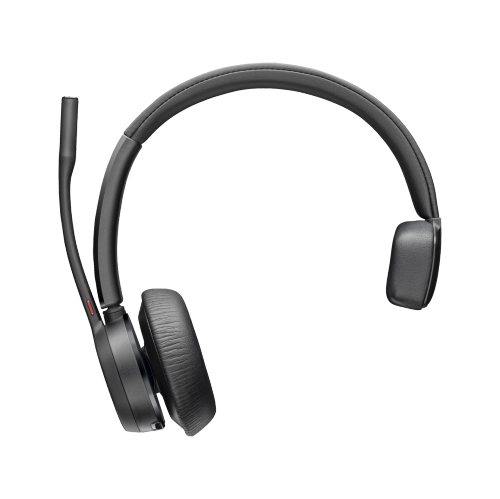
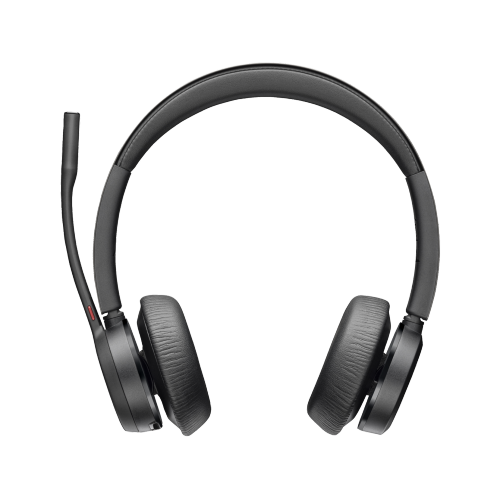
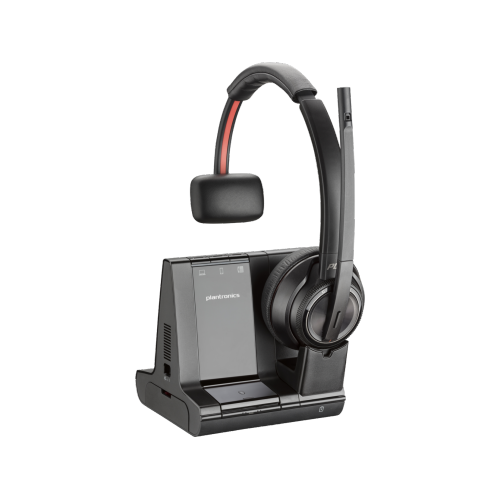
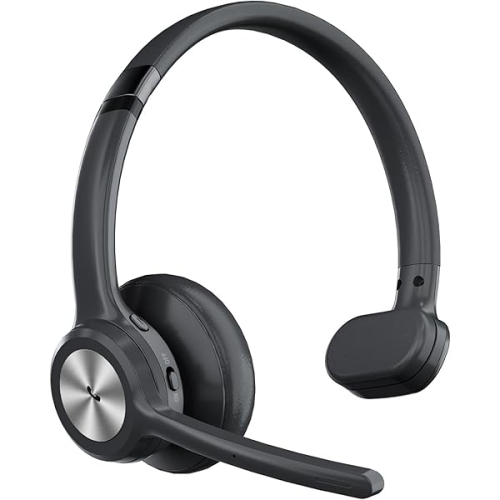
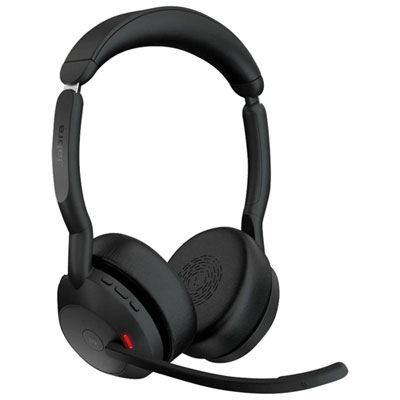
Clear communication depends on the microphone system as well as the sound reaching the listener. A boom microphone brings the pickup closer to the mouth, which can help keep speech distinct from nearby sounds when positioned correctly. Built-in microphones offer a less prominent design, and some use directional pickup or voice-processing features to reduce competing noise. Microphone noise reduction and active noise cancellation serve different purposes: the former aims to make the wearer’s voice clearer to other people, while the latter reduces some of the sound the wearer hears. Active noise cancellation is generally most effective against steady, low-frequency sounds, such as a ventilation hum, and is less predictable with sudden noises or nearby conversation. Cushioned ear cups also provide passive isolation by forming a physical barrier, with results depending on the seal around the ears. In a shared home office, these features can make it easier to follow a discussion, but they do not guarantee that keyboard taps, a barking dog, or another person’s voice will disappear from a call. Transparency or ambient listening modes, where supported, let more outside sound through when awareness of the household matters. Sidetone, sometimes called microphone monitoring, feeds a little of the wearer’s voice back into the headphones and can make speaking at a natural volume easier. Accessible volume and mute controls are especially useful when a conversation moves quickly and the meeting window is hidden behind a spreadsheet. Physical buttons can be easier to identify by touch, while touch controls may suit people who prefer a smoother ear-cup surface. An audible mute alert or a visible indicator can help confirm whether the headset microphone is muted, although mute status may not synchronize with every calling app. For long meetings, balanced sound that keeps voices distinct at a comfortable volume is more useful than simply turning everything up. Headphones used for both calls and music also benefit from adjustable listening settings, allowing spoken presentations and background playlists to sound comfortable without frequent changes to the computer’s main volume.
Wireless convenience is most valuable when the connection fits the way the workday unfolds. Bluetooth multipoint, where supported, allows headphones to maintain connections with more than one device, such as a laptop and a phone, and can simplify switching between a computer meeting and an incoming mobile call. It does not necessarily mean that audio from both devices plays at the same time, and switching behaviour varies by headset, operating system, and app. Computer compatibility deserves particular attention because a Bluetooth connection alone does not guarantee access to every microphone feature or call control. Some work-focused headsets include a dedicated USB adapter designed to support computer connectivity; support for particular meeting platforms remains model-specific. Wireless range also depends on walls, interference, and the connected device, so a connection that works well at a desk may behave differently beyond a closed door. Battery specifications need similar context: advertised listening time may differ from talk time, and active noise cancellation, volume, and other features can affect the interval between charges. A battery that comfortably covers the expected call schedule leaves more flexibility for training sessions or an unexpectedly long discussion. Quick charging can be useful between appointments, while wired operation or use during charging is only an option when expressly supported. Everyday durability comes from a combination of construction and care. Adjustable sliders, hinges, and microphone arms are frequent contact points, and moving them gently helps avoid unnecessary strain. Replaceable cushions can extend useful wear when padding flattens or coverings deteriorate. Cleaning should follow the manufacturer’s directions, generally with a soft cloth and without allowing liquid into microphone openings, charging ports, or speaker mesh. A stand or case keeps headphones away from spilled drinks and prevents them from being buried beneath paperwork. For remote employees, freelancers, and people sharing a workspace at home, these practical details support a more dependable daily routine. They also make work headphones a thoughtful gift when the recipient’s preferred fit, computer connection, and calling needs are known.
Clear communication depends on the microphone system as well as the sound reaching the listener. A boom microphone brings the pickup closer to the mouth, which can help keep speech distinct from nearby sounds when positioned correctly. Built-in microphones offer a less prominent design, and some use directional pickup or voice-processing features to reduce competing noise. Microphone noise reduction and active noise cancellation serve different purposes: the former aims to make the wearer’s voice clearer to other people, while the latter reduces some of the sound the wearer hears. Active noise cancellation is generally most effective against steady, low-frequency sounds, such as a ventilation hum, and is less predictable with sudden noises or nearby conversation. Cushioned ear cups also provide passive isolation by forming a physical barrier, with results depending on the seal around the ears. In a shared home office, these features can make it easier to follow a discussion, but they do not guarantee that keyboard taps, a barking dog, or another person’s voice will disappear from a call. Transparency or ambient listening modes, where supported, let more outside sound through when awareness of the household matters. Sidetone, sometimes called microphone monitoring, feeds a little of the wearer’s voice back into the headphones and can make speaking at a natural volume easier. Accessible volume and mute controls are especially useful when a conversation moves quickly and the meeting window is hidden behind a spreadsheet. Physical buttons can be easier to identify by touch, while touch controls may suit people who prefer a smoother ear-cup surface. An audible mute alert or a visible indicator can help confirm whether the headset microphone is muted, although mute status may not synchronize with every calling app. For long meetings, balanced sound that keeps voices distinct at a comfortable volume is more useful than simply turning everything up. Headphones used for both calls and music also benefit from adjustable listening settings, allowing spoken presentations and background playlists to sound comfortable without frequent changes to the computer’s main volume.
Wireless convenience is most valuable when the connection fits the way the workday unfolds. Bluetooth multipoint, where supported, allows headphones to maintain connections with more than one device, such as a laptop and a phone, and can simplify switching between a computer meeting and an incoming mobile call. It does not necessarily mean that audio from both devices plays at the same time, and switching behaviour varies by headset, operating system, and app. Computer compatibility deserves particular attention because a Bluetooth connection alone does not guarantee access to every microphone feature or call control. Some work-focused headsets include a dedicated USB adapter designed to support computer connectivity; support for particular meeting platforms remains model-specific. Wireless range also depends on walls, interference, and the connected device, so a connection that works well at a desk may behave differently beyond a closed door. Battery specifications need similar context: advertised listening time may differ from talk time, and active noise cancellation, volume, and other features can affect the interval between charges. A battery that comfortably covers the expected call schedule leaves more flexibility for training sessions or an unexpectedly long discussion. Quick charging can be useful between appointments, while wired operation or use during charging is only an option when expressly supported. Everyday durability comes from a combination of construction and care. Adjustable sliders, hinges, and microphone arms are frequent contact points, and moving them gently helps avoid unnecessary strain. Replaceable cushions can extend useful wear when padding flattens or coverings deteriorate. Cleaning should follow the manufacturer’s directions, generally with a soft cloth and without allowing liquid into microphone openings, charging ports, or speaker mesh. A stand or case keeps headphones away from spilled drinks and prevents them from being buried beneath paperwork. For remote employees, freelancers, and people sharing a workspace at home, these practical details support a more dependable daily routine. They also make work headphones a thoughtful gift when the recipient’s preferred fit, computer connection, and calling needs are known.
Top selling and popular products
-
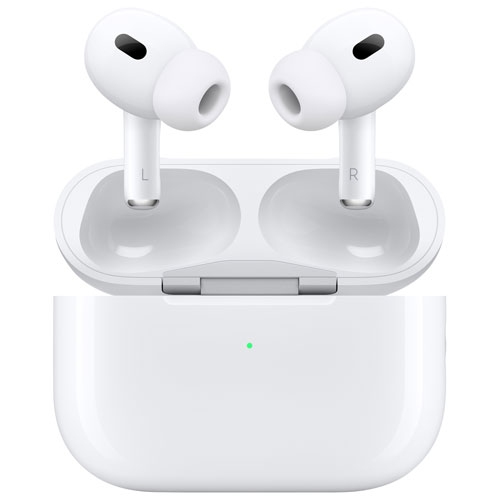 Your price for this item is $349.99
 -
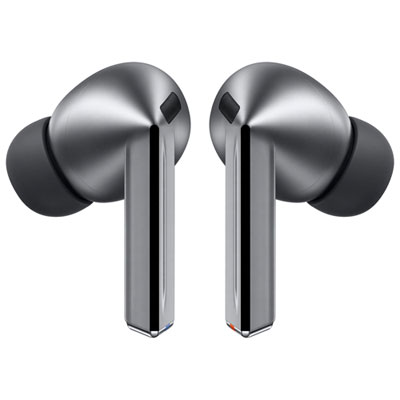 Your price for this item is $329.99
 -
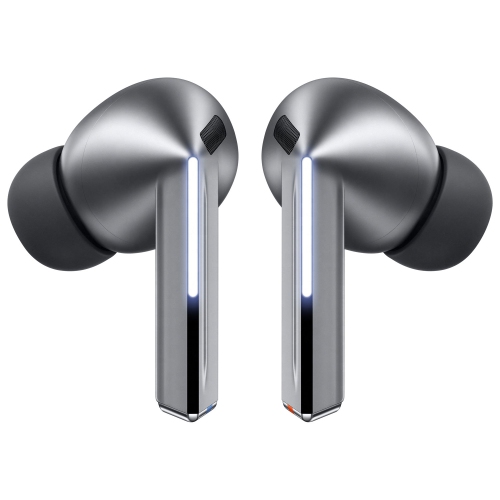 Your price for this item is $229
 -
 Your price for this item is $227
 -
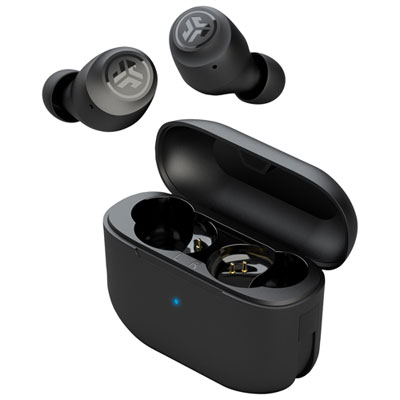 Your price for this item is $19.99
 -
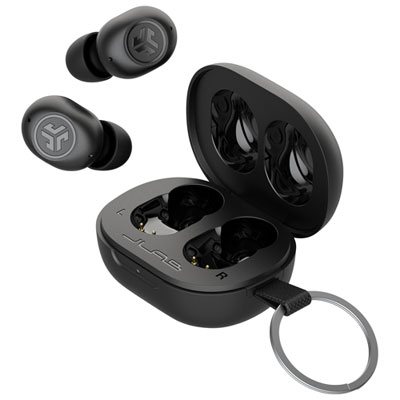 Your price for this item is $39.99
 -
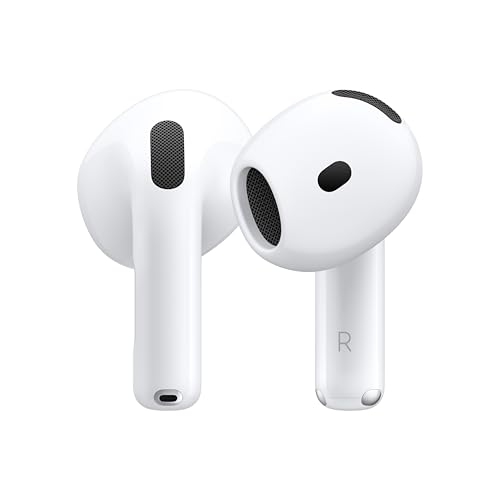 Your price for this item is $238.99
 -
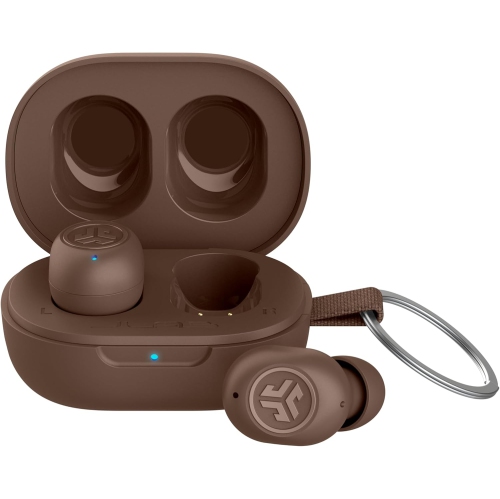 Your price for this item is $89.99
Discover more categories related to Bluetooth Headphones for Work From Home
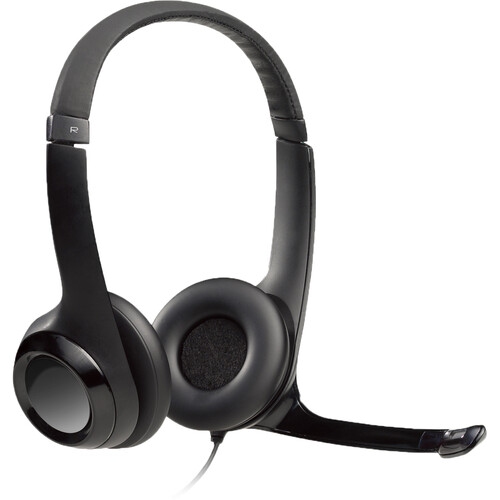
Top Collections:
Pokemon Centers, Kindle Devices, Best Budget Office Chairs, Apple iPhones 16, Best Laptops for Writers, iPhone 15 Apple, Canon G7X Cameras, Refurbished Apple Laptops, Alarm Clock, Motorola Razr Phones
Some products may be subject to Environmental Handling Fees
(EHF) depending on your province.
Learn more about EHFs.