Digital Converters
Looking to upgrade your entertainment setup? Look no further than our wide selection of digital converters. Whether you're looking to enhance your TV viewing experience or connect your devices seamlessly, these versatile converters are designed to deliver top-notch performance and convenience. With cutting-edge technology and easy installation, you can effortlessly transform your analog signals into high-quality digital content. From HDMI converters to audio converters, we have the perfect solution to meet all your connectivity needs. Explore our range of digital converters today and take your entertainment to the next level.
Sort
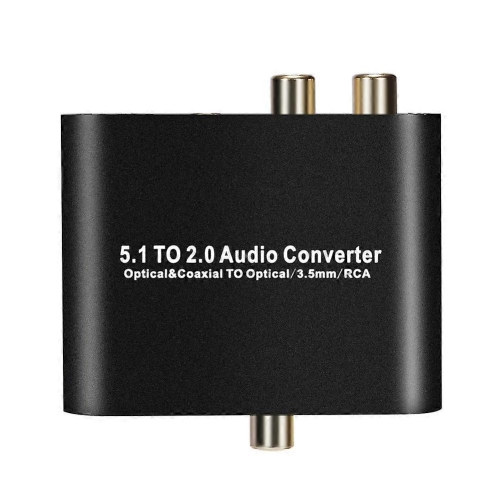
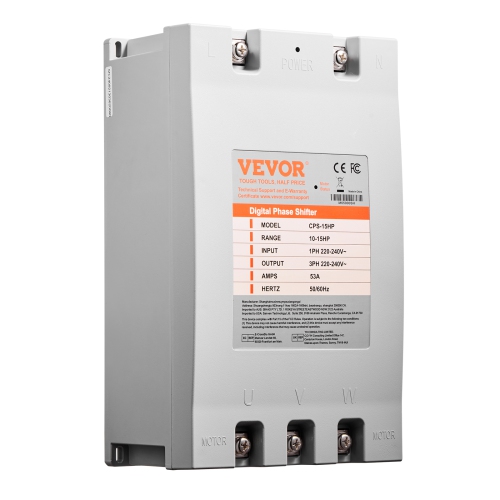
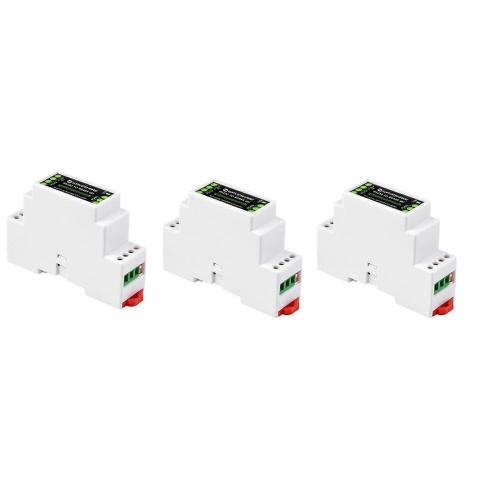
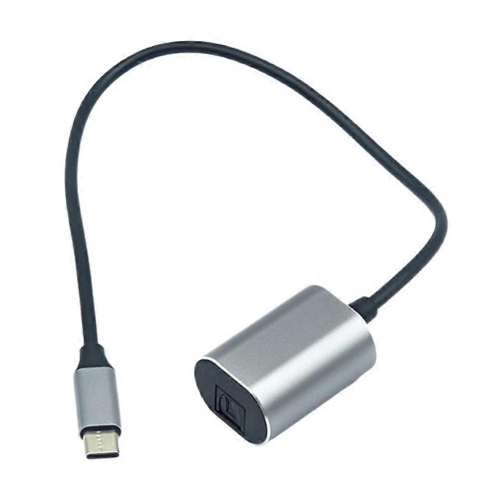
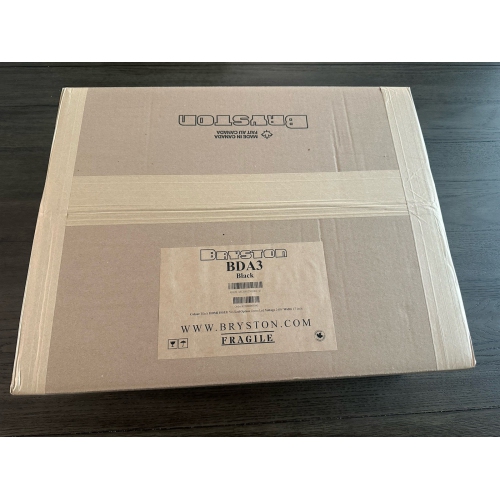
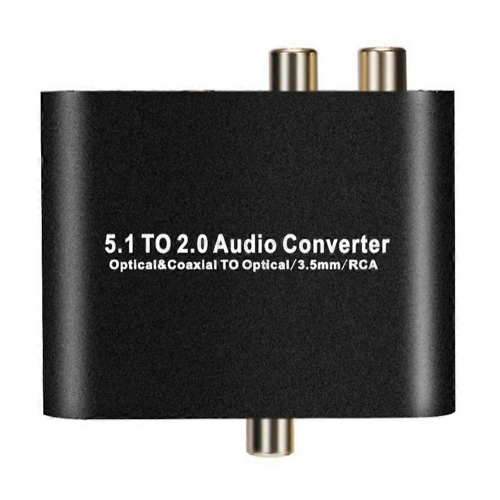
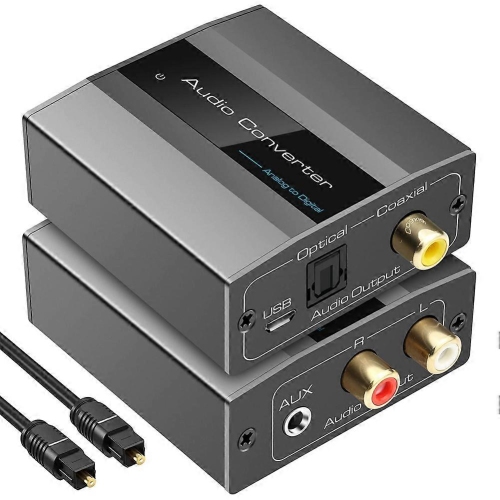
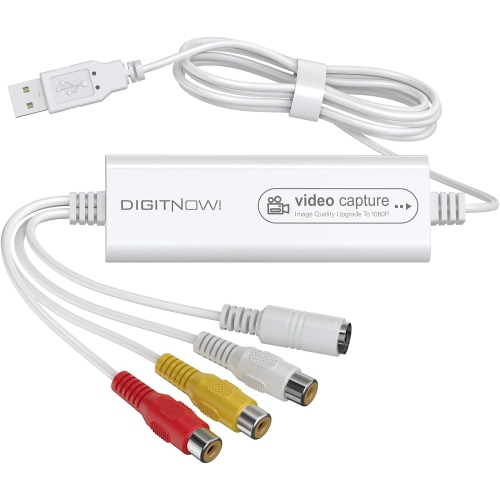
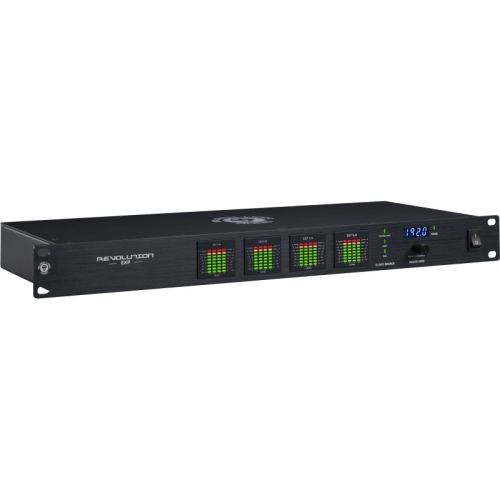
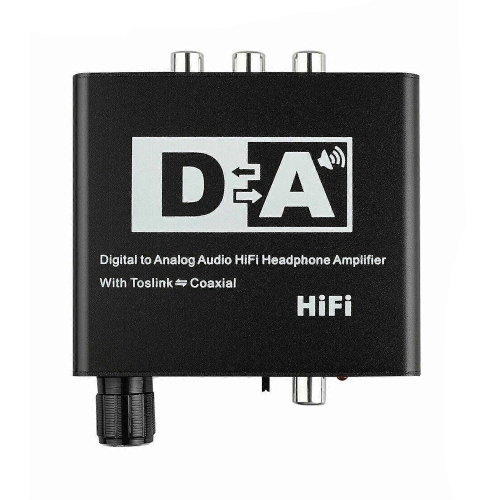
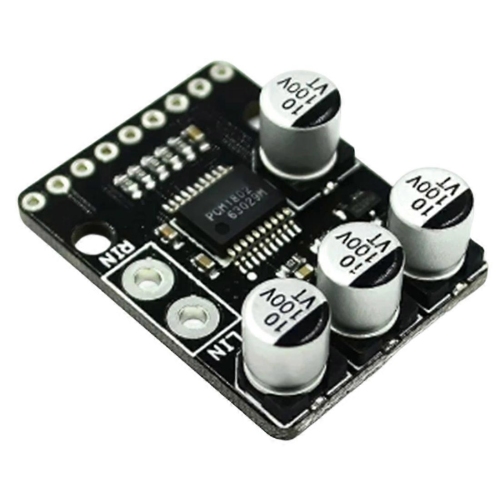
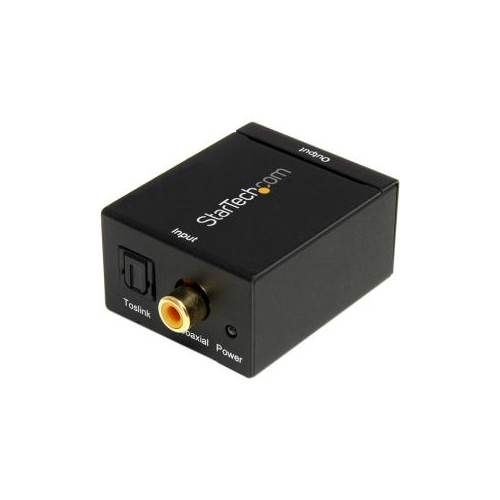
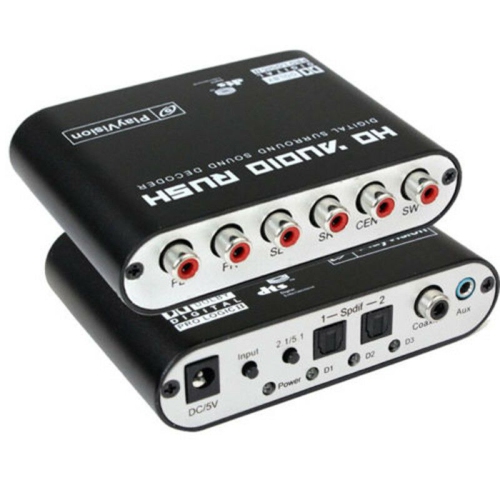
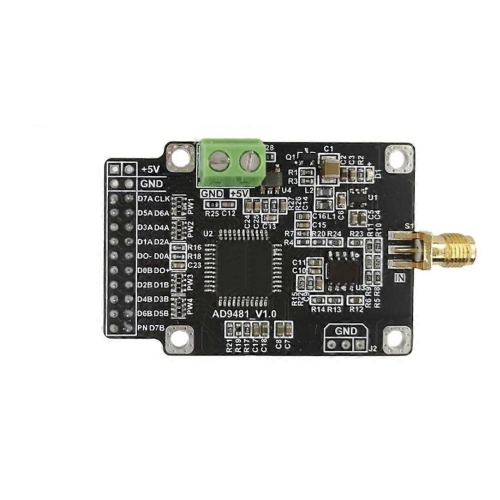
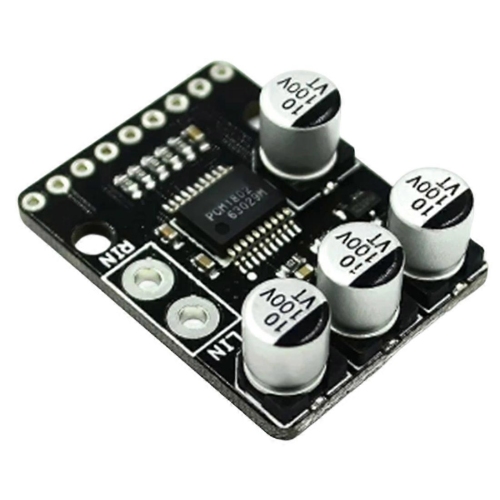
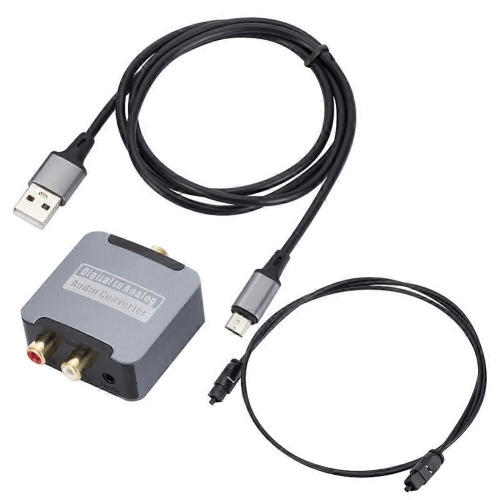
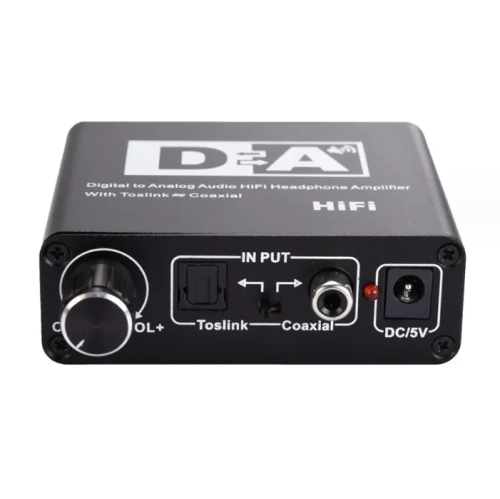
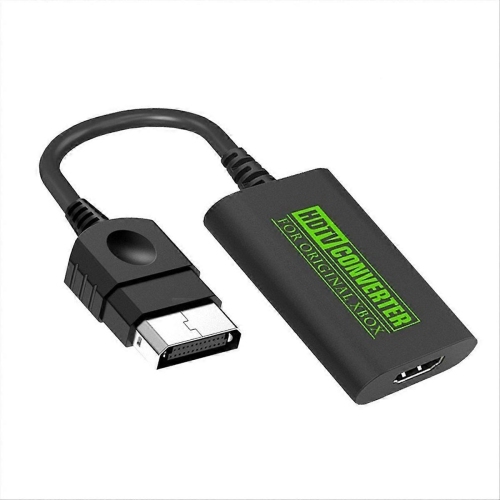
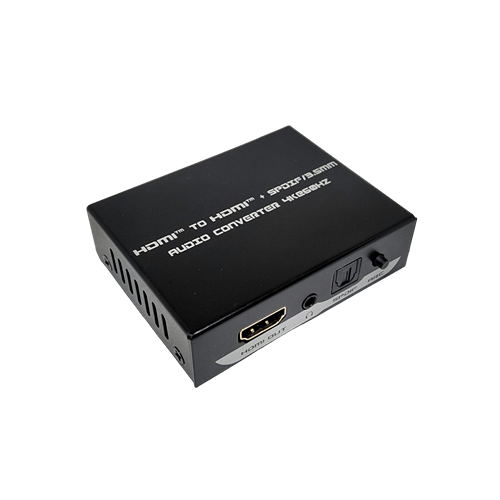
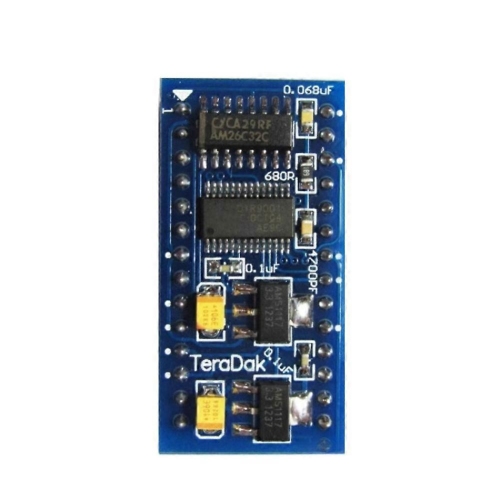
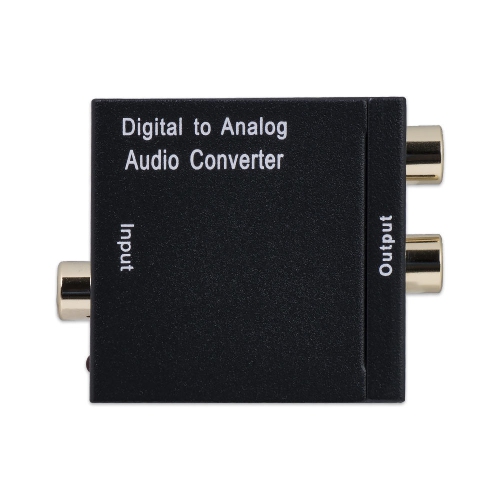
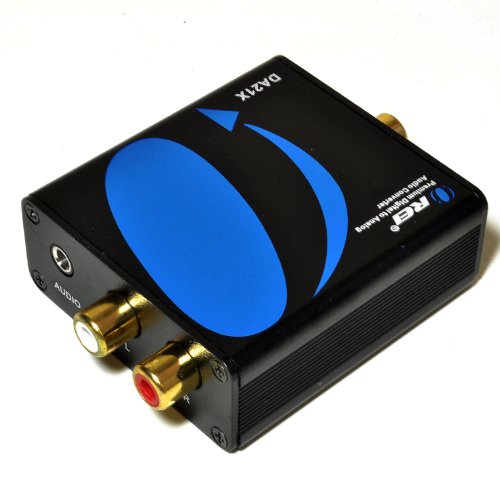
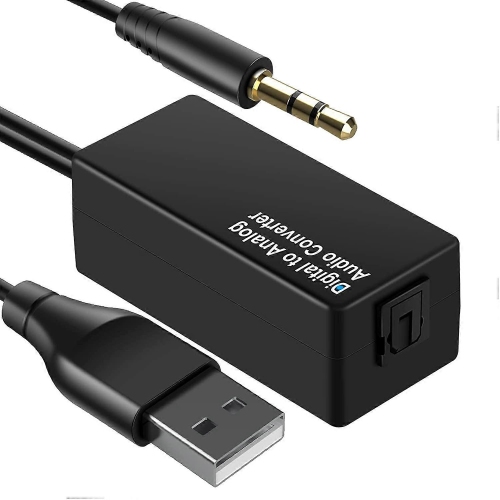
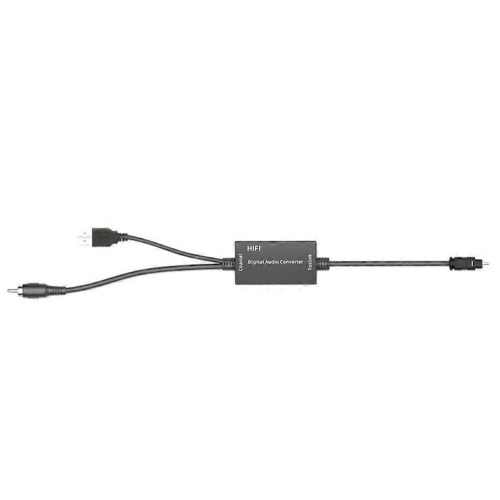
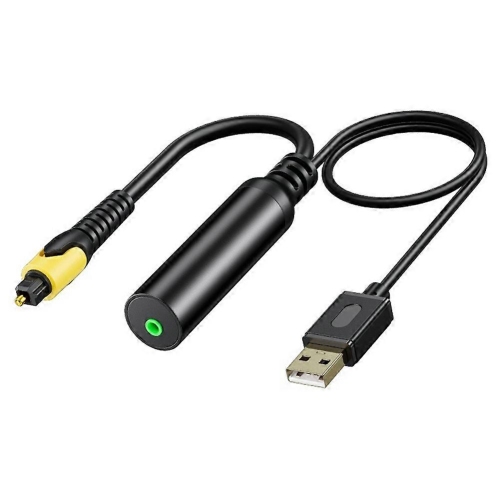
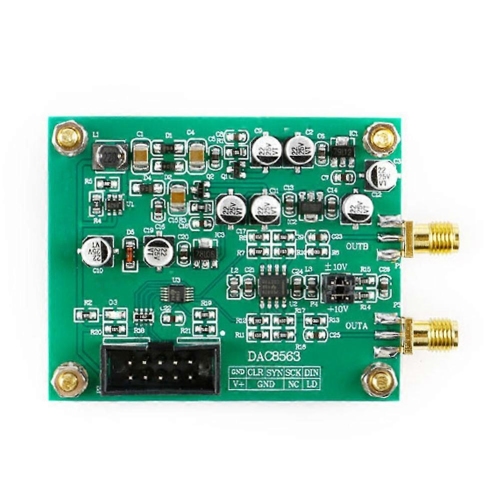
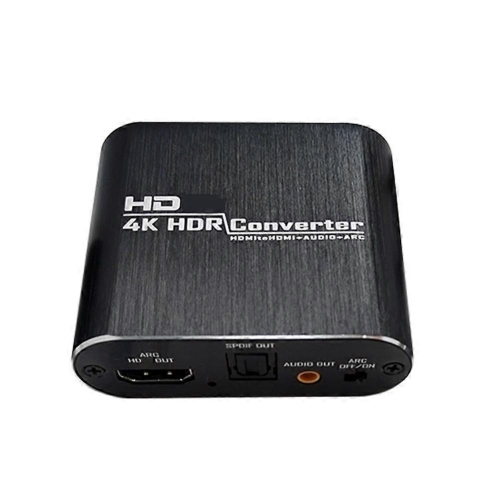
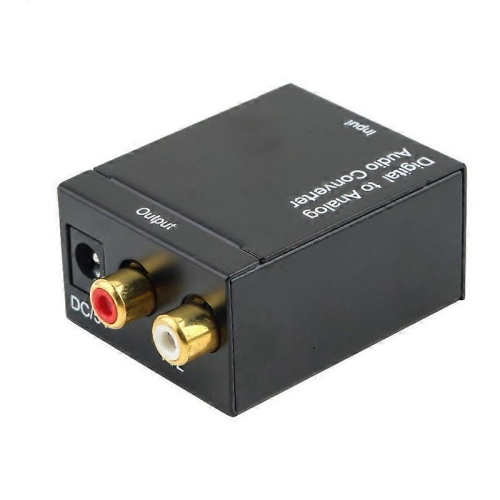
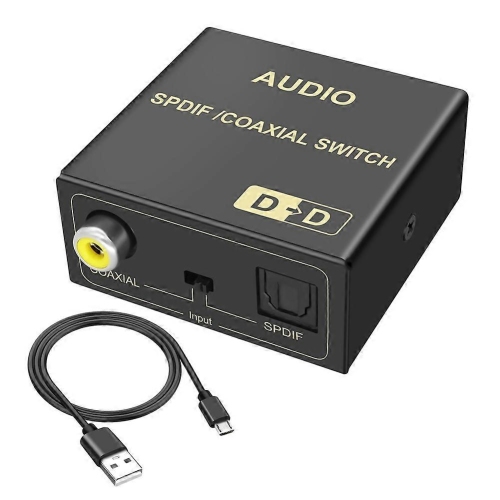
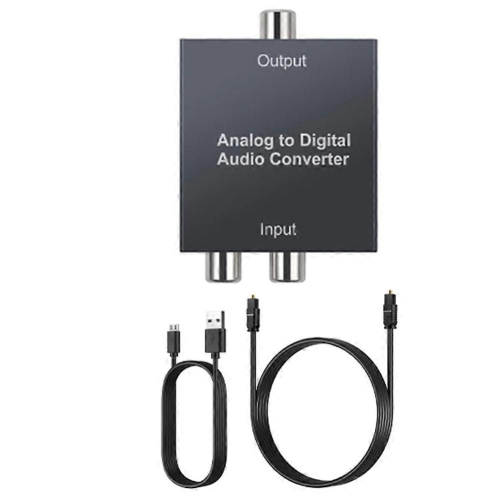
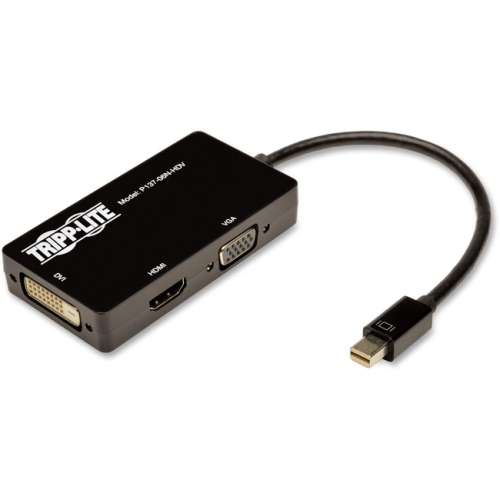
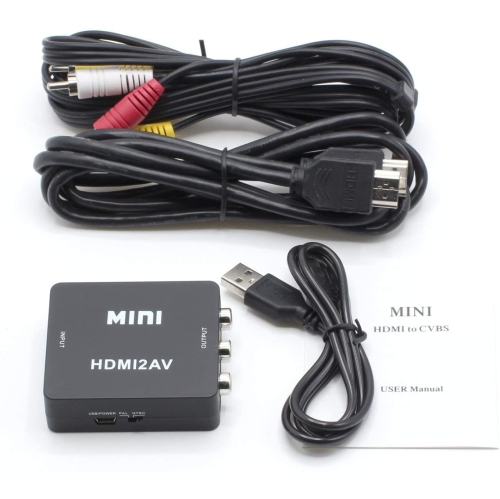
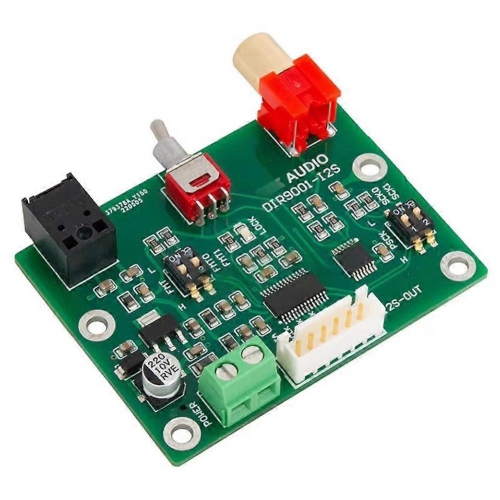
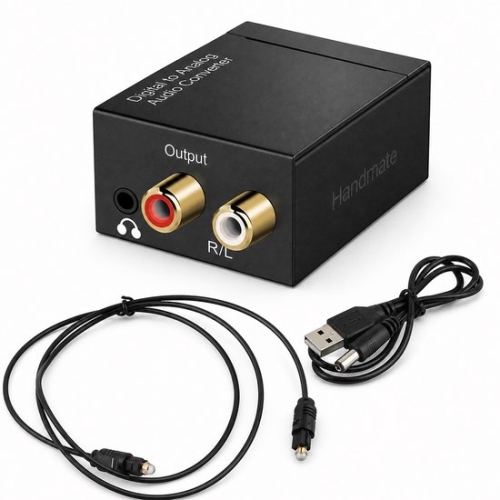
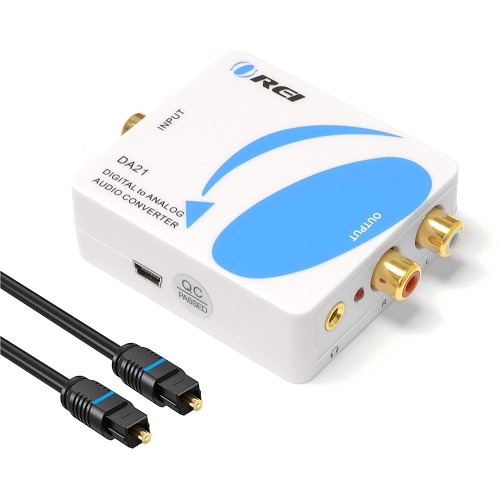
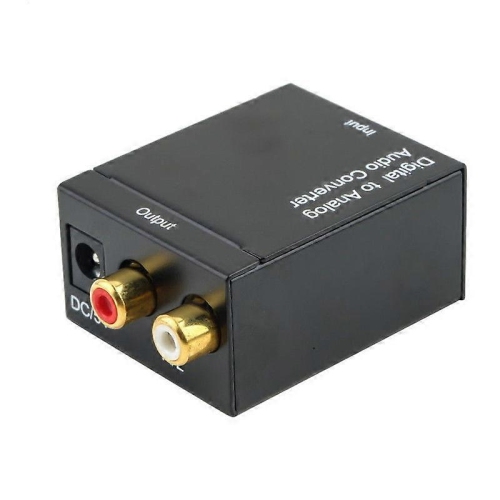
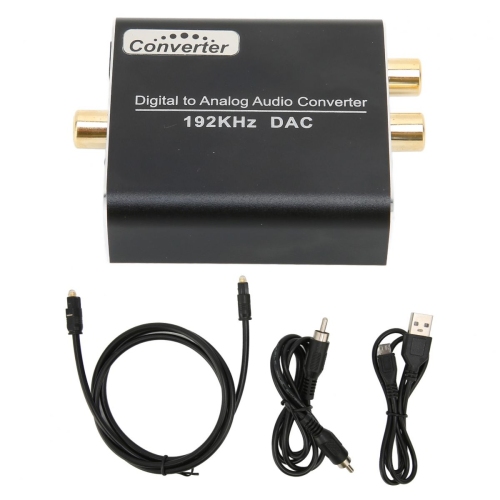
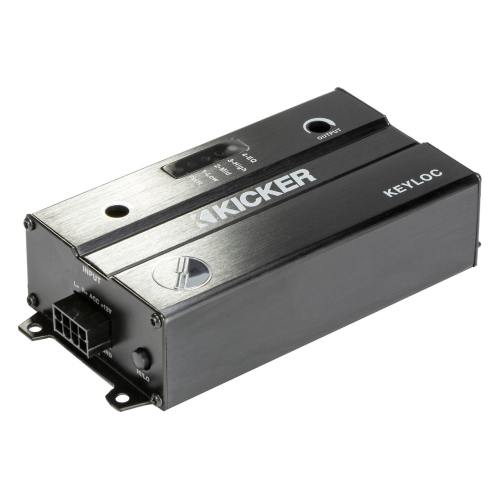
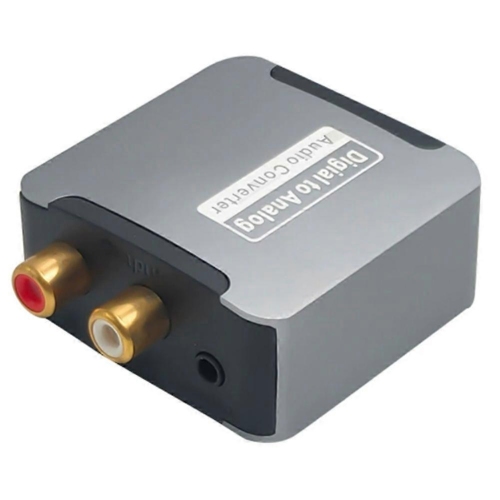
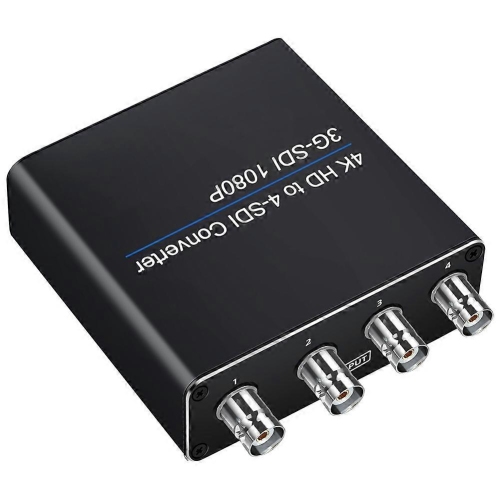
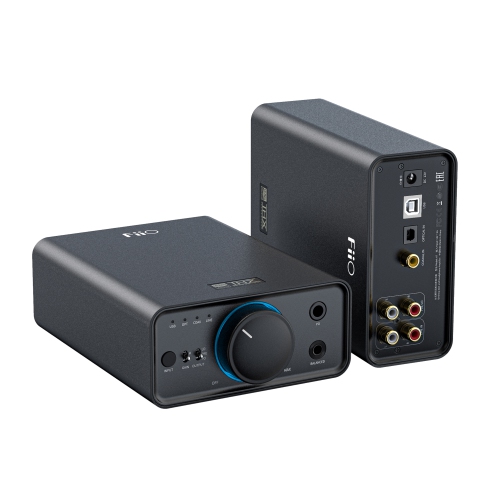
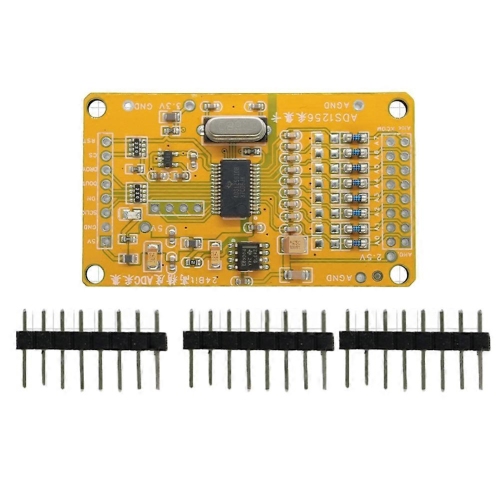
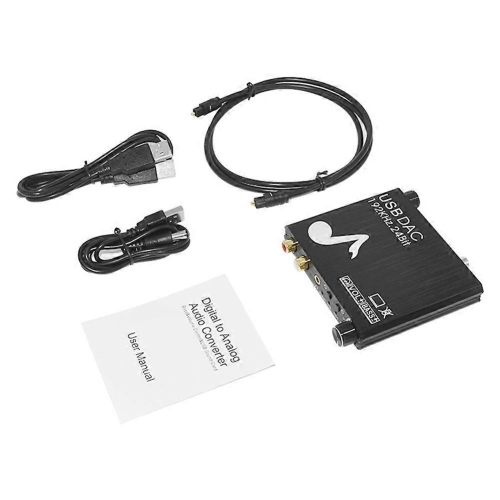
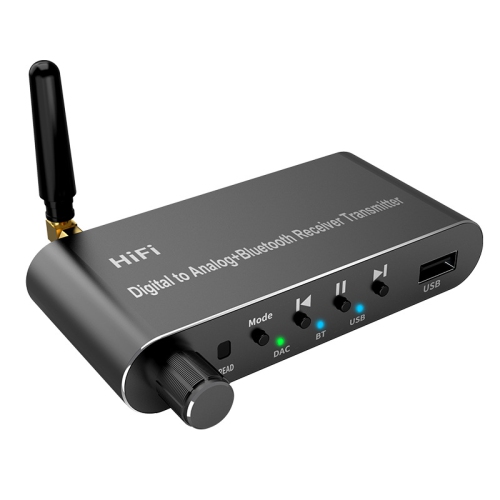
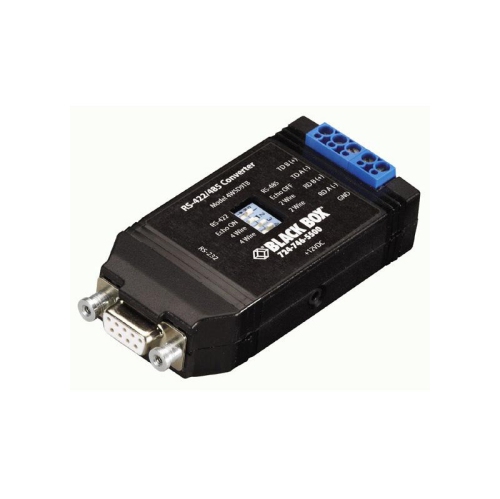
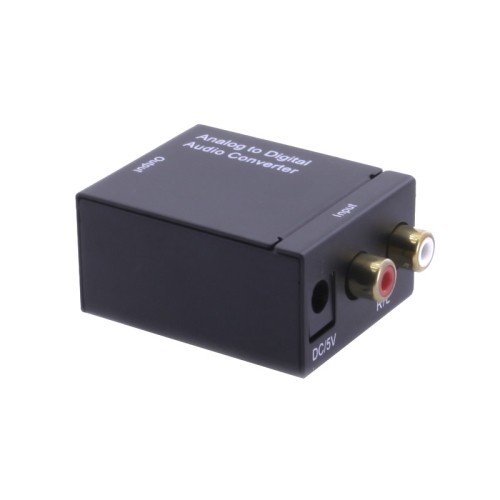
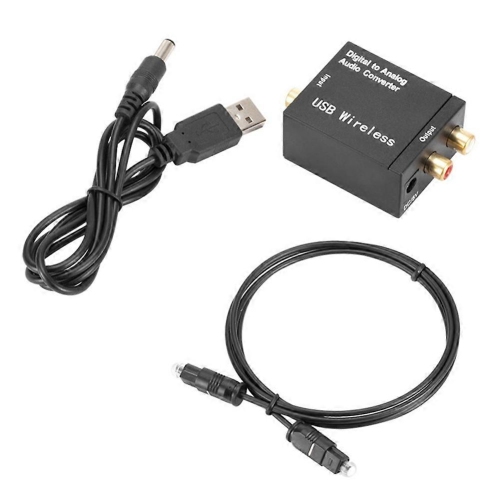
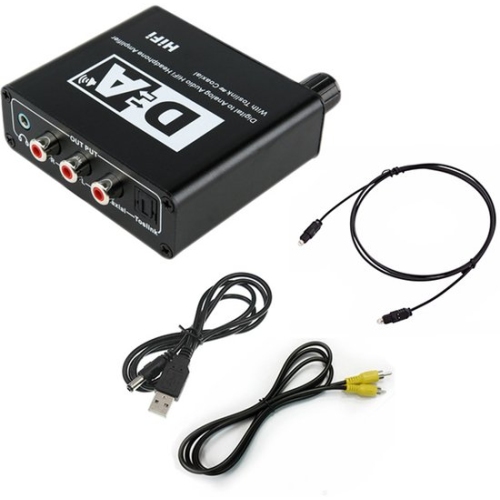
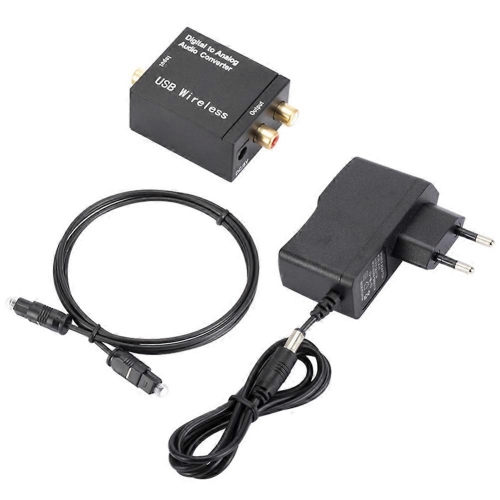
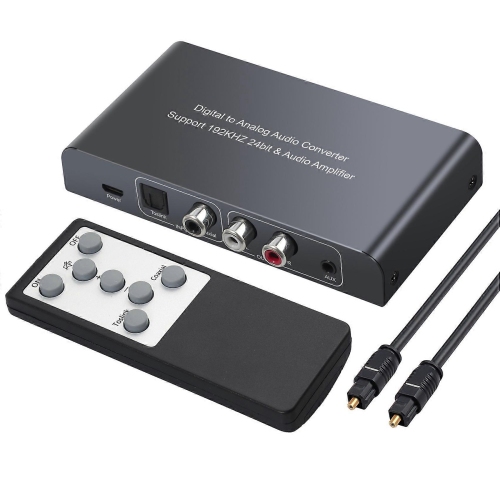
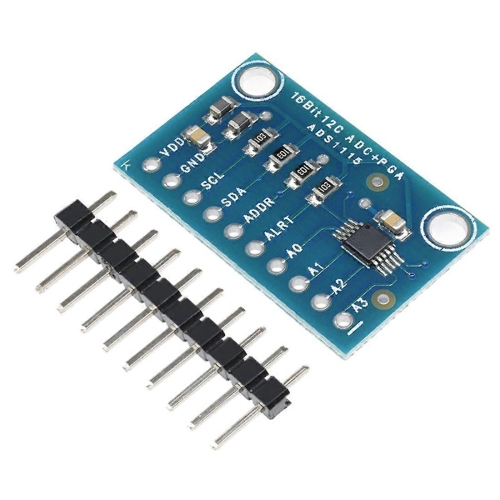
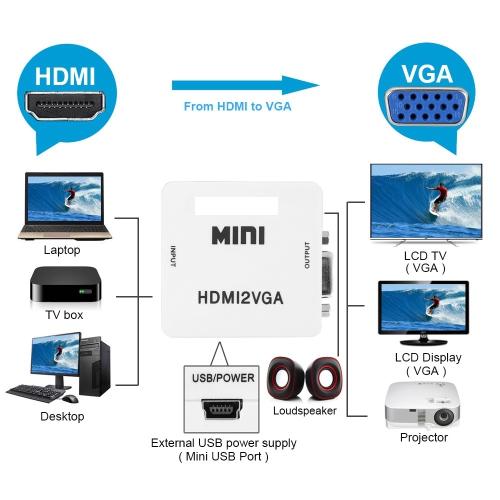
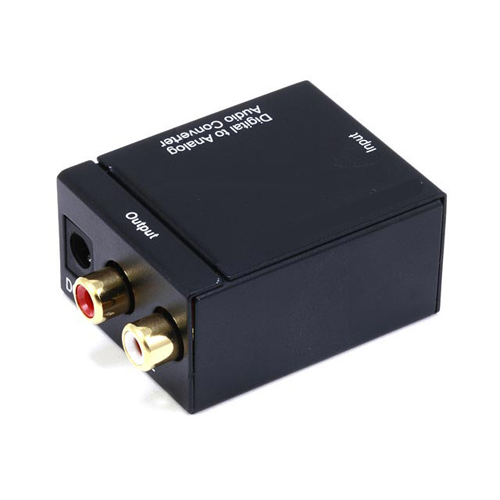
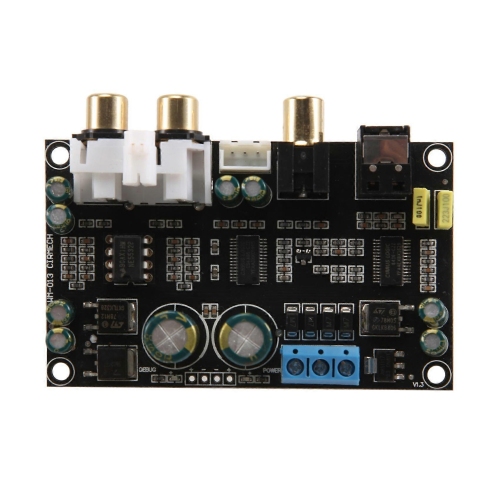
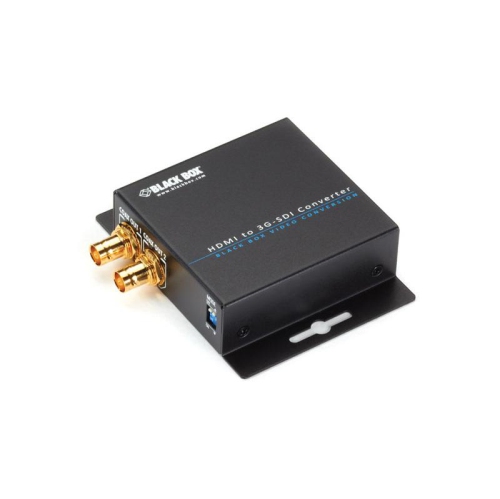
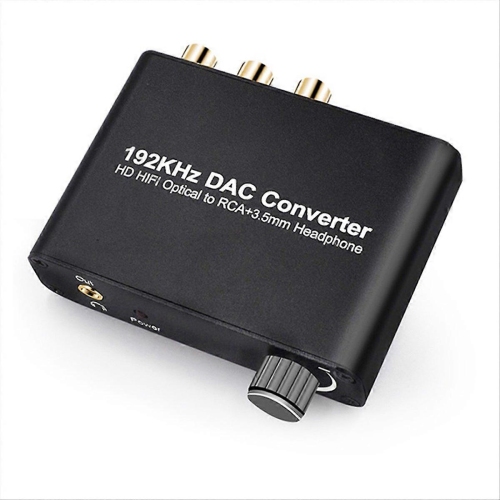
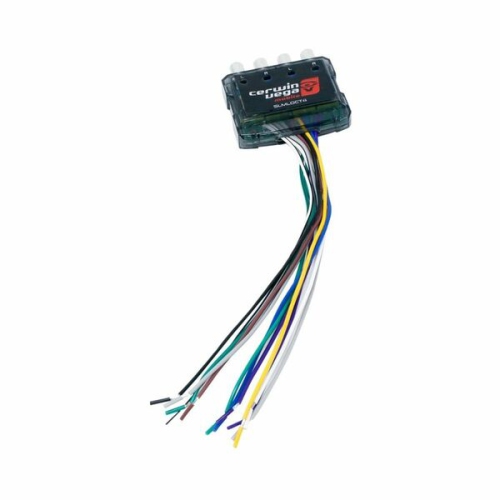
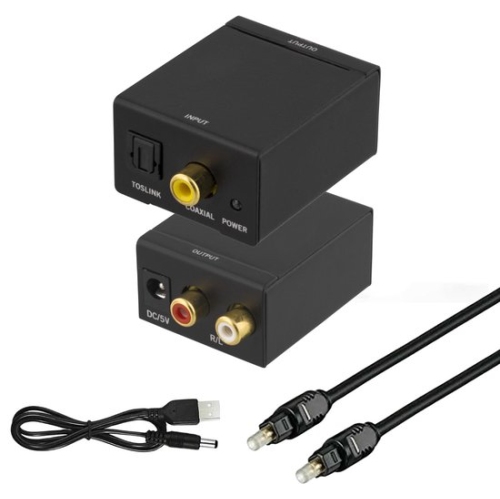
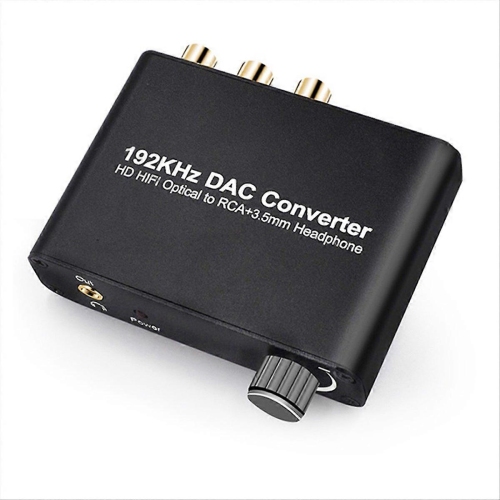
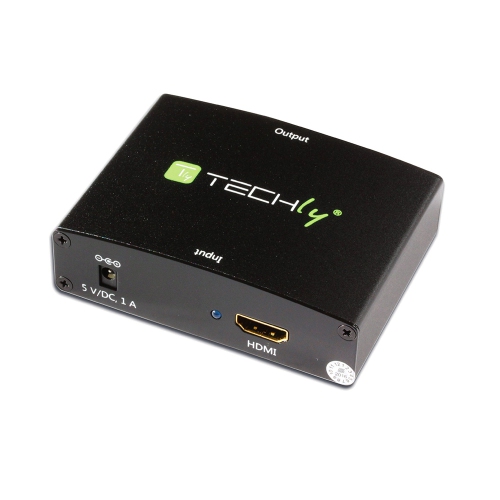
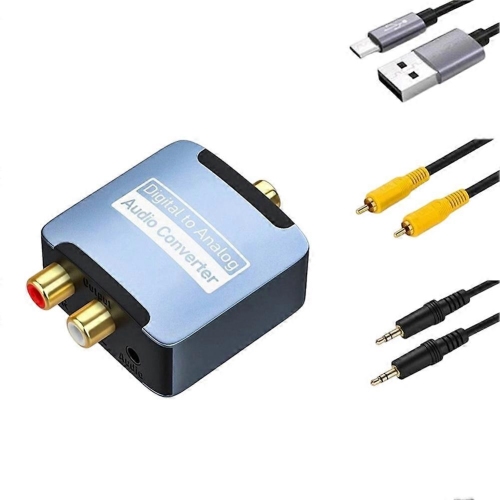
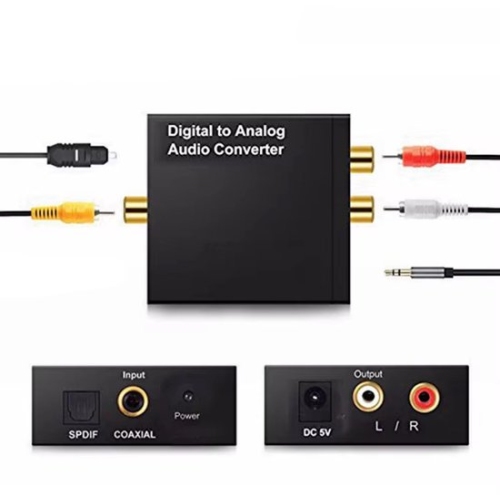
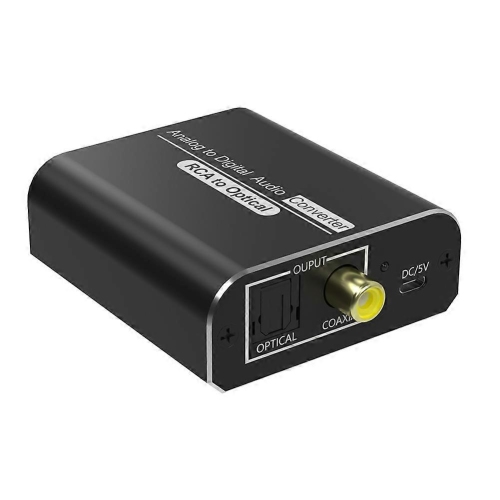
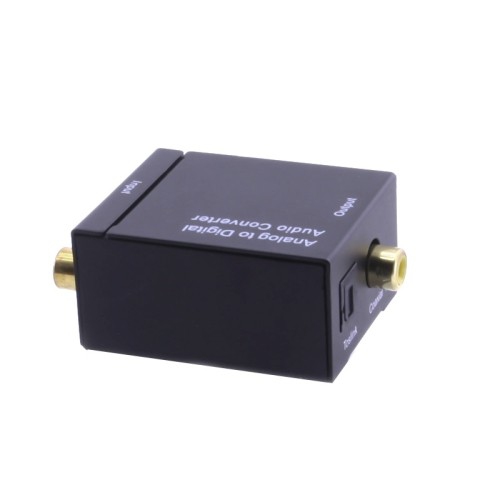
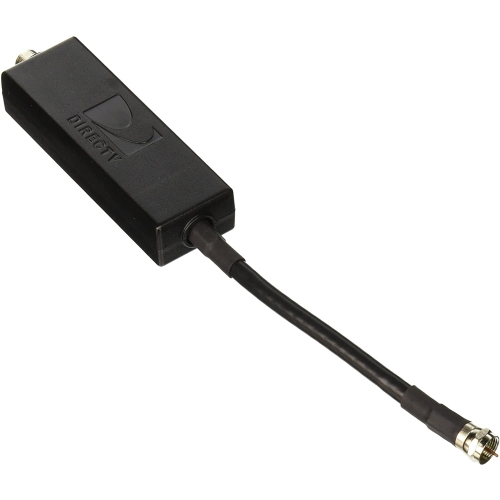
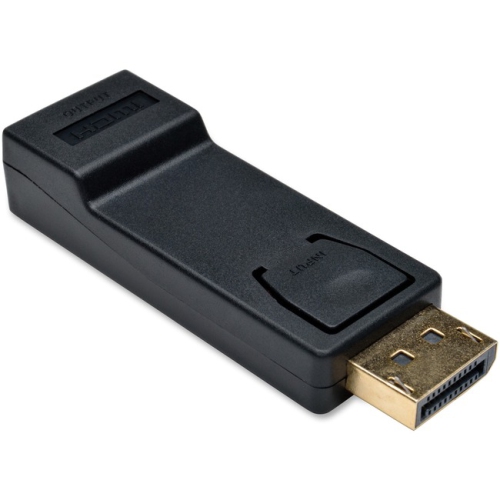
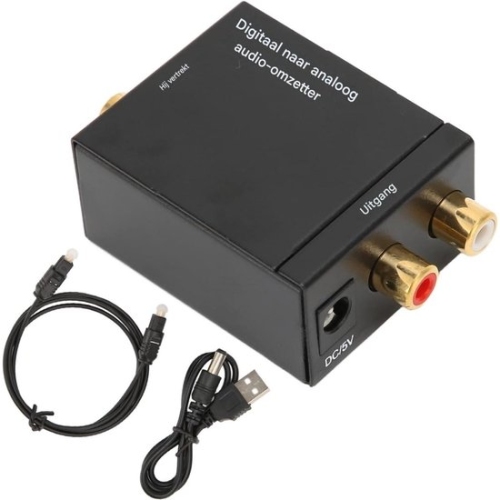
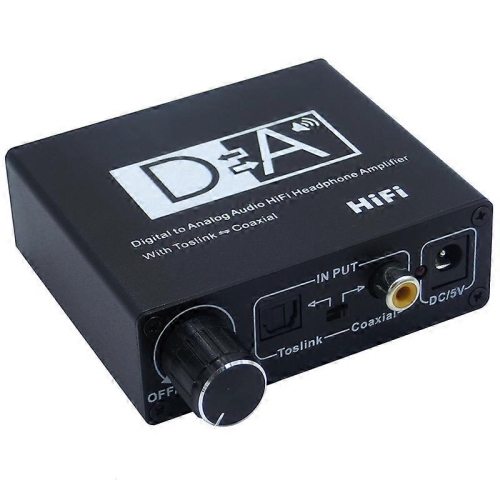
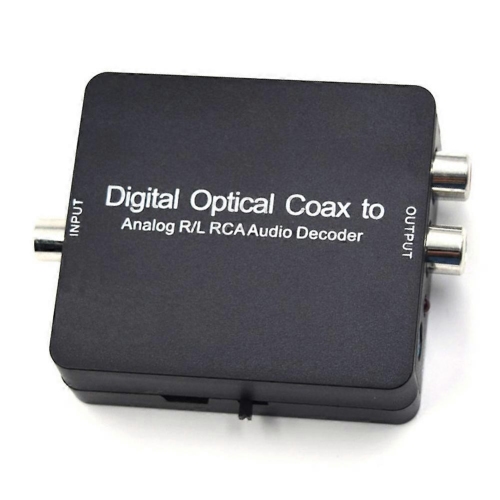
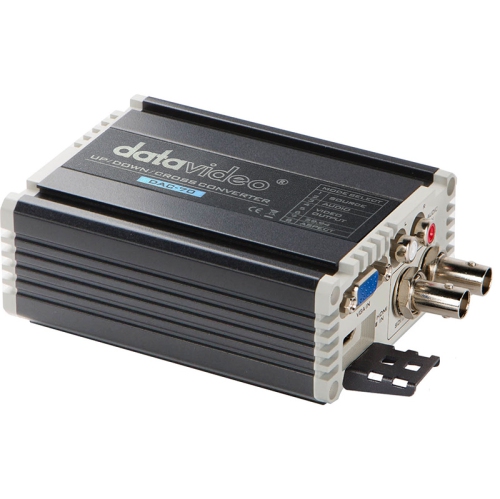
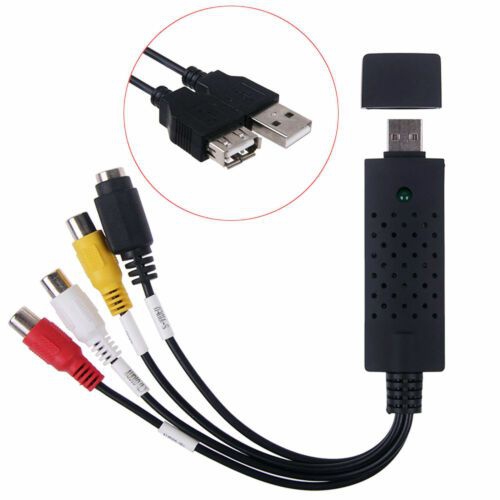
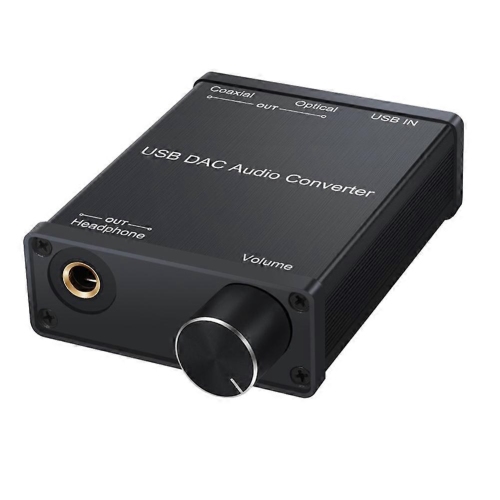
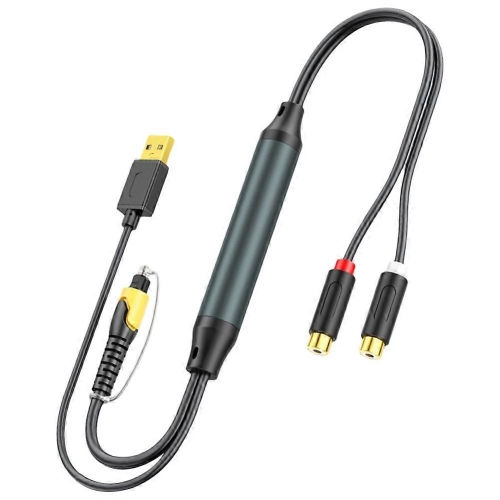
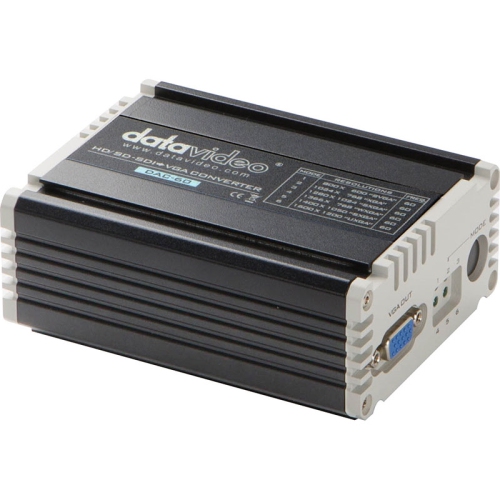
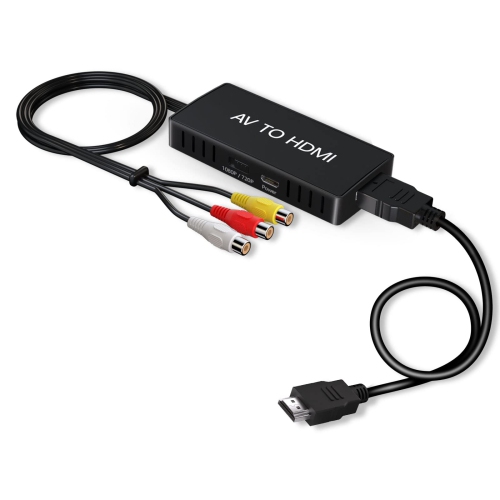
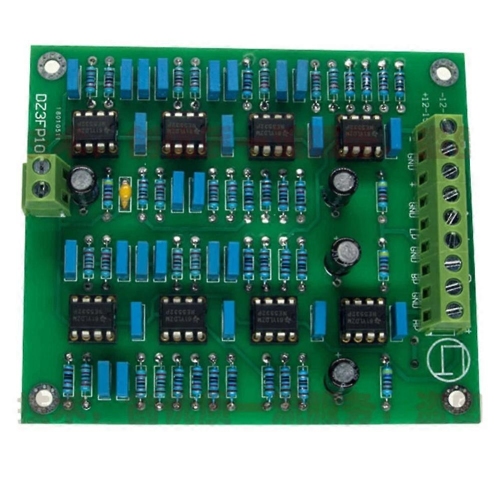
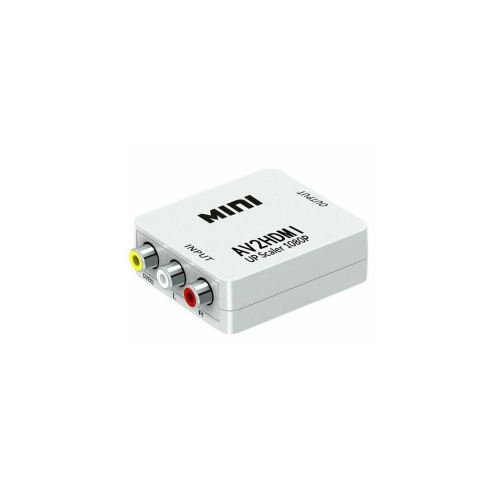
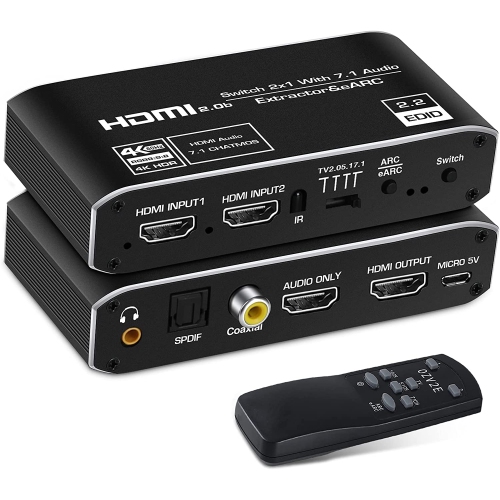
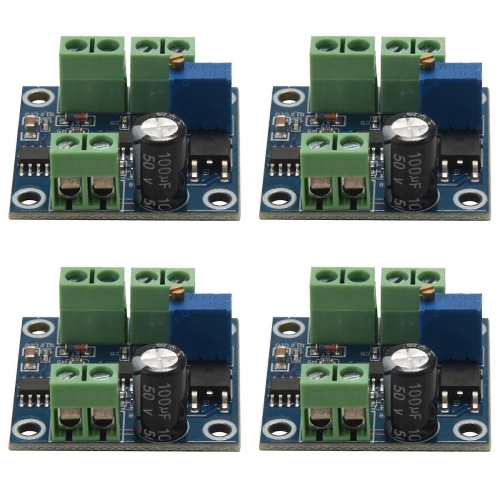
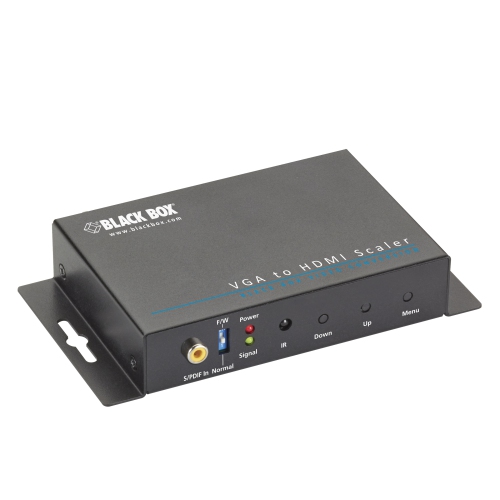
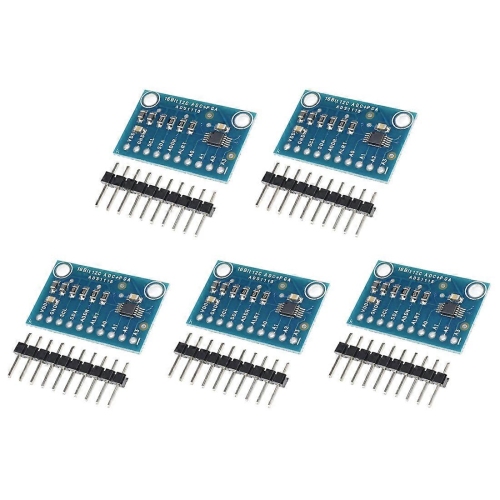
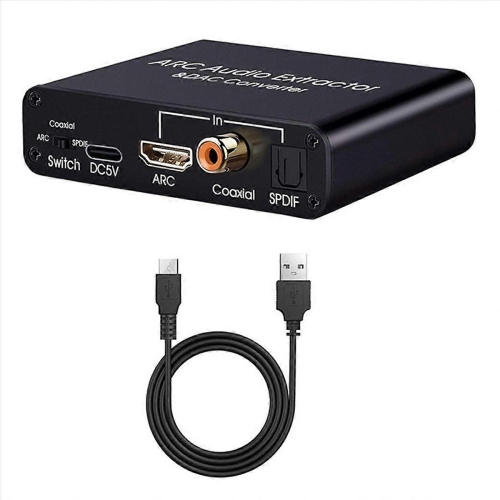
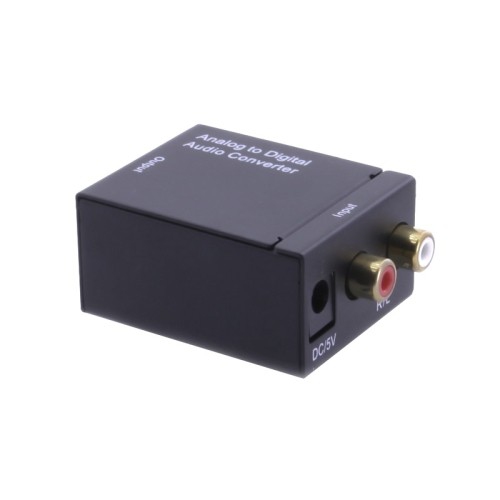
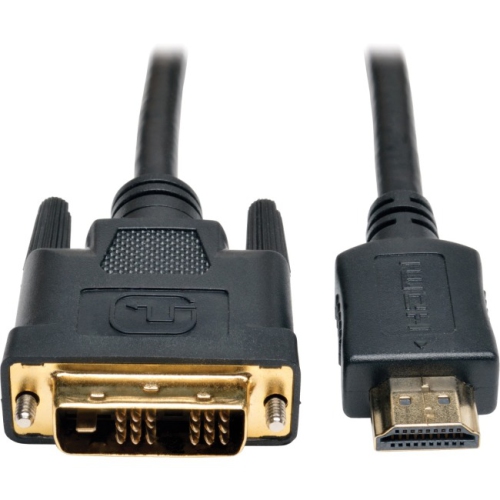
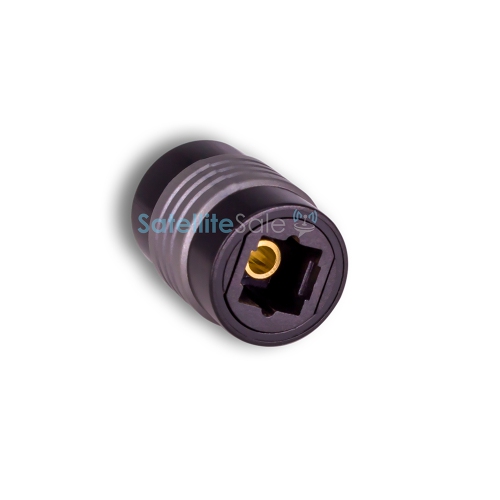
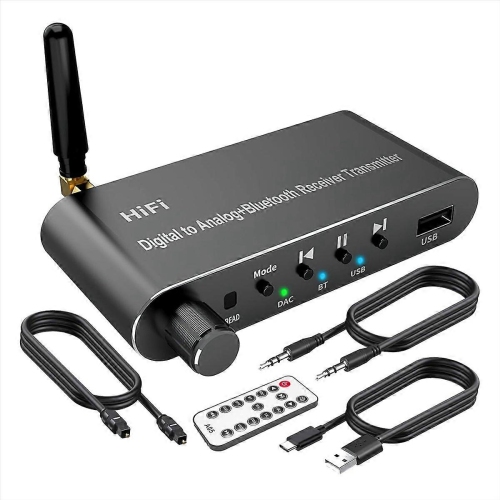
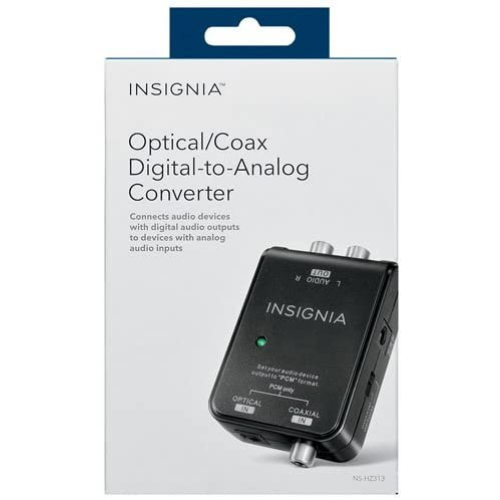
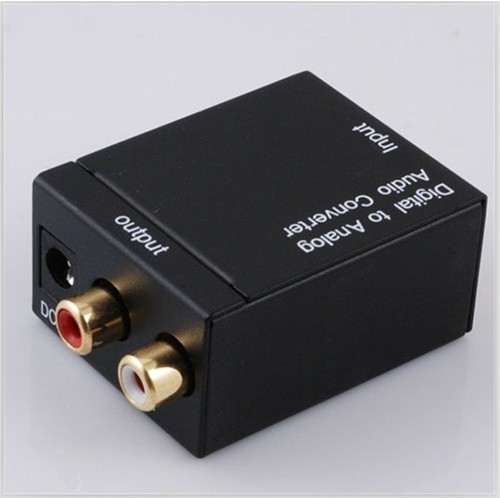


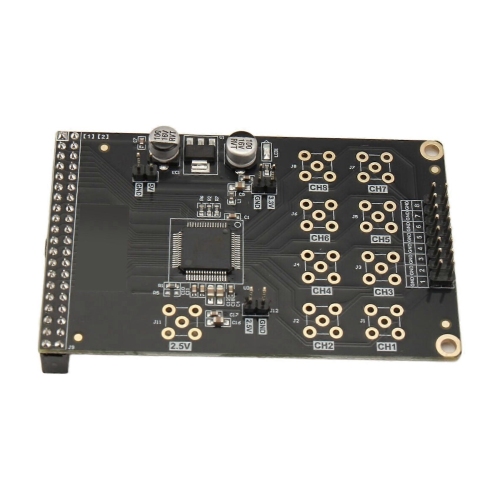
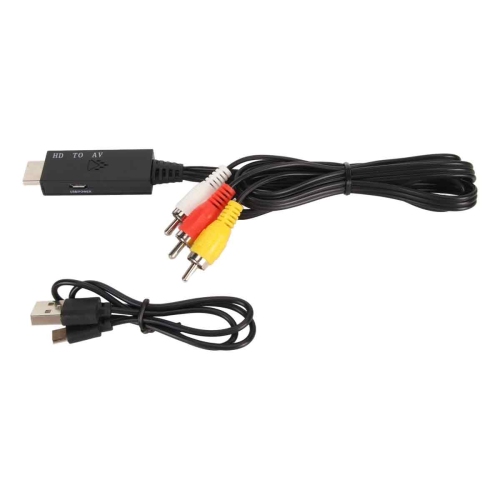
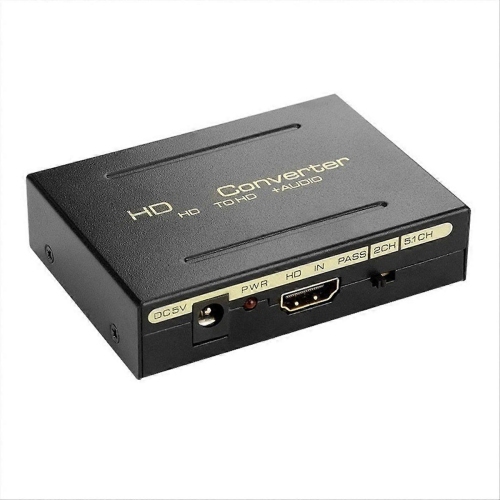
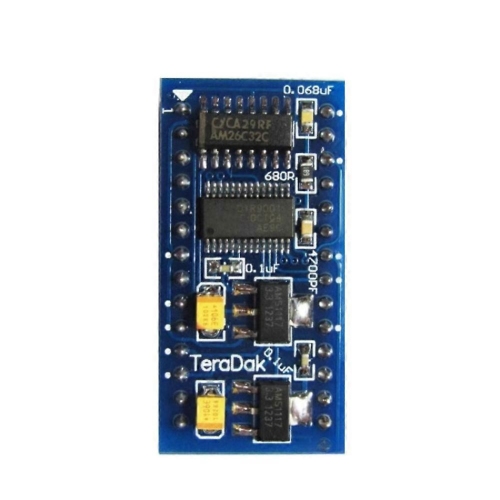
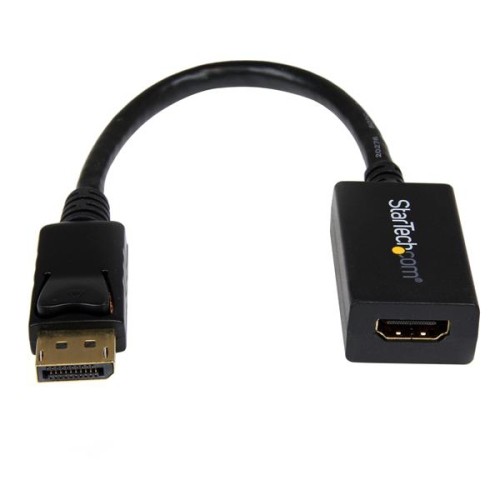
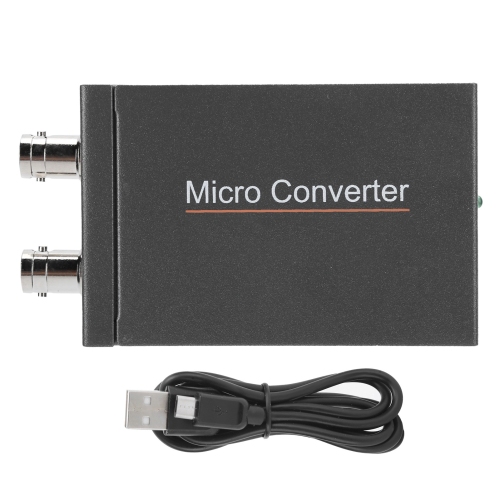
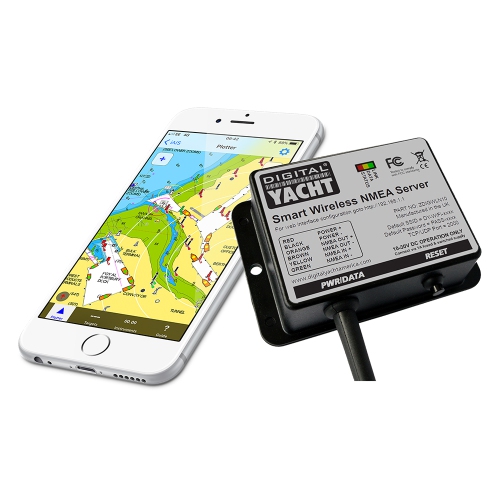
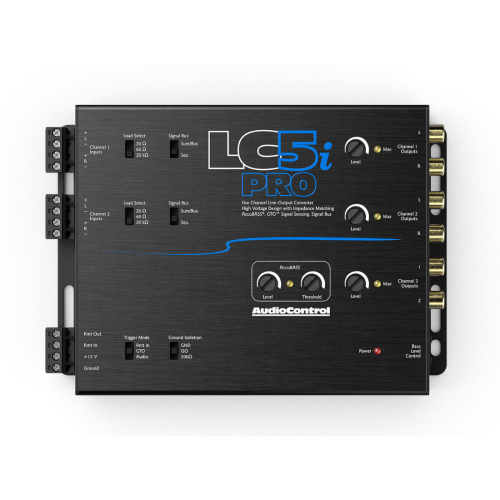
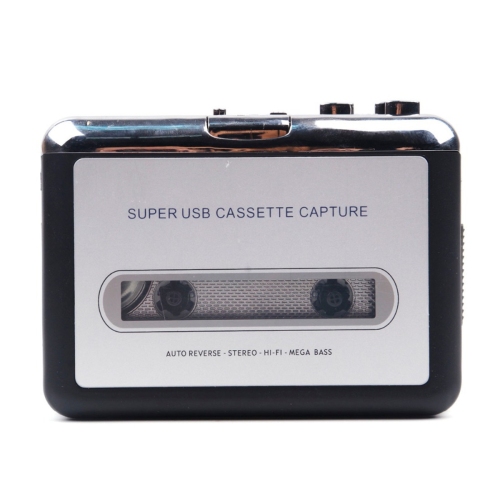

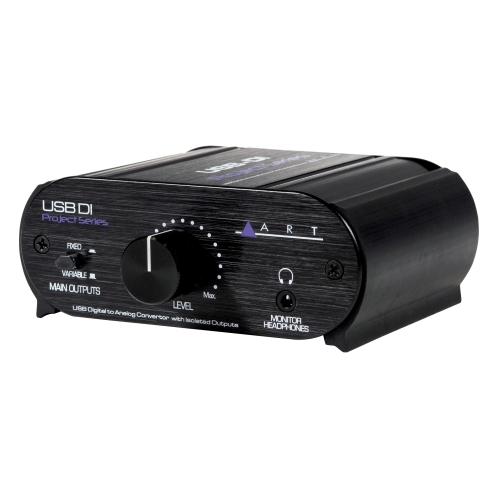
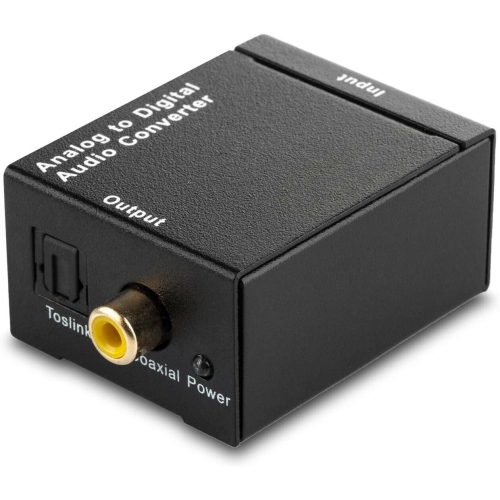
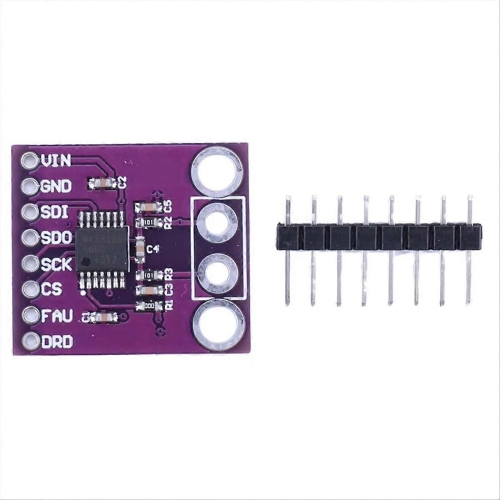

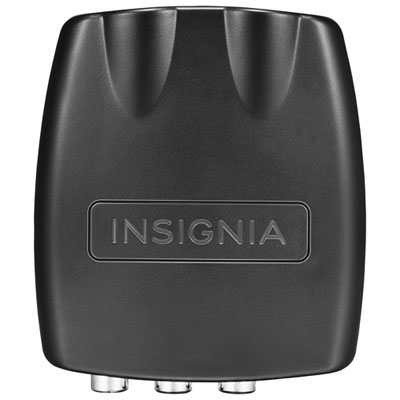
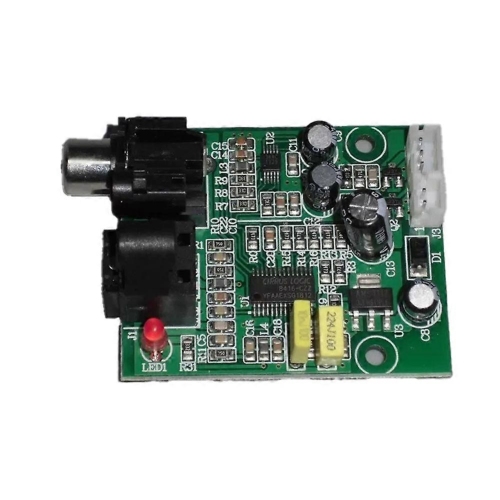
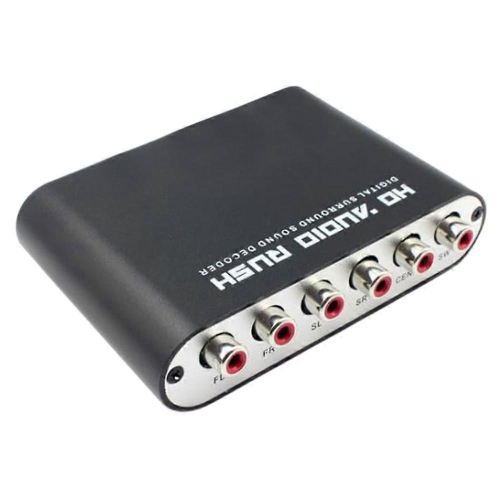
Bridging treasured recordings and older connections with modern devices
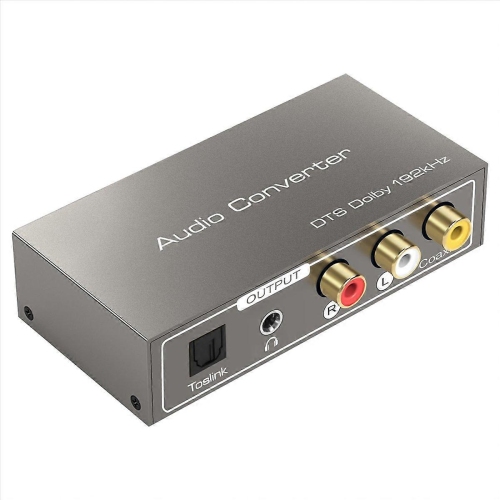
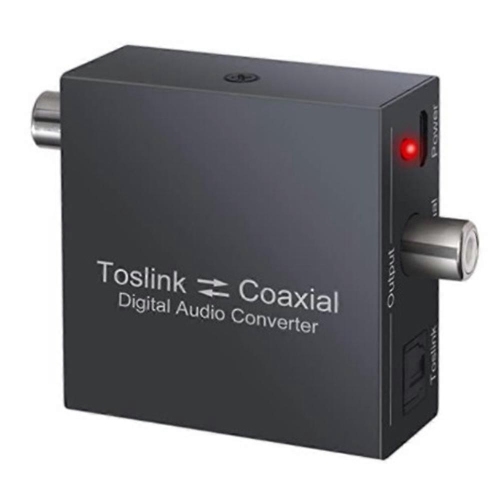
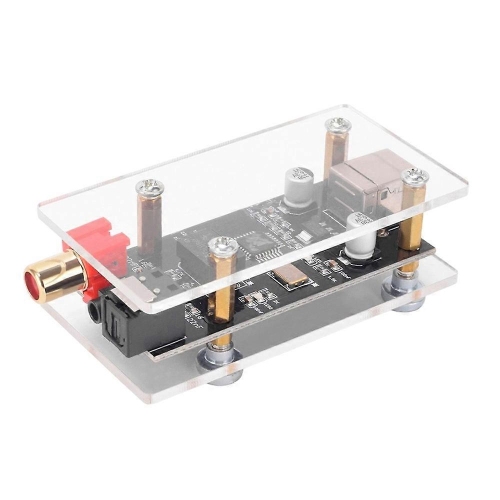
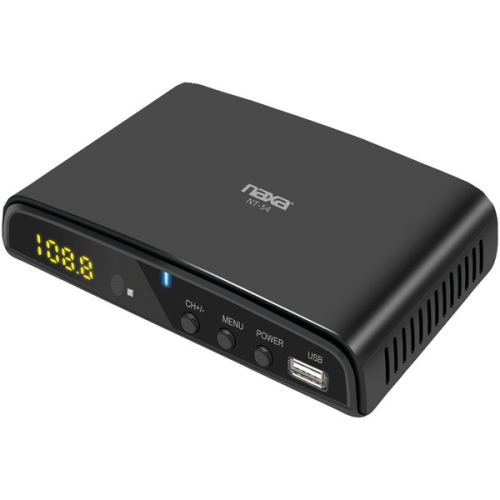
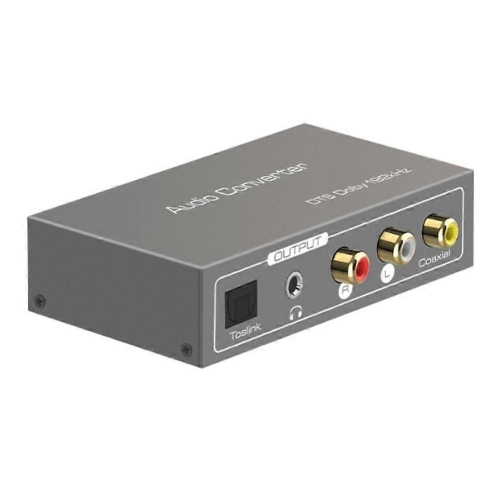
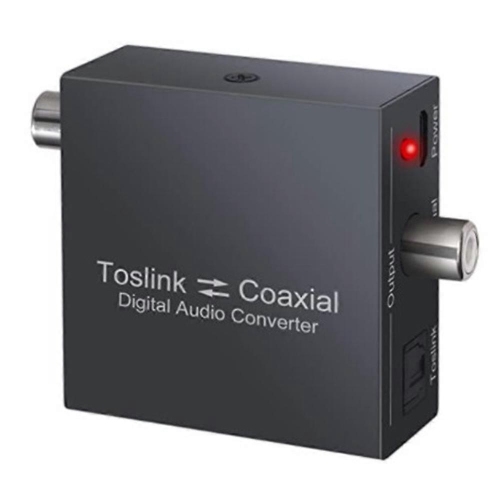
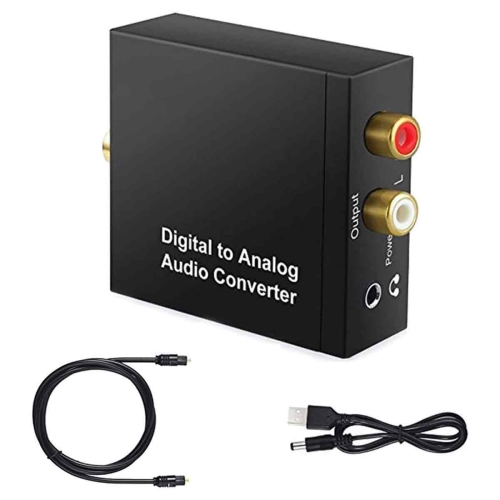
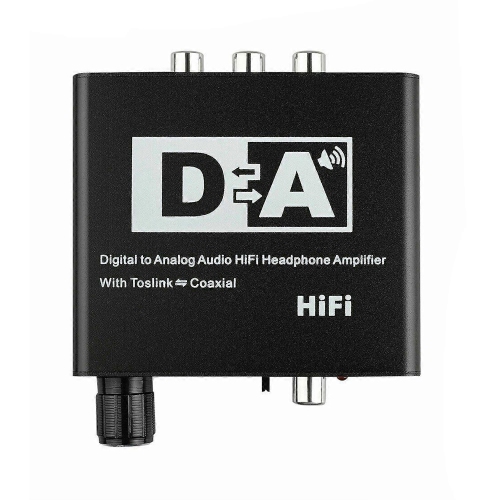
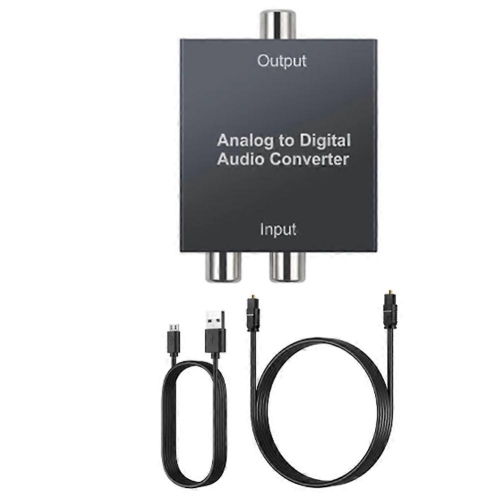
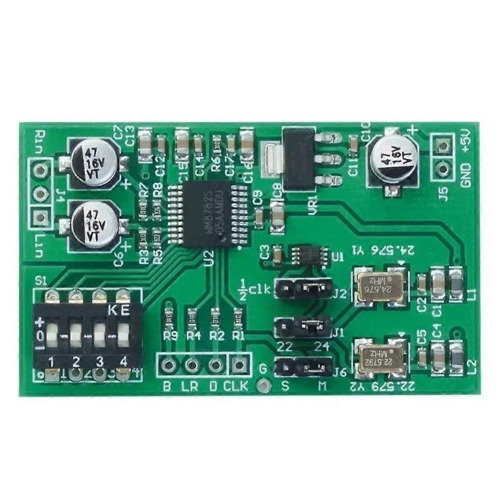
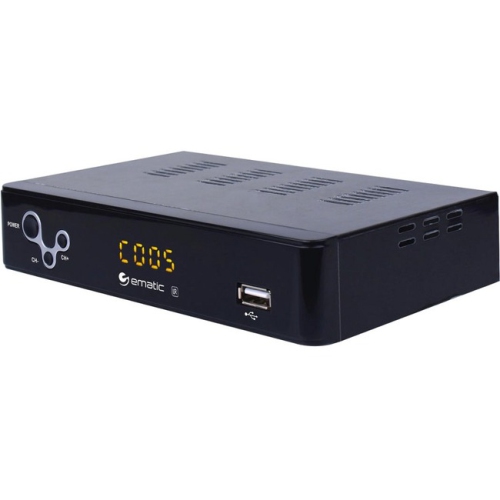
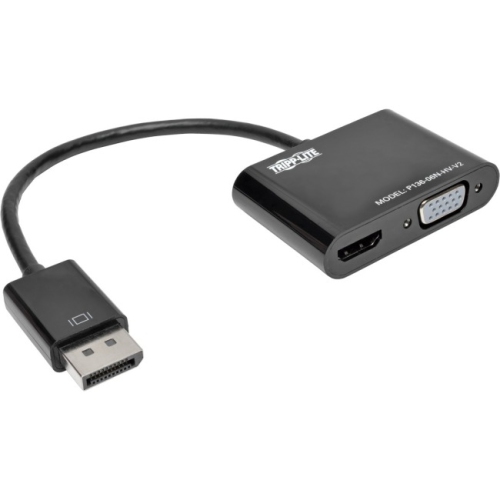
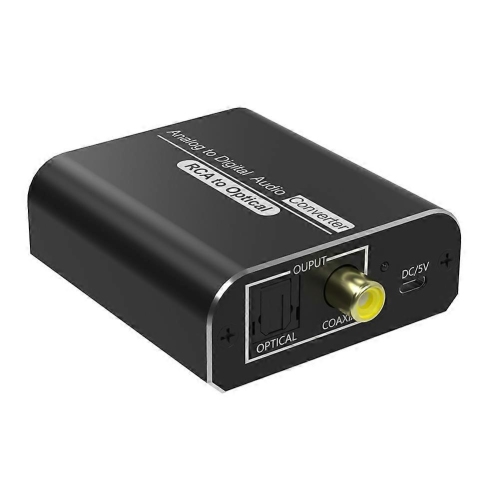
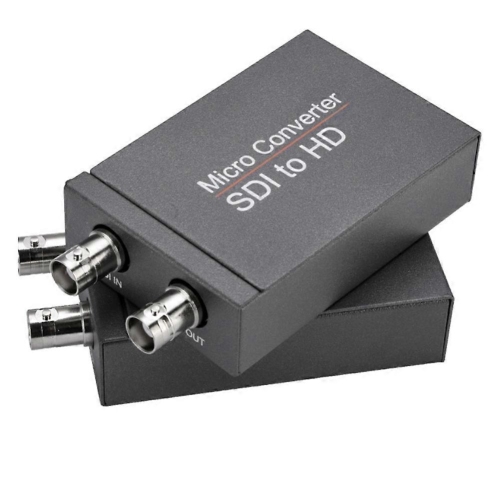
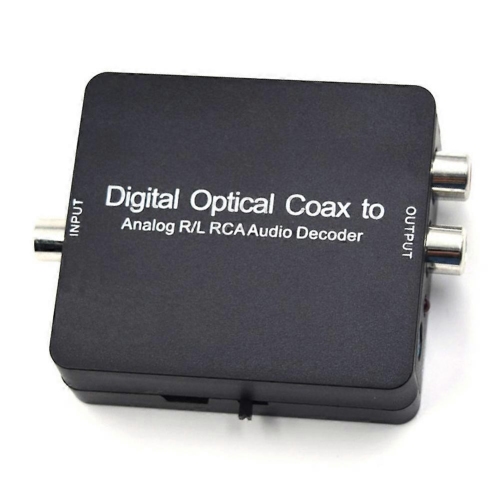
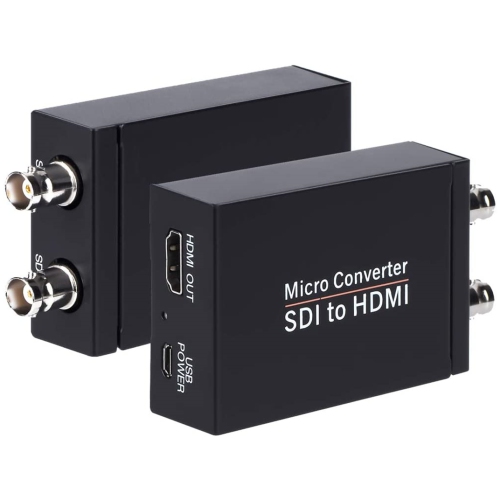
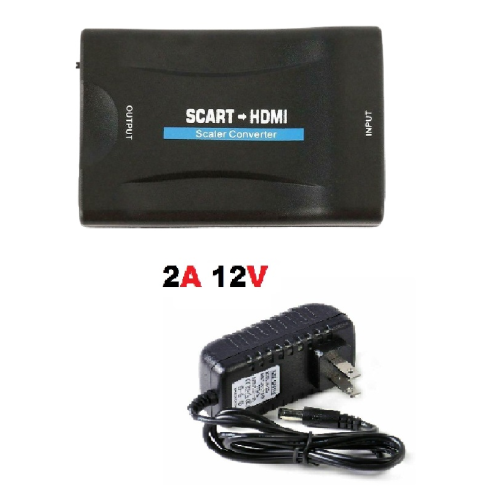
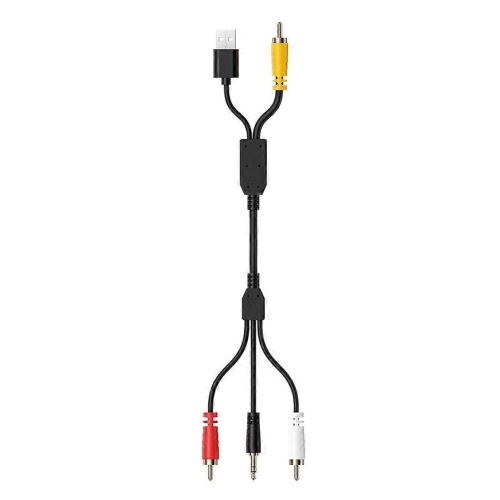
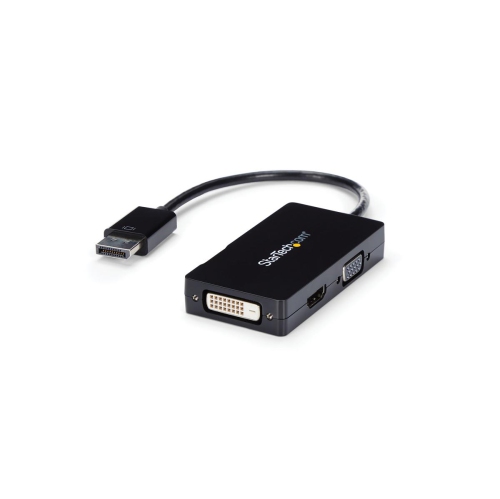
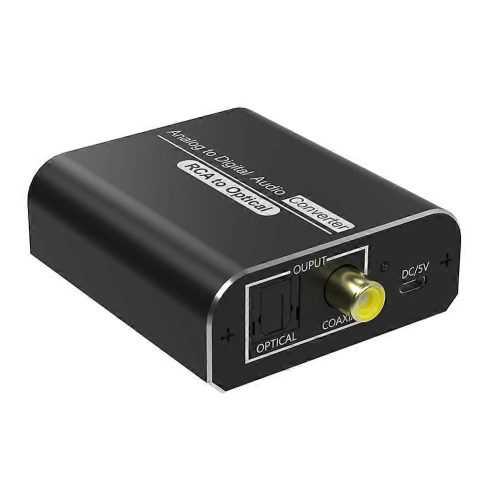
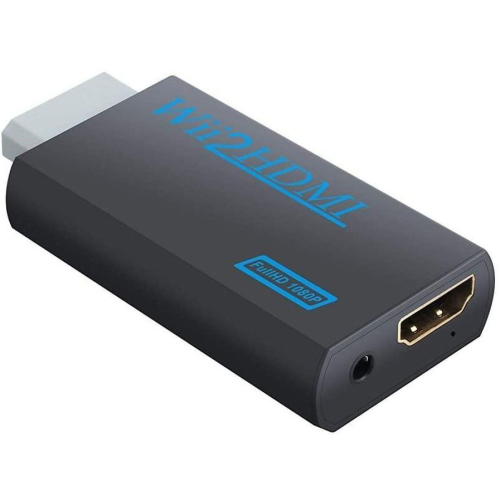
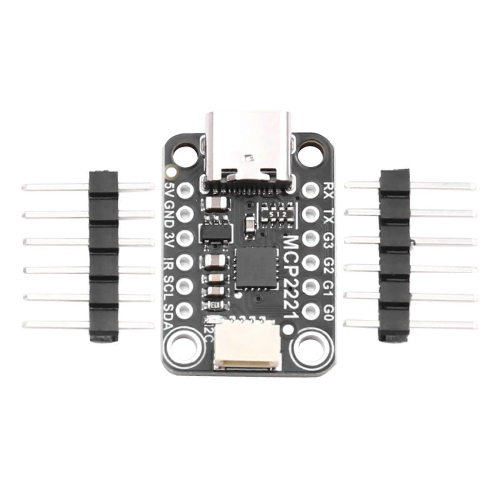
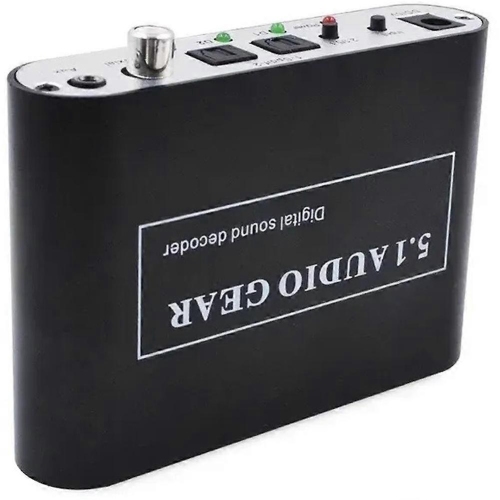
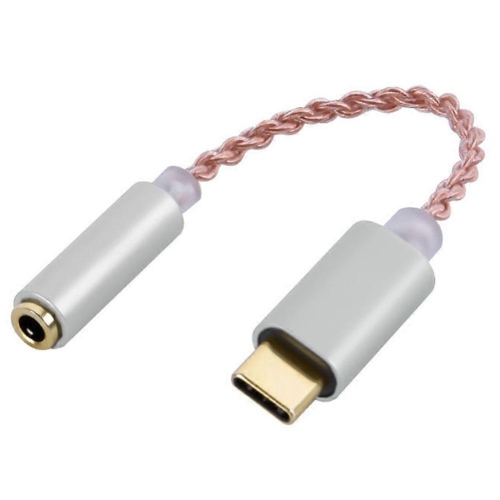
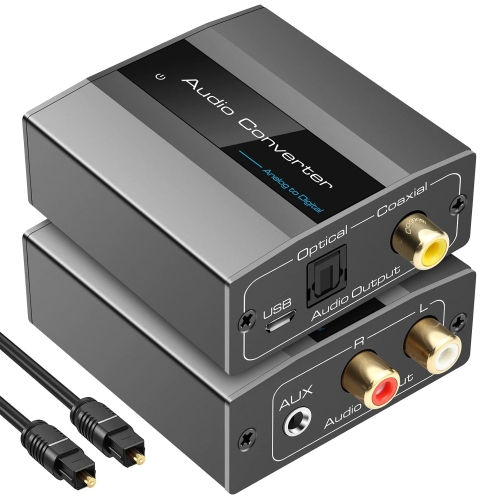
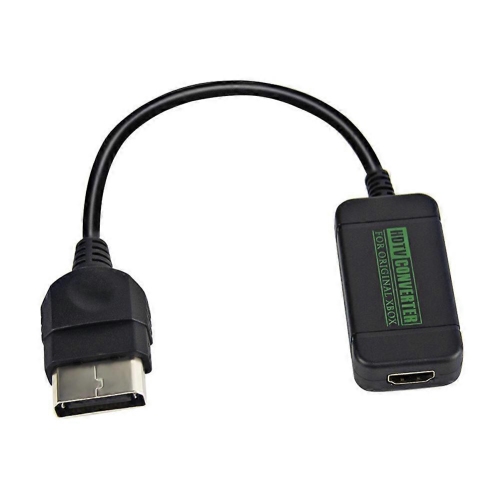
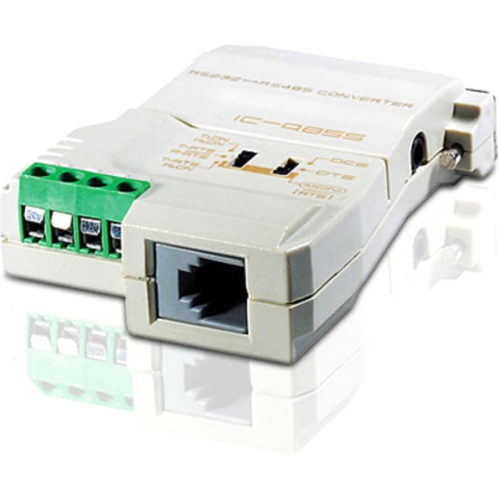
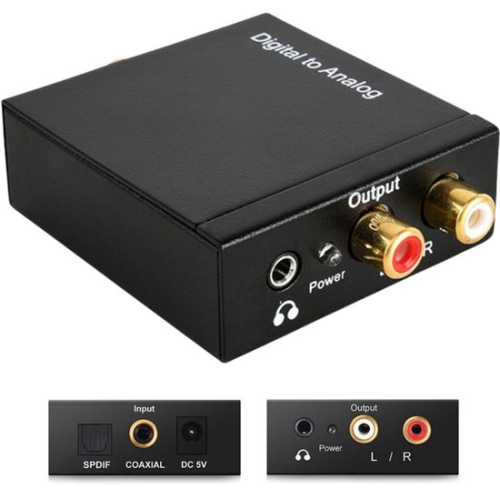
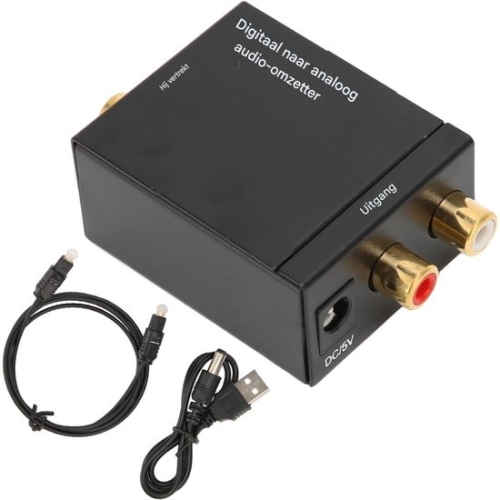
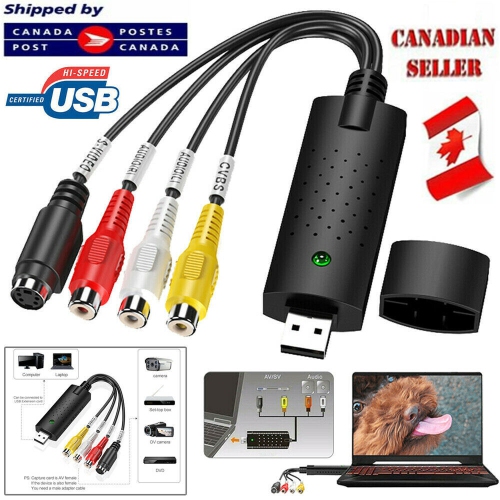
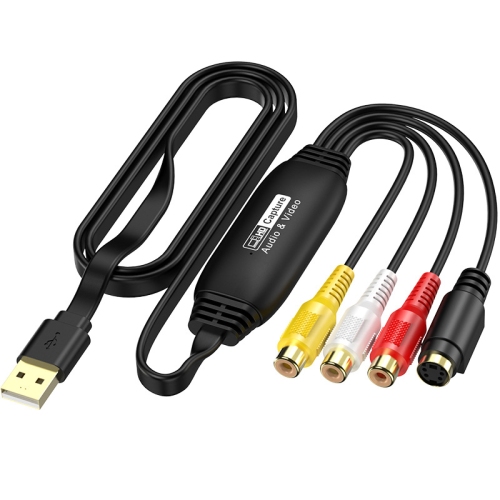
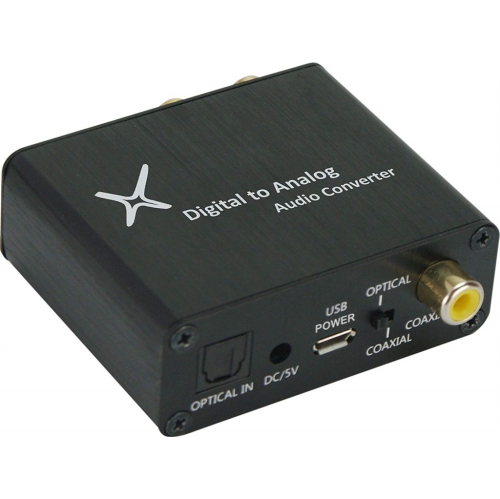
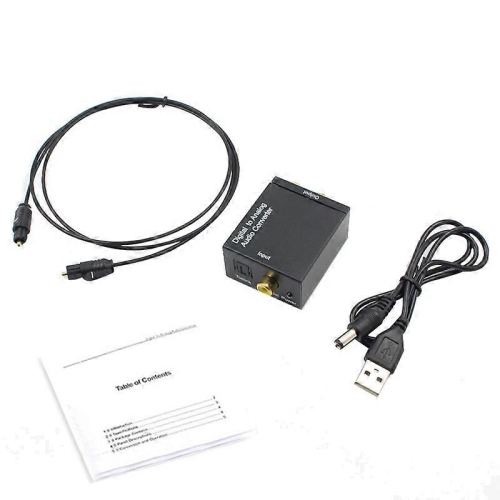
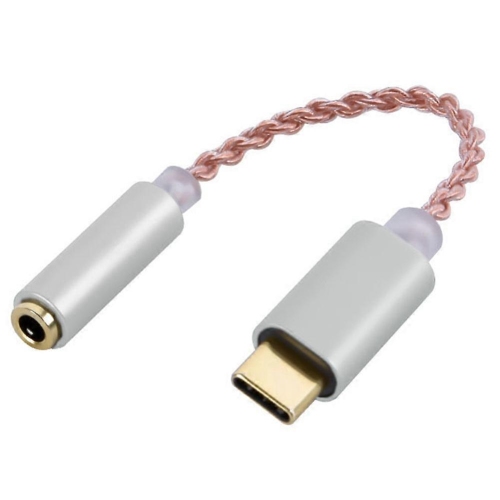
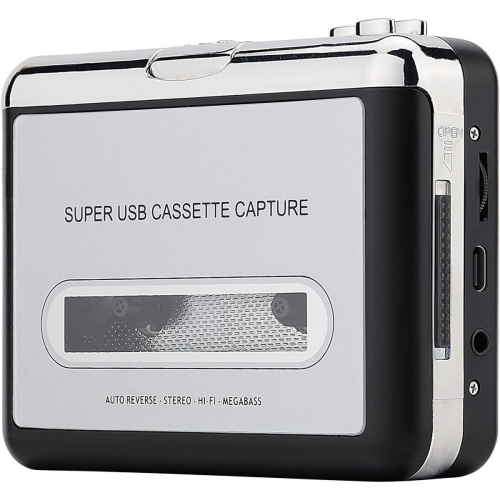
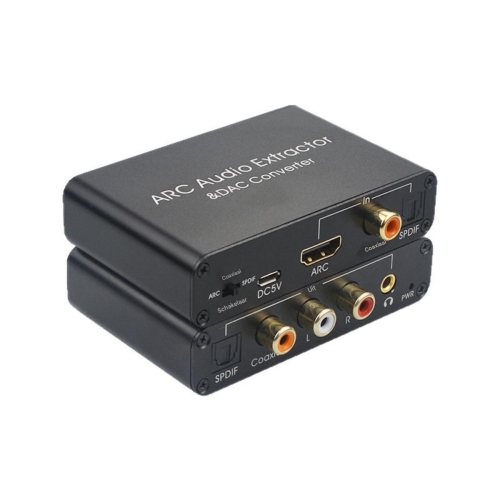
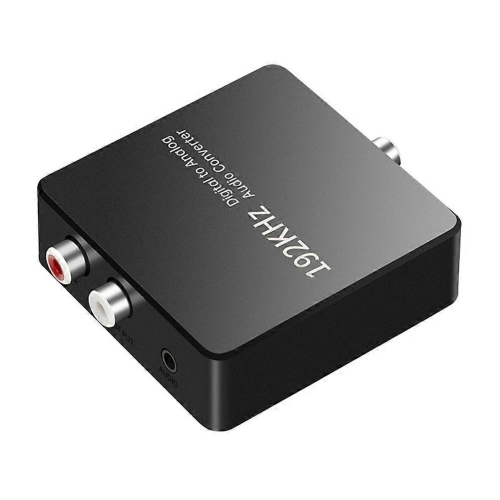
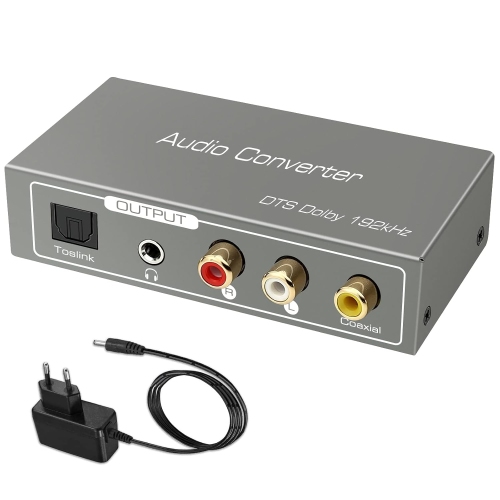
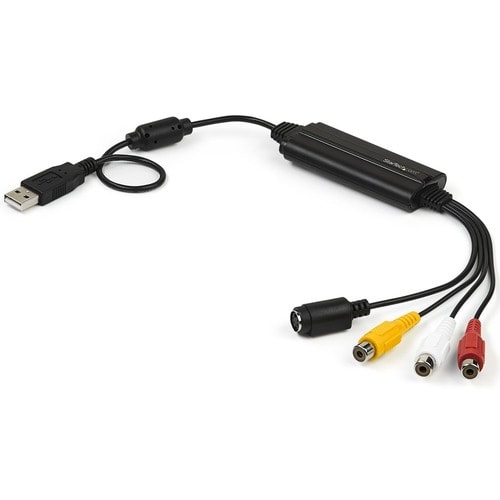
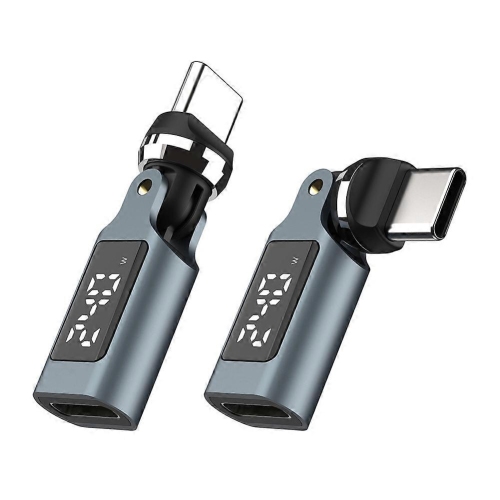
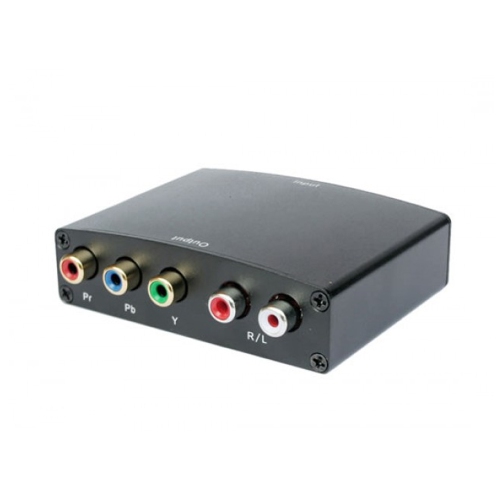
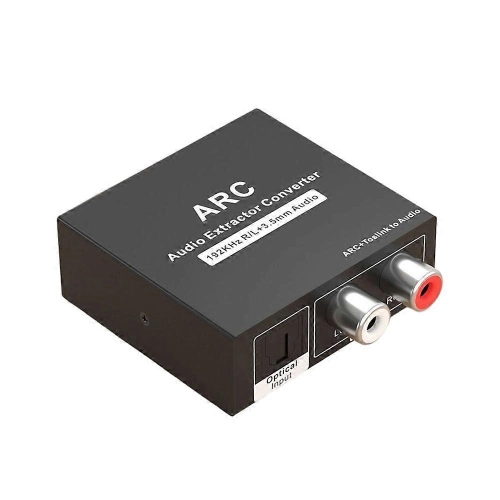
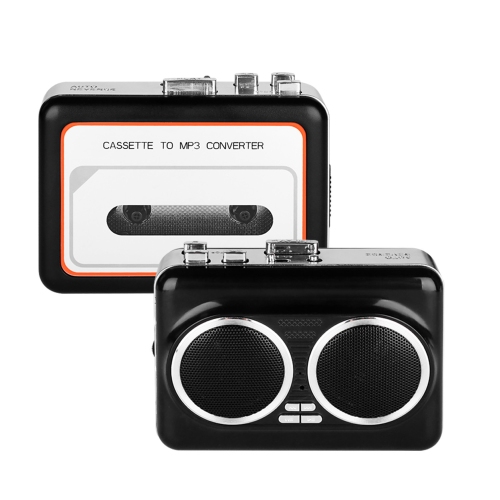
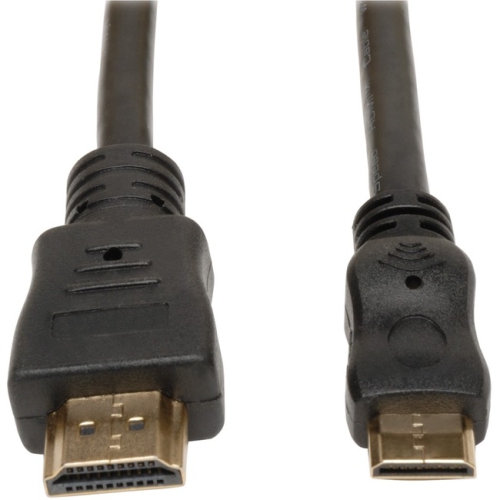
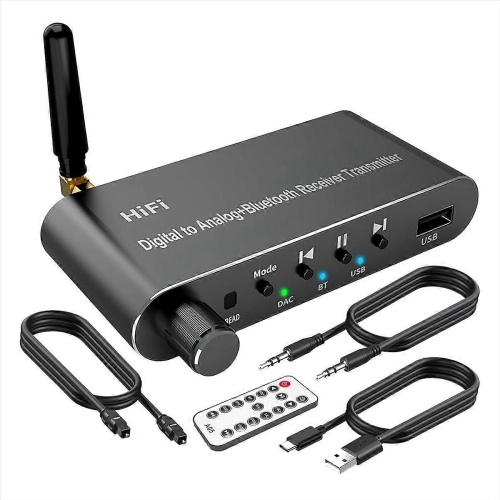
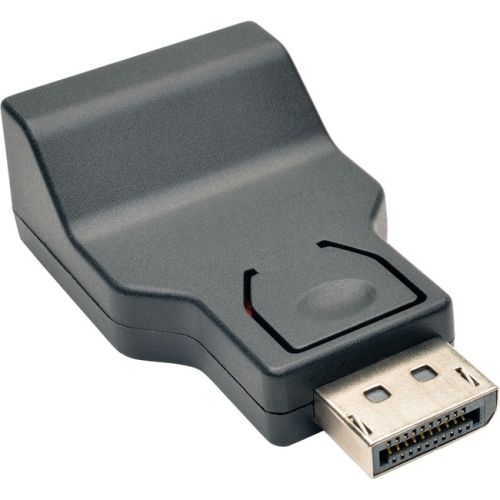
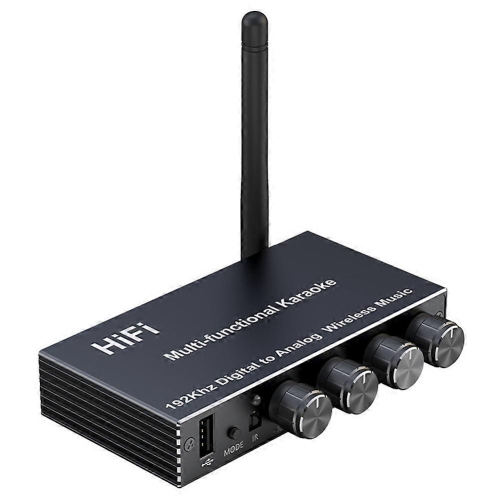
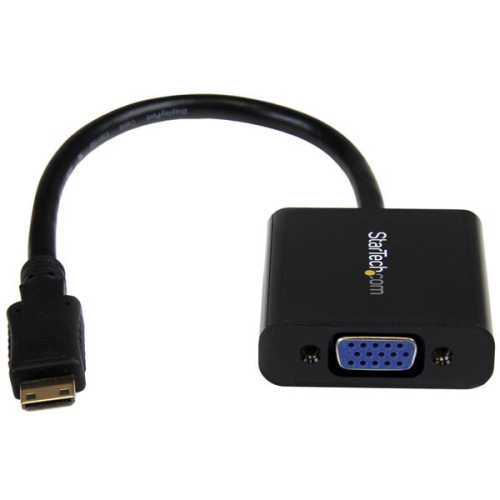
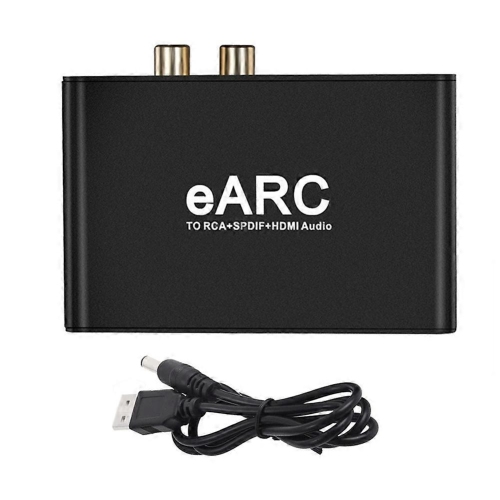
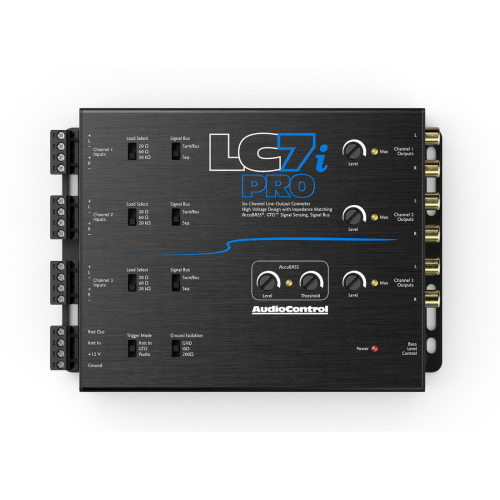
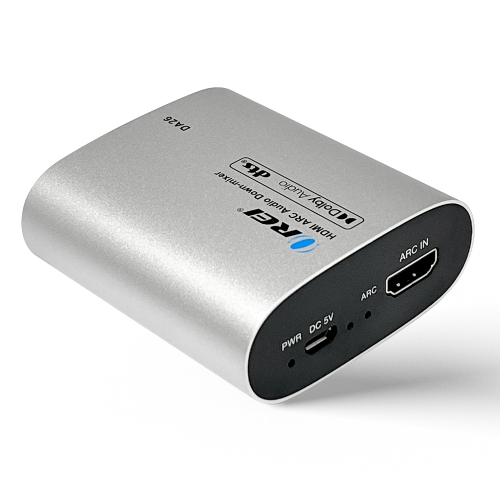
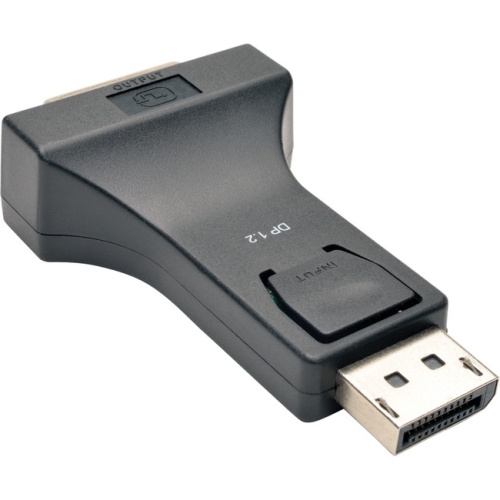
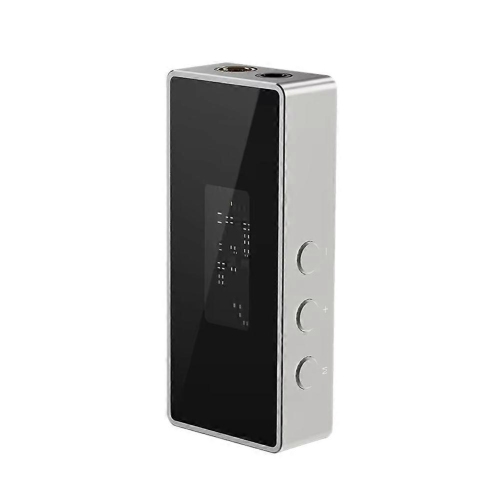
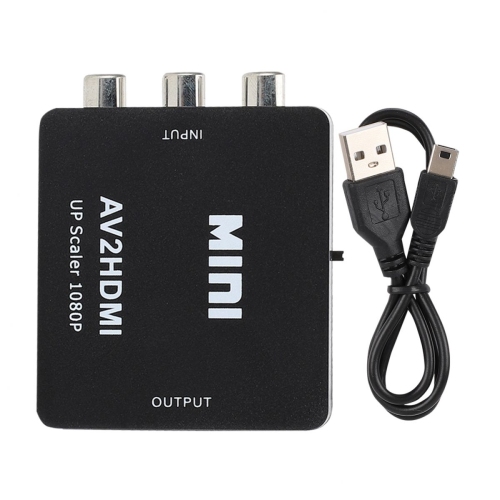
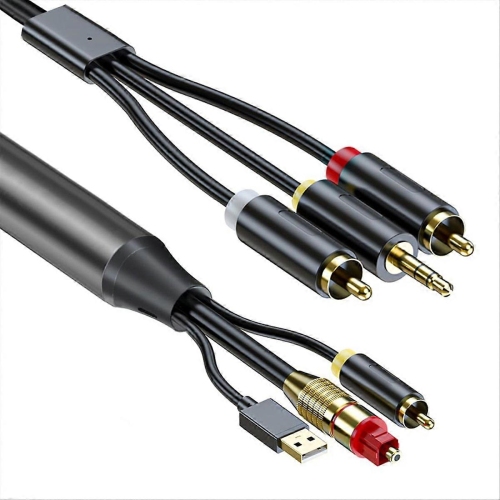
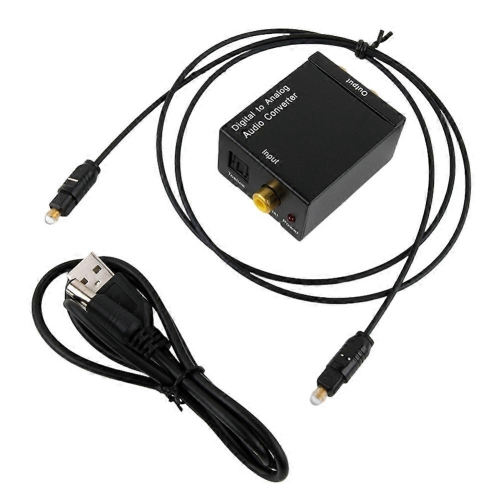
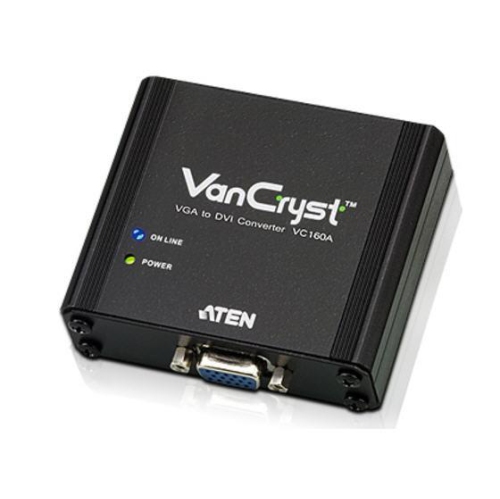
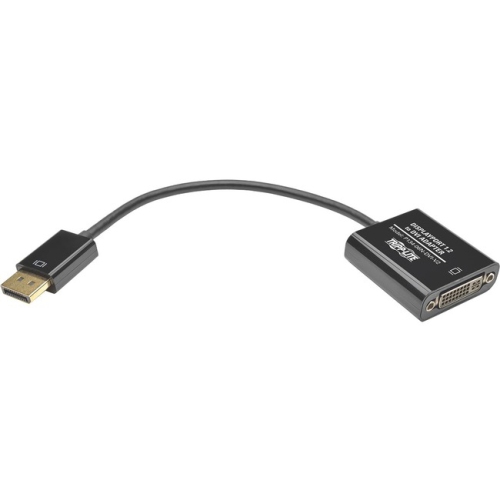
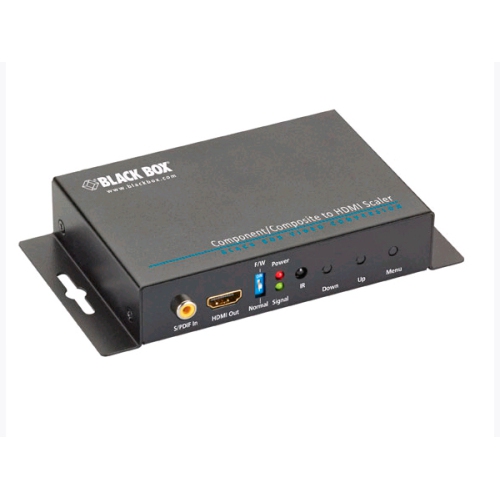
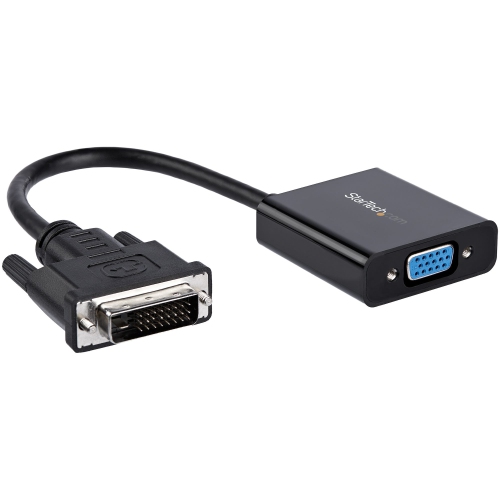
Digital converters help bridge the gap between older media, modern screens and today’s digital storage. They can change an analogue signal into a digital file, such as converting VHS, Hi8 or camcorder recordings into video files, or converting cassette and vinyl audio into MP3 files for playback on a computer, phone or other compatible device. Other converters change one type of video connection into another, making it possible to connect older equipment to a newer television or monitor. This makes them useful for more than one kind of setup: a family sorting through boxes of home videos may want to preserve recordings from a VCR, while someone updating a home theatre may need to connect a source with composite or component outputs to a display that primarily uses HDMI. For connection-focused options, browse Video Digital-To-Analog Converters. Before choosing a converter, identify the source device, the destination device and the format you want at the end. A tape-to-digital setup may record to an SD card or USB storage, while a signal converter may simply pass video from one connection type to another for viewing on a compatible screen. Checking these details first can save time and help ensure that the converter fits naturally into the equipment you already own.
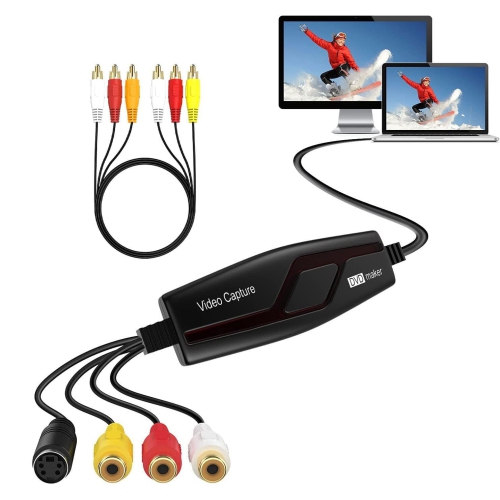
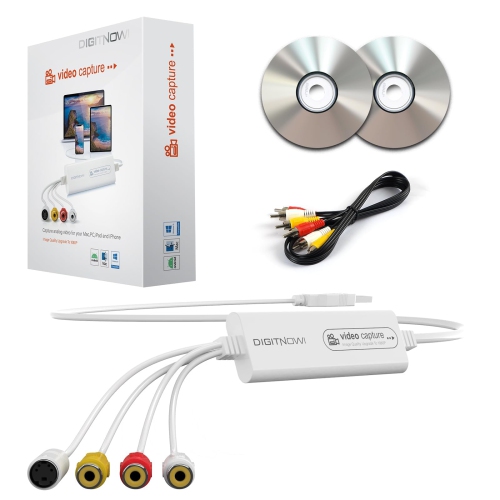
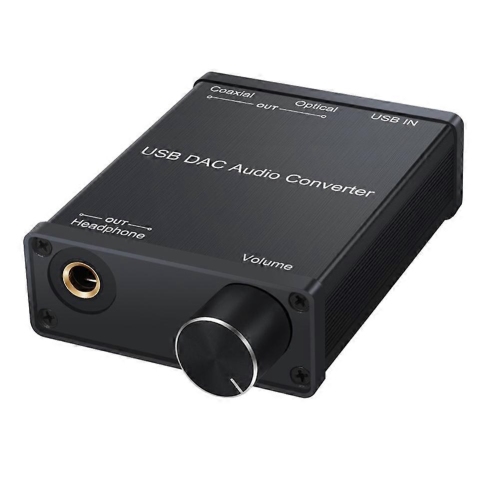
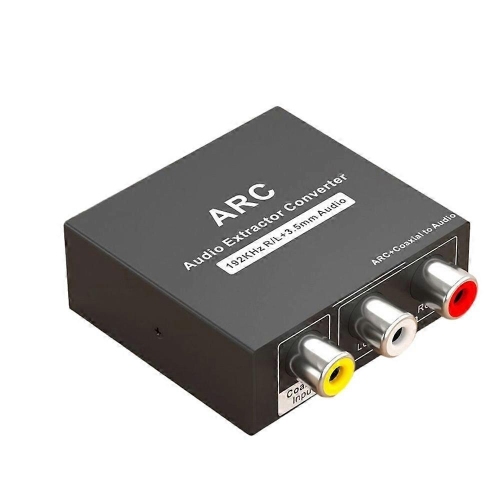
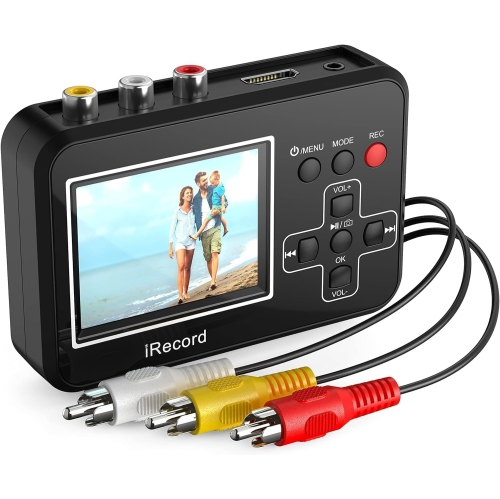
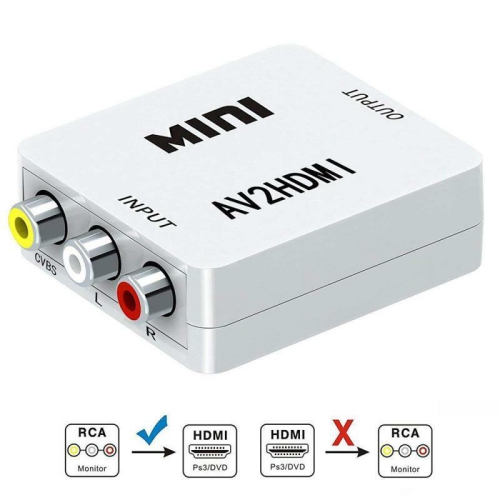
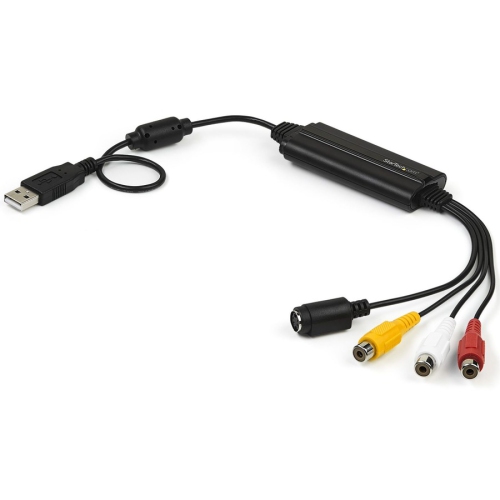
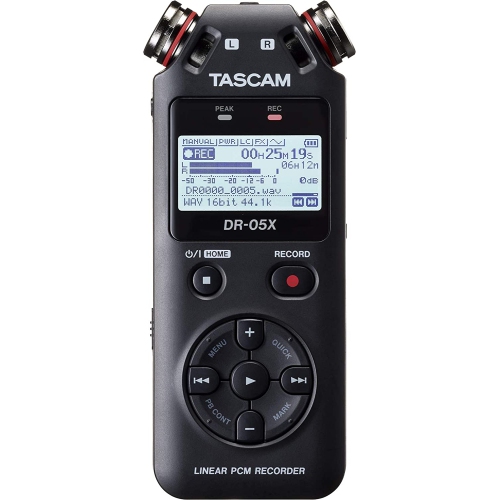
For video preservation, start by examining the outputs on the playback device. Older VCRs and camcorders commonly use composite RCA connections, often marked by yellow, white and red plugs, while some equipment also offers S-Video for a potentially sharper picture. A converter may include the necessary cables, or you may need to purchase them separately, so compare the ports and included accessories carefully. Recording features are another important consideration. Some units connect to a computer and rely on capture software, giving you more control over file settings and editing. Others are designed for direct recording to an SD card or USB drive, which can be convenient when you want a straightforward process without keeping a computer beside the television. A built-in screen can make it easier to confirm that the tape is playing correctly, especially when the original television or camcorder is no longer part of your everyday setup. Look for information about supported video standards, recording resolution, file types and maximum storage capacity. Older tapes can vary in quality, and a converter cannot restore detail that was never captured, but choosing suitable settings can help maintain a clear, watchable copy. It is also wise to leave plenty of storage space and label each file as it is created. A recording named with the family name, occasion and year is far easier to find later than a collection of generic file names. The same practical approach applies to audio converters. Check whether the unit accepts the connection from your turntable, cassette deck or other source, whether it includes a phono preamp when one is required, and whether it records in a file format that works with your preferred music player. Volume controls, track separation and monitoring through headphones may also matter if you are transferring a large collection or want to check for hum, skips or uneven levels during recording.
Digital converters can be especially meaningful for people who want to make older memories easier to enjoy. A parent might use one to transfer birthday celebrations, school performances or family holidays from tapes before sharing them with relatives. Someone moving to a smaller home may appreciate being able to keep the recordings without setting aside space for a VCR, camcorder or stack of tapes. They can also make thoughtful gifts for relatives who have a box of unwatched media, music fans building a personal digital library or students learning how analogue and digital equipment work together. If the converter will be given as a gift, consider the recipient’s comfort with technology. A direct-to-storage model with clearly labelled buttons may be a better fit for someone who prefers a simple process, while a computer-connected converter may suit a person who enjoys editing, organizing and backing up files. It is helpful to think about the complete workflow, including playback equipment, cables, memory cards, USB drives and the device used to view or listen to the finished files. For video, confirm that the final file can be played on the intended television, computer or mobile device; for audio, check compatibility with the music library or media player. During the cooler months, transferring a few recordings can be a satisfying indoor project, with the original tapes nearby and new digital files ready to share. Take care with fragile or heavily worn media, stop playback if a tape sticks or makes unusual sounds, and keep more than one copy of important files in separate locations. With the right digital converter and a little preparation, older recordings and mismatched connections can become much easier to use with the technology in your home.
For video preservation, start by examining the outputs on the playback device. Older VCRs and camcorders commonly use composite RCA connections, often marked by yellow, white and red plugs, while some equipment also offers S-Video for a potentially sharper picture. A converter may include the necessary cables, or you may need to purchase them separately, so compare the ports and included accessories carefully. Recording features are another important consideration. Some units connect to a computer and rely on capture software, giving you more control over file settings and editing. Others are designed for direct recording to an SD card or USB drive, which can be convenient when you want a straightforward process without keeping a computer beside the television. A built-in screen can make it easier to confirm that the tape is playing correctly, especially when the original television or camcorder is no longer part of your everyday setup. Look for information about supported video standards, recording resolution, file types and maximum storage capacity. Older tapes can vary in quality, and a converter cannot restore detail that was never captured, but choosing suitable settings can help maintain a clear, watchable copy. It is also wise to leave plenty of storage space and label each file as it is created. A recording named with the family name, occasion and year is far easier to find later than a collection of generic file names. The same practical approach applies to audio converters. Check whether the unit accepts the connection from your turntable, cassette deck or other source, whether it includes a phono preamp when one is required, and whether it records in a file format that works with your preferred music player. Volume controls, track separation and monitoring through headphones may also matter if you are transferring a large collection or want to check for hum, skips or uneven levels during recording.
Digital converters can be especially meaningful for people who want to make older memories easier to enjoy. A parent might use one to transfer birthday celebrations, school performances or family holidays from tapes before sharing them with relatives. Someone moving to a smaller home may appreciate being able to keep the recordings without setting aside space for a VCR, camcorder or stack of tapes. They can also make thoughtful gifts for relatives who have a box of unwatched media, music fans building a personal digital library or students learning how analogue and digital equipment work together. If the converter will be given as a gift, consider the recipient’s comfort with technology. A direct-to-storage model with clearly labelled buttons may be a better fit for someone who prefers a simple process, while a computer-connected converter may suit a person who enjoys editing, organizing and backing up files. It is helpful to think about the complete workflow, including playback equipment, cables, memory cards, USB drives and the device used to view or listen to the finished files. For video, confirm that the final file can be played on the intended television, computer or mobile device; for audio, check compatibility with the music library or media player. During the cooler months, transferring a few recordings can be a satisfying indoor project, with the original tapes nearby and new digital files ready to share. Take care with fragile or heavily worn media, stop playback if a tape sticks or makes unusual sounds, and keep more than one copy of important files in separate locations. With the right digital converter and a little preparation, older recordings and mismatched connections can become much easier to use with the technology in your home.
Top selling and popular products
-
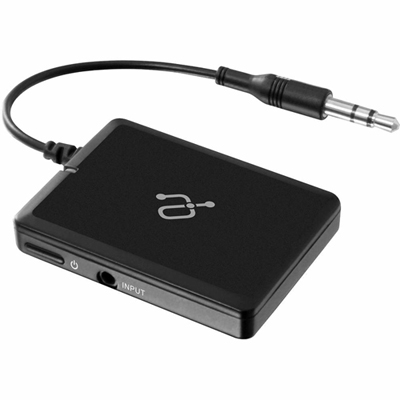 Your price for this item is $34.99
 -
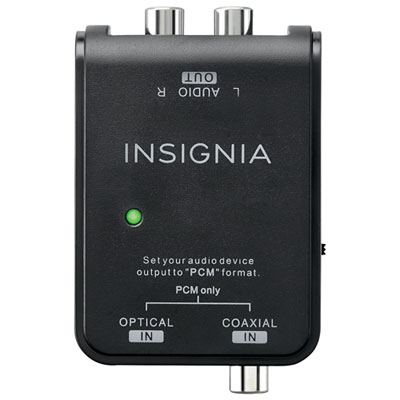 Your price for this item is $39.99
 -
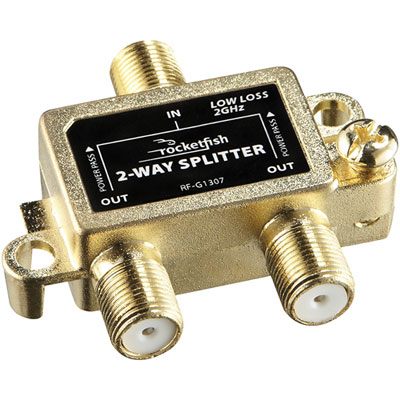 Your price for this item is $10.97
 -
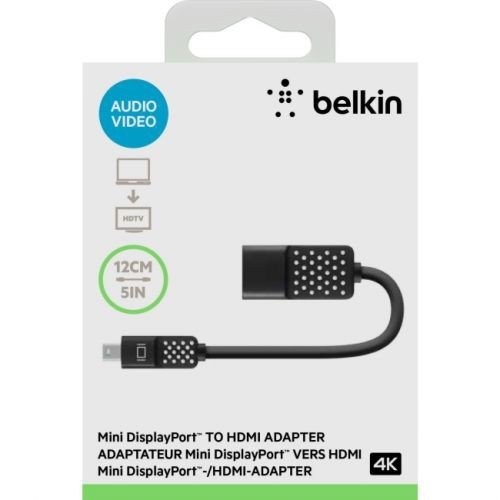 Your price for this item is $46.68
 -
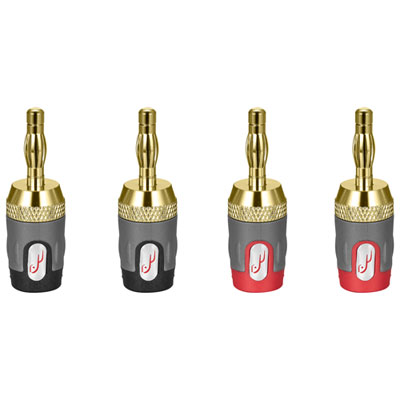 Your price for this item is $24.99
 -
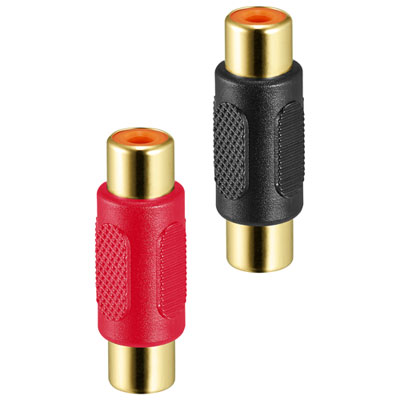 Your price for this item is $9.99
 -
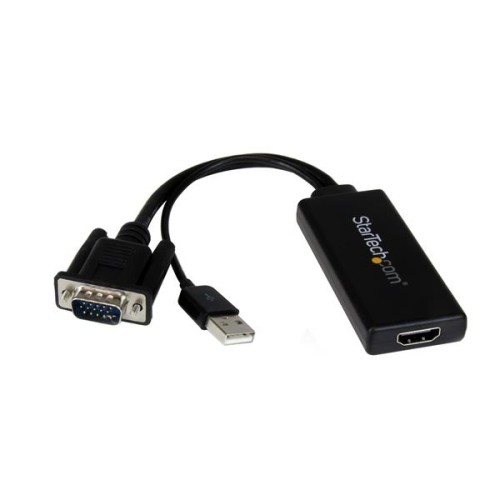 Your price for this item is $75.99
 -
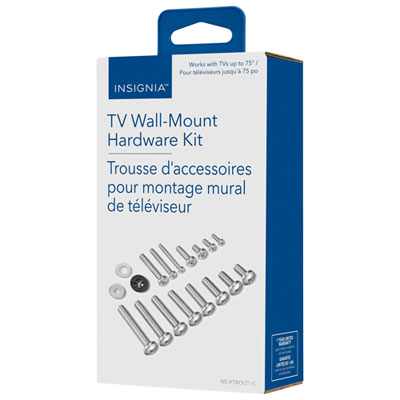 Your price for this item is $19.99
Discover more categories related to Digital Converters
Top Collections:
Pokemon Centers, Best Cameras for Sports Photography, Kindle Devices, Samsung Galaxy Phones, Canon G7X Cameras, Pokémon 30th Celebration Cards, Refurbished Apple Laptops, iPhone 15 Apple, Laptops for Students, Budget Smartphones
Some products may be subject to Environmental Handling Fees
(EHF) depending on your province.
Learn more about EHFs.