Digital Interfaces
Looking to enhance your digital experience? Look no further than our collection of digital interfaces. These versatile devices are designed to bridge the gap between your electronic devices, allowing you to seamlessly connect and communicate with ease. Whether you're looking to transfer data, stream content, or simply expand your connectivity options, our range of digital interfaces has got you covered. Browse through our selection and discover the perfect solution to unlock the full potential of your electronics.
Sort



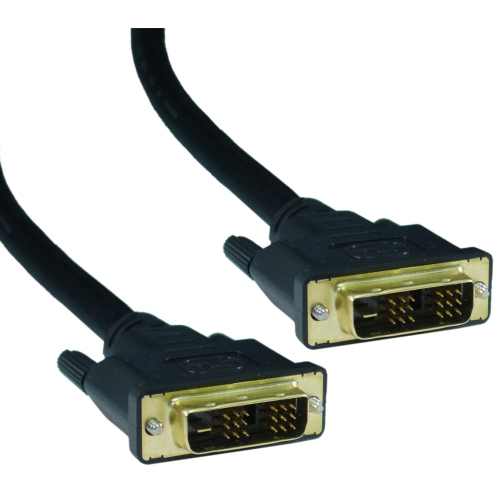


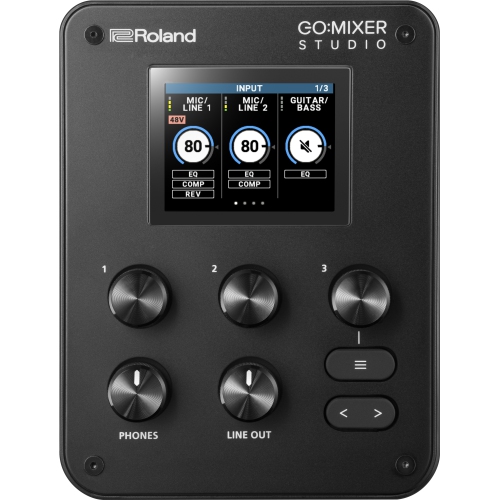
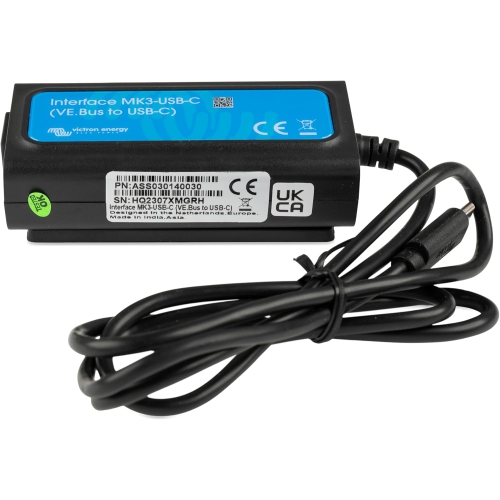
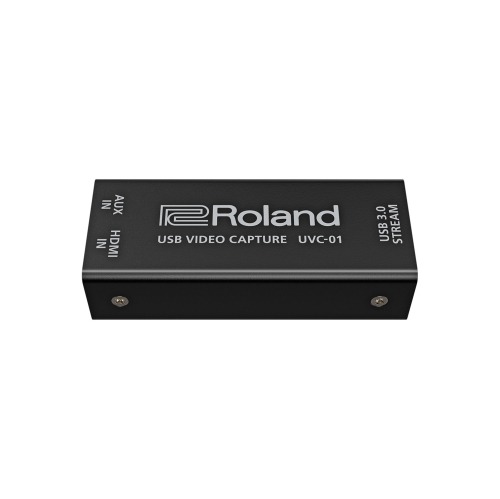




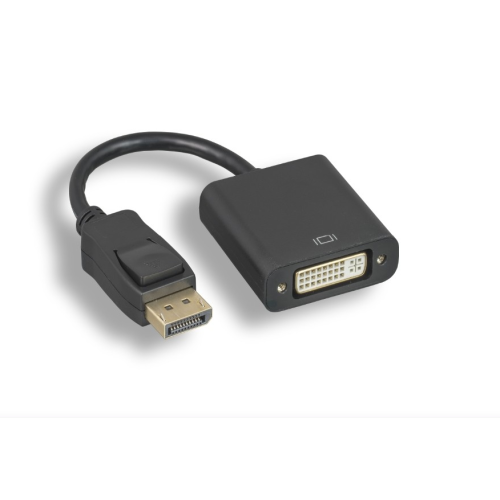
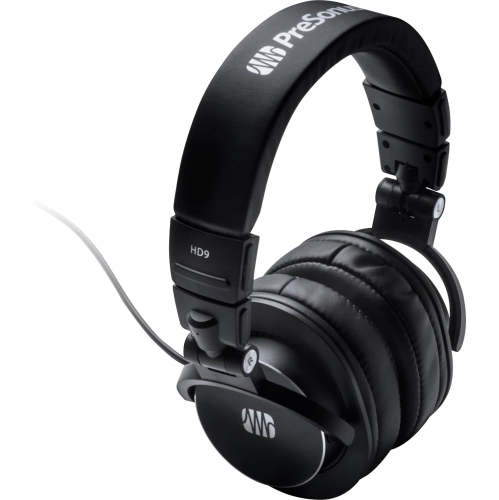
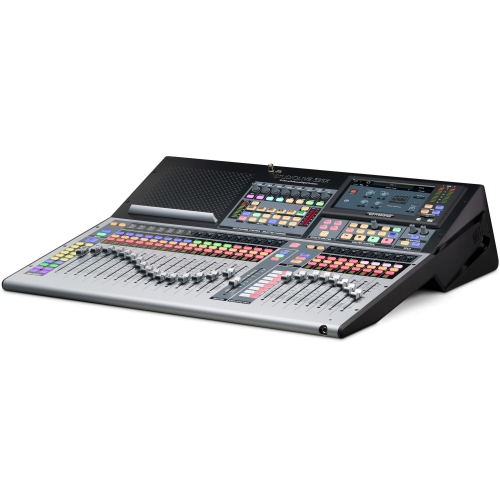
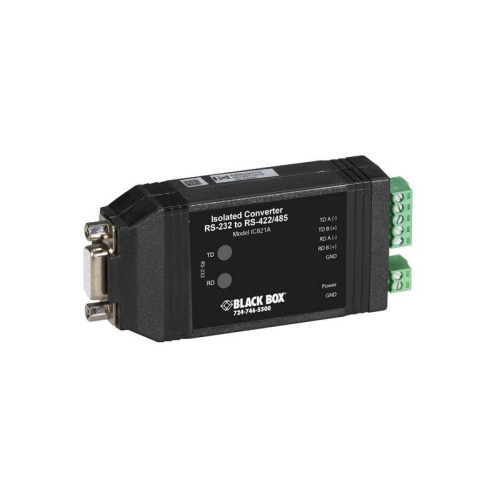
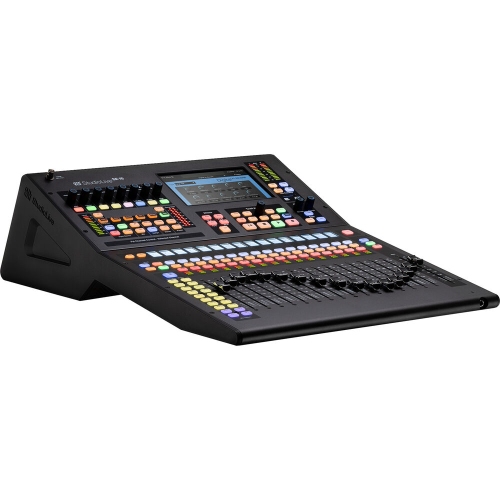
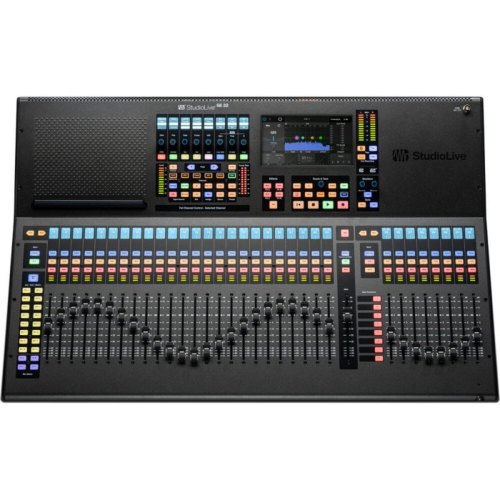
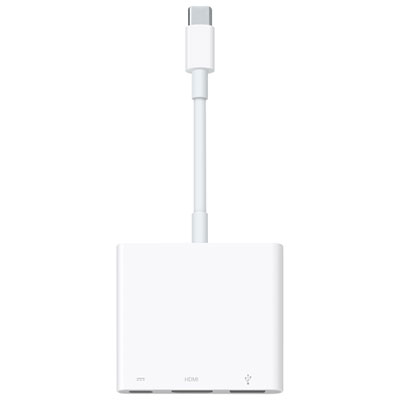





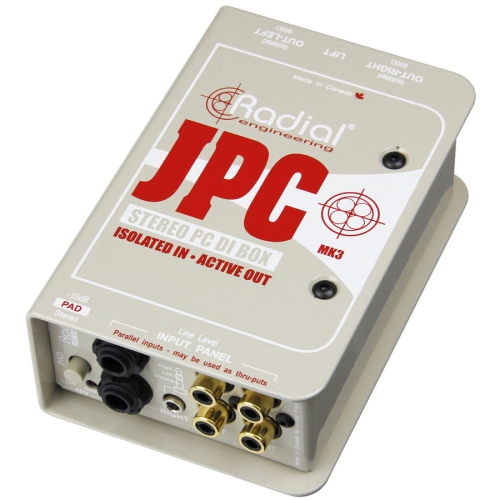
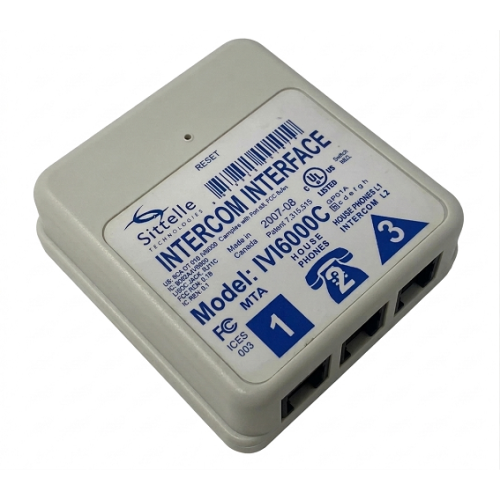
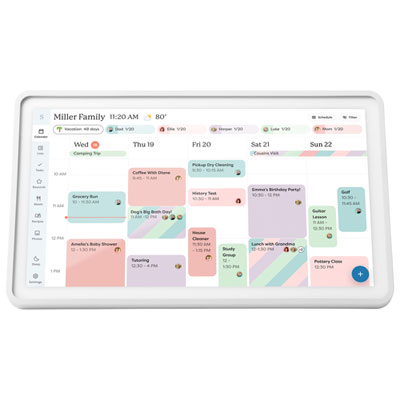
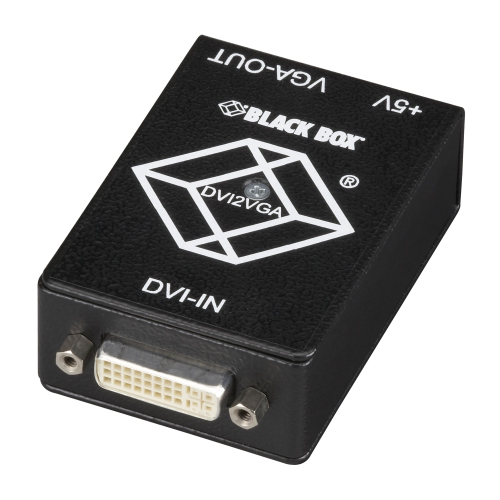
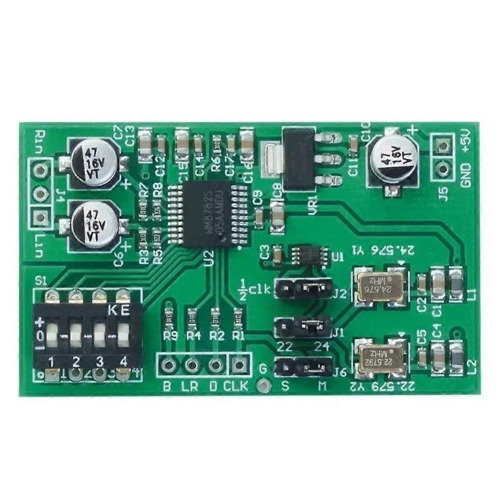
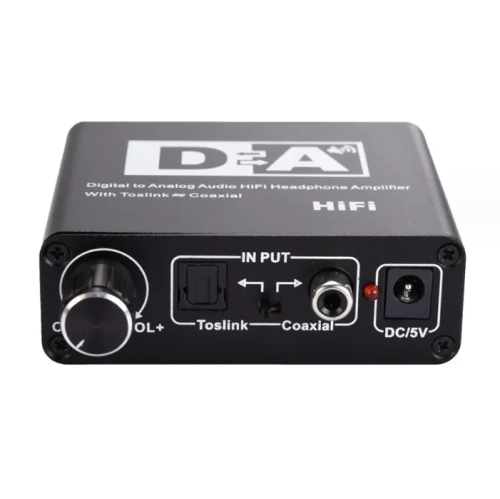
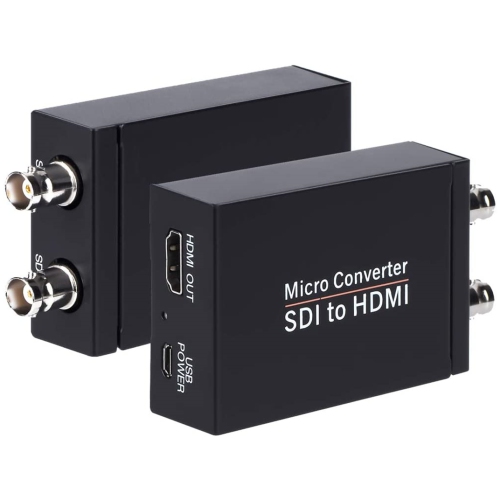
From screens to studio setups, technology feels more intuitive
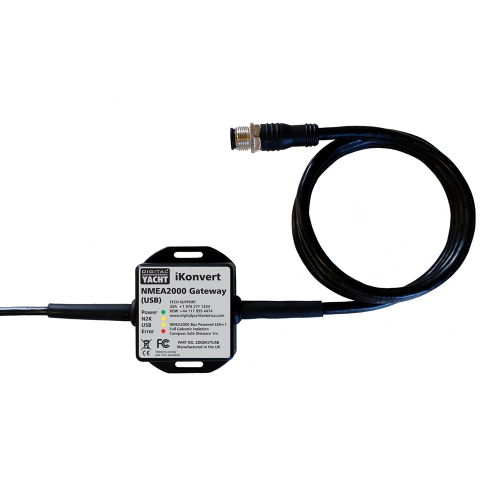
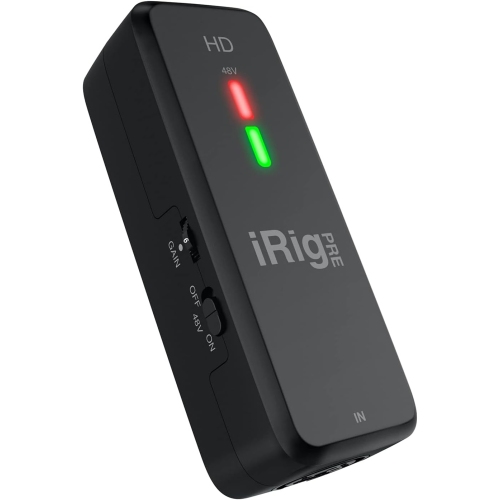
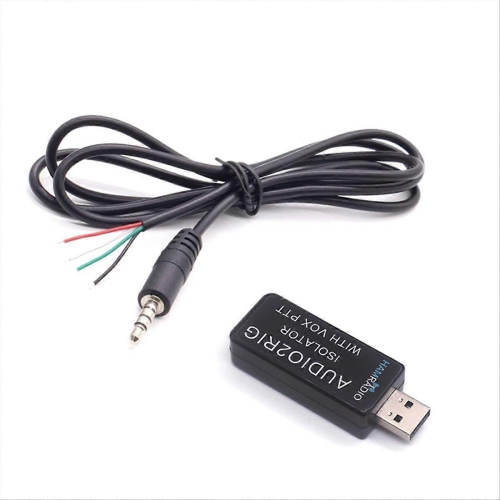
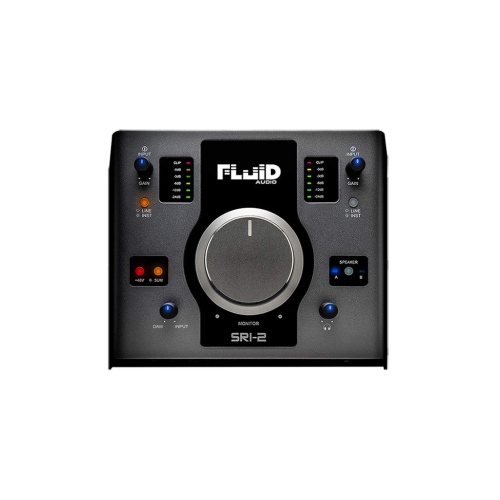
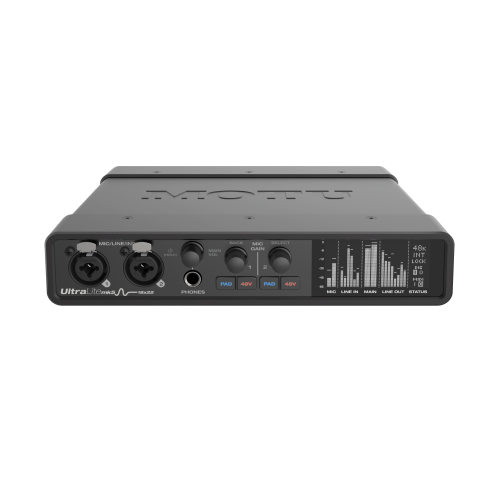
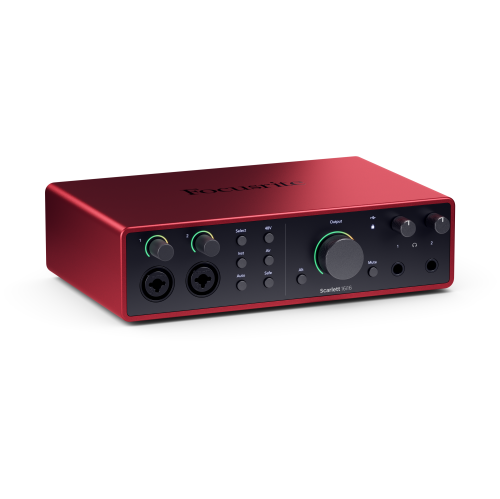
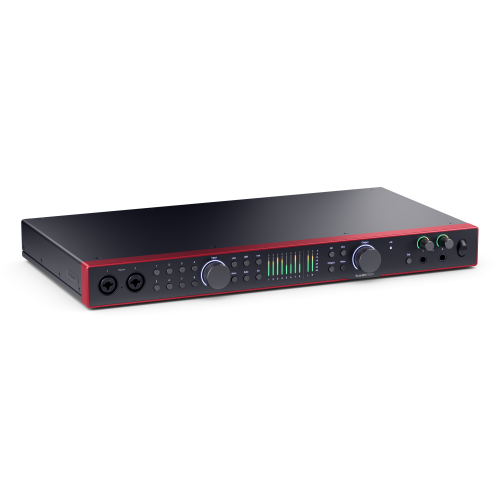
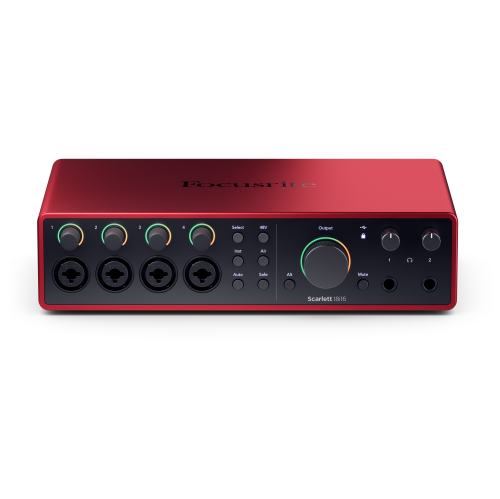
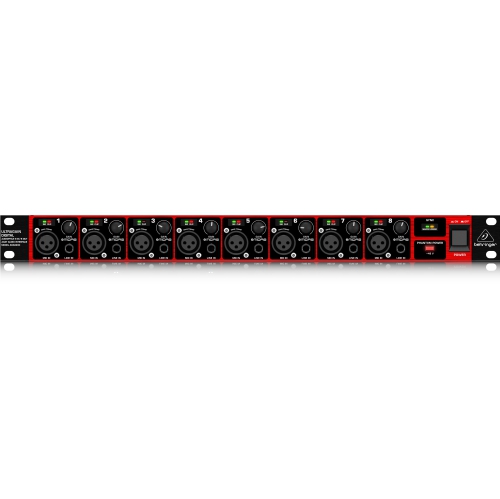
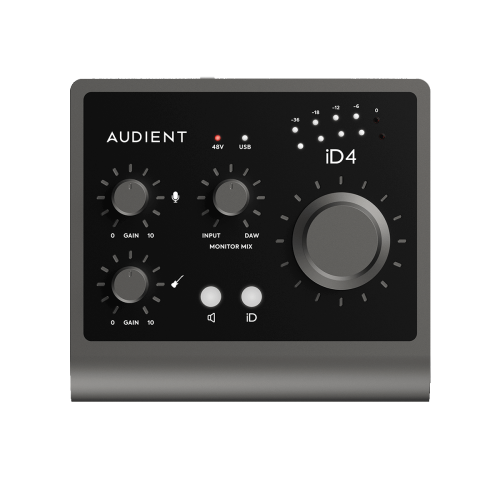
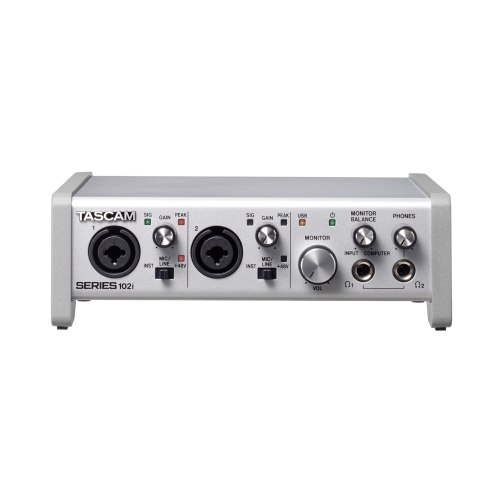
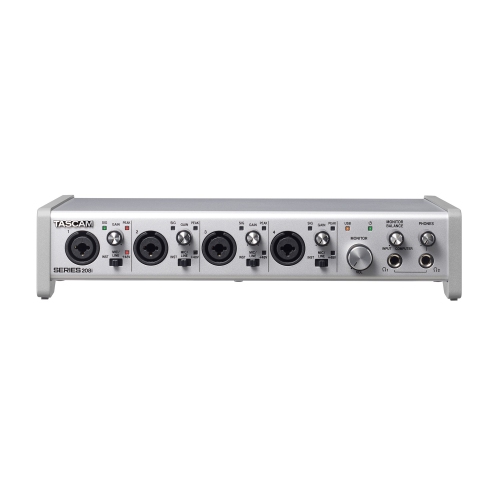
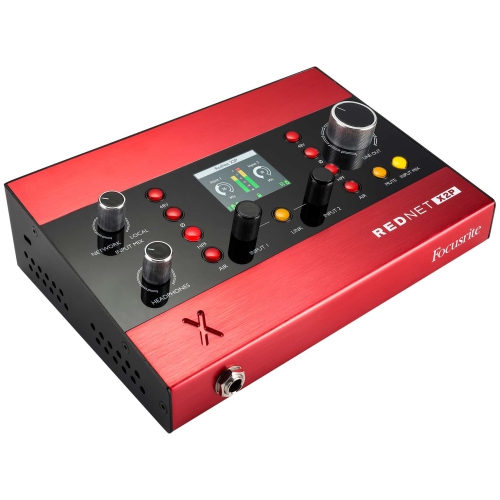
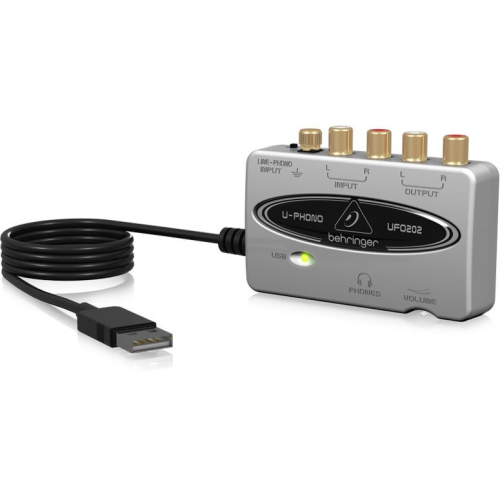
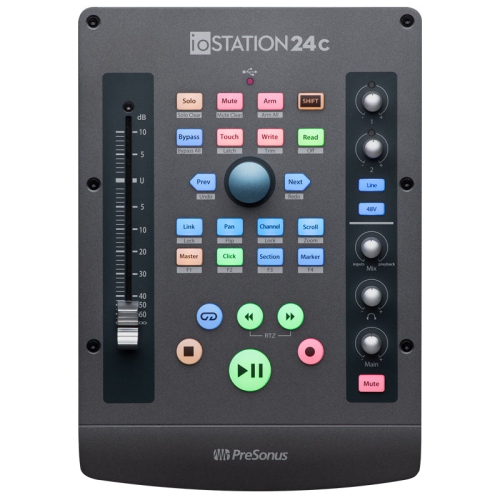
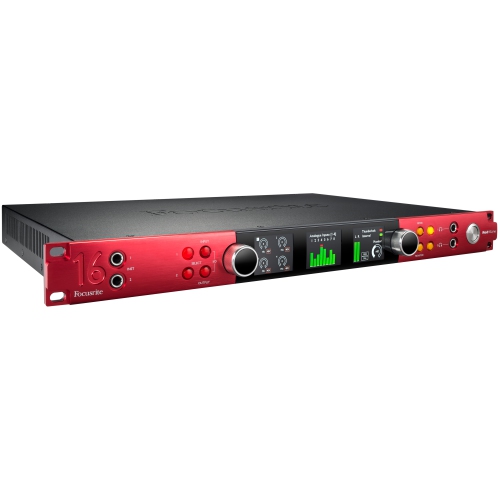
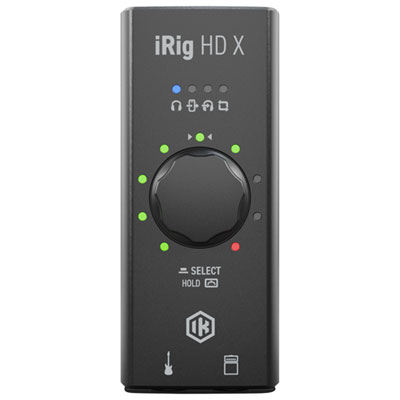
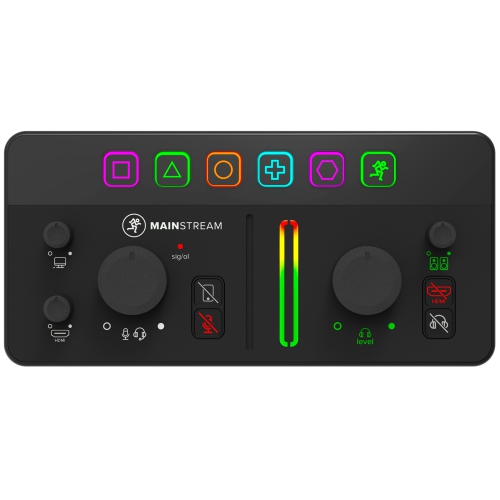
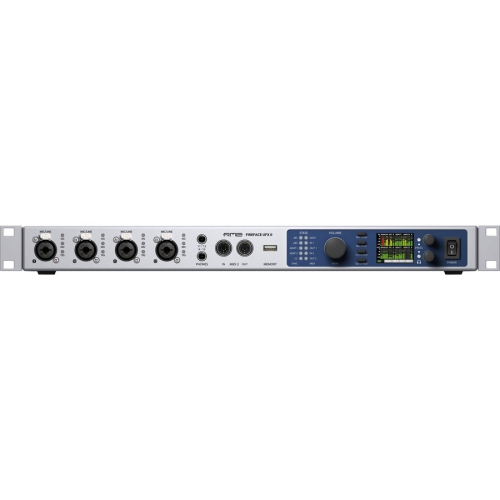
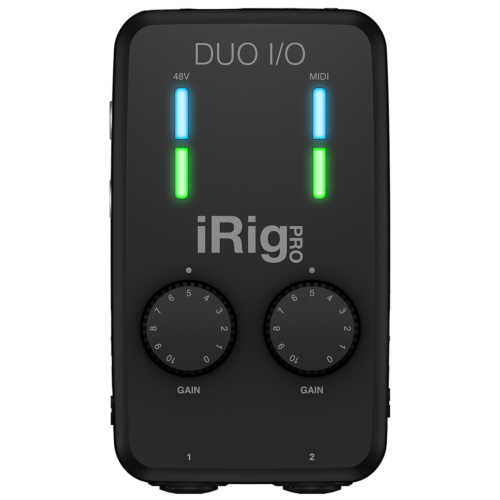
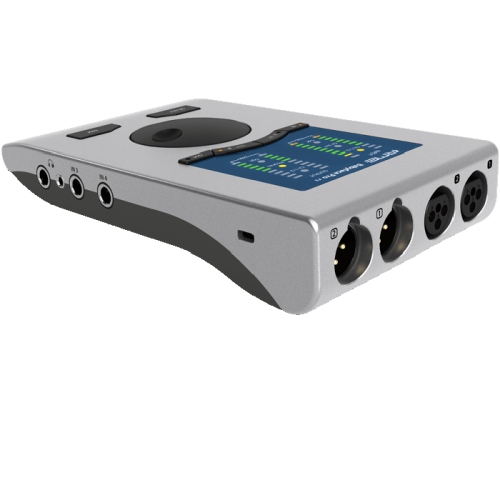
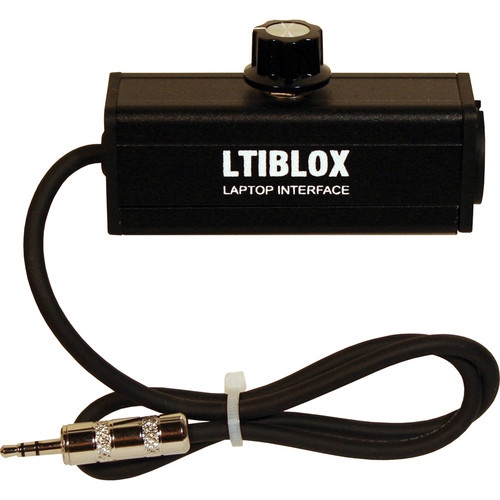
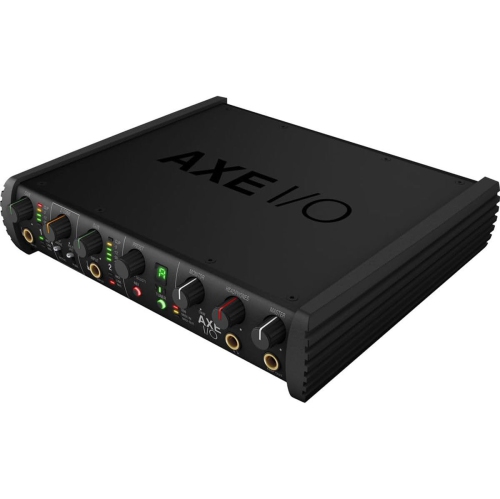
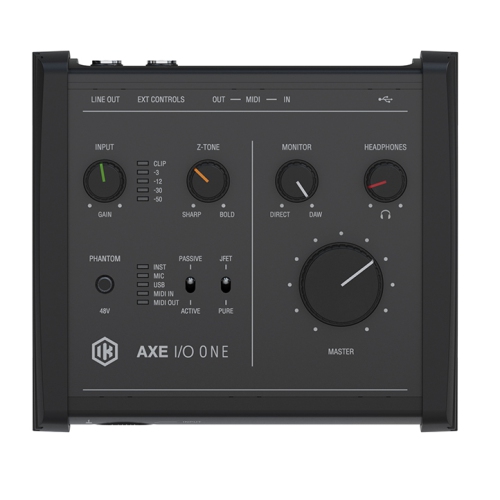
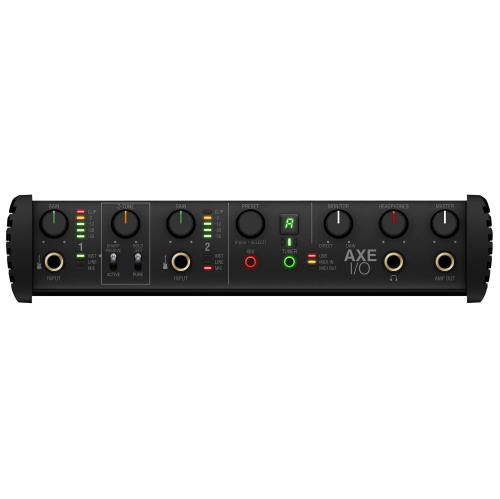
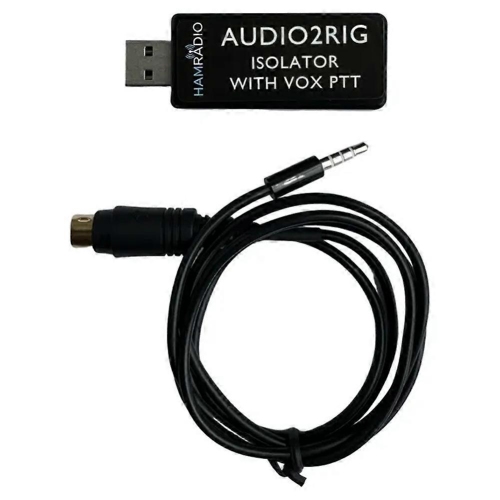
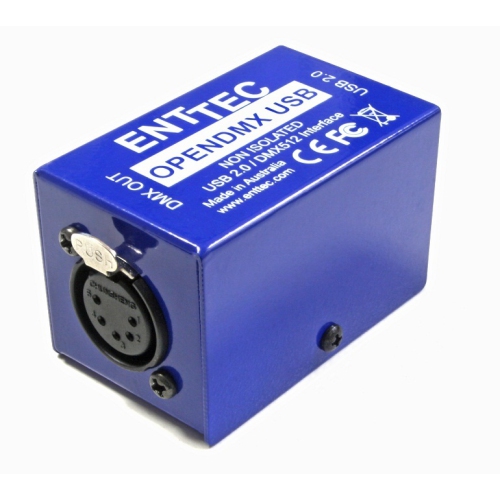
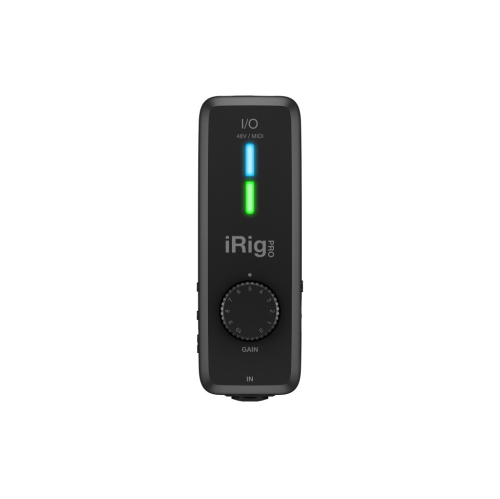
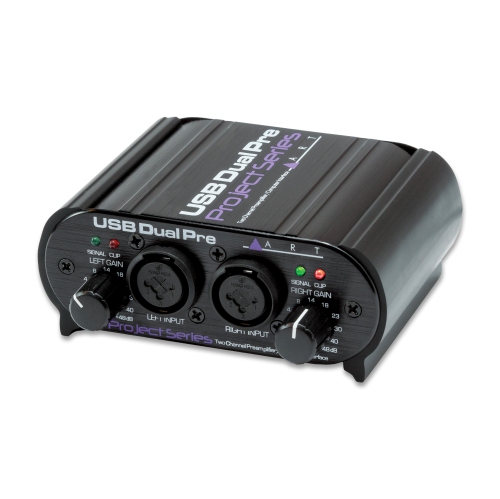
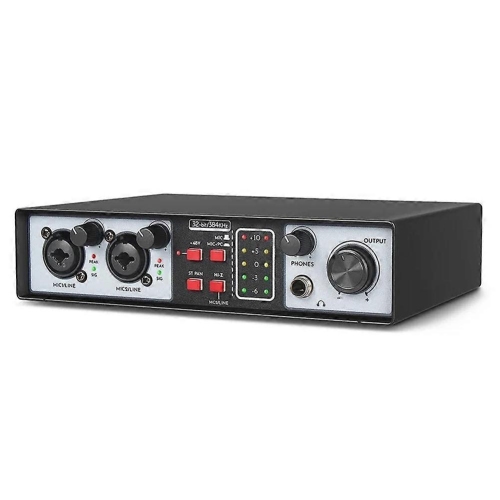
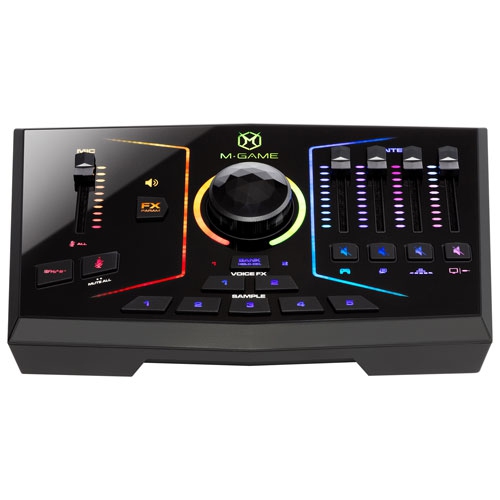
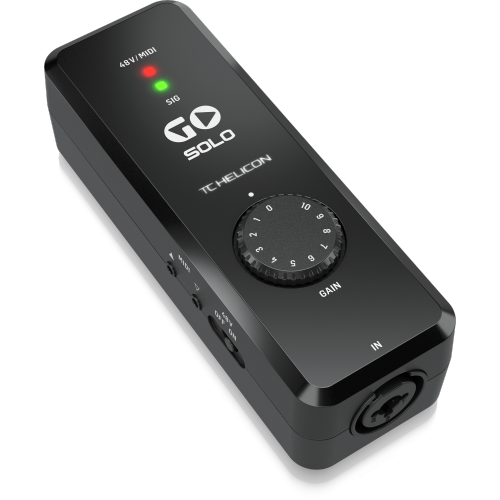
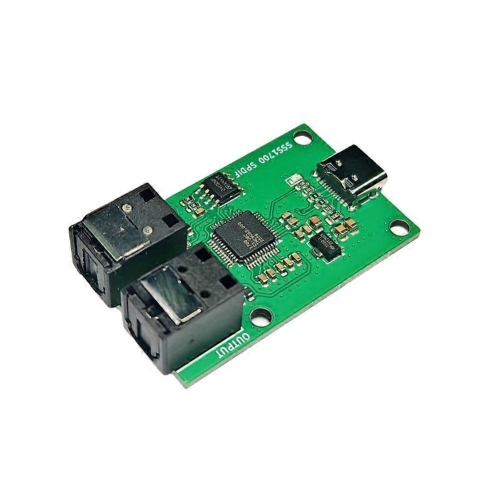
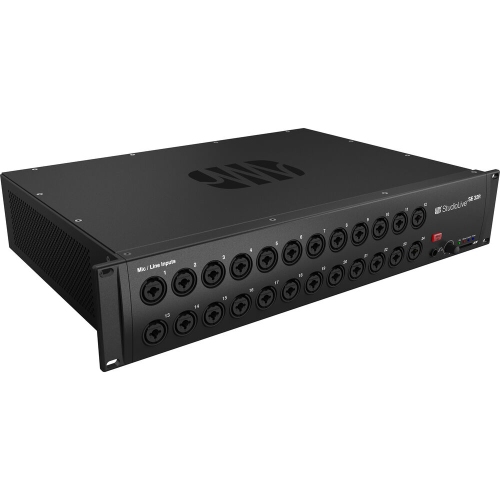
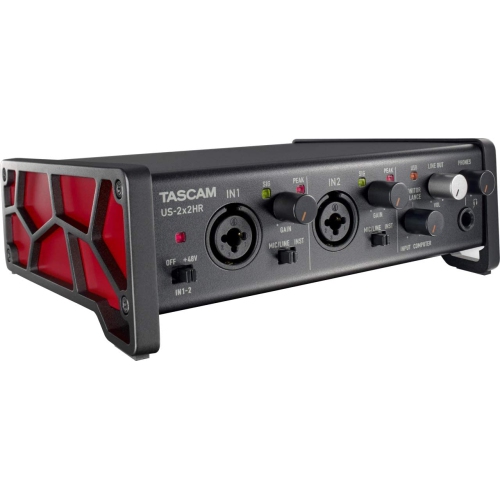
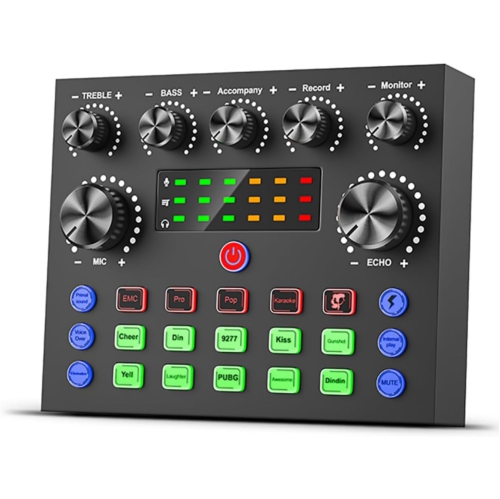
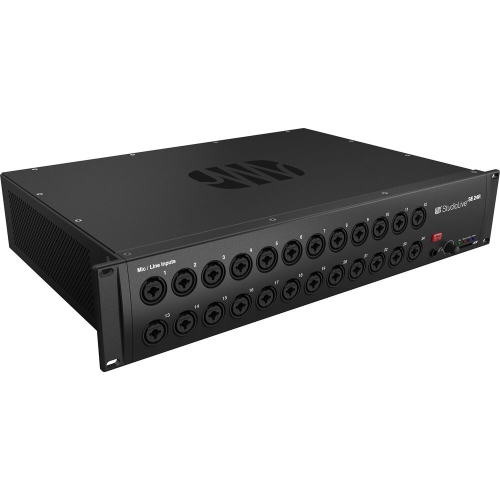
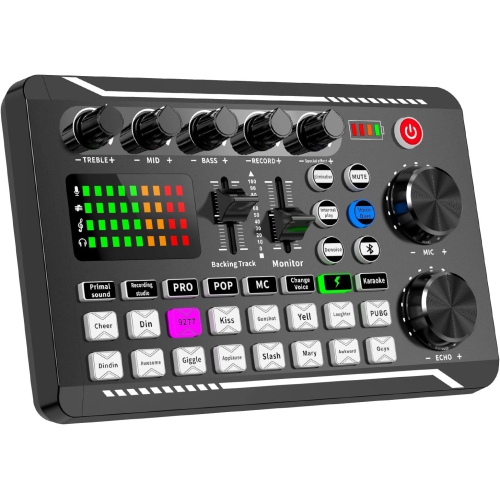
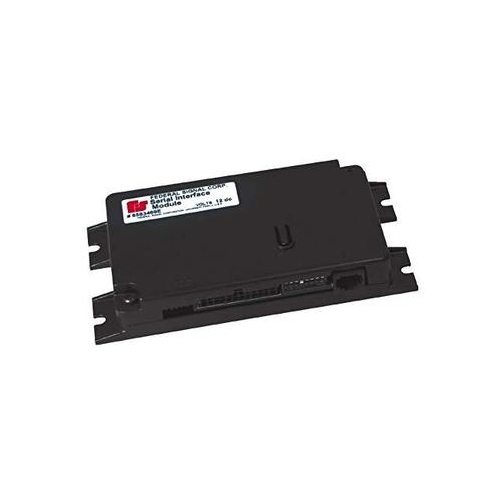
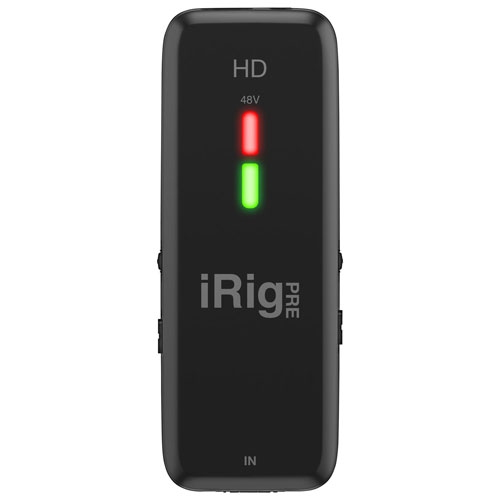
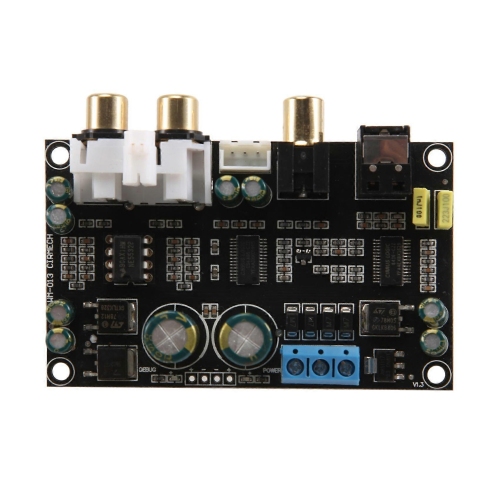
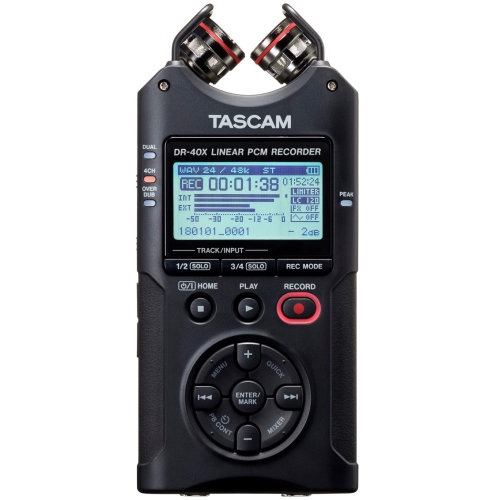
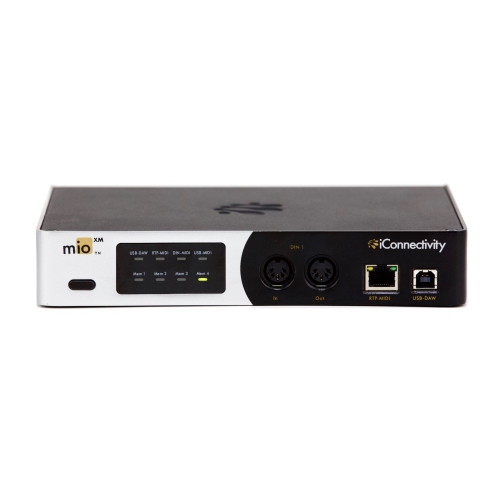
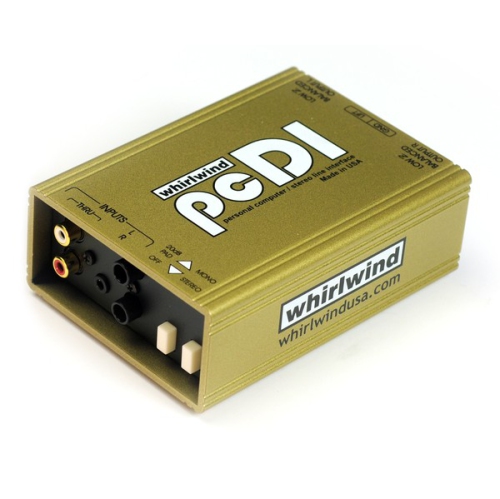
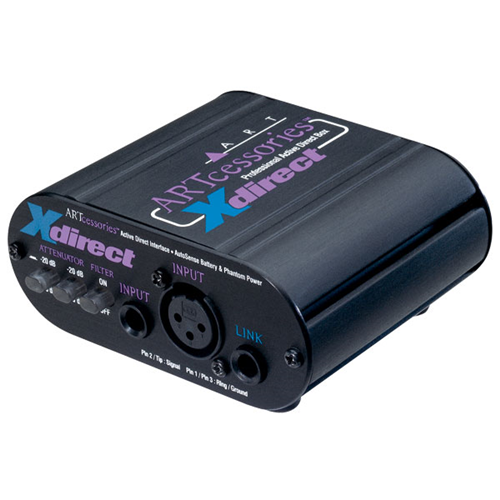
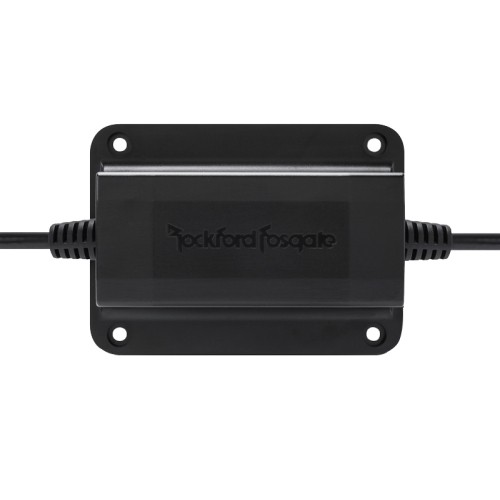
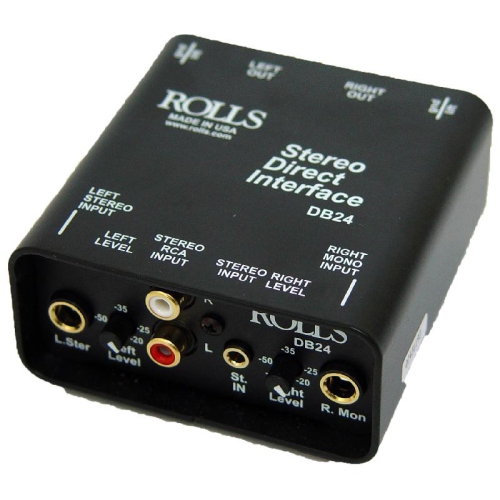
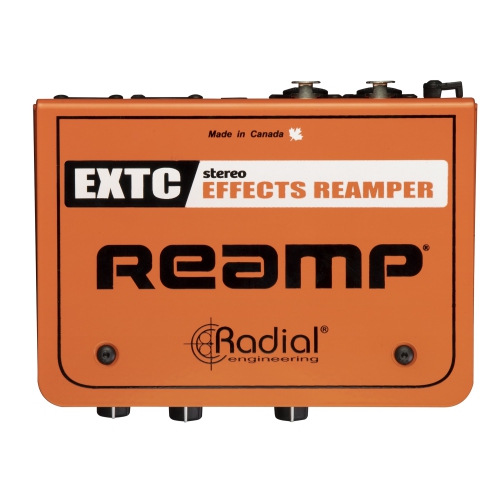
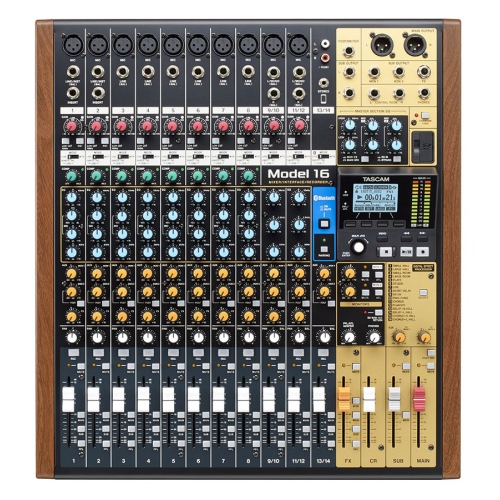
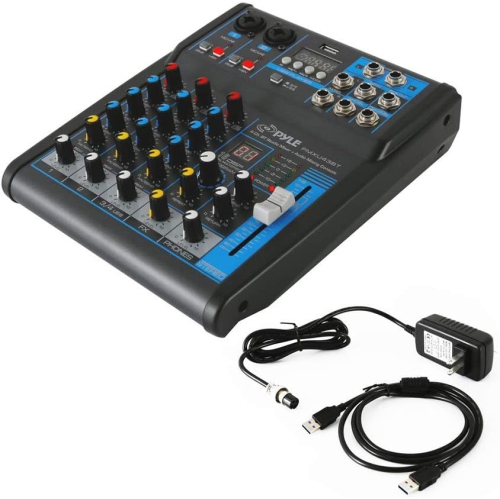
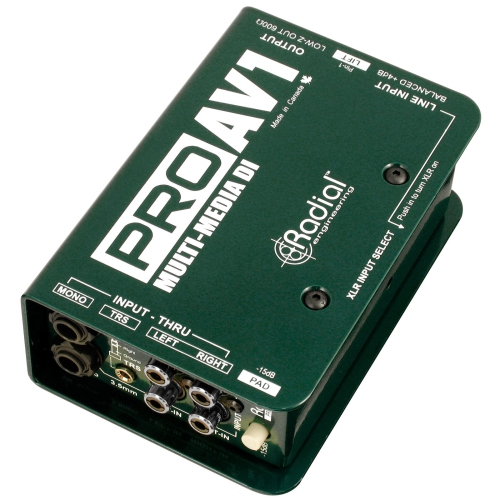
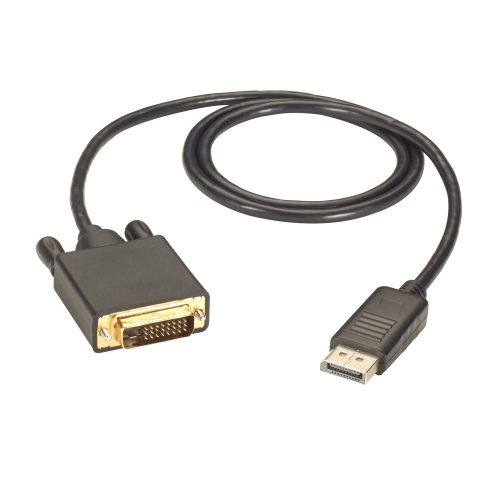
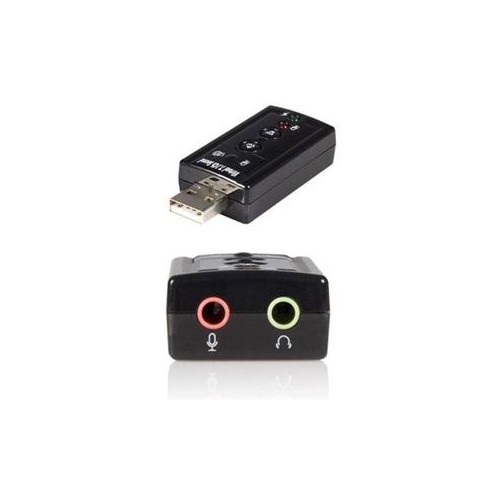
Digital interfaces are the bridge between people and electronic devices, helping information, commands, and real-world signals move in a form that technology can understand. In software, a digital interface is the visible system of menus, buttons, icons, text, colours, and controls that lets you interact with a phone, computer, tablet, app, or website. A well-designed interface guides your eye naturally, keeps important functions easy to find, and makes everyday tasks feel straightforward rather than confusing. In audio, a digital interface is a piece of hardware that connects microphones, instruments, headphones, speakers, or other recording equipment to a computer or compatible device. It converts analogue sound into digital data for recording, editing, streaming, mixing, and playback, then converts digital audio back into a signal you can hear through headphones or speakers. This makes digital interfaces useful for musicians, singers, podcasters, video creators, online teachers, streamers, and anyone who wants clearer, more controlled sound than a built-in computer or mobile device can provide. A compact interface can fit neatly beside a laptop on a desk, while a larger model may suit a shared studio, rehearsal space, classroom, or production room with several connected sources. When browsing digital interfaces, begin by considering how you plan to use one. A singer recording vocals may need a microphone input with clean preamp performance, while a guitarist or keyboard player may need an instrument or line input suited to their equipment. Someone creating a podcast with a co-host may benefit from multiple inputs, and a small band may need several channels for microphones and instruments at the same time. Also check the connection used by your computer or mobile device, such as USB or USB-C, and confirm that the interface is compatible with your operating system and preferred recording software. Input and output count, monitoring controls, headphone connections, phantom power for compatible microphones, and low-latency monitoring can all make a noticeable difference to the recording experience.
The right digital interface should feel like a natural part of your setup rather than another obstacle between an idea and the finished recording. Look for clear gain controls that let you adjust microphone or instrument levels without unwanted distortion, along with meters or indicators that make it easy to see when a signal is too quiet or too strong. Direct monitoring can help you hear your own voice or instrument with minimal delay, which is especially helpful when recording vocals, acoustic instruments, voiceovers, or live commentary. Headphone and speaker outputs give you flexibility for quiet practice, detailed editing, or room-filling playback, while compact designs are convenient for small workstations and mobile recording kits. If you work with software interfaces as well as physical audio equipment, ease of use matters in both places: clearly labelled controls, logical menus, and simple connections reduce the time spent searching through settings. Sound quality is influenced by more than specifications alone, so consider the type of source you will record, the space where you will use the equipment, and the rest of your audio chain. A quiet bedroom, a lively living room, and a treated studio each present different challenges, and a suitable interface can help you make the most of the space available. It can also be helpful to plan for the future. You may begin with a single microphone for spoken recordings and later add an instrument, a second microphone, or external monitors. Choosing enough inputs and outputs for likely projects can prevent the inconvenience of replacing equipment after your creative routine has grown. For shoppers comparing related audio equipment, Digital Converters can provide another way to explore hardware that changes signals between analogue and digital formats.
Digital interfaces can be practical gifts for a new musician, a student learning audio production, a family member launching a podcast, or a creator building a recording corner at home. They are also useful for people who record music as a relaxing hobby after work, capture voiceovers for videos, teach lessons online, or take part in remote rehearsals and performances. During the warmer seasons, a portable setup can travel to a rehearsal room, cottage, or outdoor location, provided the equipment is protected from moisture, dust, and sudden temperature changes. As the weather cools and more creative time moves indoors, an interface can turn a quiet corner of a home into a space for songwriting, practice, streaming, or detailed audio editing. Before buying, check what is included and what must be supplied separately, since microphones, cables, headphones, stands, speakers, and recording software may not all come in the box. Think about where the interface will sit, how often it will be moved, and whether its controls will remain easy to reach once other equipment is connected. A first-time user may appreciate a straightforward layout with clearly marked inputs and dedicated level controls, while an experienced creator may prioritize additional channels, advanced routing, higher-resolution recording, or compatibility with a more involved studio workflow. For any digital interface, the best choice is one that matches the task, connects easily to the devices already in use, and leaves enough room for the way those tasks may develop. Whether it is helping a computer display a simple, intuitive screen or transforming a live microphone and guitar into editable digital audio, an interface makes technology more responsive, creative, and useful in everyday life.
The right digital interface should feel like a natural part of your setup rather than another obstacle between an idea and the finished recording. Look for clear gain controls that let you adjust microphone or instrument levels without unwanted distortion, along with meters or indicators that make it easy to see when a signal is too quiet or too strong. Direct monitoring can help you hear your own voice or instrument with minimal delay, which is especially helpful when recording vocals, acoustic instruments, voiceovers, or live commentary. Headphone and speaker outputs give you flexibility for quiet practice, detailed editing, or room-filling playback, while compact designs are convenient for small workstations and mobile recording kits. If you work with software interfaces as well as physical audio equipment, ease of use matters in both places: clearly labelled controls, logical menus, and simple connections reduce the time spent searching through settings. Sound quality is influenced by more than specifications alone, so consider the type of source you will record, the space where you will use the equipment, and the rest of your audio chain. A quiet bedroom, a lively living room, and a treated studio each present different challenges, and a suitable interface can help you make the most of the space available. It can also be helpful to plan for the future. You may begin with a single microphone for spoken recordings and later add an instrument, a second microphone, or external monitors. Choosing enough inputs and outputs for likely projects can prevent the inconvenience of replacing equipment after your creative routine has grown. For shoppers comparing related audio equipment, Digital Converters can provide another way to explore hardware that changes signals between analogue and digital formats.
Digital interfaces can be practical gifts for a new musician, a student learning audio production, a family member launching a podcast, or a creator building a recording corner at home. They are also useful for people who record music as a relaxing hobby after work, capture voiceovers for videos, teach lessons online, or take part in remote rehearsals and performances. During the warmer seasons, a portable setup can travel to a rehearsal room, cottage, or outdoor location, provided the equipment is protected from moisture, dust, and sudden temperature changes. As the weather cools and more creative time moves indoors, an interface can turn a quiet corner of a home into a space for songwriting, practice, streaming, or detailed audio editing. Before buying, check what is included and what must be supplied separately, since microphones, cables, headphones, stands, speakers, and recording software may not all come in the box. Think about where the interface will sit, how often it will be moved, and whether its controls will remain easy to reach once other equipment is connected. A first-time user may appreciate a straightforward layout with clearly marked inputs and dedicated level controls, while an experienced creator may prioritize additional channels, advanced routing, higher-resolution recording, or compatibility with a more involved studio workflow. For any digital interface, the best choice is one that matches the task, connects easily to the devices already in use, and leaves enough room for the way those tasks may develop. Whether it is helping a computer display a simple, intuitive screen or transforming a live microphone and guitar into editable digital audio, an interface makes technology more responsive, creative, and useful in everyday life.
Top selling and popular products
-
 Your price for this item is $989
 -
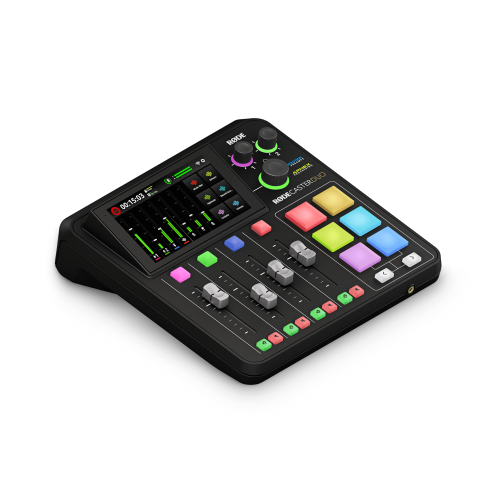 Your price for this item is $699
 -
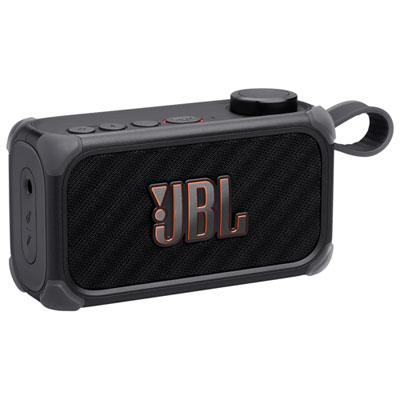 Your price for this item is $329.99
 -
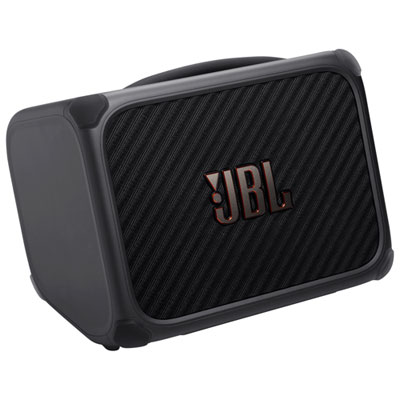 Your price for this item is $799.99
 -
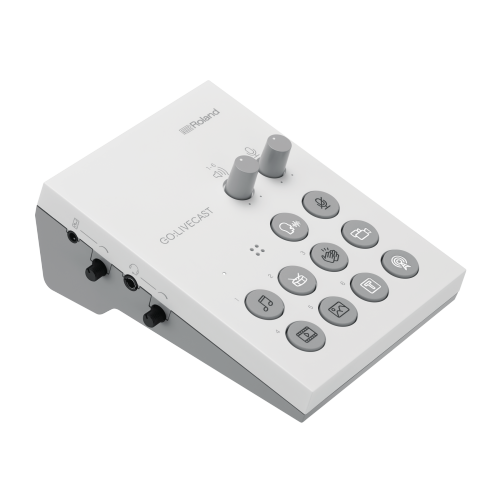 Your price for this item is $69
 -
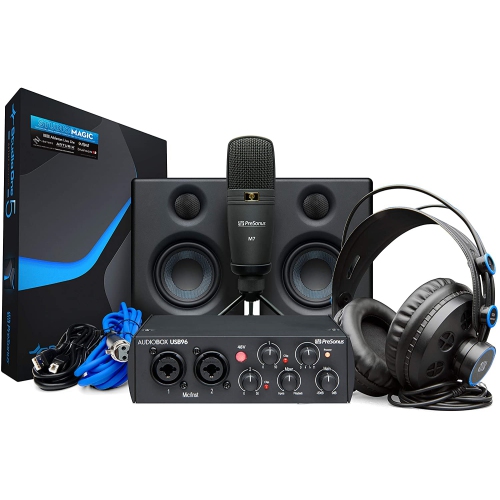 Your price for this item is $459.99
 -
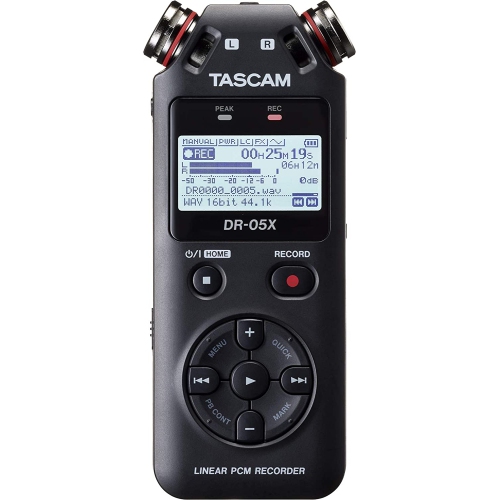 Your price for this item is $299
 -
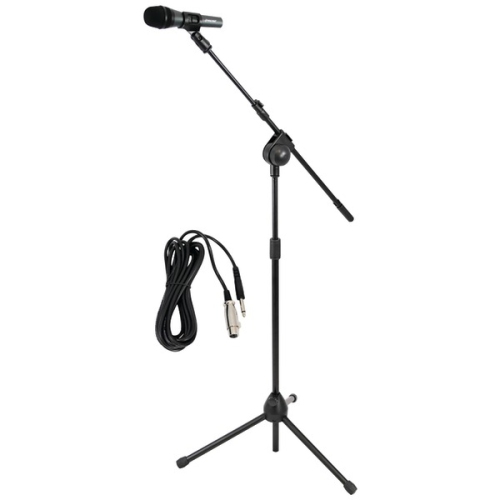 Your price for this item is $59.99
Discover more categories related to Digital Interfaces

Top Collections:
Pokemon Centers, Best Cameras for Sports Photography, Kindle Devices, Samsung Galaxy Phones, Canon G7X Cameras, Pokémon 30th Celebration Cards, Refurbished Apple Laptops, iPhone 15 Apple, Laptops for Students, Budget Smartphones
Some products may be subject to Environmental Handling Fees
(EHF) depending on your province.
Learn more about EHFs.