Earbuds for Work From Home
Earbuds are one of the most popular types of headphones. They're small, lightweight, and portable, and they can be used with almost any device. They're also very affordable, which makes them a great choice for people who want to listen to music on the go but don't want to spend a lot of money. Here are some of the best earbuds that you can use in your work-from-home setup.
Sort
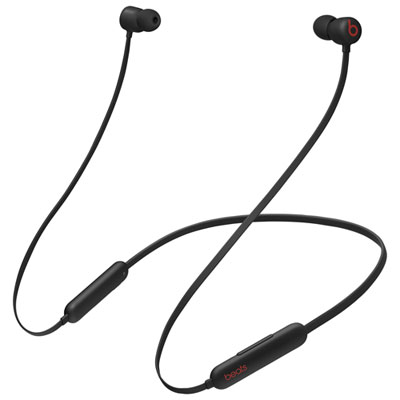
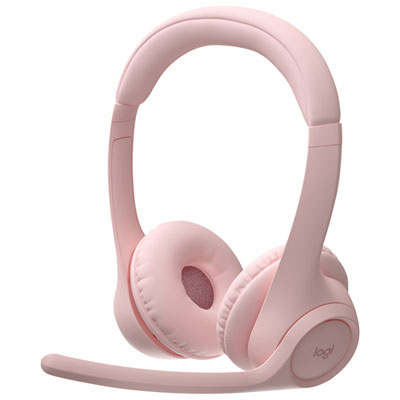
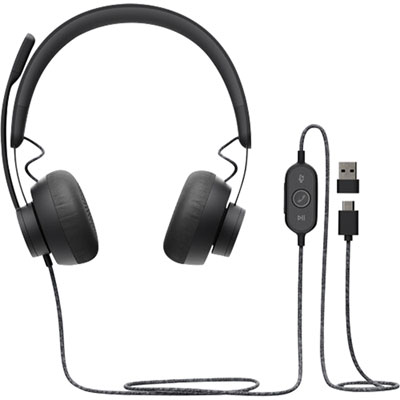
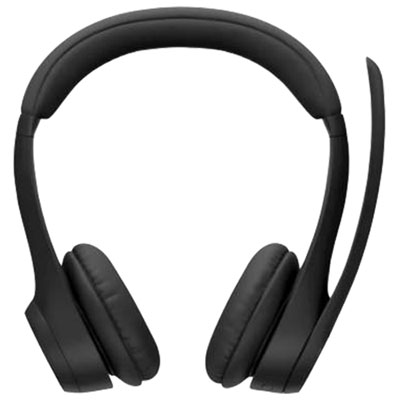
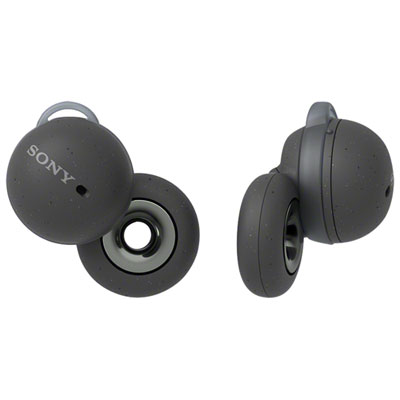
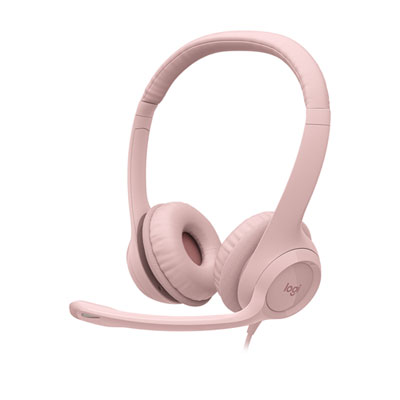
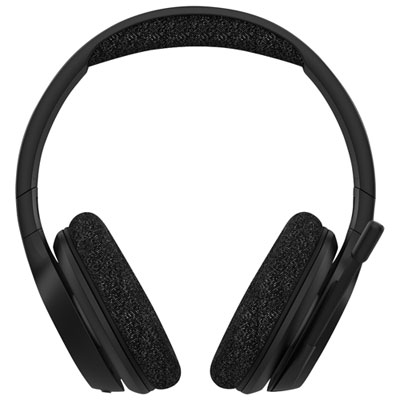
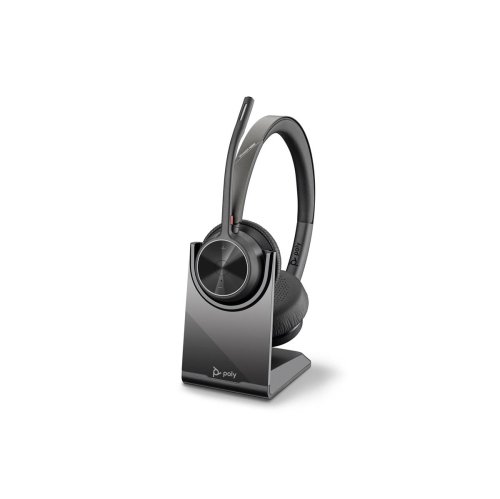
Clear calls, comfortable focus, and smoother device switching
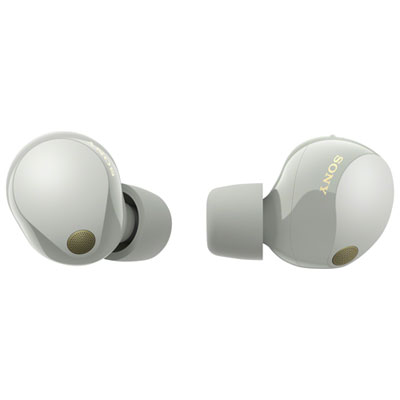
Earbuds for working from home can make a noticeable difference to the way a remote workday feels, whether you are taking video meetings from a dedicated office, answering messages at the kitchen table, or moving between rooms with a laptop in hand. The right pair can help your voice sound clear during a presentation, reduce the hum of a furnace or the clatter of dishes, and keep audio private when other people are nearby. When comparing earbuds for work from home, start with the microphone system. Integrated microphones with voice-processing technology can focus on your speech while reducing common distractions such as keyboard taps, a nearby television, traffic, or household conversation. A noise-cancelling microphone may be especially helpful if your workspace is in a shared room, while a detachable or built-in boom microphone can provide a more direct pickup for frequent callers. Active noise cancellation in the earbuds serves a different purpose: it reduces the sound reaching your ears, making it easier to concentrate during long stretches of writing, planning, or online training. A transparency or ambient mode is equally useful when you need to hear a doorbell, speak with someone at home, or stay aware of your surroundings without removing the earbuds. For a broader selection suited to calls, music, focus time, and everyday computer use, browse Wireless Earbuds for Work.
Connection options are another important consideration because a smooth transition between devices can prevent small interruptions from becoming frustrating delays. Bluetooth earbuds are convenient for laptops, tablets, and phones, but compatibility and pairing behaviour can vary between operating systems and computers. Multi-device pairing, sometimes called multipoint connectivity, lets you remain connected to two devices and move from a video call on a computer to an incoming call on a phone with less manual reconnecting. Some earbuds support a USB wireless dongle, which can provide a dependable connection to a PC or Mac and may improve compatibility with meeting software. Check whether the included accessories match the ports on your computer, particularly if your laptop relies on USB-C. It is also worth confirming support for the platforms you use, including Microsoft Teams, Zoom, Google Meet, and other browser-based calling services. Platform certification can provide added confidence, but microphone performance still depends on room acoustics, software settings, and how the earbuds fit. Battery life matters just as much. Look for enough listening and talk time to cover a full work block, along with a charging case that can top up the earbuds between meetings. Fast charging is handy when a low-battery warning appears just before a call, while a case with a clear battery indicator helps you plan ahead. If you often work away from an outlet, consider total playtime with the case as well as the single-charge rating, and remember that active noise cancellation, high volume, and frequent calls can reduce the stated maximum.
Comfort and fit can determine whether earbuds become a daily work essential or sit unused in a drawer. A secure fit helps microphones stay positioned consistently and can improve passive sound isolation, but earbuds should not create pressure or soreness during a long meeting. Many designs include multiple ear tip sizes, so take time to try the options and choose a seal that feels stable without being tight. Lightweight earbuds are convenient for all-day use, while a model with touch or physical controls can let you mute, adjust volume, answer a call, or switch listening modes without reaching for the computer. Physical buttons may be preferable if accidental taps are a concern, especially when adjusting an earbud while speaking. Think about your home office habits, too. Someone who spends most of the day in scheduled meetings may value outstanding microphone clarity, reliable connectivity, and comfortable call controls above all else. Someone who works independently may place greater emphasis on noise cancellation, balanced audio, and battery life for focused tasks, background music, or podcasts. Earbuds can also be a thoughtful gift for a student, freelancer, hybrid employee, or family member who has created a workspace at home, particularly when the recipient uses a laptop for classes, appointments, interviews, or team meetings. During the cooler months, when windows are more likely to stay closed and indoor routines become busier, a comfortable pair can help create a calm audio space without taking over a desk. Before choosing, consider the recipient’s main device, preferred connection method, tolerance for in-ear designs, and need for a boom microphone or standard integrated microphones. The best fit is the one that works naturally with the person’s routine, sounds clear to people on the other end of a call, and remains comfortable from the first morning meeting through the final message of the day.
Connection options are another important consideration because a smooth transition between devices can prevent small interruptions from becoming frustrating delays. Bluetooth earbuds are convenient for laptops, tablets, and phones, but compatibility and pairing behaviour can vary between operating systems and computers. Multi-device pairing, sometimes called multipoint connectivity, lets you remain connected to two devices and move from a video call on a computer to an incoming call on a phone with less manual reconnecting. Some earbuds support a USB wireless dongle, which can provide a dependable connection to a PC or Mac and may improve compatibility with meeting software. Check whether the included accessories match the ports on your computer, particularly if your laptop relies on USB-C. It is also worth confirming support for the platforms you use, including Microsoft Teams, Zoom, Google Meet, and other browser-based calling services. Platform certification can provide added confidence, but microphone performance still depends on room acoustics, software settings, and how the earbuds fit. Battery life matters just as much. Look for enough listening and talk time to cover a full work block, along with a charging case that can top up the earbuds between meetings. Fast charging is handy when a low-battery warning appears just before a call, while a case with a clear battery indicator helps you plan ahead. If you often work away from an outlet, consider total playtime with the case as well as the single-charge rating, and remember that active noise cancellation, high volume, and frequent calls can reduce the stated maximum.
Comfort and fit can determine whether earbuds become a daily work essential or sit unused in a drawer. A secure fit helps microphones stay positioned consistently and can improve passive sound isolation, but earbuds should not create pressure or soreness during a long meeting. Many designs include multiple ear tip sizes, so take time to try the options and choose a seal that feels stable without being tight. Lightweight earbuds are convenient for all-day use, while a model with touch or physical controls can let you mute, adjust volume, answer a call, or switch listening modes without reaching for the computer. Physical buttons may be preferable if accidental taps are a concern, especially when adjusting an earbud while speaking. Think about your home office habits, too. Someone who spends most of the day in scheduled meetings may value outstanding microphone clarity, reliable connectivity, and comfortable call controls above all else. Someone who works independently may place greater emphasis on noise cancellation, balanced audio, and battery life for focused tasks, background music, or podcasts. Earbuds can also be a thoughtful gift for a student, freelancer, hybrid employee, or family member who has created a workspace at home, particularly when the recipient uses a laptop for classes, appointments, interviews, or team meetings. During the cooler months, when windows are more likely to stay closed and indoor routines become busier, a comfortable pair can help create a calm audio space without taking over a desk. Before choosing, consider the recipient’s main device, preferred connection method, tolerance for in-ear designs, and need for a boom microphone or standard integrated microphones. The best fit is the one that works naturally with the person’s routine, sounds clear to people on the other end of a call, and remains comfortable from the first morning meeting through the final message of the day.
Top selling and popular products
-
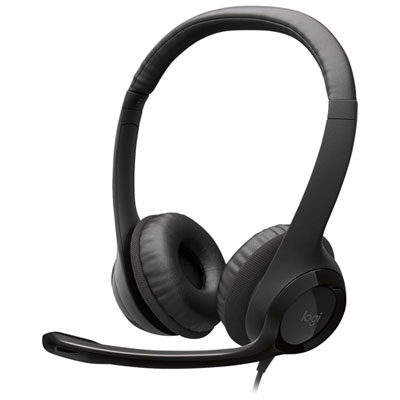 Your price for this item is $39.99
 -
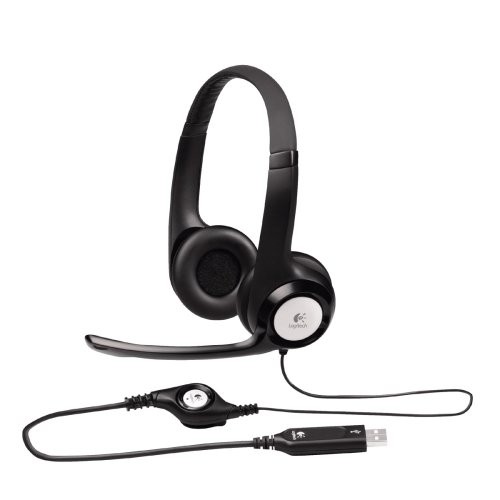 Your price for this item is $49
 -
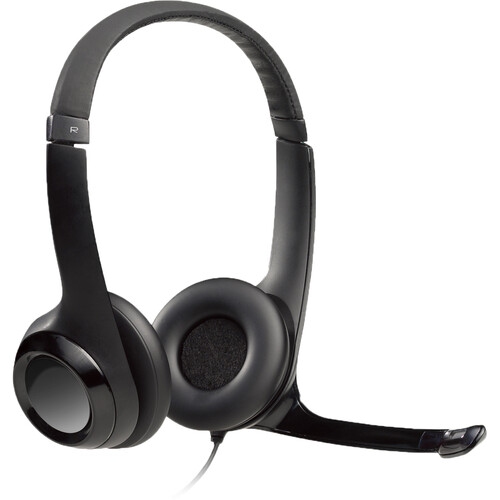 Your price for this item is $96
 -
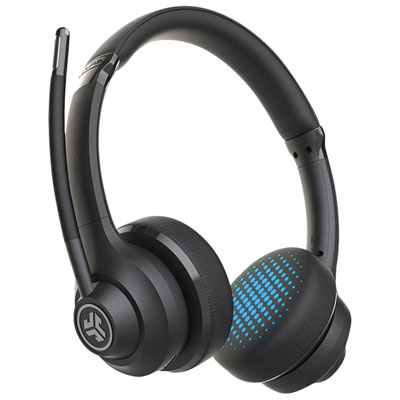 Your price for this item is $49.98
 -
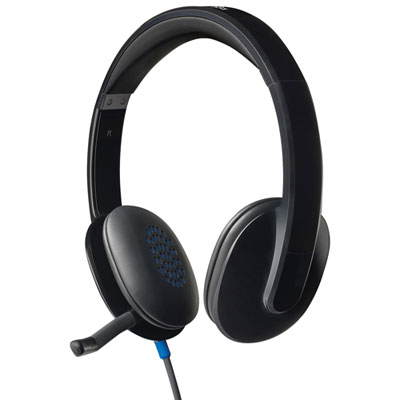 Your price for this item is $47.98
 -
 Your price for this item is $62.68
 -
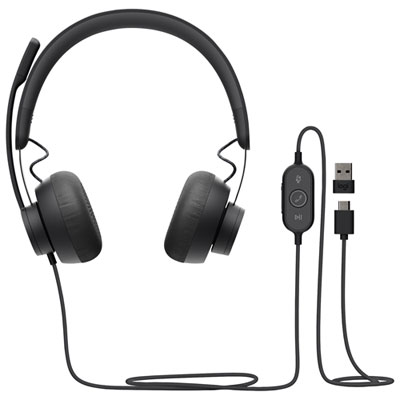 Your price for this item is $179.95
 -
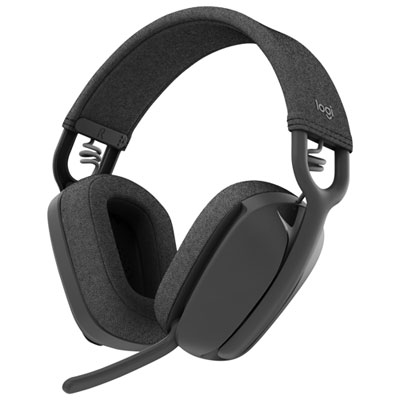 Your price for this item is $129.99
Discover more categories related to Earbuds for Work From Home
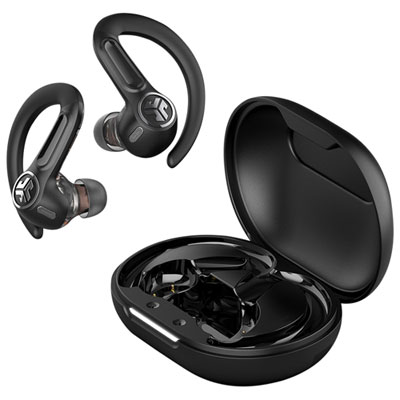
Top Collections:
Pokemon Centers, Kindle Devices, Best Budget Office Chairs, Apple iPhones 16, Best Laptops for Writers, iPhone 15 Apple, Canon G7X Cameras, Refurbished Apple Laptops, Alarm Clock, Motorola Razr Phones
Some products may be subject to Environmental Handling Fees
(EHF) depending on your province.
Learn more about EHFs.