Optical Input Speakers
Enhance your audio experience with optical input speakers, the perfect addition to almost any entertainment setup. Designed to deliver crisp, clear sound, these speakers utilize the power of optical input technology to seamlessly connect with your devices and provide an immersive listening experience. Whether you're watching movies, gaming, or simply enjoying your favorite music, optical input speakers offer superior sound quality and enhanced connectivity options.
Sort
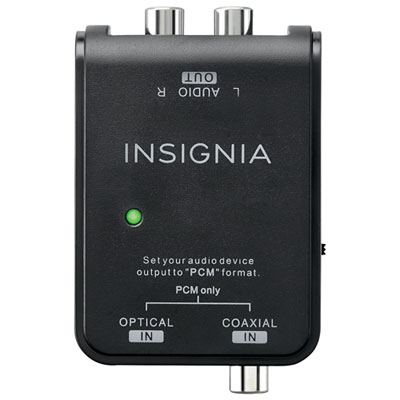
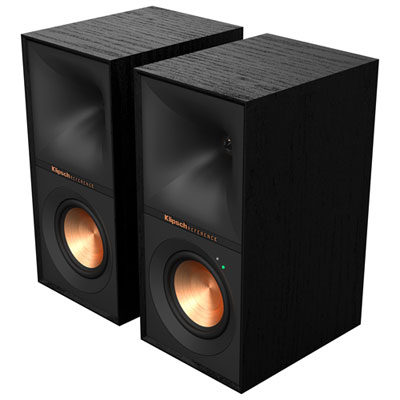
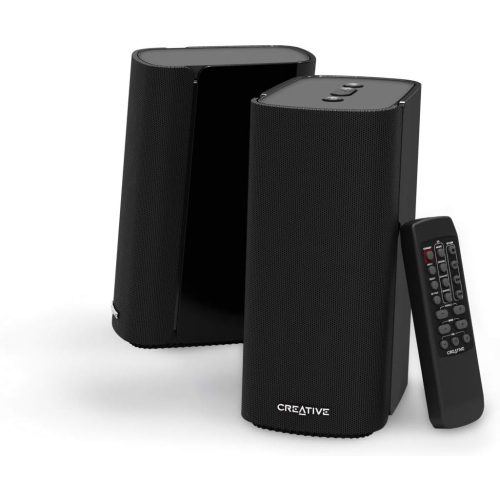
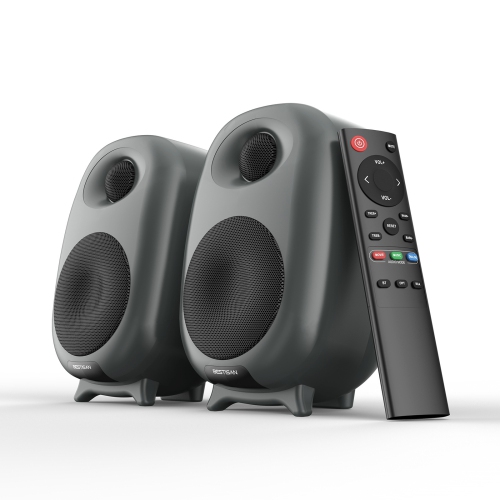
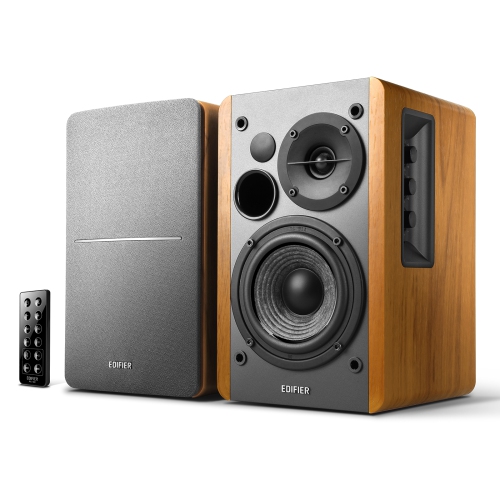
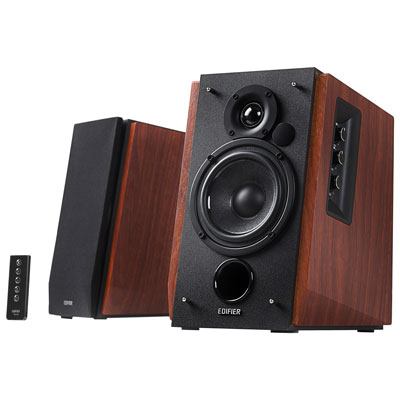
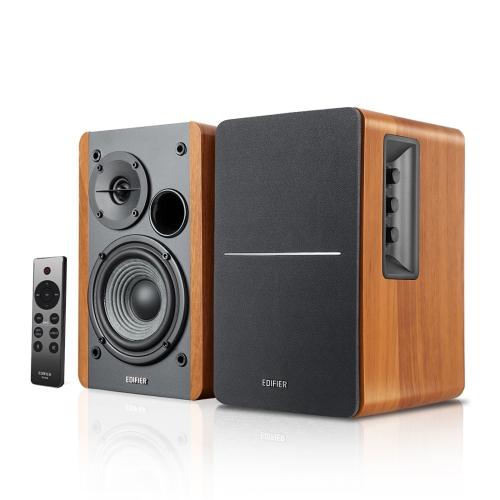
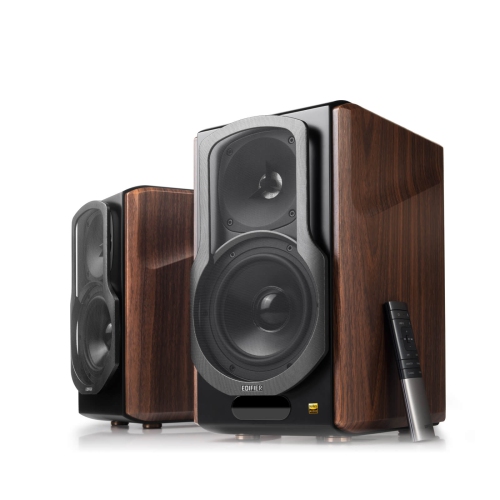
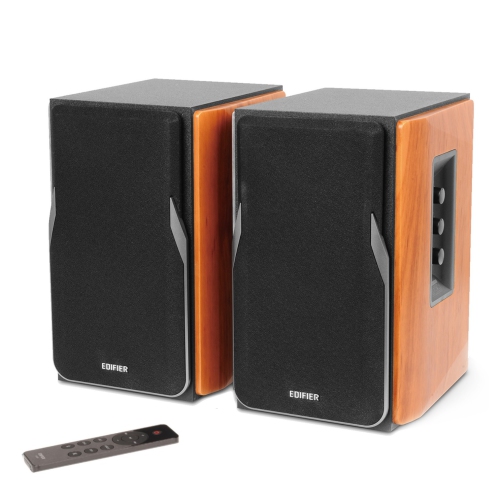
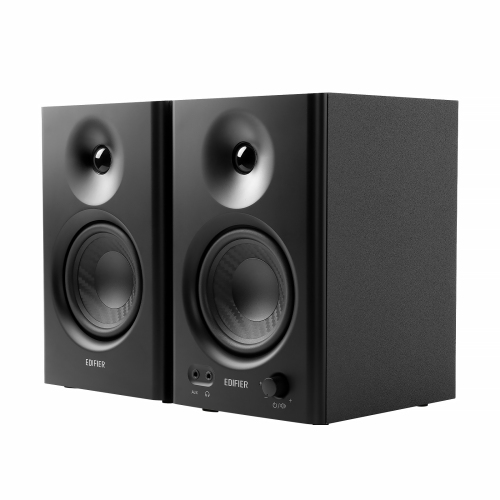
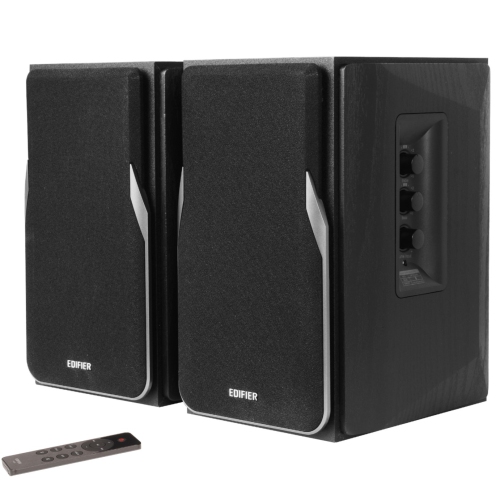
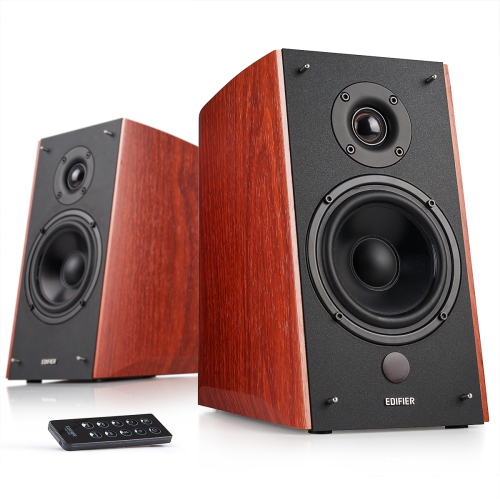
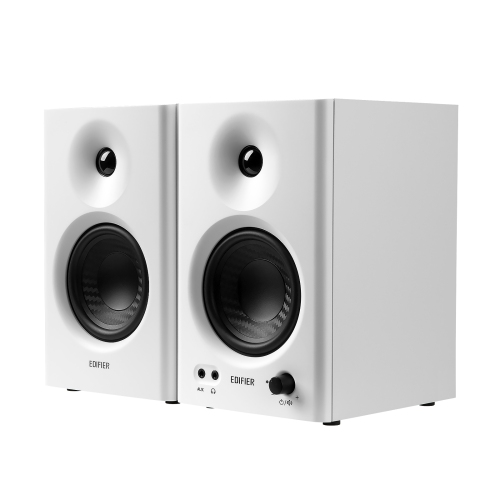
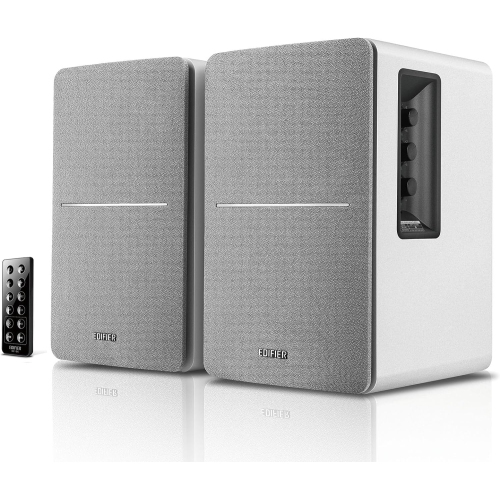
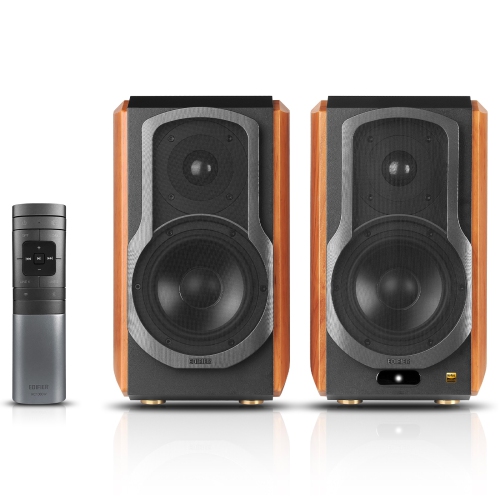
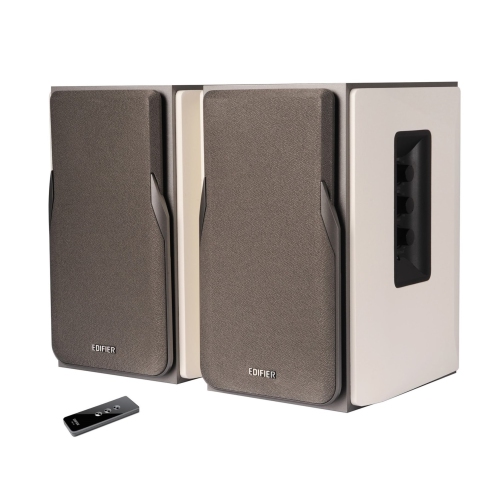
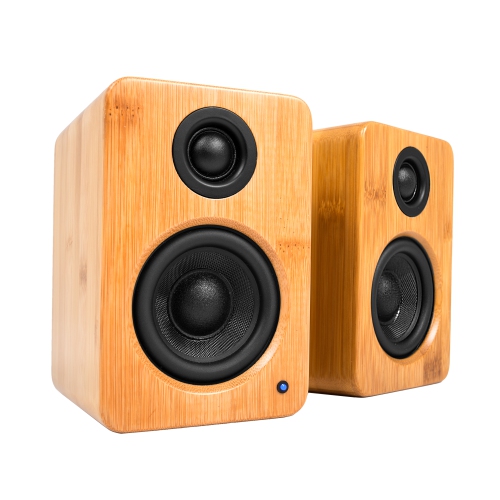
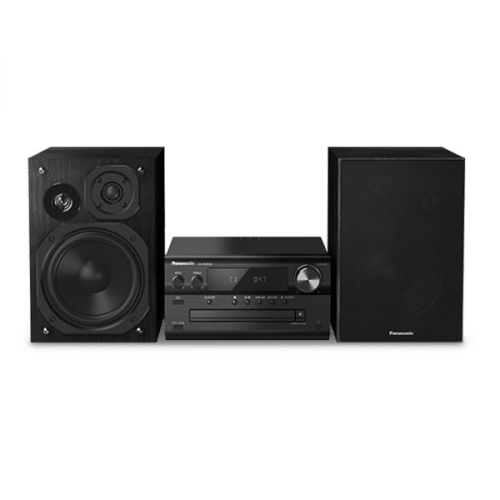
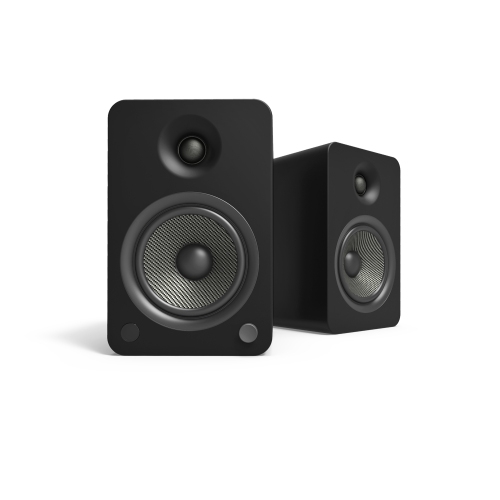
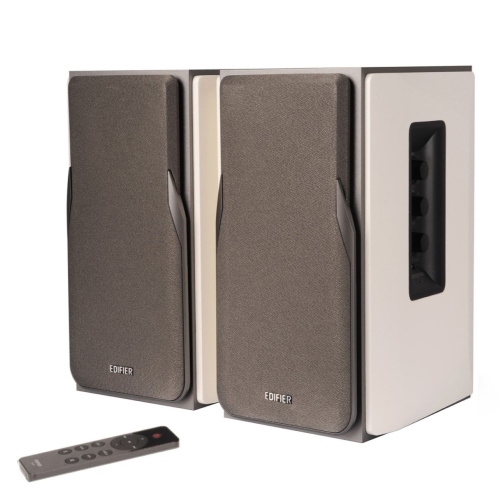



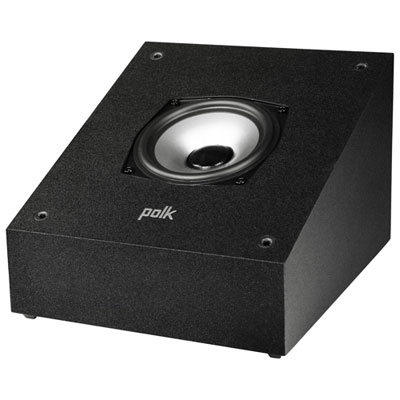
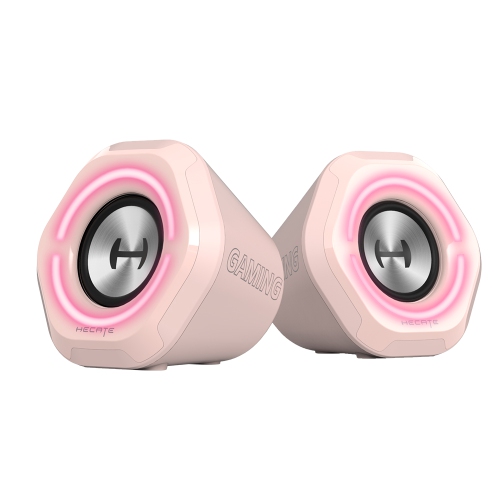

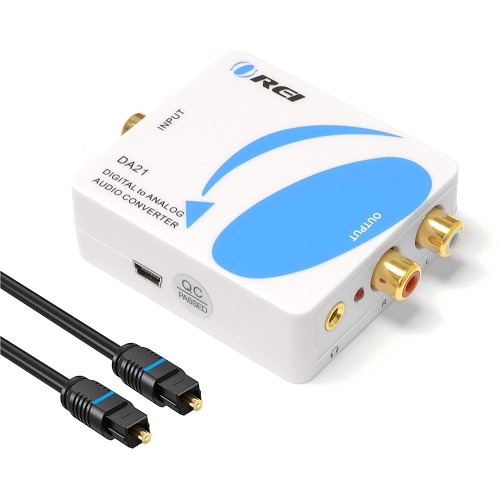

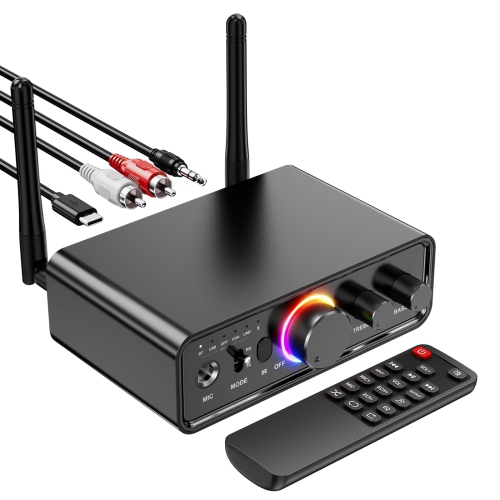
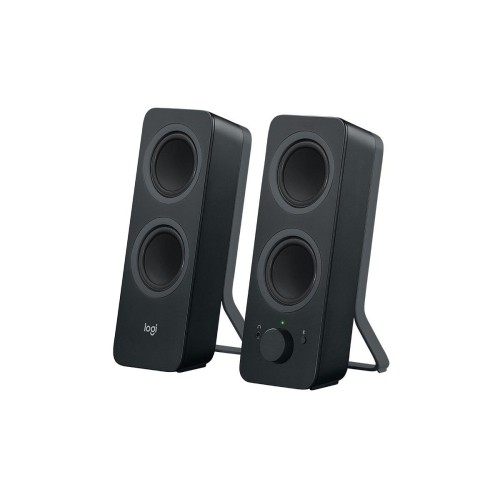
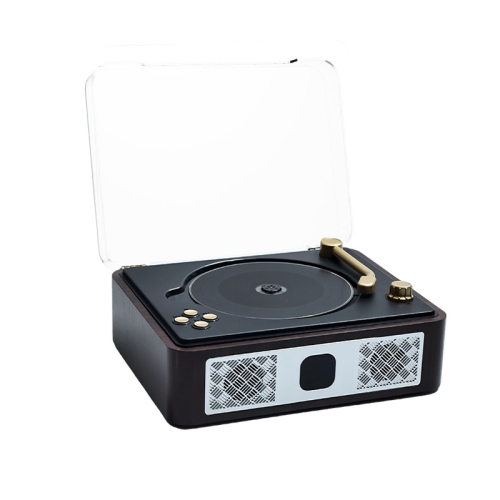
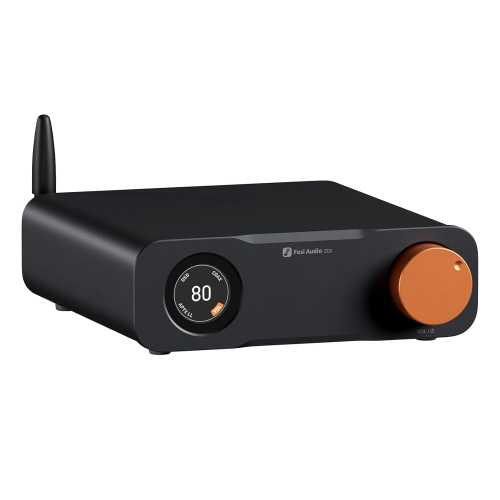
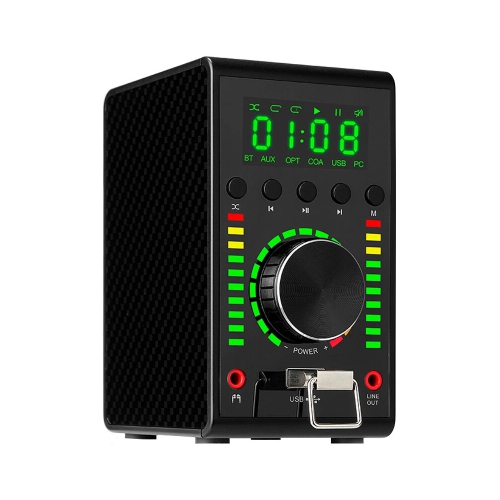


Clearer TV sound with simple digital connectivity
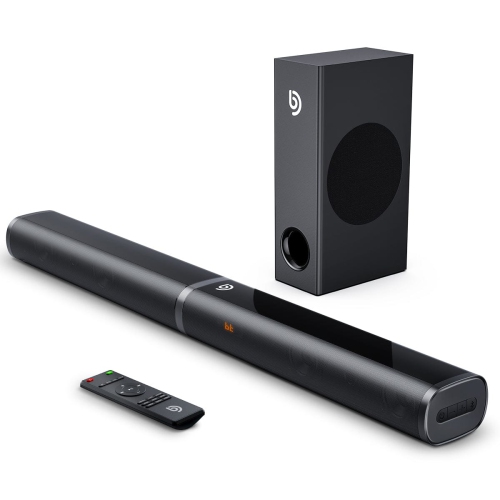
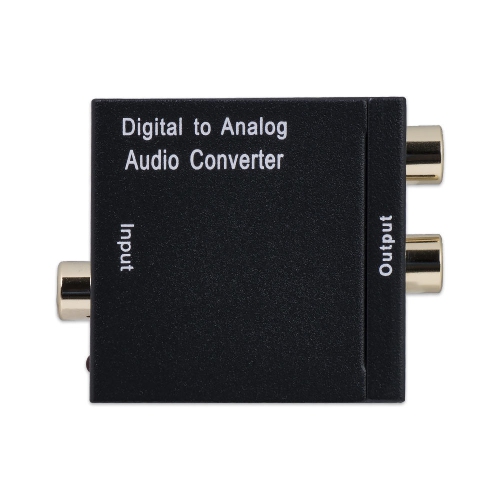
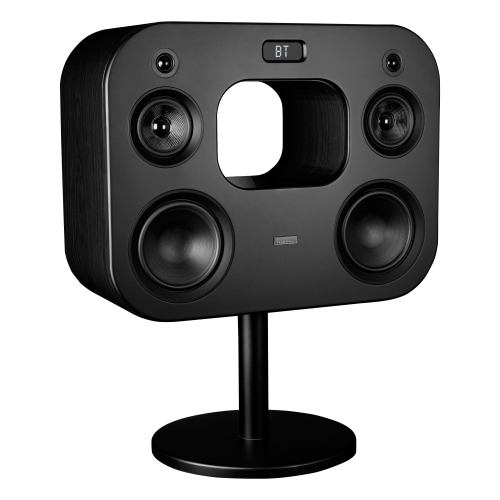
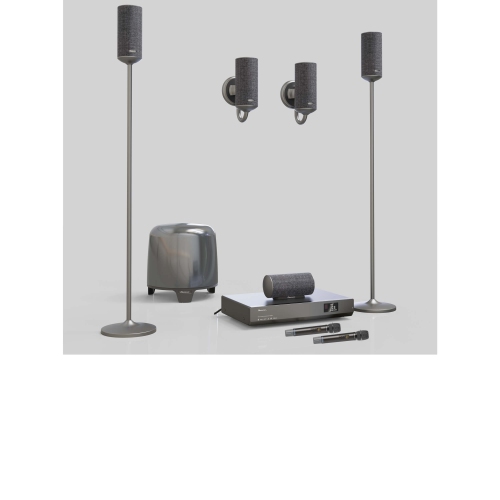
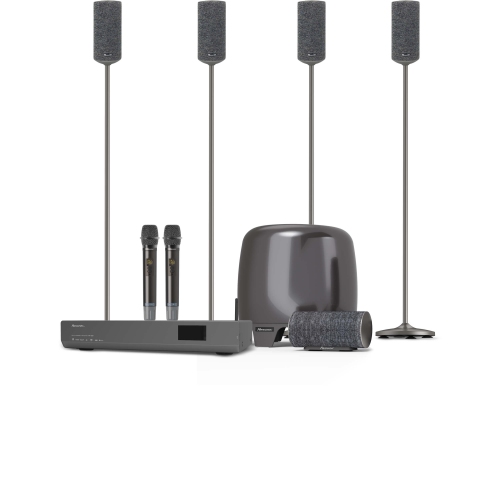
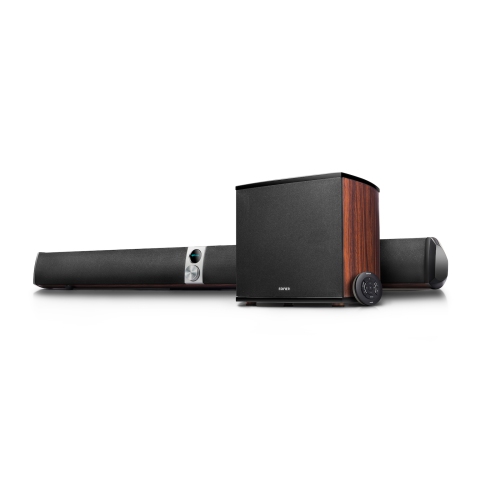
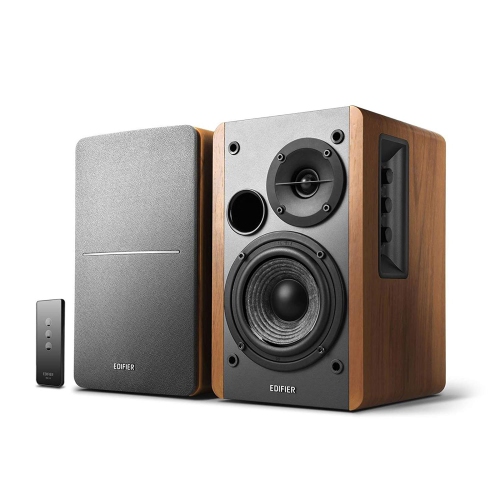
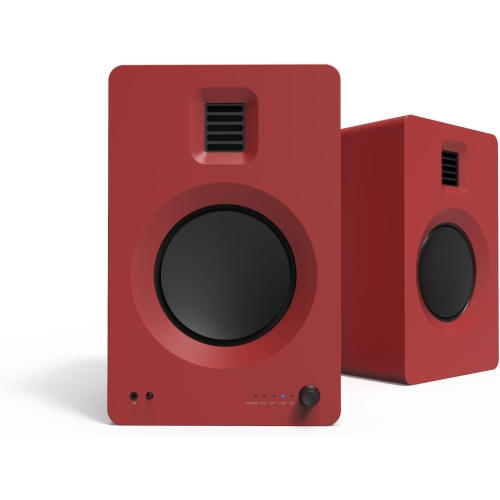
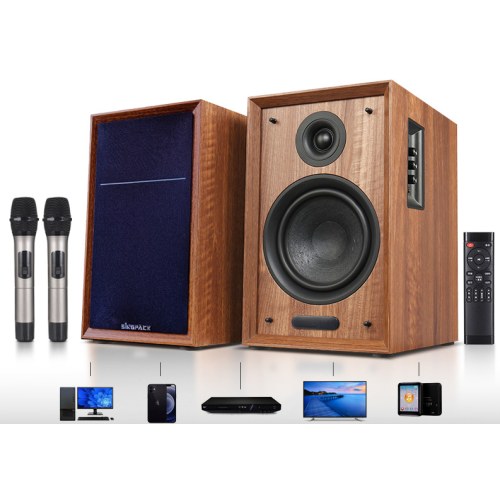
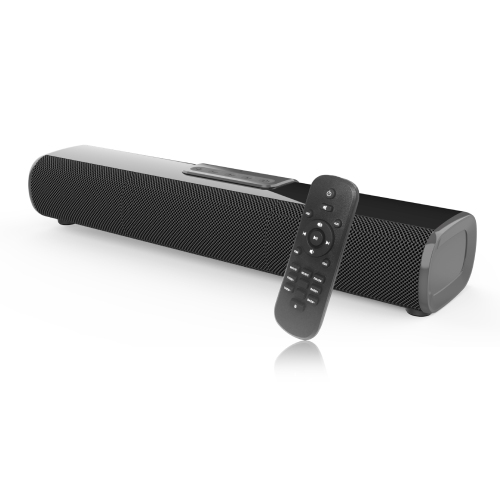
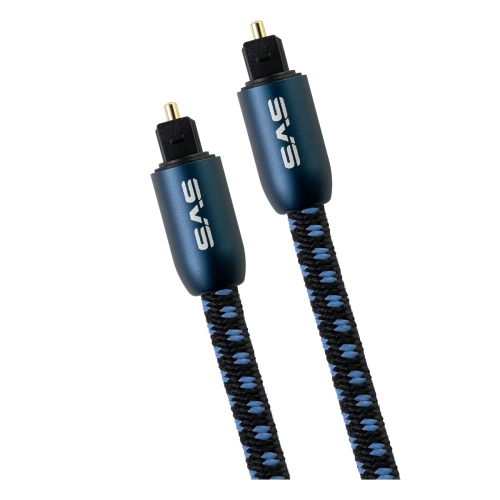
Optical input speakers are powered speakers or speaker systems that accept digital audio through an optical, or TOSLINK, connection. This type of connection sends sound as pulses of light through a compatible optical cable, creating a direct digital path between a source device and the speakers. Many modern televisions, game consoles, computers, Blu-ray players, and other entertainment devices include an optical audio output, making optical input speakers a practical way to improve sound without adding a traditional stereo receiver. They are especially useful when a TV’s built-in speakers sound thin, lack bass, or do not project dialogue clearly across a room. Because many optical-ready speakers are active, their amplification is built into the speaker system, so there is no separate amplifier to purchase or position. A typical setup is straightforward: connect the optical cable from the source device to the optical input on the speakers, select the appropriate audio output in the source settings, and choose the matching input on the speaker system. Optical audio can also help avoid electrical interference and ground-loop hum that may occur with some analogue connections. For shoppers comparing different types of digital audio equipment, Digital Speakers can provide useful context around speaker formats, connectivity, and listening environments. Before choosing a system, check that the source device has an optical output rather than an optical input, and confirm whether an optical cable is included. It is also worth checking the TV’s sound settings, since some televisions need to be set to optical or digital audio output and may need their digital audio format changed to PCM for compatibility with certain speaker systems.
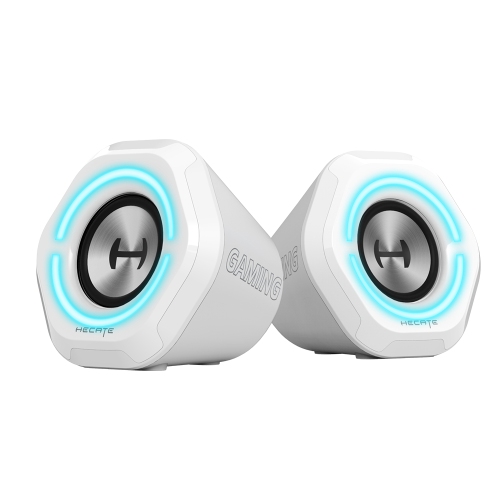
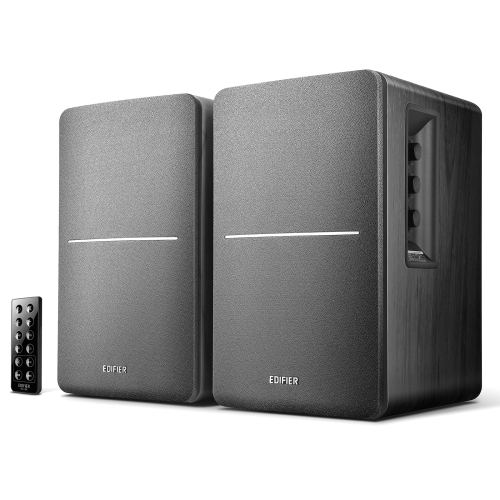
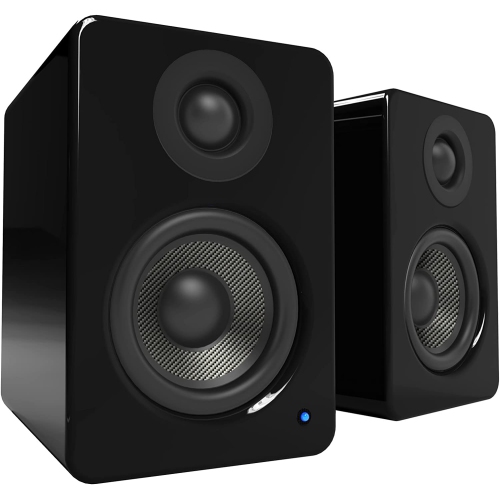
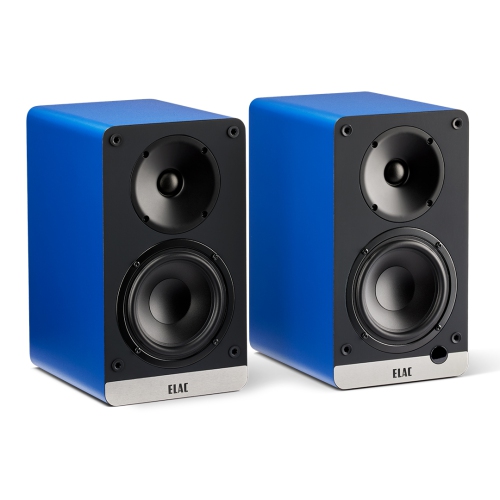
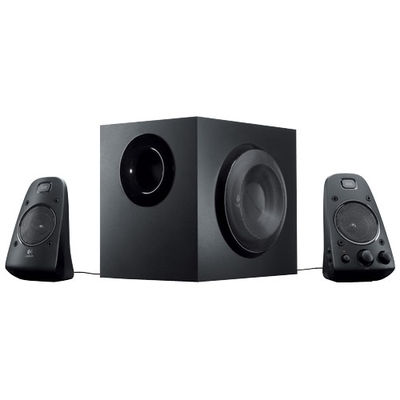
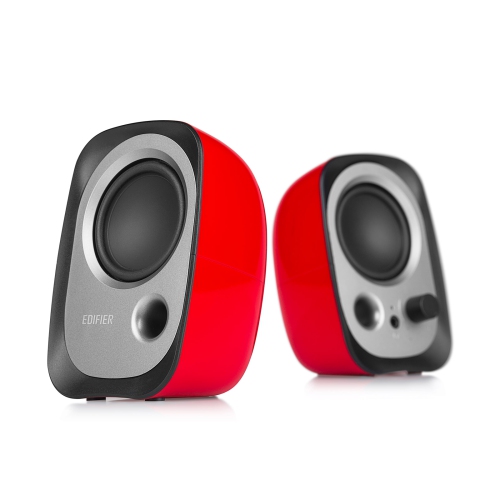
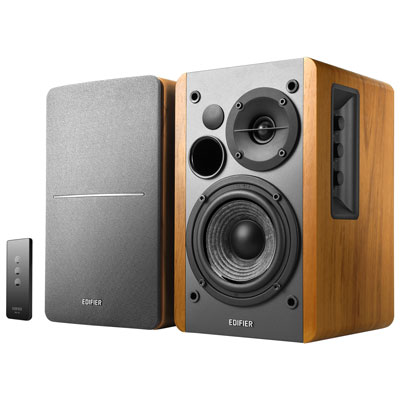
The best optical input speakers depend on the room, the source, and the kind of listening you do most often. Compact 2.0 bookshelf speakers are a strong fit for a desk, bedroom, apartment living room, or small entertainment area. They usually place a left and right speaker on either side of a TV or monitor, creating a wider stereo image than a single compact speaker and making dialogue, music, and game effects easier to position in the soundstage. A 2.1 system adds a separate subwoofer for deeper low frequencies, which can bring more weight to film soundtracks, sports broadcasts, electronic music, and game audio. If you enjoy the rumble of an action scene or the beat of a favourite playlist, a subwoofer can make the listening experience feel fuller, although it also takes up floor or shelf space. Look at the system’s total power rating, but do not judge performance by wattage alone. Speaker size, cabinet design, driver quality, room placement, and tuning all influence how sound will feel at normal listening levels. A dedicated volume control, remote control, or convenient control pod can be valuable when speakers are placed across the room from a sofa. Some models include bass and treble adjustments, allowing you to compensate for a bright room, soft furnishings, or personal listening preferences. Additional inputs such as Bluetooth, 3.5 mm, RCA, or coaxial digital let the same speakers serve several roles, from television audio in the evening to computer playback during the day. A subwoofer output may also be useful if you want the option of adding compatible bass support later. For a clean installation, measure the distance between the TV or computer and each speaker, leave room for ventilation around powered components, and avoid placing speakers inside a crowded cabinet where sound can become muffled.
Optical input speakers can suit a wide range of listeners, from someone replacing a television’s modest built-in audio to a student creating a compact study and entertainment setup. They can also be a thoughtful gift for a movie fan, gamer, music listener, or anyone settling into a new home, particularly when the recipient values better sound but does not want a complicated multi-component system. For a television in a family room, stereo speakers can improve the clarity of voices during films, news, and streaming shows, while a 2.1 system can add a more immersive quality for console gaming and larger-screen viewing. At a computer desk, optical connectivity can keep the audio path digital while Bluetooth or an auxiliary input provides flexibility for phones and other devices. Optical speakers are also useful for older audio arrangements that need a simple connection to a newer television, provided the TV and speaker system support the same audio format. Remember that optical connections carry audio only; they do not transmit video, control every device function, or replace HDMI connections for home theatre systems with surround-sound requirements. Optical cables should be inserted gently and kept free from sharp bends, and the small protective caps should be removed before connection. If there is no sound, check the selected input, the TV’s audio output setting, the speaker’s power and mute controls, and whether the source is sending a compatible format. For everyday use, placing the speakers at roughly ear level and angling them slightly toward the listening position can make voices and instruments sound more focused. Leave some space behind rear-ported speakers, keep the left and right channels correctly positioned, and adjust the bass level so it complements rather than overwhelms the room. With the right combination of optical connectivity, speaker layout, controls, and size, these systems offer an uncomplicated way to bring clearer, more capable audio to televisions, computers, consoles, and everyday listening spaces.
The best optical input speakers depend on the room, the source, and the kind of listening you do most often. Compact 2.0 bookshelf speakers are a strong fit for a desk, bedroom, apartment living room, or small entertainment area. They usually place a left and right speaker on either side of a TV or monitor, creating a wider stereo image than a single compact speaker and making dialogue, music, and game effects easier to position in the soundstage. A 2.1 system adds a separate subwoofer for deeper low frequencies, which can bring more weight to film soundtracks, sports broadcasts, electronic music, and game audio. If you enjoy the rumble of an action scene or the beat of a favourite playlist, a subwoofer can make the listening experience feel fuller, although it also takes up floor or shelf space. Look at the system’s total power rating, but do not judge performance by wattage alone. Speaker size, cabinet design, driver quality, room placement, and tuning all influence how sound will feel at normal listening levels. A dedicated volume control, remote control, or convenient control pod can be valuable when speakers are placed across the room from a sofa. Some models include bass and treble adjustments, allowing you to compensate for a bright room, soft furnishings, or personal listening preferences. Additional inputs such as Bluetooth, 3.5 mm, RCA, or coaxial digital let the same speakers serve several roles, from television audio in the evening to computer playback during the day. A subwoofer output may also be useful if you want the option of adding compatible bass support later. For a clean installation, measure the distance between the TV or computer and each speaker, leave room for ventilation around powered components, and avoid placing speakers inside a crowded cabinet where sound can become muffled.
Optical input speakers can suit a wide range of listeners, from someone replacing a television’s modest built-in audio to a student creating a compact study and entertainment setup. They can also be a thoughtful gift for a movie fan, gamer, music listener, or anyone settling into a new home, particularly when the recipient values better sound but does not want a complicated multi-component system. For a television in a family room, stereo speakers can improve the clarity of voices during films, news, and streaming shows, while a 2.1 system can add a more immersive quality for console gaming and larger-screen viewing. At a computer desk, optical connectivity can keep the audio path digital while Bluetooth or an auxiliary input provides flexibility for phones and other devices. Optical speakers are also useful for older audio arrangements that need a simple connection to a newer television, provided the TV and speaker system support the same audio format. Remember that optical connections carry audio only; they do not transmit video, control every device function, or replace HDMI connections for home theatre systems with surround-sound requirements. Optical cables should be inserted gently and kept free from sharp bends, and the small protective caps should be removed before connection. If there is no sound, check the selected input, the TV’s audio output setting, the speaker’s power and mute controls, and whether the source is sending a compatible format. For everyday use, placing the speakers at roughly ear level and angling them slightly toward the listening position can make voices and instruments sound more focused. Leave some space behind rear-ported speakers, keep the left and right channels correctly positioned, and adjust the bass level so it complements rather than overwhelms the room. With the right combination of optical connectivity, speaker layout, controls, and size, these systems offer an uncomplicated way to bring clearer, more capable audio to televisions, computers, consoles, and everyday listening spaces.
Top selling and popular products
-
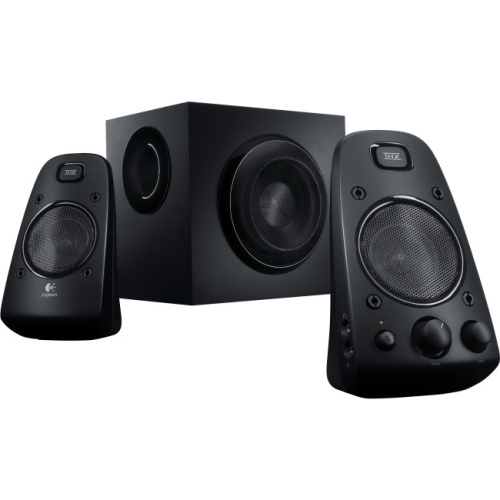 Your price for this item is $286.58
 -
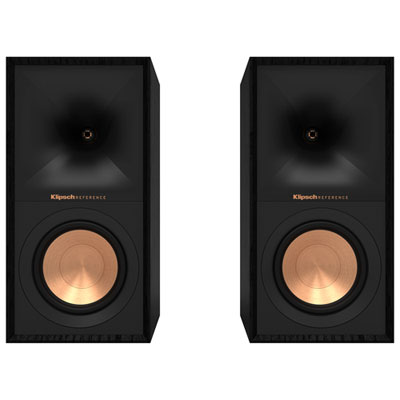 Your price for this item is $369.99
 -
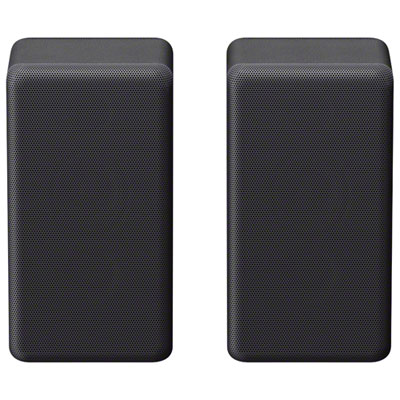 Your price for this item is $449.95
 -
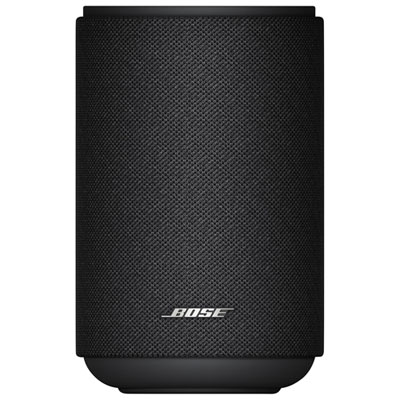 Your price for this item is $399.99
 -
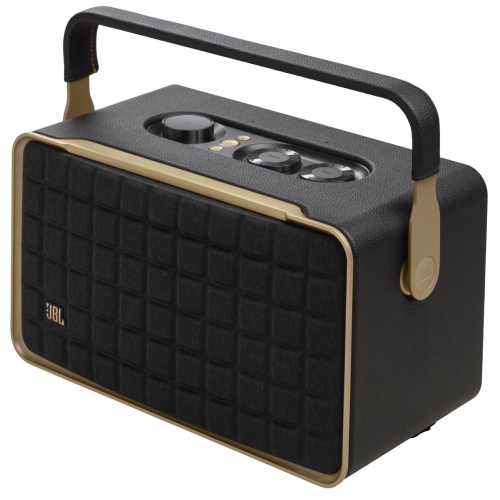 Your price for this item is $399.99
 -
 Your price for this item is $399.99
 -
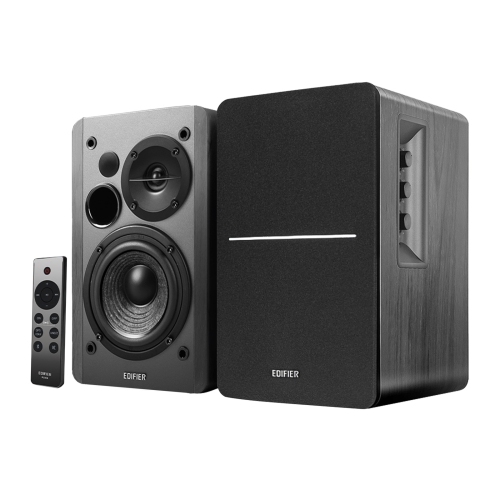 Your price for this item is $229.99
 -
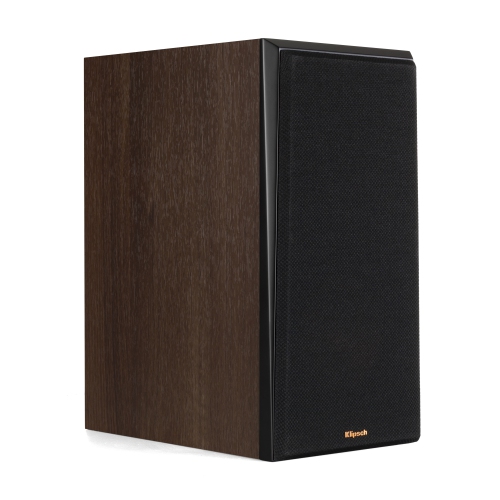 Your price for this item is $949
Discover more categories related to Optical Input Speakers

Top Collections:
Pokemon Centers, Kindle Devices, Best Budget Office Chairs, Apple iPhones 16, Best Laptops for Writers, iPhone 15 Apple, Canon G7X Cameras, Refurbished Apple Laptops, Alarm Clock, Motorola Razr Phones
Some products may be subject to Environmental Handling Fees
(EHF) depending on your province.
Learn more about EHFs.