Computer Speakers

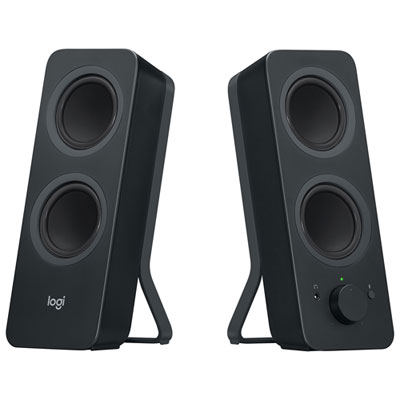
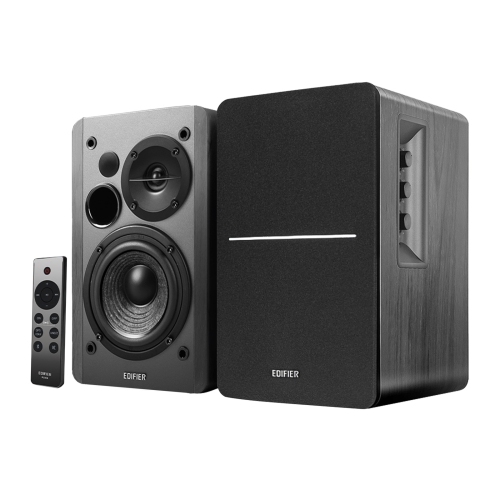
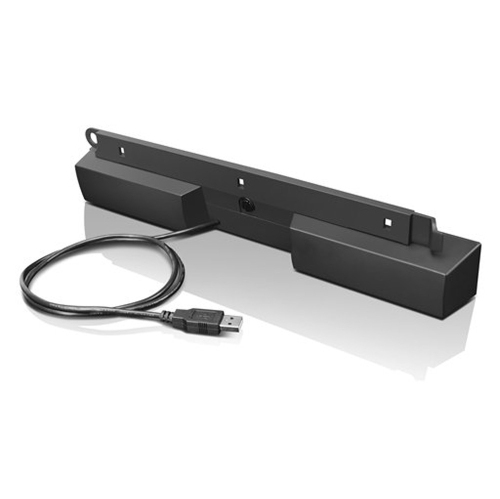
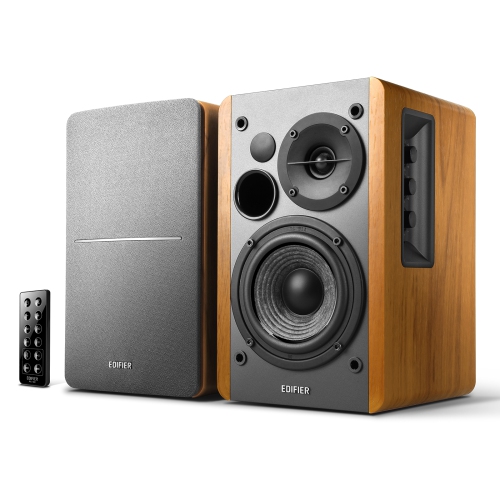
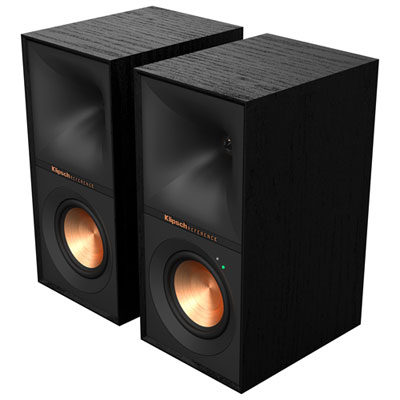
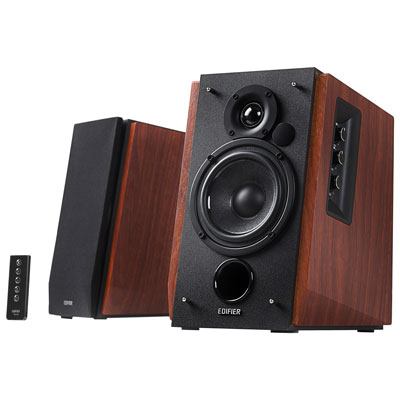
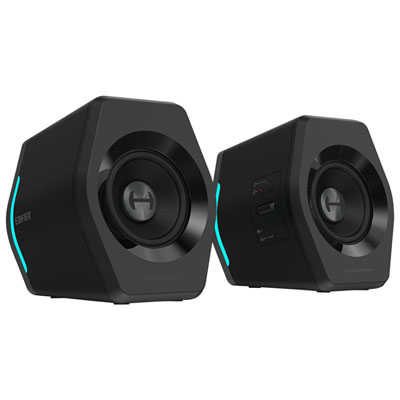
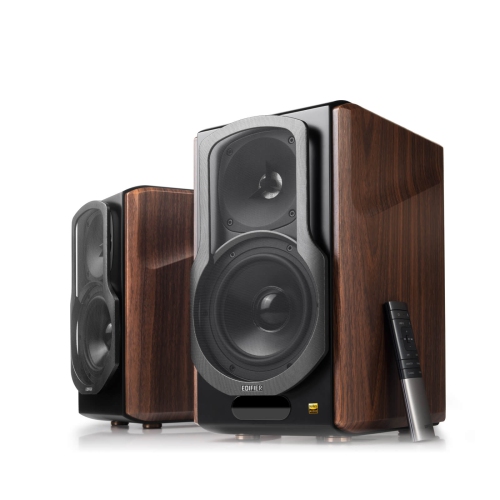
Enhance your audio experience with computer speakers designed to deliver clear, immersive sound for work, play, and entertainment. Whether you’re setting up a home office, streaming your favorite music, or diving into the latest games, computer speakers provide the perfect upgrade for any desktop or laptop setup. Explore a wide selection of options to find the ideal match for your space and listening preferences.

Some products may be subject to Environmental Handling Fees (EHF) depending on your province. Learn more about EHFs .

When exploring the world of computer speakers, you’re opening the door to a richer, more immersive audio experience that can transform everything from daily work tasks to entertainment sessions at home. Whether you're setting up a home office, building a gaming rig, or simply want to upgrade your laptop’s sound for clearer calls and vibrant music playback, choosing the right computer speakers can make all the difference. Imagine settling in for an evening of streaming your favorite shows and hearing every dialogue and soundtrack detail with crisp clarity—no more muffled voices or tinny background noise. Or picture yourself diving into a new video game, where the rumble of engines and subtle environmental sounds pull you deeper into the action. Computer speakers aren’t just about volume; they’re about nuance, depth, and creating an atmosphere that matches your activity.

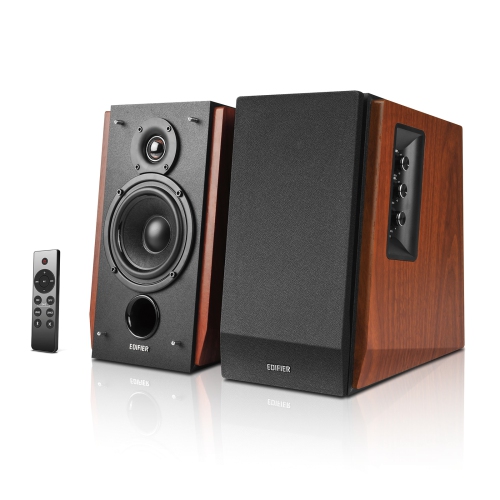
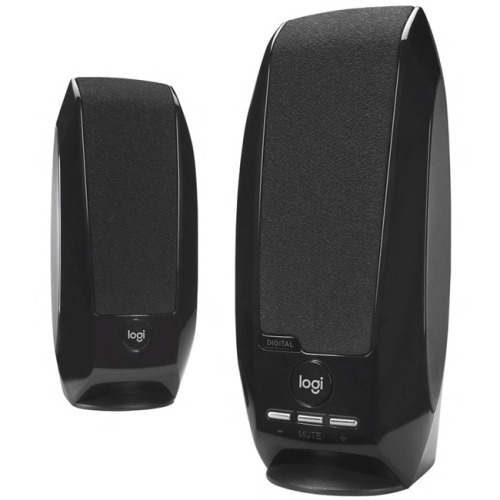
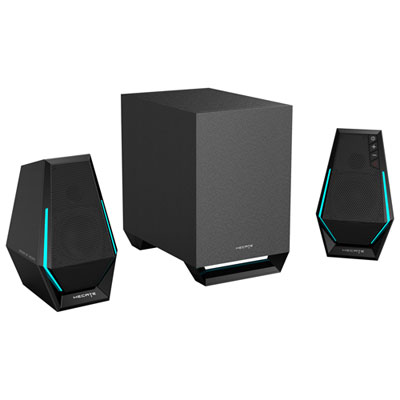
Selecting computer speakers involves considering how and where you’ll use them most. For those who spend hours at their desks working remotely or studying, compact desktop models with easy-access volume controls and headphone jacks can streamline productivity while keeping audio quality front and center. If you’re passionate about music production or enjoy editing videos as a hobby, look for speakers with balanced sound profiles that reproduce audio faithfully—helping you catch every note or effect exactly as intended. Gamers often appreciate setups with enhanced bass response or surround sound capabilities for that competitive edge and heightened realism during intense matches. Meanwhile, families might prioritize wireless connectivity or Bluetooth options so everyone can easily connect devices for group listening sessions or virtual meetings.

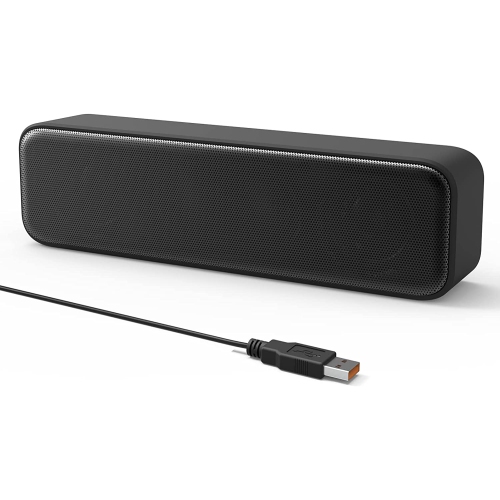
Computer speakers also make thoughtful gifts for students heading off to college, professionals upgrading their workspace, or anyone who enjoys high-quality sound at home. They’re ideal for birthday surprises or holiday presents—imagine gifting someone the ability to rediscover their favorite albums with fresh detail or enjoy movie nights with theater-like sound without leaving the couch. When considering which model fits best, think about practical features like USB versus traditional audio jack connections, built-in subwoofers for extra bass punch, and compact designs that won’t crowd your desk space. Many modern computer speakers offer sleek aesthetics that complement any setup, blending seamlessly into both minimalist workstations and vibrant gaming corners alike. From enhancing virtual meetings with clear speech reproduction to elevating personal downtime with room-filling music, the right set of computer speakers is an investment in everyday enjoyment and productivity—bringing soundtracks to life in ways built-in laptop speakers simply can’t match.

FAQ

What features should I look for when choosing computer speakers?

When selecting computer speakers, consider factors such as sound quality, connectivity options (USB, Bluetooth, or 3.5mm jack), power output, compatibility with your devices, and any additional features like built-in subwoofers or volume controls.

Can I use computer speakers with devices other than my PC?

Yes, many computer speakers can be connected to other devices such as laptops, tablets, smartphones, and even TVs, provided they have compatible input options like Bluetooth or a standard audio jack.

What is the difference between 2.0 and 2.1 computer speaker systems?

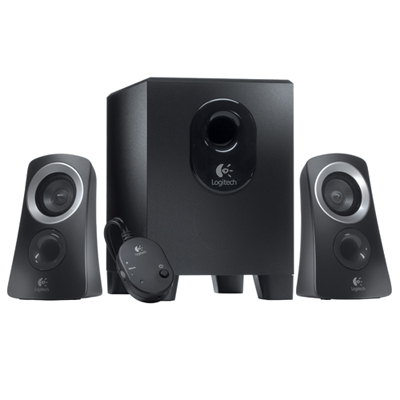
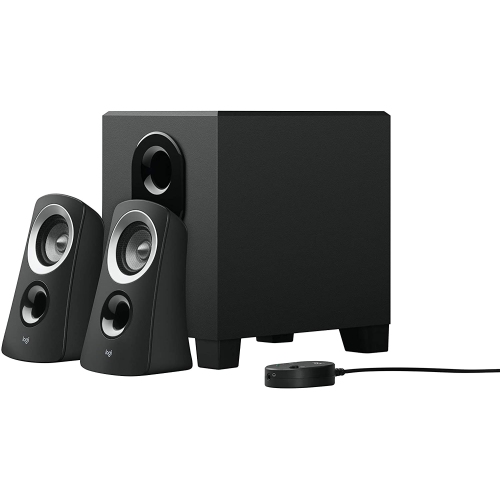
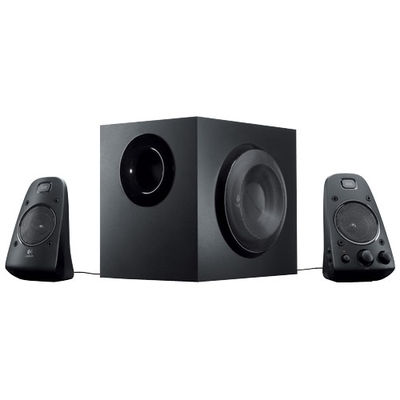
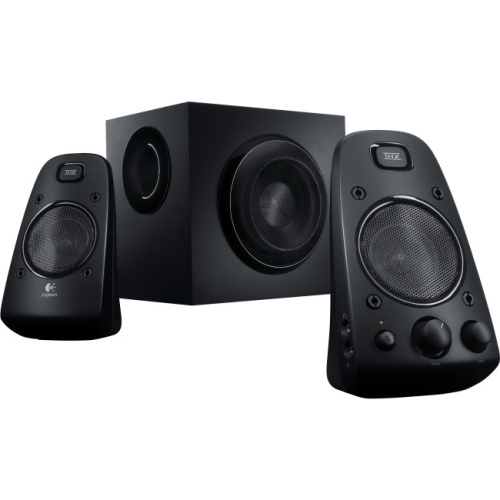
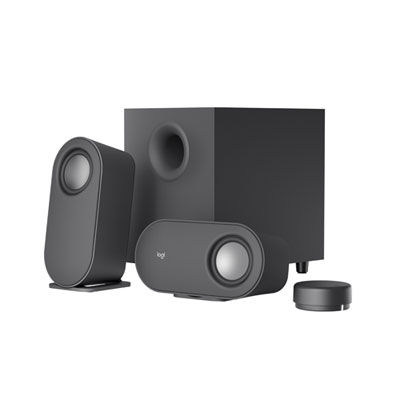
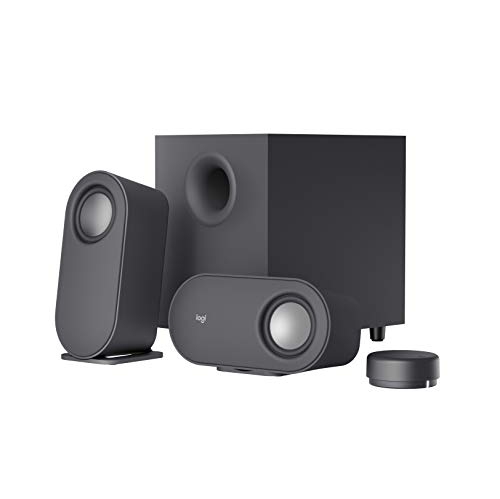
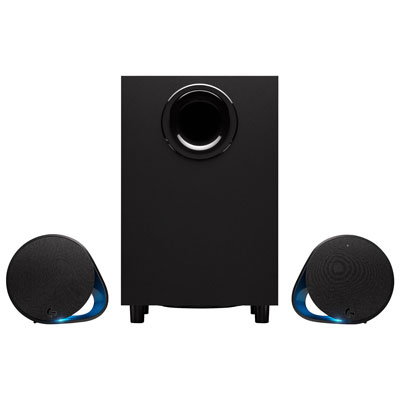
A 2.0 speaker system includes two speakers (left and right channels) without a subwoofer, while a 2.1 system adds a dedicated subwoofer for enhanced bass response alongside the two main speakers.

Do I need an external amplifier for my computer speakers?

Most computer speakers are powered and come with built-in amplifiers, so you typically do not need an external amplifier. However, passive speakers will require an external amp to function properly.

How do I set up my computer speakers for the best sound quality?

For optimal sound quality, place your speakers at ear level and position them equidistant from where you sit. Avoid placing them too close to walls or corners to reduce unwanted bass resonance and experiment with angles to achieve the best stereo imaging.