Soundbars With Multiple HDMI Inputs
Enhance your home entertainment setup with a soundbar with multiple HDMI inputs, designed to deliver seamless connectivity and impressive audio performance. Whether you’re connecting gaming consoles, streaming devices, or Blu-ray players, these soundbars offer the flexibility to manage all your favorite devices with ease. Enjoy a clutter-free media experience and bring cinematic sound into your living room by choosing a soundbar with multiple HDMI inputs that fits perfectly into your lifestyle.
Sort
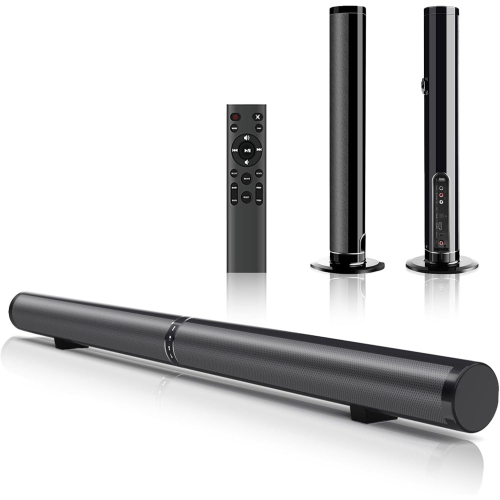
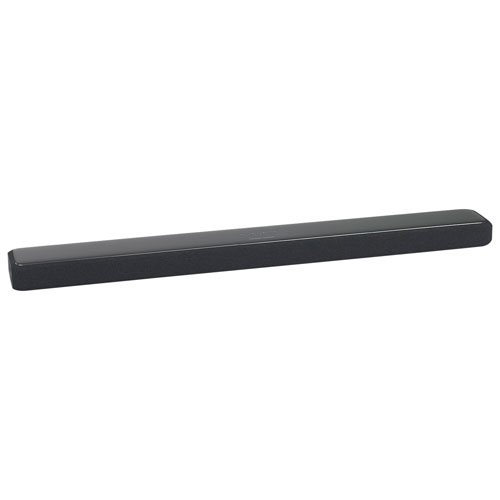


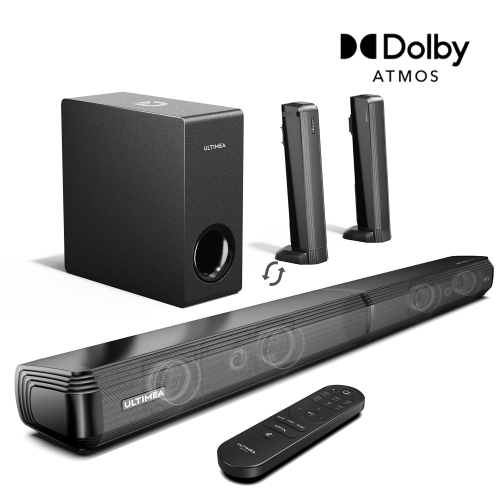
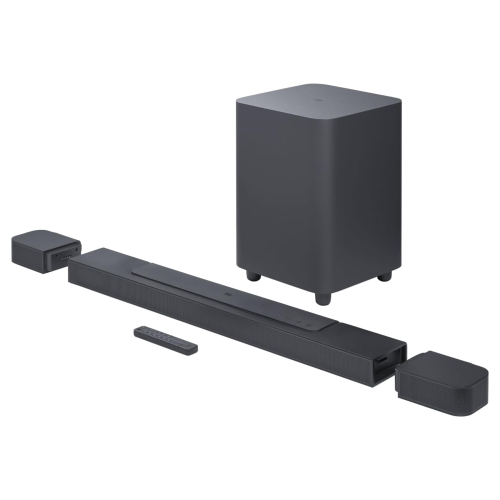
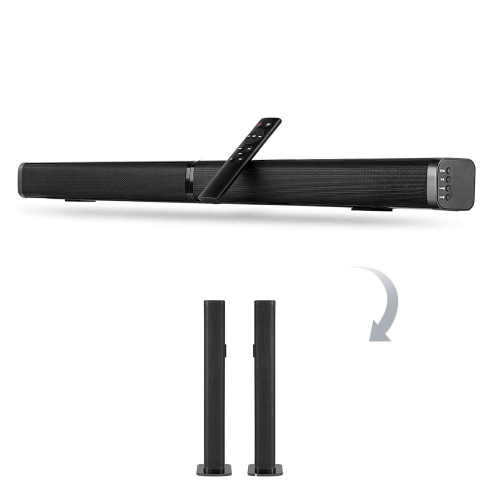

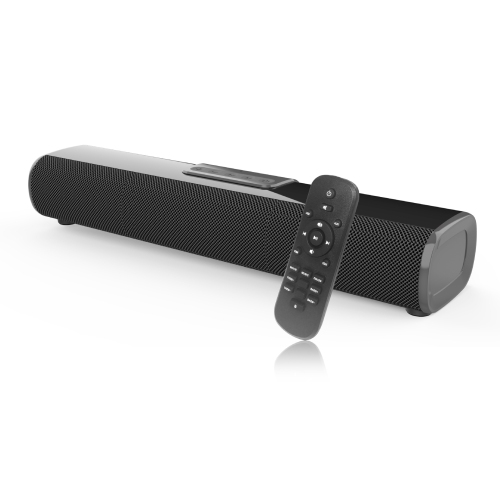
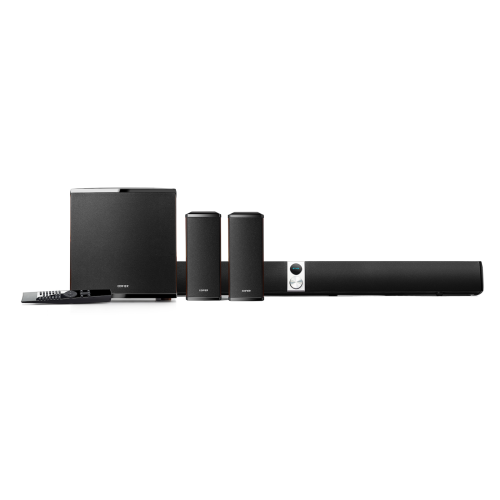
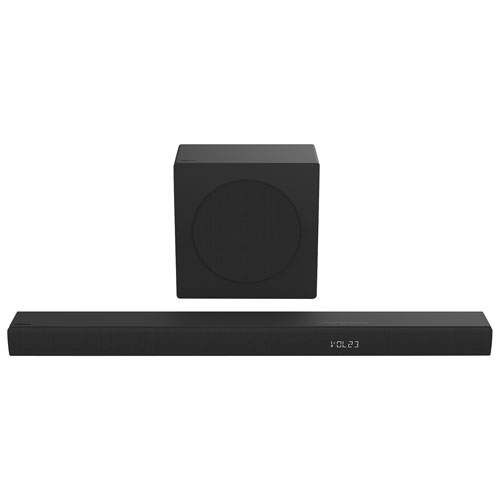
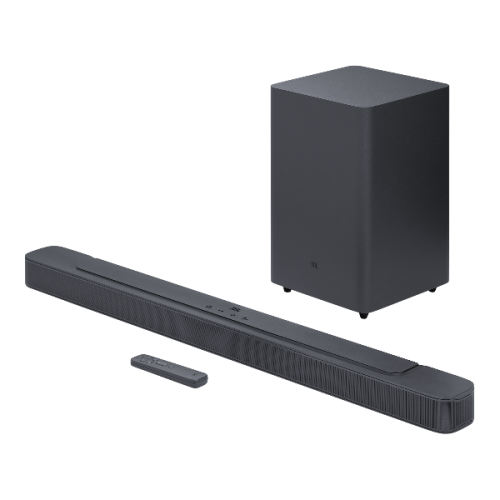
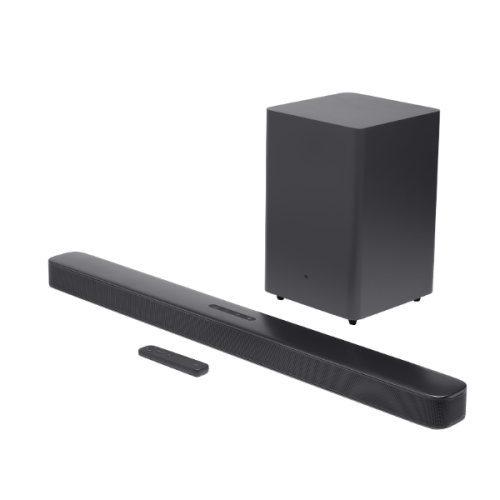
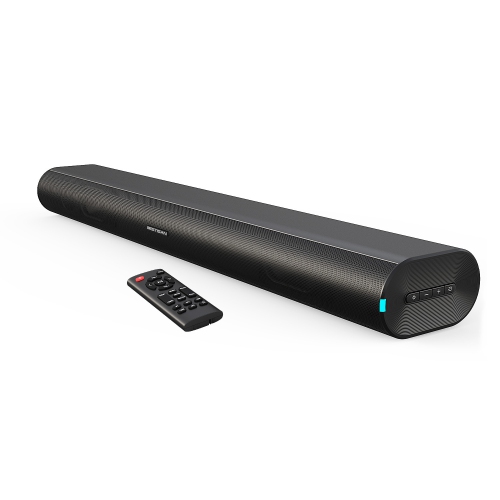
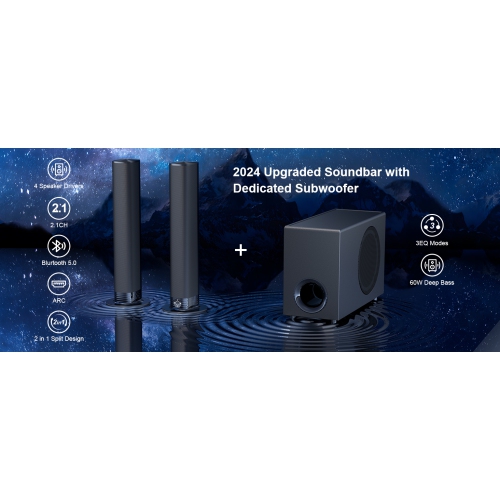
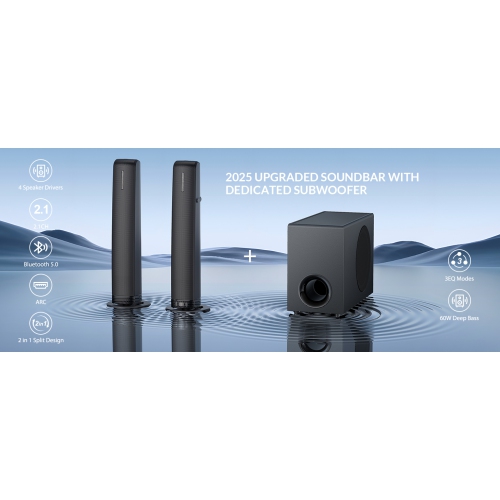
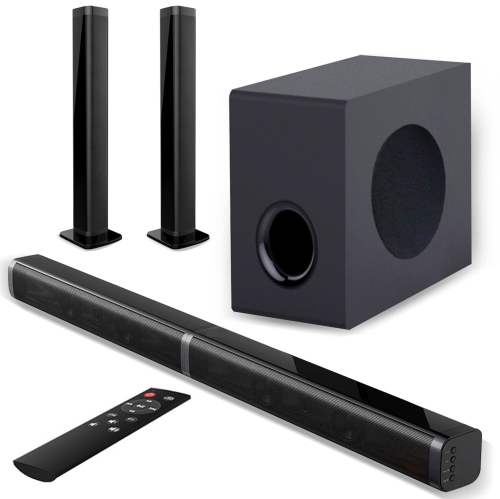
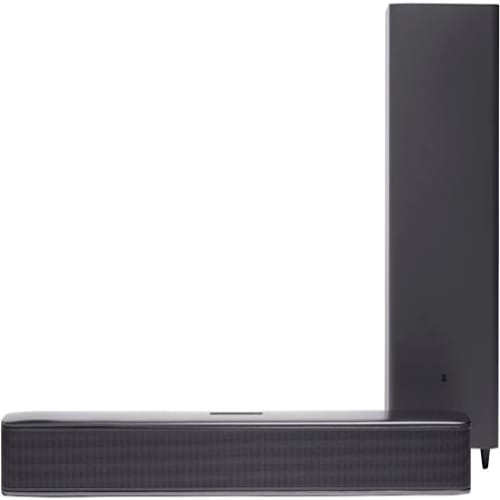
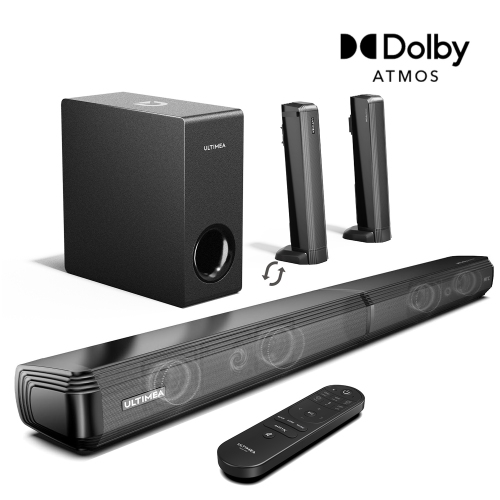
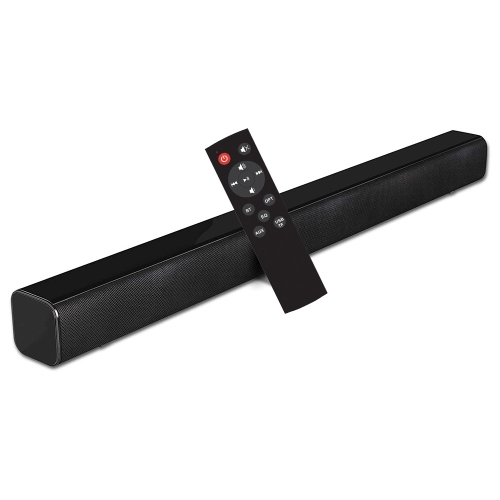
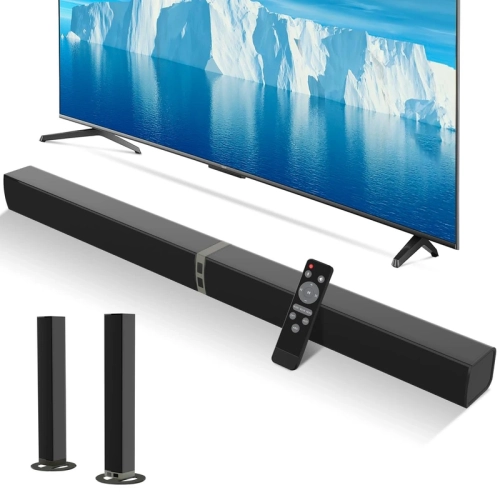
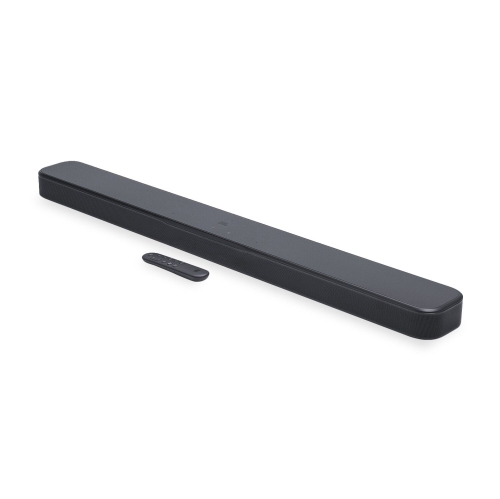
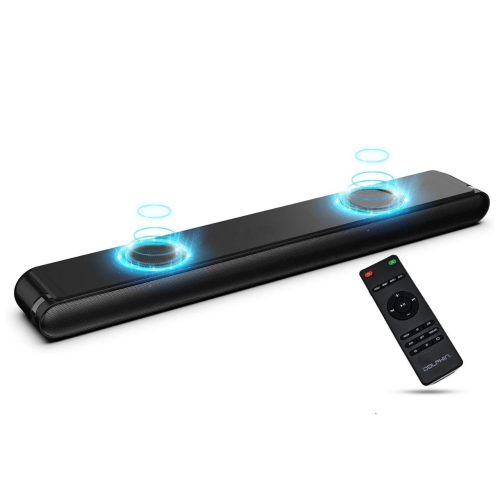
Less cable swapping for games and movie nights
Soundbars with multiple HDMI inputs let you connect two or more source devices, such as gaming consoles, streaming players, and Blu-ray players, directly to the soundbar, then send video to a television through an HDMI output. The soundbar plays the audio from the selected source while the picture appears on the TV. This arrangement can simplify a home theatre setup when several devices share one screen, particularly if the television has limited HDMI connections or its ports are difficult to reach. A console can stay connected beside a disc player, with switching handled through the soundbar rather than by unplugging cables behind the television. The important distinction is between HDMI inputs and the HDMI output: a soundbar described as having three HDMI connections might have two inputs and one output, not three connections for source devices. An output labelled ARC or eARC can also receive sound from a compatible TV, allowing built-in television apps and devices connected directly to the TV to play through the soundbar. ARC stands for Audio Return Channel, while eARC is the enhanced version with greater audio bandwidth for supported formats. Both the soundbar and television need compatible connections and settings for those functions to work as intended. Multiple inputs are especially useful in shared living rooms where one person streams a series, another plays games, and someone else prefers watching films on disc. They also suit smaller media rooms where a separate receiver and a full set of wired speakers would take up more space than desired. For a broader look at this connection type, Hdmi Sound Bars includes soundbars that use HDMI, although the number and function of their connections vary. The key benefit of multiple inputs is having several sources connected and ready to select; the number of sockets alone does not determine sound quality, surround performance, or compatibility with a particular video signal.
Video pass-through deserves close attention because a source connected to the soundbar must send its picture through that soundbar before it reaches the television. Support for a particular resolution does not automatically mean support for every refresh rate or picture feature at that resolution. A gaming setup built around 4K at 120 Hz, variable refresh rate, or automatic low-latency mode needs compatible pass-through support across the source device, soundbar, television, and HDMI cables. Similarly, high dynamic range compatibility should match the formats used by the television and source. When a soundbar cannot pass a desired video feature, connecting the source directly to the TV and returning audio through eARC may be a better arrangement, provided the television supports the required audio pass-through. An eARC label by itself does not confirm advanced gaming or video pass-through capabilities. Audio compatibility matters just as much: support for multichannel PCM, lossless soundtracks, and object-based surround formats varies, and the source device’s audio settings can affect what reaches the speakers. A dedicated centre channel can help keep dialogue anchored to the screen, while a separate subwoofer can add weight to a film’s low rumble or a game’s engine noise. Height-capable speakers and rear speakers can create a more enveloping presentation, but their effect depends on the system design, room layout, and content. Multiple HDMI inputs do not necessarily mean that these speaker features are included. For everyday viewing, dialogue adjustment, night listening modes, and clear volume controls may be as useful as a larger channel count. HDMI device control, often called CEC, can allow a TV remote to adjust soundbar volume or coordinate power, though behaviour varies between connected devices. A setup that switches reliably between a console and a streaming player, keeps voices in sync with faces, and returns to the expected input is often more satisfying than one chosen solely for its feature list.
Physical fit makes a considerable difference to how comfortably a soundbar becomes part of the room. Width should suit the television and furniture, but height is equally important: a bar placed in front of a low-standing screen can cover the bottom of the picture or obstruct the TV’s remote-control sensor. Measure the usable surface between the television’s feet and leave room behind the soundbar for HDMI plugs without sharply bending the cables. Rear-facing and recessed ports can require extra clearance, especially when the unit sits close to a wall. Wall mounting calls for compatible brackets, suitable fasteners, and secure attachment to a surface that can carry the soundbar’s weight. The speaker openings should remain unobstructed, including any upward-firing drivers that need a clear path towards the ceiling. In an open-plan room, seating distance and side openings can influence the sense of surround sound; in a smaller room, a balanced presentation and adjustable bass may matter more than maximum output. Soundbar housings commonly combine rigid plastic or metal with fabric or metal speaker grilles. These materials protect the drivers, but grille cloth can snag and metal mesh can dent, so a position away from busy furniture edges and small hands can help prevent damage. A stable surface also keeps the bar from shifting when cables are connected. For routine care, follow the supplied cleaning directions, remove dust gently with a soft, dry cloth, and avoid spraying cleaner into speaker openings or ports. Leave the recommended ventilation space around powered components, and remember that a wireless subwoofer or rear speaker may still need a nearby electrical outlet. Soundbars with several HDMI inputs can be a thoughtful gift for a film enthusiast, a console player, or someone sharing a television with family, provided the connections suit the existing setup. Checking the TV’s audio return support, the devices that need connecting, and the available space helps ensure the gift fits both the equipment and the way the room is used.
Top selling and popular products
-
 Your price for this item is $1379.99
-
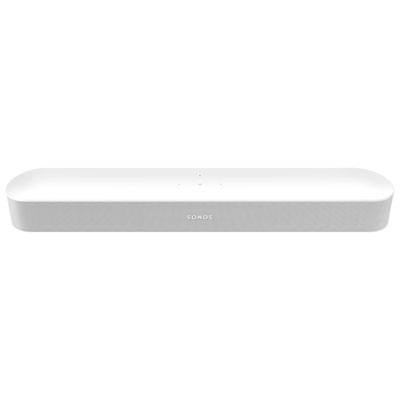 Your price for this item is $649.99
-
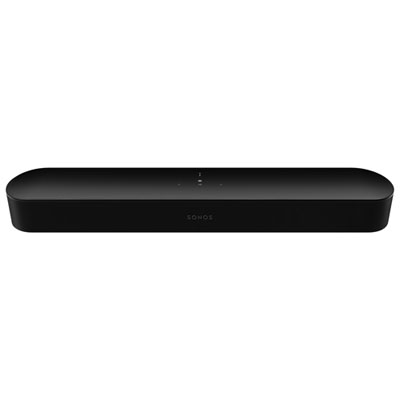 Your price for this item is $649.99
-
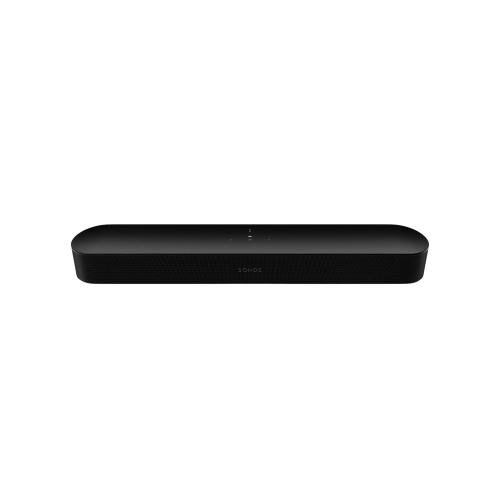 Your price for this item is $649.99
-
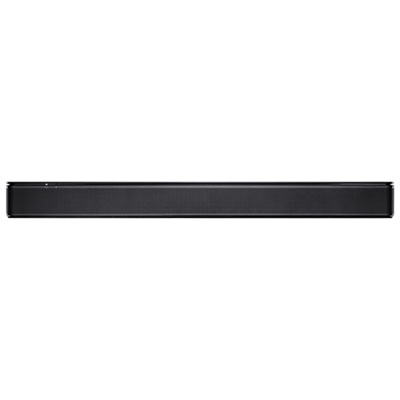 Your price for this item is $329.99
-
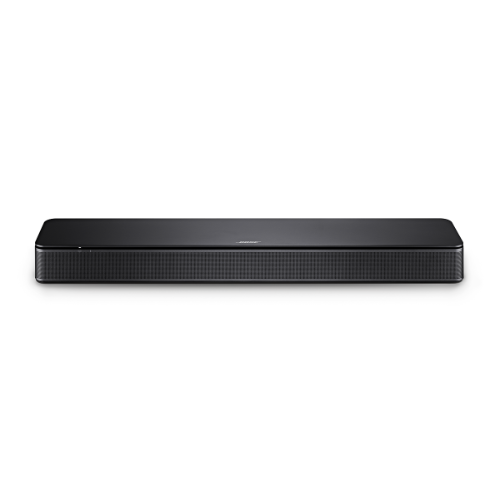 Your price for this item is $284.99
-
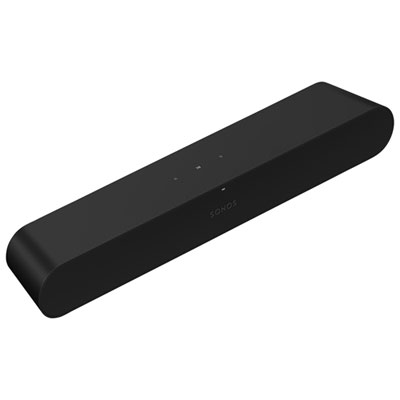 Your price for this item is $289.99
-
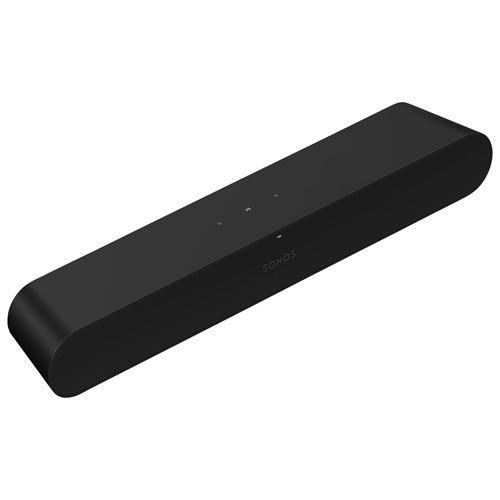 Your price for this item is $299.98
Discover more categories related to Soundbars With Multiple HDMI Inputs
Top Collections:
Best Black Friday Deals This Year, Best Black Friday Deals On Electronics, Kindle Devices, Pokemon Centers, Best Black Friday Deals On Apple Products, Best Cameras for Sports Photography, Dyson Airwrap, Pokémon 30th Celebration Cards, Apple iPhone 17 Pro, Canon G7X Cameras
Some products may be subject to Environmental Handling Fees
(EHF) depending on your province.
Learn more about EHFs.