Baby Monitor That Connects to Phones
Discover peace of mind and added convenience with a baby monitor that connects to phone, designed to help you stay connected with your little one wherever you are in your home. These monitors make it easy to check in on your baby using your smartphone, providing flexibility for busy parents. Explore a range of options that offer seamless integration with mobile devices, allowing you to monitor your baby right from your phone. Find the perfect solution to fit your family’s needs and enjoy greater confidence throughout your parenting journey.
Sort


What matters beyond the live nursery view
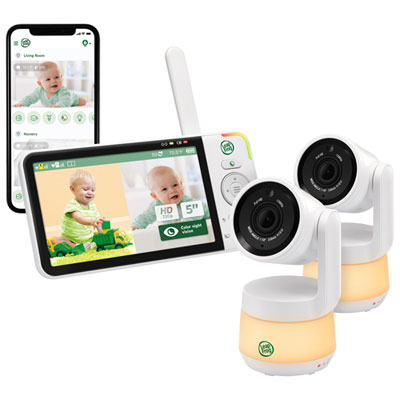
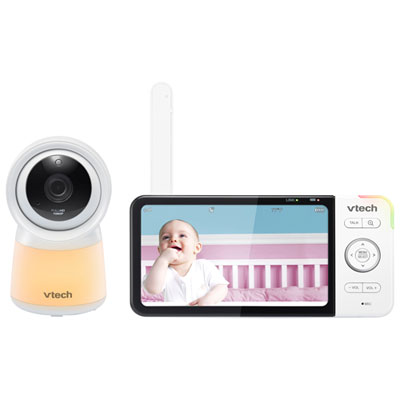
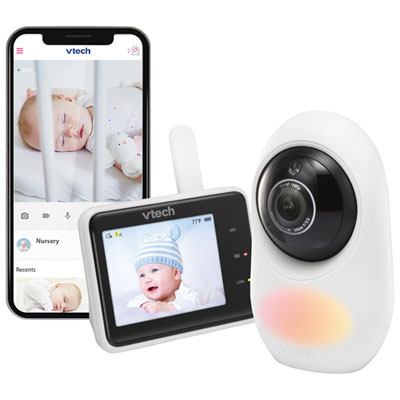
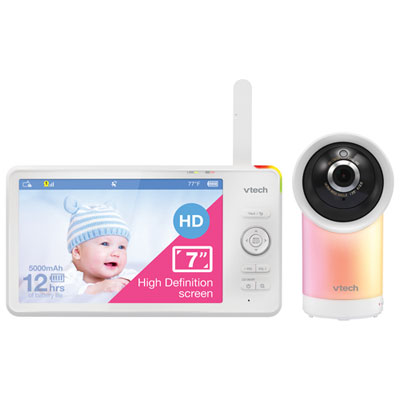
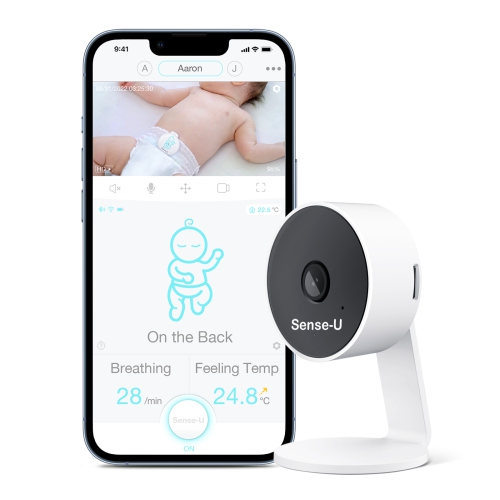
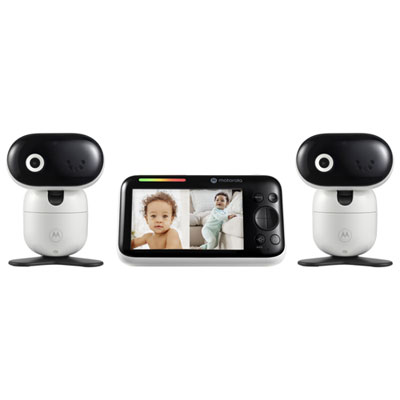
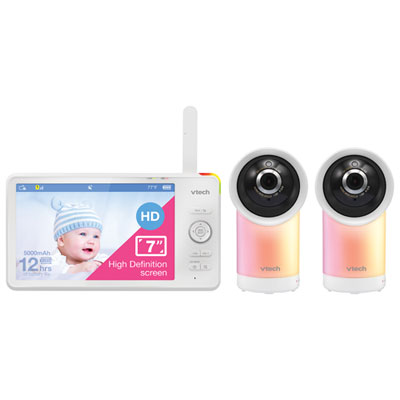
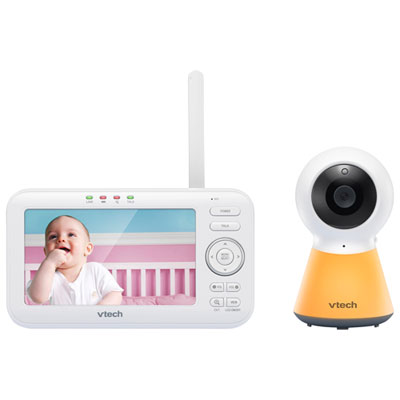
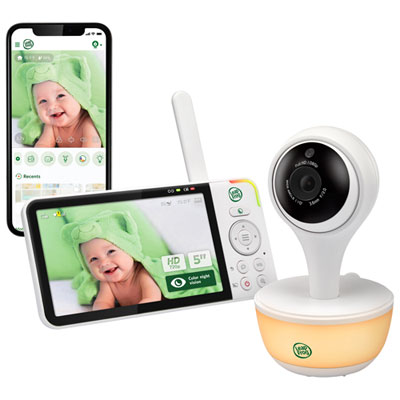
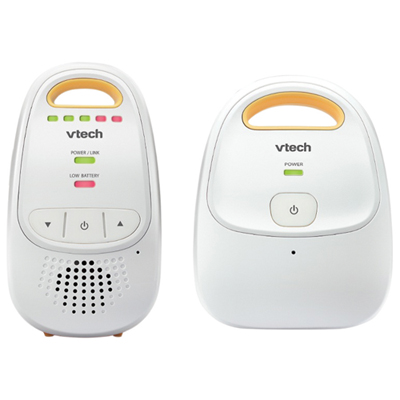
Baby monitors that connect to phones use a compatible app to deliver audio, video and notifications to a smartphone, usually through Wi-Fi. Depending on the model, features can include live viewing, cry or sound alerts, two-way talk, night vision and room temperature readings. The camera typically connects to the home Wi-Fi network, while the phone accesses the feed through Wi-Fi or mobile data when remote viewing is supported. This setup lets a parent check on a sleeping baby from the kitchen or allows another authorized caregiver to view the nursery while a responsible adult is there with the child. Within the Baby Monitors category, phone-connected options range from app-based cameras to systems that pair smartphone access with a separate parent display. A dedicated display can be useful when a phone is charging, handling a call or being used for something else, while app access keeps viewing close at hand without carrying another screen. Compatibility involves more than whether an app can be downloaded: the phone’s operating system version, the camera’s supported Wi-Fi band and the strength of the signal in the nursery all affect everyday use. Some cameras require a 2.4 GHz network, so a home network’s settings can matter during setup. Walls, distance from the router and other network activity may also affect picture quality or cause delays. Remote viewing generally depends on an internet connection, and a phone-only monitor may lose important functions during an outage. For systems with both an app and a dedicated display, local viewing may continue independently, but that capability varies. These differences become particularly noticeable in a busy household, where one caregiver may prefer a bedside screen and another may want access from a phone. Support for multiple authorized users can accommodate those routines, provided each person has the appropriate account access and understands how notifications are configured.
A useful picture is not simply the one with the highest resolution. Camera position, viewing angle and low-light performance determine whether the screen shows the baby clearly or mostly captures the edge of the cot. A wide-angle lens can show more of the room, while remote pan and tilt can help adjust the view as a child moves to a different sleeping space. Digital zoom enlarges part of the image but may reveal less detail than expected, particularly in dim light. Night vision is intended to provide a view without turning on a room light, although the image may appear in black and white. Clear audio matters just as much: a quiet rustle, a brief cry and a steady background sound should be distinguishable enough to make listening useful. Adjustable sound sensitivity can help reduce repeated notifications from ordinary household noise, while two-way talk allows a caregiver to speak through the camera. There may be a short delay, so it is better suited to a few reassuring words than a natural back-and-forth conversation. Physical fit also deserves attention. A shelf-mounted camera needs a stable surface and a clear view, while a wall-mounted design needs a suitable mounting point and secure hardware. Cameras, mounts and power cords must remain out of the child’s reach, with cords kept at least one metre from the cot and never routed across or attached to it. As a baby begins to sit, stand and reach, a previously suitable position may need adjusting. Sturdy housing, a stable base and a secure power connection help with regular handling, but the monitor should not be treated as a toy. Smooth surfaces are generally easier to wipe clean; cleaning should follow the manufacturer’s directions, with liquids kept away from openings and the lens cleaned gently. Fabric covers or accessories, where included, may have separate care requirements. A camera’s field of view should never require adding cushions, loose bedding or other objects to the baby’s sleep space.
Day-to-day convenience also depends on what happens when the app is not open. Background audio, screen-off listening and notification behaviour differ between monitors and phones, and battery-saving settings or muted alerts can interrupt the experience. A caregiver folding laundry in another room may value dependable audio more than a high-resolution feed, while someone sharing care across different schedules may appreciate clearly managed user permissions. Cry detection and movement alerts can draw attention to activity, but they are not interchangeable: some respond to general sound or motion, while others attempt to identify particular events. Sensitivity settings and camera placement influence how useful those alerts are. Room temperature tracking, when included, reports the reading near the sensor rather than the baby’s body temperature, and placement near a window, vent or heat source can affect that reading. Recording features also vary. Live viewing, saved clips, continuous recording and playback are separate capabilities, with footage potentially stored on the device, on a memory card or through an online service. Understanding where recordings are kept and who can access them is part of choosing a connected camera for a private room. Strong, unique passwords, software updates and two-factor authentication, where supported, help protect account access. Separate caregiver accounts are preferable to casually sharing a single login, and access can be removed when childcare arrangements change. For a baby shower or new-parent gift, practical compatibility often matters more than extra features: the recipients’ phones, home network, preferred mounting position and interest in a separate display all shape how comfortably the monitor fits their routine. Families expecting to monitor more than one room may also value support for additional cameras and a clear way to switch between views. Whatever the feature set, a phone-connected baby monitor remains a tool for checking sights and sounds, not a replacement for direct supervision, safe sleep practices or medical advice. Its most useful role is making ordinary care a little easier, with a clear view, understandable alerts and controls that caregivers can use confidently.
A useful picture is not simply the one with the highest resolution. Camera position, viewing angle and low-light performance determine whether the screen shows the baby clearly or mostly captures the edge of the cot. A wide-angle lens can show more of the room, while remote pan and tilt can help adjust the view as a child moves to a different sleeping space. Digital zoom enlarges part of the image but may reveal less detail than expected, particularly in dim light. Night vision is intended to provide a view without turning on a room light, although the image may appear in black and white. Clear audio matters just as much: a quiet rustle, a brief cry and a steady background sound should be distinguishable enough to make listening useful. Adjustable sound sensitivity can help reduce repeated notifications from ordinary household noise, while two-way talk allows a caregiver to speak through the camera. There may be a short delay, so it is better suited to a few reassuring words than a natural back-and-forth conversation. Physical fit also deserves attention. A shelf-mounted camera needs a stable surface and a clear view, while a wall-mounted design needs a suitable mounting point and secure hardware. Cameras, mounts and power cords must remain out of the child’s reach, with cords kept at least one metre from the cot and never routed across or attached to it. As a baby begins to sit, stand and reach, a previously suitable position may need adjusting. Sturdy housing, a stable base and a secure power connection help with regular handling, but the monitor should not be treated as a toy. Smooth surfaces are generally easier to wipe clean; cleaning should follow the manufacturer’s directions, with liquids kept away from openings and the lens cleaned gently. Fabric covers or accessories, where included, may have separate care requirements. A camera’s field of view should never require adding cushions, loose bedding or other objects to the baby’s sleep space.
Day-to-day convenience also depends on what happens when the app is not open. Background audio, screen-off listening and notification behaviour differ between monitors and phones, and battery-saving settings or muted alerts can interrupt the experience. A caregiver folding laundry in another room may value dependable audio more than a high-resolution feed, while someone sharing care across different schedules may appreciate clearly managed user permissions. Cry detection and movement alerts can draw attention to activity, but they are not interchangeable: some respond to general sound or motion, while others attempt to identify particular events. Sensitivity settings and camera placement influence how useful those alerts are. Room temperature tracking, when included, reports the reading near the sensor rather than the baby’s body temperature, and placement near a window, vent or heat source can affect that reading. Recording features also vary. Live viewing, saved clips, continuous recording and playback are separate capabilities, with footage potentially stored on the device, on a memory card or through an online service. Understanding where recordings are kept and who can access them is part of choosing a connected camera for a private room. Strong, unique passwords, software updates and two-factor authentication, where supported, help protect account access. Separate caregiver accounts are preferable to casually sharing a single login, and access can be removed when childcare arrangements change. For a baby shower or new-parent gift, practical compatibility often matters more than extra features: the recipients’ phones, home network, preferred mounting position and interest in a separate display all shape how comfortably the monitor fits their routine. Families expecting to monitor more than one room may also value support for additional cameras and a clear way to switch between views. Whatever the feature set, a phone-connected baby monitor remains a tool for checking sights and sounds, not a replacement for direct supervision, safe sleep practices or medical advice. Its most useful role is making ordinary care a little easier, with a clear view, understandable alerts and controls that caregivers can use confidently.
Top selling and popular products
-
 Your price for this item is $429.99
-
 Your price for this item is $499.99
-
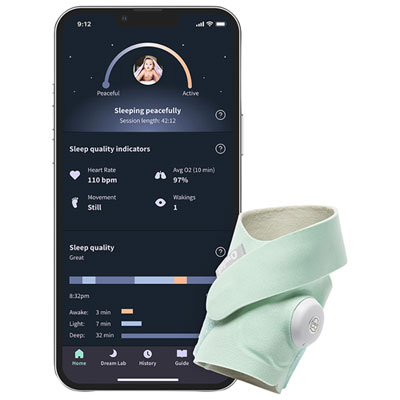 Your price for this item is $418.99
-
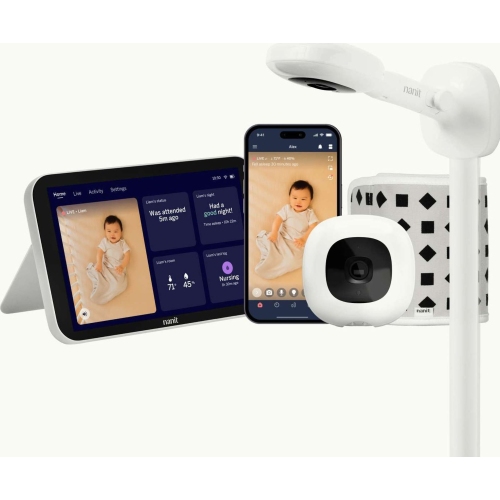 Your price for this item is $679.99
-
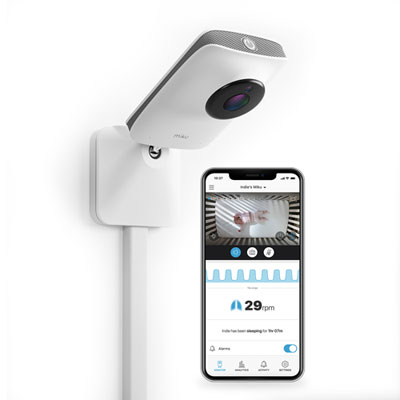 Your price for this item is $539.99
-
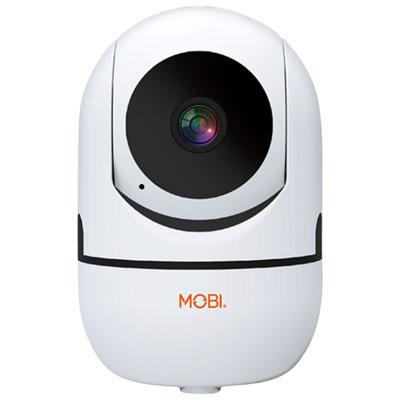 Your price for this item is $74.95
-
 Your price for this item is $94.99
-
 Your price for this item is $199.99
Discover more categories related to Baby Monitor That Connects to Phones


Top Collections:
Pokemon Centers, Kindle Devices, Best Cameras for Sports Photography, Pokémon 30th Celebration Cards, Apple iPhones 16, Canon G7X Cameras, iPhone 15 Apple, Flip Phones, Samsung Galaxy Phones, Alarm Clock
Some products may be subject to Environmental Handling Fees
(EHF) depending on your province.
Learn more about EHFs.