Back To School All-in-One Student Desktops
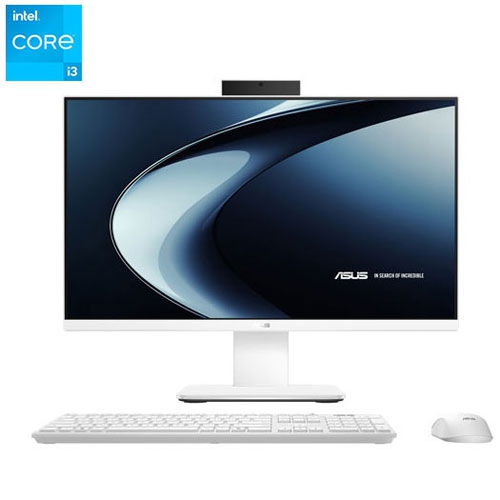
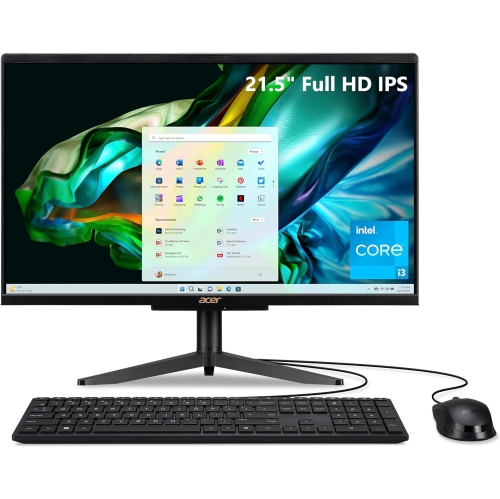
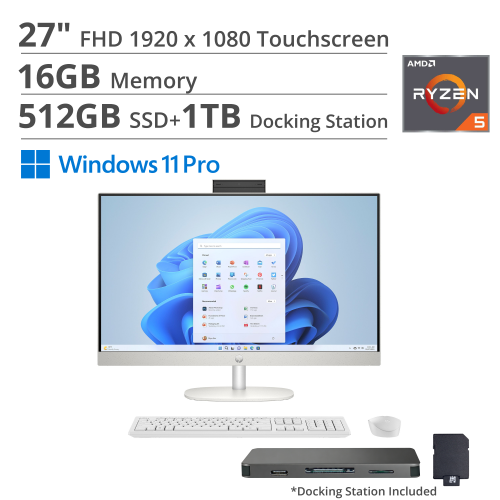
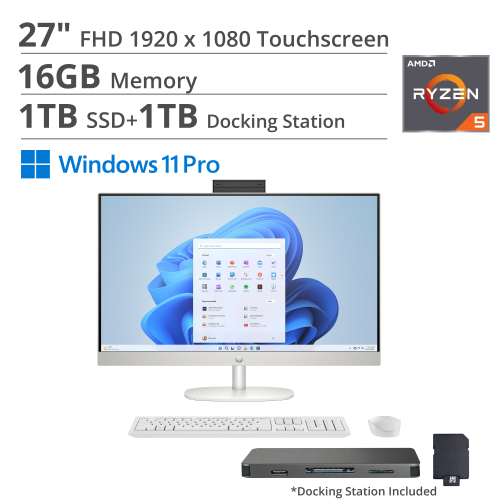
Get ready for back to school with all-in-one student desktops that combine a computer and monitor in one unit to help keep your study space tidy. Explore desktop computers for coursework, research, and everyday tasks, comparing screen size, processor, memory, and storage to find a fit for your classes, desk, and budget.




FAQ
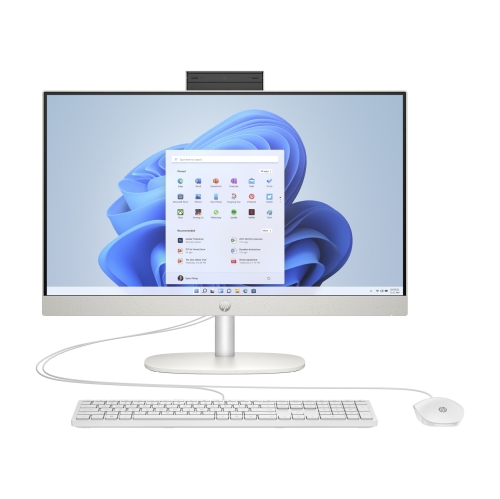
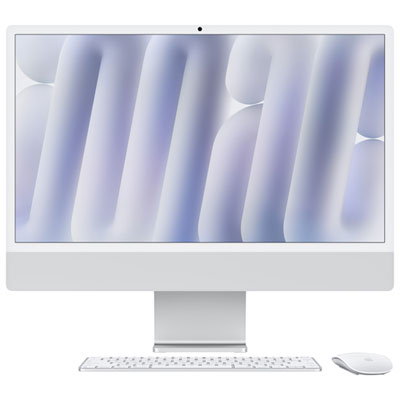
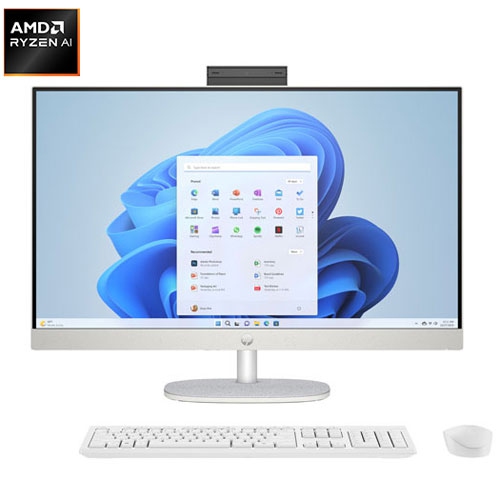
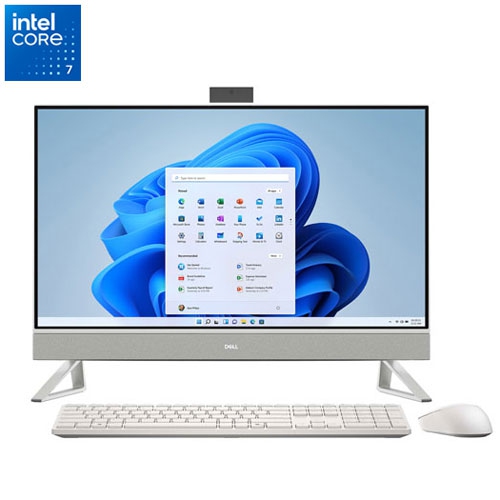
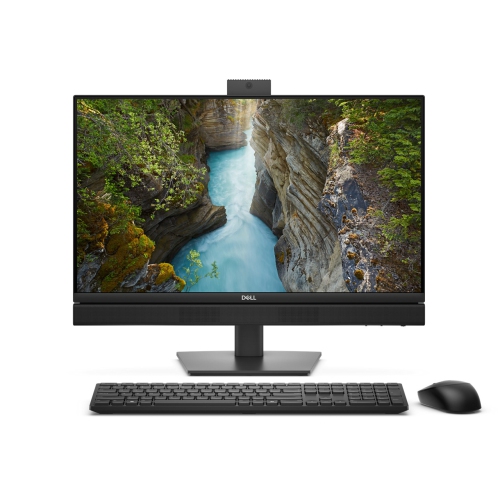
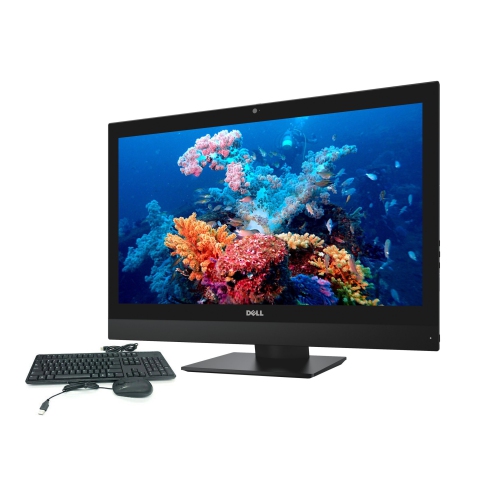
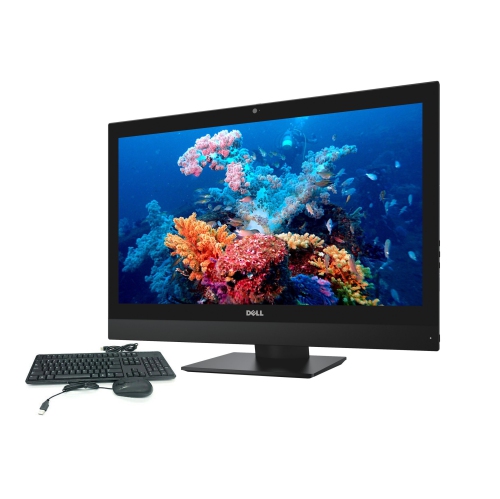
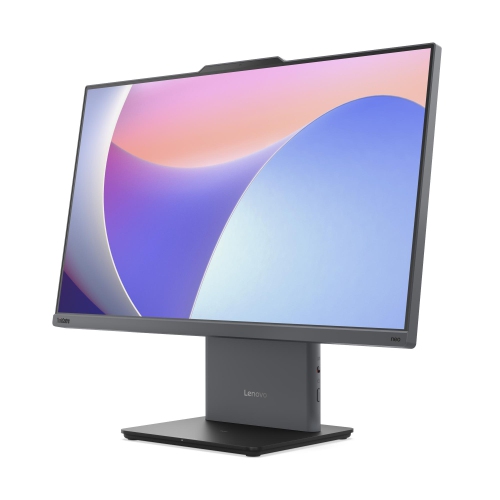
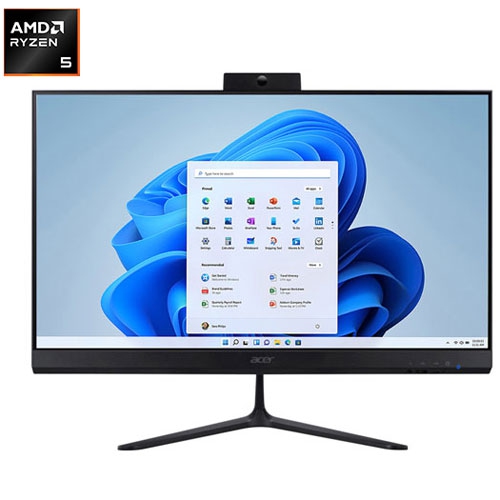
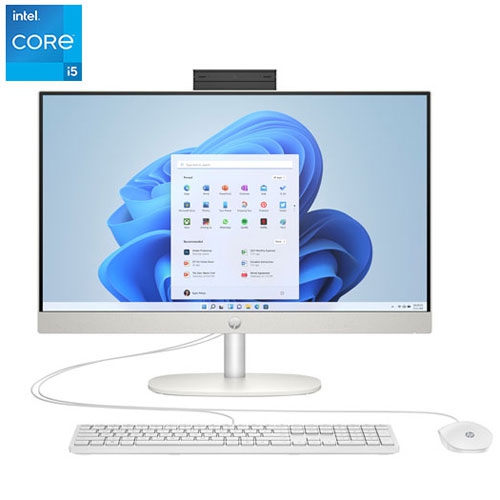
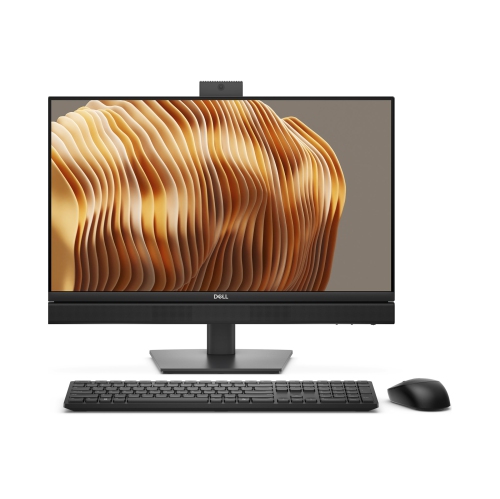
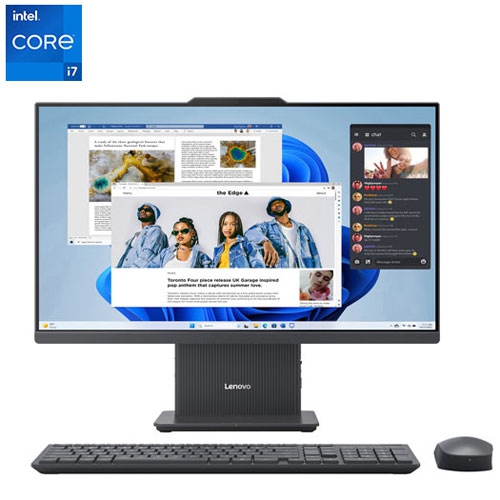
An all-in-one desktop combines the computer components and display in a single unit, rather than using a separate tower. It offers a streamlined setup for a student workspace, with a keyboard and mouse connected wirelessly or by cable.
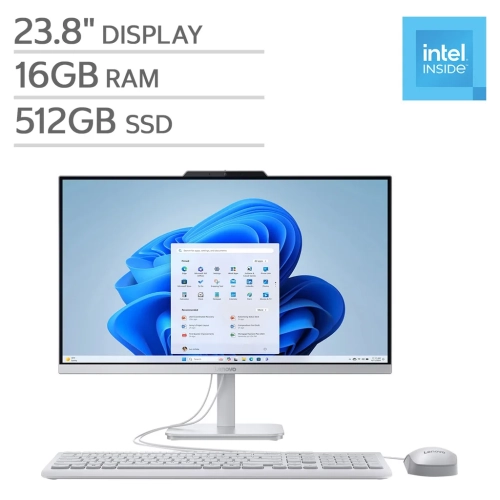
Consider the processor, RAM, storage and graphics requirements of your coursework. An SSD provides responsive storage, while 16 GB of RAM is a practical starting point for working with multiple apps. Students using design, engineering or video-editing software should check their program's hardware requirements before choosing a desktop.
All-in-one desktops can run online learning platforms and video-calling apps when they meet the software requirements. Check for a built-in webcam, microphone and speakers, as these features vary by model. Wi-Fi or Ethernet connectivity is also needed to access online classes.
Choose an operating system that supports the software required by your school or program. Windows and macOS both support many common tools for writing assignments, browsing and presentations, but some course-specific applications require a particular operating system. Check your school's technology requirements before deciding.
Depending on its ports and wireless features, an all-in-one desktop can connect to accessories such as a keyboard, mouse, headset, printer and external storage drive. Some models also support an additional monitor. Check the desktop's connections and display-output support to confirm compatibility with your study setup.
Top selling and popular products
Discover more categories related to Back To School All-in-One Student Desktops


Some products may be subject to Environmental Handling Fees (EHF) depending on your province. Learn more about EHFs.