Desktops for Back to School
Find desktops for back to school that suit your coursework, study space, and budget. Browse desktop computers for everyday tasks like research, writing assignments, and online classes, and compare processors, memory, and storage to match your needs. Check whether a monitor, keyboard, and mouse are included so you can plan your complete study setup.

FAQ
Start with the hardware requirements for your courses, including the processor, RAM, storage and graphics. An SSD stores your operating system, applications and files, while RAM supports open applications. Also check for the ports and network connections you need, such as USB, HDMI, Ethernet and Wi-Fi.
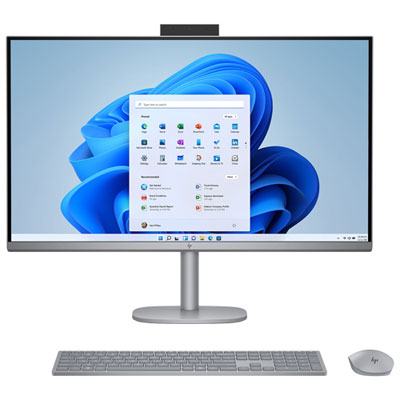
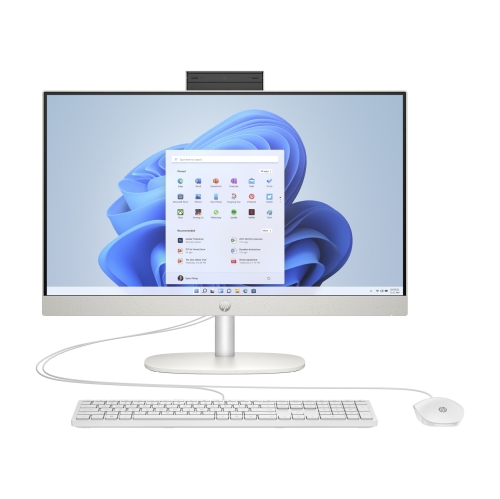
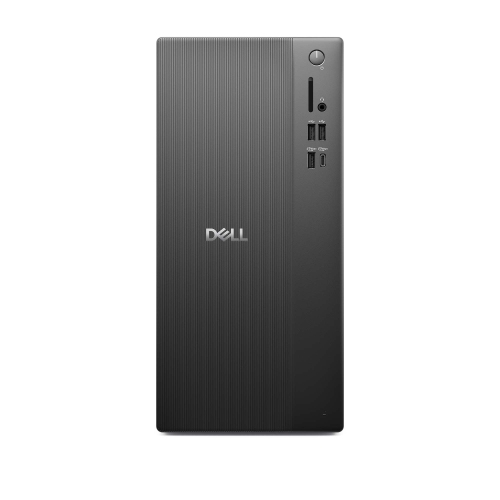
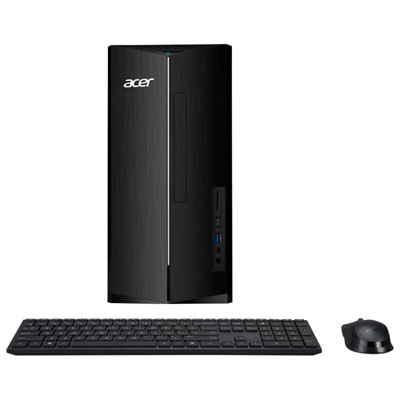
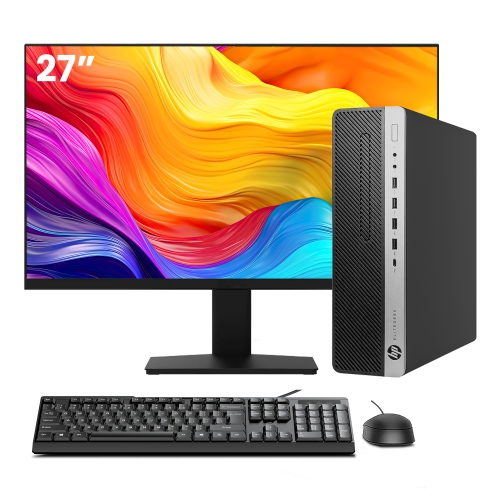
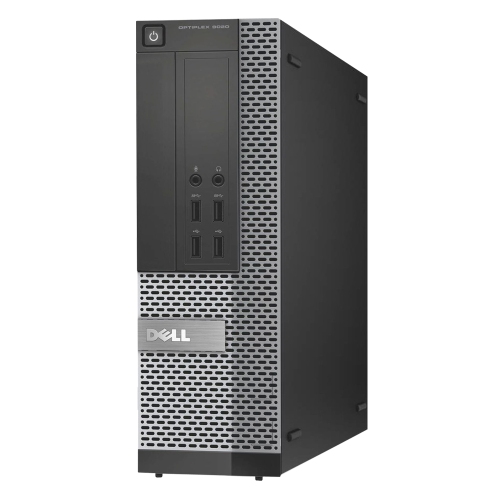
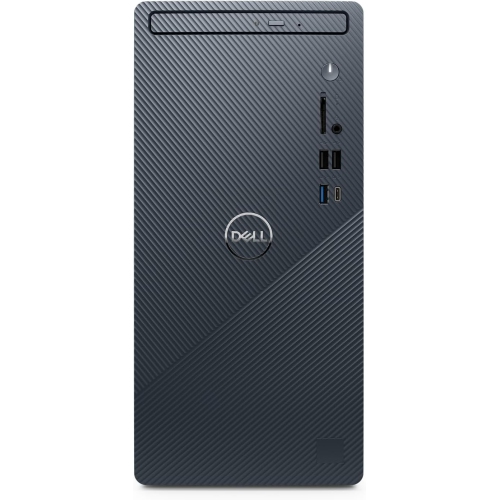
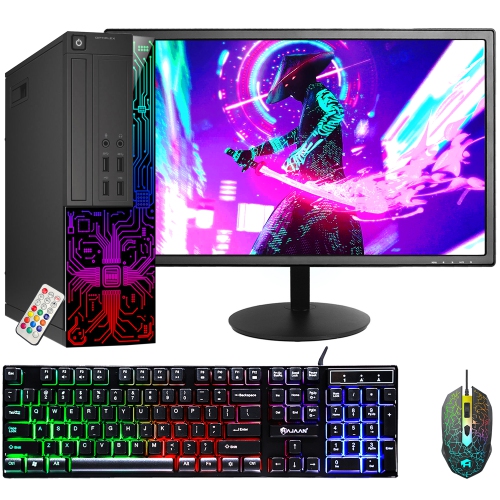
An all-in-one desktop combines the computer and display in one unit, while a desktop tower connects to a separate monitor. Towers generally offer more options for changing internal components. All-in-one models have fewer separate pieces to connect, though included keyboards and mice vary.
Choose an operating system that supports the software required by your school or program. Windows and macOS both support many common school applications, but some course-specific tools require a particular operating system. Check your program’s technology requirements and software licensing details before choosing.
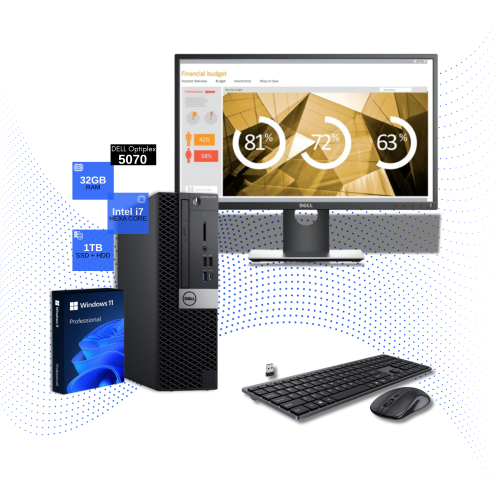
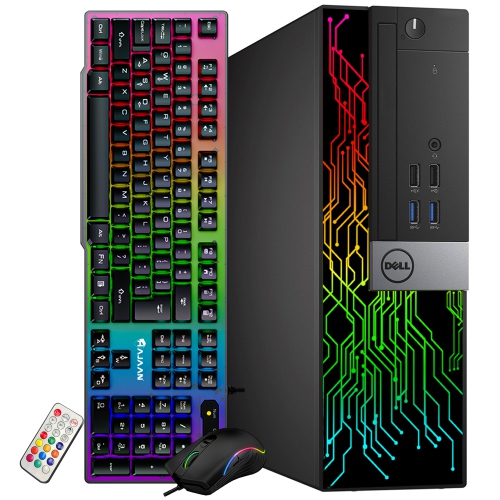
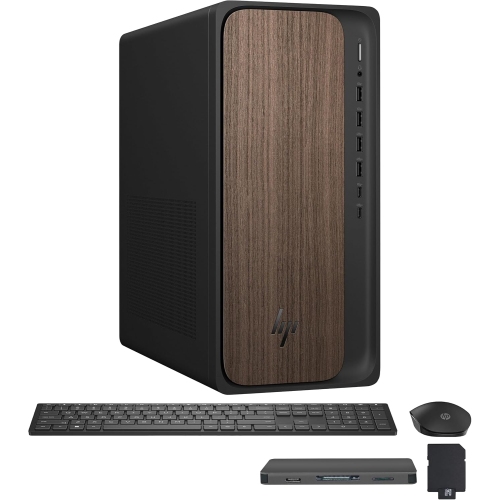
Common accessories include a keyboard, mouse, webcam and headset with a microphone for online classes. A desktop tower also needs a separate monitor. An external drive can hold backup copies of assignments, while a USB hub can provide connections for additional peripherals. Check what comes with the desktop before choosing accessories.
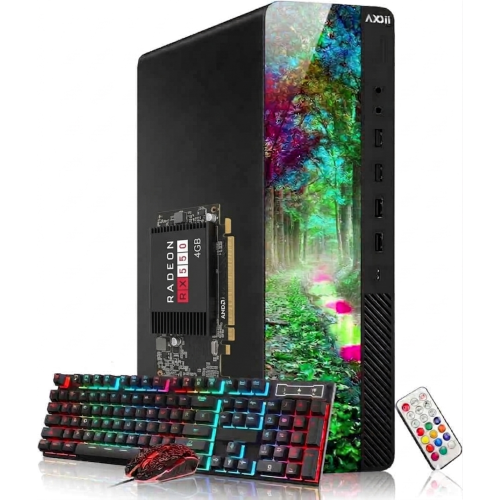
Many desktop towers allow RAM, storage or graphics card upgrades, but compatibility depends on the motherboard, power supply and available expansion connections. All-in-one desktops may have more limited upgrade options. Consult the manufacturer’s documentation to find out which components can be replaced or added.
Top selling and popular products
Discover more categories related to Desktops for Back to School

Some products may be subject to Environmental Handling Fees (EHF) depending on your province. Learn more about EHFs.