Back to School Dual Monitor Setups for Studying
Build a back-to-school dual monitor setup for studying with monitors and accessories for a two-screen workspace. Keep research on one screen and notes or assignments on the other, and compare screen sizes, resolutions and connection options to find a fit for your desk and computer. Check your computer’s support for two displays and whether you’ll need extra cables or adapters.





FAQ
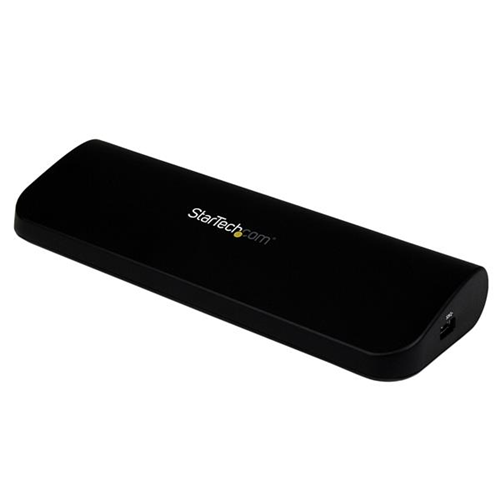
You need a laptop that supports two external displays, compatible monitors and the appropriate cables. Depending on your laptop’s ports, you may also need adapters or a docking station. Check the laptop’s display specifications, as multiple video ports do not always mean it can run two external monitors at once.
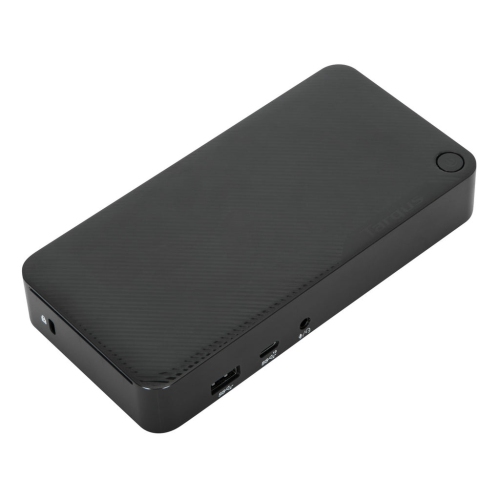
Common connections include HDMI, DisplayPort, USB-C and Thunderbolt. For video over USB-C, the laptop port must support a display-capable standard, such as DisplayPort Alt Mode or Thunderbolt. Choose cables and adapters that match your devices and support your intended resolution and refresh rate.
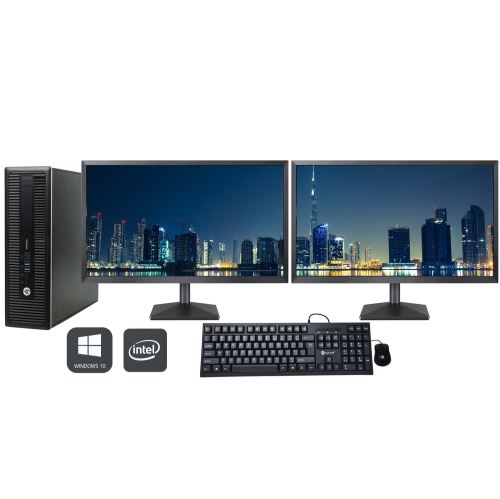
Extending your desktop lets each monitor show different windows, such as course notes on one screen and an assignment on the other. Mirroring shows the same content on both screens. You can choose either mode in your computer’s display settings.
No. You can use monitors from different brands with different resolutions, refresh rates and panel types, provided your computer supports them. Matching monitors can offer more consistent text appearance and colour, while mixed displays may require individual scaling and display settings.
Open your computer’s display settings, identify each screen and drag the display icons to match their physical arrangement. Select your main display, then adjust resolution, scaling and orientation for each monitor. This arrangement determines how your pointer moves between screens.
Top selling and popular products
Discover more categories related to Back to School Dual Monitor Setups for Studying


Some products may be subject to Environmental Handling Fees (EHF) depending on your province. Learn more about EHFs.