Back to School Monitor Setup for Study
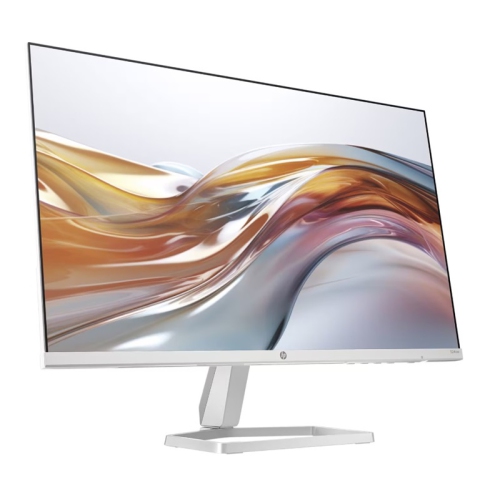
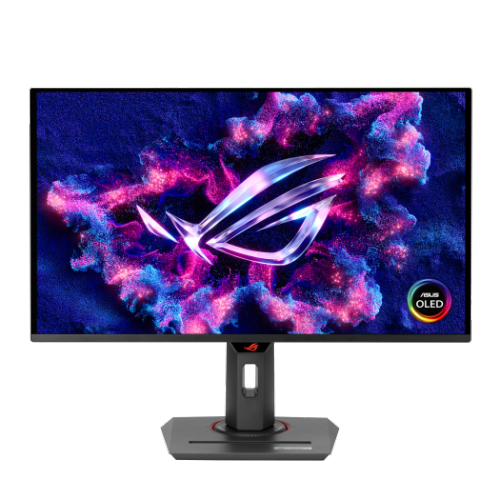
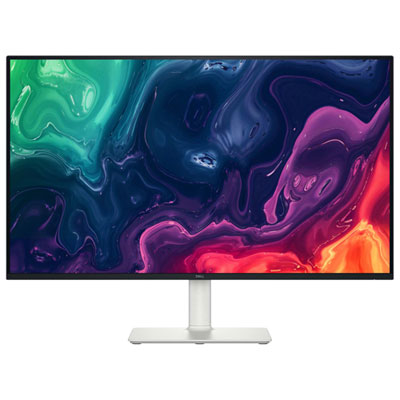
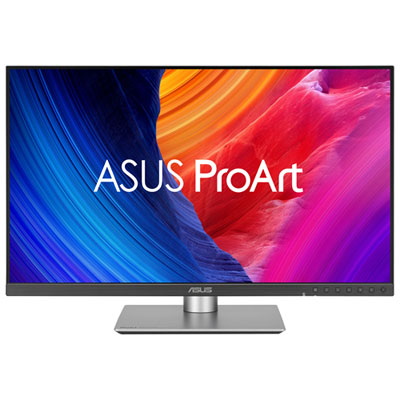
Build a back-to-school monitor setup for study with monitors and desk accessories suited to coursework, research, and online classes. Compare screen sizes, resolutions, and connection options to find a display that works with your laptop and desk space, and look for adjustable stands to help position your screen comfortably during study sessions.







FAQ
Consider resolution, text clarity, connectivity, and stand adjustability. An IPS panel offers wide viewing angles, while a matte screen can reduce distracting reflections. Check that the monitor has connections compatible with your laptop and enough adjustment options for your desk layout.
Match your laptop’s video output to the monitor’s input, such as HDMI, DisplayPort, or USB-C with video support. Some laptops need an adapter or docking station. Once connected, use your display settings to extend your desktop for separate workspaces or mirror your laptop screen.
A single monitor can suit focused reading, writing, and online classes. Two monitors let you keep reference material on one screen and an assignment on the other. You can also use your laptop screen alongside an external monitor. Check how many external displays your laptop supports before choosing a setup.
An external keyboard and mouse let you arrange your controls separately from your screen. A compatible monitor arm adds positioning options, while cable clips help keep cords organized. For online classes, consider a webcam, headset, or speakers if your monitor does not include the features you need.
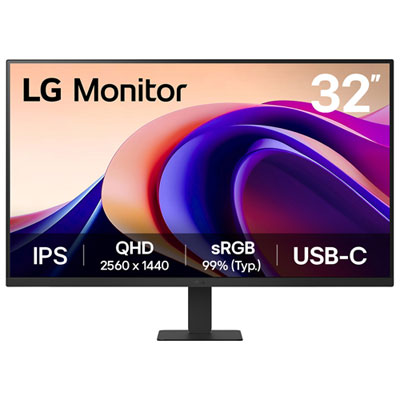
Some USB-C monitors support both video and laptop charging through one cable using USB Power Delivery. Your laptop’s USB-C port must support video output and charging, and the cable must support those functions too. Check the monitor’s power delivery rating against your laptop’s charging requirements.
Top selling and popular products
Discover more categories related to Back to School Monitor Setup for Study


Some products may be subject to Environmental Handling Fees (EHF) depending on your province. Learn more about EHFs.