Back To School Dual Monitor Setups For Productivity

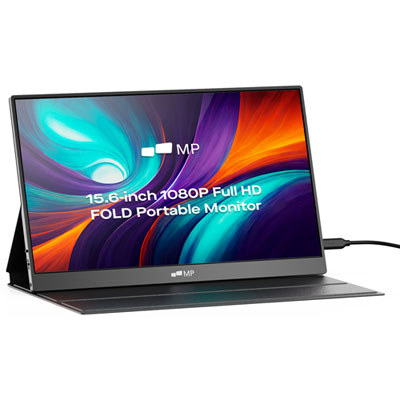
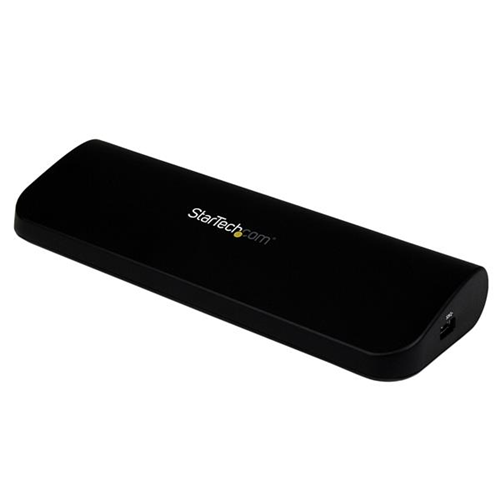
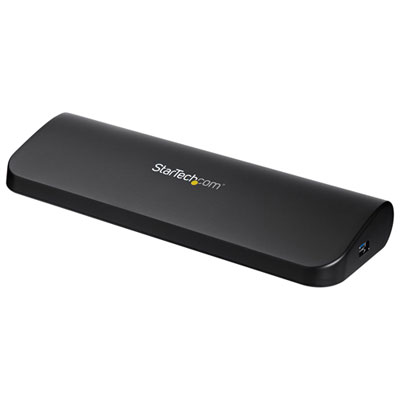
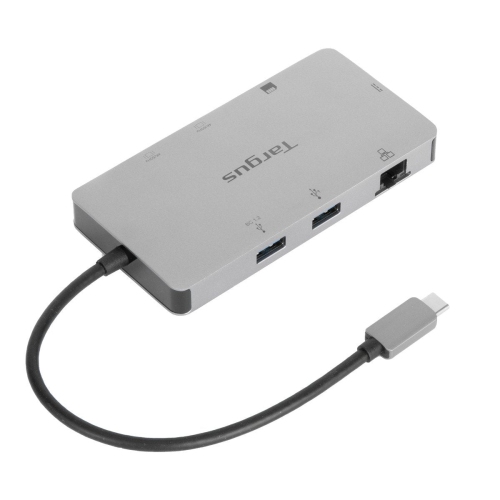
Back to school dual monitor setups for productivity make it easier to tackle assignments, manage multiple projects, and stay organized throughout the academic year. Whether you’re setting up a study space at home or upgrading your dorm room, these dual monitor solutions provide the flexibility needed for research, writing, and creative tasks. Explore options designed to help students maximize workspace and streamline their workflow as they gear up for a successful school year.
Sort
Back To School Dual Monitor Setups For Productivity

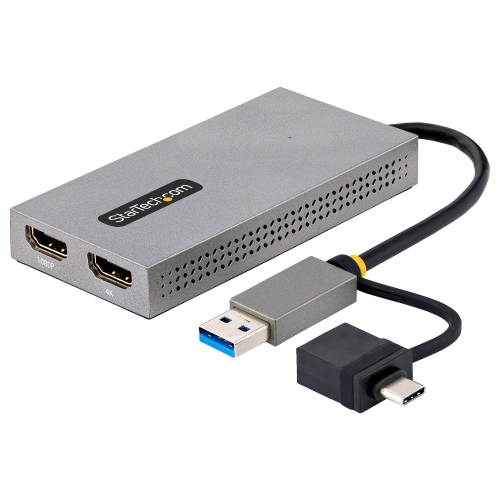
Preparing for the back-to-school season often means rethinking your workspace and setting yourself up for a productive year ahead, whether you’re heading into a new semester at university, starting high school, or supporting a loved one as they return to their studies. Dual monitor setups are increasingly popular as students, professionals, and remote learners alike look for ways to boost their workflow and multitask more efficiently. With the flexibility to view notes on one screen while attending virtual lectures on another, or to keep research and writing side by side, a dual monitor arrangement can make a real difference in both focus and comfort. These setups are especially well-suited for those balancing multiple projects or subjects, such as engineering, design, business, or computer science students who often need to reference several applications at once. Even for those engaged in creative work—like video editing, digital art, or coding—a second monitor can open up a new level of convenience, allowing you to keep your tools and timelines visible without constantly switching windows.
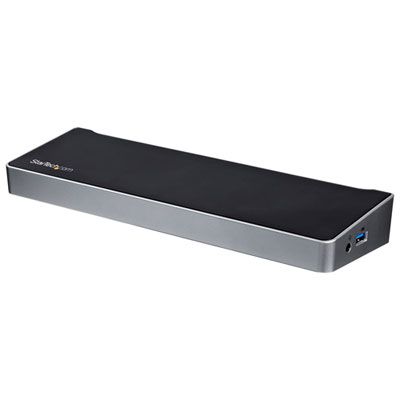
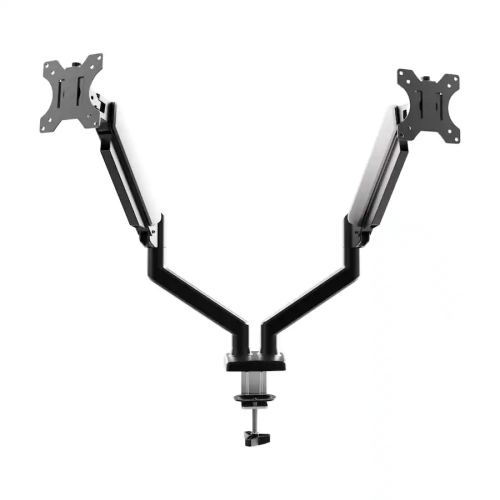
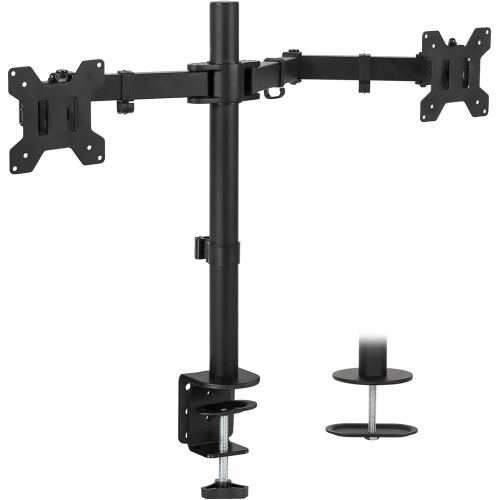
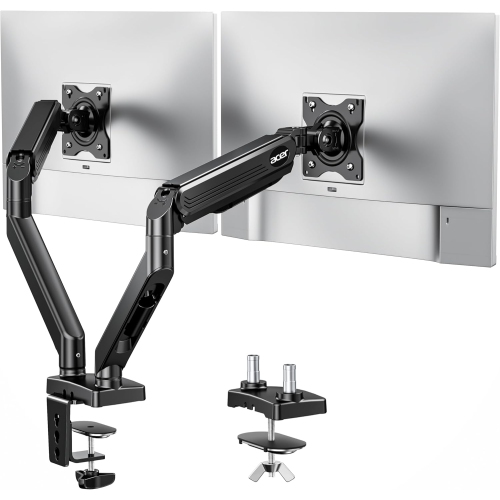
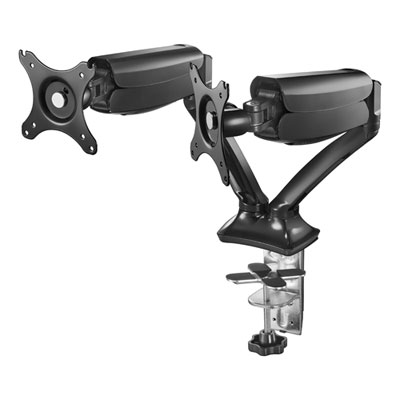
When considering a dual monitor setup for back to school, it’s important to think about the space you have available and the way you like to work. Some find that a pair of compact displays fits perfectly on a smaller dorm desk, while others might prefer larger screens for immersive visuals and easier reading. Adjustable monitor stands or arms can help maximize your workspace, letting you tilt, swivel, or stack your screens for the most comfortable viewing angles. Cable management solutions are also worth considering, as they can keep your setup tidy and distraction-free. For those setting up in shared spaces, privacy filters and screen glare reduction features can make a big difference, especially during late-night study sessions or group work. Many students and professionals also look for monitors with blue light reduction, flicker-free technology, and ergonomic adjustments to help reduce eye strain and fatigue during long hours of use. Dual monitor setups make a thoughtful and practical gift for anyone heading back to school, whether it’s a student moving into residence, a recent grad starting a new job, or a family member transitioning to remote learning or hybrid work.
As the weather warms and routines shift for the new school year, investing in a dual monitor setup can help create a dedicated zone for productivity and learning. Whether you’re outfitting a home office, a dorm room, or a communal study area, the right combination of monitors and accessories can transform the way you study, collaborate, or unwind with your favourite shows after a day of classes. With so many options available, it’s easy to tailor your setup to your specific needs—choosing from different screen sizes, resolutions, and connectivity options to suit your devices and workflow. Adding a dual monitor setup to your back-to-school checklist is a smart move for anyone looking to stay organized, focused, and ready to tackle the demands of a busy academic year.
When considering a dual monitor setup for back to school, it’s important to think about the space you have available and the way you like to work. Some find that a pair of compact displays fits perfectly on a smaller dorm desk, while others might prefer larger screens for immersive visuals and easier reading. Adjustable monitor stands or arms can help maximize your workspace, letting you tilt, swivel, or stack your screens for the most comfortable viewing angles. Cable management solutions are also worth considering, as they can keep your setup tidy and distraction-free. For those setting up in shared spaces, privacy filters and screen glare reduction features can make a big difference, especially during late-night study sessions or group work. Many students and professionals also look for monitors with blue light reduction, flicker-free technology, and ergonomic adjustments to help reduce eye strain and fatigue during long hours of use. Dual monitor setups make a thoughtful and practical gift for anyone heading back to school, whether it’s a student moving into residence, a recent grad starting a new job, or a family member transitioning to remote learning or hybrid work.
As the weather warms and routines shift for the new school year, investing in a dual monitor setup can help create a dedicated zone for productivity and learning. Whether you’re outfitting a home office, a dorm room, or a communal study area, the right combination of monitors and accessories can transform the way you study, collaborate, or unwind with your favourite shows after a day of classes. With so many options available, it’s easy to tailor your setup to your specific needs—choosing from different screen sizes, resolutions, and connectivity options to suit your devices and workflow. Adding a dual monitor setup to your back-to-school checklist is a smart move for anyone looking to stay organized, focused, and ready to tackle the demands of a busy academic year.
Top selling and popular products
Top Collections:
RAM Upgrades for PC, Best Laptops for Home Use, Best Cell Phones Under $500, Kindle Devices, Best Quality Dishwashers, Best Type C Hub, Best Wi-Fi Routers, Best External Hard Drives, Apple iPhones 16, Best Noise Cancelling Headphones
Some products may be subject to Environmental Handling Fees
(EHF) depending on your province.
Learn more about EHFs.