Back To School Soundbars for Student Apartments
Find back-to-school soundbars for student apartments that bring TV, movie, and music audio into smaller living spaces. Browse soundbars with your room layout and budget in mind, comparing dimensions, connection options, and compatibility with your TV or laptop to find a practical fit for your setup.



FAQ
Common options include HDMI ARC, HDMI eARC and optical audio. Check which audio outputs your TV has and choose a soundbar with a matching input. HDMI ARC and eARC use a compatible HDMI port to send TV audio to the soundbar, while optical uses a separate digital audio cable.
Bluetooth lets you pair a compatible phone, tablet or laptop directly with a soundbar for audio playback. Wi-Fi models connect to a network and may support music streaming services, casting or multi-room audio. In student residences with managed networks, check whether the network permits connections between personal devices.
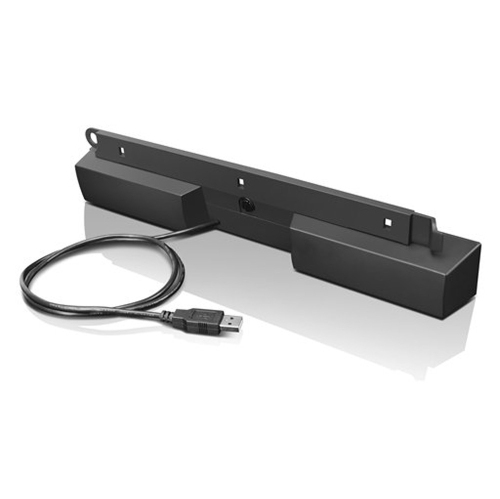
Connection options depend on the devices involved. Some soundbars accept Bluetooth, analogue audio or USB audio, while others connect through a TV using HDMI ARC or eARC. A laptop's standard HDMI output is not the same as an HDMI ARC connection, and a soundbar's USB port may be intended only for updates or file playback.
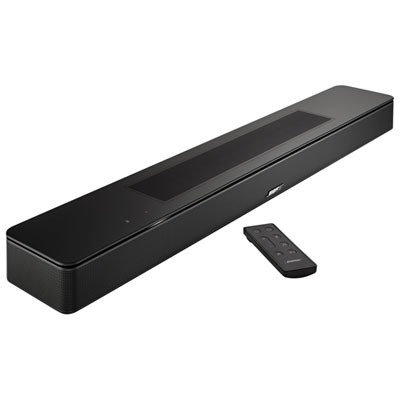
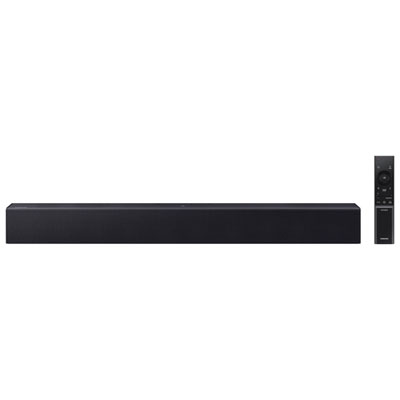
Soundbars may offer onboard buttons, a dedicated remote or a mobile app. Models with HDMI-CEC support may also accept volume commands from a compatible TV remote. For a shared apartment, check whether everyday controls are available without relying on one person's phone or account.
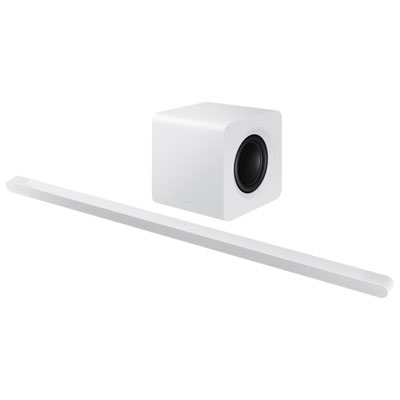
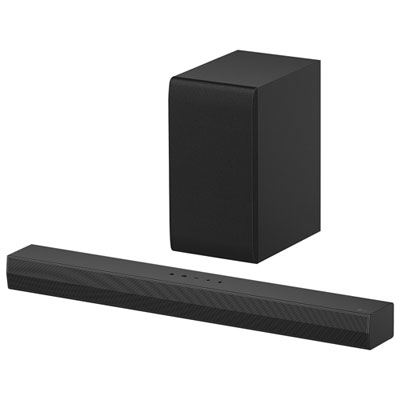
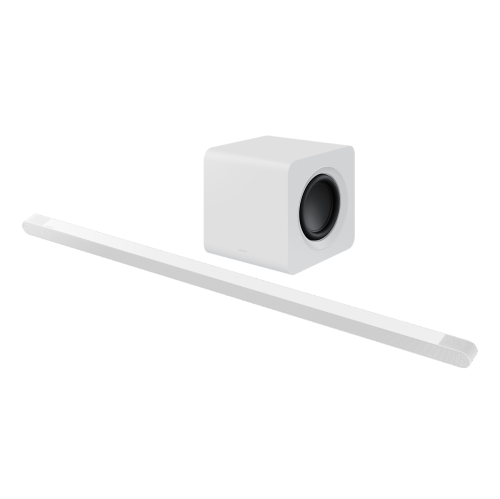
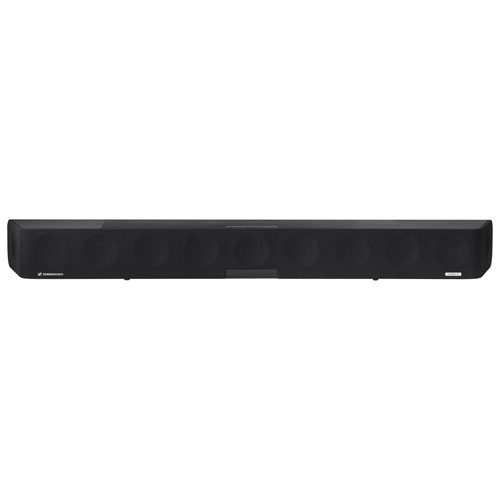
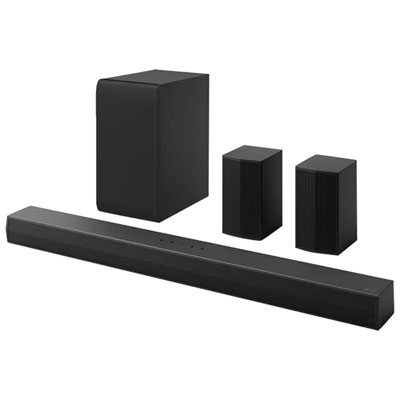
An all-in-one soundbar houses its speakers in a single unit. A soundbar system includes separate components, such as a subwoofer or rear speakers. Wireless components may still require power cables, and support for adding speakers later varies by model.
Top selling and popular products
Discover more categories related to Back To School Soundbars for Student Apartments


Some products may be subject to Environmental Handling Fees (EHF) depending on your province. Learn more about EHFs.