Best Chromebooks for Middle School
Finding the best Chromebooks for middle school starts with choosing features that fit a student’s day, from a lightweight design for carrying between classes to battery life that supports homework and study sessions. Whether students are writing assignments, researching projects or joining online lessons, a Chromebook can help them stay connected and organized. Explore the options below, ranked by user review ratings, to find a fit for your student’s needs and your budget.
What to look for in Chromebooks for middle school
1. School Compatibility
2. Performance and Storage
3. Portability and Durability
4. Battery Life and Update Support
-
1
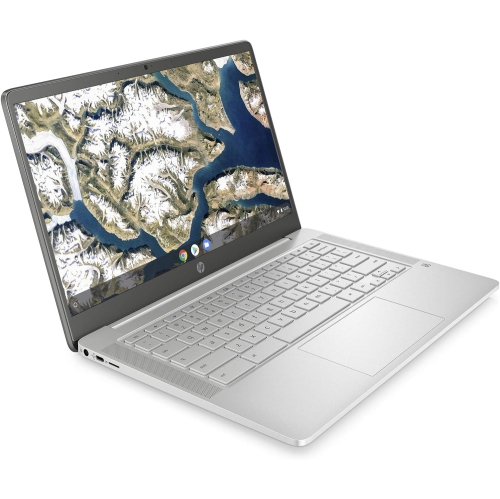
HP - 14" Chromebook - Intel Celeron N4000 - 4GB Lpddr4 - 64GB Emmc - Chromeos - Mineral In Silver
About this product
A sleek silver Chromebook featuring an Intel Celeron processor, 4GB RAM, and 64GB eMMC storage.
What customers like
(0)$400.00 Your price for this item is $400 -
2
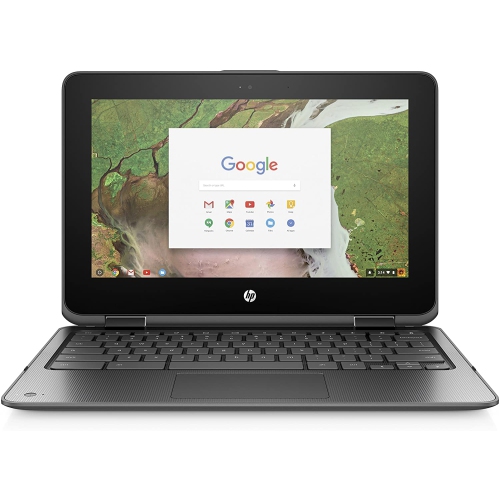
HP Refurbished (Good) - Chromebook 11 - Intel Celeron N3350 - 4GB Lpddr4 - 32GB Emmc - Chromeos - Touchscreen - 2-In-1
About this product
A versatile Chromebook with Intel N3350 processor, 4GB RAM, and 32GB storage, built for durability.
$165.00 Your price for this item is $165 -
3
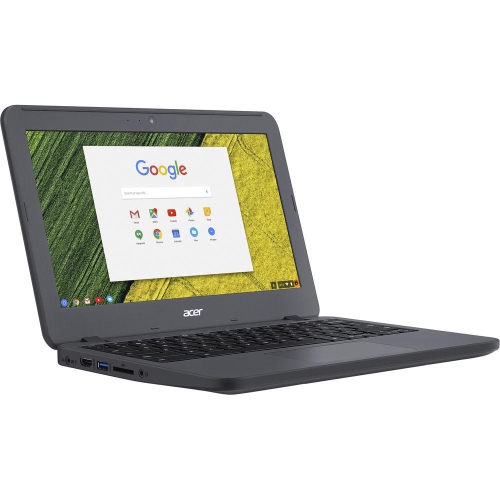
ACER Refurbished (Good) - Chromebook C731 - Intel Celeron N3060 - 4GB Ddr3 - 16GB Emmc - Chrome Os - In Grey
About this product
A compact Chromebook featuring an Intel Celeron processor, 4GB RAM, 16GB SSD, webcam, and Chrome OS.
$89.99Your price for this item is $89.99SAVE $70 -
4
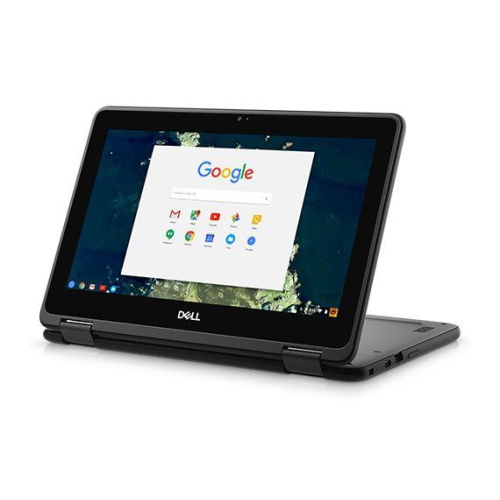
DELL Refurbished (Good) - Chromebook 5190 2-In-1 - Intel Celeron N3350 - 4GB Ddr4 - 32GB Emmc - Chrome Os - In Black
About this product
A rugged 2-in-1 Chromebook with 11.6" touchscreen, Intel N3350 processor, 4GB RAM, and 32GB storage.
$155.00 Your price for this item is $155 -
5
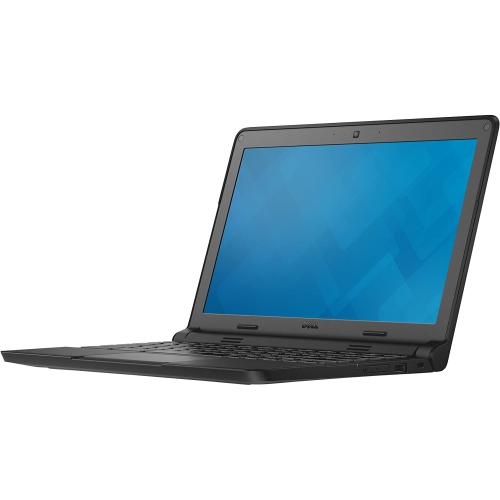
DELL Refurbished (Good) - Chromebook 3120 11.6" Student Chromebook - Intel Celeron N2840 - 4GB Ddr3L - 16GB Emmc - Chrome Os
About this product
A refurbished black Chromebook featuring an 11.6" display, Intel Celeron processor, 4GB RAM, and 16GB SSD.
(3)$140.00 Your price for this item is $140 -
6
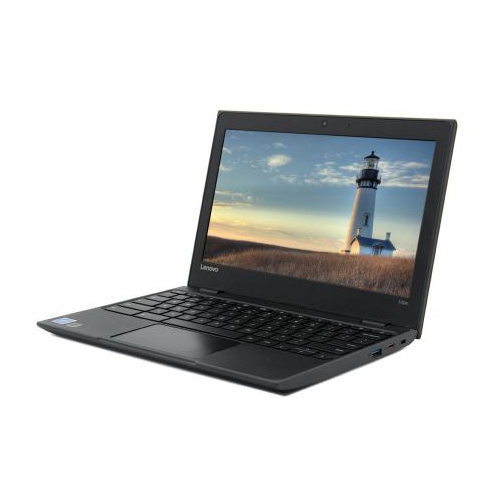
LENOVO 100E Chromebook 2Nd Gen 11.6" HD - Amd A4-9120C - 4GB Ram - 32GB Flash - Chrome Os - - French In Black
About this product
A durable black Chromebook with 11.6" HD display, 4GB RAM, 32GB storage, and Canadian French keyboard.
$269.99 Your price for this item is $269.99 -
7
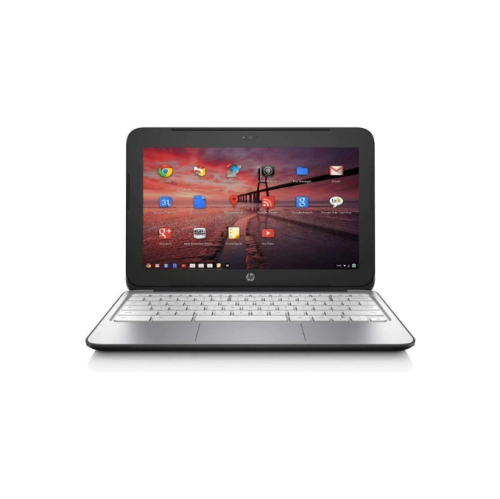
HP Refurbished (Good) - Chromebook 11 G2 11.6" - Dual Core 1.7Ghz - 2GB Ddr3 - 16GB SSD - Chromeos - In Black
About this product
A refurbished Chromebook featuring an 11.6" HD display, dual-core 1.7GHz processor, and 16GB SSD.
$140.00 Your price for this item is $140 -
8
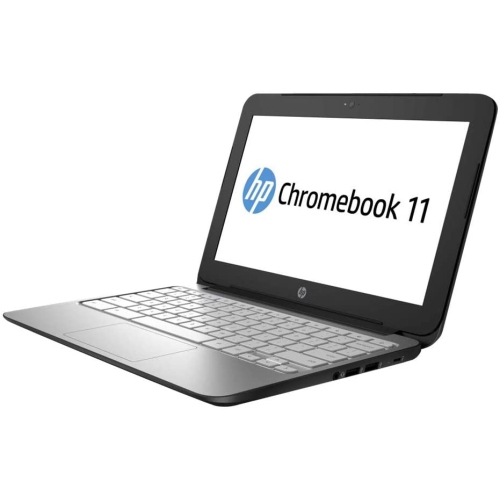
HP Refurbished (Excellent) - Chromebook 11 G2 11.6" Led - Exynos 5250 Dual-Core - 2GB Ddr3 - 16GB Emmc - Chrome Os
About this product
A compact Chromebook featuring an 11.6" LED display, Exynos dual-core processor, 16GB eMMC, and 2GB RAM.
$155.00 Your price for this item is $155 -
9
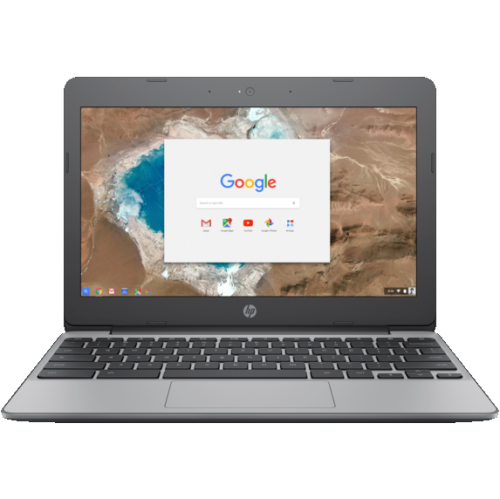
HP Refurbished (Good) - Chromebook 11 - Intel Celeron N3060 - 4GB - 16GB Emmc - Chromeos - In Gray
About this product
A compact Chromebook featuring an Intel Celeron processor, 4GB RAM, 16GB storage, and integrated webcam.
$145.00 Your price for this item is $145 -
10
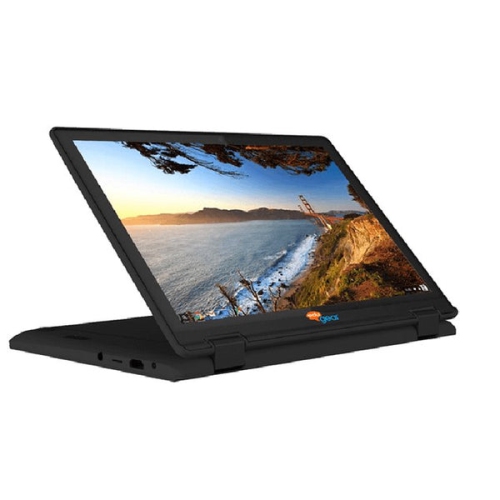
LAPTOP KING Edugear Convertible Chromebook 11.6” HD Ips – Multi Touch 4GB Ram 32GB Emmc Internal Storage (Refurbished Excellent Condition )
About this product
A 11.6" HD IPS touchscreen Chromebook with 4GB RAM and 32GB eMMC storage, refurbished in excellent condition.
$108.00 Your price for this item is $108
FAQ
Look for a comfortable keyboard, a clear webcam, a built-in microphone and battery life suited to a school day. Multiple USB ports and a headphone jack can be useful for classroom accessories. Check your school’s technology requirements to confirm compatibility with required apps and learning platforms.
Chromebooks support Google Classroom and browser-based tools such as Google Docs, Sheets and Slides. Students can also use web versions of Microsoft Word, Excel and PowerPoint, although some features require a subscription or school account. Desktop applications designed for Windows or macOS generally cannot be installed on ChromeOS.
Some schoolwork can be completed offline if the relevant apps and files are set up beforehand. Google Docs, Sheets and Slides offer offline access when enabled, and students can open locally stored files with compatible apps. Work can sync once Wi-Fi is available again, but online lessons and many assignment submissions require internet access.
A touchscreen offers another way to navigate learning apps, annotate documents and work with diagrams. A convertible Chromebook can also fold into different positions for reading or presentations. For handwritten notes or drawing, check whether the Chromebook supports an active stylus, as compatibility varies and a stylus may be sold separately.
Chromebooks receive automatic ChromeOS updates until their model’s Auto Update Expiration date. Check that date when choosing a Chromebook for use across several school years. If a school manages the device, its IT team may control update settings, app access and other account features.
Top selling and popular products
Discover more categories related to Best Chromebooks for Middle School


Some products may be subject to Environmental Handling Fees (EHF) depending on your province. Learn more about EHFs.