Best Tablets For University Students
The best tablets for university students make it easy to take notes, read course materials, and stay organized between lectures. Whether you’re annotating readings or joining a virtual study group, look for a tablet with long battery life, a portable design, and support for the apps you rely on. Explore the tablets below, ranked by user review ratings, to find an option that suits your coursework and budget.
What to look for in tablets for university students
1. Course Software Compatibility
2. Note-Taking and Keyboard Support
3. Display Size and Portability
4. Battery Life and Storage
-
1

APPLE Ipad 11-Inch: A16 Chip, 11-Inch Model, Liquid Retina Display, 128GB, Wi-Fi 6, 12Mp Front/12Mp Back Camera, Touch Id, All-Day Battery Life -
About this product
An advanced blue tablet featuring an A16 chip, Liquid Retina display, 128GB storage, and all-day battery life.
What customers like
(6,821)$629.95Your price for this item is $629.95SAVE $170 -
2
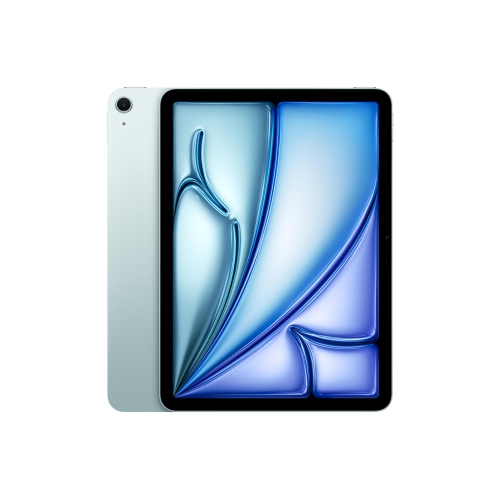
APPLE Refurbished (Excellent) - Ipad Air 11" 128GB With Wi-Fi (6Th Generation) - In Blue
About this product
A refurbished iPad Air 11-inch with a stunning Liquid Retina display, 128GB storage, Wi-Fi 6E, and all-day battery life in blue.
What customers like
(609)$889.99Your price for this item is $889.99SAVE $210 -
3

Samsung Galaxy Tab S10 FE+ (Plus) 13.1" 128GB Android Tablet with Exynos 1580 Processor - Grey
About this product
A versatile grey tablet featuring a 13.1" display, Exynos 1580 processor, S Pen, and Galaxy AI.
What customers like
(652)$979.99 Your price for this item is $979.99 -
4
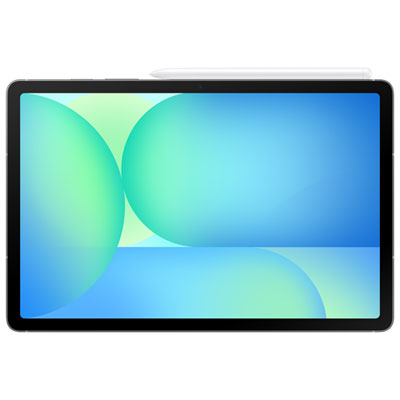
Samsung Galaxy Tab S10 FE 5G 10.9" 128GB Android Tablet with Exynos 1580 Processor - Grey
About this product
A versatile grey tablet featuring a 10.9" display, Exynos 1580 processor, 5G connectivity, and S Pen support.
What customers like
(514)$749.99Your price for this item is $749.99SAVE $100 -
5
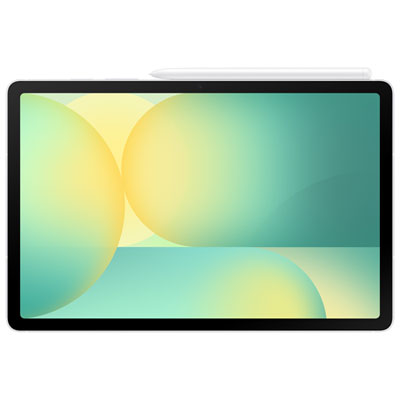
Samsung Galaxy Tab S10 FE 10.9" 128GB Android Tablet with Exynos 1580 Processor - Silver
About this product
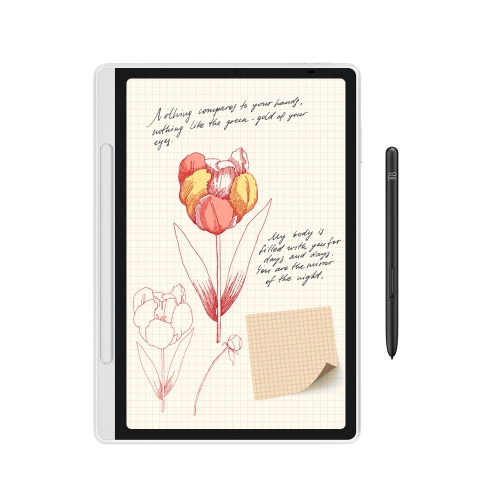
A sleek silver tablet featuring a 10.9" display, Exynos 1580 processor, S Pen, and Galaxy AI.
What customers like
(60)$599.99Your price for this item is $599.99SAVE $100 -
6
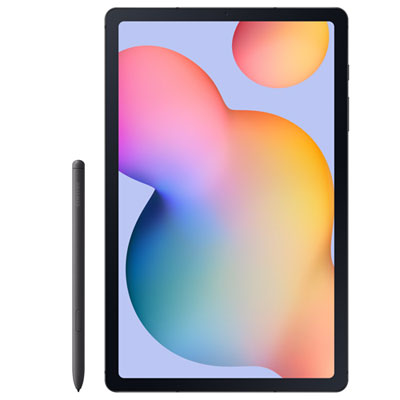
Samsung Galaxy Tab S6 Lite 10.4" 64GB Android Tablet with Exynos 1280 - Graphite
About this product
A slim graphite tablet with a 10.4" display, 64GB storage, Exynos 1280, and included S Pen.
What customers like
(74)$448.97 Your price for this item is $448.97 -
7
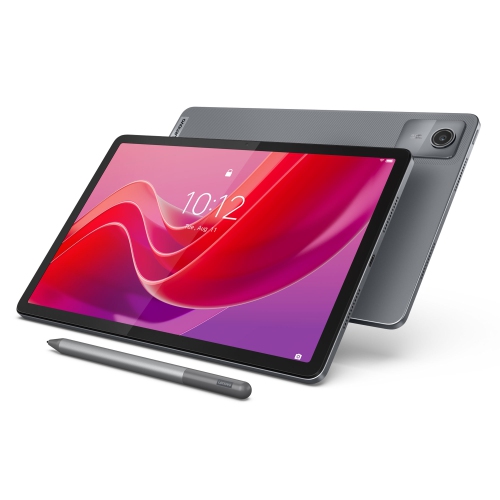
LENOVO Tab M11, 11" Ips 400 Nits, 4GB, 128GB Emmc
About this product
An 11" IPS tablet with 400 nits brightness, 4GB RAM, and 128GB eMMC storage.
What customers like
(131)$331.55Your price for this item is $331.55SAVE $17 -
8
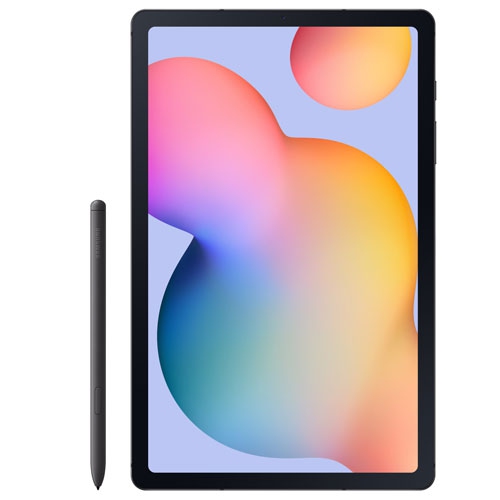
SAMSUNG Refurbished (Excellent) - Galaxy Tab S6 Lite 10.4" 64GB Android Tablet With Exynos 1280 - Graphite
About this product
A refurbished graphite tablet featuring a 10.4" display, 64GB storage, Exynos 1280, and S Pen.
(3)$338.97Your price for this item is $338.97SAVE $110 -
9
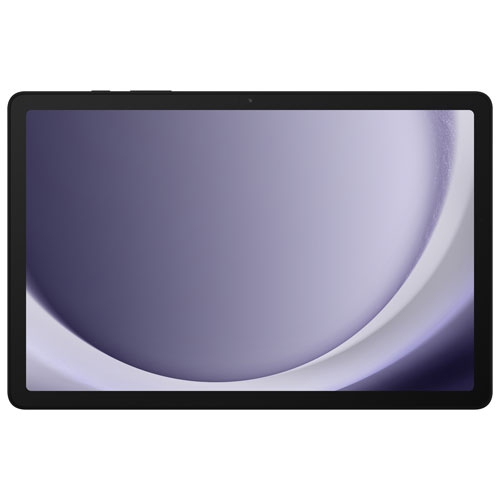
SAMSUNG Refurbished (Fair) - Galaxy Tab A9+ (Plus) 11" 64GB Android Tablet W/ Qualcomm Sm6375 Processor - Graphite
About this product
A refurbished graphite tablet featuring a Qualcomm SM6375 processor, 4GB RAM, and 64GB storage.
(2)$238.97Your price for this item is $238.97SAVE $90 -
10
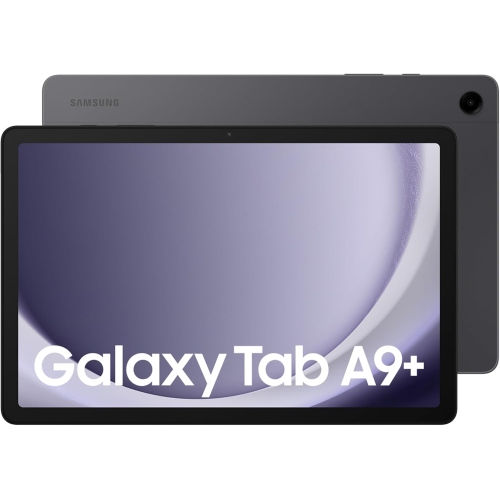
SAMSUNG Galaxy Tab A9+ 27.94 Cm(11.0 Inch) Display, Ram 4 GB, Rom 64 GB Expandable, Wi-Fi, Tablet, Graphite
About this product
A versatile graphite tablet with 11" display, 4GB RAM, 64GB expandable storage, and Wi-Fi connectivity.
(2)$214.99Your price for this item is $214.99SAVE $115
FAQ
Choose an operating system that supports the apps and file formats required by your program. Tablets running iPadOS, Android or Windows offer different software options, and some courses require desktop applications that may not run on every tablet. Check your university’s technology requirements before choosing.
Common accessories include a compatible stylus for handwritten notes and PDF annotations, a keyboard for typing, and a stand or keyboard case for positioning the tablet on a desk. Stylus and keyboard compatibility varies, so check that each accessory supports your tablet model.
Students can transfer files through cloud storage, supported USB connections or wireless sharing tools. Many note-taking and document apps also sync across devices when signed in to the same account. Check whether your university provides a cloud storage account and whether your chosen apps support both devices.
Many apps let students download PDFs, e-books, documents and selected lectures for offline access. Availability depends on the app, course platform and content permissions. Download materials while connected, and check that they open offline before heading to class. Online quizzes and live sessions generally require an internet connection.
Wi-Fi tablets connect through networks such as campus Wi-Fi or a phone’s hotspot. Cellular-enabled tablets can also connect to a mobile network with a compatible plan and SIM or eSIM. Check your campus network requirements and carrier compatibility when choosing how you want to connect.
Top selling and popular products
Discover more categories related to Best Tablets For University Students


Some products may be subject to Environmental Handling Fees (EHF) depending on your province. Learn more about EHFs.