Best Tablets for Note Taking Students

The best tablets for note-taking students make it easy to capture lecture notes, annotate readings, and keep coursework organized. Whether you prefer handwriting with a compatible stylus or typing on an optional keyboard, look for a tablet with a clear display, reliable battery life, and support for your favourite study apps. Explore the tablets below, ranked by user review ratings, to find an option that fits your study habits and budget.

Read More

What to look for in tablets for student note-taking

1. Stylus Support

Look for a tablet that supports an active stylus for precise handwriting and diagrams, with palm rejection so you can rest your hand on the screen while writing. Check whether a compatible stylus is included or sold separately.

2. Display and Portability

A larger display gives you more room to annotate readings and view notes beside course materials, while a smaller tablet is easier to carry between classes. Consider screen clarity, tablet weight and how comfortably it fits in your bag.

3. Note-Taking Apps and Compatibility

Check that the tablet supports your preferred note-taking apps and any software required by your school. Features such as handwriting search, PDF annotation and split-screen multitasking can help with studying, while file syncing makes it easier to access notes on other devices.

4. Battery Life and Storage

Choose a tablet with enough battery life for lectures and study sessions, keeping in mind that actual runtime varies with use. Allow enough storage for apps, textbooks and lecture recordings, and check whether you can access saved notes without Wi-Fi.
Citrus catapult arrow
  1. 1

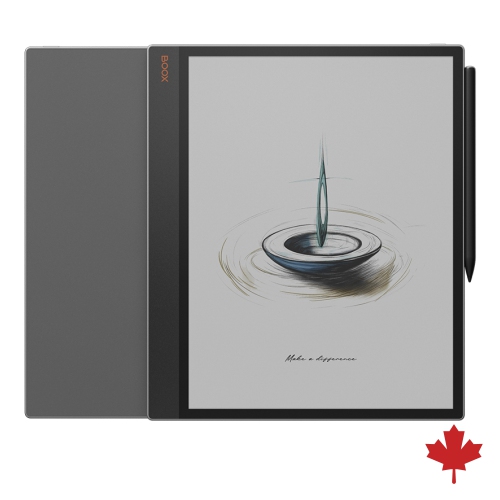
    BOOX Tab X C: 13.3-Inch Colour E-Ink Tablet | 6G 128G | Dual-Tone Front Light | Note-Taking( Support Inkspire Stylus)

    About this product

    A 13.3-inch colour E-Ink tablet with dual-tone front light, 6GB RAM, and stylus support.

    (4)
    $1,063.99 Your price for this item is $1063.99
  2. 2

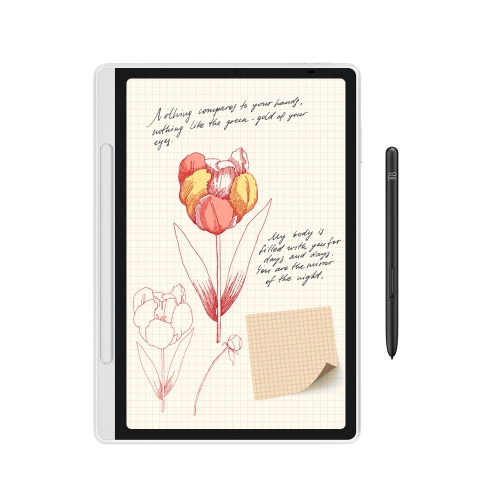
    XPPEN Magic Note Pad - 3 In 1 Color Digital Notebook 10.95" Ebook Reader Paper Note Taking Tablet w 16384 Pressure Levels Pencil 2 Magnetic Folio

    About this product

    A versatile digital notebook with a color display, 16K pressure-level pen, and magnetic folio for seamless note-taking.

    (3)
    $445.99
    SAVE $194
    Your price for this item is $445.99
  3. 3

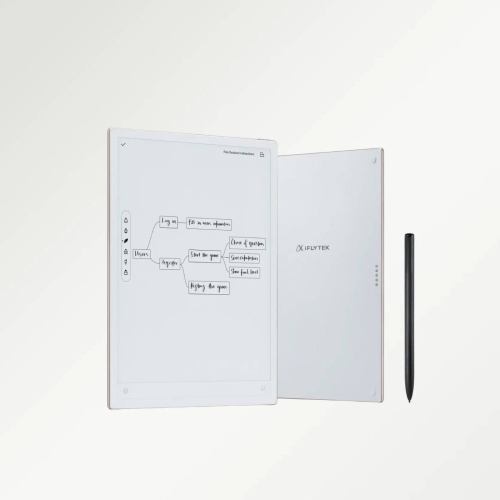
    IFLYTEK Ainote Air 2, 8.2" Ai E Ink Tablet, Smart Paper Note-Taking Tablet w Stylus & Adjustable Light, Chatgpt-Powered Multi-Langauge

    About this product

    An advanced E Ink tablet with stylus, adjustable light, multi-language support, and ChatGPT-powered features.

    (1)
    $539.99
    SAVE $160
    Your price for this item is $539.99
  4. 4

    IFLYTEK Ainote 2 10.65" 64GB Ai E Ink Paper Tablet, 4.2MM Ultrathin Smart Paper Note Taking Tablet With Stylus And Chatgpt-5

    About this product

    An ultrathin E Ink tablet with stylus, cloud syncing, audio recording, and integrated ChatGPT-5 AI support.

    (1)
    $999.99 Your price for this item is $999.99
  5. 5

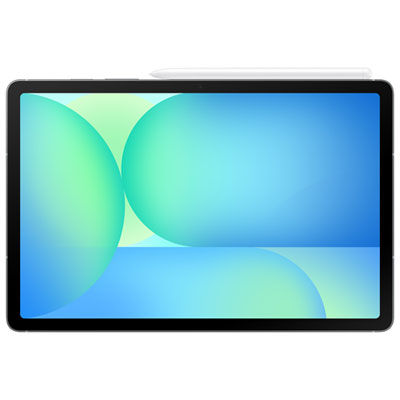
    Samsung Galaxy Tab S10 FE 10.9" 128GB Android Tablet with Exynos 1580 Processor - Grey

    About this product

    A versatile grey tablet featuring a 10.9" display, Exynos 1580 processor, S Pen, and Galaxy AI.

    What customers like

    • Long-lasting battery life
    • Excellent display and sound quality
    • Fast and reliable performance
    • Lightweight and portable design
    • Great value for money
    (98)
    $599.99 Your price for this item is $599.99
  6. 6

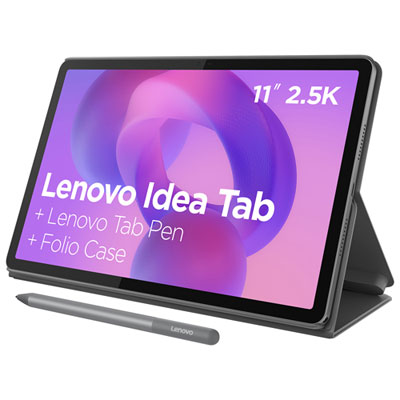
    Lenovo Idea Tab 11" 128GB Android 15 Tablet with MediaTek Dimensity 6300 8-Core Processor with Case - Luna Grey

    About this product

    A versatile luna grey tablet featuring an 8-core processor, 128GB storage, and quad Dolby Atmos speakers.

    What customers like

    • Impressive sound quality with Dolby Atmos speakers
    • Included stylus and folio case add value
    • Long-lasting battery life
    • Vivid and bright high-resolution screen
    • Fast and smooth performance
    (54)
    $369.99 Your price for this item is $369.99
  7. 7

    LENOVO 100E 2Nd Gen 11.6" Chromebook Student - Mediatek Mt8173C 2.1Ghz - 4GB Lpddr3 - 32GB SSD - Chrome Os - In Black

    About this product

    A durable black Chromebook with 11.6" display, 4GB RAM, and Chrome OS for classroom use.

    What customers like

    • Long battery life
    • Durable and rugged build
    • Affordable price
    • Fast performance and quick startup
    • Lightweight and portable
    (1,284)
    $499.99
    SAVE $200
    Your price for this item is $499.99
  8. 8

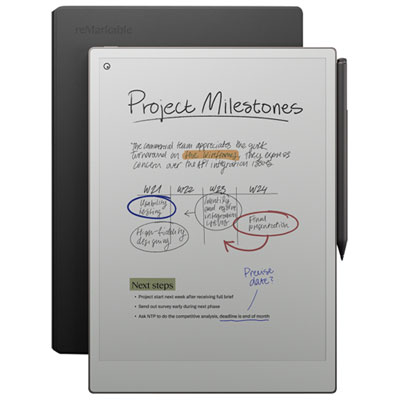
    reMarkable Paper Pro 11.8" 64GB Paper Tablet with Marker Plus Pen & Leather Folio Case - Black

    About this product

    A distraction-free paper tablet with an 11.8" colour display, Marker Plus pen, and black leather folio.

    What customers like

    • Long battery life and premium build quality
    • Distraction-free and focused writing experience
    • Natural, paper-like feel with responsive pen
    • Excellent note organisation and cross-device syncing
    • Large, clear colour display enhances reading and note-taking
    (1,303)
    $1,099.99 Your price for this item is $1099.99
  9. 9

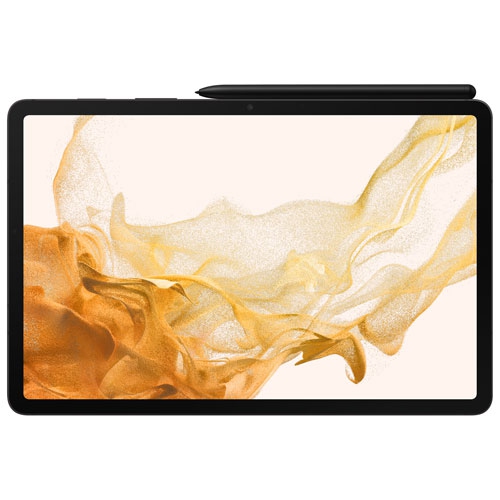
    SAMSUNG - Galaxy Tab S8 11" 256GB Android 11 Tablet - Graphite

    About this product

    A powerful graphite tablet featuring an 11" LCD display, 8GB RAM, 256GB storage, and S Pen support.

    What customers like

    • Versatile and accurate S Pen included
    • High-quality display with 120Hz refresh rate
    • Lightweight and portable design
    • Excellent performance and speed
    • Long battery life with fast charging
    (57)
    $994.97
    SAVE $105
    Your price for this item is $994.97

Why handwritten notes need more than a touchscreen

The best tablets for note-taking students combine responsive pen input, readable screens, dependable battery life and compatibility with the apps used for coursework. The right balance depends on what happens in class: a student solving equations needs room to work through each step, while someone studying history may spend more time highlighting readings and adding comments beside a passage. For handwritten notes, active stylus support is more important than basic touchscreen capability. A compatible active pen can provide precise strokes and, where supported, palm rejection, allowing a hand to rest on the display without leaving unwanted marks. Low writing latency helps ink follow the pen tip closely, making quick annotations and small handwriting easier to manage. These features depend on the tablet, stylus and app working together, so pen compatibility deserves particular attention. Some tablets include a stylus, while others require a separate compatible accessory; charging methods and access to replacement tips also vary. Screen size affects both writing comfort and portability. A compact tablet fits more easily on a crowded lecture desk, whereas a larger display gives lecture slides, handwritten explanations and diagrams more breathing room. Split-screen support can be especially useful for keeping a reading open beside a notebook, although supported layouts differ by device and app. Students comparing best tablets for digital note taking in class may also value a screen shape that leaves enough width for a document and a margin for comments. Display clarity matters when reading dense textbook pages, and adjustable brightness helps keep text comfortable to view under different indoor lighting. Colour screens make it easier to distinguish highlighted definitions, labelled anatomy diagrams and separate lines on a graph. Paper-like displays can suit reading and handwriting-focused routines, but app support, colour capability and refresh speed vary considerably. The most useful display is one that supports the actual work, whether that means following a fast-moving lecture or carefully annotating a research paper.

A tablet’s usefulness as a digital notebook also depends on how easily notes move between classes, devices and assignments. Many students need more than a blank page: importing PDFs, marking up presentation slides, organizing notebooks by course and exporting readable files can all be part of an ordinary study session. Handwriting search and conversion to typed text can help with revision, but accuracy varies with the app, writing style, language and complexity of the material. Mathematical notation, abbreviations and tightly packed diagrams may still need manual review. For group work, common export formats make it easier to share annotated pages with classmates who use different devices. Cloud syncing can keep coursework accessible across a tablet and computer, while offline access matters in lecture halls or study spaces with unreliable Wi-Fi. Syncing is not a substitute for a separate backup of important assignments and notes. Storage needs grow with downloaded textbooks, scanned worksheets, presentation files and media-heavy projects, so available space should reflect more than the size of handwritten notebooks alone. Performance becomes more noticeable when switching between a video lecture, a large PDF and a note-taking app. A tablet that handles those tasks smoothly can make it easier to capture an explanation before the lecturer moves on. Battery life is another practical consideration, particularly when several classes fall between opportunities to charge. Published battery estimates depend on test conditions; screen brightness, video calls, wireless connections and demanding apps affect actual use. A compatible charger and an accessible charging port help keep the routine straightforward. Students who alternate handwriting with longer written responses may appreciate keyboard support, but a keyboard does not guarantee that a tablet can replace a laptop. Course requirements may include desktop-only software, specialized tools or exam applications that do not run on every tablet operating system. Checking those requirements helps establish whether the device will serve as the main study computer or as a dedicated companion for readings, handwritten work and revision.

Physical design matters when a tablet travels from a backpack to a lecture desk, a library table and home again. Many tablets pair a glass display with a metal or plastic body, but materials alone do not establish how well a device will withstand everyday knocks. Weight, edge shape and case design affect comfort during extended reading, especially when holding the tablet rather than setting it on a desk. A slim profile is convenient to carry, while a protective case with reinforced corners can add reassurance during a busy commute. Case fit should match the exact tablet model so that buttons, cameras, speakers and charging connections remain accessible. A stable stand is useful for reading or typing, but handwriting often feels more natural at a lower angle that does not strain the wrist or wobble under pen pressure. Secure stylus storage is a small detail with a large practical benefit: a pen that stays attached or tucked into a holder is easier to find when class starts. Screen protectors can change the writing feel, with textured surfaces adding friction that some students prefer to smooth glass. That texture can also affect image clarity and pen-tip wear, so compatibility and manufacturer guidance matter. Routine care is straightforward: use a clean, soft microfibre cloth, follow the device maker’s cleaning directions and keep grit away from the screen and case interior. Worn or damaged pen tips should be replaced as directed to maintain a consistent writing experience. For students in mathematics, science or design, precise handwriting and flexible page space may take priority; for reading-heavy courses, comfortable document viewing and reliable annotation tools may matter more. A tablet can also be a thoughtful gift for someone beginning post-secondary studies or returning to education, provided it suits their course software and preferred way of working. Across these uses, the strongest fit is a tablet that makes everyday study tasks simpler: capturing a diagram clearly, finding last lecture’s explanation and bringing the right notes into the next class.
Read More

FAQ

Some products may be subject to Environmental Handling Fees (EHF) depending on your province. Learn more about EHFs.