Monitors For Chromebook
Enhance your productivity and entertainment experience with monitors for Chromebook that seamlessly complement your setup. Whether you’re working, studying, or streaming your favourite content, the right monitor can help you make the most of your Chromebook’s capabilities. Explore a wide selection of sizes and styles to find the perfect fit for your workspace or home office. Discover monitors for Chromebook designed to suit your needs and elevate your everyday computing.
Sort
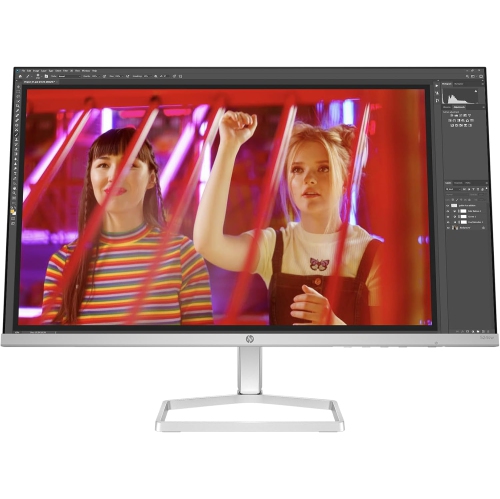
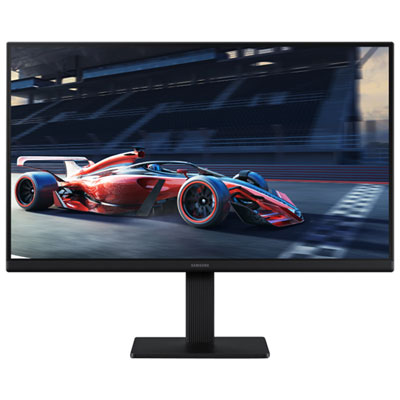
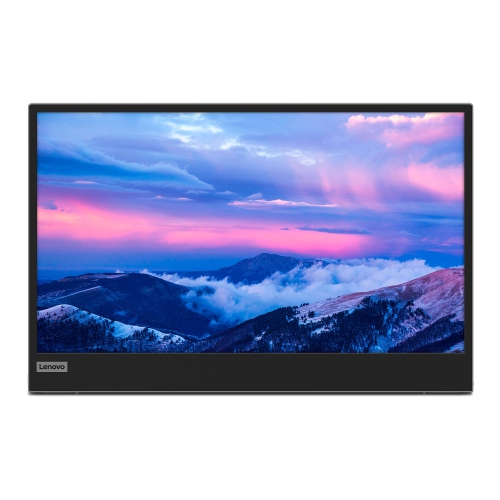
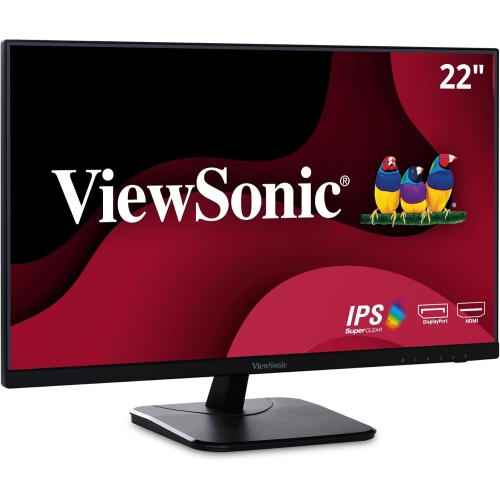
Monitors For Chromebook
Whether you’re setting up a home workspace, upgrading your study nook, or simply looking to expand your Chromebook’s display for entertainment, choosing the right monitor can make all the difference. Monitors built for Chromebook compatibility are designed to connect seamlessly, making it easy to extend your screen for productivity, creative projects, or leisure. As summer unfolds and routines shift, students, remote workers, and families often find themselves reimagining their spaces—whether that’s transforming a dining room into a pop-up office or creating a dedicated spot for late-night study sessions. For students heading into a new school year, a reliable monitor can help keep assignments organized and research tabs open side by side, turning a compact Chromebook into a powerful multi-tasking station. For professionals working from home, a larger display can mean less eye strain and more room to manage emails, documents, and video calls at once. Even casual users who love streaming videos or catching up on the latest shows will appreciate the enhanced visuals and immersive experience a monitor can provide.
When considering a monitor for your Chromebook, think about how and where it will be used. Portability can be a key factor for those who like to move their workspace from room to room or take their setup on the go. Compact monitors with lightweight designs are easy to carry and set up, making them ideal for students in shared living spaces or anyone who prefers flexibility. On the other hand, a larger screen with higher resolution can be a game changer for creative tasks like photo editing, graphic design, or even just enjoying vibrant visuals while watching movies with friends on a lazy July afternoon. Connectivity is crucial—look for monitors that offer the right ports, such as HDMI or USB-C, to ensure effortless pairing with your Chromebook. Adjustable stands, blue light filters, and built-in speakers are thoughtful features that can enhance comfort and convenience, especially during long study sessions or extended work hours. Monitors also make practical and thoughtful gifts for graduates, remote workers, or anyone embracing a new learning or working routine. Imagine the delight of a student unboxing a new monitor just in time for back-to-school season, ready to tackle assignments with more screen space and clarity.
Whether you’re shopping for yourself or picking out a gift, it’s worth exploring the options that cater specifically to academic and productivity needs, especially as the back-to-school rush approaches. For those focused on assignments, research, and online classes, you’ll find curated recommendations on our Monitors For Studying page. No matter your needs, a well-chosen monitor can transform your Chromebook experience, making everyday tasks smoother and more enjoyable—whether you’re collaborating on group projects, participating in virtual meetings, or simply unwinding with your favourite summer shows.
When considering a monitor for your Chromebook, think about how and where it will be used. Portability can be a key factor for those who like to move their workspace from room to room or take their setup on the go. Compact monitors with lightweight designs are easy to carry and set up, making them ideal for students in shared living spaces or anyone who prefers flexibility. On the other hand, a larger screen with higher resolution can be a game changer for creative tasks like photo editing, graphic design, or even just enjoying vibrant visuals while watching movies with friends on a lazy July afternoon. Connectivity is crucial—look for monitors that offer the right ports, such as HDMI or USB-C, to ensure effortless pairing with your Chromebook. Adjustable stands, blue light filters, and built-in speakers are thoughtful features that can enhance comfort and convenience, especially during long study sessions or extended work hours. Monitors also make practical and thoughtful gifts for graduates, remote workers, or anyone embracing a new learning or working routine. Imagine the delight of a student unboxing a new monitor just in time for back-to-school season, ready to tackle assignments with more screen space and clarity.
Whether you’re shopping for yourself or picking out a gift, it’s worth exploring the options that cater specifically to academic and productivity needs, especially as the back-to-school rush approaches. For those focused on assignments, research, and online classes, you’ll find curated recommendations on our Monitors For Studying page. No matter your needs, a well-chosen monitor can transform your Chromebook experience, making everyday tasks smoother and more enjoyable—whether you’re collaborating on group projects, participating in virtual meetings, or simply unwinding with your favourite summer shows.
Top Picks For Monitors For Chromebook
Discover more categories related to Monitors For Chromebook
-
Portable Monitors
"Absolutely love this. It has made teaching virtually so much easier"
-
Travel Monitors
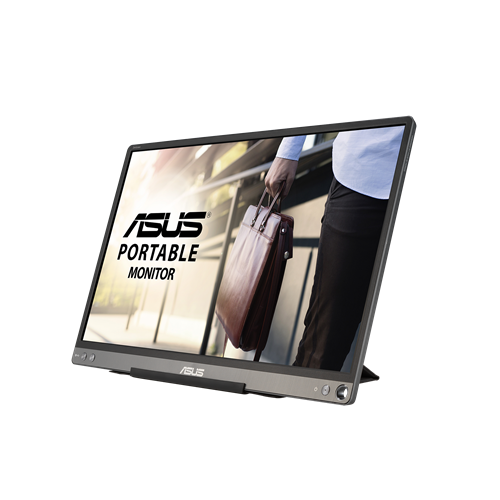
"Great item for my laptop. I love this so much. Highly recommend"
-
Monitors for Streaming and Gaming
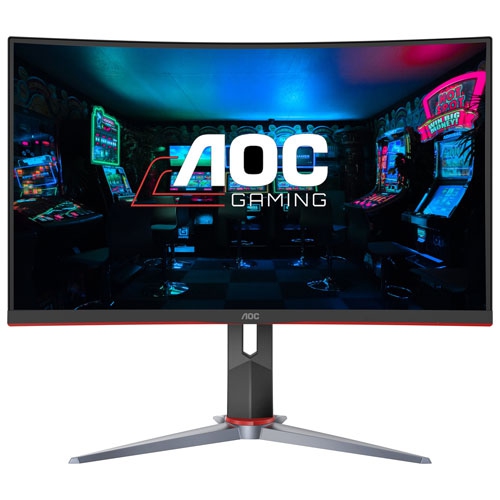
"Love everything about it Best Buy is the best out there"
-
Second Monitor for Laptop
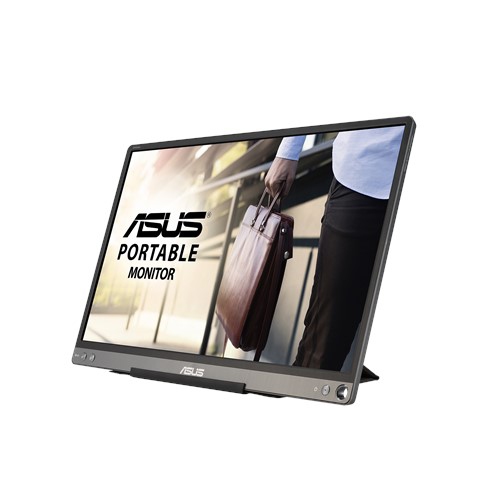
"Great monitor love how clear it is my boyfriend made the best choice for me"
Top Collections:
Affordable Laptops For Students, Laptop Computers Under $200, Budget Smartphones, Best Cell Phone Under $500, Kindle Devices, Dyson Airwrap, Best Laptops Under $1000, Top Laptops for University Students, iPhone 15 Apple, Best Laptop For Video Editing
Some products may be subject to Environmental Handling Fees
(EHF) depending on your province.
Learn more about EHFs.