Best Monitors for School Work
Make studying more comfortable with the best monitors for school work, ranked by customer review ratings. Whether you’re researching assignments, writing essays, or attending online classes, a monitor with clear text and room to multitask can help you stay focused. Explore top-rated options to find the right fit for your study space and budget.
What to look for in monitors for school work
1. Screen Size and Resolution
2. Text Clarity and Viewing Comfort
3. Connectivity and Laptop Compatibility
4. Adjustability and Desk Fit
-
1
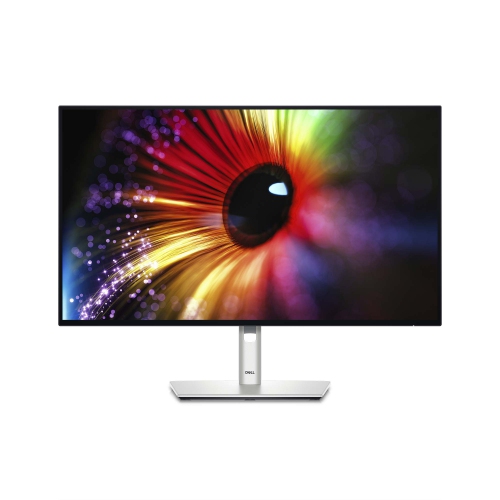
DELL Ultrasharp 27" 1440P Qhd Ips Led Monitor (U2724D) - Light - 120Hz - Platinum Silver In Blue
About this product
A high-resolution 27-inch monitor delivering vibrant visuals, ideal for professional and creative workspaces.
(4)$544.99Your price for this item is $544.99SAVE $35 -
2
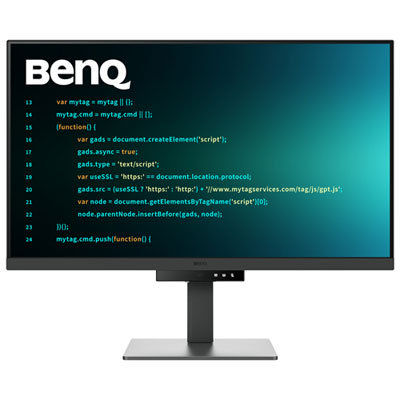
BenQ 31.5" 4K UHD IPS LCD Monitor (RD320U) - 98% P3 - Metallic Grey
About this product
A metallic grey 31.5" 4K IPS monitor with low-reflection panel and eye-friendly coding modes.
(4)$899.99 Your price for this item is $899.99 -
3
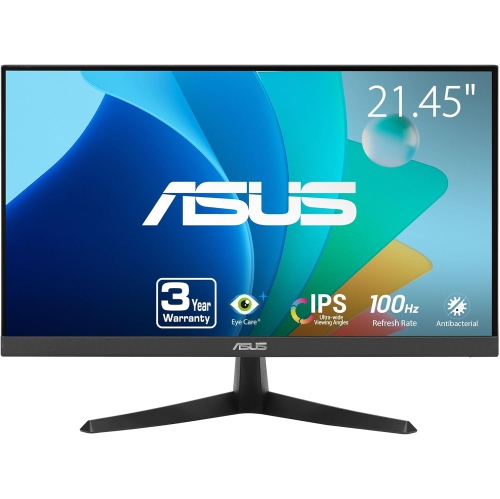
ASUS Vy Eye Care 21.45" 1080P HD Ips Lcd Gaming Monitor (Vy229Hf) - Adaptive-Sync - 100Hz
About this product
An FHD IPS gaming monitor with 100Hz refresh rate, 1ms response, and advanced eye care features.
(2)$134.00 Your price for this item is $134 -
4
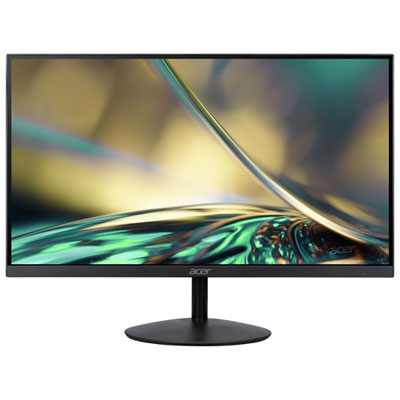
Acer SA 31.5" 1080p HD IPS LED Gaming Monitor (SA322Q) - FreeSync - 1ms GTG - 75Hz - Only at Best Buy
About this product
An ultra-thin black IPS monitor offering 75Hz refresh rate, 1ms response, and FreeSync for smooth gaming.
(6)$179.97 Your price for this item is $179.97 -
5
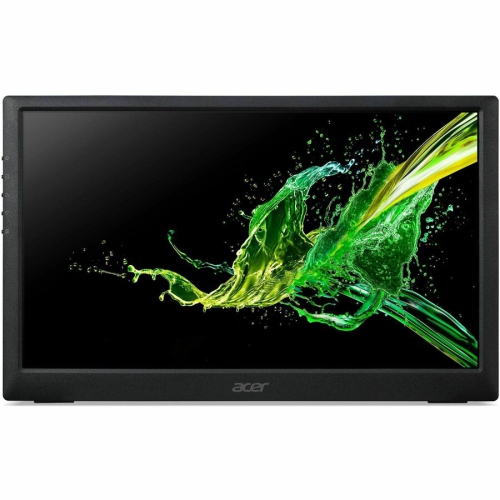
ACER Pm1 15.6" 1080P HD Ips Lcd Portable Monitor - USB-C
About this product
A sleek black widescreen LED monitor featuring a 15.6" display, 250 nits brightness, and HDMI connectivity.
What customers like
(68)$203.68 Your price for this item is $203.68 -
6
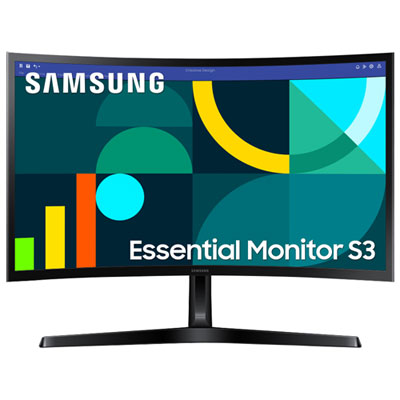
Samsung Essential S3 24" Curved 1080p HD VA LED Monitor (LS24D368GANXZA) - Flicker-Free/Blue Light - 100Hz
About this product
A black curved VA LED monitor delivering Full HD visuals, 100Hz refresh rate, and eye comfort features.
What customers like
(110)$159.99 Your price for this item is $159.99 -
7

Samsung Essential S3 24" 1080p HD IPS LED Monitor (LS24D300GANXZA) - Flicker-Free/Blue Light - 100Hz
About this product
An FHD IPS LED monitor in black with 100Hz refresh rate and eye-friendly technology for smooth viewing.
What customers like
(862)$94.99Your price for this item is $94.99SAVE $11 -
8
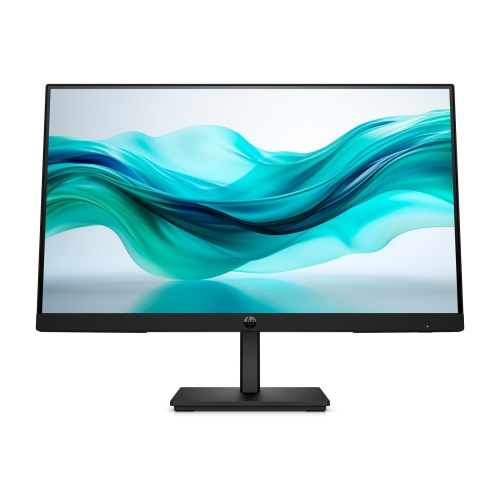
HP Series 3 Pro 322Pf 21.5" 1080P HD Ips Lcd Monitor (9U5B0Ut#aba) - Flicker-Free/low Light - 100Hz In Blue
About this product
A sleek black monitor featuring a 21.5" FHD IPS display, 100Hz refresh rate, and 5ms response time.
(19)$124.99Your price for this item is $124.99SAVE $22 -
9
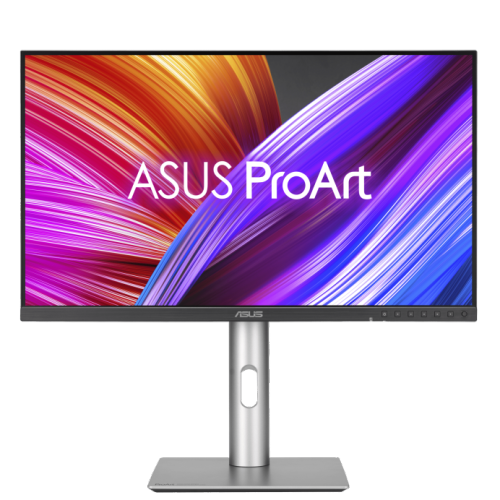
ASUS Proart 27" 1440P Qhd Ips Creator Monitor (Pa278Cfrv) - Displayhdr 400 - 95% Dci-P3 - 100Hz
About this product
A professional 27-inch QHD IPS monitor with 100Hz refresh rate, 95% DCI-P3, and ergonomic stand.
(3)$499.00 Your price for this item is $499 -
10
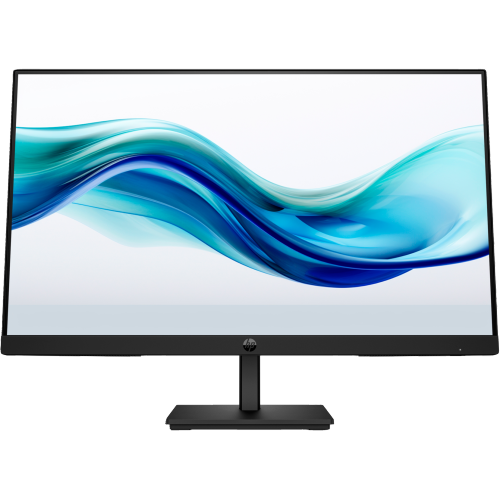
HP Series 3 Pro 324Pf 23.8" 1080P HD Ips Lcd Monitor (9U5J5Ut#aba) - Flicker-Free/blue Light - 100Hz
About this product
A sleek black LCD monitor offering FHD resolution, 100Hz refresh rate, and 5ms response time.
What customers like
(58)$153.99 Your price for this item is $153.99
FAQ
Check which video outputs your laptop or desktop supports, then look for a monitor with matching HDMI, DisplayPort or USB-C inputs. For USB-C, confirm that both the computer port and cable support video. Some USB-C monitors also provide laptop charging, though power delivery varies by model.
Yes, most laptops support using their built-in screen alongside an external monitor. In your computer’s display settings, choose an extended desktop to show different content on each screen or mirroring to show the same content on both. Supported display configurations depend on your computer and operating system.
Some monitors include these features, but they are not standard on every model. Check the specifications for each feature separately, as built-in speakers do not necessarily mean a microphone or webcam is included. You can also use your laptop’s camera and microphone or connect separate accessories.
Depending on the model, a monitor stand may offer height adjustment, tilt, swivel or pivot. Pivot lets you rotate the screen between landscape and portrait orientations. If you plan to use a separate monitor arm, check the monitor’s mounting specifications and the arm’s compatibility requirements.
Matte screens have a surface treatment that scatters reflected light, while glossy screens have a smooth surface with more distinct reflections. Both finishes are available on monitors used for school work. Your desk’s lighting and your preference for screen appearance can guide your choice.
Top selling and popular products
Discover more categories related to Best Monitors for School Work

Some products may be subject to Environmental Handling Fees (EHF) depending on your province. Learn more about EHFs.