Back To School Tablets With Stylus Support
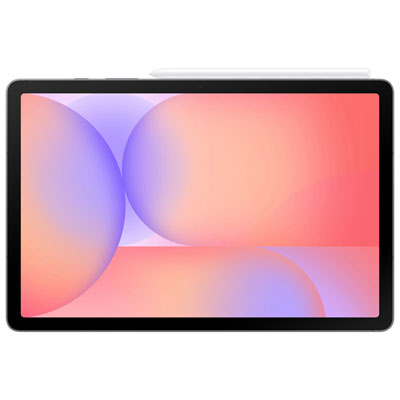
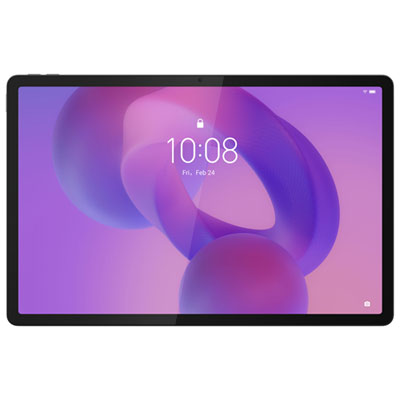
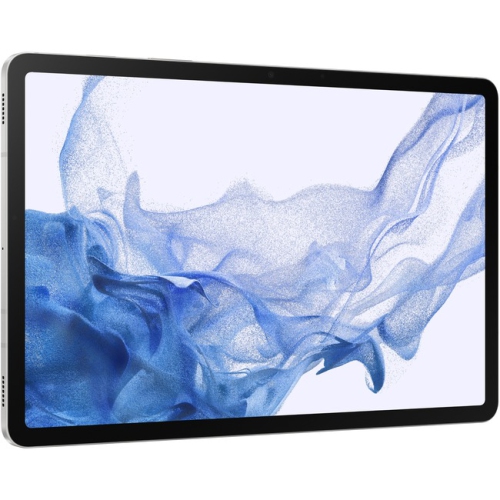
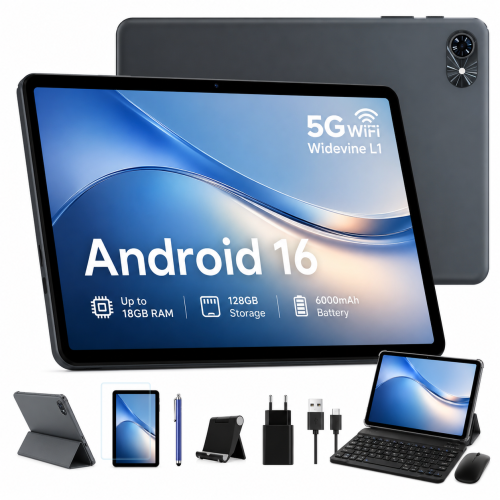
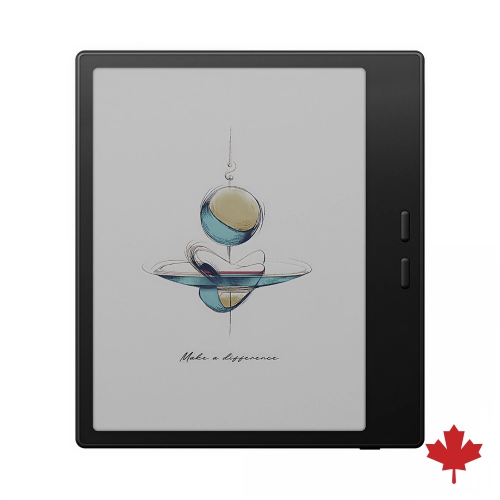
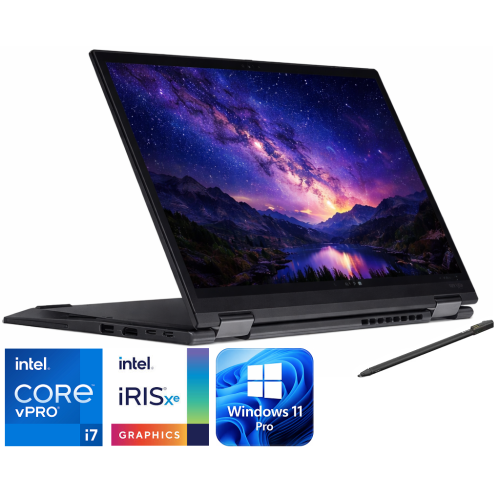
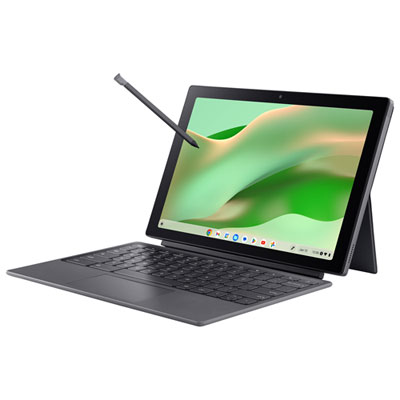
Find back-to-school tablets with stylus support for taking handwritten notes, annotating readings, and sketching diagrams in class. Compare screen sizes, storage, and pen compatibility to find a tablet that fits your coursework and backpack, and check whether a compatible stylus is included or sold separately.








FAQ
Stylus support means a tablet accepts pen input for tasks such as handwriting, drawing and annotating documents. Some tablets work with basic capacitive styluses, while others support compatible active pens with features such as pressure sensitivity, palm rejection and shortcut buttons.
No. Active styluses typically require a tablet that supports the same pen technology, and compatibility can vary by model and generation. Basic capacitive styluses work with many touchscreens but generally lack advanced pen features. Check compatibility details for both the tablet and stylus, and confirm whether the pen is included or sold separately.
Depending on the tablet and app, features may include handwritten notebooks, handwriting-to-text conversion, searchable notes and PDF annotation. Some apps also let students combine typed text, handwritten notes, images and audio recordings in one document. App availability and features vary by operating system.
Many note-taking apps offer folders, subject notebooks and tags for organising coursework. Sharing options may include exporting notes as PDFs or images, or syncing them through a cloud account. Available file formats and sharing methods depend on the app and any school account restrictions.
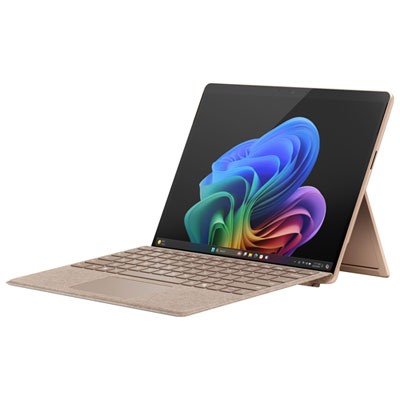
Many tablets support both pen input and a compatible Bluetooth or connector-based keyboard. Students can type assignments and use a stylus for diagrams or handwritten annotations without changing devices. Keyboard compatibility, shortcuts and switching between input methods vary by tablet and app.
Top selling and popular products
Discover more categories related to Back To School Tablets With Stylus Support
Some products may be subject to Environmental Handling Fees (EHF) depending on your province. Learn more about EHFs.