Best Blue Laptops
The best blue laptops pair standout style with features for work, study, and everyday browsing. Explore our selection ranked by customer review ratings, and compare performance, battery life, and screen size to find the right fit for your needs. From subtle shades to bold finishes, a blue laptop adds a personal touch to your daily setup.
What to look for in blue laptops
1. Shade and Finish
2. Performance and Storage
3. Display and Portability
4. Battery Life and Connectivity
-
1
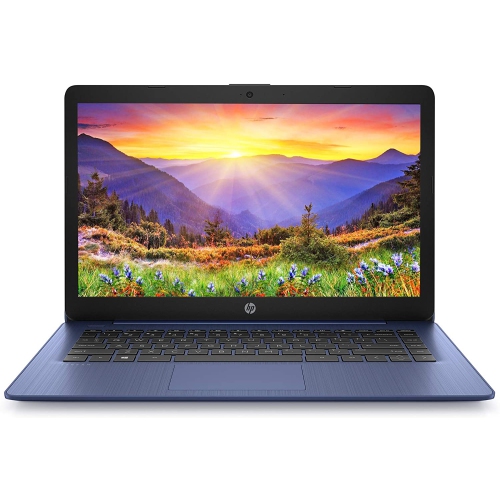
HP Stream 14" Laptop - Intel Celeron N4000 - 4GB Ram - 64GB Emmc - Windows 10 - Royal - Includes 1 Year Office 365 Subscription In Blue
About this product
A lightweight blue laptop featuring Intel Celeron N4000, 64GB eMMC storage, and Windows 10.
What customers like
(155)$320.00 Your price for this item is $320 -
2
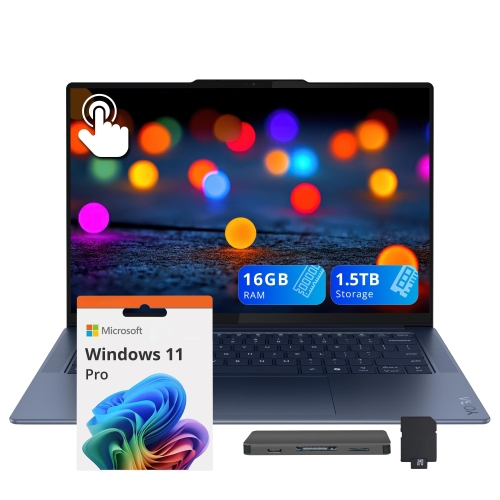
LENOVO Yoga Slim 7X 14.5" 90Hz 3K Oled Touchscreen Laptop - Snapdragon X Elite X1E-78-100 - 16GB Ram - 512GB SSD+1Tb Dock Set - Windows 11 Pro -
About this product
A powerful 3K OLED touchscreen laptop with Snapdragon X Elite processor, 16GB RAM, and 512GB SSD.
What customers like
(62)$1,999.00Your price for this item is $1999SAVE $580 -
3
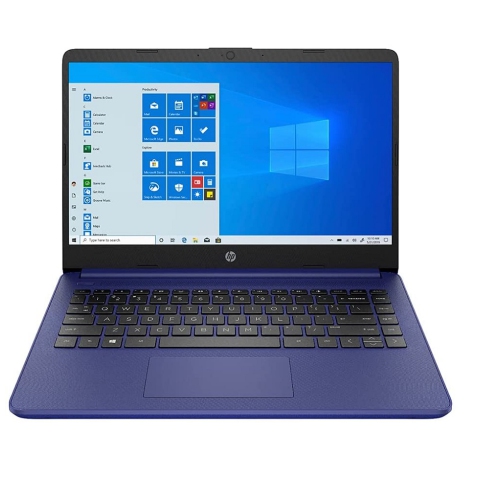
HP 14" Laptop - Intel Celeron N4020 - 4GB Ddr4 - 64GB SSD - Intel Uhd Graphics 600 - Windows 10 Home S Mode - - Gs HDMI Cable In Blue
About this product
A blue laptop featuring Intel Celeron N4020, 4GB RAM, 64GB storage, and Windows 10 Home S Mode.
What customers like
(498)$379.00Your price for this item is $379SAVE $120 -
4
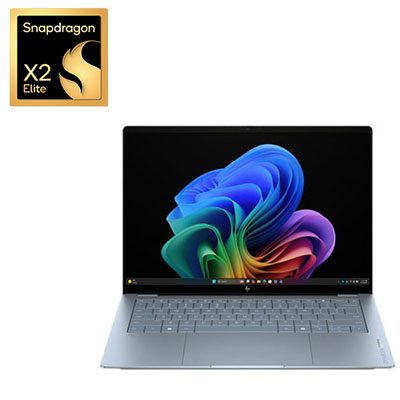
HP OmniBook Ultra 14" 3K OLED Touchscreen Copilot+ PC Laptop - Snapdragon X2 Elite - Qualcomm Hexagon NPU 85 TOPs - 32GB LPDDR5x - 1TB SSD - Qualcomm Adreno Graphics - Windows 11 Home - Stone Blue
About this product
A thin, stone blue laptop featuring a 14" OLED touchscreen, Snapdragon X2 Elite processor, and 32GB RAM.
What customers like
(40)$3,299.99 Your price for this item is $3299.99 -
5

LENOVO Ideapad Slim 5A 16" Ips 120Hz Laptop - Ryzen Ai 5 430 - 16GB - 512GB SSD - Windows - Cosmic In Blue
About this product
A high-performance laptop featuring a 16" IPS 120Hz display, Ryzen AI 5 430, and 512GB SSD.
(7)$1,669.99 Your price for this item is $1669.99 -
6
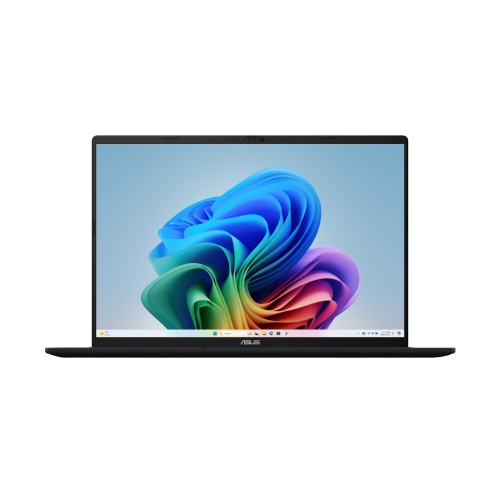
ASUS Vivobook 16 Copilot+ PC Business Student Laptop - Amd Ryzen Ai 7 350 - 32GB Ddr5 - 1Tb SSD - Windows 11 Home - Quiet - Bilingual In Blue
About this product
A sleek AI-powered laptop featuring an AMD Ryzen AI 7 processor, 32GB RAM, and 1TB SSD.
(12)$1,999.99 Your price for this item is $1999.99 -
7
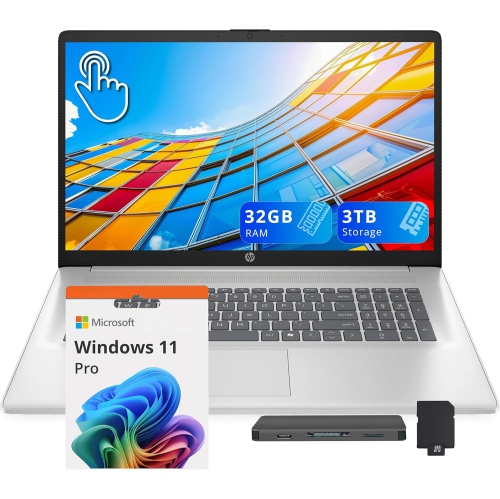
HP 17.3" HD+ Touchscreen Laptop - Intel Ultra 7 255U - 32GB Ddr5 - 2Tb SSD+1Tb Docking Station - Intel Graphics - Win 11 Pro - Moonlight In Blue
About this product
A silver touchscreen laptop featuring Intel Ultra 7, 32GB RAM, 3TB storage, and numeric keypad.
(2)$2,249.00Your price for this item is $2249SAVE $970 -
8
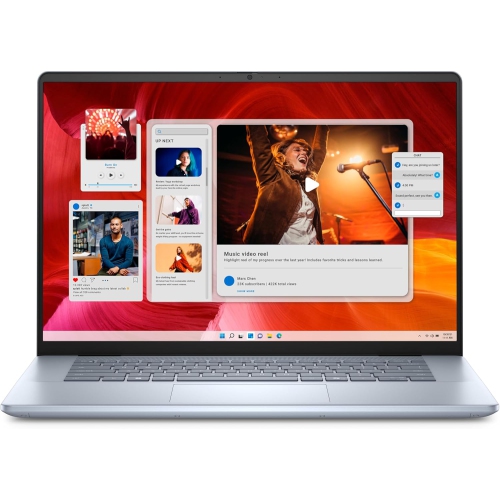
DELL Inspiron 7640 Laptop (2024) | 16" 2560X1600 Qhd+ | Core Ultra 9-185H - 512GB SSD Hard Drive - 16GB Ram | 16 Cores 5.1 Ghz Win 11 Home In Blue
About this product
A powerful blue laptop featuring a QHD+ display, Core Ultra 9 processor, 16GB RAM, and SSD storage.
(1)$2,099.00 Your price for this item is $2099 -
9
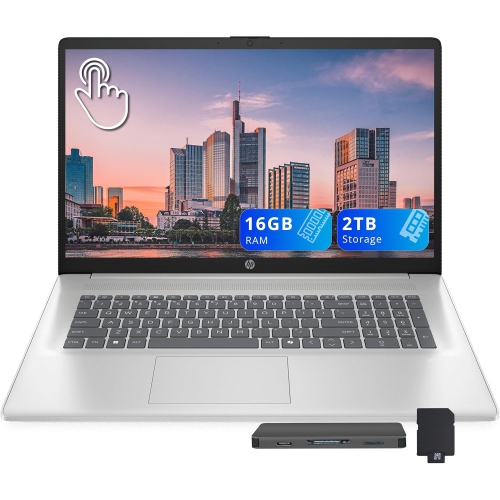
HP 17.3" HD+ Touchscreen Laptop - Intel Ultra 7 255U - 16GB Ddr5 - 1Tb SSD + 1Tb Docking Station Set - Intel Graphics - Windows 11 - Moonlight
About this product
A silver touchscreen laptop with Intel Ultra 7 processor, 16GB RAM, 2TB storage, and numeric keypad.
(1)$1,549.00Your price for this item is $1549SAVE $670
FAQ
Start with your main activities, such as studying, office work, gaming, or creative projects. Compare the processor, RAM, storage, display quality, battery life, and available ports. Then choose a blue finish that suits your style.
Blue laptops come in shades such as navy, midnight blue, cobalt, and pale blue. Finishes may be matte, metallic, or glossy. The colour can also vary between the lid, keyboard deck, and underside, so review the product photos and colour description.
Blue laptops are available with operating systems such as Windows, macOS, and ChromeOS, depending on the model. Consider the apps you use and how the laptop will work with your other devices. Check software compatibility before choosing an operating system.
Some blue laptops have touchscreens or 2-in-1 designs with a folding hinge or detachable keyboard. These features offer different ways to browse, take notes, or draw. If you want to use a stylus, check whether the laptop supports pen input and whether a compatible pen is included.
Common accessories include a mouse, keyboard, headset, webcam, and docking station. You can match the blue finish or choose a contrasting colour. For connected accessories, check the laptop’s ports, Bluetooth support, and operating system compatibility.
Top selling and popular products
Discover more categories related to Best Blue Laptops
Some products may be subject to Environmental Handling Fees (EHF) depending on your province. Learn more about EHFs.