Dell Blue Laptops
Explore the vibrant world of Dell blue laptops at Best Buy Canada, where style meets functionality in a range of sleek and modern designs. Perfect for students, professionals, and casual users alike, these laptops offer a unique blend of aesthetics and performance that cater to diverse computing needs. Whether you're tackling work projects, streaming your favorite shows, or staying connected on social media, Dell's blue laptops provide a visually appealing option that stands out from the crowd. Dive into this collection and find the ideal model that complements your lifestyle while adding a splash of color to your tech lineup.
Sort











There’s more to a blue laptop than its finish
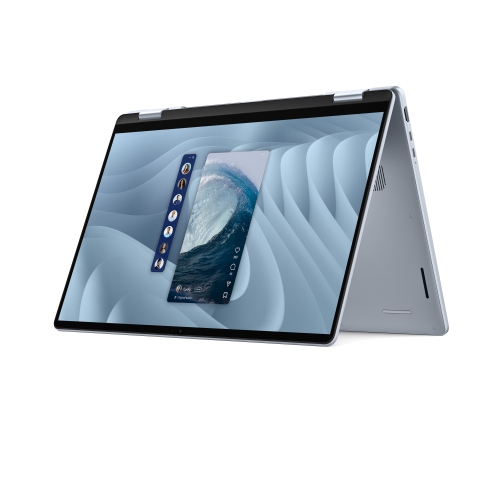
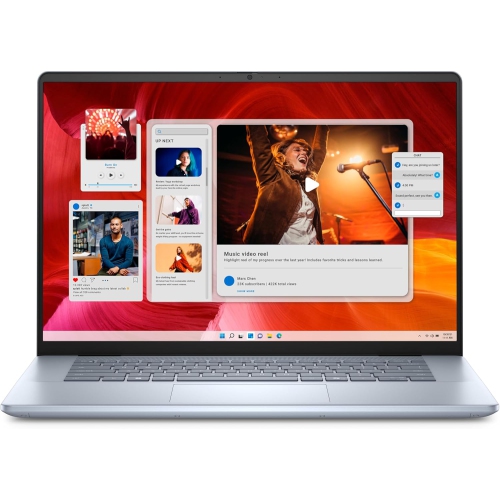
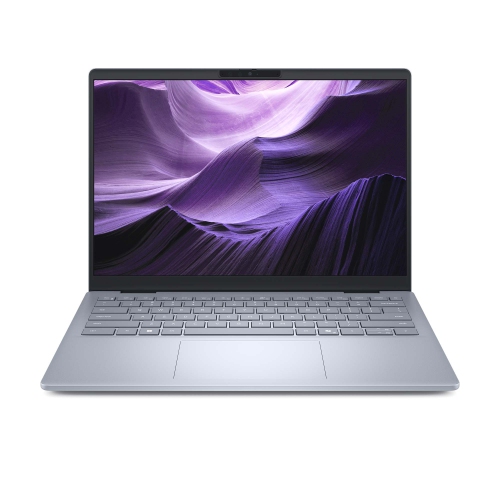
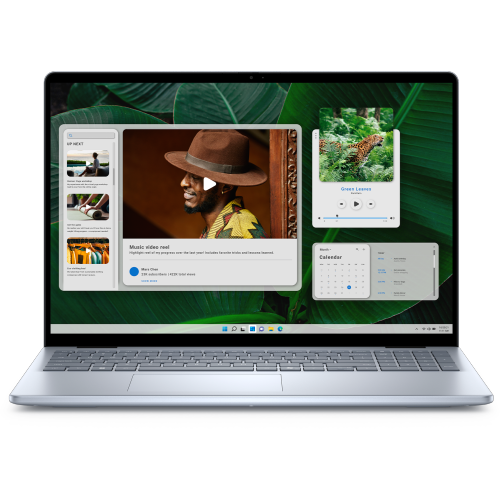
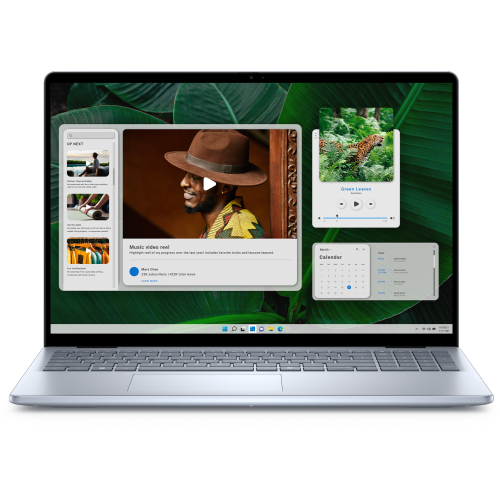
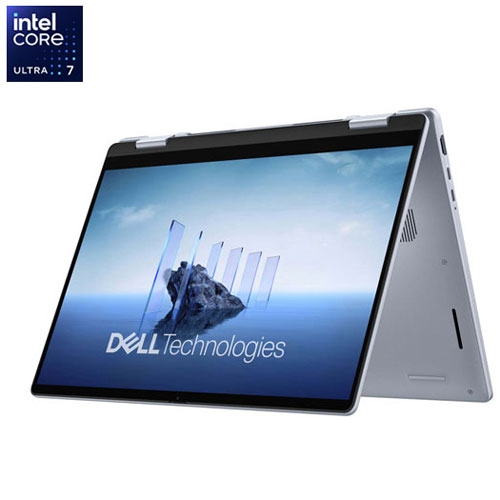
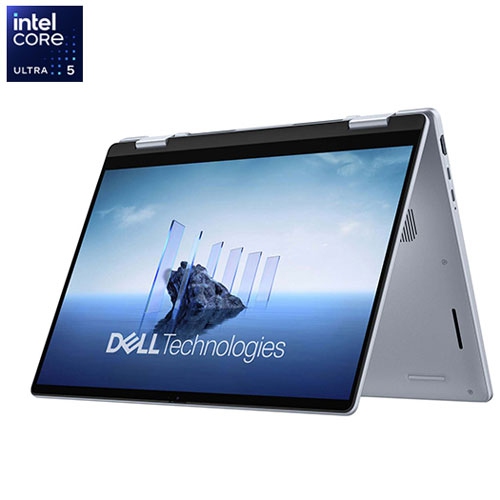
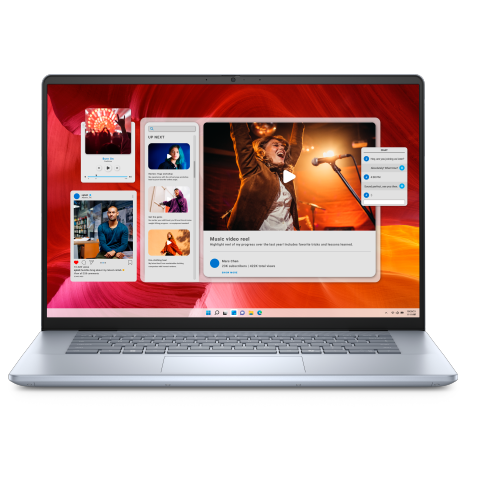
Blue laptops bring a touch of colour to a device that often moves between a desk, a lecture hall, and a favourite spot at home. A deep blue finish can look understated beside a monitor and keyboard, while a lighter shade gives a portable computer a softer, more distinctive appearance. The colour describes the exterior rather than the laptop’s performance: two blue notebooks can differ considerably in processing power, display quality, weight, and battery capacity. Colour coverage can also vary, with some designs carrying the finish across the lid and keyboard deck and others pairing a blue lid with a contrasting interior. Product photographs and finish descriptions help clarify those details, although lighting and screen settings can affect how a shade appears. For students, home users, and people who work across different locations, the appeal is a familiar everyday tool with a little more personality than a neutral finish. A compact laptop suits taking notes in a crowded classroom or answering messages at a small kitchen table, whereas a larger screen provides more room for spreadsheets, research, and side-by-side documents. A 14-inch display generally supports a more portable setup, while a 16-inch display offers a larger viewing area; overall dimensions and weight still depend on the design. Screen size alone does not determine how easily a computer fits into a backpack, so the chassis measurements matter when matching it to a padded sleeve. Construction is another practical distinction. Metal panels can provide a firm, substantial feel, while plastic housings can help keep a laptop light and comfortable to carry. Durability depends on the complete design, including the hinges, base, and lid, rather than the material name alone. For a laptop that travels frequently, a stable hinge and a well-fitted protective case are useful companions to an appealing finish. A conventional clamshell design suits typing-focused routines, while a convertible design, where specified, adds flexibility for touch interaction and handwritten notes.
The most useful configuration depends on what fills the screen during an ordinary day. Browsing, email, video calls, and document editing place different demands on a laptop than editing large photo files, compiling code, or playing graphically detailed games. A student switching between a learning portal, a presentation, and several research tabs benefits from enough memory to keep those tasks moving smoothly. Someone handling larger creative projects may need a more capable processor, additional memory, and graphics hardware suited to the software involved. Integrated graphics can serve everyday work and many entertainment needs, while demanding games and certain design applications may call for dedicated graphics. A blue finish does not indicate either type, making the listed specifications more meaningful than the colour when assessing performance. Solid-state storage supports responsive everyday use and provides space for applications, documents, and media; the capacity needed grows with large video files, photo libraries, and installed games. Memory and storage are not always upgradeable, so the original configuration can have a lasting effect on usefulness. Display characteristics deserve similar attention. Resolution affects the detail visible in text and images, brightness influences readability in bright rooms, and surface treatment can change how noticeable reflections are. Colour accuracy matters for photo and design work, while comfortable text rendering is valuable during long reading sessions. Touchscreens add direct interaction, but pen support and convertible hinges are separate features that need to be specified. Connections shape the rest of the workspace: a monitor output, suitable USB ports, and an audio connection can make familiar accessories easier to use. USB-C ports do not all support the same charging, display, or data functions. Wi-Fi capabilities, webcam quality, and microphone performance also influence daily convenience, particularly for online classes and remote meetings. Battery-life figures depend on test conditions, and actual use varies with screen brightness, applications, wireless activity, and power settings. Portability therefore involves both the laptop itself and the charger carried alongside it.
Comfort becomes especially noticeable when a laptop is used for several hours at a time. Keyboard spacing, key feel, touchpad size, and the position of frequently used controls all affect everyday interaction. A number pad can be helpful for regular spreadsheet entry, though not every larger laptop includes one. Keyboard backlighting can make keys easier to distinguish in dim rooms, and the keyboard layout matters for anyone who regularly types in both English and French. At a permanent desk, a raised screen paired with an external keyboard and mouse can support a more comfortable working position. Away from that setup, a firm surface helps keep the computer steady and its ventilation openings clear. Soft bedding and cushions can obstruct airflow, so a laptop tray is a practical option for more relaxed seating. Care for a blue finish is much like care for other laptop exteriors: gentle handling helps limit scratches, and a clean sleeve prevents loose objects from rubbing against the lid during travel. Before cleaning, the laptop should be shut down and unplugged. A soft, lint-free cloth is suitable for routine dust removal, with the manufacturer’s care directions taking priority for cleaners and screen treatments. Liquid should never be sprayed directly onto the display, keyboard, or ports. Keeping food and drinks away from the keyboard helps protect more than the appearance, while carrying the computer by its base rather than its screen reduces unnecessary strain. These practical details matter whether the laptop is a personal purchase or a gift for a student, a family member, or someone setting up a home office. For a gift, the recipient’s software needs, preferred screen size, and usual carrying routine are as important as a favourite colour. Shoppers comparing blue finishes across laptop families can also explore HP Blue Laptops. The strongest match brings together a colour the recipient enjoys, a comfortable physical design, and the capabilities needed for their everyday work and downtime.
The most useful configuration depends on what fills the screen during an ordinary day. Browsing, email, video calls, and document editing place different demands on a laptop than editing large photo files, compiling code, or playing graphically detailed games. A student switching between a learning portal, a presentation, and several research tabs benefits from enough memory to keep those tasks moving smoothly. Someone handling larger creative projects may need a more capable processor, additional memory, and graphics hardware suited to the software involved. Integrated graphics can serve everyday work and many entertainment needs, while demanding games and certain design applications may call for dedicated graphics. A blue finish does not indicate either type, making the listed specifications more meaningful than the colour when assessing performance. Solid-state storage supports responsive everyday use and provides space for applications, documents, and media; the capacity needed grows with large video files, photo libraries, and installed games. Memory and storage are not always upgradeable, so the original configuration can have a lasting effect on usefulness. Display characteristics deserve similar attention. Resolution affects the detail visible in text and images, brightness influences readability in bright rooms, and surface treatment can change how noticeable reflections are. Colour accuracy matters for photo and design work, while comfortable text rendering is valuable during long reading sessions. Touchscreens add direct interaction, but pen support and convertible hinges are separate features that need to be specified. Connections shape the rest of the workspace: a monitor output, suitable USB ports, and an audio connection can make familiar accessories easier to use. USB-C ports do not all support the same charging, display, or data functions. Wi-Fi capabilities, webcam quality, and microphone performance also influence daily convenience, particularly for online classes and remote meetings. Battery-life figures depend on test conditions, and actual use varies with screen brightness, applications, wireless activity, and power settings. Portability therefore involves both the laptop itself and the charger carried alongside it.
Comfort becomes especially noticeable when a laptop is used for several hours at a time. Keyboard spacing, key feel, touchpad size, and the position of frequently used controls all affect everyday interaction. A number pad can be helpful for regular spreadsheet entry, though not every larger laptop includes one. Keyboard backlighting can make keys easier to distinguish in dim rooms, and the keyboard layout matters for anyone who regularly types in both English and French. At a permanent desk, a raised screen paired with an external keyboard and mouse can support a more comfortable working position. Away from that setup, a firm surface helps keep the computer steady and its ventilation openings clear. Soft bedding and cushions can obstruct airflow, so a laptop tray is a practical option for more relaxed seating. Care for a blue finish is much like care for other laptop exteriors: gentle handling helps limit scratches, and a clean sleeve prevents loose objects from rubbing against the lid during travel. Before cleaning, the laptop should be shut down and unplugged. A soft, lint-free cloth is suitable for routine dust removal, with the manufacturer’s care directions taking priority for cleaners and screen treatments. Liquid should never be sprayed directly onto the display, keyboard, or ports. Keeping food and drinks away from the keyboard helps protect more than the appearance, while carrying the computer by its base rather than its screen reduces unnecessary strain. These practical details matter whether the laptop is a personal purchase or a gift for a student, a family member, or someone setting up a home office. For a gift, the recipient’s software needs, preferred screen size, and usual carrying routine are as important as a favourite colour. Shoppers comparing blue finishes across laptop families can also explore HP Blue Laptops. The strongest match brings together a colour the recipient enjoys, a comfortable physical design, and the capabilities needed for their everyday work and downtime.
Top selling and popular products
-
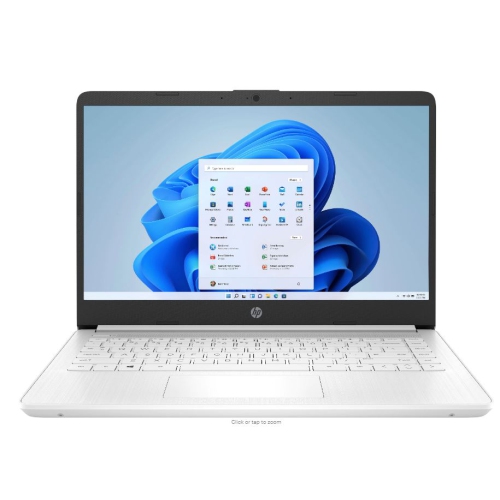 Your price for this item is $449
-
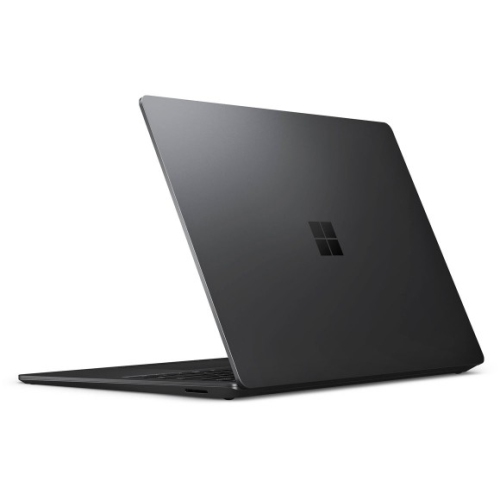 Your price for this item is $3099
-
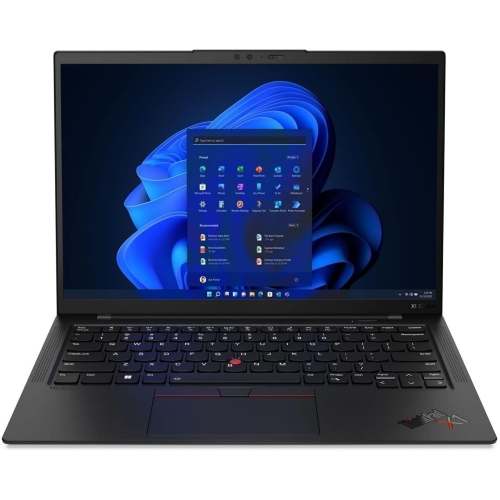 Your price for this item is $429.99
-
 Your price for this item is $1800.68
-
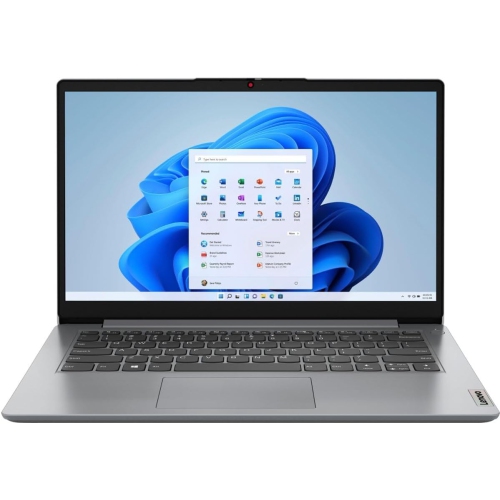 Your price for this item is $664.05
-
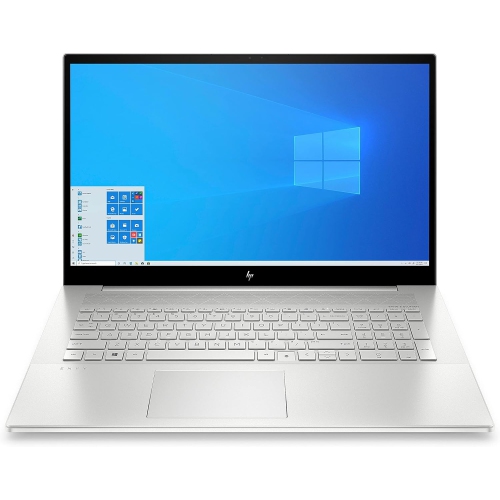 Your price for this item is $869.99
-
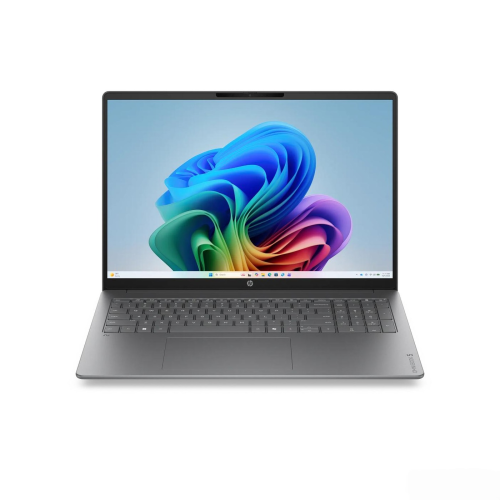 Your price for this item is $2960.48
-
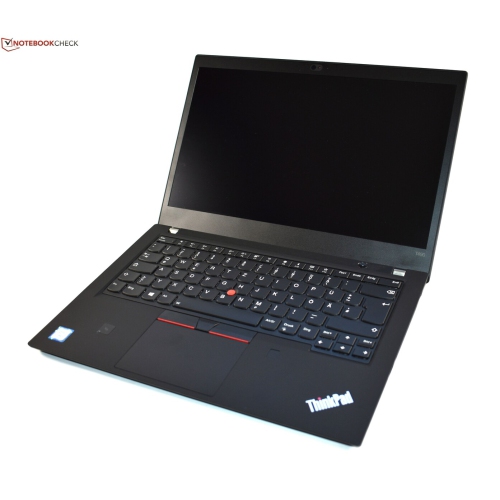 Your price for this item is $479.68
Discover more categories related to Dell Blue Laptops
Top Collections:
Pokemon Centers, Pokémon 30th Celebration Cards, Best Budget Office Chairs, Kindle Devices, Best Cameras for Sports Photography, Canon G7X Cameras, Best Black Friday Deals On Electronics, Best Laptops for Writers, iPhone 15 Apple, Jackery Power Stations
Some products may be subject to Environmental Handling Fees
(EHF) depending on your province.
Learn more about EHFs.