Network Security for Small Businesses
Network security for small businesses is essential to help protect sensitive data and maintain smooth operations in today’s digital landscape. With the right solutions, small business owners can strengthen their defenses against online threats and keep their networks running efficiently. Explore a wide range of network security options designed to address the unique needs of smaller organizations, so you can focus on growing your business with confidence.
Sort


Why business protection takes more than a firewall
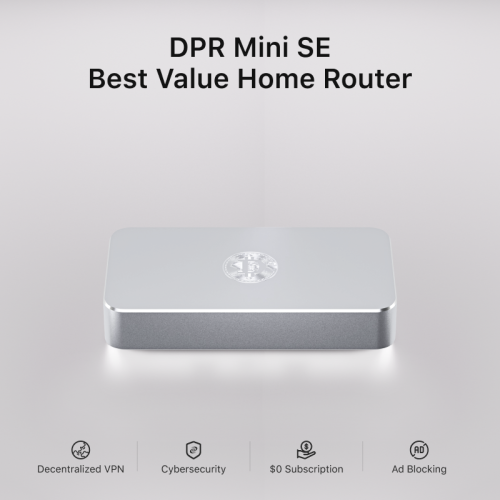
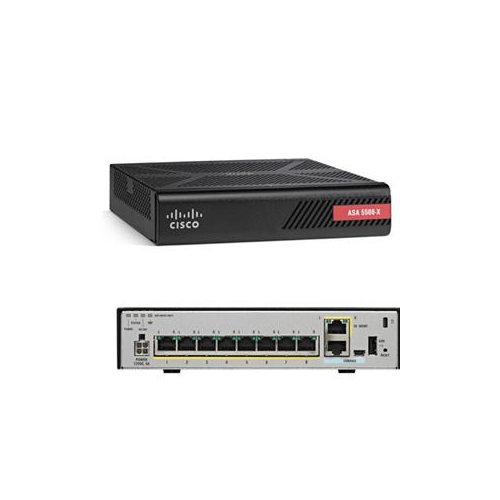
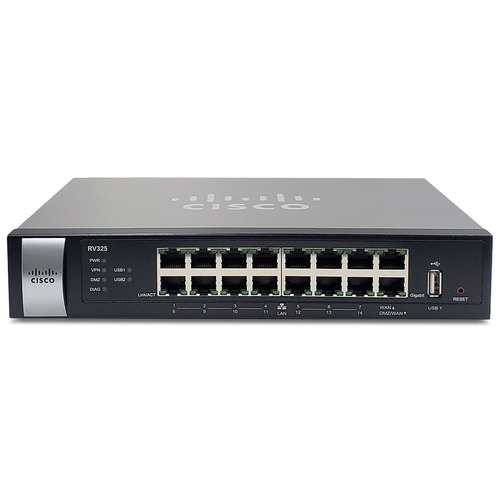
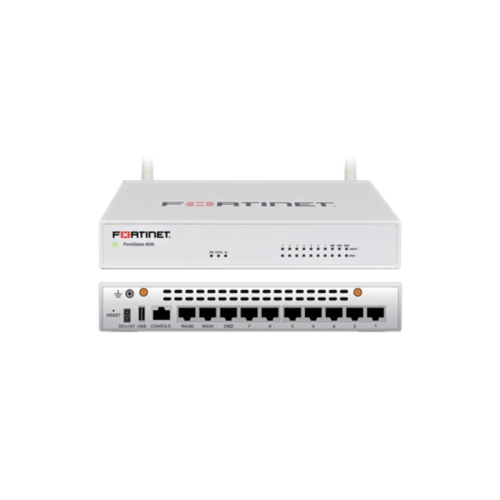
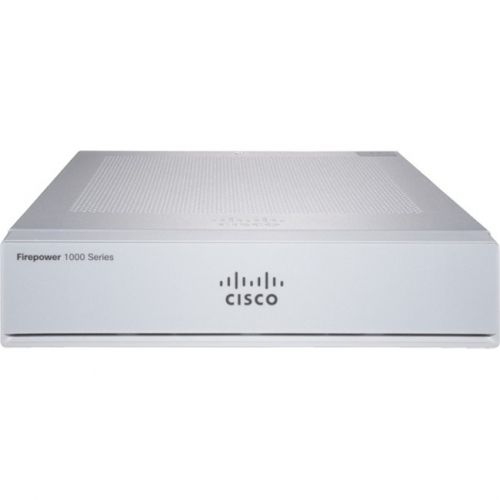
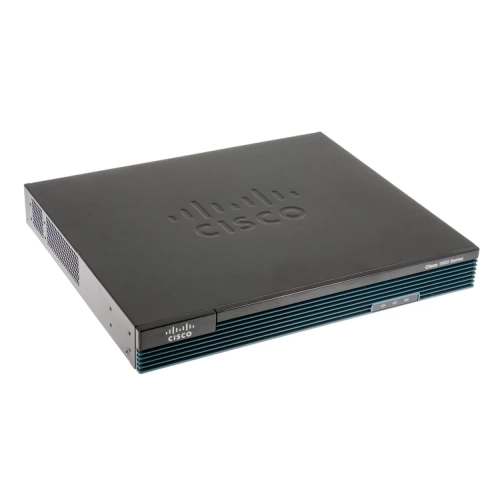
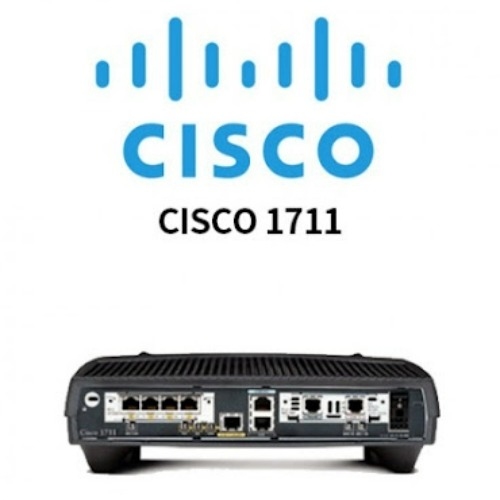
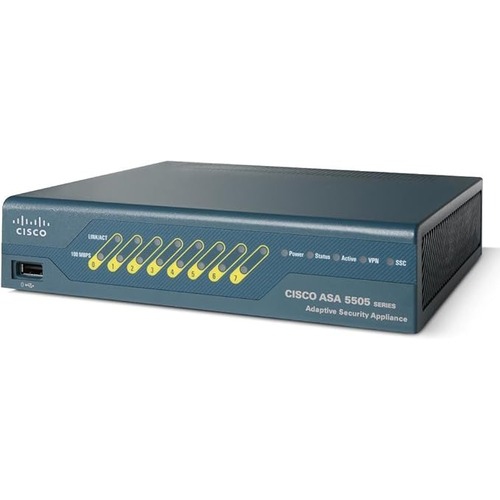
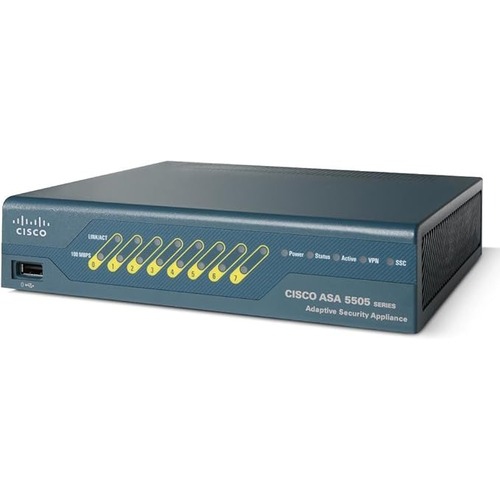
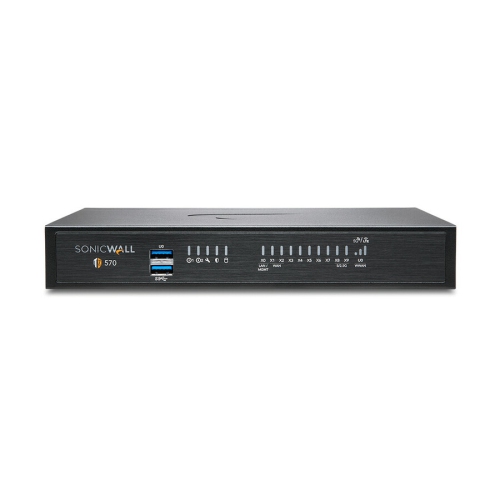
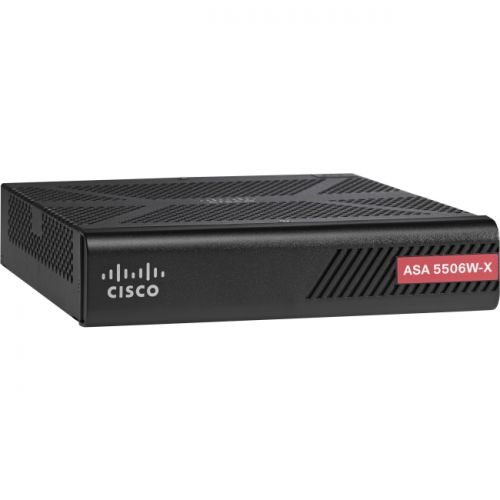
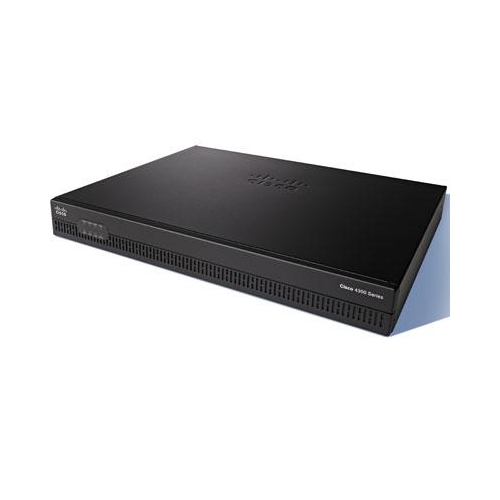
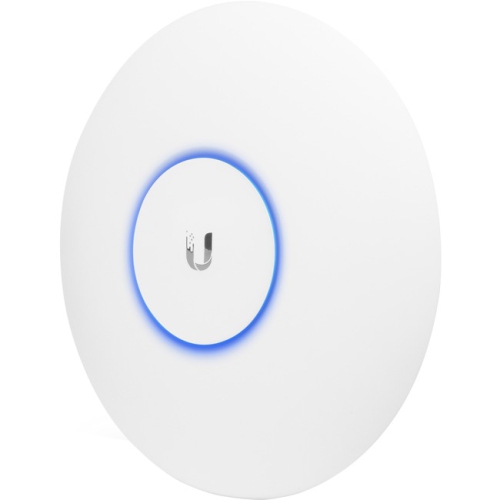
Network security for small businesses brings together hardware and software that help protect connected devices, control access to business systems, and reduce exposure to online threats. A layered approach combines a secure router, firewall protection, protected Wi-Fi, endpoint security, and strong account authentication rather than relying on any one safeguard. For a retail shop, that can mean keeping payment terminals separate from the Wi-Fi offered to customers. For an accounting office, it may mean limiting access to client files while allowing staff to share printers and work across several rooms. Business routers and security gateways manage traffic between an internet connection and the local network, with features that may include firewall rules, virtual private network support, and separate networks for different users or devices. A firewall filters traffic according to configured rules; it does not replace malware protection or prevent every phishing attempt. Wireless access points extend Wi-Fi coverage, while compatible managed switches can support virtual local area networks, or VLANs, that separate traffic on shared physical equipment. That separation is useful when a business has work computers, security cameras, connected door systems, and visitor devices sharing its internet connection. A guest network configured to block access to internal devices lets visitors connect without opening a path to shared business resources. WPA3 encryption offers stronger wireless protection on compatible equipment, while WPA2 with AES remains relevant where older devices need support. Compatibility matters across the whole network: a router, switch, and access point need matching capabilities for features such as VLANs to work as intended. Performance also depends on more than the advertised connection speed. Firewall inspection, encrypted VPN traffic, the number of active devices, and several simultaneous video calls can all affect usable throughput. Published performance figures with security features enabled are more informative than a headline speed alone. In a busy reception area or shared workspace, equipment designed for the expected number of concurrent connections can help maintain dependable access without sacrificing the protections the business needs.
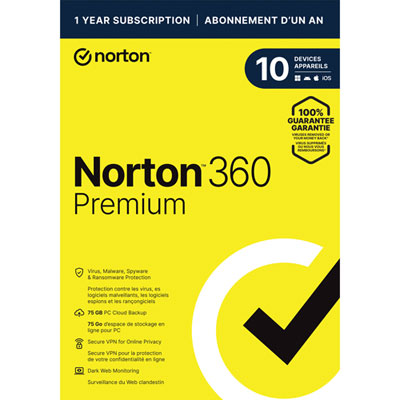
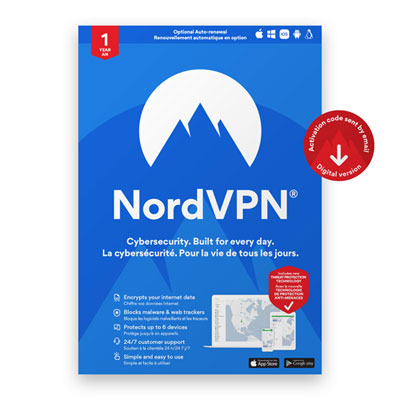
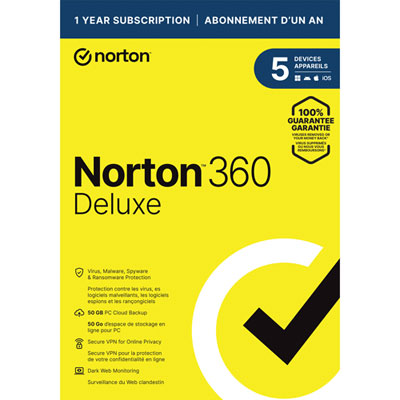
Security software and access-control tools address risks that network hardware cannot handle by itself. Endpoint protection helps detect malicious activity on computers and other supported devices, including laptops that leave the office network. Business-focused software may offer a central dashboard for checking device status, applying policies, and seeing which machines need attention. That visibility is particularly useful for a small team without a full-time IT department, where a missed update on a seldom-used laptop can otherwise go unnoticed. Automatic software and firmware updates help close known security gaps, although scheduling controls are valuable when a restart could interrupt a checkout terminal or a client appointment. Unique administrator credentials and restricted management access reduce unnecessary exposure; internet-facing remote administration is best left disabled unless it is needed and properly secured. Business password managers support long, unique passwords and controlled sharing of credentials, reducing the temptation to reuse a login across email, supplier portals, and financial accounts. Multi-factor authentication adds another check beyond a password. Compatible FIDO2 security keys and passkeys can provide phishing-resistant authentication, while authenticator app codes improve on password-only access but can still be captured by deceptive login pages. Support varies by service, so account compatibility and recovery options are important considerations. For remote staff, a VPN can create an encrypted connection to office resources over the internet, but it does not make an infected device safe or stop someone from entering information on a fraudulent website. Access permissions remain important whether a person works at a desk in the office or connects from a client site. A bookkeeper may need financial records without needing control of the network, while a temporary contractor may need access to only one shared folder. Software with role-based permissions, useful activity logs, and straightforward account removal makes those distinctions easier to maintain. Clear alerts also matter: notifications that identify the affected device and explain the issue are more useful to a small business owner than a stream of unexplained warnings.
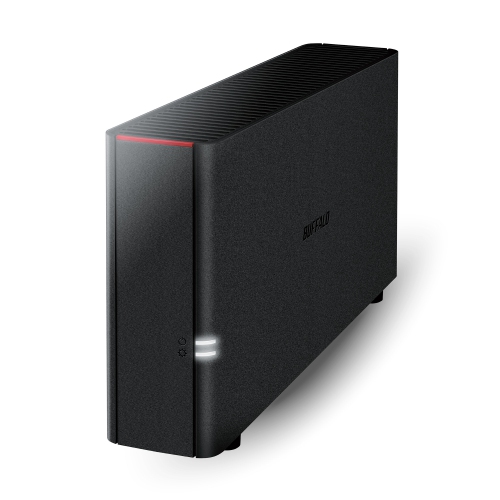
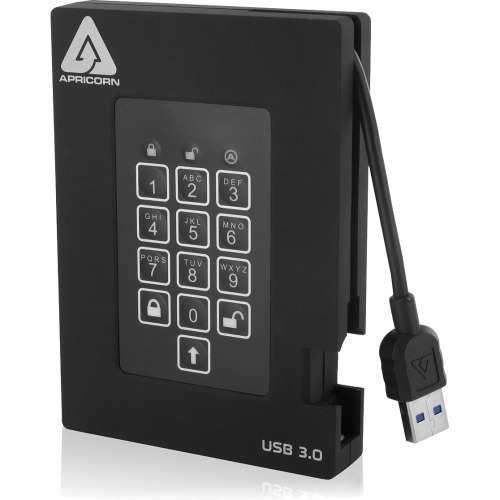
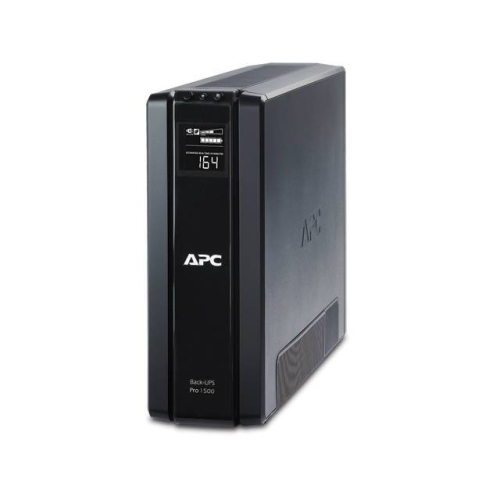
The physical fit and long-term upkeep of network security equipment matter alongside its technical features. A compact office may need a desktop router and a small switch, whereas a larger workspace may suit rack-mounted equipment with organized cabling. Enclosure construction, mounting points, connector quality, and warranty coverage are practical durability considerations, especially where equipment runs continuously. Metal housings are common on business switches, but the housing material alone does not establish reliability or security. Placement should allow ventilation and keep equipment away from spills, dust build-up, and casual handling. A locked cabinet can restrict physical access, provided it has adequate airflow and space for cables without sharp bends or strain. Fanless equipment may be preferable near a quiet consultation desk, while larger systems can require a separate location because of fan noise. Power over Ethernet can simplify installation for compatible access points and cameras, although both the supported power standard and the switch’s total power budget need to match the connected devices. An uninterruptible power supply can help keep a modem, router, and switch running through a brief power interruption, with actual runtime depending on its capacity and the connected load. Network protection also works alongside backup and recovery tools. Firewalls and endpoint software help reduce risk, while separate, protected backups provide a recovery option when files are deleted, equipment fails, or ransomware reaches business systems. Storage that remains continuously accessible with the same credentials can be vulnerable to the same attack, making isolated copies, access restrictions, and tested restoration important. Related options in Data Protection for Small Businesses complement network safeguards by addressing how business information is stored and recovered. For long-term fit, useful considerations include the manufacturer’s security-update policy, supported operating systems, management requirements, and room for additional users or locations. Features such as configuration backups and clear documentation can make replacement or recovery less disruptive. The strongest match is equipment and software that suit the business’s actual workflow and can be kept updated, monitored, and properly configured as that business grows.
Security software and access-control tools address risks that network hardware cannot handle by itself. Endpoint protection helps detect malicious activity on computers and other supported devices, including laptops that leave the office network. Business-focused software may offer a central dashboard for checking device status, applying policies, and seeing which machines need attention. That visibility is particularly useful for a small team without a full-time IT department, where a missed update on a seldom-used laptop can otherwise go unnoticed. Automatic software and firmware updates help close known security gaps, although scheduling controls are valuable when a restart could interrupt a checkout terminal or a client appointment. Unique administrator credentials and restricted management access reduce unnecessary exposure; internet-facing remote administration is best left disabled unless it is needed and properly secured. Business password managers support long, unique passwords and controlled sharing of credentials, reducing the temptation to reuse a login across email, supplier portals, and financial accounts. Multi-factor authentication adds another check beyond a password. Compatible FIDO2 security keys and passkeys can provide phishing-resistant authentication, while authenticator app codes improve on password-only access but can still be captured by deceptive login pages. Support varies by service, so account compatibility and recovery options are important considerations. For remote staff, a VPN can create an encrypted connection to office resources over the internet, but it does not make an infected device safe or stop someone from entering information on a fraudulent website. Access permissions remain important whether a person works at a desk in the office or connects from a client site. A bookkeeper may need financial records without needing control of the network, while a temporary contractor may need access to only one shared folder. Software with role-based permissions, useful activity logs, and straightforward account removal makes those distinctions easier to maintain. Clear alerts also matter: notifications that identify the affected device and explain the issue are more useful to a small business owner than a stream of unexplained warnings.
The physical fit and long-term upkeep of network security equipment matter alongside its technical features. A compact office may need a desktop router and a small switch, whereas a larger workspace may suit rack-mounted equipment with organized cabling. Enclosure construction, mounting points, connector quality, and warranty coverage are practical durability considerations, especially where equipment runs continuously. Metal housings are common on business switches, but the housing material alone does not establish reliability or security. Placement should allow ventilation and keep equipment away from spills, dust build-up, and casual handling. A locked cabinet can restrict physical access, provided it has adequate airflow and space for cables without sharp bends or strain. Fanless equipment may be preferable near a quiet consultation desk, while larger systems can require a separate location because of fan noise. Power over Ethernet can simplify installation for compatible access points and cameras, although both the supported power standard and the switch’s total power budget need to match the connected devices. An uninterruptible power supply can help keep a modem, router, and switch running through a brief power interruption, with actual runtime depending on its capacity and the connected load. Network protection also works alongside backup and recovery tools. Firewalls and endpoint software help reduce risk, while separate, protected backups provide a recovery option when files are deleted, equipment fails, or ransomware reaches business systems. Storage that remains continuously accessible with the same credentials can be vulnerable to the same attack, making isolated copies, access restrictions, and tested restoration important. Related options in Data Protection for Small Businesses complement network safeguards by addressing how business information is stored and recovered. For long-term fit, useful considerations include the manufacturer’s security-update policy, supported operating systems, management requirements, and room for additional users or locations. Features such as configuration backups and clear documentation can make replacement or recovery less disruptive. The strongest match is equipment and software that suit the business’s actual workflow and can be kept updated, monitored, and properly configured as that business grows.
Top selling and popular products
-
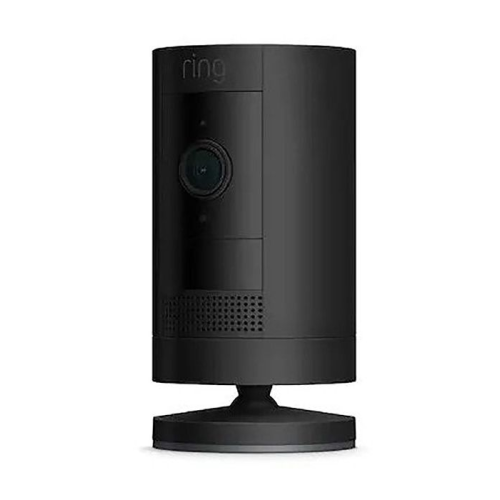 Your price for this item is $165
 -
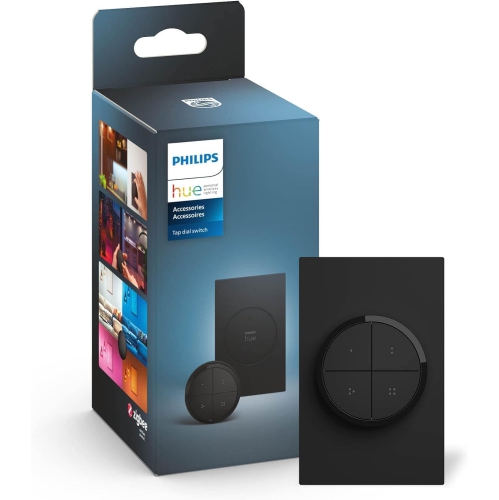 Your price for this item is $86.68
 -
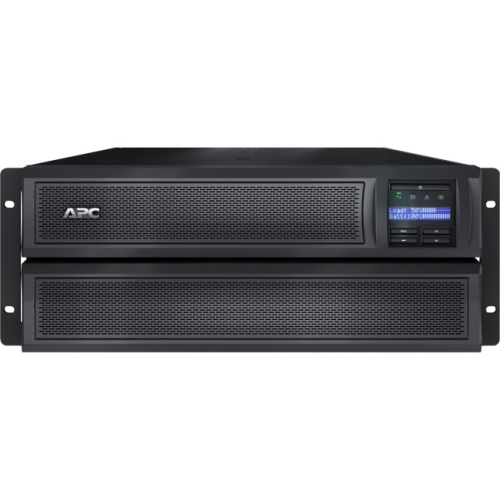 Your price for this item is $1282.5
 -
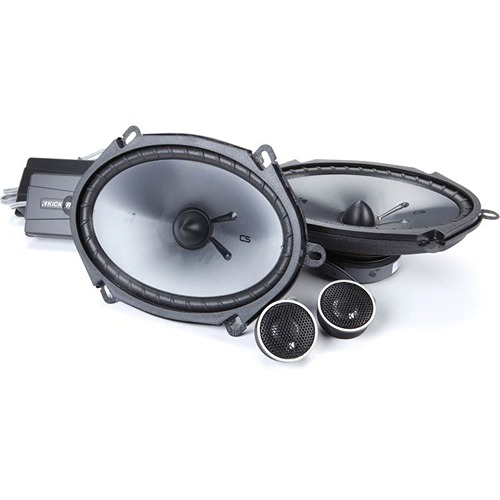 Your price for this item is $229.95
 -
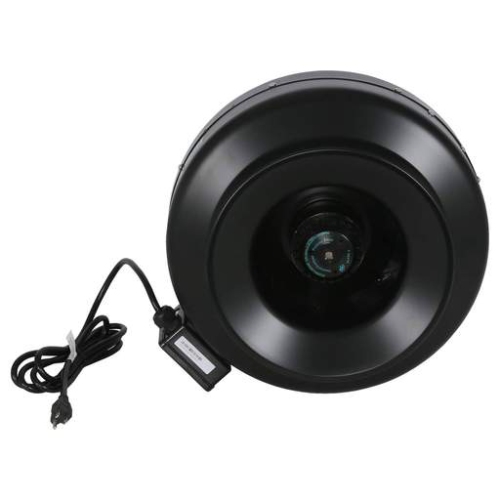 Your price for this item is $289.99
 -
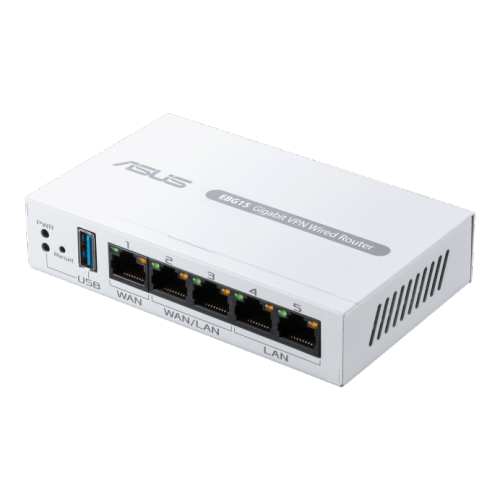 Your price for this item is $119.99
 -
 Your price for this item is $173.99
 -
 Your price for this item is $234.99
Discover more categories related to Network Security for Small Businesses
Top Collections:
Pokemon Centers, Kindle Devices, Best Budget Office Chairs, Apple iPhones 16, Best Laptops for Writers, iPhone 15 Apple, Canon G7X Cameras, Refurbished Apple Laptops, Alarm Clock, Motorola Razr Phones
Some products may be subject to Environmental Handling Fees
(EHF) depending on your province.
Learn more about EHFs.