Networking Solutions for Businesses
Networking Solutions for Businesses empower organizations to stay connected, collaborate efficiently, and support growth in today’s fast-paced digital landscape. Whether you’re expanding your office, upgrading your infrastructure, or setting up a new workspace, reliable networking is essential for seamless communication and productivity. Explore a wide range of options designed to help businesses of all sizes create robust and secure networks that keep operations running smoothly.
Sort


Why connected devices matter more than employee counts
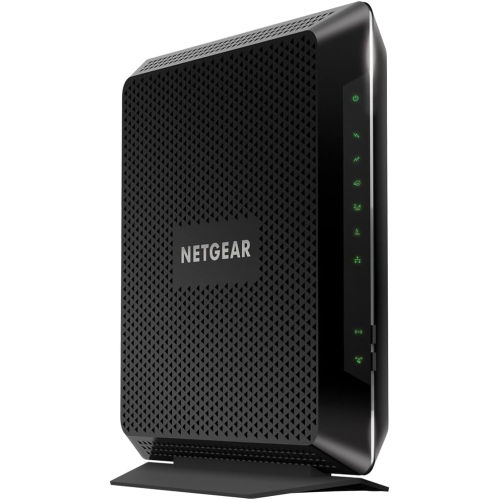
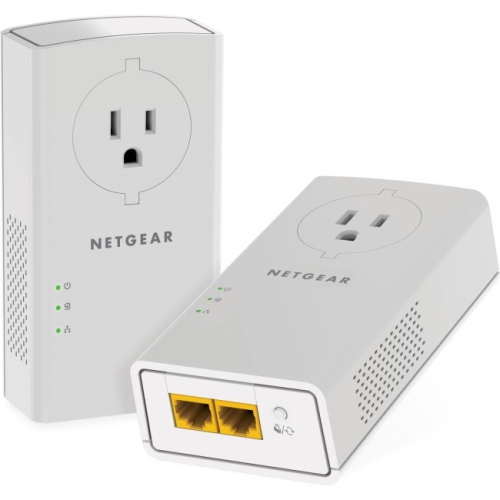
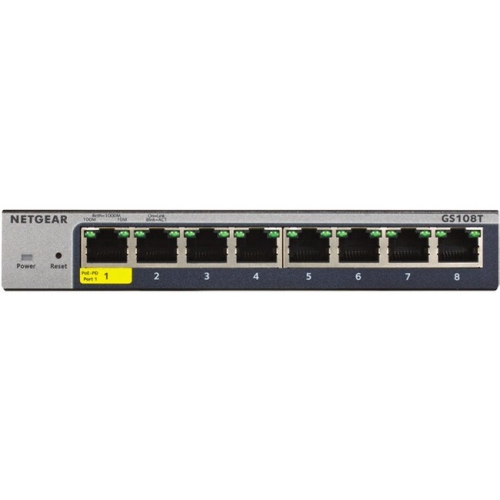
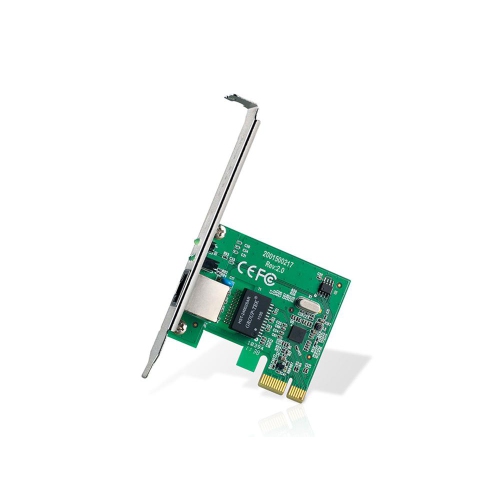
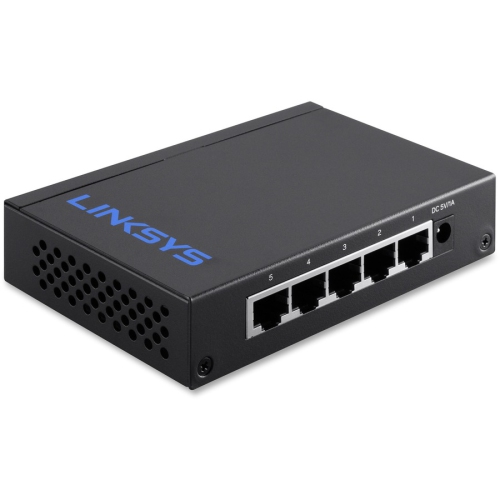
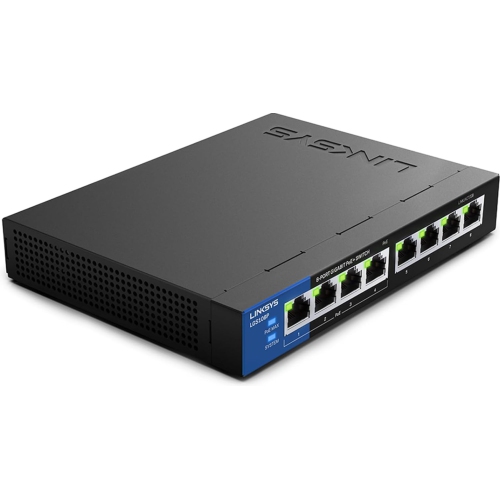
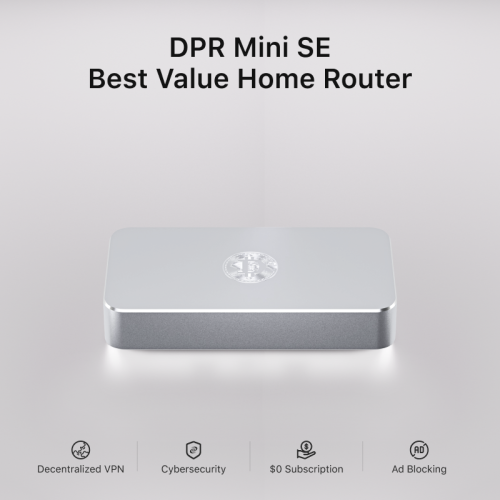
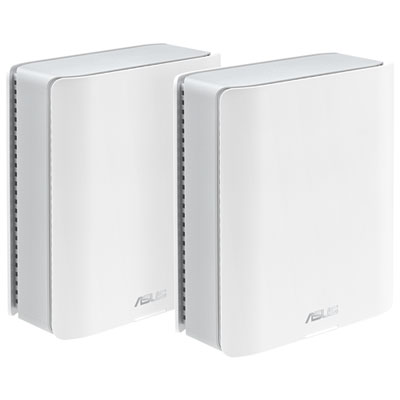
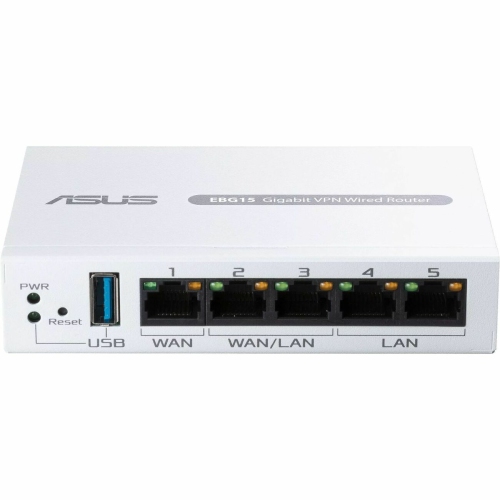
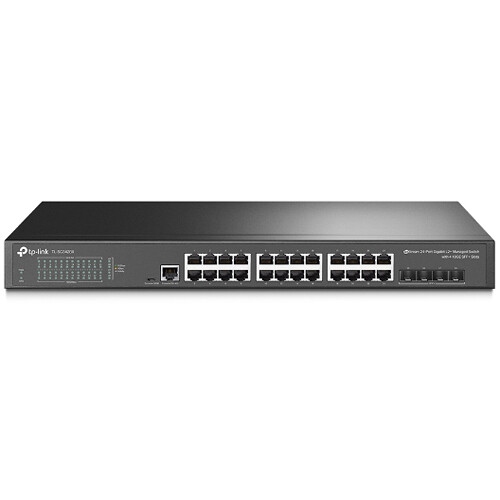
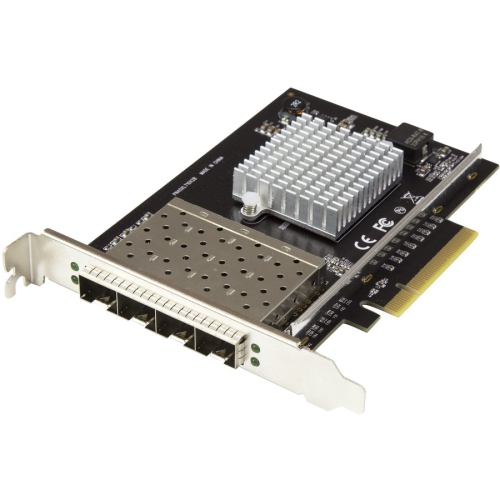
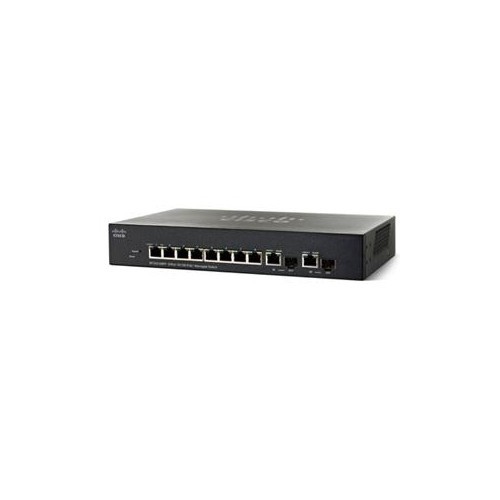
Networking solutions for businesses connect employees, devices, applications, and locations through a combination of wired and wireless equipment. A business network can support everyday tasks such as sharing files, processing payments, printing documents, taking internet-based calls, and joining video meetings. The main hardware categories serve different purposes: routers direct traffic between networks, switches connect devices within a local network, and wireless access points provide Wi-Fi connections for laptops, phones, and other compatible devices. A local area network, or LAN, links equipment within an office or building, while a wireless LAN, or WLAN, provides that local connectivity over Wi-Fi. Many workplaces benefit from both. Desktop computers, shared storage, and reception phones can use wired Ethernet connections, leaving wireless capacity for staff moving between meeting rooms and visitors using guest access. In a small professional office, a compact setup may need to handle only a few workstations and a shared printer. A retail space may also need separate connections for payment terminals, security cameras, and handheld scanners, while a larger office may require several switches and access points across multiple floors. The useful measure of network capacity is not simply the number of employees, but the number of connected devices and the work those devices perform at the same time. A busy meeting room can place several laptops, phones, and a video conferencing system on the network at once. Port counts, Ethernet speeds, wireless capabilities, and internet service all influence how comfortably the setup handles that demand. Gigabit Ethernet suits many routine office tasks, while multi-gigabit connections can be useful for compatible workstations, shared storage, and access points carrying heavier traffic. Faster internal connections do not increase the speed supplied by an internet provider, but they can improve transfers between compatible local devices. Networking equipment is therefore most useful when its capabilities match the business’s applications, physical layout, and expected growth rather than a single advertised speed.
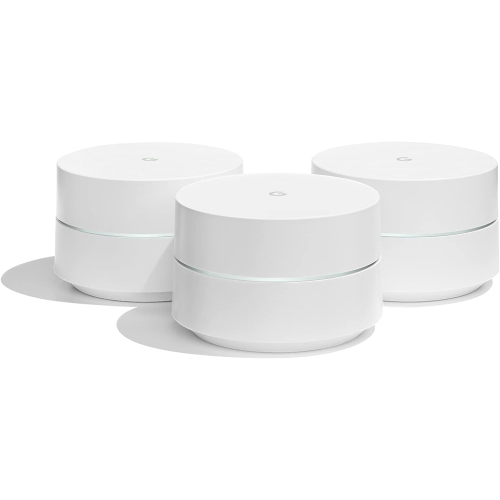
Wireless networking adds flexibility in workplaces where people move between desks, service counters, stockrooms, and collaborative spaces. Coverage and capacity are distinct considerations: a signal may reach a room without delivering the performance needed for several simultaneous calls or large file transfers. Walls, concrete floors, metal shelving, and neighbouring networks can affect wireless connections, so access point placement matters as much as the wireless standard printed on the packaging. Ceiling-mounted or wall-mounted access points can help distribute coverage across a workplace, provided the mounting location, cabling, and power arrangements suit the equipment. For a closer focus on these connections, Wireless Solutions for Businesses brings together the wireless side of workplace networking. Wi-Fi 6 and newer standards offer capabilities that can help serve busy networks, although the benefits depend on compatible client devices and the overall network design. Where supported, additional frequency bands can provide more connection options, but coverage still depends on the building and device capabilities. Wired connections between access points and the main network can provide more predictable capacity than wireless links between access points, particularly in busy spaces. Power over Ethernet, often called PoE, carries data and electrical power over compatible Ethernet cabling, making it useful for access points, internet-based phones, and cameras where a separate power outlet would be inconvenient. Compatibility includes both the PoE standard required by each device and the switch’s total power budget. Security features are equally important to daily use. Separate guest access can keep visitors apart from business resources, while supported virtual LANs, or VLANs, allow traffic from staff devices, payment systems, and connected equipment to be separated logically. That separation needs suitable configuration and access rules; creating a network name alone does not establish a complete security boundary. Strong authentication, supported wireless encryption, timely firmware updates, and carefully controlled administrator access help protect the network without making ordinary tasks unnecessarily complicated. For employees, a well-matched setup means fewer interruptions when moving from a desk to a meeting room or serving a customer away from a fixed workstation.
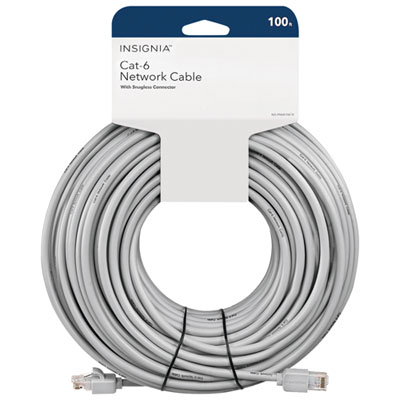
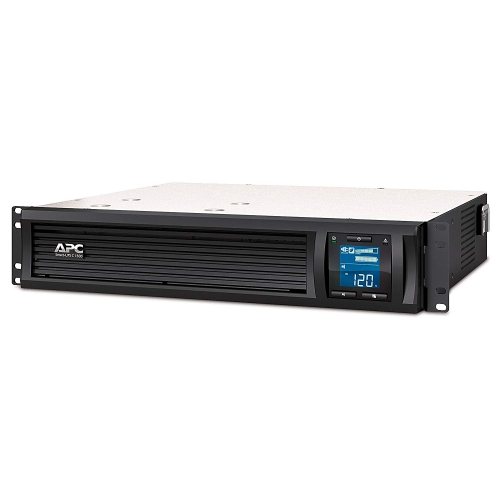
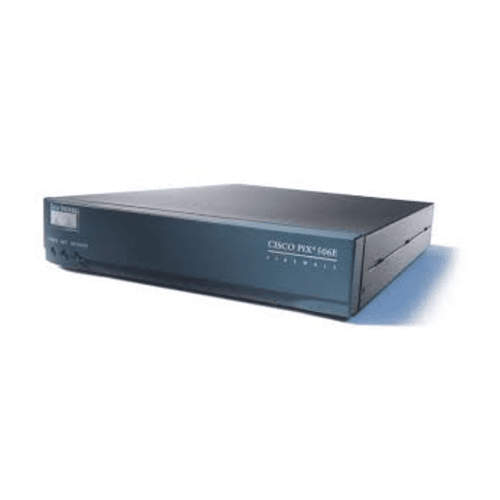
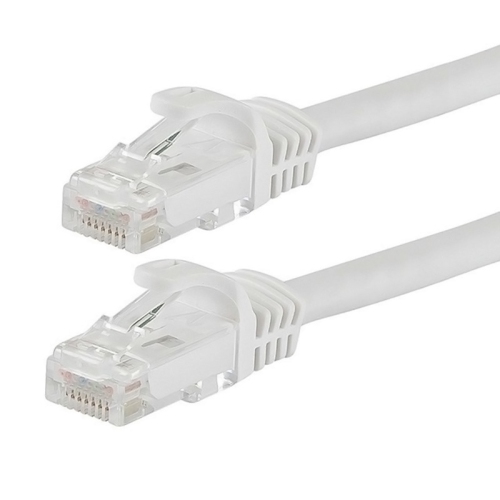
The physical fit and long-term upkeep of business networking equipment deserve the same attention as speed and coverage. Desktop units can suit smaller offices with limited installation space, while rack-mountable equipment helps organize larger setups in a dedicated cabinet or communications room. Chassis construction, mounting hardware, connector quality, and cable strain relief all contribute to how well equipment stands up to its intended use. Metal housings can offer practical durability in shared equipment areas, although enclosure material alone does not determine reliability. Dimensions, mounting clearances, ventilation requirements, and fan noise are worth considering when equipment will sit near employees rather than behind a closed door. Ethernet cable category, supported distance, and installation rating should match the connection and cable route; cabling intended for permanent installation may have different requirements from a short patch lead between a computer and a wall outlet. Clearly labelled ports and neatly routed cables make later changes easier, especially when someone needs to identify a disconnected phone or move a workstation without disturbing neighbouring connections. Routine care includes keeping ventilation openings unobstructed, checking cables for damage, and following the manufacturer’s cleaning and firmware maintenance instructions. A compatible uninterruptible power supply can help networking equipment stay powered during brief electrical interruptions, but continued internet access also depends on the modem, provider connection, and other equipment along the route. Management features become increasingly useful as the network grows. Managed switches and centrally managed access points can give authorized staff visibility into connection status, traffic, and settings, while cloud management can make it easier to oversee more than one location. Cloud-managed hardware may require an account or subscription, and management features vary by platform. Businesses with remote employees may also need gateways that support securely configured virtual private network connections. Organizations linking several sites may use software-defined wide area networking, or SD-WAN, to apply traffic policies across connections. For smaller workplaces, straightforward administration and accessible support documentation may matter more than advanced controls. Equipment that suits the available technical expertise, leaves room for additional connections, and receives ongoing manufacturer support can make everyday operation and future expansion easier to manage.
Wireless networking adds flexibility in workplaces where people move between desks, service counters, stockrooms, and collaborative spaces. Coverage and capacity are distinct considerations: a signal may reach a room without delivering the performance needed for several simultaneous calls or large file transfers. Walls, concrete floors, metal shelving, and neighbouring networks can affect wireless connections, so access point placement matters as much as the wireless standard printed on the packaging. Ceiling-mounted or wall-mounted access points can help distribute coverage across a workplace, provided the mounting location, cabling, and power arrangements suit the equipment. For a closer focus on these connections, Wireless Solutions for Businesses brings together the wireless side of workplace networking. Wi-Fi 6 and newer standards offer capabilities that can help serve busy networks, although the benefits depend on compatible client devices and the overall network design. Where supported, additional frequency bands can provide more connection options, but coverage still depends on the building and device capabilities. Wired connections between access points and the main network can provide more predictable capacity than wireless links between access points, particularly in busy spaces. Power over Ethernet, often called PoE, carries data and electrical power over compatible Ethernet cabling, making it useful for access points, internet-based phones, and cameras where a separate power outlet would be inconvenient. Compatibility includes both the PoE standard required by each device and the switch’s total power budget. Security features are equally important to daily use. Separate guest access can keep visitors apart from business resources, while supported virtual LANs, or VLANs, allow traffic from staff devices, payment systems, and connected equipment to be separated logically. That separation needs suitable configuration and access rules; creating a network name alone does not establish a complete security boundary. Strong authentication, supported wireless encryption, timely firmware updates, and carefully controlled administrator access help protect the network without making ordinary tasks unnecessarily complicated. For employees, a well-matched setup means fewer interruptions when moving from a desk to a meeting room or serving a customer away from a fixed workstation.
The physical fit and long-term upkeep of business networking equipment deserve the same attention as speed and coverage. Desktop units can suit smaller offices with limited installation space, while rack-mountable equipment helps organize larger setups in a dedicated cabinet or communications room. Chassis construction, mounting hardware, connector quality, and cable strain relief all contribute to how well equipment stands up to its intended use. Metal housings can offer practical durability in shared equipment areas, although enclosure material alone does not determine reliability. Dimensions, mounting clearances, ventilation requirements, and fan noise are worth considering when equipment will sit near employees rather than behind a closed door. Ethernet cable category, supported distance, and installation rating should match the connection and cable route; cabling intended for permanent installation may have different requirements from a short patch lead between a computer and a wall outlet. Clearly labelled ports and neatly routed cables make later changes easier, especially when someone needs to identify a disconnected phone or move a workstation without disturbing neighbouring connections. Routine care includes keeping ventilation openings unobstructed, checking cables for damage, and following the manufacturer’s cleaning and firmware maintenance instructions. A compatible uninterruptible power supply can help networking equipment stay powered during brief electrical interruptions, but continued internet access also depends on the modem, provider connection, and other equipment along the route. Management features become increasingly useful as the network grows. Managed switches and centrally managed access points can give authorized staff visibility into connection status, traffic, and settings, while cloud management can make it easier to oversee more than one location. Cloud-managed hardware may require an account or subscription, and management features vary by platform. Businesses with remote employees may also need gateways that support securely configured virtual private network connections. Organizations linking several sites may use software-defined wide area networking, or SD-WAN, to apply traffic policies across connections. For smaller workplaces, straightforward administration and accessible support documentation may matter more than advanced controls. Equipment that suits the available technical expertise, leaves room for additional connections, and receives ongoing manufacturer support can make everyday operation and future expansion easier to manage.
Top selling and popular products
-
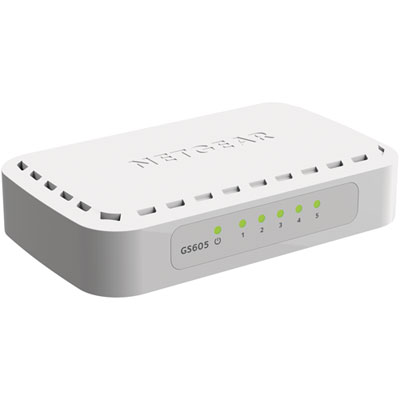 Your price for this item is $34.99
 -
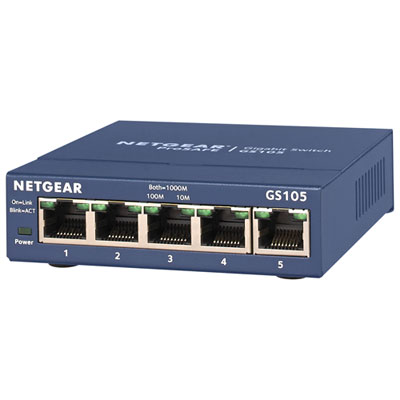 Your price for this item is $44.99
 -
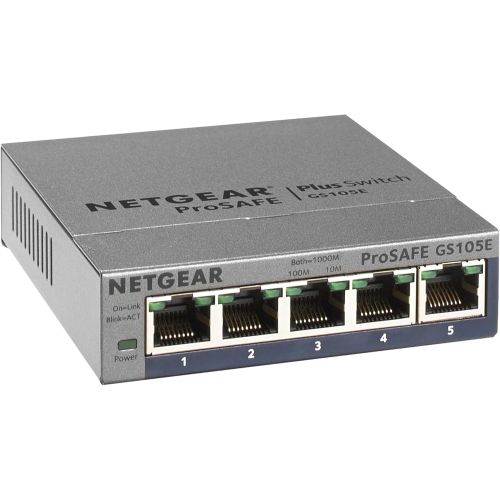 Your price for this item is $52.68
 -
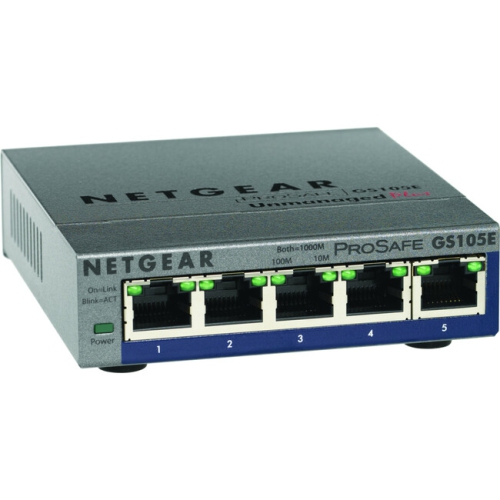 Your price for this item is $76.99
 -
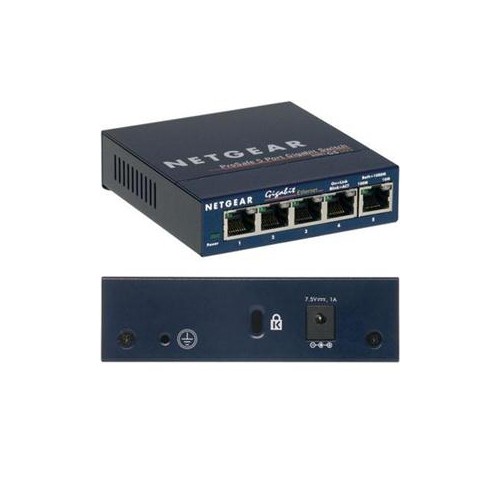 Your price for this item is $49.68
 -
 Your price for this item is $52.68
 -
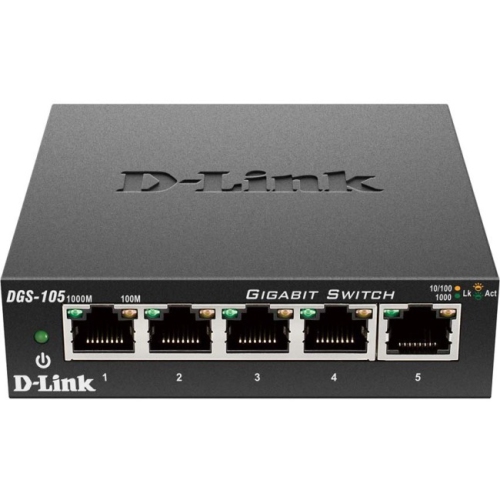 Your price for this item is $24.99
 -
 Your price for this item is $49.99
Discover more categories related to Networking Solutions for Businesses

Top Collections:
Pokemon Centers, Kindle Devices, Best Budget Office Chairs, Apple iPhones 16, Best Laptops for Writers, iPhone 15 Apple, Canon G7X Cameras, Refurbished Apple Laptops, Alarm Clock, Motorola Razr Phones
Some products may be subject to Environmental Handling Fees
(EHF) depending on your province.
Learn more about EHFs.