Best 165hz Monitors
Enjoy smoother gameplay and fluid on-screen motion with the best 165Hz monitors, ranked by user review ratings. A 165Hz refresh rate can help reduce motion blur in fast-paced games, making it easier to follow the action. Explore top-rated options and compare screen sizes, resolutions, and response times to find the right fit for your gaming setup.
What to look for in the best 165Hz monitors
1. Screen Size and Resolution
2. Panel Type and Response Time
3. Adaptive Sync Support
4. Connectivity and Adjustability
-
1
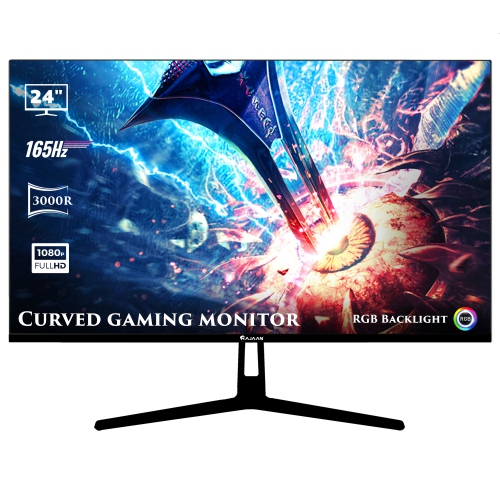
HAJAAN 24" Curved 1080P HD Led Gaming Monitor (X2423C) - 165Hz - RGB Lighting - Wall Mountable
About this product
A black curved monitor with 1080p resolution, 165Hz refresh rate, RGB lighting, and versatile connectivity options.
(1)$149.99Your price for this item is $149.99SAVE $50 -
2
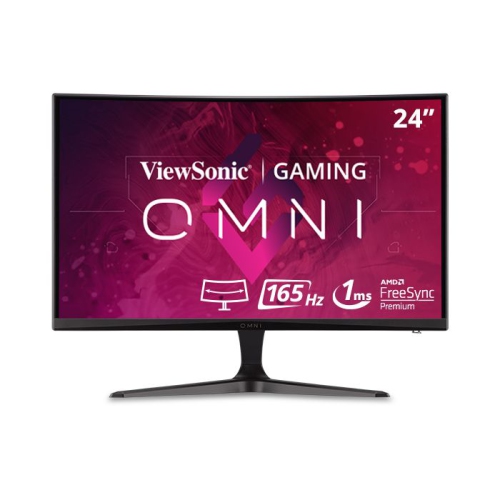
VIEWSONIC 24" Curved 1080P HD Mva Led Gaming Monitor (Vx2418C) - Freesync Premium - 165Hz
About this product
A black curved gaming monitor featuring Full HD resolution, 165Hz refresh rate, and AMD FreeSync Premium.
What customers like
(72)$187.68Your price for this item is $187.68SAVE $15 -
3
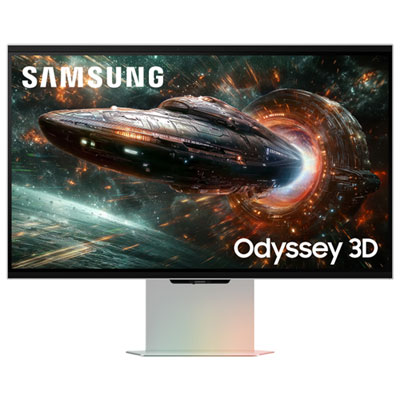
Samsung Odyssey FG900 27" 3D 4K UHD IPS LED FreeSync Gaming Monitor (LS27FG900XNXZA) - FreeSync Premium - 1ms GTG - 165Hz - Mercury Silver
About this product
A mercury silver 27" 4K IPS gaming monitor with 3D display, 165Hz refresh rate, and FreeSync support.
What customers like
(196)$2,799.99 Your price for this item is $2799.99 -
4
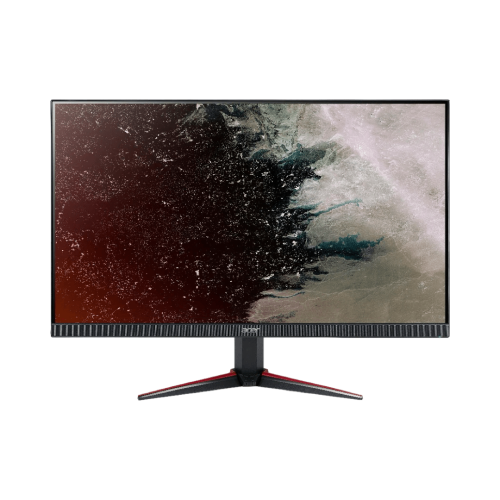
ACER Nitro Vg270 S3Biip 27" 1080P HD Ips Lcd Gaming Monitor (Um.hv0Aa.301) - Freesync Premium - 1Ms Vrb - 165Hz - HDr10
About this product
An immersive Full HD gaming monitor with 165Hz refresh rate, 1ms VRB, IPS panel, and FreeSync Premium.
(5)$199.00Your price for this item is $199SAVE $65 -
5
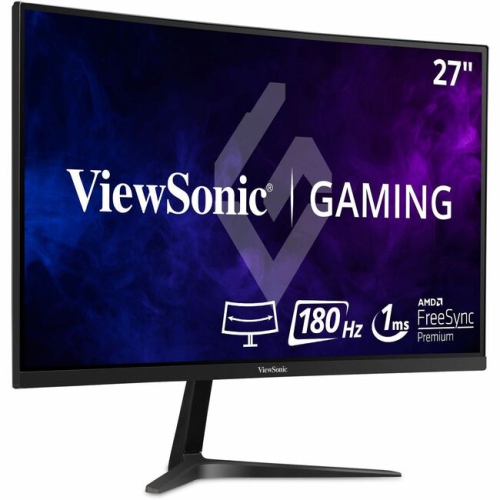
VIEWSONIC Omni 27" Curved 1080P HD Led Gaming Monitor (Vx2718-PC-Mhd) - Freesync Premium - 165Hz
About this product
A curved 27" gaming monitor with 1080p resolution, 1ms response, 165Hz refresh, and FreeSync Premium.
(15)$233.68Your price for this item is $233.68SAVE $23 -
6
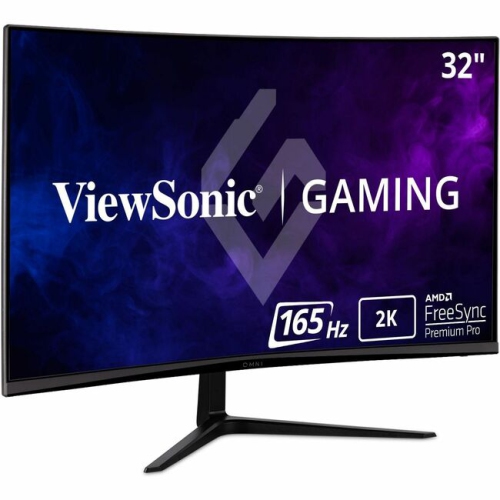
VIEWSONIC Omni 32" Curved 1440P Qhd Led Gaming Monitor (Vx3218C-2K) - Freesync Premium - 165Hz
About this product
A curved 32" gaming monitor with 1ms response, 165Hz refresh rate, 1440p resolution, and FreeSync Premium.
(13)$329.99 Your price for this item is $329.99 -
7
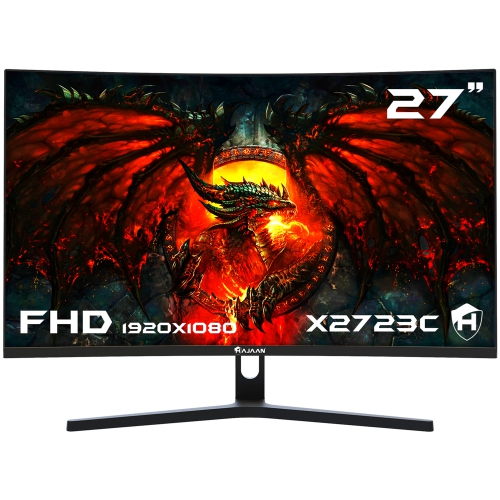
HAJAAN 27" 1080P HD Curved Led Gaming Monitor (X2725C) - 1Ms Gtg - 200Hz
About this product
A curved black monitor with 165Hz refresh rate, RGB lighting, tilt adjustment, and multiple connectivity options.
(2)$179.99Your price for this item is $179.99SAVE $70 -
8
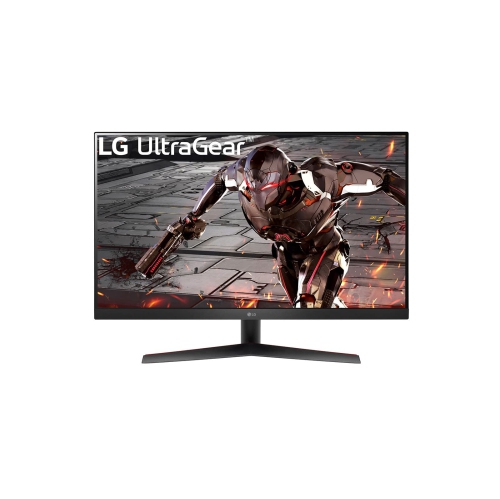
LG Ultragear 32" 1440P Qhd Va Gaming Monitor (32Gk60W-B) - Freesync Premium - 1Ms Mbr - 165Hz - HDr10
About this product
A 31.5-inch QHD gaming monitor with a 165Hz refresh rate, 1ms MBR, and AMD FreeSync Premium.
(1)$329.00Your price for this item is $329SAVE $70 -
9

ASUS Gaming Monitor Tuf Gaming Vg27Aq 27" 2560 X 1440 Wqhd 2K Resolution 165Hz 1Ms 2Xhdmi Displayport Adaptive-Sync G-Sync Compatible Eye Care w
About this product
A black IPS gaming monitor with 2K WQHD resolution, 165Hz refresh rate, and G-SYNC compatibility.
(1)$527.68Your price for this item is $527.68SAVE $30 -
10
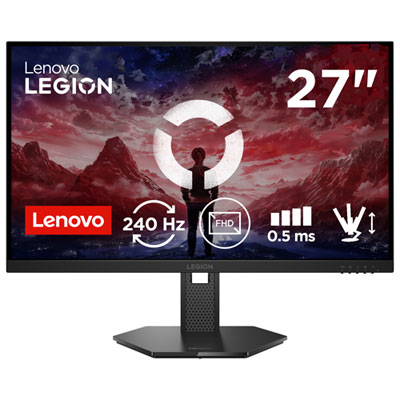
Lenovo Legion 27" 1080p HD IPS LED Gaming Monitor (68C5GAC4US) - FreeSync Premium - 240Hz - HDR10
About this product
A raven black IPS gaming monitor offering 240Hz refresh rate, 0.5ms response, FreeSync, and HDR10 support.
What customers like
(39)$229.99Your price for this item is $229.99SAVE $50
FAQ
A 165Hz refresh rate means the monitor can update its displayed image up to 165 times per second. Refresh rate is different from frame rate, which is the number of frames your computer or console generates per second.
165Hz monitors are available with IPS, VA, TN and OLED panels. These panel technologies differ in colour reproduction, contrast, viewing angles and pixel response characteristics. Panel type is listed separately from refresh rate in a monitor’s specifications.
Common resolutions include Full HD (1920 × 1080), QHD (2560 × 1440) and ultrawide QHD (3440 × 1440). Resolution describes the number of pixels in the image, while refresh rate describes how often the display updates. Check that your graphics hardware supports the monitor’s native resolution at 165Hz.
165Hz monitors commonly use DisplayPort or HDMI, and some support video through USB-C with DisplayPort Alt Mode. Support for 165Hz depends on the monitor’s resolution, the capabilities of both devices’ ports and the cable specification. Check the monitor’s documentation to confirm which input supports its full refresh rate.
Connect the monitor using a supported port and cable, then open your operating system’s display settings and select the monitor. Choose 165Hz from the available refresh rates. Some monitors also require a setting in their on-screen menu to enable 165Hz. If the option is missing, check the monitor’s documentation, graphics driver and connection requirements.
Top selling and popular products
Discover more categories related to Best 165hz Monitors
Some products may be subject to Environmental Handling Fees (EHF) depending on your province. Learn more about EHFs.