Best 27 Inch 1440p Monitors
Find the best 27-inch 1440p monitors for sharp detail, comfortable viewing, and a versatile setup for work or play. With QHD resolution and room to multitask, these monitors offer a practical balance of screen space and clarity. Explore the list below, ranked by user review ratings, to compare highly rated options and find the right fit for your desk.
What to look for in 27-inch 1440p monitors
1. Resolution and Panel Type
2. Refresh Rate and Response Time
3. Ports and Device Compatibility
4. Ergonomics and Screen Finish
-
1
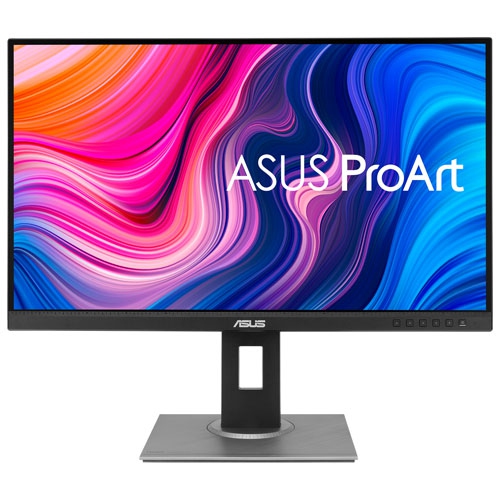
ASUS Refurbished (Good) - Proart 27" 1440P Wqhd 75Hz 5Ms Gtg Ips Led Monitor (Pa278Qv) - In Black
About this product
A refurbished black IPS LED monitor offering 1440p WQHD resolution, 75Hz refresh rate, and accurate colour calibration.
What customers like
(188)$372.66Your price for this item is $372.66SAVE $37 -
2
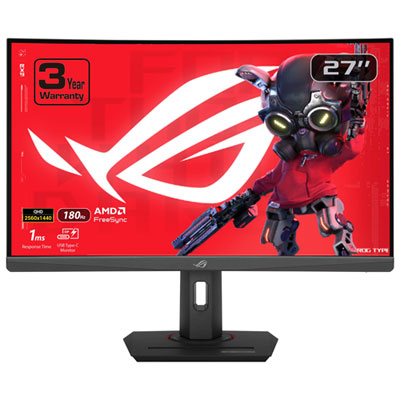
ASUS ROG Strix 27" Curved 1440p QHD VA LED Gaming Monitor (XG27WCS) - 1ms GTG - 180Hz
About this product
A curved black gaming monitor with 1440p WQHD resolution, 180Hz refresh rate, and 1ms response time.
What customers like
(250)$279.99Your price for this item is $279.99SAVE $70 -
3
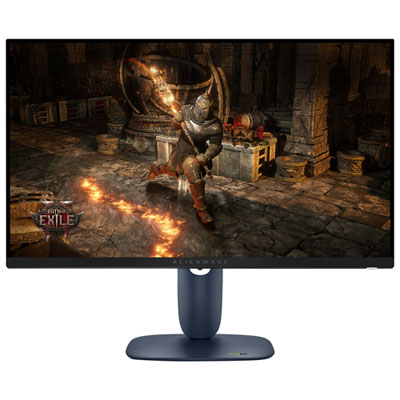
Alienware 27" 1440p QHD IPS LED Gaming Monitor (AW2725DM) - 180Hz - DisplayHDR 400
About this product
A black IPS LED gaming monitor with QHD resolution, 180Hz refresh rate, and VESA DisplayHDR 400 certification.
What customers like
(738)$399.99 Your price for this item is $399.99 -
4
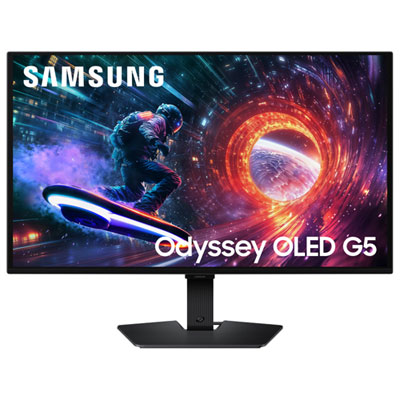
Samsung Odyssey 27" 1440p QHD OLED Gaming Monitor (LS27FG502SNXZA) - G-Sync/FreeSync - 0.03ms GTG - 180Hz - HDR10
About this product
A black OLED gaming monitor offering 1440p WQHD resolution, 180Hz refresh rate, and adaptive sync support.
(10)$449.99Your price for this item is $449.99SAVE $250 -
5
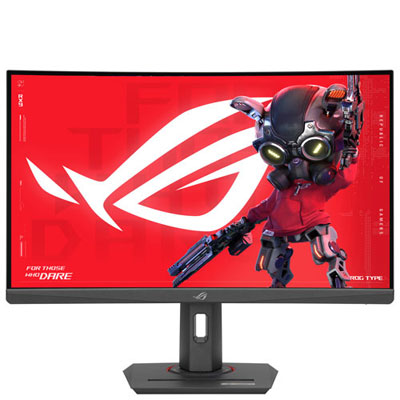
Open Box - ASUS ROG Strix 27" Curved 1440p QHD VA LED Gaming Monitor (XG27WCS) - 1ms GTG - 180Hz
About this product
An open box 27" curved gaming monitor with 1440p resolution, 180Hz refresh rate, and 1ms response time.
(2)$219.99Your price for this item is $219.99SAVE $40 -
6

Samsung Odyssey 27" 1440p QHD OLED Gaming Monitor (LS27DG602SNXZA) - FreeSync Premium Pro - 0.03ms GTG - 360Hz - Silver
About this product
A silver OLED gaming monitor with 360Hz refresh rate, 0.03ms response time, and glare-free technology.
What customers like
(786)$1,199.99 Your price for this item is $1199.99 -
7
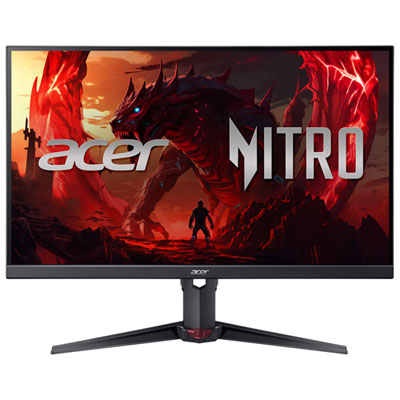
Acer Nitro 27" 1440p QHD IPS LED Gaming Monitor (XV270U X1) - FreeSync Premium - 0.5ms GTG - 200Hz
About this product
A black IPS LED gaming monitor offering 1440p QHD resolution, 200Hz refresh rate, and 0.5ms response time.
What customers like
(43)$199.99Your price for this item is $199.99SAVE $100 -
8
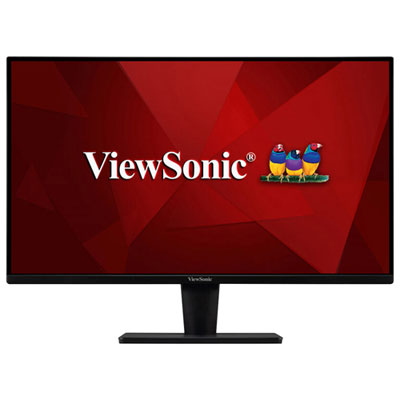
Viewsonic VA2715 27" 1440p QHD VA LED Monitor (VA2715-2K-MHD) - Flicker-Free/Blue Light - 75Hz - Adaptive Sync
About this product
A black VA LED monitor offering WQHD resolution, 75Hz refresh rate, and advanced eye comfort features.
(3)$243.99 Your price for this item is $243.99 -
9
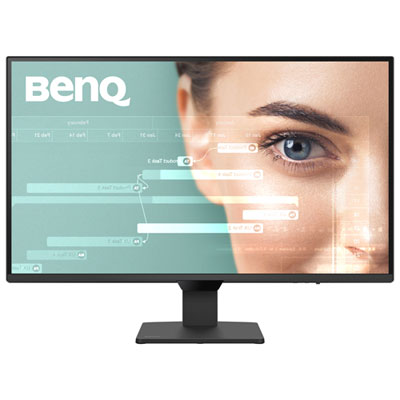
BenQ 27" 1440p QHD IPS LCD Monitor (GW2790Q) - 100Hz
About this product
A 27-inch black monitor with 1080p resolution and 100Hz refresh rate for vibrant, smooth visuals.
(4)$199.99 Your price for this item is $199.99 -
10
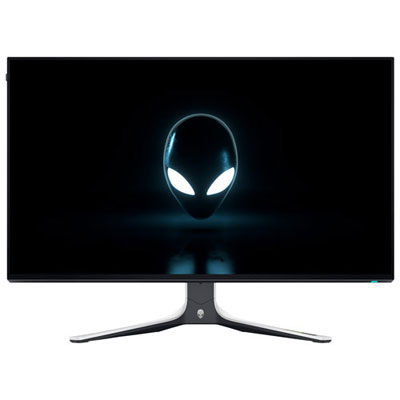
Open Box - Alienware 27" 1440p WQHD IPS LED Gaming Monitor (AW2723DF) - AMD FreeSync - 1ms GTG - 280Hz - Lunar Light
About this product
A 27" gaming monitor with WQHD resolution, AMD FreeSync, ultra-fast response times, and IPS Nano Color technology.
(1)$669.99 Your price for this item is $669.99
FAQ
Common panel types include IPS, VA, and OLED. IPS panels typically offer wide viewing angles, while VA panels generally have higher native contrast ratios than IPS panels. OLED panels use individually lit pixels rather than a separate backlight. Colour coverage, refresh rate, and connectivity vary by model.
Refresh rate, measured in hertz (Hz), indicates how often the display updates its image. Common options include 60Hz, 144Hz, 165Hz, and 240Hz. The refresh rates available at 1440p depend on the monitor, its input ports, the cable, and the connected device.
Adaptive sync allows the monitor’s refresh rate to vary with the graphics processor’s frame output within a supported range. AMD FreeSync and NVIDIA G-SYNC are common options. Compatibility depends on the monitor, graphics hardware, and connection type.
HDMI and DisplayPort are common video inputs. Some monitors also offer USB-C with video input, USB data, and laptop charging through a single cable. These USB-C features are not universal, so check for DisplayPort Alt Mode support and the listed USB Power Delivery wattage. A built-in USB hub can also provide connections for peripherals.
HDR support means the monitor can accept compatible high dynamic range content, but display capabilities vary. Specifications to compare include peak brightness, colour gamut, local dimming, and any VESA DisplayHDR certification. HDR also requires compatible content and support from the connected device.
Top selling and popular products
Discover more categories related to Best 27 Inch 1440p Monitors

Some products may be subject to Environmental Handling Fees (EHF) depending on your province. Learn more about EHFs.